How we make this list: we compare pricing pages, product documentation and public user reviews. Rankite is independent; if a vendor ever pays for a featured spot, that listing is clearly labeled Partner.
Key takeaways
- XMind Pro ($59.99/year) is the best all-round mind mapper with fishbone, timeline and matrix layouts plus AI features.
- MindMeister ($4.99/user/month) is the top web-based option for real-time team collaboration.
- Miro ($8/user/month) suits teams that want mind mapping inside a bigger whiteboard workspace.
- MindNode ($24.99/year) is the prettiest option for Apple users.
- Free options, FreeMind, Coggle's free tier and SimpleMind's free edition, cover personal use at zero cost.
Quick comparison
| Tool | Best for | Starting price | Free plan |
|---|
 XMind XMind | Best all-rounder | $59.99 per year (Pro) | Yes |
 MindMeister MindMeister | Web-based team mapping | $4.99 per user/month | Yes |
 Miro Miro | Mind maps in a whiteboard | $8 per user/month | Yes |
 MindNode MindNode | Apple users | $24.99 per year (Plus) | Yes |
 SimpleMind SimpleMind | Simple offline mapping | $30 one-time (per platform) | Yes |
 MindManager MindManager | Business-grade mapping | $99 per year (Essential) | Free trial |
 Coggle Coggle | Quick online maps | See website | Yes |
 Ayoa Ayoa | Brainstorming with tasks | $13 per user/month (Ultimate, billed annually) | Yes |
 FreeMind FreeMind | Free open-source maps | Free | Yes |
Is your product missing or out of date?
We review this list regularly. Vendors can request a listing, send updated pricing or ask about featured placement.
What separates the mind mappers
Good mind mapping software is fast, flexible and gets out of your way during brainstorming. The differences that matter: diagram types beyond basic maps, real-time collaboration, platform availability, and whether AI generation helps or hinders your thinking. Solo mappers need speed; teams need sharing.
Also consider longevity: mind maps hold years of thinking, so pick a vendor likely to survive and an export format you control. XMind, MindManager and FreeMind all export to common formats, which protects your work if you switch later. A pretty app that locks your maps inside is a liability disguised as a tool. Test the free tier with a real project before paying; a week of actual mapping reveals more than any feature list.
Starting price$59.99 per year (Pro)
Free planYes
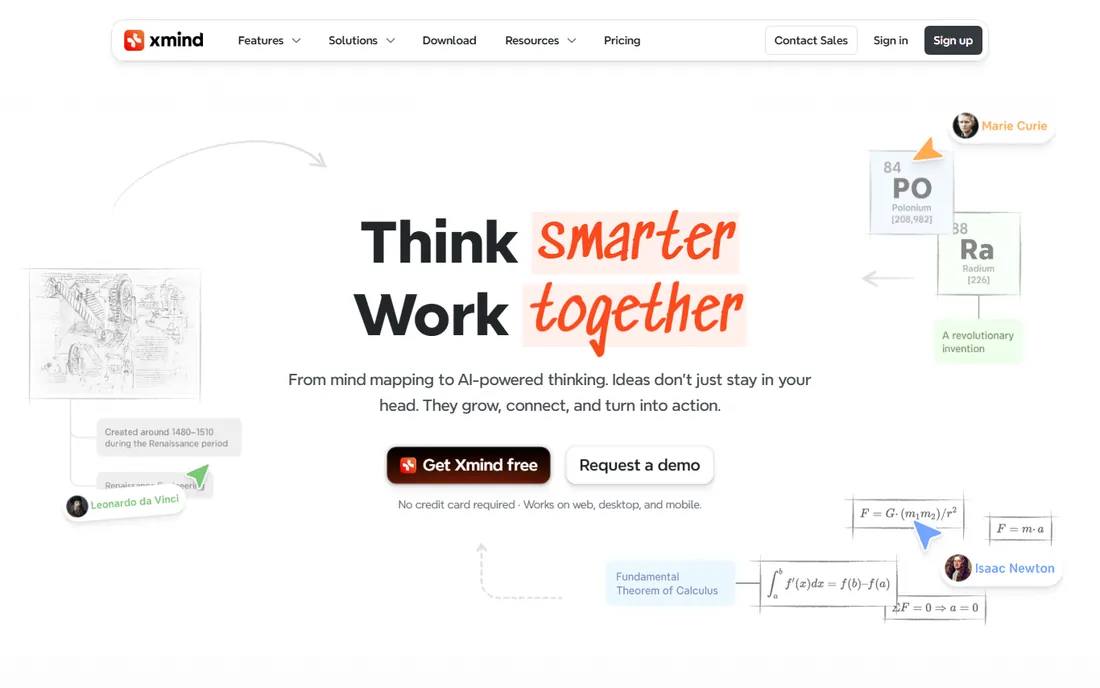
XMind is the most complete dedicated mind mapper: mind maps, org charts, timelines, fishbone diagrams and matrices in one app, with AI-powered brainstorming and map generation on paid tiers. Pro at $59.99 a year is reasonable, and the free version handles basic mapping well.
The design will not win beauty contests, and heavy AI use needs the Premium tier at $8.25 a month. For pure mind mapping power across every platform, XMind is the benchmark.
Setup is quick on desktop and mobile, with maps syncing through XMind's cloud or your own storage. The free version covers core mapping well, though AI features and advanced exports sit behind Pro and Premium. Support runs through the help center and email, with paid users getting faster replies. The practical limit is that heavy AI use pushes you to Premium at $8.25 a month, so casual users should stay on Pro and use AI sparingly.
What we like- Multiple structures, fishbone, timeline, matrix
- AI features
- All platforms
- Generous free version
Watch out for- Premium AI tier costs more
- Interface is utilitarian
Starting price$4.99 per user/month
Free planYes
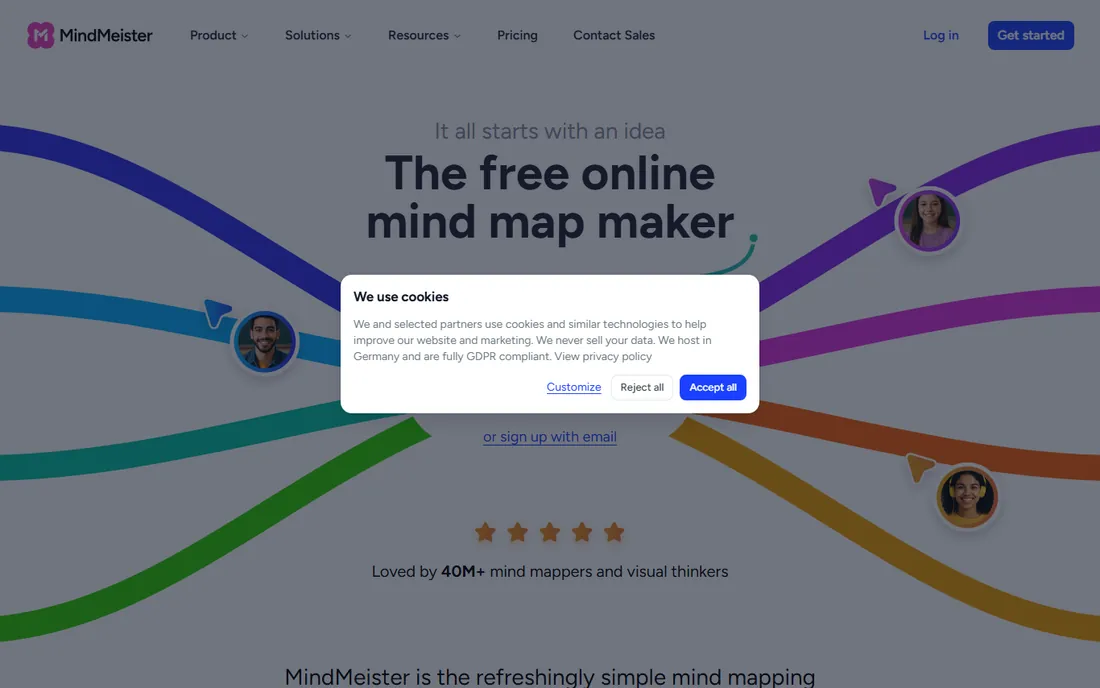
MindMeister is the mind mapper for teams: multiple people editing the same map in real time in a browser, with comments, voting and integration into MeisterTask for turning ideas into tasks. Personal plans start at $4.99 a user a month.
The free tier caps at 3 maps, and there is no full desktop app. For collaborative brainstorming sessions and remote teams, the web-first approach is the strength.
There is nothing to install: sign up in the browser and share a link to start collaborating. The free plan's 3-map limit bites quickly for active users, so treat it as an extended trial. Support is email and help-center based, with faster responses on paid plans. The MeisterTask integration is the standout for teams: ideas on the map convert to assigned tasks without retyping, which keeps brainstorming sessions productive.
What we like- Best real-time collaboration
- Works in any browser
- Integrates with MeisterTask
Watch out for- Free plan limited to 3 maps
- Desktop apps are thin
Starting price$8 per user/month
Free planYes

Miro includes capable mind mapping within its infinite-canvas whiteboard, alongside sticky notes, diagrams and project planning. Teams that brainstorm, plan and present in one tool get more value here than from a standalone mapper, with Starter at $8 a user a month.
Dedicated mappers offer deeper map-specific features, and per-user pricing adds up. If mind mapping is one of many collaboration needs, Miro's breadth wins.
Onboarding is famously easy, with templates guiding your first board. The free plan covers a few boards, which is enough to test mind mapping with a small team. Support includes a help center, community and chat on paid plans. The real cost consideration is per-user pricing: at $8 a user a month, a large team pays significantly more than a dedicated mapper would cost, so audit your seat count regularly.
What we like- Mind mapping inside a full whiteboard
- Great templates
- Strong collaboration
Watch out for- Not a dedicated mapper
- Costs more per user
- Can feel sprawling
Starting price$24.99 per year (Plus)
Free planYes
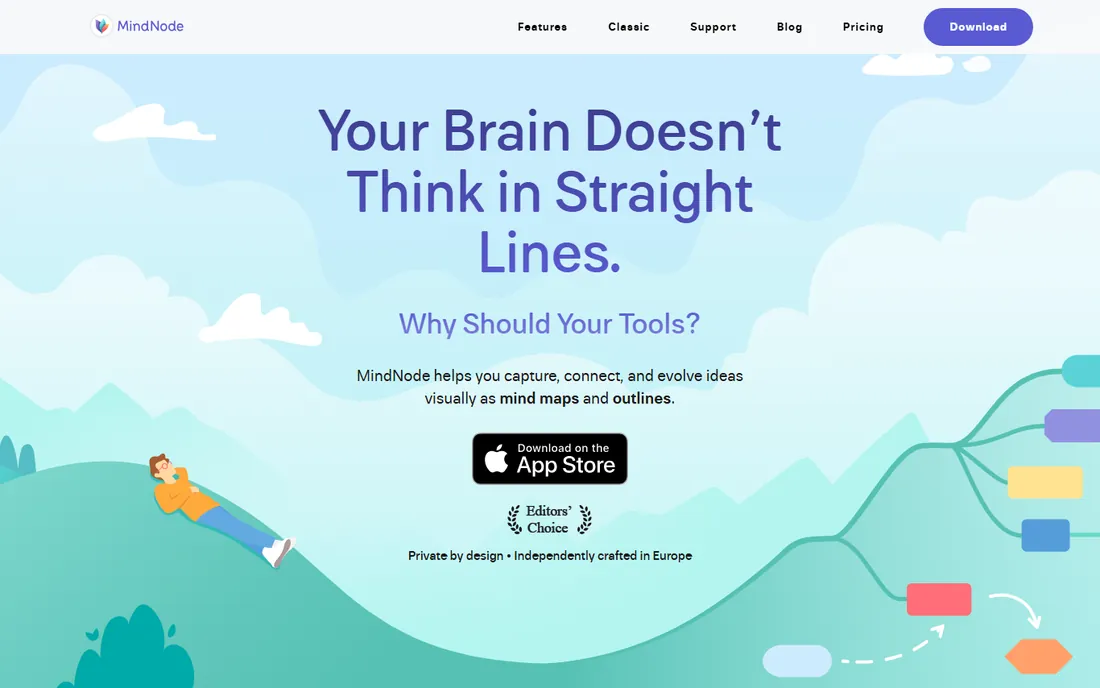
MindNode is the mind mapper Apple users love: fluid, beautiful, and deeply integrated with macOS and iOS, from Shortcuts to Focus modes. MindNode Plus at $24.99 a year adds advanced features and AI brainstorming on newer Apple devices.
It is Apple-only, which excludes mixed-platform teams. For individuals in the Apple ecosystem who value the experience of mapping as much as the output, nothing feels as good.
Installation from the App Store takes a minute, and iCloud sync keeps maps current across Mac, iPhone and iPad. The free version handles basic mapping; MindNode Plus at $24.99 a year adds advanced features and AI brainstorming on newer Apple devices. Support is email-based and generally helpful. The hard limit is platform: there is no Windows or Android version, so mixed-platform teams need something else.
What we like- Beautiful, fluid interface
- Excellent Apple integration
- AI brainstorming on newer devices
Watch out for- Apple-only
- Advanced features need Plus
Starting price$30 one-time (per platform)
Free planYes
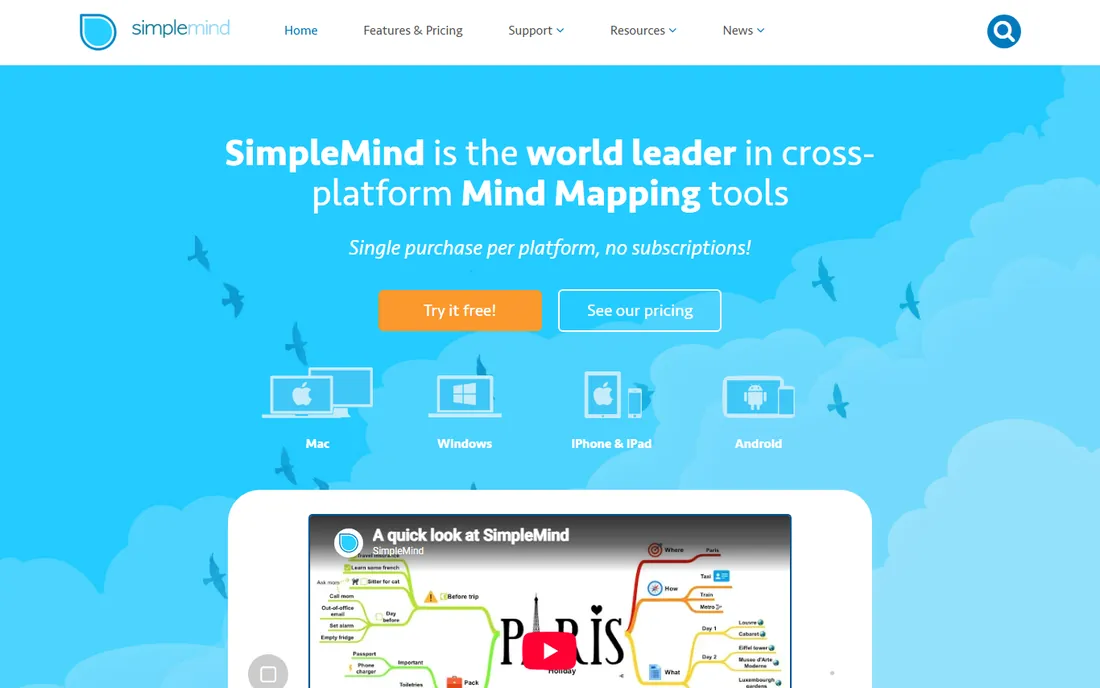
SimpleMind is the anti-subscription mapper: about $30 one-time per platform buys the full desktop version, with a free mobile edition for basic mapping. It works fully offline and syncs via cloud storage you control.
Features are basic and there is no collaboration. For individuals who want a simple, private, pay-once mind mapper, the value proposition is clear.
You buy once per platform from their store or app store, and the app works fully offline from the first launch. Syncing runs through Dropbox, Google Drive or iCloud, which keeps your data in your own hands. Support is email-based and the documentation covers the essentials. The trade-off for the one-time price is a basic feature set: no collaboration, no AI, no web version. If those do not matter to you, the value is excellent.
What we like- One-time purchase, no subscription
- Works offline
- Free mobile edition
Watch out for- Basic feature set
- No real-time collaboration
- Dated visuals
Starting price$99 per year (Essential)
Free planFree trial
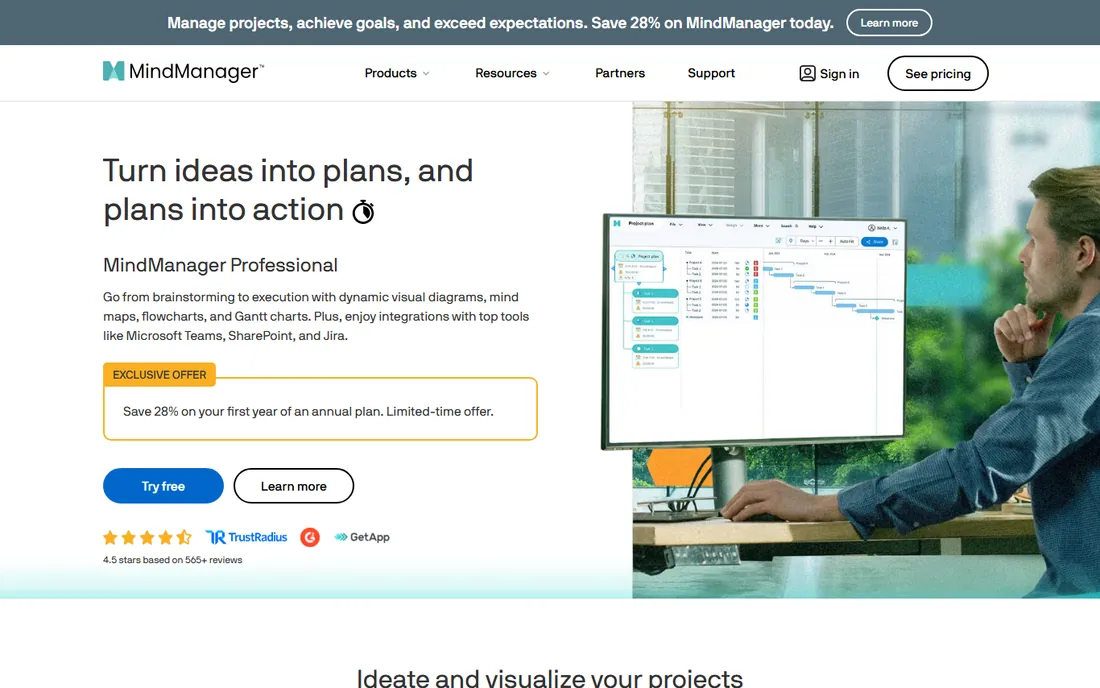
MindManager is mind mapping for the enterprise: maps that connect to Gantt charts, dashboards, budgets and project data, turning brainstorming into business planning. Essential starts at $99 a year.
Casual users will find it heavy and expensive, and there is no free tier beyond a 30-day trial. For professionals who manage projects through their maps, the depth justifies the price.
Expect a real onboarding process: the installer is substantial and the interface has depth that takes days to explore. The 30-day trial is generous enough to evaluate properly. Support includes phone and chat on paid plans, which suits its business audience. The Gantt and dashboard views are the differentiators: when your maps feed actual project plans with dates and owners, the $99 a year starts looking reasonable.
What we like- Deepest business features
- Gantt and dashboard views
- Strong for project planning
Watch out for- $99 a year
- 30-day trial only, no free plan
- Overkill for casual use
Starting priceSee website
Free planYes
Coggle is the quick web mapper: open a tab, start mapping, share a link. The free tier covers personal use generously, and the interface stays out of the way. It is a favorite for students and quick collaborative sketches.
Advanced features like private organization workspaces cost more, and the company is smaller than rivals. For fast, free, no-fuss online mind maps, it is hard to beat.
Sign in with a Google account and you are mapping in under a minute. The free tier is generous enough that many users never pay. Support is email-based and the team is small, so complex questions may take a while. Advanced features like private organization workspaces and bulk export sit on paid plans. For students and quick collaborative sketches, the free tier is one of the best deals in this list.
What we like- Fast and simple in the browser
- Generous free tier
- Easy sharing
Watch out for- Limited advanced features
- Smaller company
Starting price$13 per user/month (Ultimate, billed annually)
Free planYes
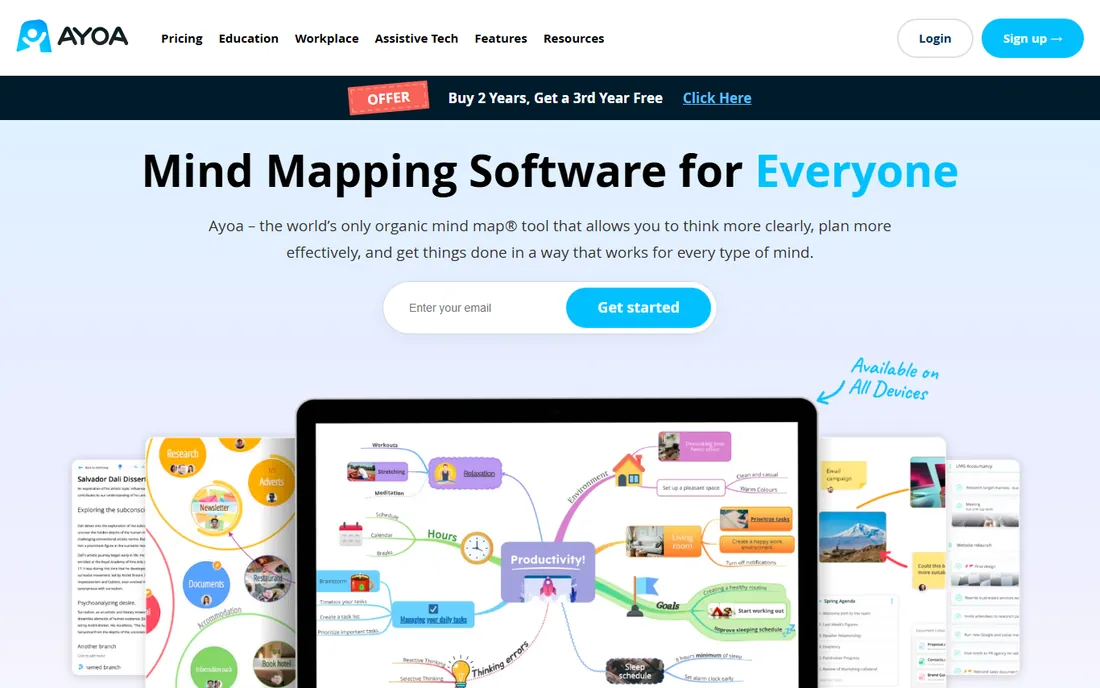
Ayoa blends mind mapping with task management: brainstorm in radial or whiteboard maps, then convert branches into tasks with deadlines. The design considers different thinking styles, which its fans appreciate. Ultimate runs $13 a user a month.
Pure mappers are cheaper and simpler. For teams that want ideas to flow directly into execution without switching tools, the combination is the selling point.
The interface takes a session or two to learn because it combines maps, whiteboards and task boards in one place. The neurodivergent-friendly design choices, like focus modes and visual layouts, are genuine differentiators. Support runs through the help center and email. At $13 a user a month for Ultimate, it costs more than pure mappers, so the value depends on whether your team actually manages tasks inside the same tool.
What we like- Combines mind maps with task management
- Whiteboard and radial maps
- Neurodivergent-friendly design
Watch out for- Pricier than pure mappers
- Interface takes learning
Starting priceFree
Free planYes
FreeMind is the veteran free mind mapper: open source, lightweight, and fast for keyboard-driven mapping. It has served students and minimalists for nearly two decades at zero cost.
The interface shows its age, there is no collaboration, and it runs on Java. But for free, offline, no-account mind mapping, it still does the core job well.
Download the Java app, launch it, and start mapping with keyboard shortcuts; there is no account and no cloud. The community keeps documentation and plugins alive despite the project's age. There is no official support, only forums and wikis. The Java dependency is the main friction on modern systems, and the dated interface will not win over design-sensitive users. But for free, offline, private mapping, it remains functional.
What we like- Completely free and open source
- Lightweight
- Keyboard-driven mapping
Watch out for- Dated interface
- No collaboration
- Java-based
Solo or team decides the shortlist
Solo mappers should try XMind, MindNode or SimpleMind based on platform and budget. Teams choosing between MindMeister, Miro and Ayoa should weigh collaboration depth against cost per user. Students start free with FreeMind or Coggle and upgrade only when limits bite.
How we chose
We compared the most used mind mapping tools in 2026, verifying pricing against vendor pages and current comparisons. We weighted mapping features, collaboration, platform support, usability and value. We did not build test maps in each tool.
Frequently asked questions
What is mind mapping software used for?
Brainstorming, organizing ideas, planning projects, studying and problem-solving: you start with a central idea and branch out visually. It suits any thinking task where structure emerges as you go.
Is there really free mind mapping software?
Yes: FreeMind is completely free, Coggle and XMind have generous free tiers, SimpleMind has a free mobile edition, and Miro's free plan includes mind mapping. The free options are genuinely usable, not crippled demos. Start free and upgrade only when you hit a specific limit, like MindMeister's 3-map cap or the need for real-time collaboration.
Mind map vs whiteboard: which do I need?
Mind maps structure hierarchical ideas from a central topic. Whiteboards handle freeform collaboration of many types. Tools like Miro do both; dedicated mappers do the first better.
Can mind mapping software help with studying?
Many students use it for summarizing topics, connecting concepts and revision. The visual structure aids recall for a lot of learners, and free tools make it easy to try.
Do I need AI features in a mind mapper?
AI generation can jump-start a map from a prompt, but the thinking benefit of mapping comes from building it yourself. Treat AI as a starting aid, not a replacement for the process. Probably try mapping by hand first, then test AI generation for jump-starting large or unfamiliar topics. The paid AI tiers make sense only if you generate maps constantly.
Sources we checked (9)
- https://www.xmind.app/
- https://www.mindmeister.com/
- https://www.miro.com/
- https://www.mindnode.com/
- https://www.simplemind.eu/
- https://www.mindmanager.com/
- https://www.coggle.it/
- https://www.ayoa.com/
- https://www.freemind.sourceforge.io/
Is your product missing or out of date?
We review this list regularly. Vendors can request a listing, send updated pricing or ask about featured placement.

Shihab Mia · Founder, Rankite
Shihab has spent more than a decade helping SaaS and e-commerce brands grow through search. He writes Rankite's software buying guides from pricing pages, documentation and public user reviews. More about Shihab.