How we make this list: we compare pricing pages, product documentation and public user reviews. Rankite is independent; if a vendor ever pays for a featured spot, that listing is clearly labeled Partner.
Key takeaways
- MindMeister is the most popular pure mind mapping app, with a free plan for 3 maps and paid plans from $6.50 per month.
- Coggle is the cheapest paid option at $5 per month, and its free tier gives unlimited public diagrams.
- If you hate subscriptions, SimpleMind sells a one-time license per platform with a free version included.
- XMind and MindManager suit solo thinkers and power users; Miro, Lucidchart and Whimsical suit teams that also need whiteboards and diagrams.
- Ayoa combines mind maps with task management, which is handy if your brainstorms always need to become to-do lists.
Quick comparison
| Tool | Best for | Starting price | Free plan |
|---|
 MindMeister MindMeister | real-time team brainstorming in the browser | $6.50 per month | Yes (up to 3 mind maps) |
 XMind XMind | solo thinkers, students and writers | See website | See website |
 MindManager MindManager | power users turning maps into project plans | $179 per year | Free trial (30 days) |
 Lucidchart Lucidchart | teams that need diagrams and mind maps in one tool | See website | Yes |
 Miro Miro | team workshops and visual collaboration at scale | See website | See website |
 Ayoa Ayoa | turning brainstorms into assigned tasks | See website | Yes (up to 10 mind maps) |
 Coggle Coggle | simple, beautiful online mind maps on a budget | $5 per month | Yes (3 private diagrams, unlimited public) |
 SimpleMind SimpleMind | offline mind mapping with a one-time purchase | See website | Yes (free version available) |
 Whimsical Whimsical | product teams that map, wireframe and document in one place | See website | Yes |
 Milanote Milanote | creative projects that mix maps, images and notes | See website | See website |
Is your product missing or out of date?
We review this list regularly. Vendors can request a listing, send updated pricing or ask about featured placement.
Ten mind mapping apps, compared side by side
Your product launch is six weeks away and the plan currently lives across forty Slack threads, three docs, and one whiteboard photo that nobody can read. You need one place to get the whole picture out of your head and into a shape the team can react to. That is what mind map software does: it turns a messy tangle of ideas into a branching map you can rearrange in seconds.
We compared ten tools that real buyers shortlist in 2026. Some are pure mind mapping apps (MindMeister, XMind, Coggle, SimpleMind). Others are broader visual workspaces where mind mapping is one feature among many (Miro, Lucidchart, Whimsical, Milanote). A few blur the line into task management (Ayoa) or project planning (MindManager). Pricing below comes from vendor sites where published; where it is not public, we say so rather than guessing.
Starting price$6.50 per month
Free planYes (up to 3 mind maps)
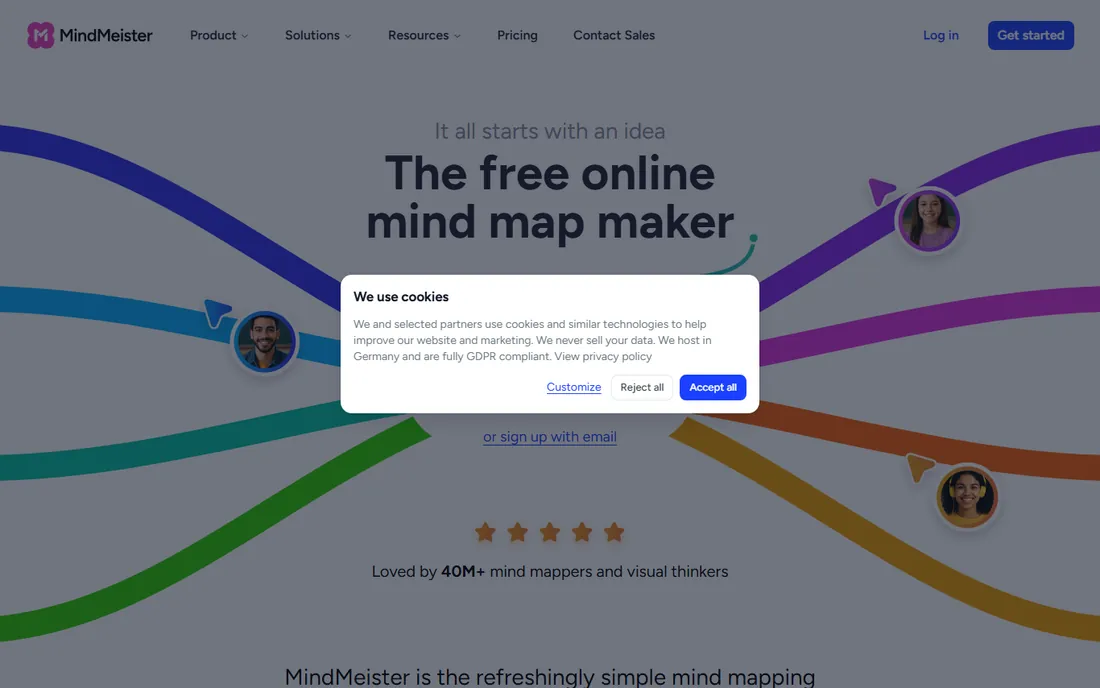
MindMeister has been doing this since 2007, and it shows in the polish. Open the site, sign up free, and you are mapping in under a minute with nothing to install. The editor is fast, the themes look good without fiddling, and real-time collaboration works the way you expect: share a link, and the team edits the same map together. The AI generator can turn a prompt or an uploaded document into a starting structure, which is genuinely useful for meeting prep.
The limits are the usual freemium ones. Three maps on the free plan runs out quickly, and PDF or PowerPoint export sits behind the paywall. Paid plans start at $6.50 per month. If your whole workflow is brainstorming with a distributed team and you live in the browser, MindMeister is the least-friction choice on this list.
What we like- Runs entirely in the browser with real-time collaboration
- AI map generation from a prompt or file
- Clean presentation mode
Watch out for- Free plan caps you at 3 maps
- Advanced exports and attachments need a paid plan
- No offline desktop app
Starting priceSee website
Free planSee website
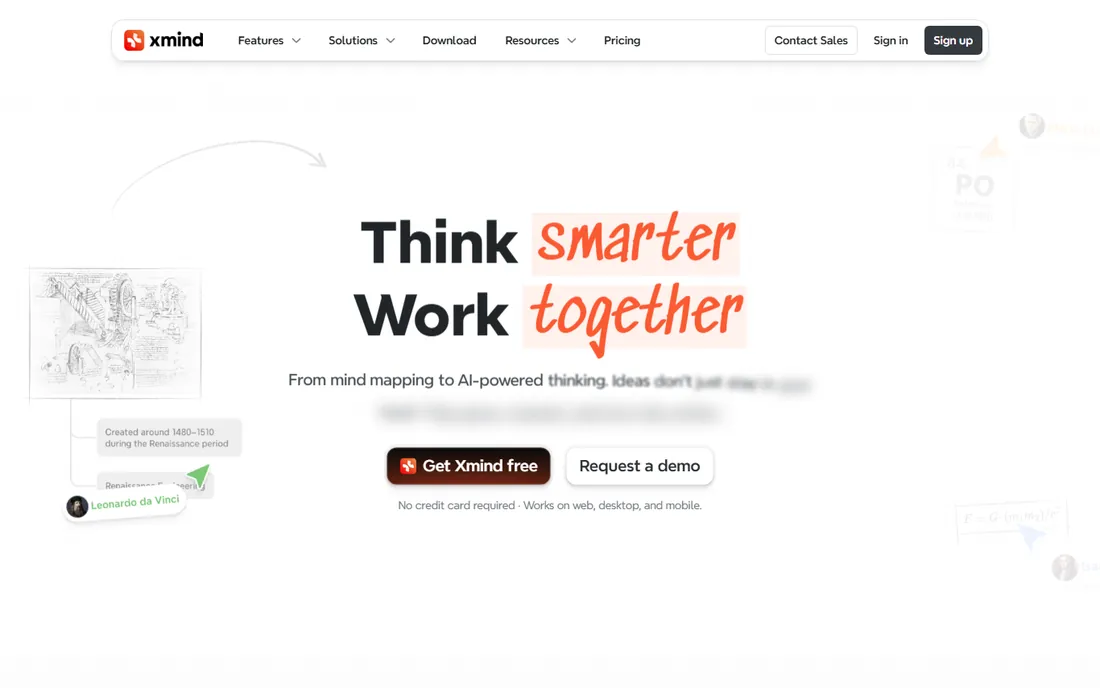
XMind is the tool people reach for when the map is for themselves, not a meeting. Writers plot novels in it, students revise exams with it, and designers plan features in it. The reason is focus: where team tools optimize for sharing, XMind optimizes for the act of thinking. Structures range from classic mind maps to timelines, matrices and org charts, and the ZEN mode strips everything away when you need to concentrate.
The trade is that XMind is weaker as a team product. Real-time collaboration exists but feels secondary, and the pricing page is separate from the marketing homepage, so you will need to click through to see current plans. For personal knowledge work, though, few tools make an attractive map this quickly.
What we like- Beautiful maps with zero effort
- Works on web, desktop and mobile
- Focus (ZEN) mode for deep work
Watch out for- Pricing is not published on the homepage
- Collaboration features trail Miro and MindMeister
- AI features need a paid plan
Starting price$179 per year
Free planFree trial (30 days)
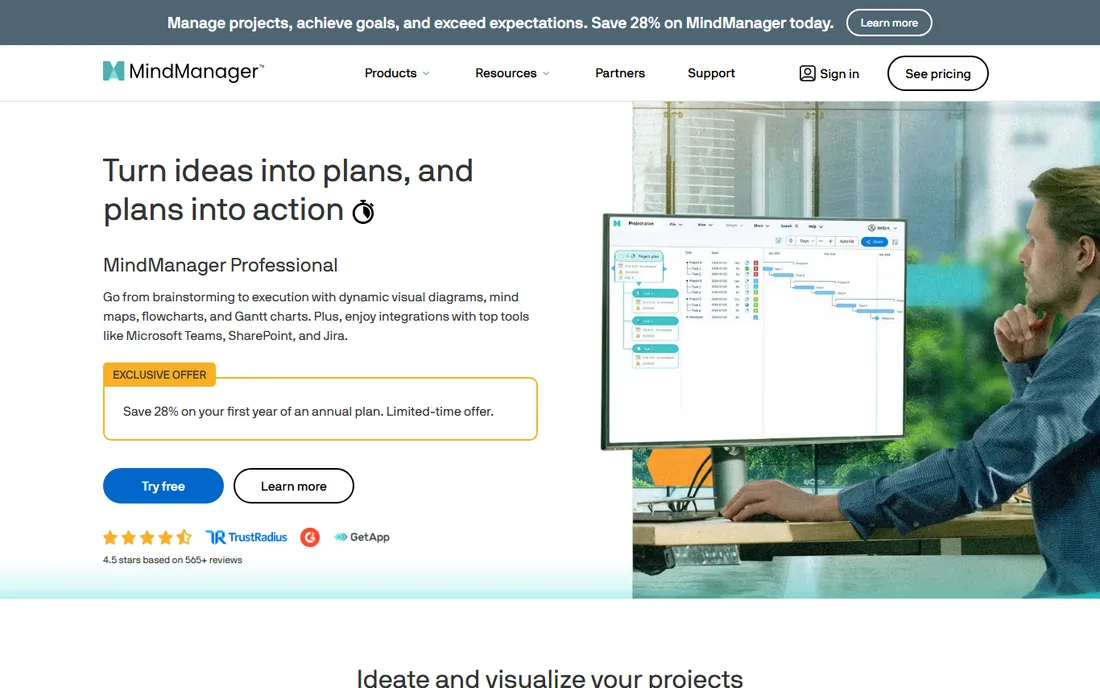
MindManager is mind mapping for people who run projects. A brainstorm can grow task info, deadlines and dependencies, then switch into a Gantt view when it is time to execute. The integrations with Teams, SharePoint and Jira mean the map can sit inside the tools a corporate team already uses. A fully functional 30-day trial lets you test all of it before paying.
The price reflects the enterprise positioning: $179 per year per the vendor's own site data, with no free tier. Casual mappers will find it overkill and the interface busy. But if your mind maps regularly become project plans with owners and dates, MindManager earns its keep in a way simpler tools cannot.
What we like- Goes beyond maps into Gantt charts, flowcharts and dashboards
- Strong Microsoft Teams, SharePoint and Jira integrations
- 30-day full trial
Watch out for- $179 per year is steep for casual use
- Interface carries years of accumulated features
- No free tier beyond the trial
Starting priceSee website
Free planYes
Lucidchart is the diagramming standard that also does mind maps. If your team already documents processes, architectures and org charts in Lucidchart, using it for brainstorming too keeps everything in one searchable place. The AI features can generate diagrams from prompts or data imports, and real-time collaboration is solid. A free plan exists for light use.
The honest catch: nobody buys Lucidchart just for mind mapping, and it shows. The dedicated mapping apps on this list are faster for pure brainstorming and cheaper for individuals. Pick Lucidchart when diagrams are the main job and mind maps are a bonus, not the other way around.
What we like- Full diagramming suite (flowcharts, org charts, ERDs) alongside mind maps
- 100+ integrations
- Generous template library
Watch out for- Mind mapping is one feature among many, not the specialty
- Pricing requires visiting the pricing page
- Can feel heavy for quick personal maps
#5
Miro
Best for: team workshops and visual collaboration at scale
Visit miro.com
Starting priceSee website
Free planSee website

Miro is where companies run their workshops: hundreds of people on one board, sticky notes everywhere, breakout groups mapping ideas in parallel. The mind map templates work fine, and the AI features can cluster and summarize what the group produced. With over 100 million users, it is the safest pick if you need something IT has heard of.
But a workshop tool is not a thinking tool. For personal mind mapping, Miro's vastness gets in the way: more clicks, more chrome, more loading than a dedicated app. Pricing lives on a separate pricing page, and costs scale per user. Choose Miro when the team workshop is the use case; choose a dedicated mapper when the use case is your own head.
What we like- Infinite canvas with 6,000+ templates
- 250+ integrations
- Built for large real-time workshops
Watch out for- Mind mapping is one template among hundreds
- Pricing is not published on the homepage
- Overkill for personal note-taking
#6
Ayoa
Best for: turning brainstorms into assigned tasks
Visit ayoa.com
Starting priceSee website
Free planYes (up to 10 mind maps)
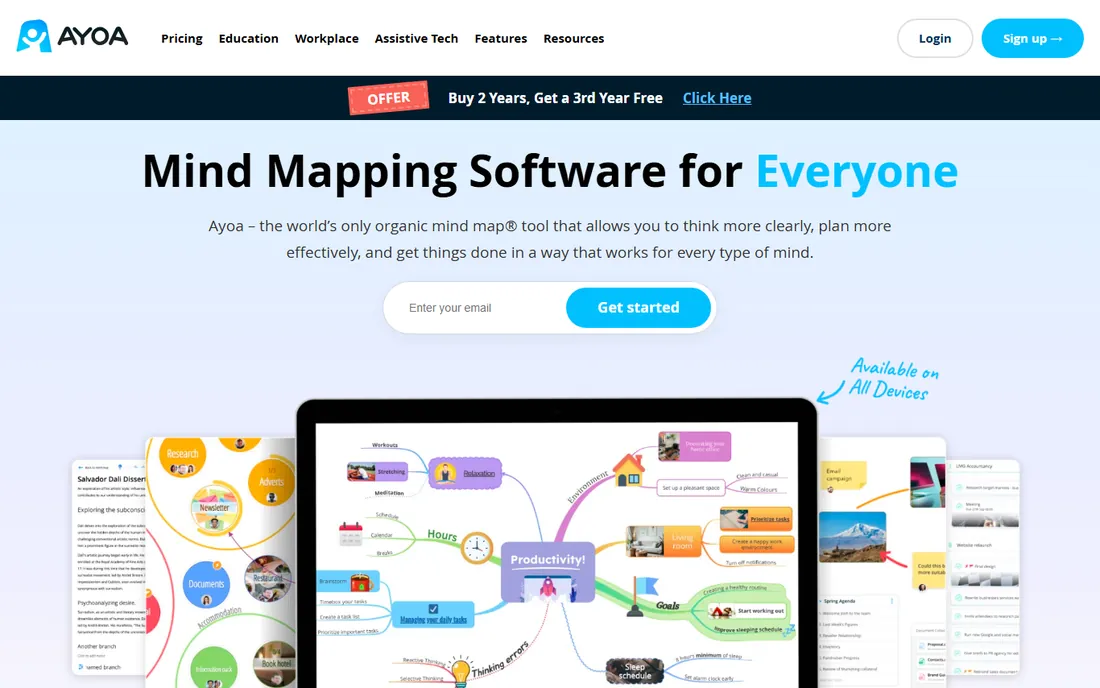
Ayoa's pitch is that thinking and doing should live together. You brainstorm in an organic, hand-drawn style map (or a conventional radial one), then flip branches into tasks with deadlines and reminders without leaving the app. The Idea Bank captures stray thoughts before you know where they belong. It is also one of the few tools designed with neurodiverse users in mind, with dyslexia-friendly fonts and colors.
The free plan covers 10 mind maps, which is generous. Paid pricing is not on the marketing homepage, so check the pricing page. The task management will not replace Asana or Todoist for complex projects, but for individuals whose brainstorms die because they never become actions, the map-to-task flow is the whole point.
What we like- Organic hand-drawn map style plus classic speed maps
- Maps convert directly into tasks with deadlines
- Designed for neurodiverse thinkers
Watch out for- Paid pricing is not published on the homepage
- Smaller user base means fewer templates and tutorials
- Task features are basic next to dedicated PM tools
#7
Coggle
Best for: simple, beautiful online mind maps on a budget
Visit coggle.it
Starting price$5 per month
Free planYes (3 private diagrams, unlimited public)
Coggle keeps things simple and cheap. The free tier gives you unlimited public diagrams and 3 private ones, with real-time collaboration and unlimited image uploads included. The $5 per month Awesome plan adds unlimited private diagrams, more shapes and line controls. The $8 per member Organisation plan adds SSO and consolidated billing for teams.
The maps look good with minimal effort, and sharing by link or QR code means collaborators need no account. What you give up is depth: fewer layout types and styling options than XMind or MindMeister, and the serious flowcharting sits behind the paywall. For students, teachers and small teams who want something that just works, Coggle is the value pick.
What we like- Cheapest paid plan on this list at $5 per month
- Unlimited public diagrams free
- Real-time collaboration with no setup
Watch out for- Free tier limits private diagrams to 3
- Styling options are simpler than XMind
- Flowchart features need the paid plan
Starting priceSee website
Free planYes (free version available)
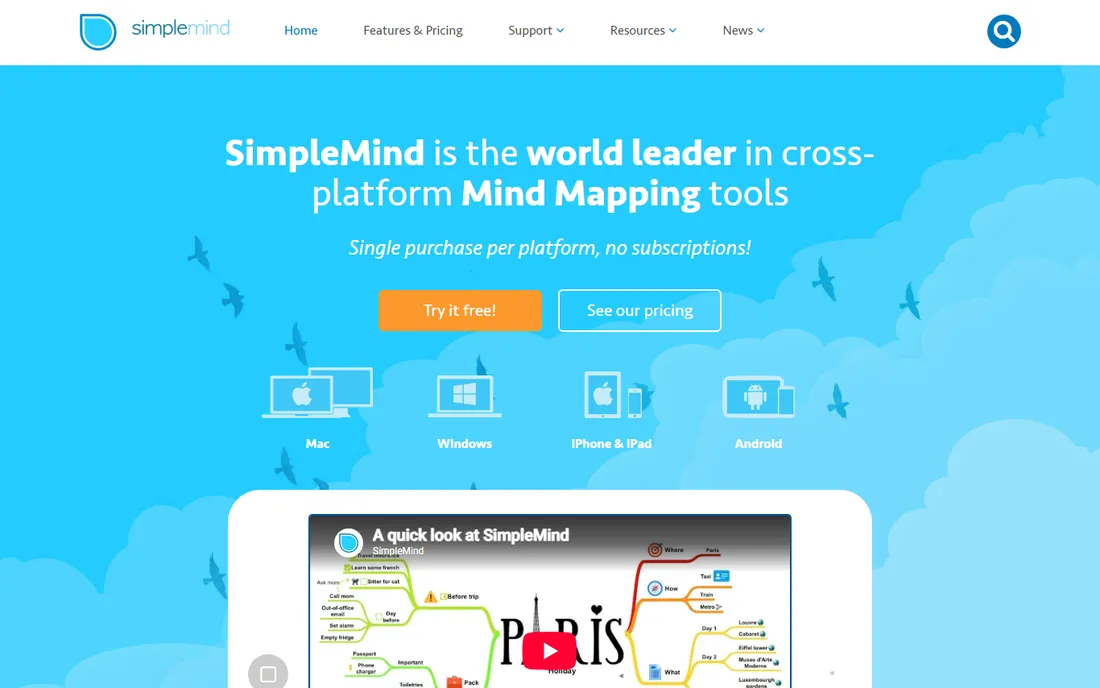
SimpleMind is the contrarian on this list: a native app you buy once per platform instead of renting forever. Your maps live on your device, which privacy-conscious users and anyone working offline will appreciate. The free version covers basic mapping; the paid Pro version adds media, styling and export options.
What you lose is the cloud era: no real-time collaboration, no sharing links, no AI generation. Syncing between your phone and laptop means using your own Dropbox or iCloud. That is a fair trade for many solo users, and the one-time price beats years of subscriptions. If your mind maps are personal and your internet is unreliable, SimpleMind is built for you.
What we like- One-time purchase per platform, no subscription
- Works fully offline
- Your data stays on your device
Watch out for- No real-time collaboration
- Pricing varies by platform
- Sync between devices needs your own cloud storage
#9
Whimsical
Best for: product teams that map, wireframe and document in one place
Visit whimsical.com
Starting priceSee website
Free planYes
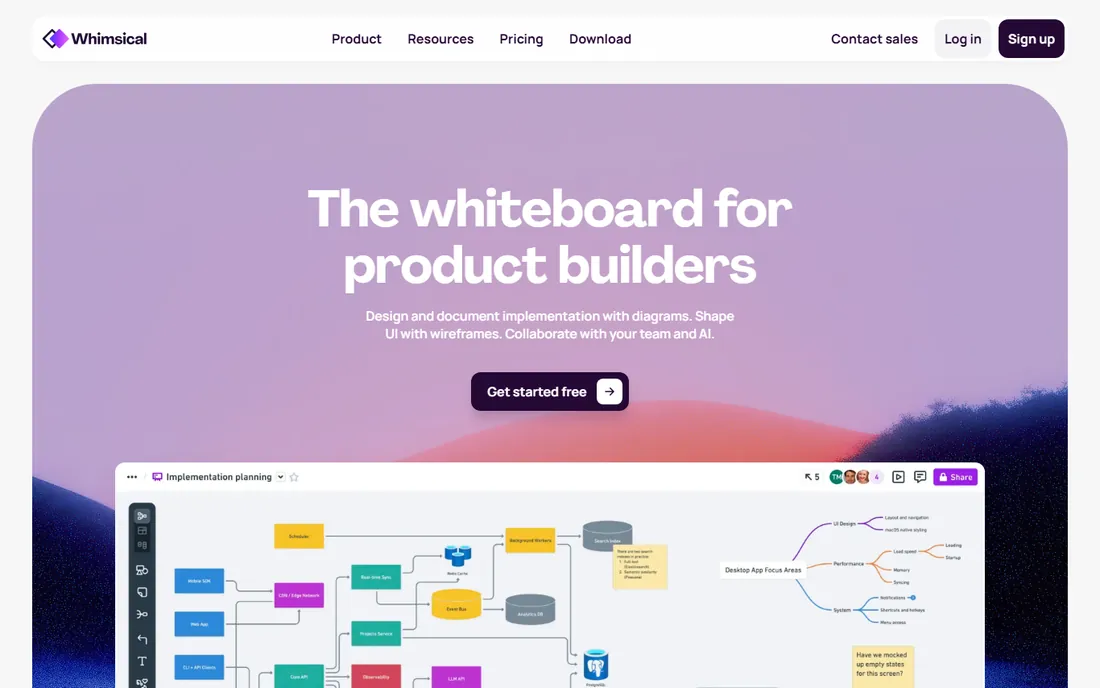
Whimsical is the speed demon of visual collaboration. Everything about it is optimized for flow: keyboard-first, instant loading, and a unified canvas where a mind map can sit next to a wireframe, a flowchart and a project doc. Product teams use it to go from "what if" to a shippable plan without switching tools. A free plan gets individuals started.
The catch is focus. Whimsical does many things well, but it is not a mind mapping specialist, and solo users doing personal knowledge work may prefer XMind's depth. Pricing lives on the pricing page rather than the homepage. Pick Whimsical when your team's thinking spans maps, wireframes and docs; pick a specialist when it does not.
What we like- Blazing fast editor
- Mind maps sit next to wireframes, flowcharts and docs
- Multiplayer editing in real time
Watch out for- Mind mapping is one of several equal features
- Pricing is not published on the homepage
- Less suited to solo study use
#10
Milanote
Best for: creative projects that mix maps, images and notes
Visit milanote.com
Starting priceSee website
Free planSee website
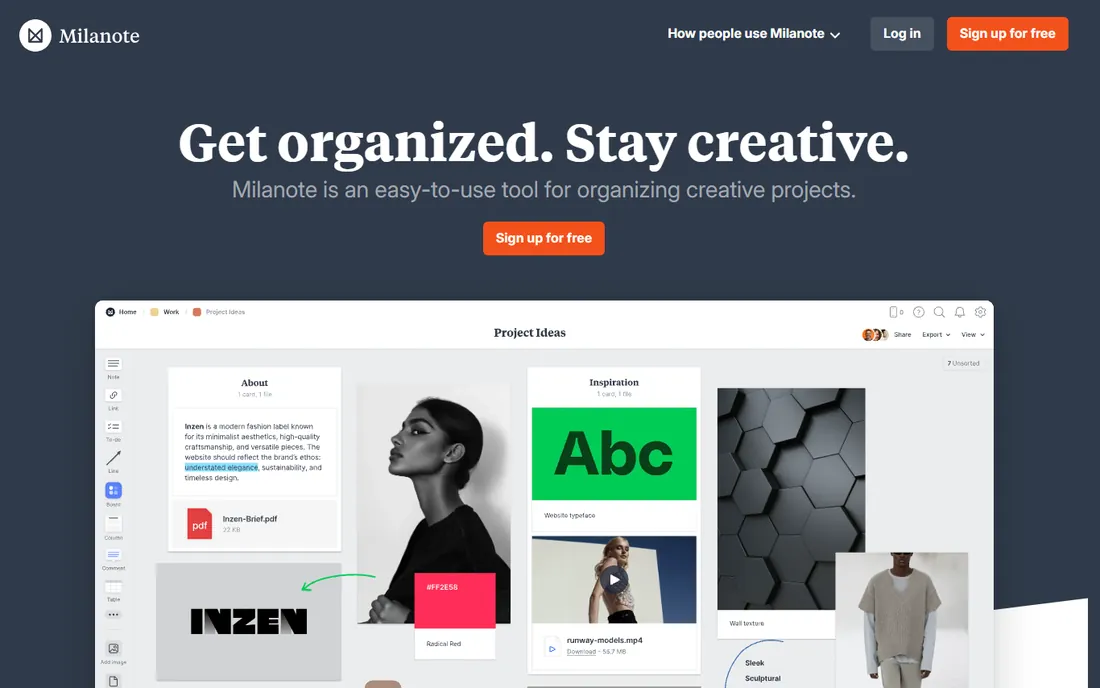
Milanote is the mood board that grew up. Creative teams collect inspiration, research and plans on visual boards, and mind maps are one of the ways to organize them. For a design agency planning a campaign or a filmmaker breaking down a production, mixing maps with reference images and notes in one place beats a pure mapping tool. Client sharing is straightforward.
It is the loosest tool on this list for actual mind mapping: fewer layout controls, no AI generation, and pricing that requires a visit to the pricing page. If your work is visual and collaborative and maps are part of a bigger creative mess, Milanote fits. If you want rigorous hierarchical mapping, look at MindMeister or XMind instead.
What we like- Beautiful boards that combine maps with images, video and links
- Built for designers and agencies
- Easy client sharing
Watch out for- Not a dedicated mind mapping tool
- Pricing is not published on the homepage
- Can feel unstructured for rigorous planning
How to choose a mind mapping app
Start with who the map is for. If it is for you alone, prioritize speed and beauty: XMind, SimpleMind or Coggle will make you happier than a team whiteboard. If it is for a group, prioritize sharing and real-time editing: MindMeister, Miro or Whimsical. If the map must become a plan with owners and dates, look at Ayoa or MindManager.
Then check the money model. Subscriptions (MindMeister, XMind, Coggle, Ayoa) suit teams that always need the latest features. SimpleMind's one-time purchase suits individuals who hate recurring bills. Free tiers are genuinely usable here: Coggle's unlimited public diagrams, Ayoa's 10 free maps and MindMeister's 3 free maps all cover real work.
Finally, try before you commit. Every tool here offers a free plan or trial, and an hour of real mapping tells you more than any review. Import an existing project, invite one collaborator, and export the result: that loop exposes every friction point that matters.
Mind maps are not whiteboards (and that is fine)
A common mistake is buying a whiteboard when you need a mind map, or vice versa. Mind mapping apps enforce a hierarchy: one central idea, branches, sub-branches. That structure is the point; it forces clarity. Whiteboards (Miro, Whimsical's canvas, Milanote's boards) give you a blank infinite space where anything goes, which is better for freeform workshops and worse for organizing a complex topic.
The tools that do both make you choose per project, which is fine once you know the difference. If your team runs design sprints and retrospectives, a whiteboard-first tool earns its keep. If you are structuring a thesis, a book, or a product spec, a dedicated mapper will get you to clarity faster. Buy for the job you do weekly, not the workshop you run quarterly.
How we chose
We shortlisted from G2 and Capterra category rankings, Reddit recommendations from students and product teams, and the tools that dominate "best mind map" discussions. Every product here is available today and fits the category, from pure mappers to visual workspaces with strong mapping features. We opened each vendor's homepage to confirm the current name and final URL, and took pricing only from vendor pages. Free plans and trial terms come from the vendors' own sites. We did not test the apps hands-on; this is a research comparison.
Frequently asked questions
What is the best free mind mapping software?
Coggle's free tier is the most generous: unlimited public diagrams plus 3 private ones with real-time collaboration. Ayoa gives 10 free mind maps, and MindMeister gives 3. SimpleMind's free version works offline with no account. For students, Coggle or XMind's free tier usually covers everything.
MindMeister vs XMind: which is better?
They serve different jobs. MindMeister is better for teams: it runs in the browser, collaboration is real-time, and sharing is one link. XMind is better for individuals: the desktop and mobile apps are more polished for solo thinking, with focus modes and more map structures. Pick MindMeister for meetings, XMind for personal work.
Can I use mind mapping software offline?
Yes, with the right pick. SimpleMind and XMind both offer desktop apps that work fully offline. MindMeister and Coggle are browser-based and need a connection. If you map on planes or in places with bad wifi, choose a native app.
Do I need a paid plan for team mind mapping?
Not necessarily to start. MindMeister's free plan covers 3 maps with real-time collaboration, and Coggle's free tier includes collaboration too. You will hit limits as the team grows: private diagram caps, export restrictions and admin controls are what paid plans remove. Miro and Lucidchart make more sense once you need SSO and admin features.
What is the difference between a mind map and a concept map?
A mind map radiates from one central idea with branches and sub-branches; it is for brainstorming and organizing one topic. A concept map connects multiple ideas with labeled relationships; it is for showing how things relate. Most tools here do mind maps first; Coggle and Lucidchart handle concept-style maps with loops and links best.
Is there mind mapping software without a subscription?
Yes. SimpleMind sells a one-time license per platform with no subscription, and the free version covers basic mapping. MindManager and most others are subscription or annual-license products, so SimpleMind is the standout if you refuse recurring payments.
Sources we checked (10)
- https://mindmeister.com/
- https://xmind.app/
- https://mindmanager.com/
- https://lucidchart.com/
- https://miro.com
- https://www.ayoa.com
- https://coggle.it/
- https://simplemind.eu
- https://whimsical.com
- https://milanote.com
Is your product missing or out of date?
We review this list regularly. Vendors can request a listing, send updated pricing or ask about featured placement.

Shihab Mia · Founder, Rankite
Shihab has spent more than a decade helping SaaS and e-commerce brands grow through search. He writes Rankite's software buying guides from pricing pages, documentation and public user reviews. More about Shihab.