How we make this list: we compare pricing pages, product documentation and public user reviews. Rankite is independent; if a vendor ever pays for a featured spot, that listing is clearly labeled Partner.
Key takeaways
- Looka is the fastest route from an idea to a finished logo plus matching business cards, social assets and a simple site, which makes it the default pick for founders launching now.
- Canva and Adobe Express earn their spots only if you already make your other marketing graphics there, since a logo living in the same workspace as your flyers saves real time.
- Illustrator and Inkscape are the only tools here for fully original vector work, so hire-or-learn designers should start with these two and skip the template makers.
- If you want the files once and never want another subscription, Brandmark and DesignEvo sell one-time packages, a pricing model the subscription tools cannot match.
Quick comparison
| Tool | Best for | Starting price | Free plan |
|---|
 Looka Looka | Startups that want a logo and brand kit in one sitting | $20 one-time (Basic Logo Package) | Free to design and preview; paid to download |
 Brandmark Brandmark | Founders who want to pay once and own everything | $25 one-time (Basic package) | Free to design and preview; paid to download |
 Canva Canva | Business owners who already design everything in Canva | Free; Canva Pro from $14.99/month | Yes |
 Adobe Express Adobe Express | Teams already in the Adobe ecosystem | Free; Premium $9.99/month | Yes |
 DesignEvo DesignEvo | Budget DIY from a massive template library | See website | Yes (free plan with low-resolution downloads) |
 Kittl Kittl | Typography-forward logos, merch and product brands | Free; Pro from $10/month (billed annually) | Yes |
 Adobe Illustrator Adobe Illustrator | Professional designers and agencies doing original work | $22.99/month (annual plan, paid monthly) | Free trial (7 days) |
 Inkscape Inkscape | Free, full-featured vector editing on any budget | Free (open source) | Yes |
Is your product missing or out of date?
We review this list regularly. Vendors can request a listing, send updated pricing or ask about featured placement.
The top logo design software
#1
Looka
Best for: Startups that want a logo and brand kit in one sitting
Visit looka.com
Starting price$20 one-time (Basic Logo Package)
Free planFree to design and preview; paid to download
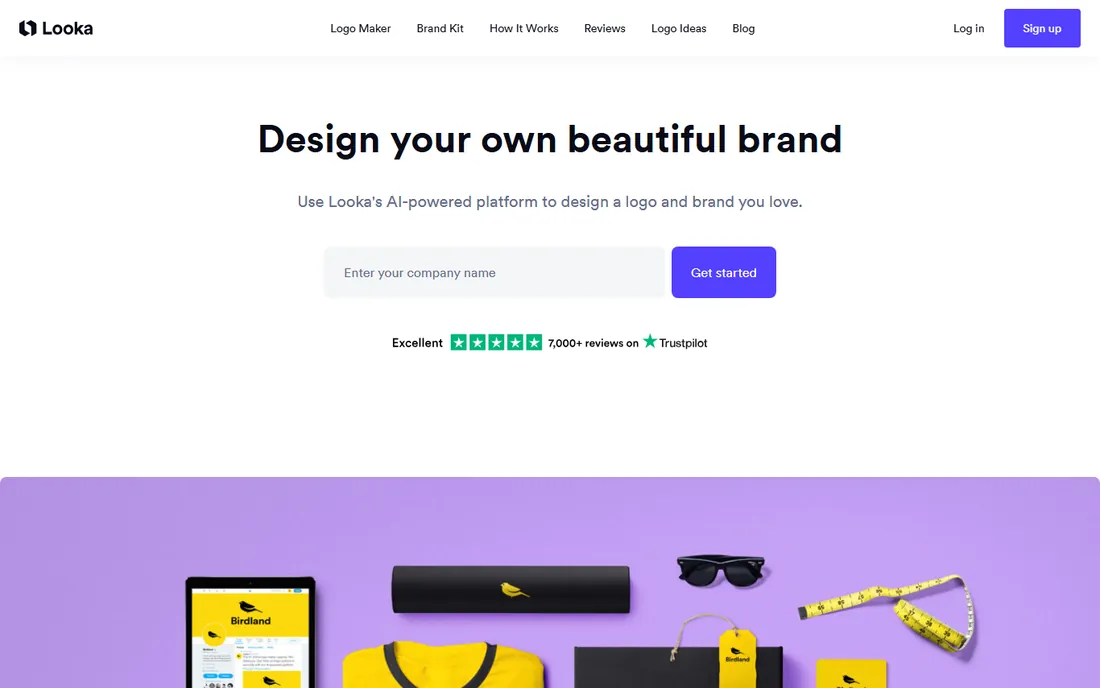
Looka asks about your industry, preferred styles, colors and symbols, then generates a wall of logo concepts in roughly a minute. You favorite the ones you like, tweak fonts, spacing, layout and icon placement in the editor, and iterate until the design feels right. The whole flow is built for someone who has never opened design software before, and the mockup previews on shirts, cards and signs help you judge how the mark will look in the real world.
What separates Looka from cheaper template tools is the Brand Kit. Once the logo is final, the kit spins up hundreds of matching assets, business cards, letterheads, invoices, social profile images and posts, all carrying your fonts and colors. The Premium Logo Package costs $65 one-time and adds high-resolution files including SVG with unlimited changes, while the Brand Kit subscription runs $96 per year. The honest catch is the refund policy: once you download, there is no getting your money back, so triple-check spelling and kerning before you pay.
What we like- Generates dozens of concepts in about a minute
- Brand Kit turns the logo into business cards, social templates and email signatures
- Vector files (SVG, EPS, PDF) in the Premium package
Watch out for- Free preview only, downloads require payment
- No refunds once a logo is downloaded
Starting price$25 one-time (Basic package)
Free planFree to design and preview; paid to download
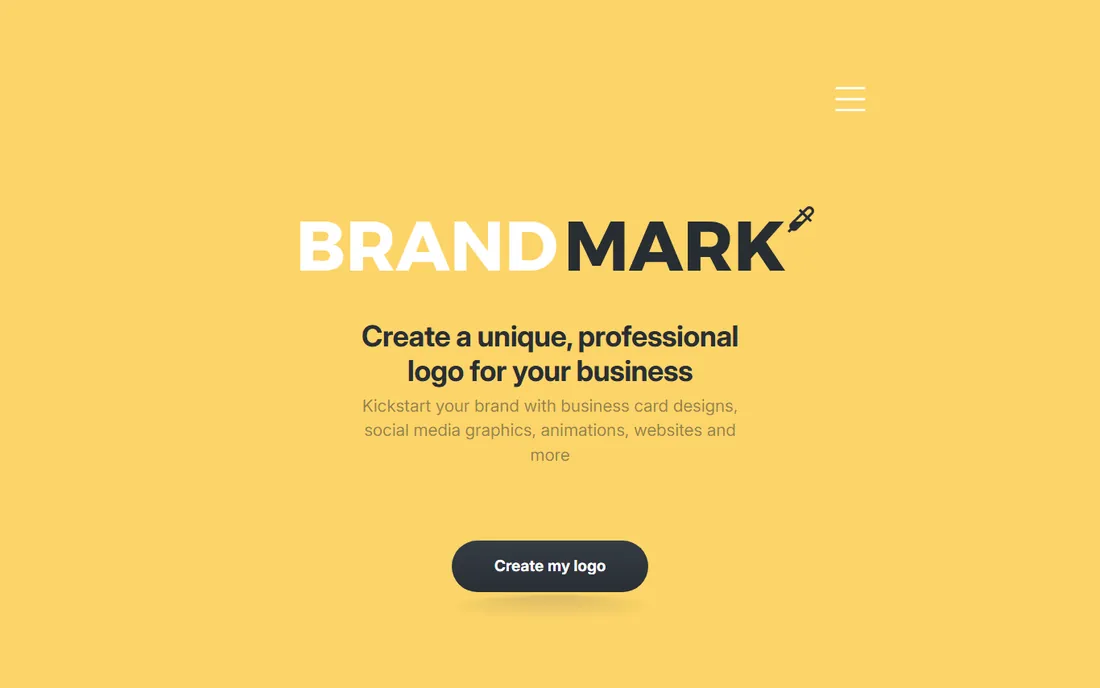
Brandmark is the pick for founders who hate subscriptions. You pay once, get the logo files and branding tools forever, and you can keep editing the design after purchase without paying again. The generator leans on hand-crafted fonts and templates plus generative AI icons, and the results skew minimal and modern, the kind of clean wordmark-plus-icon combo that works on a storefront and a phone screen alike.
Export covers SVG, PNG and PDF, and the package includes a brand guide, social profile icons, business card designs and mockups. Pricing starts at $25 one-time, which undercuts most rivals for buyers who only need the files. The tradeoff is breadth: Brandmark's template and asset library is thinner than Looka's, and if you want the one-page website you pay for it separately. Customer feedback consistently praises the value and the free tweak service, where their team adjusts your design at no charge.
What we like- One-time pricing with no subscription
- Full copyright ownership included
- Unlimited revisions even after purchase
Watch out for- Smaller asset library than Looka
- Website builder costs extra on top of the logo package
#3
Canva
Best for: Business owners who already design everything in Canva
Visit canva.com
Starting priceFree; Canva Pro from $14.99/month
Free planYes
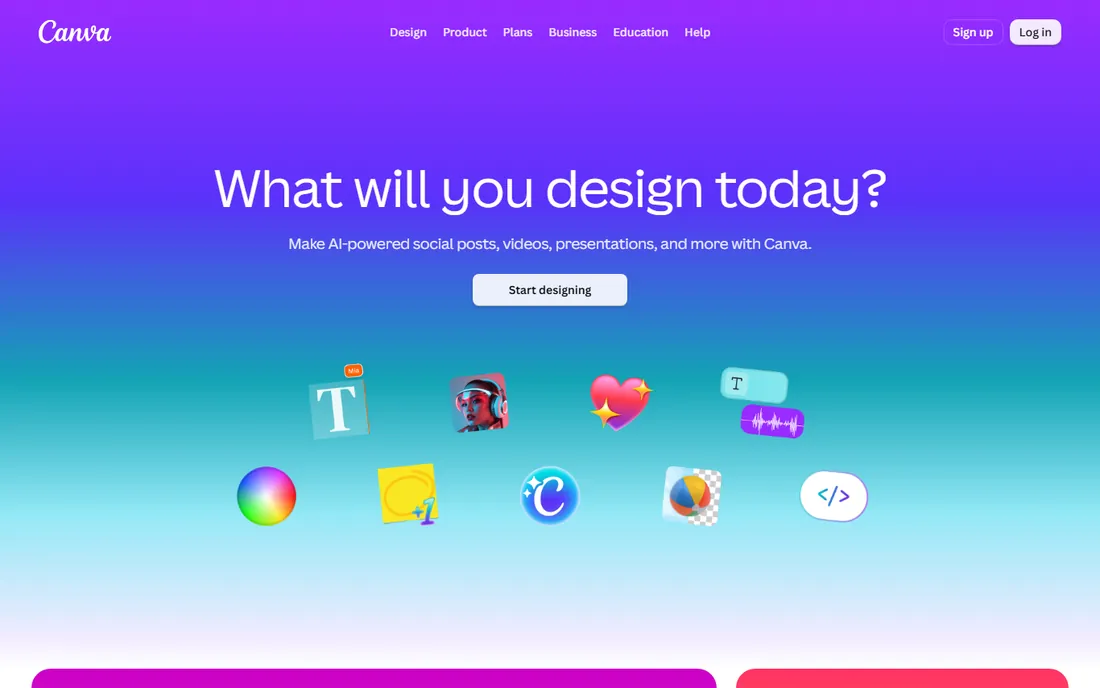
Most small business owners already have a Canva account, which is exactly why it belongs on this list. Designing the logo where you already make your menus, price lists, social posts and flyers keeps the fonts and colors consistent without any file juggling. The logo templates are plentiful, the drag-and-drop editor needs no learning curve, and the Brand Kit on Pro stores your colors, fonts and logos so every new design starts on-brand.
The catch is originality and file format. Free users export PNG only, which is fine for a website header but not for a sign printer or embroidered shirts. Vector SVG export requires Canva Pro, and even then the starting point is a template that thousands of other businesses may have used. If your priority is a distinctive mark, an AI generator or a designer beats Canva. If your priority is speed and keeping everything in one workspace, Canva wins.
What we like- Logo lives alongside all your other brand assets
- Huge template and stock library
- Easy sharing with staff or a VA
Watch out for- Free exports are PNG only, no vector files
- Templates are used by millions of other businesses
#4
Adobe Express
Best for: Teams already in the Adobe ecosystem
Visit adobe.com
Starting priceFree; Premium $9.99/month
Free planYes
If your business already pays for anything Adobe, Express is probably sitting in your account unused. The free plan covers AI-assisted logo generation, a deep template library, background removal and quick resize tools, which is enough to produce a respectable logo and a matching set of social graphics without spending anything. Adobe's generative AI is trained to be commercially safe, which matters when the logo will sit on products you sell.
Where Express falls short of the dedicated logo makers is guidance. Looka walks you through styles and brand kits step by step; Express gives you powerful tools and expects you to make the decisions. Premium at $9.99 per month opens up the full font and template libraries plus premium export options. For a marketing manager who already lives in Creative Cloud, the handoff is the real selling point: start the concept in Express, hand the file to a designer in Illustrator, and nothing gets lost.
What we like- Generous free plan with AI-assisted generation
- Commercially safe Firefly-generated assets
- Smooth handoff to Illustrator and Photoshop
Watch out for- Less logo-specific guidance than Looka or Brandmark
- Premium templates and fonts sit behind the paywall
Starting priceSee website
Free planYes (free plan with low-resolution downloads)
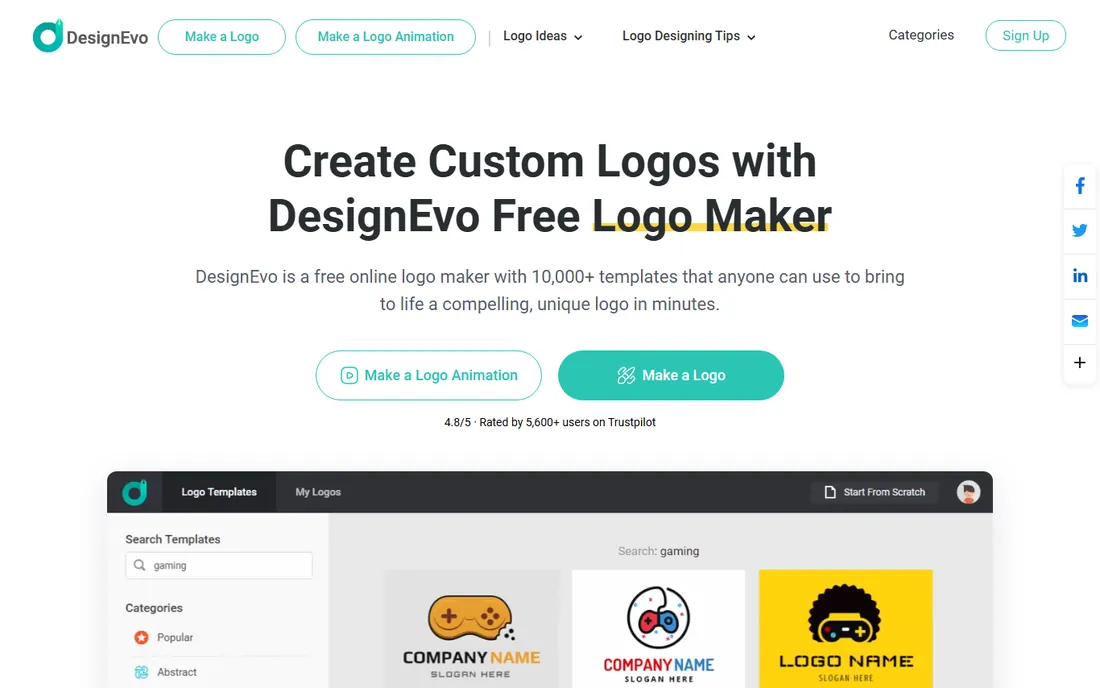
DesignEvo is the old-school template library of this list, and that is its charm. You search 10,000-plus templates by keyword, pick one close to your vision, swap the text, recolor the icon from millions of free vector graphics, and have a finished logo in about five minutes. No account is required to start, and the editor runs entirely in the browser, so a coffee shop owner can mock up three options between lunch rushes.
The free plan gets you in the door with low-resolution downloads, while paid packages add high-res JPG and PNG, and the Plus package adds SVG, PDF, the font files used in the design, and copyright ownership. The honest weakness is distinctiveness: starting from a public template means another business somewhere may have a similar mark, and the Plus package is the only tier that gives you real ownership rights. For a tight budget and a fast result, though, the value is hard to argue with.
What we like- More than 10,000 templates across every industry
- No signup needed to start designing
- Vector SVG and PDF files in the Plus package
Watch out for- Template-based, so designs can feel familiar
- Full copyright ownership requires the Plus package
#6
Kittl
Best for: Typography-forward logos, merch and product brands
Visit kittl.com
Starting priceFree; Pro from $10/month (billed annually)
Free planYes
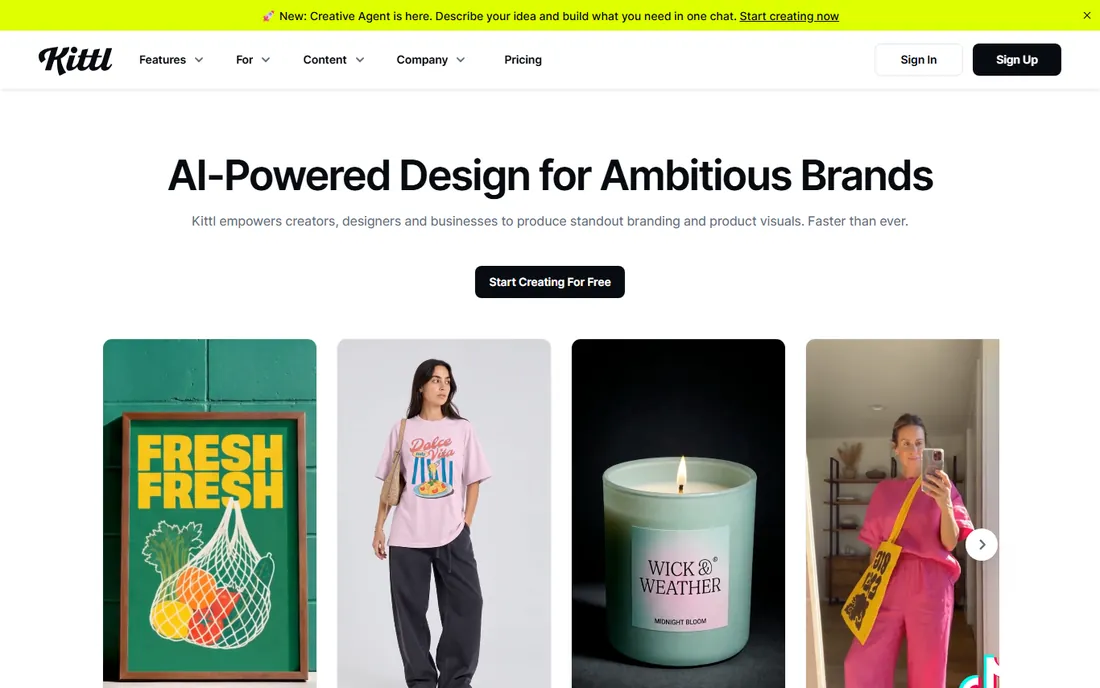
Kittl started as a t-shirt design tool, and its typography engine still shows. If your logo idea leans on lettering, a badge, a script wordmark, a vintage emblem, Kittl's text effects, warping, outlines and shadows produce results that look genuinely designed rather than templated. The platform has grown into an AI-first design suite with image generation, mockups and background removal, so the same workspace that makes your logo can mock it up on a mug or a storefront.
The free plan is genuinely usable for experimenting, and Pro starts at $10 per month billed annually, adding higher-resolution exports and the full AI model lineup. The tradeoff is guidance: Kittl assumes you have some visual taste and want control, while Looka assumes you want the software to decide. For product brands, Etsy sellers and anyone whose logo will live on merchandise, Kittl's typography-first approach is the strongest pick under $15 a month.
What we like- Exceptional text effects and vintage typography
- Built-in mockups and AI image generation
- Generous free tier
Watch out for- Less hand-holding for pure beginners than Looka
- Best features need a Pro subscription
#7
Adobe Illustrator
Best for: Professional designers and agencies doing original work
Visit adobe.com
Starting price$22.99/month (annual plan, paid monthly)
Free planFree trial (7 days)
Illustrator is the only tool here a professional designer would reach for, which is both the point and the problem. Every logo on this list that came from a template or an AI generator can be approximated in Illustrator, but nothing else gives you the same control over bezier curves, custom lettering, color systems and export for every medium from favicon to billboard. If you are hiring a designer, ask for the Illustrator source files; they are the industry standard and any future designer can open them.
For a business owner doing it themselves, the math is tougher. At $22.99 per month with only a 7-day trial, you are paying pro software prices for a logo you might make once, and the learning curve is measured in weeks, not minutes. Illustrator earns its place for agencies, in-house marketing teams and anyone who wants a genuinely one-of-a-kind mark drawn from scratch. Everyone else should pick a guided tool and spend the savings on the business.
What we like- Full vector control for truly original marks
- Industry standard, so any designer can open your files
- Deep typography and color tools
Watch out for- Steep learning curve for non-designers
- Subscription cost adds up for a logo you make once
Starting priceFree (open source)
Free planYes
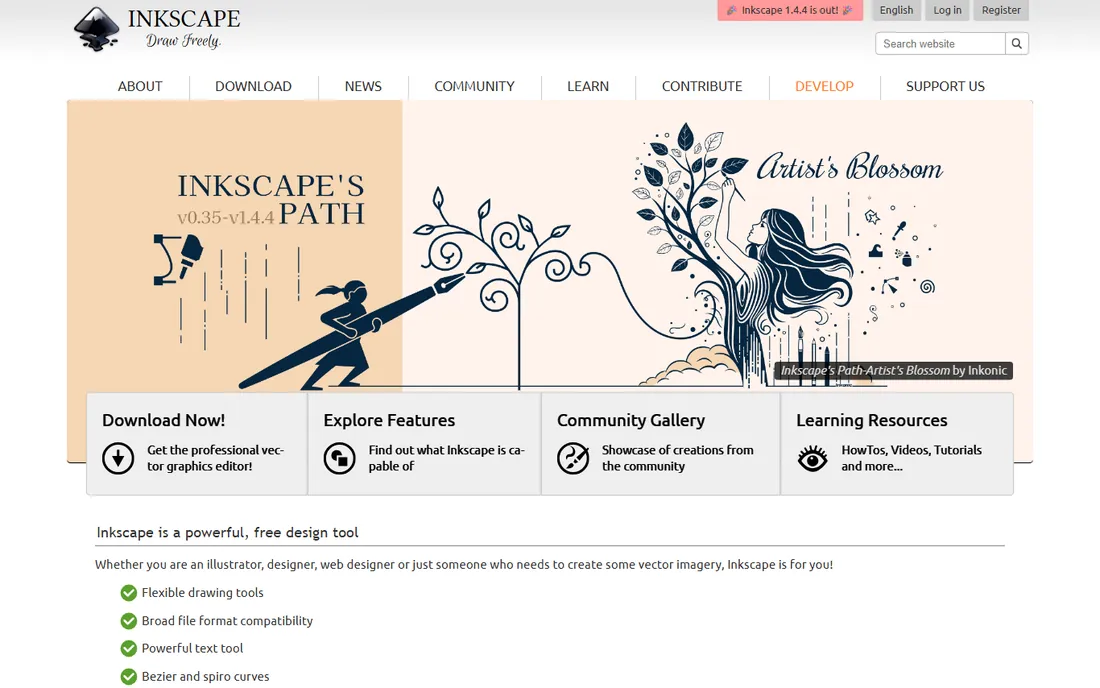
Inkscape does roughly 80 percent of what Illustrator does and costs nothing. It is a real vector graphics editor, not a logo wizard: you draw with bezier and spiro curves, set type with a powerful text tool, and export SVG, PDF, EPS and PNG for print or web. For a startup with more time than money, or a student learning the craft, it removes the subscription barrier to professional-quality logo work entirely.
The honest catch is polish. The interface looks and feels like open-source software from a decade ago, and while the community is active, you will find ten Illustrator tutorials for every Inkscape one. It also will not generate ideas for you; like Illustrator, it assumes you bring the vision. But the files it produces are standards-based SVG, so a designer can pick up your work later without conversion headaches. If the budget is zero and the ambition is real, start here.
What we like- Completely free with no paywalled features
- Professional-grade vector tools including bezier curves and node editing
- Broad file format support
Watch out for- Interface feels dated next to Adobe
- Smaller tutorial ecosystem and slower development pace
How we chose
We started by listing every logo tool a US small business owner is likely to encounter, then checked each one was still operating and serving new customers in October 2026. For every tool we opened the vendor homepage to confirm the product exists as described, reviewed the current pricing page or the most recent pricing coverage, and read public user reviews on G2, Capterra, Trustpilot and Reddit for recurring complaints about exports, refunds and ownership. We weighted factors that matter to non-designer buyers: how fast a complete logo can be finished, what file formats the paid tier actually delivers, whether the buyer owns the copyright, and whether the pricing is a one-time purchase or an ongoing subscription. We did not accept vendor claims about user counts or awards at face value, and we left out tools that were discontinued or folded into other products.
Frequently asked questions
Do I own the logo I create with these tools?
It depends on the tool and the tier. Brandmark includes full copyright with its one-time purchase, DesignEvo grants ownership on its Plus package, and Looka's paid packages include ownership of your final design. Free plans generally grant you a license to use the logo but not full ownership, so read the terms before you print packaging or file a trademark.
Can I trademark an AI-generated logo?
Possibly, but it is murkier than a human-designed mark. The US Copyright Office has been skeptical of purely AI-generated artwork, though logos with substantial human arrangement and editing fare better. If trademark protection matters to your business, consult a trademark attorney before you invest in signage, and keep records of the creative choices you made.
What file format do I need for print versus web?
For web use, PNG with a transparent background is enough. For print, signage, embroidery or vehicle wraps, you need vector files, SVG, EPS or PDF, because they scale to any size without pixelation. This is the single most important difference between free and paid tiers: most free plans export PNG only, so budget for the tier that includes vectors if you will ever print the logo large.
Is a free logo good enough for a real business?
For a side project or a first draft, yes. For a business that will put the logo on a sign, packaging or uniforms, the paid tier is worth it for vector files and full ownership alone. The cost of reprinting everything later dwarfs the $20 to $65 a one-time logo package costs today.
Should I just hire a designer instead?
If your logo is central to the business, a restaurant chain, a consumer product line, a franchise, a designer is still the better investment, typically $300 to $2,500 for a small studio. These tools shine when the budget is under $100, the timeline is days not weeks, or you need something good enough to launch while the business proves itself.
Sources we checked (14)
- https://looka.com
- https://brandmark.io/
- https://canva.com/
- https://www.adobe.com/express/
- https://www.designevo.com
- https://kittl.com
- https://www.adobe.com/products/illustrator.html
- https://inkscape.org/
- https://www.techradar.com/pro/what-is-looka-everything-we-know-about-the-ai-logo-and-brand-building-tool
- https://www.techradar.com/reviews/looka-logo-maker
- https://www.topconsumerreviews.com/best-logo-design-companies/reviews/looka.php
- https://axis-intelligence.com/best-ai-logo-maker/
- https://aitoolblaze.com/blog/best-logo-design-software-2026
- https://www.soup.io/official-rankings-for-the-best-logo-makers-in-2026-for-building-a-recognizable-brand
Is your product missing or out of date?
We review this list regularly. Vendors can request a listing, send updated pricing or ask about featured placement.

Shihab Mia · Founder, Rankite
Shihab has spent more than a decade helping SaaS and e-commerce brands grow through search. He writes Rankite's software buying guides from pricing pages, documentation and public user reviews. More about Shihab.