How we make this list: we compare pricing pages, product documentation and public user reviews. Rankite is independent; if a vendor ever pays for a featured spot, that listing is clearly labeled Partner.
Key takeaways
- Microsoft Power BI is the cheapest mainstream option at $14 per user per month for the Pro plan, which makes it the default pick for companies already paying for Microsoft 365.
- Tableau rebuilt its packaging in 2026 around Standard ($15/user/month), Enterprise ($35/user/month) and Cloud+ editions, and added a free Desktop edition for solo analysts.
- Metabase is the only genuinely free option: the open source edition costs nothing to self-host, and it takes minutes to connect to a database.
- Looker, Domo, Sisense and ThoughtSpot all use quote-based pricing, so budget a sales process and expect annual contracts before you commit.
- Mode was acquired by ThoughtSpot, which makes it a riskier long-term pick for SQL-first teams than it was a year ago.
Quick comparison
| Tool | Best for | Starting price | Free plan |
|---|
 Tableau Tableau | visual exploration and dashboards at enterprise scale | $15 per user/month (billed annually) | Yes (Desktop Free Edition, local only) |
 Microsoft Power BI Microsoft Power BI | companies already running on Microsoft 365 | $14 per user/month (billed annually) | Yes (free account, no sharing) |
 Looker Looker | data teams that want one governed definition of every metric | See website | See website |
 Qlik Sense Qlik Sense | associative exploration and companies that need on-prem deployment | See website | See website |
 Domo Domo | business users who want dashboards fast, especially on mobile | See website | See website |
 Sisense Sisense | product teams embedding analytics inside their own SaaS apps | See website | See website |
 ThoughtSpot ThoughtSpot | business users who prefer searching over building dashboards | See website | See website |
 Sigma Sigma | spreadsheet users who need to analyze live warehouse data | See website | See website |
 Mode Mode | SQL-first data teams doing ad-hoc analysis | See website | See website |
 Metabase Metabase | startups and small teams that want dashboards for free | See website | Yes (open source self-hosted is free; 14-day Cloud trial) |
Is your product missing or out of date?
We review this list regularly. Vendors can request a listing, send updated pricing or ask about featured placement.
Picture a Monday morning. Your CEO wants revenue by region on her phone, updated daily, by Friday. Your analysts are buried in one-off requests, the data lives in five systems, and last month's spreadsheet is already wrong. Data analysis software exists to fix exactly this: one place where numbers are defined once, refreshed automatically, and trusted by everyone.
We looked at the ten tools buyers actually shortlist in 2026: the two giants everyone knows, Google and Qlik for governed setups, and smaller names that win specific jobs. Metabase serves teams with no budget, Sigma serves spreadsheet people, Sisense serves product teams embedding charts. Pricing comes from vendor pricing pages where public; where vendors hide it behind a sales call, we say so.
#1
Tableau
Best for: visual exploration and dashboards at enterprise scale
Visit tableau.com
Starting price$15 per user/month (billed annually)
Free planYes (Desktop Free Edition, local only)
Tableau remains the reference point for visual analytics. The drag-and-drop interface still sets the standard: connect to almost anything, build a chart in minutes, and publish it to people who have never written a line of SQL. In 2026 Salesforce reworked the packaging into Standard, Enterprise and Cloud+ editions, with AI agents and a knowledge layer baked into the top tier. The old license types (Creator, Explorer, Viewer) still exist underneath for Cloud and Server.
The catch is cost. Standard starts at $15 per user per month billed annually, Enterprise at $35, and Cloud+ is quote-only. The free Desktop edition cannot publish to Cloud or Server.
What we like- Best-in-class drag-and-drop visual analysis
- Huge community and learning resources
- New free Desktop edition for solo work
Watch out for- Packaging changed in 2026 and is harder to compare to the old Creator/Explorer/Viewer model
- Every paid plan needs an annual contract
Starting price$14 per user/month (billed annually)
Free planYes (free account, no sharing)
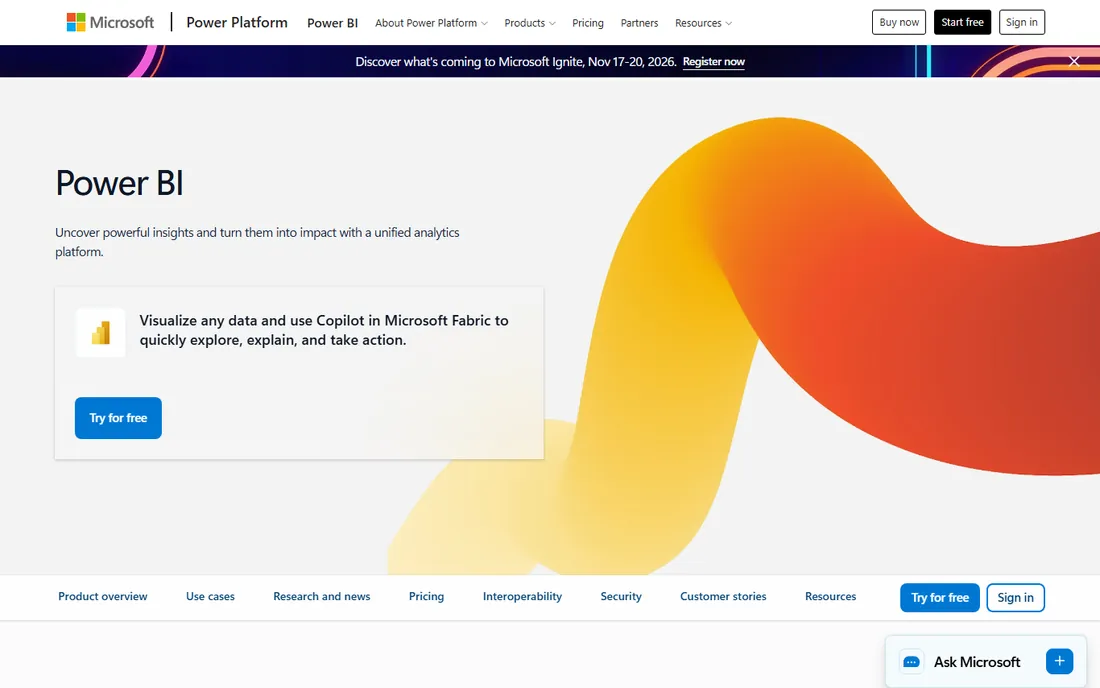
Power BI wins on price and distribution. At $14 per user per month for Pro (paid yearly), it undercuts every other enterprise option, and many companies already own licenses through Microsoft 365 E5. Reports live inside Teams and SharePoint, which does more for adoption than any feature list. The Desktop app and a personal free account cost nothing.
The trade is that the low headline price comes with conditions. Anyone who receives a shared report needs a Pro license, so the true cost is $14 times every consumer, not just the analysts. Premium Per User ($24 per user per month) adds bigger models and more frequent refreshes, but once you need dedicated Premium capacity you are in five-figure territory. Visual customization also lags Tableau for polished executive dashboards.
What we like- Cheapest per-seat pricing of any major BI platform
- Tight integration with Excel, Teams and SharePoint
- Free Desktop app
Watch out for- Sharing reports requires paid licenses for viewers too
- Visual design feels dated next to Tableau
- Premium capacity pricing jumps sharply
Starting priceSee website
Free planSee website
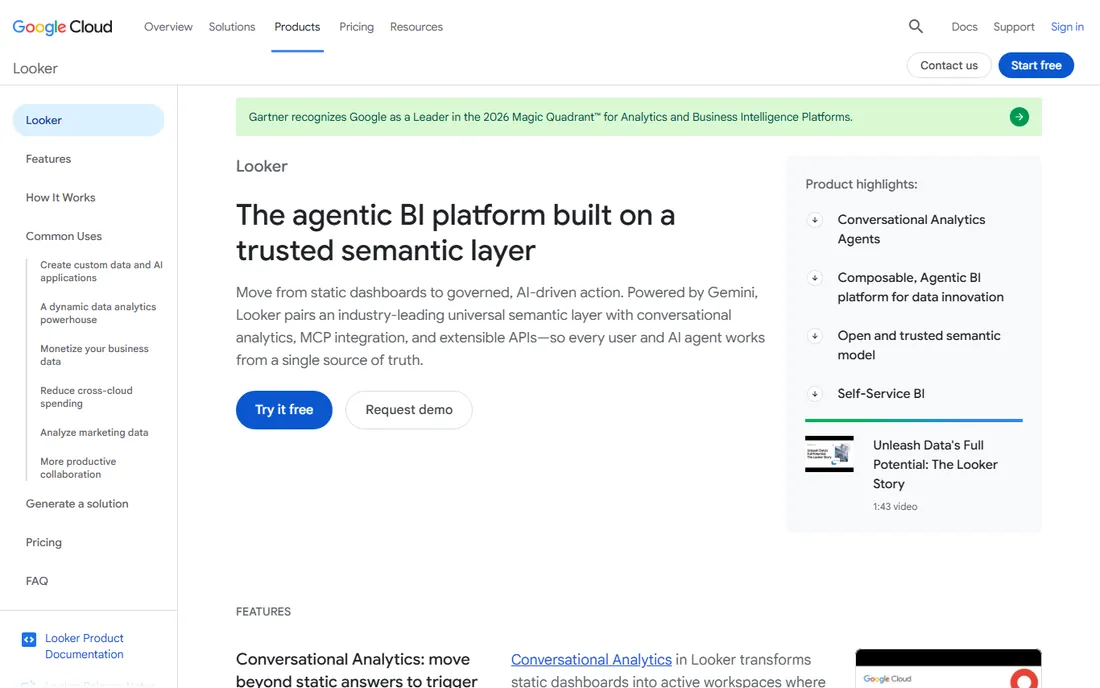
Looker is built around one idea: define each metric once in LookML, and every dashboard, embedded app and AI answer uses the same number. For companies with a serious data team and a cloud warehouse, this ends the "whose revenue number is right" argument. The 2026 editions (Standard, Enterprise, Embed) split platform costs from per-user licensing, and the Google Cloud integration, from Connected Sheets to Gemini-powered conversational queries, is genuinely useful.
The price of that governance is a real implementation project. You need people who can model in LookML, and casual users will find it less friendly than Tableau or Power BI. Google does not publish prices, so expect a sales cycle and an annual commitment. Looker fits teams with 50-plus users and a warehouse, not a ten-person startup.
What we like- LookML semantic layer keeps every metric consistent everywhere
- Strong ties to BigQuery and Google Cloud
- Solid embedded analytics
Watch out for- Requires real LookML modeling skill to get value
- Pricing is quote-based and opaque
- Ad-hoc charting is weaker for non-technical users
#4
Qlik Sense
Best for: associative exploration and companies that need on-prem deployment
Visit qlik.com
Starting priceSee website
Free planSee website
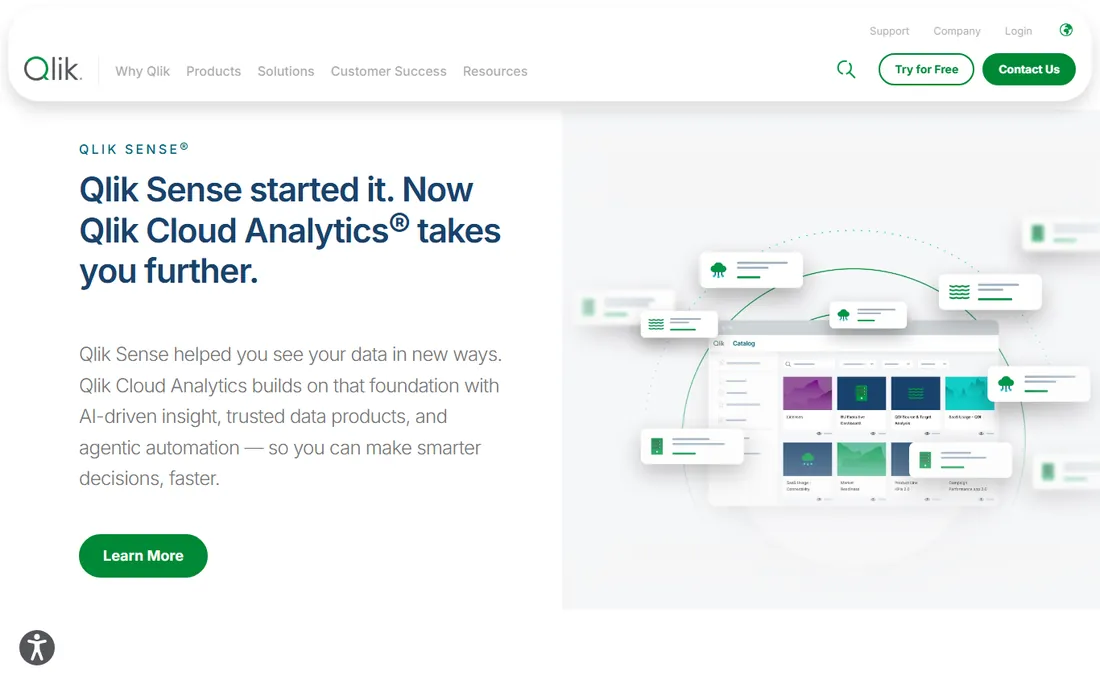
Qlik's signature is its associative engine: click a value and the whole dashboard recolors to show what is related, what is possible, and what is excluded. Analysts who do exploratory work love this because it surfaces patterns a fixed dashboard would hide. The product is now marketed as Qlik Cloud Analytics, building on the Qlik Sense foundation, and Qlik's data integration tools (from its Talend and Attunity acquisitions) make it a strong all-in-one for messy data estates.
The downsides are familiar. The user experience has not kept pace with newer tools, the community is smaller, and Qlik does not publish list prices. It remains a solid pick for large companies that want on-premise deployment and serious data integration, but smaller teams usually get more for their money elsewhere.
What we like- Associative engine reveals relationships other tools miss
- Strong data integration
- On-premise option for regulated industries
Watch out for- Interface feels dated next to newer rivals
- Pricing is quote-based
- Smaller community than Tableau or Power BI
#5
Domo
Best for: business users who want dashboards fast, especially on mobile
Visit domo.com
Starting priceSee website
Free planSee website
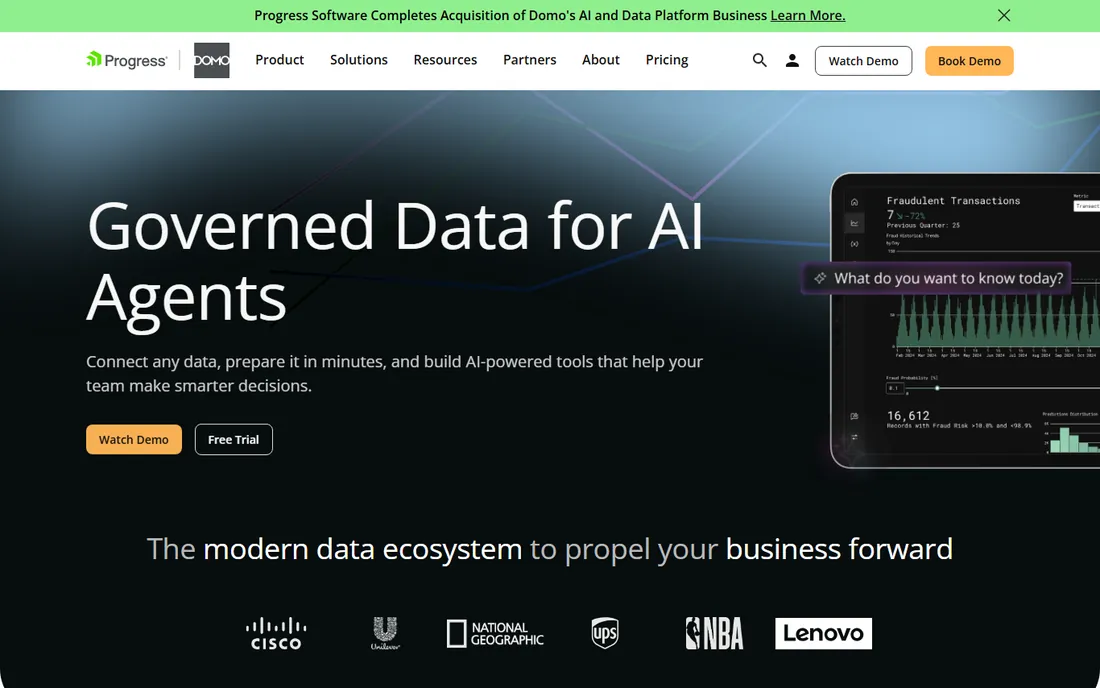
Domo sells speed. Connect your systems through its large connector library, and you can have working dashboards in days rather than the weeks a warehouse modeling project takes. The mobile app is one of the best in BI, which matters when executives check numbers on the road. In 2026 the pitch centers on Domo.AI: pre-built agents for tasks like benefits questions or claims analysis that run on your governed data.
The catch is the bill. Domo does not publish pricing, deals are custom and annual, and per-user costs add up fast. It is better at the last mile (dashboards, alerts, apps) than at heavy data transformation; companies with complex modeling needs still pair it with a warehouse. Domo fits mid-size companies that want results this quarter.
What we like- Over 1,000 connectors with quick setup
- Excellent mobile experience
- AI agents for common business tasks in 2026
Watch out for- Custom quote-only pricing
- Costs scale quickly with users
- Data transformation is shallower than warehouse-native tools
#6
Sisense
Best for: product teams embedding analytics inside their own SaaS apps
Visit sisense.com
Starting priceSee website
Free planSee website
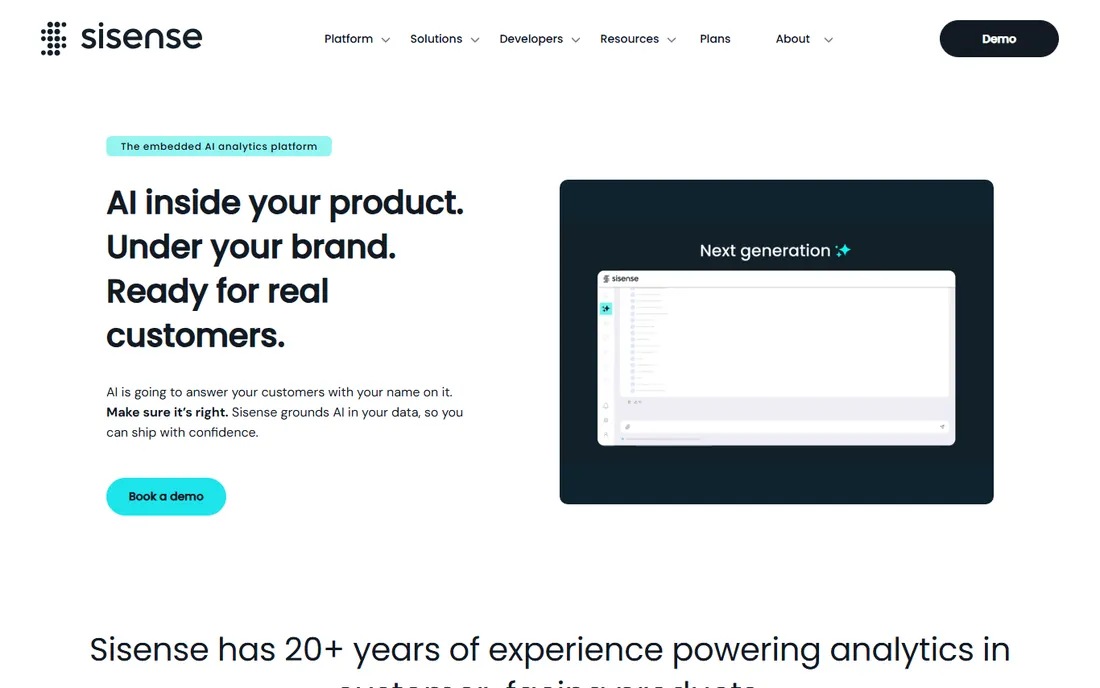
Sisense plays a different game from most tools on this list. Instead of dashboards for your employees, it puts analytics inside the product you sell to your customers, under your brand, with each tenant's data properly isolated. The Compose SDK, APIs and row-level security are built for this job, and the 2026 messaging adds AI answers grounded in your approved metrics. Companies like PagerDuty and Philips use it for customer-facing analytics.
That focus is also its limit. As a general self-service BI tool for internal teams, Sisense is not the obvious pick and the community is smaller. Pricing is entirely quote-based, which is normal for embedded deals but means you cannot budget from the website.
What we like- Purpose-built for embedded analytics with multi-tenant controls
- Flexible APIs and Compose SDK
- Governed semantic layer
Watch out for- Not designed as a general self-service BI tool
- Pricing is quote-based
- Smaller user community
#7
ThoughtSpot
Best for: business users who prefer searching over building dashboards
Visit thoughtspot.com
Starting priceSee website
Free planSee website
ThoughtSpot asks a simple question: why build a dashboard when you can just type "revenue by region last quarter"? Its search bar queries a governed data model and returns charts you can drill into, and Spotter, its AI analyst, now handles follow-ups and learns from your team's usage. Liveboards keep the numbers live instead of snapshotting them. For sales leaders and marketers who refuse to learn a BI tool, this is the closest thing to analytics that feels like Google.
The catch is the data model. Search only works well on clean, well-defined tables, so your data team still does the modeling work. ThoughtSpot does not publish pricing, so expect an enterprise sales process. Strong pick where business users outnumber analysts; weak for teams that need pixel-perfect custom visuals.
What we like- Natural-language search on governed data
- Spotter AI answers with sources
- Liveboards update from live queries
Watch out for- Needs a well-modeled dataset before search works well
- Pricing is quote-based
- Charting is less flexible than Tableau
Starting priceSee website
Free planSee website
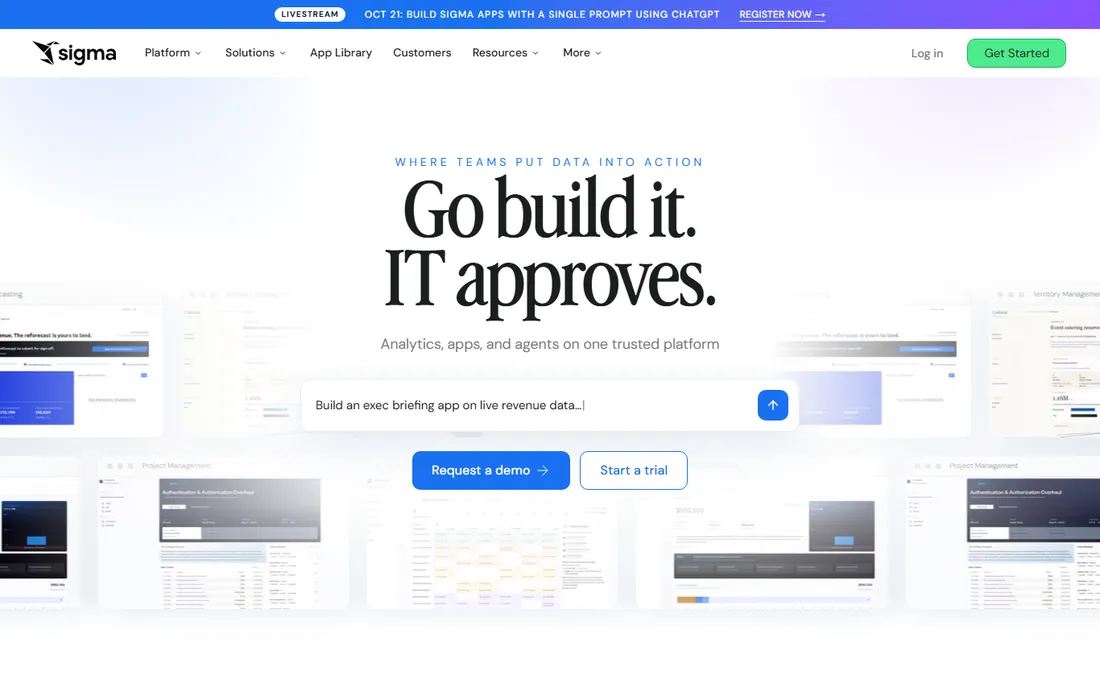
Sigma's pitch is disarmingly simple: a spreadsheet that queries your data warehouse directly. Anyone who can use Excel can build pivots, formulas and dashboards on billions of rows without waiting for an extract, and because queries run in the warehouse, security and governance come along for free. In 2026 Sigma repositioned as an "AI runtime for business," with natural-language questions and agents that act on the data, but the spreadsheet core is still the reason teams buy it.
The dependency cuts both ways. If your data lives in Snowflake or BigQuery, Sigma is a joy; if not, look elsewhere. It is a younger company with a smaller community than Tableau or Power BI, and pricing is quote-based. Sigma fits business teams at warehouse-centric companies that want self-service without SQL.
What we like- Familiar spreadsheet interface on live cloud data
- No extracts or data movement
- Inherits warehouse security and governance
Watch out for- Tied to your cloud warehouse (Snowflake, BigQuery, Databricks, Redshift)
- Smaller ecosystem than the giants
- Pricing is quote-based
#9
Mode
Best for: SQL-first data teams doing ad-hoc analysis
Visit mode.com
Starting priceSee website
Free planSee website
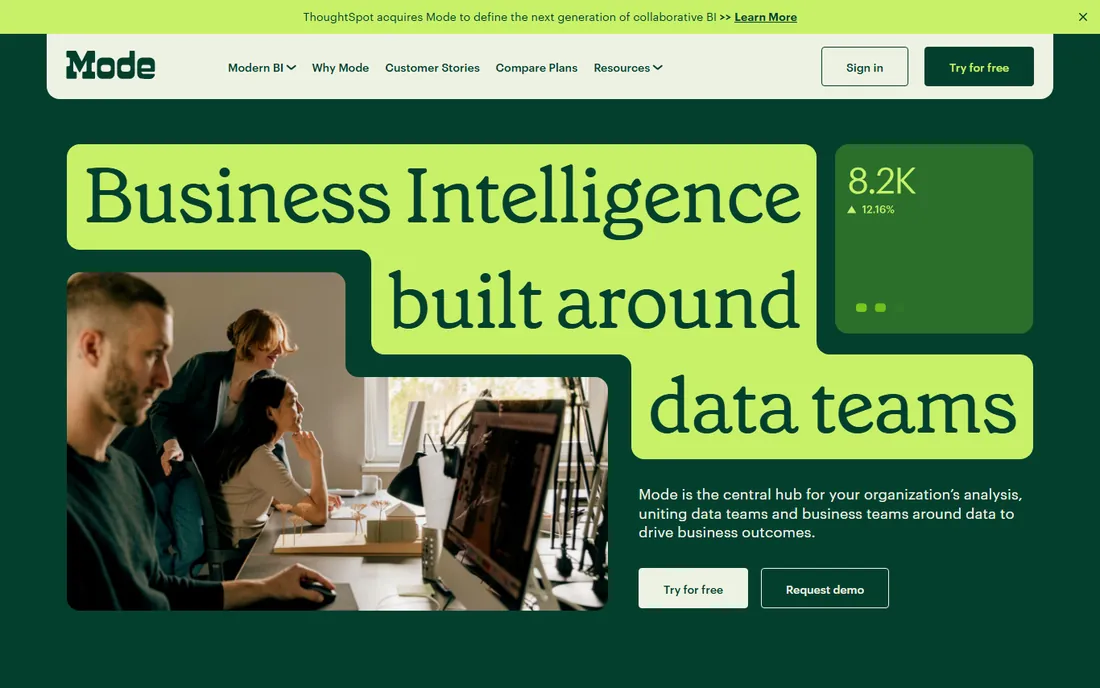
Mode built its name with analysts: write SQL, iterate fast, turn the result into a chart, and share it in a report that business users can actually read. Python and R notebooks live in the same workspace, which makes it a natural home for data science work alongside reporting. Teams can be productive in under an hour, and the free tier historically covered small teams.
The big caveat is the acquisition. ThoughtSpot bought Mode, and while the product is still sold and supported, ask hard questions about the roadmap before signing a multi-year deal. Mode never cracked governed self-service the way Looker or Power BI did, so it works best when analysts sit between the data and the business.
What we like- SQL, Python and R in one collaborative workspace
- Fast iteration from query to chart
- Quick to get running
Watch out for- ThoughtSpot acquired Mode, so the long-term roadmap is uncertain
- Weaker governed self-service for non-technical users
- Pricing is quote-based
#10
Metabase
Best for: startups and small teams that want dashboards for free
Visit metabase.com
Starting priceSee website
Free planYes (open source self-hosted is free; 14-day Cloud trial)
Metabase is the only tool here you can run for free, forever: the open source edition self-hosts with a single Docker command and handles dashboards, questions and alerts for a small team. The interface is deliberately simple, with a visual query builder for non-technical users and a SQL editor for everyone else. Metabase Cloud removes the hosting hassle for a monthly fee, and the 2026 editions added AI features and a semantic layer.
Free has limits. Serious access controls, SSO and multi-tenant embedding sit on paid plans, and the visualizations will not win beauty contests against Tableau. AI tokens and extra transform runs are usage-based on Cloud. For a startup that needs real dashboards this week with zero budget, nothing else on this list comes close.
What we like- Open source edition is free forever to self-host
- Connects to a database and builds dashboards in minutes
- Loved by engineers
Watch out for- Advanced permissions, SSO and white-label embedding cost extra
- Less polished than Tableau for executive presentations
- AI features are usage-based
How we chose
We started from the tools buyers actually evaluate: G2 and Capterra category leaders, Reddit threads from data teams, and vendor documentation. Every tool here is an active product you can buy today. We opened each vendor's homepage to confirm the current product name and URL, and took pricing only from official pricing pages. Where vendors publish no prices, we say "See website" instead of repeating third-party guesses. We did not run hands-on trials.
What to check before you sign
The biggest cost in BI is rarely the license; it is the implementation. Ask each vendor how long a typical deployment takes for a company your size, and what the first-year services bill looks like. Per-seat pricing punishes broad rollouts, so count your viewers, not just your analysts; capacity or viewer-block pricing can cut the bill for large audiences.
Second, match the tool to your data. If your data already lives in Snowflake or BigQuery, a warehouse-native tool like Sigma or Looker starts ahead. If it lives in spreadsheets and SaaS apps, Domo or Power BI gets you further, faster. If you are embedding analytics in your own product, evaluate Sisense and the embedded editions directly.
Finally, mind the contract. Most enterprise BI deals here are annual, paid upfront, with auto-renewal. Negotiate the renewal cap now, confirm what happens to your dashboards if you leave, and check data export options before you need them.
Red flags we noticed while researching
Two things stood out. First, the 2026 rebranding wave (Tableau's new editions, Qlik's shift to "Qlik Cloud Analytics," Sigma's "AI runtime" positioning) means reviews older than a year may describe products that no longer exist in that form.
Second, acquisition risk is real in this category. Mode now sits inside ThoughtSpot, and the history of BI acquisitions says overlapping products eventually merge. If you are signing a three-year deal with an acquired vendor, get the roadmap commitment in writing or keep the term short.
Frequently asked questions
What is the cheapest data analysis software on this list?
Metabase, because the open source edition is free to self-host with no user limits. Among paid tools, Microsoft Power BI Pro at $14 per user per month (billed annually) is the lowest published per-seat price, and Tableau Standard starts at $15 per user per month.
Which data analysis tool is best for beginners?
Metabase and Power BI are the gentlest starting points. Metabase's visual query builder needs no SQL, and Power BI's free Desktop app plus free account let one person learn without spending anything. Tableau's new free Desktop edition is also worth a look if you want to learn the industry-standard visual tool.
Tableau vs Power BI: which should I choose?
Choose Power BI if your company runs on Microsoft 365 and budget matters; $14 per user per month and native Teams and Excel integration are hard to beat. Choose Tableau if visual quality and a larger analyst community matter more than price, with annual contracts from $15 per user per month.
Is there really free data analysis software?
Yes. Metabase's open source edition is free forever when you self-host it. Tableau Desktop has a free edition for local analysis (no publishing), and Power BI has a free account for personal reports. All three are genuinely usable, not time-limited demos.
How long does it take to implement a BI tool?
Metabase or Power BI can produce first dashboards in days. Warehouse-modeled tools like Looker or Sigma typically take weeks to months because the modeling comes first. Enterprise rollouts of Tableau or Domo with training and governance usually run one to three months.
Which tool is best for embedding analytics in my product?
Sisense is purpose-built for this, with multi-tenant controls, white-labeling and a developer SDK. ThoughtSpot and Looker both sell embed editions too. Compare them on tenant isolation, API flexibility and how the pricing scales with your end-user count, not on their internal dashboard features.
Sources we checked (13)
- https://www.tableau.com
- https://www.tableau.com/pricing
- https://powerbi.microsoft.com
- https://powerbi.microsoft.com/pricing/
- https://cloud.google.com/looker
- https://qlik.com/us/products/qlik-sense
- https://domo.com/
- https://sisense.com/
- https://thoughtspot.com/
- https://sigmacomputing.com/
- https://mode.com
- https://www.metabase.com
- https://www.metabase.com/pricing
Is your product missing or out of date?
We review this list regularly. Vendors can request a listing, send updated pricing or ask about featured placement.

Shihab Mia · Founder, Rankite
Shihab has spent more than a decade helping SaaS and e-commerce brands grow through search. He writes Rankite's software buying guides from pricing pages, documentation and public user reviews. More about Shihab.