How we make this list: we compare pricing pages, product documentation and public user reviews. Rankite is independent; if a vendor ever pays for a featured spot, that listing is clearly labeled Partner.
Key takeaways
- Databox is the strongest free start: a real free plan with 3 data sources and goals tracking, then Analyst at $71 a month.
- SimpleKPI charges one flat $79 a month for unlimited users, the most predictable bill on this list.
- Klipfolio and Geckoboard do not publish clear public pricing, so confirm quotes before shortlisting either.
- Power BI at $14 per user a month is the cheapest serious BI tool if your team already lives in Microsoft 365.
- DashThis and Whatagraph price around reports and dashboards, not users, which suits agencies and marketing teams.
Quick comparison
| Tool | Best for | Starting price | Free plan |
|---|
 Databox Databox | the best free start for small businesses | $71 per month (Analyst, billed annually) | Yes (Free plan, 1 user, 3 data sources) |
 SimpleKPI SimpleKPI | one flat price with zero surprises | $79 per month (flat, billed monthly) | Free trial (14 days) |
 DashThis DashThis | marketing teams that report on campaigns | $49 per month (Individual, 3 dashboards, monthly billing) | Free trial (14 days) |
 Klipfolio Klipfolio | teams that want spreadsheet-style formula control | See website | Free trial (14 days) |
 Geckoboard Geckoboard | live KPIs on an office TV screen | See website | Yes |
 Power BI Power BI | teams already inside Microsoft 365 | $14 per user per month (Pro, billed annually) | Yes (free Desktop app for individual authoring) |
 Tableau Tableau | the deepest visualization toolkit | $15 per user per month (Viewer, Standard edition, billed annually) | No |
 Domo Domo | companies that want one platform for everything | See website | Free trial (30 days) |
 Whatagraph Whatagraph | agencies and multi-location teams with big reporting needs | EUR 699 per month (Max, billed annually) | No (14-day free trial) |
Is your product missing or out of date?
We review this list regularly. Vendors can request a listing, send updated pricing or ask about featured placement.
The best KPI software for small business
Starting price$71 per month (Analyst, billed annually)
Free planYes (Free plan, 1 user, 3 data sources)
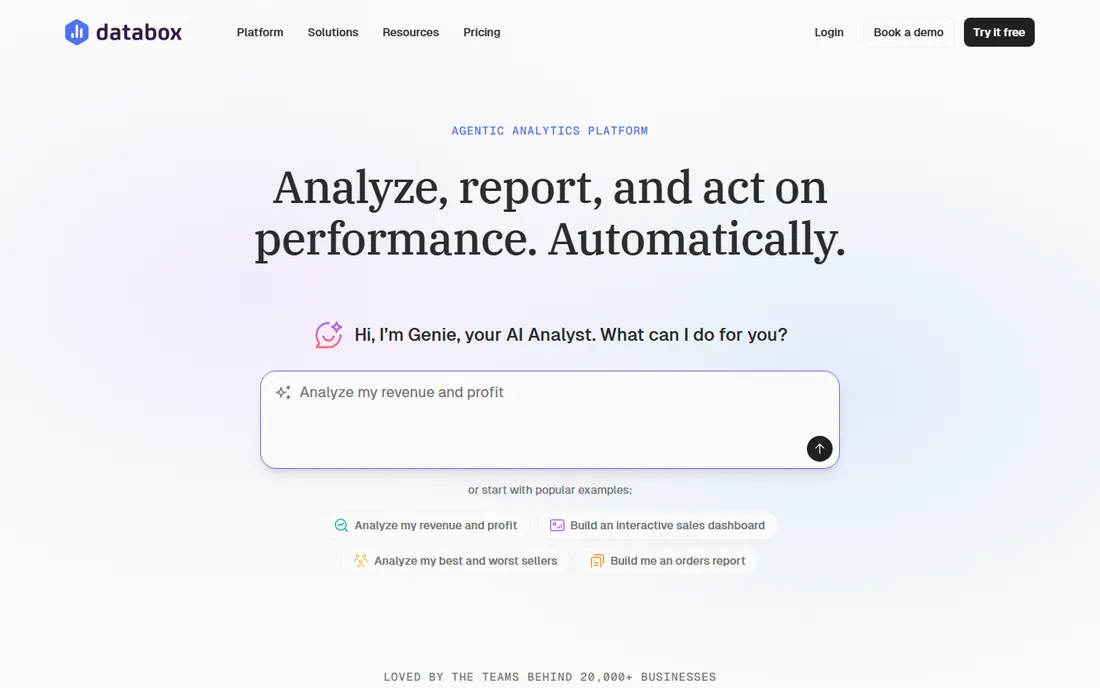
Databox is the easiest tool on this list to start with because the free plan is actually usable: one user, three data sources, goals, anomaly detection and daily sync at no cost. When you outgrow it, Analyst at $71 a month (billed annually) adds unlimited dashboards, hourly sync and API access. The integration library covers 130+ tools, so most small businesses connect everything they use without middleware.
The pricing model is source-based, not seat-based, which is both the strength and the trap. Paid plans include only 3 to 5 sources, and each extra one costs $5.60 a month. A growing stack of ten or twelve tools quietly doubles your bill. Also note that the headline AI analyst features start at the Growth tier, not Analyst. For tracking a handful of core KPIs against goals, though, Databox is the best free KPI software in this roundup and a strong paid option too.
What we like- Real free plan with goals and alerts
- 130+ native integrations
- Unlimited users on paid plans
Watch out for- Extra data sources cost $5.60 a month each
- AI features need the Growth plan
- Source limits can bite fast
Starting price$79 per month (flat, billed monthly)
Free planFree trial (14 days)
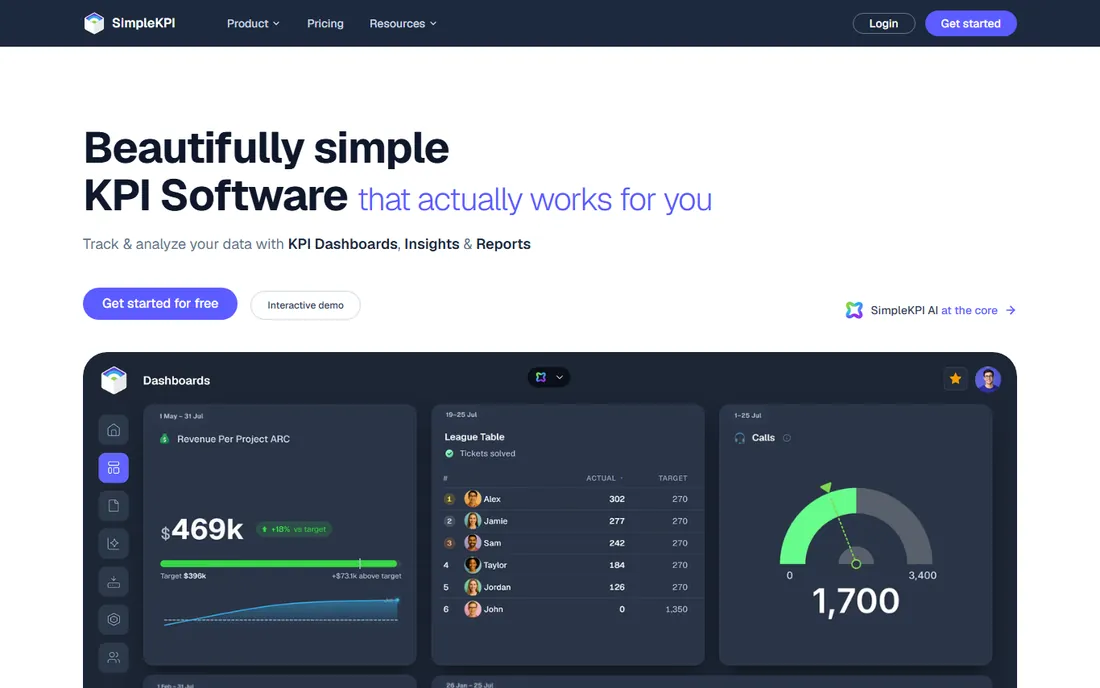
SimpleKPI does something almost nobody else on this list does: one price, everything included. Pay $79 a month on monthly billing (or $63 on annual) and you get unlimited users, unlimited KPIs, unlimited dashboards, unlimited reports and all features including the built-in AI. No per-user fees, no AI credit meters, no tiers to decode. For a small business owner who has been burned by usage-based bills, that simplicity is the entire pitch.
The trade-off is integration depth. SimpleKPI connects to spreadsheets, Zapier and an API, but it is not a 130-integration dashboard engine like Databox. It shines when your KPIs are defined and you want to track them against targets with minimal fuss, less so when you need to blend ten live marketing platforms automatically. Pick it for predictable cost and pure KPI tracking.
What we like- Unlimited users, KPIs, dashboards and reports for one price
- Built-in AI included free
- No per-seat or usage meters
Watch out for- No free plan
- Fewer native integrations than dashboard-first tools
- Best for manual KPI tracking
Starting price$49 per month (Individual, 3 dashboards, monthly billing)
Free planFree trial (14 days)
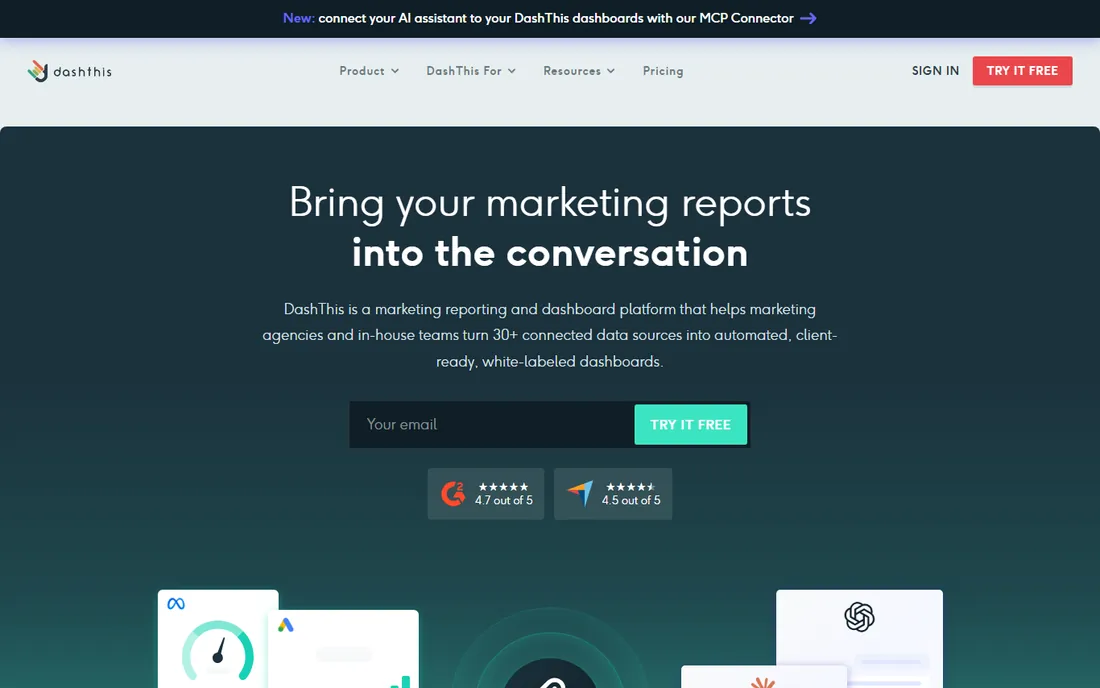
DashThis is built for one job: turning connected marketing platforms into client-ready reports without manual work. You pick a template, connect your accounts, and the report populates itself each month with automated email delivery. The Individual plan at $49 a month covers 3 dashboards with unlimited users and unlimited data sources, and the pricing model stays dashboard-based all the way up: Professional ($159, 10 dashboards), Business ($309, 25), Standard ($479, 50).
The catch is that dashboards are the unit of cost. A small agency giving each client two or three dashboards hits the ceiling faster than expected, and each tier jump is significant. It also reports each platform's numbers as reported, with little room to reshape or reconcile data between sources first. If your KPIs are mostly marketing metrics and you value speed over depth, DashThis is efficient. If you need to blend data, look elsewhere.
What we like- Preset templates fill reports automatically
- Unlimited users on every plan
- Full white-label options on higher tiers
Watch out for- Prices by dashboard count
- Weak data modelling between sources
- Price jumps are steep per tier
Starting priceSee website
Free planFree trial (14 days)
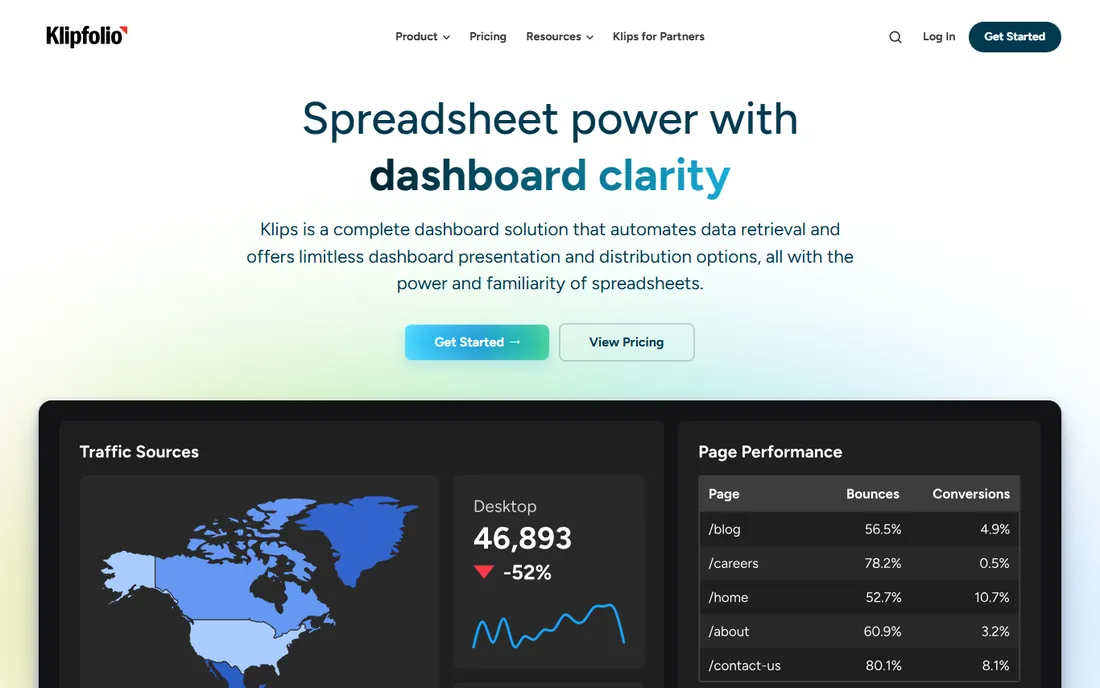
Klipfolio occupies the middle ground between simple dashboards and real BI. Its signature is the formula editor: you build metrics with Excel-like functions your team already understands, including joins between data sources on every plan. Distribution is unusually strong, with ten methods including TV mode, scheduled PDFs, public links and embeds, so the same dashboard can serve the office wall and client inboxes.
The honest problem is pricing. Third-party sources in 2026 cite everything from $90 to $140 a month for the entry tier, and Klipfolio itself does not present a single clear public number. Treat any figure you see online as provisional and get a quote. The tool itself is capable and well-liked by small businesses that outgrew spreadsheets but are not ready to hire an analyst. Just budget time for the learning curve on formulas.
What we like- Excel-like formulas for custom calculations
- 130+ connectors
- Strong distribution (TV mode, PDF, embeds, scheduled email)
Watch out for- Pricing is opaque and varies by source
- No permanent free plan
- Steeper learning curve than simpler tools
Starting priceSee website
Free planYes
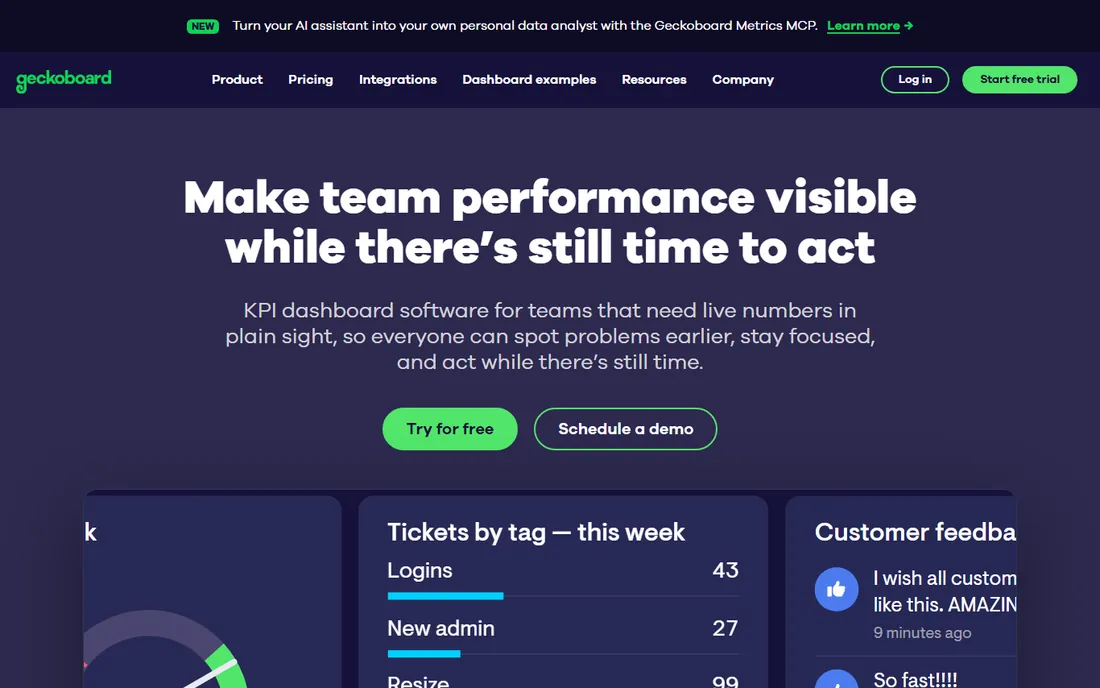
Geckoboard does one thing and does it well: your KPIs, live, on a screen. Setup takes minutes, widgets are clean and readable from across a room, and unlimited viewers mean the whole team can see the numbers without extra logins. For a sales team that wants today's pipeline on the wall or a support team watching response times, it is the fastest path from signup to visible dashboard.
Everything else is deliberately limited. There is no data blending across sources, no custom metrics or formula builder, no AI insights, and white-labeling is thin. Pricing information is inconsistent across sources, so confirm directly with the vendor. Choose Geckoboard when the job is glance-and-go visibility. When your reporting needs grow into real analysis, you will outgrow it.
What we like- Fastest setup to a live screen
- Unlimited viewers
- Clean, glanceable widgets
Watch out for- No data blending between sources
- Limited customization and white-labeling
- Pricing pages show inconsistent numbers
Starting price$14 per user per month (Pro, billed annually)
Free planYes (free Desktop app for individual authoring)
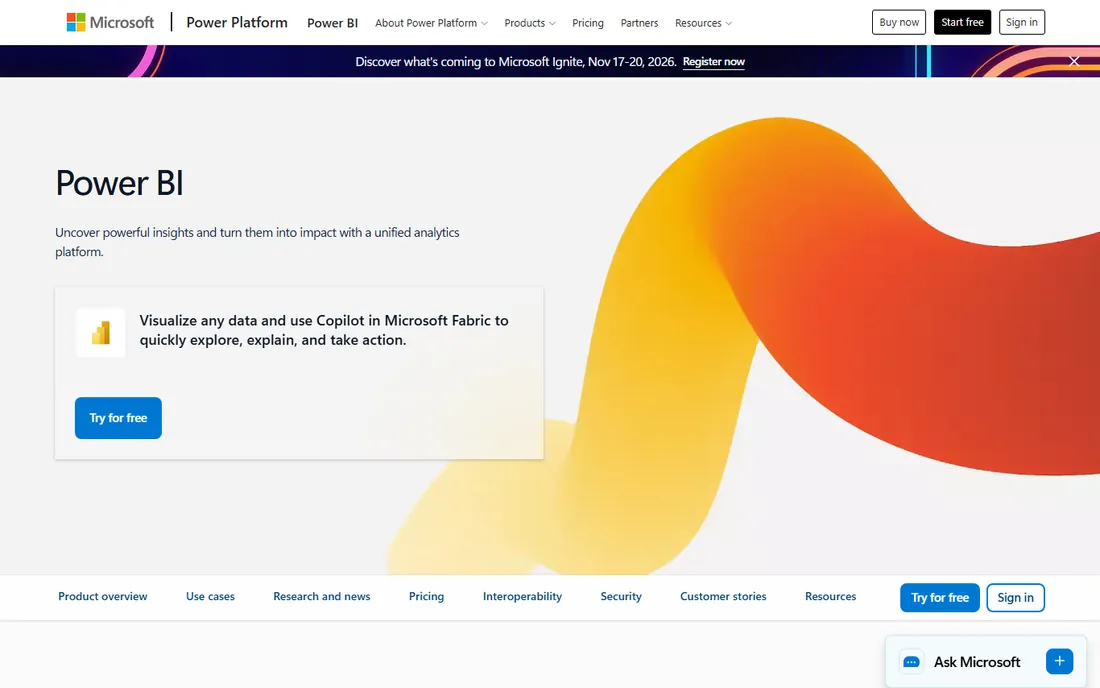
Power BI is the value champion of serious BI. Pro at $14 per user a month (after Microsoft's April 2025 increase from $10) gives you report publishing, sharing, 8 daily refreshes and collaboration. The free Desktop app lets one person build reports at no cost. If your team lives in Excel, Teams and SharePoint, the integration story is unmatched at this price.
The budget trap is the per-user model. Every person who views a shared report needs a Pro license too, so a 20-person team costs $280 a month, not $14. Premium Per User at $24 adds larger models and AI features. For small businesses already paying for Microsoft 365, Power BI is usually the cheapest path to real BI. Just model the cost by headcount, not by author.
What we like- Deep Excel and Microsoft 365 integration
- Strong self-service BI at a low price
- Huge community and template library
Watch out for- Per-user pricing multiplies with every viewer
- Report sharing needs paid licenses
- Weaker white-labeling
Starting price$15 per user per month (Viewer, Standard edition, billed annually)
Free planNo
Tableau remains the gold standard for data visualization. If your KPIs need serious analysis, statistical modeling, governed data sources and beautiful interactive dashboards, nothing on this list matches it. The role-based pricing lets viewers in at $15 a month (Standard edition, billed annually), with Explorer at $42 and Creator at $75.
For most small businesses, Tableau is more tool than they need. Every deployment requires at least one Creator license, costs climb quickly with mixed roles, and the Enterprise edition that adds data management and AI features runs higher still. Choose Tableau when visualization depth and governance are the priority. For simple KPI tracking, you will pay for sophistication you never touch.
What we like- Best-in-class visual analytics
- Flexible role-based licensing
- Strong governance and data catalog
Watch out for- Overkill for basic KPI tracking
- Creator seats cost $75 a month
- Minimum one Creator license required
#8
Domo
Best for: companies that want one platform for everything
Visit domo.com
Starting priceSee website
Free planFree trial (30 days)
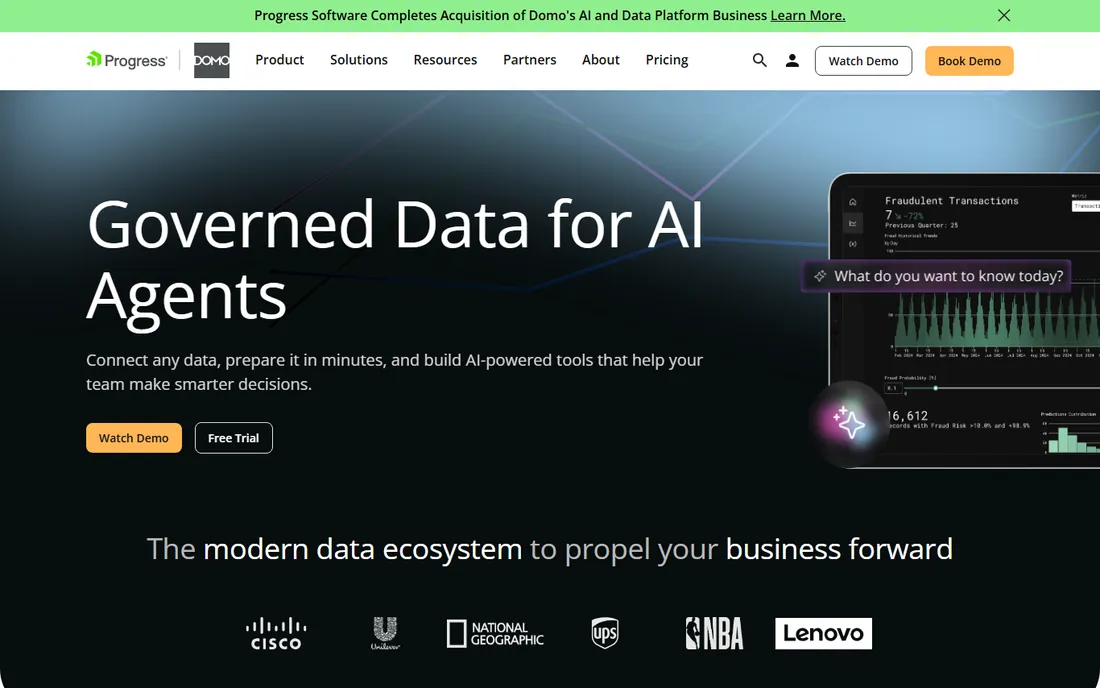
Domo is a full data experience platform: connectors, ETL, dashboards, embedded analytics and custom apps in one cloud product, with over 1,000 integrations. For a business consolidating data from dozens of sources into dashboards and workflows, the breadth is genuinely impressive, and the mobile experience is among the best in BI.
The pricing reality is the opposite of SimpleKPI. Nothing is published; contracts are negotiated, commonly estimated from around $30,000 a year, and the consumption-based credit model makes forecasting difficult. Implementation often adds professional services on top. A 30-day free trial lets you evaluate the platform itself. Domo belongs on a small business shortlist only if your data ambitions are already mid-market in scale.
What we like- 1,000+ connectors
- Combines ETL, dashboards and apps in one
- Mobile-first reporting
Watch out for- No published pricing
- Consumption-based credits are hard to forecast
- Implementation often needs professional services
#9
Whatagraph
Best for: agencies and multi-location teams with big reporting needs
Visit whatagraph.com
Starting priceEUR 699 per month (Max, billed annually)
Free planNo (14-day free trial)
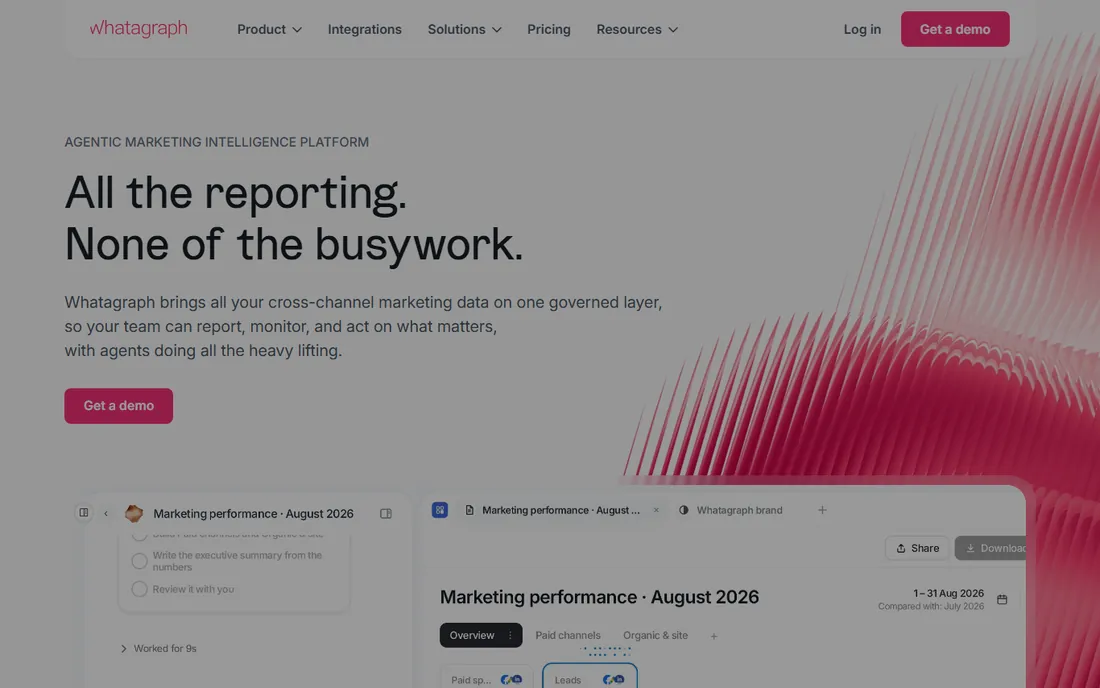
Whatagraph restructured its pricing in 2026 around two plans: Max from EUR 699 a month (billed annually) and Prime on custom quote. Usage is counted in source credits, one credit per connected data account. What you get for the money is serious: a governed semantic layer across channels, no-code data blending with custom formulas, AI report generation and chat, unlimited users and reports, and white-labeling.
For a typical small business, this is overkill at an enterprise price. For a marketing agency managing dozens of client accounts or a multi-location brand that needs one governed number across channels, the cost replaces multiple tools and contractor hours. It is the premium option here: evaluate it when reporting is core to your business, not a side task.
What we like- Governed cross-channel data with no-code blending
- Unlimited users and reports
- Strong AI report generation
Watch out for- Expensive for small businesses
- Annual-only billing
- No free plan
How we chose
We started from the keyword the guide targets, best kpi software for small business, and built a list that spans the real budget spectrum: free plans, flat-rate tools, per-user BI and agency platforms. We checked each vendor's official pricing information and third-party pricing analyses in October 2026. Where published prices conflicted or the vendor publishes nothing, we marked starting price as See website rather than guessing. We favored tools that work without a data team, and we did not run hands-on trials.
Why the cheapest-looking option usually is not
KPI software pricing models are designed to confuse, so do the math on your actual usage. Per-user tools like Power BI look cheap at $14 until every viewer needs a license. Source-based tools like Databox look cheap at $71 until twelve integrations push you toward double that. Dashboard-based tools like DashThis look simple until each client needs three dashboards. And flat-rate tools like SimpleKPI look boring until you realize the bill never moves.
The honest way to compare: list the people who need access, the sources you will connect, and the dashboards or reports you will actually produce. Price each tool against that list for year one and year two. The winner is rarely the lowest sticker price. It is the one whose model fits how you will grow.
What to ask on every demo call
First, ask what counts as a billable unit. Sources, users, dashboards, reports, and AI credits all appear as units across these tools, and the vendor will happily let you discover the expensive one after you sign.
Second, ask about refresh rates on the plan you are actually buying. Daily sync on the entry tier is normal; hourly or real-time usually costs more. If your KPI is "today's sales," daily is not enough.
Third, ask how goals and targets work. A KPI tool that cannot track actuals against a target is just a dashboard. Databox, SimpleKPI and Klipfolio all handle targets; make sure the feature is on the tier you are buying.
Fourth, ask about historical data. Some plans limit history to months, not years. Year-over-year comparisons are the point of KPI tracking, so confirm you get the history you need.
Finally, ask about leaving. Export options, contract terms, and whether your dashboards survive cancellation matter more than the signup bonus. The vendors that answer this question clearly are usually the ones worth trusting.
Frequently asked questions
What is the best KPI software for a small business?
Databox is the best free start, with a genuinely usable free plan and Analyst at $71 a month. For one flat predictable bill, SimpleKPI charges $79 a month for unlimited users. The right pick depends on whether you value free entry or price certainty.
Is there really free KPI software?
Yes. Databox offers a free plan with 1 user and 3 data sources, and Geckoboard has a free tier. Power BI's free Desktop app lets one person build reports. Free plans have limits on sources, history or sharing, so check the caps before relying on them.
How much should a small business spend on KPI software?
Solo operators and tiny teams typically pay $0 to $80 a month using Databox, SimpleKPI or Power BI. Marketing teams with reporting needs land in the $49 to $300 range with DashThis or Klipfolio. Agency-grade platforms like Whatagraph start around EUR 699 a month.
Do I need a data analyst to use KPI software?
No. Every tool here except Domo and Tableau is designed for non-analysts. If you can use a spreadsheet, you can build dashboards in Databox, Geckoboard or SimpleKPI. Budget analyst time only if you choose the enterprise platforms.
Can KPI software connect to my accounting software?
Most of these tools connect to accounting platforms like QuickBooks or Xero, either natively or through Zapier. Check the integration list for your specific accounting tool before buying, since coverage varies by vendor.
What is the difference between KPI software and BI software?
KPI software focuses on tracking a defined set of metrics against targets with simple dashboards. BI software like Tableau and Power BI goes deeper: ad-hoc analysis, data modeling and governance. Small businesses usually need the first; they buy the second when questions get complex.
Sources we checked (9)
- https://databox.com
- https://www.klipfolio.com/blog/cloud-bi-dashboard-tools-small-business
- https://www.g2.com/products/geckoboard/pricing
- https://dashthis.com/blog/linkedin-analytics-tools/
- https://www.simplekpi.com/pricing
- https://powerbi.microsoft.com
- https://www.tableau.com/pricing?ref=integrations.idemeum.com
- https://www.domo.com
- https://whatagraph.com
Is your product missing or out of date?
We review this list regularly. Vendors can request a listing, send updated pricing or ask about featured placement.

Shihab Mia · Founder, Rankite
Shihab has spent more than a decade helping SaaS and e-commerce brands grow through search. He writes Rankite's software buying guides from pricing pages, documentation and public user reviews. More about Shihab.