How we make this list: we compare pricing pages, product documentation and public user reviews. Rankite is independent; if a vendor ever pays for a featured spot, that listing is clearly labeled Partner.
Key takeaways
- For the same "numbers on a screen" job, Geckoboard costs $948 a year while Tableau Enterprise costs over $88,000 (mammoth.io, October 2026), so match the tool to the job.
- SimpleKPI and Databox both start at $79 a month with flat, predictable pricing and unlimited users.
- Looker Studio and Metabase's open-source edition are free, and both are legitimate choices, not toys.
- Power BI at $14 per user per month is the default for Microsoft-centric companies, and fighting that default rarely pays.
Quick comparison
| Tool | Best for | Starting price | Free plan |
|---|
 Databox Databox | Marketing and sales KPIs across many sources | $79 per month (billed annually) | Yes |
 Geckoboard Geckoboard | Live KPIs on an office TV screen | $79 per month (billed annually) | Free trial |
 Klipfolio Klipfolio | Custom client-facing dashboards | $120 per month (billed annually) | Free trial |
 SimpleKPI SimpleKPI | Simple flat-price KPI tracking, unlimited users | $79 per month | Free trial |
 Microsoft Power BI Microsoft Power BI | Microsoft-centric teams needing real BI | $14 per user/month (paid yearly) | Yes |
 Looker Studio Looker Studio | Free dashboards on Google data | Free | Yes |
 Metabase Metabase | SQL-friendly teams that want to self-host | $90 per month (Cloud Starter, billed annually) | Yes |
 Plecto Plecto | Sales-floor targets, gamification and contests | $24 per tracked user/month | Free trial |
 Zoho Analytics Zoho Analytics | Affordable BI inside the Zoho ecosystem | See website | Yes |
Is your product missing or out of date?
We review this list regularly. Vendors can request a listing, send updated pricing or ask about featured placement.
The best KPI tracking software
Starting price$79 per month (billed annually)
Free planYes
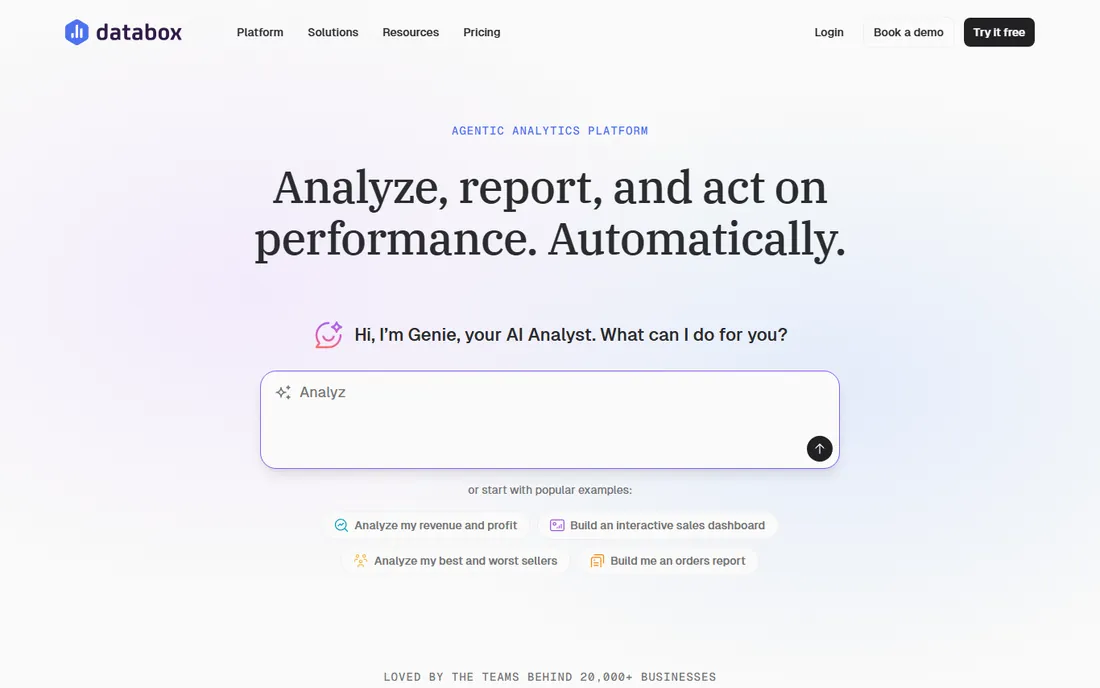
Databox is the KPI tool for the team drowning in logins. Connect HubSpot, Google Analytics, the ad platforms and the CRM, and pre-built templates assemble the marketing and sales numbers without a data project. The newer AI analyst, Genie, answers plain-language questions about performance and explains what moved, which covers the "why did revenue dip" question that used to need an analyst.
Pricing starts with a genuinely useful free plan, then paid plans from $79 a month billed annually up to $319. The honest catch is the jump: there is not much middle ground between free and serious money, and agencies managing many clients pay per account. For a marketing or sales team that wants connected KPIs without hiring a BI person, Databox is the fastest path.
What we like- 130-plus integrations with pre-built KPI templates
- AI analyst that answers questions about your metrics
- Free plan to start
Watch out for- Paid plans jump quickly from free to $79 and beyond
- The per-account pricing punishes agencies with many clients
- Advanced customization lags full BI tools
Starting price$79 per month (billed annually)
Free planFree trial
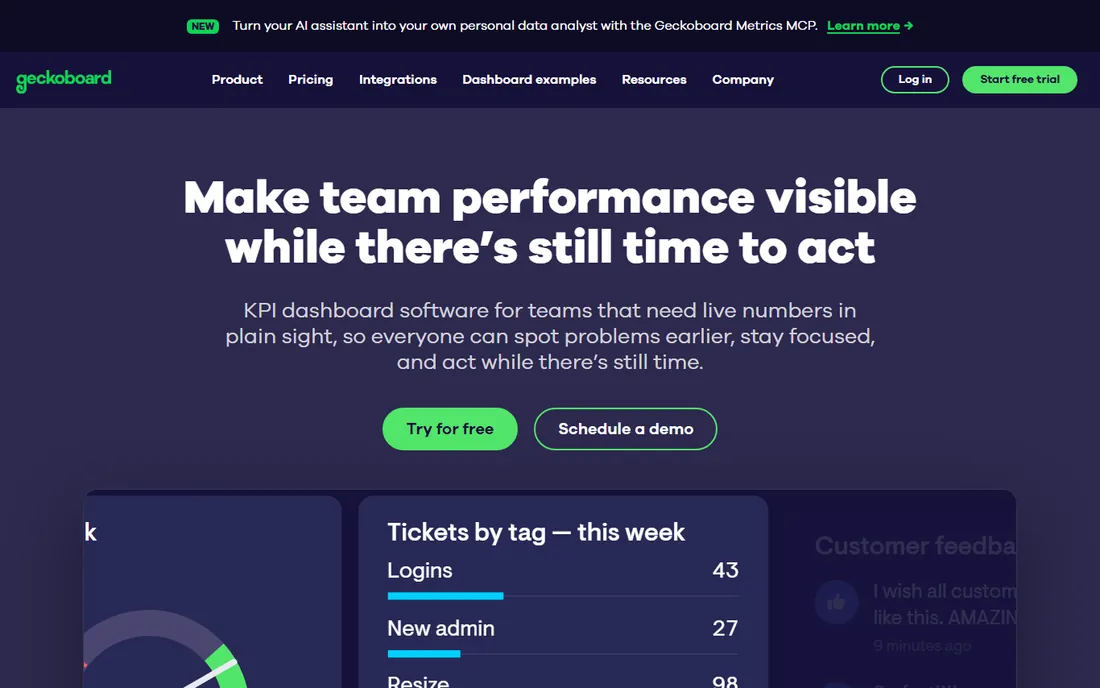
Every office with a TV showing live revenue has either built something fragile or bought Geckoboard. It does one job extremely well: take KPIs from 90-plus sources and display them beautifully on a shared screen, a link or scheduled snapshots. Setup genuinely takes minutes, and the displays are designed to be read from across the room.
The ceiling is computation across sources. Because metrics are built per data source, a blended number like pipeline coverage against ad spend has to be calculated somewhere else first. And $79 a month billed annually is real money for what is, at heart, a very good screen. If the job is "everyone sees the numbers," Geckoboard is the answer. If the job is analysis, buy a BI tool.
What we like- Purpose-built for always-on TV displays
- Setup takes minutes with 90-plus data sources
- Scheduled snapshots to Slack, Teams and email
Watch out for- Metrics are built per data source, so blended cross-source numbers need work elsewhere
- $79 a month is steep for a single screen
- No in-app analyst
Starting price$120 per month (billed annually)
Free planFree trial
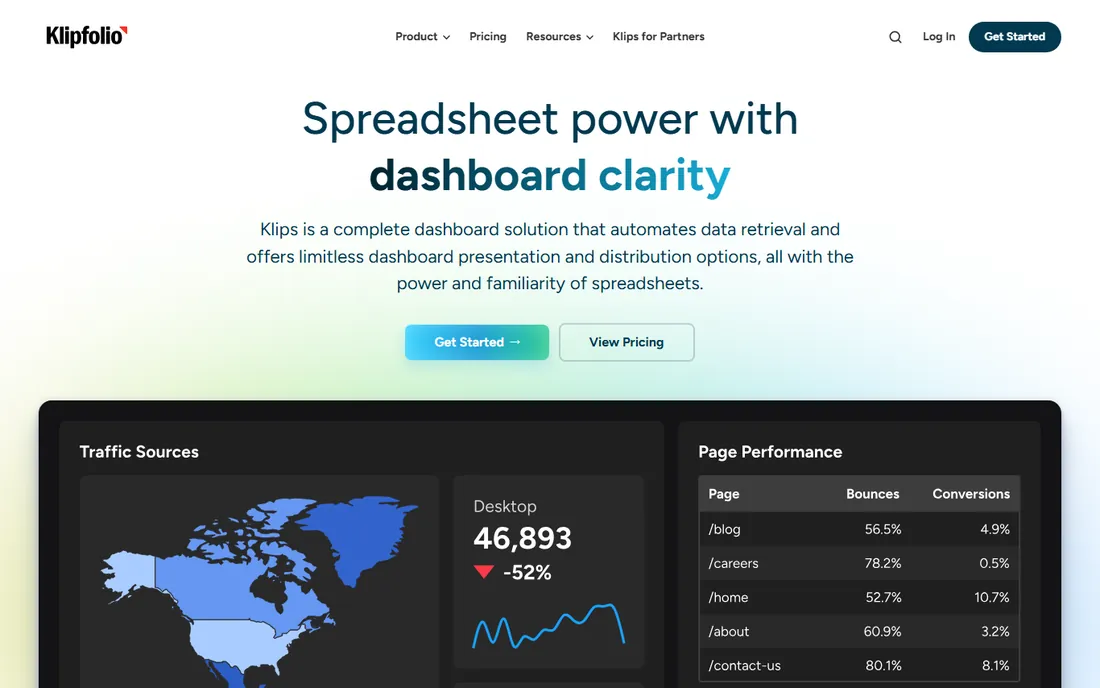
Klipfolio is for the team that outgrew templates and wants control. Formulas, data modeling, joins across sources and pixel-level dashboard design give you the custom client dashboard or executive view that simpler tools cannot build. Agencies use it to deliver white-labeled reporting that looks like their own product, with unlimited users so clients can log in.
That power costs $120 a month billed annually to start ($140 monthly), and the learning curve is real: this is a builder's tool, not a connect-and-done tool. The base plan's 4-hour data refresh is also worth noting if you need near-real-time numbers. For custom, client-facing dashboards where the presentation matters as much as the data, Klipfolio earns its price.
What we like- Formula-level control over every metric and visualization
- White-label client dashboards agencies love
- Unlimited users on plans
Watch out for- $120 a month to start is premium for small teams
- The learning curve is steeper than simpler tools
- 4-hour data refresh on the base plan
Starting price$79 per month
Free planFree trial
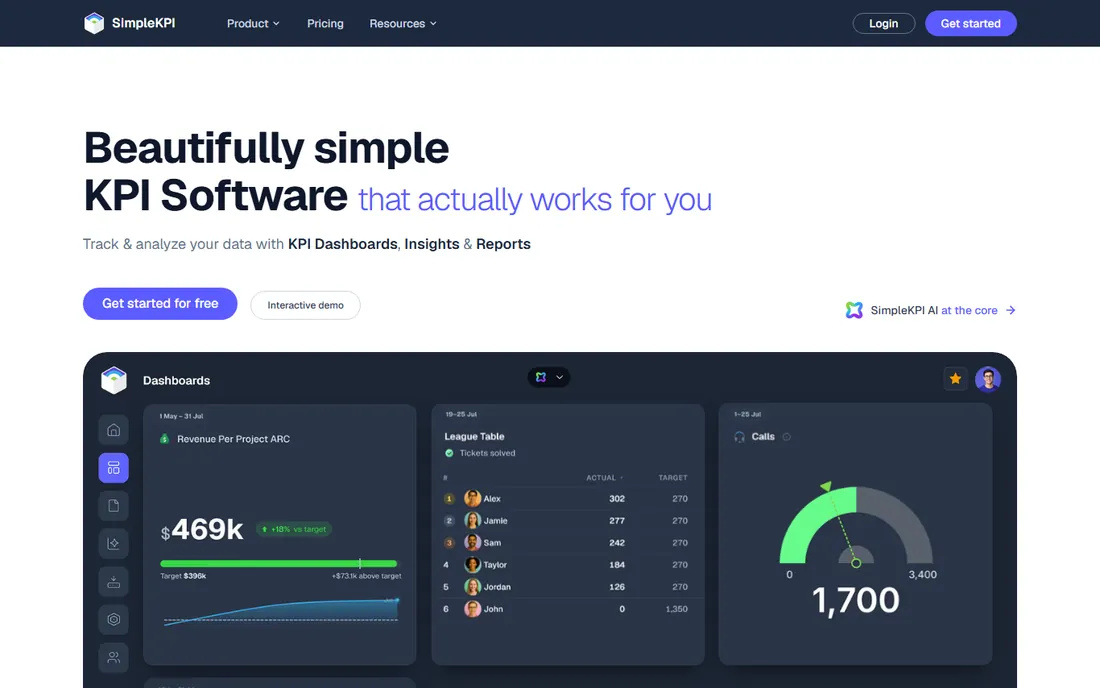
SimpleKPI's entire pitch fits in one sentence: $79 a month billed monthly, or $63 a month billed annually, for everything, with unlimited users, dashboards, reports and KPIs. No per-seat fees, no AI credit meters, no tiers that hide the feature you need. For a small or mid-size business that wants to track KPIs without pricing anxiety, that simplicity is the product.
The trade is depth. The integration list is shorter than the big names, the dashboards are functional rather than beautiful, and you will not do serious data modeling here. But most companies do not need serious data modeling; they need twenty KPIs, updated reliably, visible to everyone, at a price that never surprises. SimpleKPI delivers exactly that.
What we like- One flat price with everything included and unlimited users
- No per-seat fees or usage meters
- Refreshingly honest pricing page
Watch out for- Fewer integrations than Databox or Klipfolio
- Less visual polish on dashboards
- Not a full BI platform
Starting price$14 per user/month (paid yearly)
Free planYes
If your company runs on Microsoft 365, the KPI conversation is usually over before it starts. Power BI Pro costs $14 per user per month paid yearly and connects natively to Excel, Teams, SharePoint and Azure data. The free account lets anyone build reports, though sharing them requires paid licenses. For real business intelligence at a small-business price, nothing else in the Microsoft world competes.
The licensing deserves a careful read. Free builds but does not share, Pro shares at $14 per user, Premium Per User at $24 adds bigger models and AI features, and capacity-based Premium is a different conversation entirely. It is also unapologetically Microsoft: Google Workspace shops will fight it. For the Microsoft-centric team, though, Power BI is the default for good reason.
What we like- Deep integration with Excel, Teams and the Microsoft stack
- Pro at $14 per user per month is cheap for real BI
- Huge community and template ecosystem
Watch out for- Sharing requires paid licenses, the free account is build-only
- The licensing model confuses everyone
- Premium features sit behind higher tiers
Starting priceFree
Free planYes
Looker Studio, formerly Data Studio, is the best free dashboard tool in existence for Google-centric teams. Connect Google Analytics, Google Ads, Search Console and Sheets natively, build clean dashboards, and share them with a link. For a small business or marketing team reporting on Google data, the price-to-value ratio is unbeatable because the price is zero.
The limits appear with scale. Big datasets and complex blends slow down, advanced statistical analysis is thin, and Google's history of neglecting the product makes long-term planners nervous. But as the free baseline every other tool must beat, Looker Studio sets a high bar. Start here, and only pay when you can name what it cannot do.
What we like- Completely free for the standard version
- Native connectors for Google Analytics, Ads and Sheets
- Easy sharing with a link
Watch out for- Performance struggles with large or complex data
- Limited advanced analytics
- Google's product attention is inconsistent
Starting price$90 per month (Cloud Starter, billed annually)
Free planYes
Metabase is the open-source BI tool that teams actually love. The free self-hosted edition lets anyone ask questions by pointing and clicking, while SQL users get a proper editor, and dashboards cover the standard KPI job well. When you outgrow self-hosting, Metabase Cloud Starter runs $90 a month billed annually with AI-assisted SQL and 20-plus data sources.
The honest cost of "free" is operations: upgrades, backups, scaling and security are your job on the open-source edition. Advanced features like granular permissions and SSO sit on paid tiers. For the SQL-friendly team with some infrastructure ability, Metabase is the rare free tool that does not feel like a compromise.
What we like- Open-source edition is free forever and genuinely capable
- Non-technical users can ask questions by clicking
- Cloud option from $90 a month
Watch out for- Self-hosting means you own maintenance and upgrades
- Advanced permissions and SSO need paid tiers
- The interface is practical, not pretty
#8
Plecto
Best for: Sales-floor targets, gamification and contests
Visit plecto.com
Starting price$24 per tracked user/month
Free planFree trial
Plecto is not a general dashboard tool; it is a motivation tool that happens to show numbers. Leaderboards, achievements, contests and real-time target tracking are designed for the sales floor, displayed on TVs where everyone sees who is winning. Pricing starts at $24 per tracked user per month on the Medium plan, with viewers free, which matches the use case: a few tracked reps, many watching.
The minimum 10 licenses means small teams overbuy, and anyone wanting general business intelligence should look elsewhere. But for the specific job of making targets visible and competitive, Plecto understands the psychology better than any BI tool. If your KPIs are about driving behavior, not just reporting it, this is the specialist.
What we like- Built for targets, leaderboards and sales competitions
- TV dashboard mode for the sales floor
- Pricing per tracked user keeps viewers free
Watch out for- Minimum 10 licenses on the entry tier
- Niche focus means weak general BI
- The per-user model adds up for large sales teams
#9
Zoho Analytics
Best for: Affordable BI inside the Zoho ecosystem
Visit zoho.com
Starting priceSee website
Free planYes
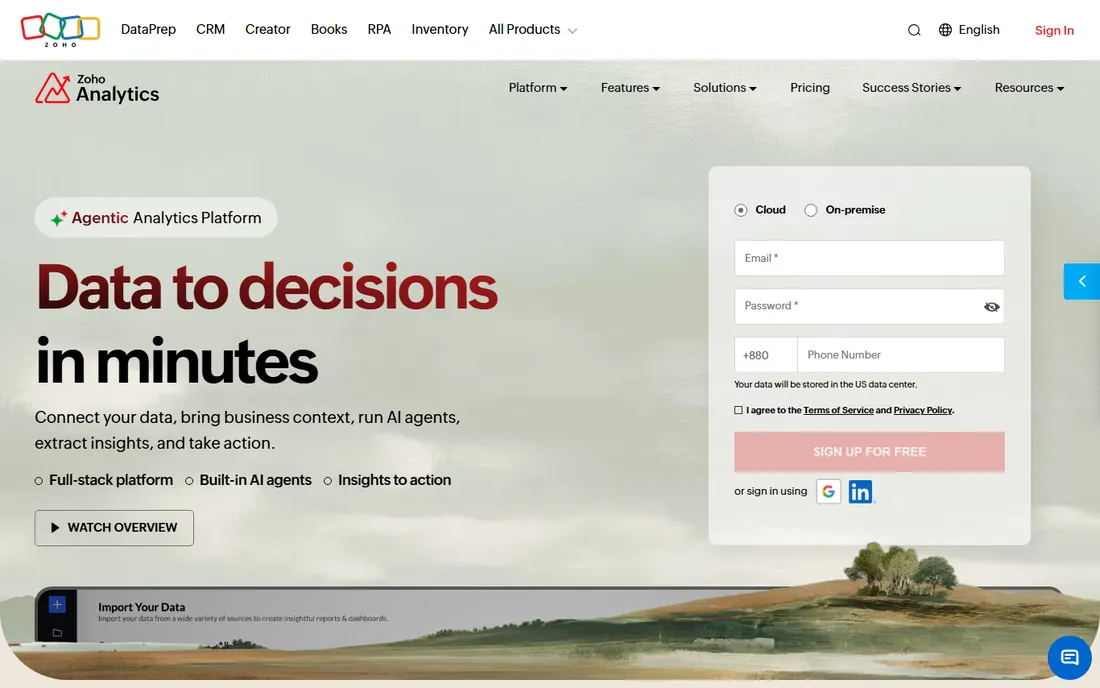
Zoho Analytics is the quiet value pick, especially for the millions of businesses already on Zoho. The free plan covers 2 users, 10,000 rows and unlimited reports and dashboards, which handles real small-business reporting. Paid plans add 50-plus business app connectors, each with 100-plus pre-built reports, and the Zia AI assistant answers questions in plain language.
The frustration is pricing transparency: the pricing page emphasizes the free plan while paid tiers require more digging, so budget with a sales conversation. Outside the Zoho ecosystem the case is weaker, though the connectors cover Salesforce, QuickBooks and the usual suspects. For Zoho shops, it is the obvious, affordable BI layer.
What we like- Generous free plan with 2 users and 10K rows
- 50-plus business app connectors with pre-built reports
- AI assistant Zia for asking questions
Watch out for- Paid pricing is harder to pin down from the site
- Best value is inside the Zoho ecosystem
- Smaller third-party community than Power BI
How we chose
We started with the tools KPI buyers actually compare in 2026, using current practitioner guides that opened each vendor's pricing page that morning, and verified every product exists today as a purchasable offering. Pricing figures come only from the vendors' own pricing pages, captured in October 2026; Zoho's paid tiers were not clearly published, so that listing says so. We weighted the real economics, flat versus per-user versus per-viewer pricing, over feature lists, because the pricing model is what surprises dashboard buyers most.
The per-viewer trap: how dashboard pricing really works
Dashboard pricing has a trap, and it is the viewer. Tools price on builders, viewers, tracked users or flat fees, and the model decides the bill more than the headline number. Per-user BI tools like Power BI charge everyone who views a shared report, which is fair until two hundred employees need to see the numbers. Flat-fee tools like SimpleKPI and viewer-free models like Klipfolio's unlimited users look expensive per month and cheap per person.
Do the headcount math before the feature comparison. Count builders (usually under five), regular viewers, and occasional viewers separately, then price each tool at your real numbers. A $120-a-month flat tool beats a $14-per-user tool once you pass nine viewers. The mammoth.io comparison that put Geckoboard at $948 a year against Tableau Enterprise at $88,140 for the same screen exists because most companies pay for viewers they never counted.
TV dashboards vs analyst dashboards
These are two different products that share the word dashboard. A TV dashboard (Geckoboard, Plecto) is read from ten feet away by people who will never click anything: big numbers, trends, rankings, always current. An analyst dashboard (Power BI, Metabase, Zoho) is explored up close by someone asking why: filters, drill-downs, cross-source blends.
Buying one for the other's job is the classic mistake. The TV tool will frustrate the analyst who needs to investigate, and the BI tool will bore the sales floor that needs a glanceable scoreboard. Many companies sensibly run both: a BI platform for analysis and a screen tool fed by it for visibility. Decide which job is primary, buy that first, and add the second only when someone asks for it twice.
Frequently asked questions
What is the cheapest good KPI dashboard software?
Looker Studio is free and excellent for Google data. Metabase's open-source edition is free and more capable for SQL teams. Among paid tools, SimpleKPI at $79 a month flat with unlimited users and Power BI Pro at $14 per user per month are the value leaders.
Should we use our CRM's built-in dashboards instead?
If every KPI comes from the CRM, yes: Salesforce, HubSpot and Pipedrive dashboards cost nothing extra and update themselves. Buy a separate tool when numbers blend sources (revenue from billing, quotas from spreadsheets, spend from ad platforms) or when you need office screens and cross-team visibility.
How many dashboard tools does a company need?
Most companies need one, at most two: a BI or KPI platform for analysis and reporting, plus optionally a screen tool for shared visibility. Three or more usually means nobody agreed on the source of truth, which is a governance problem, not a tooling problem.
What is the difference between a KPI dashboard and BI software?
A KPI dashboard tracks a defined set of metrics against targets, usually simply. BI software adds exploration: ad-hoc analysis, data modeling, drill-downs and complex blends. SimpleKPI and Geckoboard are dashboard tools; Power BI, Metabase and Zoho Analytics are BI platforms. Many teams need only the former.
How do we stop dashboard sprawl?
Nominate one owner per dashboard, put an expiry review date on each one, and delete anything nobody opened in 90 days. Agree on metric definitions once, centrally, so "revenue" means the same thing on every screen. Sprawl is a governance failure, and no tool fixes it automatically.
Can AI build our dashboards now?
Partly. Databox's Genie, Zoho's Zia and Metabase's AI SQL generation can draft metrics, explain changes and answer questions about your data. They accelerate building and interpreting, but someone still needs to define which metrics matter and whether the numbers are right. AI is a fast assistant, not a data strategy.
Sources we checked (9)
- https://databox.com/pricing
- https://www.geckoboard.com/pricing
- https://www.klipfolio.com/pricing
- https://www.simplekpi.com/pricing
- https://www.microsoft.com/en-us/power-platform/products/power-bi/pricing
- https://datastudio.google.com/overview
- https://www.metabase.com/pricing
- https://www.plecto.com/pricing
- https://www.zoho.com/analytics/pricing.html
Is your product missing or out of date?
We review this list regularly. Vendors can request a listing, send updated pricing or ask about featured placement.

Shihab Mia · Founder, Rankite
Shihab has spent more than a decade helping SaaS and e-commerce brands grow through search. He writes Rankite's software buying guides from pricing pages, documentation and public user reviews. More about Shihab.