How we make this list: we compare pricing pages, product documentation and public user reviews. Rankite is independent; if a vendor ever pays for a featured spot, that listing is clearly labeled Partner.
Key takeaways
- Autodesk Fusion is the best-value all-rounder: CAD, CAM, CAE and PCB design in one cloud subscription at $57 a month billed annually.
- SOLIDWORKS, PTC Creo and Autodesk Inventor are the enterprise standards for mechanical design; pick based on your industry and existing files.
- Onshape is the cloud-native option for distributed teams, with version control and PDM built in instead of bolted on.
- Rhino 3D is the surfacing and industrial design specialist, at a fair $995 perpetual license with a 90-day trial.
- Shapr3D brings professional CAD to iPad and tablet with a genuinely useful free plan.
- FreeCAD and Blender cost nothing and cover real work; KeyShot is the rendering specialist that turns CAD models into marketing images.
Quick comparison
| Tool | Best for | Starting price | Free plan |
|---|
 Autodesk Fusion Autodesk Fusion | Teams that want CAD, CAM, CAE and PCB in one subscription | $57/month (billed annually) | Free trial |
 SOLIDWORKS SOLIDWORKS | Mechanical design teams that want the industry standard | See website | Free trial |
 Onshape Onshape | Distributed teams that want CAD without IT overhead | See website | Yes |
 Rhino 3D Rhino 3D | Industrial designers and anyone modeling complex surfaces | $995 one-time (perpetual) | Free trial |
 PTC Creo PTC Creo | Large engineering organizations doing complex parametric design | See website | See website |
 Autodesk Inventor Autodesk Inventor | Mechanical design in shops already standardized on Autodesk | See website | Free trial |
 Shapr3D Shapr3D | Concept design on iPad, tablet and desktop | See website | Yes |
 FreeCAD FreeCAD | Anyone who needs parametric CAD for free | Free (open source) | Yes |
 Blender Blender | Free 3D modeling, sculpting and product visualization | Free (open source) | Yes |
 KeyShot KeyShot | Turning CAD models into photorealistic marketing images | $1,299 | Free trial |
Is your product missing or out of date?
We review this list regularly. Vendors can request a listing, send updated pricing or ask about featured placement.
Product design software, compared feature by feature
#1
Autodesk Fusion
Best for: Teams that want CAD, CAM, CAE and PCB in one subscription
Visit autodesk.com
Starting price$57/month (billed annually)
Free planFree trial
Fusion is the value disruptor of professional CAD. For $57 a month on annual billing, you get parametric modeling, integrated CAM for machining, simulation, electronics design and cloud data management in one package. Comparable capability from the enterprise vendors costs multiples of that.
The cloud architecture is the point: real-time collaboration, version history and access from anywhere without a PDM server to babysit. Generative design, drawing automation and a free tier for hobbyists and students round out an unusually generous package.
The honest catch is dependence. Fusion wants an internet connection and stores your data in Autodesk's cloud, which some IT departments will not accept. The base plan covers a lot, but serious CAM and simulation live in pricier tiers. If you can live in Autodesk's cloud, nothing else touches this price-to-capability ratio.
What we like- Integrated CAD/CAM/CAE/PCB at a low price
- Cloud collaboration built in
- 30-day trial plus free personal-use version
Watch out for- Cloud dependency, weak offline story
- Advanced manufacturing and simulation cost extra
- Autodesk's pricing changes often
Starting priceSee website
Free planFree trial
SOLIDWORKS is the default answer in mechanical design for a reason: more than 8 million users, the deepest library of tutorials and third-party add-ins, and a hiring market full of engineers who already know it. For part modeling, assemblies, sheet metal and drawings, it remains the benchmark.
The 2027 release adds AI-assisted workflows across CAD, simulation and documentation, and the 3DEXPERIENCE platform extends it into cloud collaboration and data management. The ecosystem, from CAM partners to PDM, is unmatched.
The catch is the enterprise reality. Pricing is quote-based and never cheap, the desktop app is Windows-only, and shops that skip versions face painful upgrade jumps.
What we like- The most widely used mechanical CAD
- Huge community, tutorials and talent pool
- Deep simulation and PDM ecosystem
Watch out for- Pricing not published
- Windows-only desktop
- Annual upgrades can disrupt workflows
#3
Onshape
Best for: Distributed teams that want CAD without IT overhead
Visit onshape.com
Starting priceSee website
Free planYes
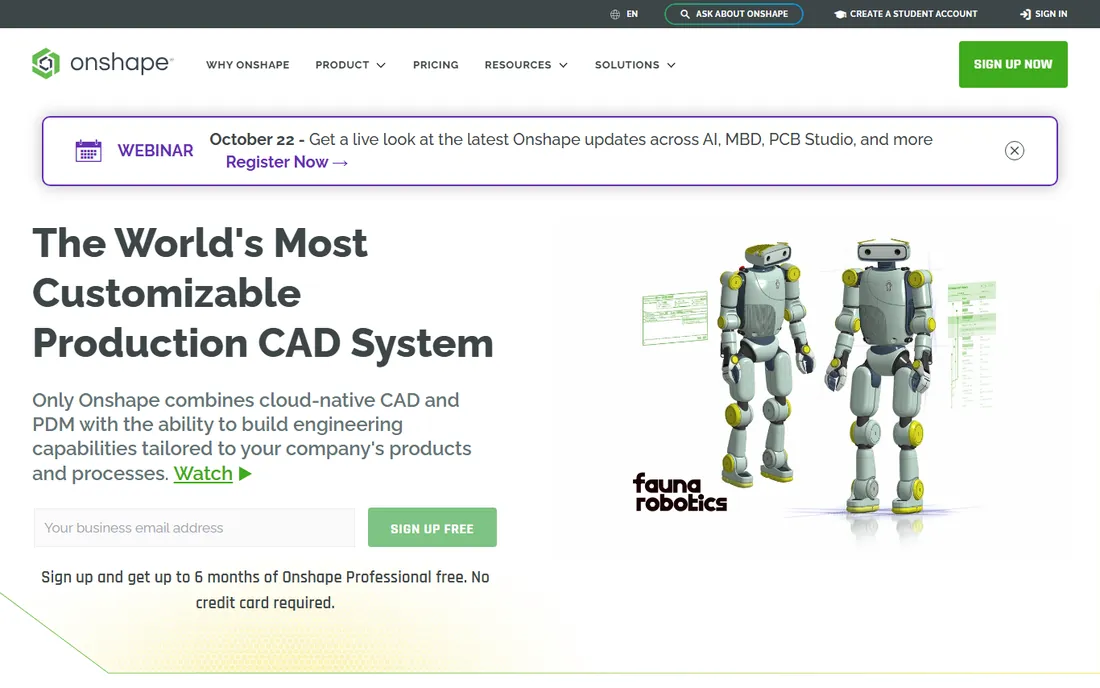
Onshape, now part of PTC, rethought CAD for the cloud era: it runs entirely in the browser, so there is nothing to install, no license servers, and no corrupted files. Version control works like Git, with branching and merging built into the modeling workflow, and every change has an audit trail.
For distributed teams, the pitch is simple: everyone opens the same model, always current, from any device. Updates ship every three weeks with no upgrade projects. Free plans for makers and education make it easy to evaluate.
The honest catch is the browser itself. You need solid internet, and very large assemblies still run smoother in desktop CAD. Onshape is also less proven than SOLIDWORKS or Creo in heavy enterprise deployments. For startups and distributed teams, though, it removes an entire category of IT pain.
What we like- Runs in a browser, nothing to install
- Built-in version control and PDM
- Free plans for hobbyists and education
Watch out for- Needs reliable internet
- Large-assembly performance trails desktop CAD
- Pricing not published
#4
Rhino 3D
Best for: Industrial designers and anyone modeling complex surfaces
Visit rhino3d.com
Starting price$995 one-time (perpetual)
Free planFree trial
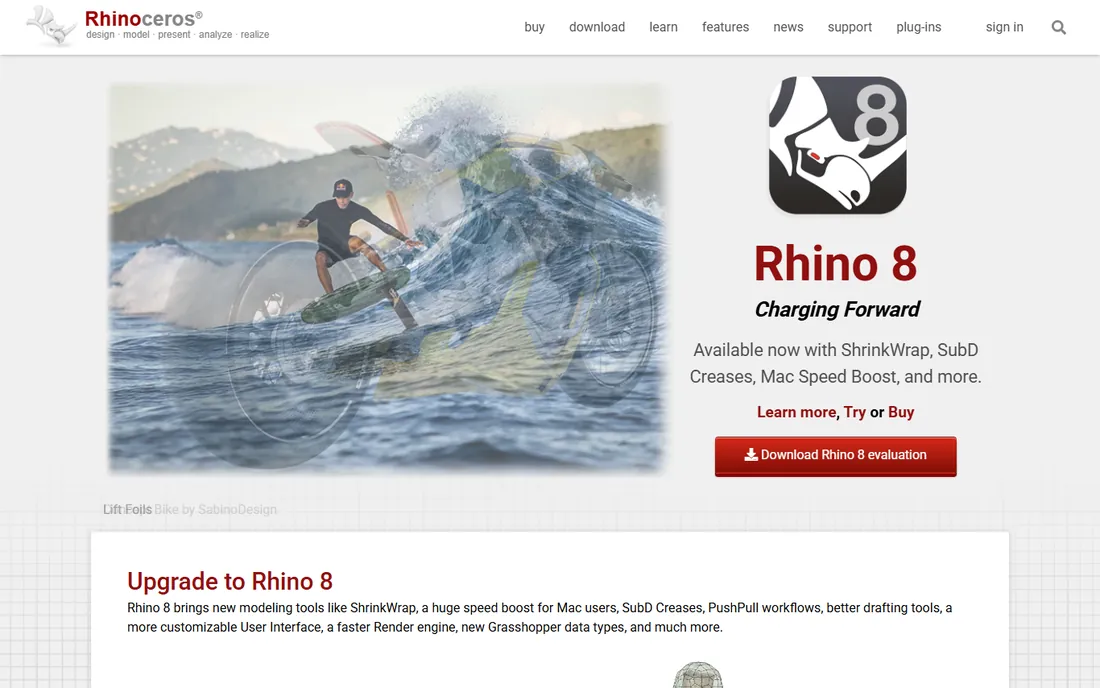
Rhino is the industrial designer's CAD. Its NURBS surfacing handles the freeform shapes, consumer products, jewelry, footwear, architecture, that parametric solid modelers struggle with, and it does it for a $995 one-time perpetual license with no maintenance fees.
Grasshopper, the visual programming environment bundled with Rhino, is a genuine superpower for parametric and generative design. The plugin ecosystem (1,500+ apps on food4Rhino) extends it into rendering, CAM and analysis. A 90-day full-featured trial is among the most generous in the industry.
The catch is what Rhino is not: it is not a history-based parametric solid modeler, so design-change workflows differ from SOLIDWORKS or Creo, and its drafting tools are basic. Pair it with a solid modeler for engineering, or use it standalone for design-led work.
What we like- Superb NURBS surfacing at a fair price
- Perpetual license, no subscription
- Grasshopper for parametric and generative design
Watch out for- Not a parametric solid modeler like SOLIDWORKS
- Drafting and assemblies are weaker
- Rendering needs a plugin or KeyShot
#5
PTC Creo
Best for: Large engineering organizations doing complex parametric design
Visit ptc.com
Starting priceSee website
Free planSee website

Creo is PTC's flagship parametric CAD, and it shows its strength in complex assemblies, advanced surfacing and integrated simulation. Real-time simulation, model-based definition, generative design and composites tools live in the same environment, which matters when design changes must propagate reliably through analysis and manufacturing.
Creo+ adds a SaaS flavor with cloud license management and collaboration, and the platform scales from solo designers to global enterprises with Windchill PLM behind it.
The honest catch: Creo is enterprise software in price, process and learning curve. Expect a quote-based purchase, implementation effort and training time. It earns its keep in organizations where parametric rigor and scale matter; smaller teams will find Fusion or Onshape faster to adopt.
What we like- Powerful parametric modeling with deep simulation integration
- Strong in automotive and industrial equipment
- SaaS option with Creo+
Watch out for- Expensive and quote-only
- Steep learning curve
- Interface carries decades of legacy
#6
Autodesk Inventor
Best for: Mechanical design in shops already standardized on Autodesk
Visit autodesk.com
Starting priceSee website
Free planFree trial
Inventor is Autodesk's dedicated mechanical CAD: parametric part and assembly modeling, sheet metal, frame design, simulation and automated drawings, with iLogic for rule-based product configuration. For Autodesk shops, native DWG compatibility and Vault data management make it the natural fit.
It integrates with the Product Design and Manufacturing Collection, which bundles Inventor with AutoCAD, Fusion-adjacent tools and more, often the most economical way to buy it.
The catch is positioning. Autodesk now sells both Inventor and Fusion, and buyers reasonably ask which one they need. The short answer: Inventor for traditional desktop mechanical CAD with deep DWG/Vault workflows; Fusion for cloud collaboration and integrated CAM. Autodesk's own lineup is its biggest competitor here.
What we like- Deep parametric mechanical design
- ILogic automation for configurable products
- Native DWG and Vault integration
Watch out for- Pricing variables not published on the page
- Windows-only
- Overlaps with Fusion enough to confuse buyers
Starting priceSee website
Free planYes

Shapr3D did what many thought impossible: serious CAD on an iPad. Built on the Siemens Parasolid kernel, the same geometry engine behind SOLIDWORKS and NX, it offers direct and history-based parametric modeling with a touch-first interface that also runs on Mac, Windows and Vision Pro.
The free plan includes most modeling features, which makes it a legitimate sketching and concepting tool at zero cost. Paid plans add high-resolution export (STEP, IGES, STL and more), visualization and collaboration. Importing native SOLIDWORKS, CATIA and NX files lets it complement legacy CAD rather than replace it.
The honest catch: export limits on the free plan will push serious users to paid tiers, and it is not yet a replacement for desktop CAD on large assemblies. As a concepting companion to your main CAD, or as a first CAD for designers, it is excellent.
What we like- Real CAD on iPad with Apple Pencil
- Built on the Siemens Parasolid kernel
- Free plan covers most modeling
Watch out for- Paid plans needed for high-res export and rendering
- Less depth than desktop CAD for complex assemblies
- Collaboration features still maturing
Starting priceFree (open source)
Free planYes
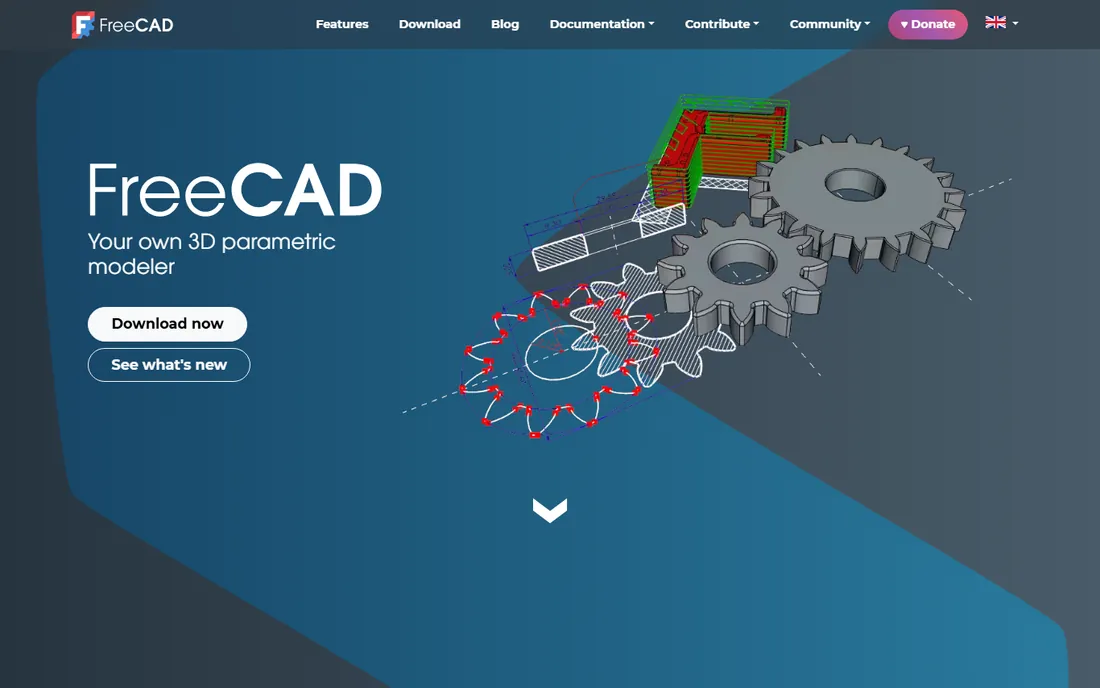
FreeCAD is the open-source parametric modeler, and it is genuinely capable: sketch-based parametric modeling, assemblies, CAM, finite element analysis and BIM workbenches, all free forever. For hobbyists, students, makers and budget-strapped startups, it removes the cost barrier to real CAD.
Recent releases have improved stability and usability significantly, and the add-on ecosystem keeps growing. It reads and writes STEP, IGES, STL, DXF and other open formats, so it fits into mixed toolchains.
The catch is polish. The interface is less refined than commercial CAD, some workbenches are experimental, and you are your own support department. For professional production work it demands patience; for learning, prototyping and 3D printing, it is remarkable value at its price.
What we like- Completely free and open source
- Real parametric modeling with history
- No sign-up, no paywall, no vendor lock-in
Watch out for- Interface and stability trail commercial CAD
- Smaller community for advanced help
- Some workbenches feel experimental
#9
Blender
Best for: Free 3D modeling, sculpting and product visualization
Visit blender.org
Starting priceFree (open source)
Free planYes

Blender is not CAD in the engineering sense: it does not do parametric history, tolerances or manufacturing drawings. What it does is everything around the product: concept modeling, sculpting, photorealistic rendering with Cycles, and animation for marketing.
For product designers, that makes it the perfect companion to CAD: model the engineering in Fusion or Rhino, visualize in Blender for free. The community is enormous, the tutorials endless, and major hardware vendors back its development.
The honest catch is expectations. Do not try to engineer a machined part in Blender; the tool fights you. Use it for visualization and concept work, and keep engineering in a parametric modeler. At zero cost, it is the easiest yes on this list.
What we like- Free forever under GPL
- Superb modeling, sculpting and rendering
- Massive tutorial community
Watch out for- Not a parametric CAD tool
- No real engineering drawings or tolerances
- Learning curve is famously steep
#10
KeyShot
Best for: Turning CAD models into photorealistic marketing images
Visit keyshot.com
Starting price$1,299
Free planFree trial
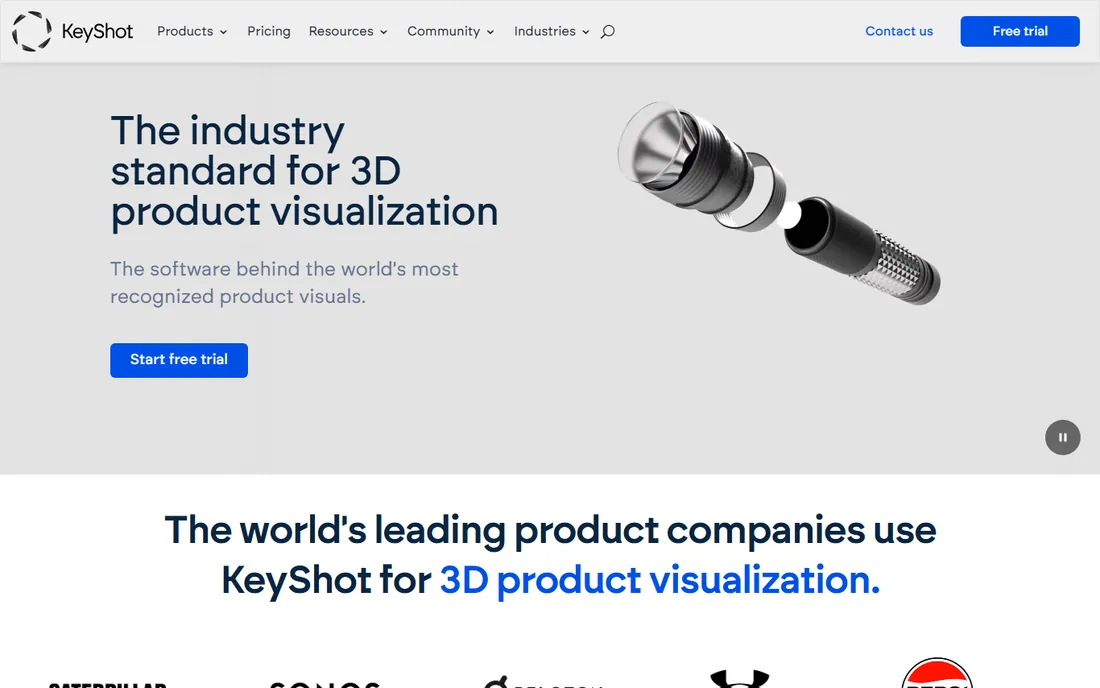
KeyShot is the industry standard for product rendering: import a CAD model, drag in materials, set lighting, and get photorealistic images without learning a complex 3D package. Design, engineering and marketing teams use the same scenes from concept review to final advertising.
It preserves CAD geometry on import, offers scientifically accurate materials from real manufacturers, and handles turntables, exploded views and web configurators. A free trial lets you render your own models before buying.
The catch is the price and scope. At $1,299 to start, it is a considered purchase, and it renders only; you still need a modeler. But the alternative is physical prototypes at thousands of dollars each, which is exactly the math KeyShot's customers cite. If product visuals sell your product, it pays for itself.
What we like- Easiest serious renderer to learn
- Physically accurate materials and lighting
- Imports native CAD files directly
Watch out for- $1,299 entry price
- Not a modeler, rendering only
- Advanced animation and configurator features cost more
How we chose
We opened each vendor's homepage and pricing pages, read documentation on modeling capabilities and platform support, and cross-referenced public reviews on G2, Capterra and Reddit for recurring complaints about pricing, stability and learning curve. We weighted real product-design workflows (parametric modeling, assemblies, surfacing, rendering) over generic 3D features, and we mixed enterprise CAD, cloud platforms, free tools and a renderer so different budgets see themselves. We did not test the tools hands-on.
How to choose product design software for your team
Match the tool to the job
Mechanical assemblies with tolerances call for parametric CAD: SOLIDWORKS, Creo, Inventor or Fusion. Freeform consumer products call for surfacing: Rhino. Early concepts and field work call for Shapr3D. Marketing images call for KeyShot or Blender. Buying one tool for all of these is how teams end up with expensive shelfware.
Count the total cost, not the license
The license is the smallest line item. Training time, lost productivity during switching, PDM infrastructure, CAM and simulation add-ons, and annual maintenance all dwarf it. A $995 perpetual Rhino license with a week of training can cost less in year one than a "cheap" subscription that needs three months of onboarding.
Check your file ecosystem
CAD tools live or die by file exchange. If your suppliers send SOLIDWORKS files, you need something that opens them natively or near-natively. STEP and IGES cover most needs, but native formats preserve features and history. Test round-tripping with your actual partners before committing.
Platform and deployment
Windows-only desktop (SOLIDWORKS, Inventor, Creo) versus browser-based (Onshape) versus tablet (Shapr3D) is a real decision for IT. Cloud tools remove infrastructure but need internet and raise data questions; desktop tools need workstations and license management. Match the deployment to how your team actually works.
The hidden costs of CAD software
The sticker price misleads in predictable ways. Training is the biggest: expect weeks before an engineer is productive in a new parametric CAD, longer for advanced surfacing. Data management is next: without PDM, file chaos costs real hours, which is Onshape's whole pitch and the reason Vault and Windchill exist. Then come the add-ons: CAM, simulation and rendering are often separate purchases or higher tiers, as Fusion's tiered plans demonstrate. Upgrades carry risk too: skipping versions in desktop CAD can break file compatibility and custom tooling. Finally, talent: hiring is easier and cheaper for SOLIDWORKS and Fusion than for niche tools, because the labor market has already standardized. Budget for all five, not just the license.
Frequently asked questions
Should I choose Fusion 360 or Inventor?
Choose Fusion if you want cloud collaboration, integrated CAM and the lowest cost of entry. Choose Inventor for DWG drawings, Vault data management and traditional desktop CAD. Many Autodesk customers end up with both through the Product Design and Manufacturing Collection.
What is the best free product design software?
FreeCAD is the best free parametric CAD for engineering work, including 3D printing and mechanical parts. Blender is the best free tool for concept modeling and visualization. Onshape and Shapr3D both offer genuinely useful free plans. For professional production work, paid tools still win on stability and support.
Does product design software run on Mac?
Partially. Fusion, Onshape (browser), Rhino, Shapr3D, FreeCAD, Blender and KeyShot all run on macOS. SOLIDWORKS, Inventor and Creo are Windows-only, though some users run them in virtual machines. If your team is Mac-based, that shortlist writes itself.
Can I switch CAD tools without losing my designs?
Mostly yes for geometry, no for parametric history. STEP and IGES files transfer solid geometry between any CAD tools, but the feature tree, sketches and constraints do not survive. Plan a transition period where old projects stay in the old tool and only new work moves over.
How long does it take to learn product design software?
Expect a few weeks of regular use to become functional in Fusion, SOLIDWORKS or Inventor, and several months to become proficient. Rhino's surfacing and Blender's full toolset take longer. Shapr3D is the fastest to pick up thanks to its touch-first interface. Budget training time explicitly; it is the largest hidden cost.
Do I need a powerful computer for CAD?
For professional CAD, yes: a modern multi-core CPU, 16GB or more of RAM, and a workstation-grade or decent gaming GPU. Large assemblies and simulation are the most demanding. Cloud options like Onshape shift the load to the browser, and Shapr3D runs on tablets, but serious mechanical design still rewards a proper workstation.
Sources we checked (10)
- https://www.autodesk.com/products/fusion-360
- https://solidworks.com/
- https://www.onshape.com
- https://rhino3d.com/
- https://www.ptc.com/en/products/creo
- https://www.autodesk.com/products/inventor/overview
- https://shapr3d.com/
- https://freecad.org/
- https://www.blender.org/
- https://www.keyshot.com
Is your product missing or out of date?
We review this list regularly. Vendors can request a listing, send updated pricing or ask about featured placement.

Shihab Mia · Founder, Rankite
Shihab has spent more than a decade helping SaaS and e-commerce brands grow through search. He writes Rankite's software buying guides from pricing pages, documentation and public user reviews. More about Shihab.