How we make this list: we compare pricing pages, product documentation and public user reviews. Rankite is independent; if a vendor ever pays for a featured spot, that listing is clearly labeled Partner.
The 10 website builders, side by side
Starting priceSee website
Free planSee website
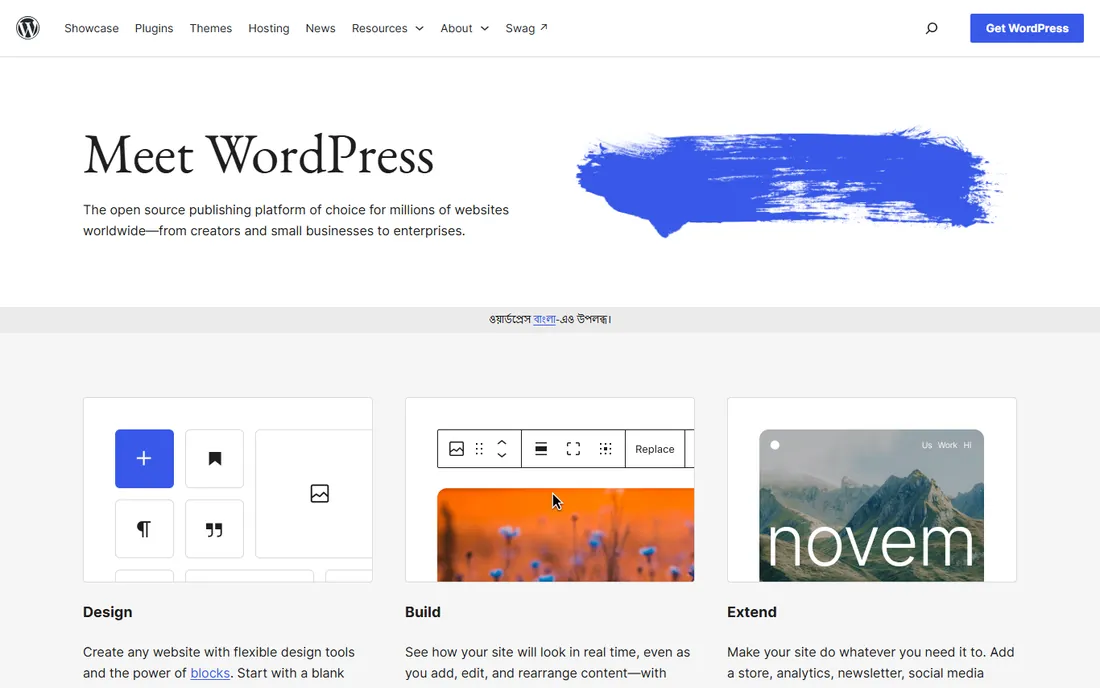
WordPress is the software behind more than two-fifths of the web, and its pitch is ownership. The core software is free and open source; you install it on your own hosting, pick from thousands of themes and plugins, and nobody can change your plan or hold your content hostage. Gutenberg's block editor made building pages visual without a page-builder plugin.
The trade-off is responsibility. You handle hosting, backups, security updates, and performance, either yourself or through a managed WordPress host. Plugin conflicts are real and can take a site down. WordPress suits anyone who wants maximum control and is willing to learn, or who hires someone to manage the technical side.
What we like- Free open-source software with total ownership of your site and data
- Massive plugin and theme ecosystem for nearly any feature
- Scales from personal blog to enterprise publishing
Watch out for- You arrange hosting, security, and updates yourself
- Plugin conflicts can break sites
- The learning curve is steeper than drag-and-drop builders
Starting priceSee website
Free planSee website
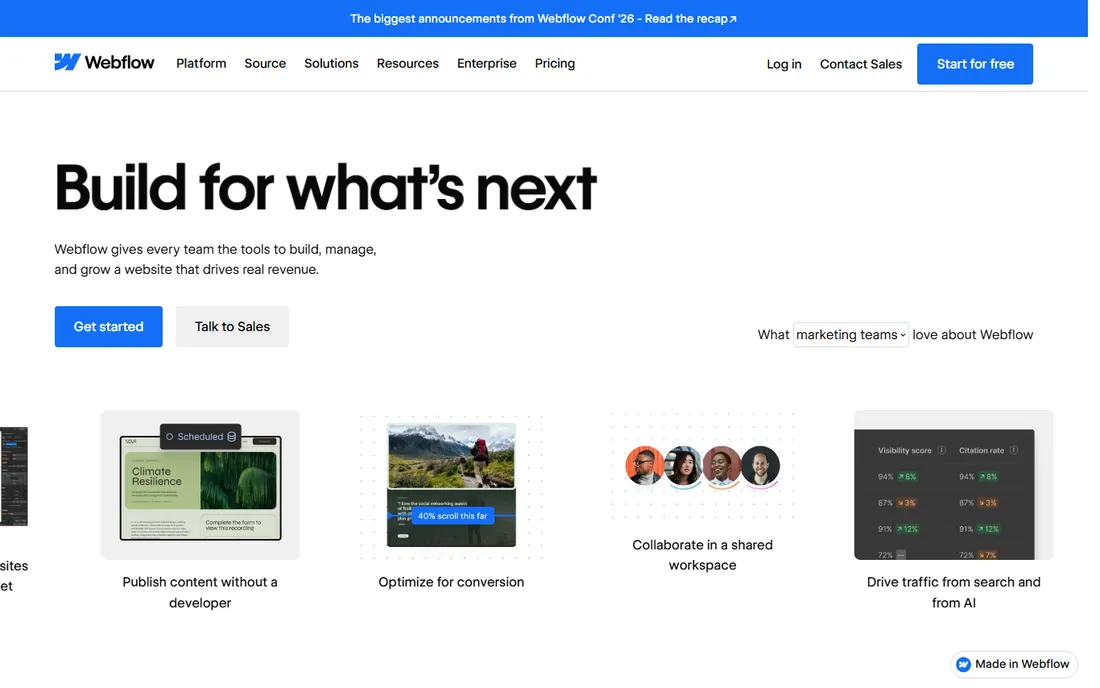
Webflow is the builder for people who think in design. Its canvas gives near-total control over layout, animation, and interactions without hand-writing CSS, and the code it generates is clean enough that developers respect it. Hosting, SSL, and a visual CMS come built in, so the site you design is the site that ships.
That power costs simplicity. Webflow takes longer to learn than any drag-and-drop builder here, and pricing runs across site plans and workspace seats, so costs add up for teams. It is the best pick for designers and agencies shipping custom marketing sites. Beginners who want a site this weekend should pick something simpler.
What we like- Pixel-level design control without writing code
- Clean generated code and strong performance
- Built-in CMS and hosting included
Watch out for- Steeper learning curve than Wix or Squarespace
- Pricing stacks across site plans, workspaces, and seats
- Ecommerce is functional but not its strength
Starting priceSee website
Free planSee website
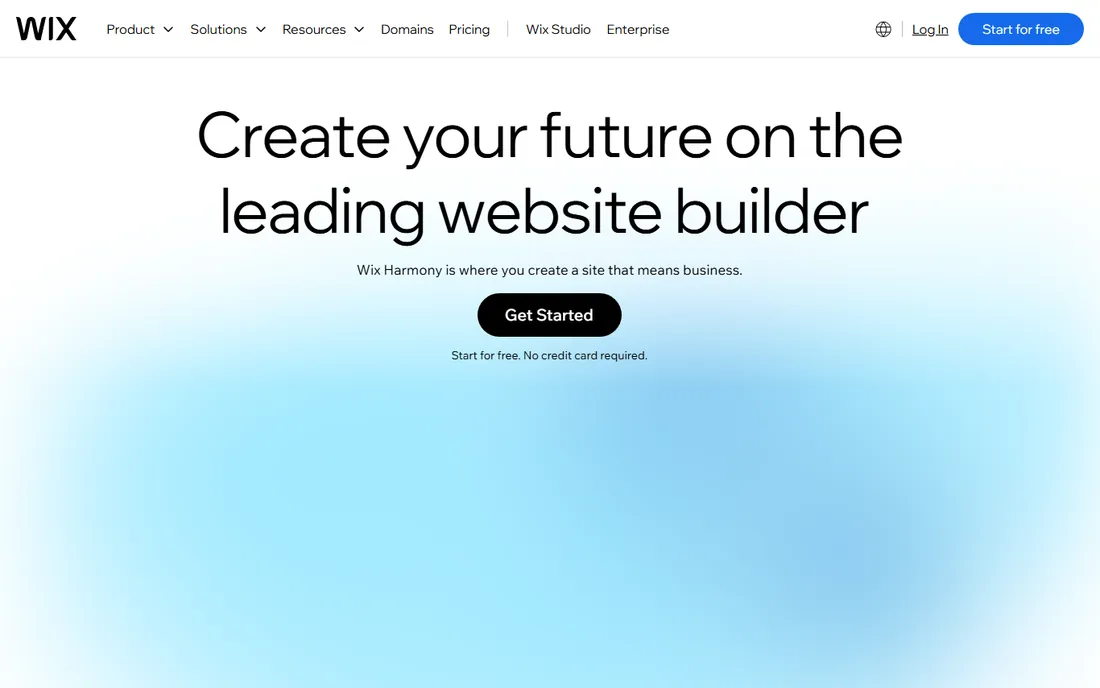
Wix is the default answer for a reason: it makes building a website feel like editing a document. Pick a template from one of the largest libraries in the business, drag elements anywhere, and add functionality through the app market. The free plan lets you build and publish before spending anything.
The catches are structural. Once you publish, you cannot change templates without rebuilding the site, and Wix sites are harder to migrate elsewhere than WordPress. Performance is acceptable but not class-leading. For a small business, restaurant, or portfolio that needs to be live this week, Wix remains the fastest route.
What we like- Hundreds of templates and a true drag-and-drop editor
- App market adds bookings, stores, and forums without code
- AI-assisted site creation speeds up first builds
Watch out for- Templates cannot be switched after publishing without rebuilding
- Sites can feel heavy and load slower than leaner builders
- Migrating away later is painful
Starting priceSee website
Free planSee website
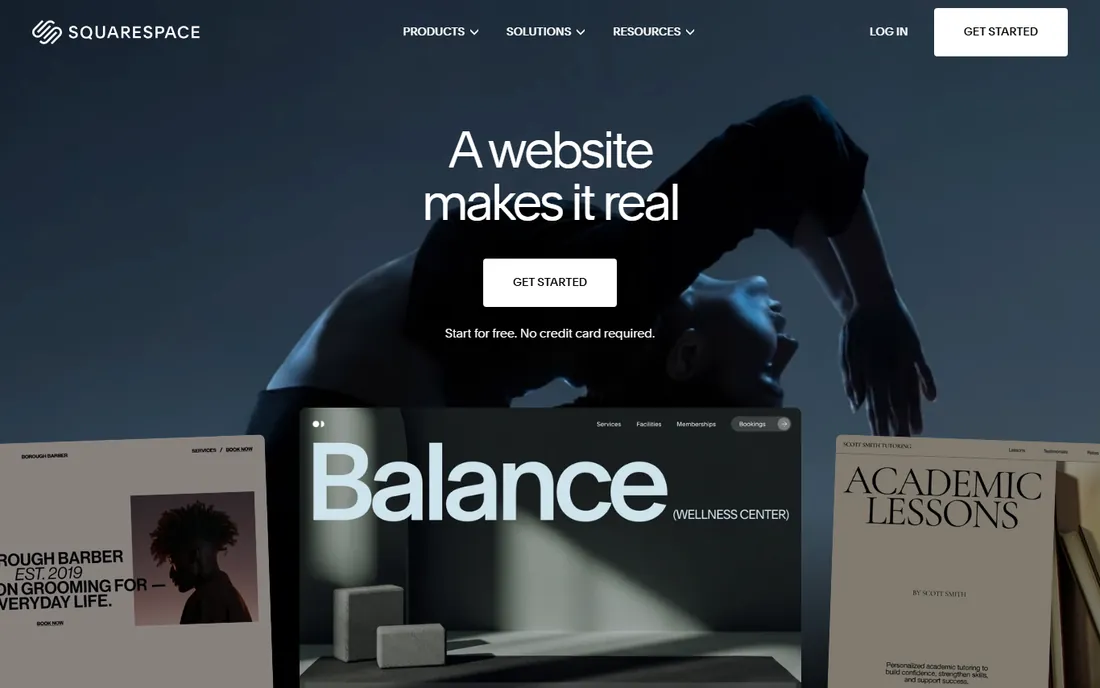
Squarespace built its reputation on templates that look good with minimal effort, and it still wins the beauty contest. Photographers, designers, and restaurants get a polished site fast, with blogging, appointment scheduling, and online stores available without extra plugins. Hosting, SSL, and support are all in the monthly price.
The editor is more structured than Wix, which keeps sites looking good but limits custom layouts. There is no free plan, so you pay from day one after the trial. If visual polish matters more than feature breadth, Squarespace is the pick. If you need deep customization, look at Webflow or WordPress.
What we like- Consistently the best-looking templates of any builder
- Solid blogging, scheduling, and ecommerce in one plan
- All-in-one pricing with hosting included
Watch out for- Less layout freedom than Wix or Webflow
- No free plan, only a trial
- Third-party integrations are more limited than WordPress

#5
Duda
Best for: Agencies building client sites at scale
Visit duda.co
Starting priceSee website
Free planSee website
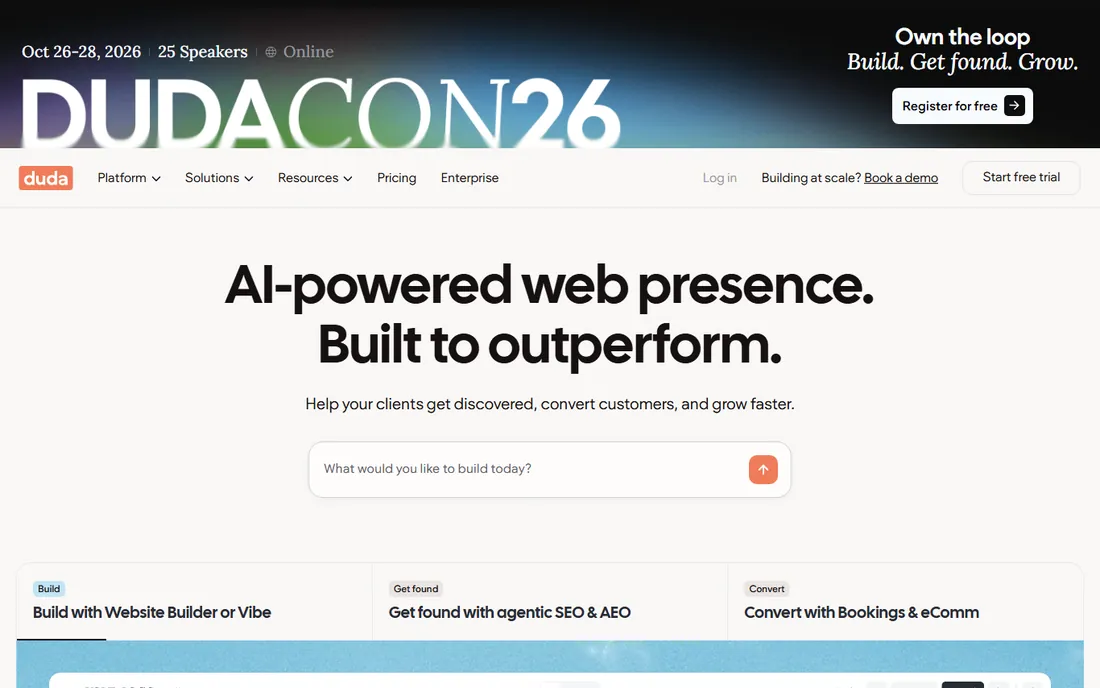
Duda is the builder agencies quietly use. Beyond the editor, it has white-label client portals, team permissions, content collection tools, and bulk site management, the workflow layer freelancers and agencies actually need. Sites load fast, and the platform handles hosting and SSL.
It is priced and positioned for professionals building sites for others, which makes it overkill for a one-off personal site. The template selection is solid but smaller than the consumer giants. If you build websites for clients, Duda pays for itself in workflow. If you are building one site for yourself, pick a consumer builder.
What we like- Client management tools, white labeling, and team collaboration built in
- Fast-loading sites with strong Core Web Vitals
- Widget builder for custom functionality
Watch out for- Priced for professionals, not casual users
- Template library is smaller than Wix
- Less name recognition means fewer third-party integrations
Starting priceSee website
Free planSee website
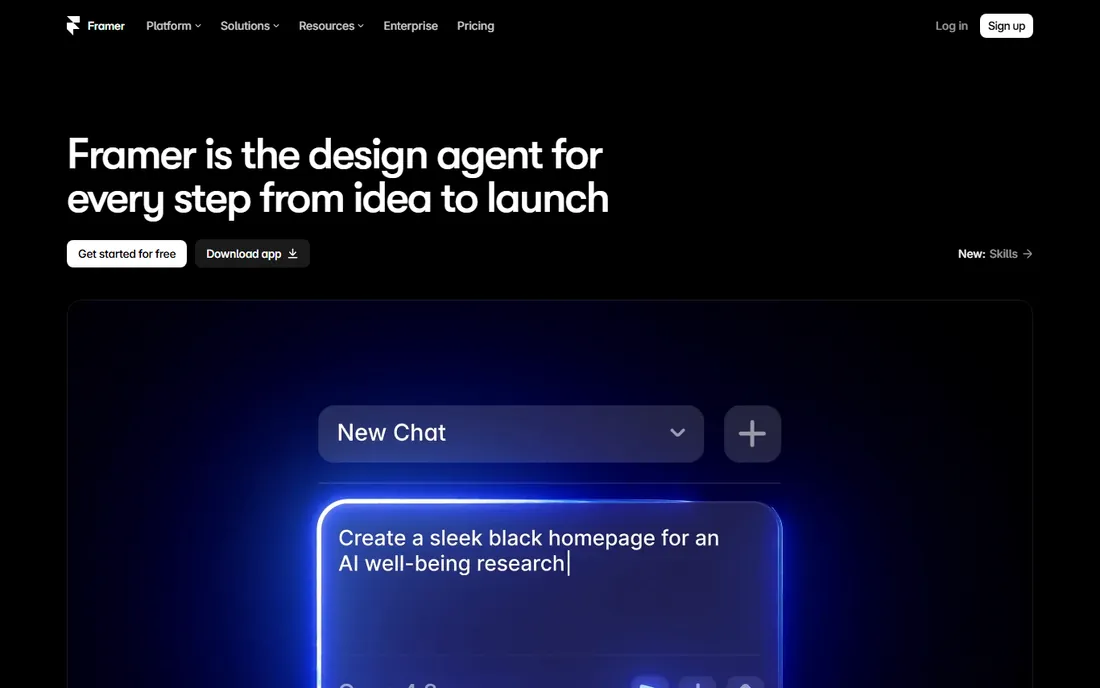
Framer grew out of a prototyping tool, and it shows in the best way: animations, scroll effects, and interactions that take plugins elsewhere are native here. Designers can go from mockup to published site in the same tool, and publishing is instant with hosting included.
The ecosystem is younger than Wix or WordPress, so templates, plugins, and community answers are thinner. Complex sites with heavy CMS or ecommerce needs will hit limits. For startups and portfolios that want a striking marketing site fast, Framer is hard to beat.
What we like- Start from a design tool workflow designers already know
- Strong built-in animations and effects
- Quick publishing with free hosting on starter plans
Watch out for- Newer platform with a smaller template and plugin ecosystem
- CMS and ecommerce are lighter than competitors
- Advanced sites may outgrow it

#7
GoDaddy Website Builder
Best for: Fastest launch for small local businesses
Visit godaddy.com
Starting priceSee website
Free planSee website
GoDaddy's builder optimizes for one thing: getting a small business online in an afternoon. Answer a few questions, get a working site with your domain, and add built-in email marketing and social tools. If you already buy domains from GoDaddy, the integration is frictionless.
Design freedom is limited, and power users will miss the depth of Webflow or WordPress. This is a tool for plumbers, cafes, and consultants who need a professional presence, not a design playground. It does that job with the least effort of anything on this list.
What we like- Extremely quick setup with guided, template-driven builds
- Bundles naturally with GoDaddy domains and hosting
- Built-in marketing and email tools
Watch out for- Limited design flexibility compared to Wix or Squarespace
- Advanced features lag behind specialist builders
- Lock-in to the GoDaddy ecosystem
Starting priceSee website
Free planSee website
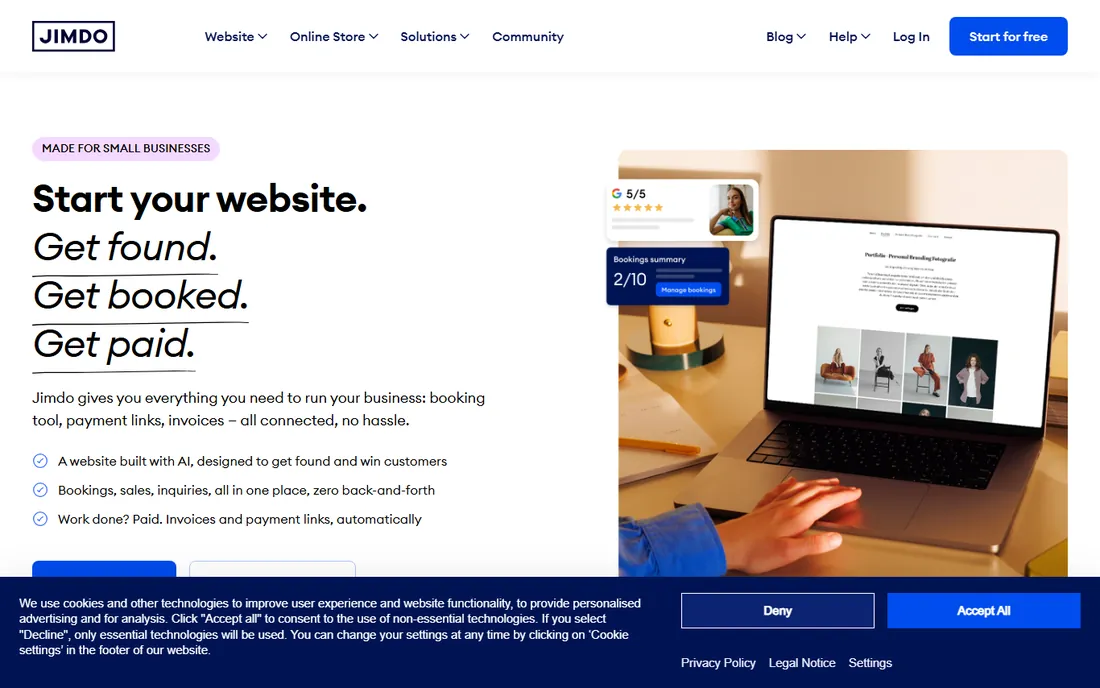
Jimdo is a German builder that keeps things deliberately simple. The editor guides you through building a clean small-business site without decisions to agonize over, and a free plan means a basic site costs nothing. It is popular with European small businesses and handles local requirements well.
Simplicity is also the ceiling. Customization options are limited, and growing sites eventually need features Jimdo does not offer. It suits a hair salon, freelancer, or club that wants a tidy site with minimal effort. Ambitious projects should start elsewhere.
What we like- Very simple editor that non-technical owners can handle
- Free plan covers basic sites
- Strong presence and support for European markets
Watch out for- Limited customization and feature depth
- Smaller ecosystem than the big builders
- Scaling beyond a basic site gets difficult
Starting priceSee website
Free planSee website
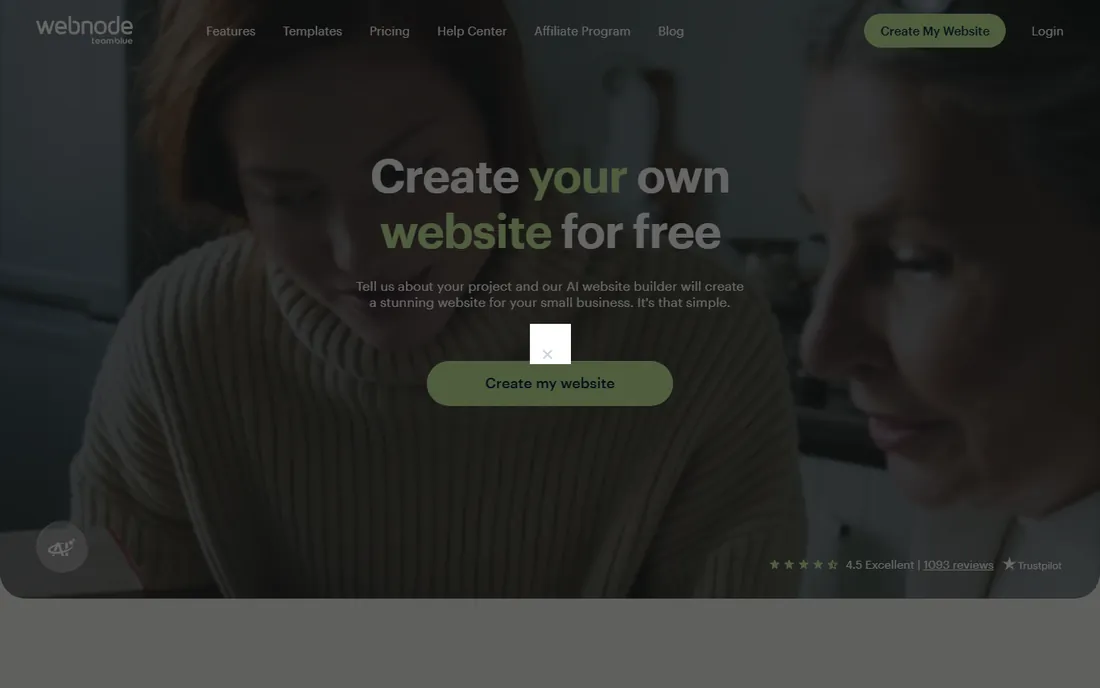
Webnode is a Czech builder that has served budget-conscious users for years. The free plan publishes a real site, and multilingual support is genuinely good, a real advantage for businesses serving several countries. Setup takes minutes and the editor stays out of your way.
The trade-off is depth. Features, templates, and integrations are basic compared to the category leaders, and you need a paid plan for a custom domain or a store. Webnode fits personal sites, small clubs, and simple multilingual pages on a tight budget. Anything commercial and serious deserves a bigger platform.
What we like- Free plan with a real published site
- Strong multilingual support for international audiences
- Simple editor with quick setup
Watch out for- Feature set is basic next to Wix or Squarespace
- Premium plans are needed for custom domains and ecommerce
- Design options feel dated

#10
Hostinger Website Builder
Best for: Cheapest builder bundled with hosting
Visit hostinger.com
Starting priceSee website
Free planSee website

Hostinger's builder comes with its web hosting plans, which makes it one of the cheapest ways to get a site with a custom domain online. AI-assisted generation builds a starter site from a few prompts, including text and images, and the drag-and-drop editor handles the rest.
Because it is a hosting add-on rather than a standalone platform, you commit to Hostinger's ecosystem, and the feature depth trails the specialist builders. It is the right pick for price-sensitive beginners who want hosting and a builder in one cheap package. If the builder is the priority rather than the hosting, the standalone tools above serve better.
What we like- Bundled with Hostinger hosting plans, so site plus hosting costs very little
- AI tools generate sites, text, and images
- Beginner-friendly with decent templates
Watch out for- Tied to Hostinger hosting, not a standalone product
- Fewer advanced features than specialist builders
- Support quality varies by channel
Which builder fits your situation
Match the tool to the job, not the marketing. If you want a blog or content site you fully own, WordPress is the answer and always has been. If you are a designer shipping client work, choose between Webflow for custom design freedom and Duda for agency workflow. If you are a small business owner who wants a site live this week, Wix, Squarespace, or GoDaddy's builder will get you there with the least pain.
Then check the exit cost. Some platforms make leaving easy, others make it nearly impossible. WordPress lets you move hosts freely because you own the software and the data. Most hosted builders do not offer a real export, so switching later means rebuilding. If your site might grow into something bigger, start on a platform you can leave.
Finally, be honest about who maintains it. A builder you can edit yourself beats a powerful platform that needs a developer for every change. The best website software is the one you will actually update.
The real cost of a website in 2026
Check current pricing on each vendor's own pricing page before deciding, since plans change. The pattern is consistent across the category: hosted builders charge a monthly or annual subscription that bundles hosting, SSL, templates, and support, while WordPress itself is free but needs paid hosting on top.
Watch for three pricing traps. First, renewal rates: many builders discount the first year and renew much higher. Second, tiered features: ecommerce, custom domains, and removing platform branding often require a higher plan than the advertised entry price. Third, add-ons: email marketing, extra storage, and additional sites are frequently billed separately.
Budget for the domain separately, usually around ten to fifteen dollars a year. A realistic first-year cost for a small business site on a hosted builder is one to three hundred dollars all in, before any paid help with design or content.
How we chose
We covered the website builders people actually buy: the market leaders, the designer favorites, the agency tools, and the budget options. Our browser tooling was unavailable during research for this article due to a service-side credential failure, so we could not verify vendor homepages or pricing pages directly. Every website URL and every price is therefore marked for verification, and all prices are listed as "See website" per the rule against unverified numbers. No prices, ratings, or user counts were invented.
Frequently asked questions
Is WordPress really free?
The WordPress software at wordpress.org is free and open source. What costs money is everything around it: hosting, a domain name, premium themes or plugins, and optionally someone to set it up and maintain it. Managed WordPress hosting bundles all of that for a monthly fee.
Which website builder is easiest for a complete beginner?
Wix and GoDaddy's Website Builder are the easiest on this list, with guided setup and true drag-and-drop editing. Squarespace is nearly as easy with better-looking results out of the box. Jimdo and Webnode are simpler still but offer less room to grow.
Can I switch website builders later?
With difficulty. WordPress lets you move hosting freely, but most hosted builders have no real export function, so switching usually means rebuilding the site on the new platform. This is worth weighing before you invest months of content into a builder.
Do I need to know code to use these tools?
No. Every tool on this list builds sites visually. Webflow and Framer reward basic knowledge of how the web works, and WordPress benefits from comfort with plugins and settings, but none of them require writing code to launch a site.
Which builder is best for an online store?
Squarespace and Wix both include solid built-in stores for small catalogs. WordPress with WooCommerce handles serious ecommerce at any scale. Webflow's ecommerce works but is not its strength. Match the store size to the tool: a dozen products and a hundred products are different problems.
Sources we checked (10)
- https://wordpress.org/
- https://webflow.com/
- https://www.wix.com/
- https://www.squarespace.com/
- https://www.duda.co/
- https://www.framer.com/
- https://www.godaddy.com/
- https://www.jimdo.com/
- https://www.webnode.com/
- https://www.hostinger.com/
Is your product missing or out of date?
We review this list regularly. Vendors can request a listing, send updated pricing or ask about featured placement.

Shihab Mia · Founder, Rankite
Shihab has spent more than a decade helping SaaS and e-commerce brands grow through search. He writes Rankite's software buying guides from pricing pages, documentation and public user reviews. More about Shihab.