How we make this list: we compare pricing pages, product documentation and public user reviews. Rankite is independent; if a vendor ever pays for a featured spot, that listing is clearly labeled Partner.

Key takeaways
- The best website platform for photographers pairs a beautiful portfolio with the business tools behind it: client galleries, print sales, and booking.
- Squarespace and Wix are the best general builders, while Format, Pixpa, Pixieset, and Zenfolio are built specifically for photography workflows.
- Adobe Portfolio is effectively free if you already pay for Creative Cloud, making it the cheapest credible option.
- SmugMug and Zenfolio lean toward selling prints and serving clients; Squarespace and Format lean toward portfolio design and brand.
- Every platform here offers a free trial or free plan, so test your own images on two or three before committing.
Quick comparison
| Tool | Best for | Starting price | Free plan |
|---|
 Squarespace Squarespace | design-forward portfolio sites | From $19/month | Free trial (14 days) |
 Format Format | creative portfolio with client workflow | See website | Free trial (14 days) |
 Pixpa Pixpa | portfolio plus store with zero commission | See website | Free trial (15 days) |
 Pixieset Pixieset | client galleries and all-in-one studio tools | From $38/month (Suite) | Yes (free forever) |
 SmugMug SmugMug | photo storage, sharing, and print sales | See website | Free trial |
 Zenfolio Zenfolio | galleries, booking, and volume photography | See website | Free trial |
 Wix Wix | flexible builder with a free tier | See website | Yes (free plan) |
 Adobe Portfolio Adobe Portfolio | simple portfolio for Creative Cloud users | See website | No (needs Creative Cloud) |
Is your product missing or out of date?
We review this list regularly. Vendors can request a listing, send updated pricing or ask about featured placement.
Starting priceFrom $19/month
Free planFree trial (14 days)
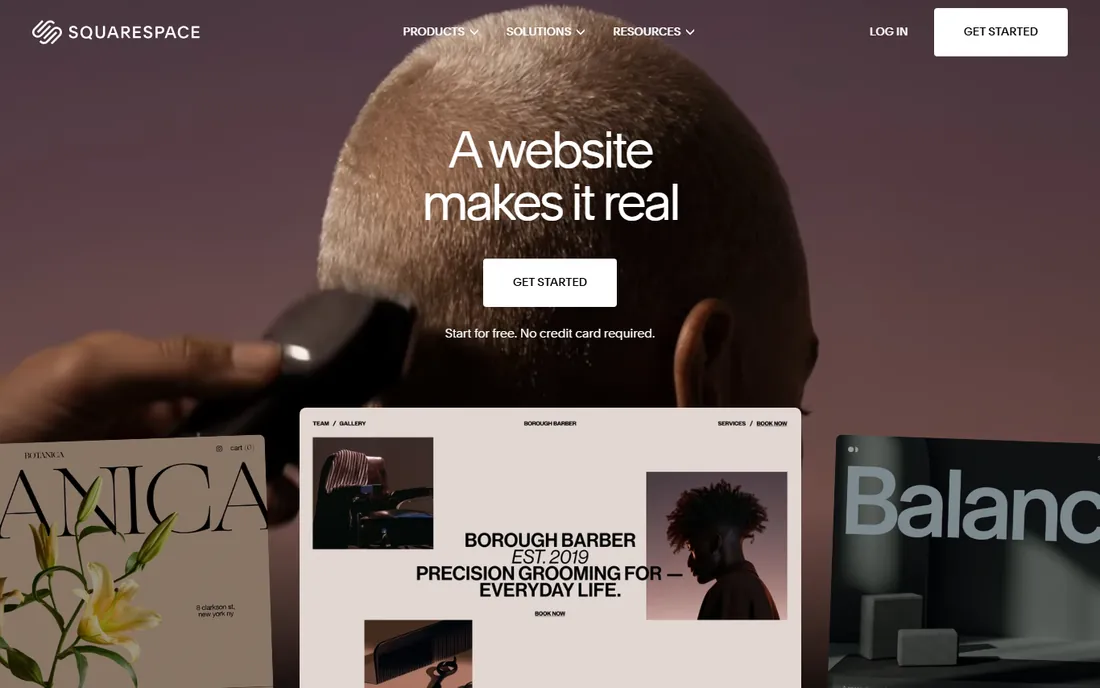
Squarespace remains the default recommendation for photographers who care most about how the site looks. The templates are genuinely well designed, image handling is excellent, and the whole package, hosting, SSL, SEO basics, email marketing, scheduling, arrives in one subscription starting at $19 per month after a 14-day trial.
The honest catch is that Squarespace is a generalist. There is no native client proofing or gallery delivery workflow, so working photographers usually pair it with a separate gallery tool. If your site is a portfolio and lead generator rather than a delivery system, that trade is fine.
What we like- Award-caliber templates with strong image handling
- Built-in marketing, SEO, and scheduling tools
- Free custom domain for a year on annual plans
Watch out for- No photography-specific client proofing
- Template switching can require rebuilding sections
Starting priceSee website
Free planFree trial (14 days)
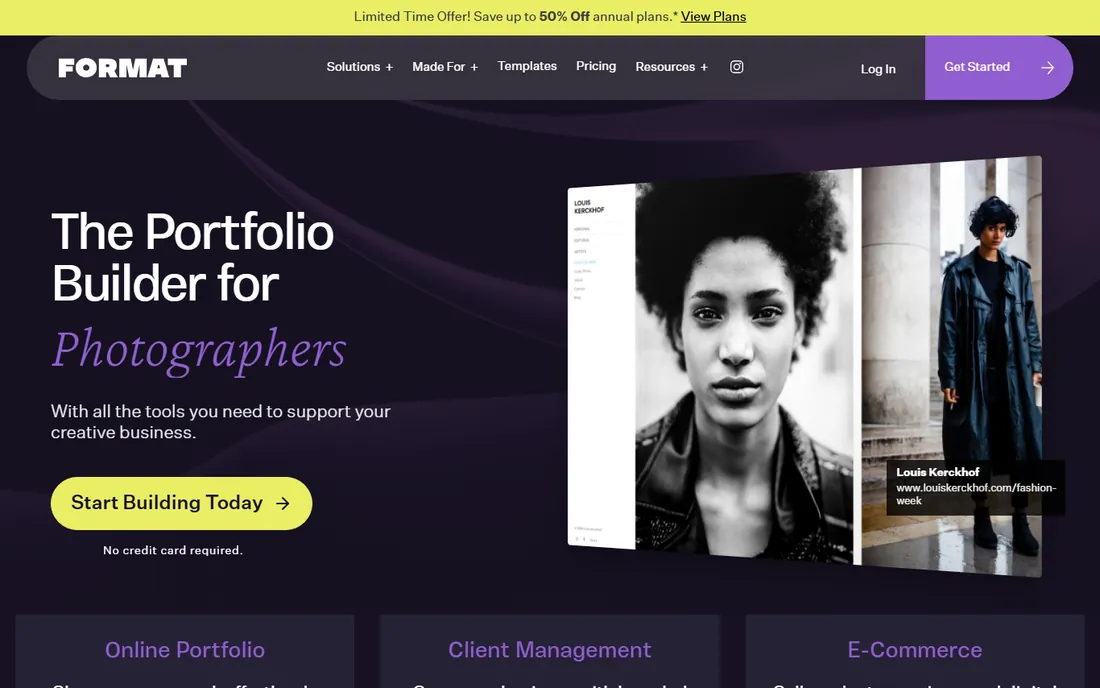
Format is what you get when a website builder is designed by people who understand creative work. The 90+ themes are portfolio-first, the design editor offers real control without code, and the business layer, branded client galleries, proofing, contracts, file transfers, and a commission-free store, lives inside the same account.
The 14-day trial needs no credit card, which makes testing painless. The honest catch is transparency: plan prices are not on the homepage, and the ecosystem is smaller than Squarespace or Wix, so third-party integrations are thinner. For a photographer who wants portfolio and client workflow in one place, it is one of the strongest picks here.
What we like- Built for photographers with 90+ themes
- Client galleries, contracts, and file delivery built in
- Commission-free store
Watch out for- Pricing not published on the homepage
- Smaller template library than the giants
#3
Pixpa
Best for: portfolio plus store with zero commission
Visit pixpa.com
Starting priceSee website
Free planFree trial (15 days)
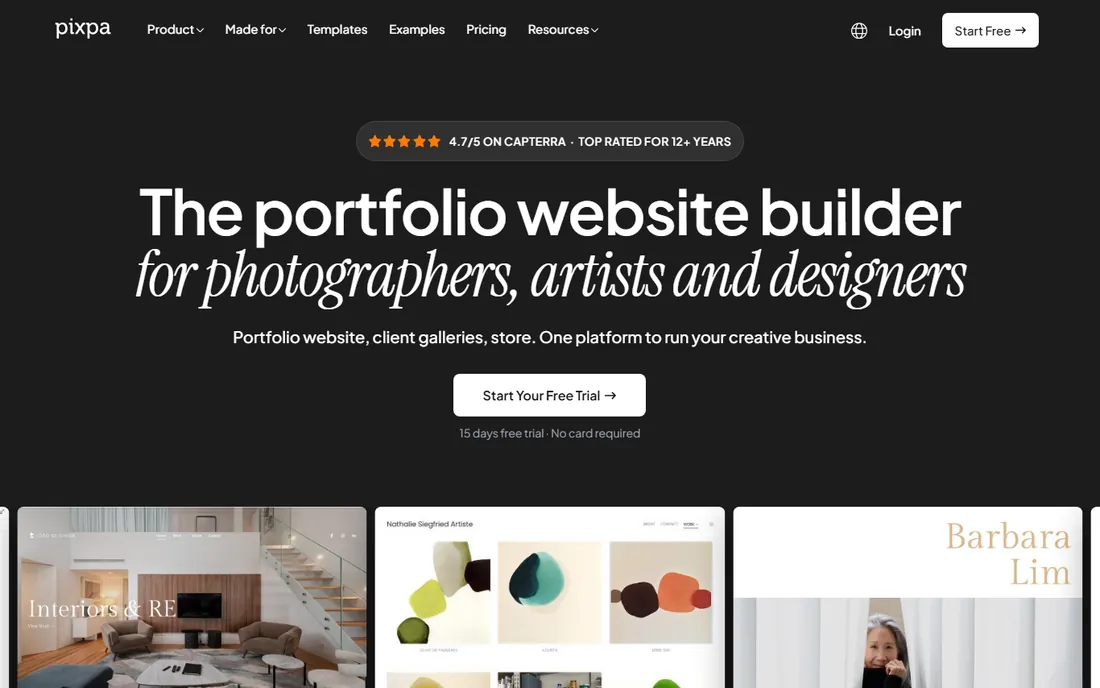
Pixpa's pitch is consolidation: instead of a portfolio builder plus a gallery tool plus a store that takes a cut, you get all three in one platform at one price, with zero commission on every sale. Stripe and PayPal pay you directly, and the 15-day trial requires no credit card.
The 200+ templates are designer-made and the visual editor is genuinely capable, with custom CSS for advanced users. The honest catch is momentum: Pixpa is smaller than its rivals, so community tutorials and third-party templates are scarcer. The support team, by many accounts, makes up for it with fast, human responses.
What we like- Portfolio, client galleries, store, and blog in one subscription
- Zero commission on every sale
- 24/7 live chat with real people
Watch out for- Pricing details live on the pricing page, not the homepage
- Brand recognition lags the big builders
Starting priceFrom $38/month (Suite)
Free planYes (free forever)
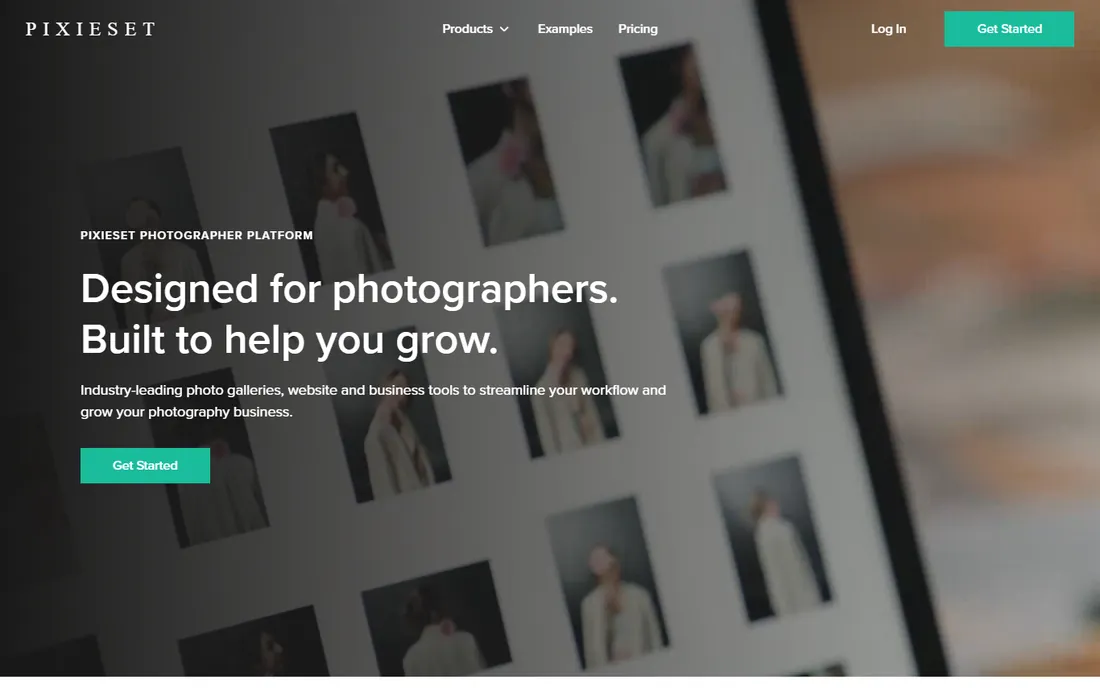
Pixieset started as the client gallery photographers actually enjoyed using, and it grew into a full studio platform: website, galleries, store, contracts, invoicing, and scheduling. The free forever plan means you can run galleries at no cost and upgrade only when the business justifies it.
The Suite plan at $38 per month bundles everything, which is competitive against three separate subscriptions. The honest catch is the website builder itself: it is clean and functional but less design-flexible than Squarespace or Format. If galleries and client workflow are the priority and the portfolio is secondary, Pixieset is the natural home.
What we like- Industry-leading client galleries
- Free forever plan on every product
- Suite plan bundles website, CRM, and store at $38/month
Watch out for- Website builder is simpler than Squarespace or Format
- Best value requires the full Suite commitment
Starting priceSee website
Free planFree trial
SmugMug has served photographers since 2002, and its core strengths are storage and selling. Upload your archive, organize it into galleries, and sell prints through integrated pro labs without handling fulfillment yourself. For volume shooters and anyone with a large back catalog, the storage story is compelling.
The platform has modernized its homepage and tools, but the site builder still feels more functional than fashionable next to Squarespace. Pricing is not on the homepage, so expect a click to the plans page. The honest catch is positioning: SmugMug is a photo platform with websites attached, not a website builder with photos attached. Buy it for the former.
What we like- Unlimited photo storage on most plans
- Built-in print lab fulfillment
- Deeply customizable galleries
Watch out for- Design flexibility trails modern builders
- Pricing requires visiting the plans page
Starting priceSee website
Free planFree trial

Zenfolio aims to run the entire photography business: portfolio site, client galleries, online store, booking and scheduling, automated marketing, and a dedicated workflow for volume work like sports and school photography. Few competitors cover that much ground in one account.
The trade-off is age. Zenfolio has served photographers for over 20 years, and parts of the interface show it. Templates are serviceable rather than striking. The honest catch is that design-conscious photographers often find the sites look templated in the bad sense. If your priority is business machinery over visual distinction, the depth here is real.
What we like- End-to-end business tools including booking and marketing
- Strong volume-photography workflow
- 20+ years serving photographers
Watch out for- Interface and templates feel dated
- Plan pricing sits behind the signup flow
Starting priceSee website
Free planYes (free plan)

Wix is the only option here with a true free plan, which makes it the lowest-risk starting point. The editor offers more granular design control than Squarespace, the template library is enormous, and the app market adds booking, stores, and galleries as needed.
The honest catch is fit. Wix is a general builder, so photography workflows like client proofing arrive as add-ons rather than native features, and the free plan carries Wix branding with storage limits. It is a fine choice for a simple portfolio or a photographer who wants maximum design freedom, but working studios will outgrow the photography features fast.
What we like- Genuine free plan to start
- 2,000+ templates and deep drag-and-drop control
- Huge app market for added features
Watch out for- No photography-native proofing or gallery workflow
- Free plan shows Wix branding and limits
Starting priceSee website
Free planNo (needs Creative Cloud)
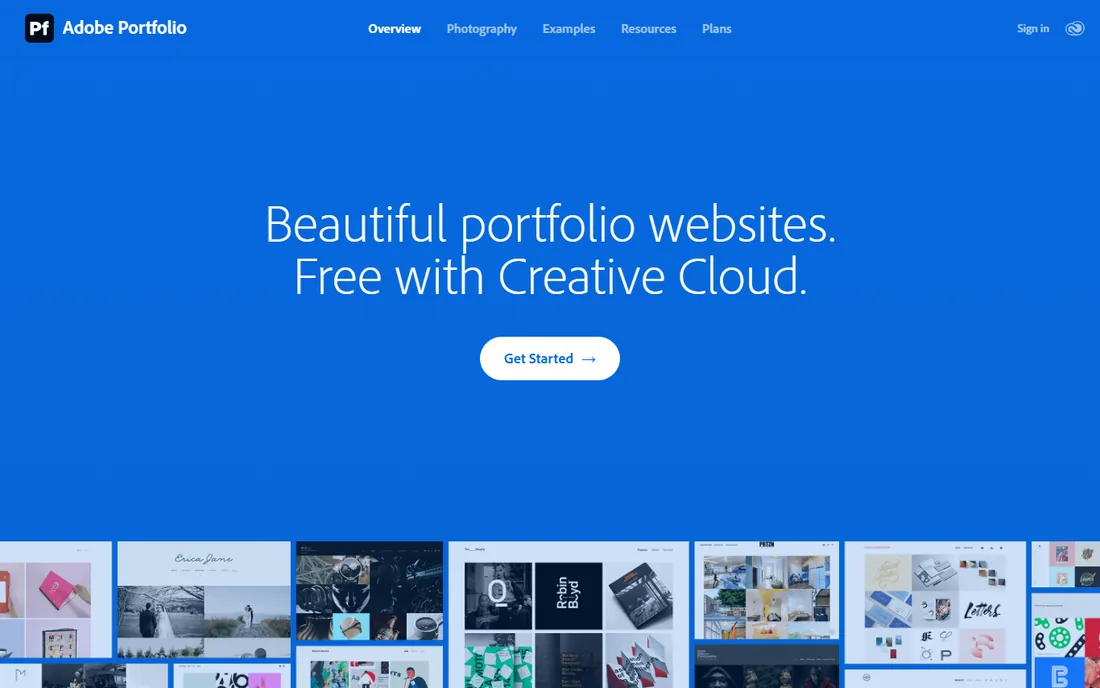
Adobe Portfolio is the quiet bargain of this list: if you already pay for Creative Cloud, a polished portfolio site is included free. Themes are clean and responsive, Lightroom collections sync directly into galleries, and Behance integration is built in. You can be live in an afternoon.
The honest catch is scope. There is no store, no client proofing, no booking, and customization is deliberately limited. It is a portfolio and nothing else. For a photographer already in the Adobe ecosystem who just needs a professional web presence, it is the obvious first stop before spending money elsewhere.
What we like- Included with Creative Cloud at no extra cost
- Syncs with Lightroom collections and Behance
- Clean, responsive themes
Watch out for- Limited customization and no business tools
- Pointless if you do not use Adobe products
How we chose
We opened each vendor's homepage to verify the current product and pricing presentation, reviewed plan structures and feature lists, and read photographer discussions on Reddit and review sites like Capterra and G2. We weighted portfolio design quality, image handling, client gallery and proofing tools, print sales, and how much of the business workflow each platform covers natively. We did not build test sites; this comparison reflects published features, pricing, and documented user feedback.
Portfolio first or business first
If the site exists to win clients with beautiful work, prioritize design: Squarespace, Format, or Adobe Portfolio. If it exists to deliver galleries and sell prints, prioritize workflow: Pixieset, SmugMug, or Zenfolio.
How you deliver client photos
Galleries with proofing, favorites, and downloads are native to Pixieset, Pixpa, SmugMug, and Zenfolio. On Squarespace and Wix, you will need a separate gallery service, which means a second subscription and a second login for clients.
Print sales and commissions
Pixpa and Format take zero commission on store sales. SmugMug, Zenfolio, and Pixieset route orders through pro labs with their own pricing structures. Model a typical order's fees before choosing, because commission differences compound over a busy season.
Design control versus convenience
Wix and Format offer the deepest customization; Adobe Portfolio and Pixieset trade control for speed. Be honest about how much you will actually tinker: most photographers benefit more from a good template than from pixel-level control.
Total cost, not just the plan price
Add the domain, the gallery tool if separate, the store commissions, and any print lab markups. A $19 plan plus a $15 gallery subscription plus commissions can exceed an all-in-one $38 Suite plan quickly.
Why your domain matters more than the platform
Platforms change pricing, redesign editors, and occasionally sunset products. Your domain is the one asset that survives all of it. Every platform here supports custom domains, and connecting yours from day one means clients, backlinks, and search rankings stay with you even if you switch builders later.
It also reads as professional. A portfolio at yourname.com signals a working photographer; the same work at yourname.wixsite.com signals a hobby. The domain itself costs roughly $12 to $20 a year, and most annual plans here include the first year free.
Frequently asked questions
What is the best website platform for photographers?
Squarespace is best for design-focused portfolios, Format and Pixpa are best for portfolio plus client workflow in one place, and Pixieset is best for photographers whose business runs on client galleries. Adobe Portfolio is best if you already pay for Creative Cloud.
Can I sell prints from my photography website?
Yes. SmugMug, Zenfolio, Pixieset, Pixpa, and Format all support print sales, with lab fulfillment options so you never handle printing or shipping. Pixpa and Format charge zero platform commission; others use lab-based pricing.
Is there a free website builder for photographers?
Wix has a free plan with Wix branding, Pixieset offers a free forever plan on its products, and Adobe Portfolio is free with a Creative Cloud subscription. The rest offer free trials of 14 to 15 days.
Do I need a separate client gallery tool?
Not necessarily. Pixieset, Pixpa, SmugMug, Zenfolio, and Format include client galleries with proofing and delivery. Squarespace, Wix, and Adobe Portfolio do not, so you would pair them with a dedicated gallery service.
How much does a photography website cost per year?
Entry plans run roughly $150 to $250 per year, mid-tier all-in-one platforms run $300 to $500 per year, and domains add about $12 to $20 annually. Factor in gallery subscriptions and print commissions to get the true total.
Should photographers use Squarespace or a photography-specific platform?
Choose Squarespace if the portfolio's visual impact is the priority and you handle galleries elsewhere. Choose a photography-specific platform like Pixieset or Pixpa if client delivery, proofing, and print sales happen on your site every week.
Sources we checked (8)
- https://squarespace.com/
- https://format.com/
- https://www.pixpa.com
- https://pixieset.com/
- https://smugmug.com/
- https://zenfolio.com
- https://www.wix.com
- https://portfolio.adobe.com
Is your product missing or out of date?
We review this list regularly. Vendors can request a listing, send updated pricing or ask about featured placement.

Shihab Mia · Founder, Rankite
Shihab has spent more than a decade helping SaaS and e-commerce brands grow through search. He writes Rankite's software buying guides from pricing pages, documentation and public user reviews. More about Shihab.