How we make this list: we compare pricing pages, product documentation and public user reviews. Rankite is independent; if a vendor ever pays for a featured spot, that listing is clearly labeled Partner.
Key takeaways
- Amazon Rekognition is the easiest API to start with: pay per image, a real free tier, no machine learning expertise required.
- Microsoft Azure AI Face is capable but gated: face recognition features are limited to Microsoft managed customers and partners who pass an intake review.
- Face++ and Luxand are the developer-friendly independents, with broad APIs and SDKs that run in the cloud or on your own hardware.
- NEC Bio-IDiom, Cognitec, Trueface (BigBear.ai) and SAFR are the enterprise biometric specialists for access control, airports, retail and government.
- Kairos and Betaface suit smaller teams and developers who want a simpler API and a working demo before talking to sales.
- Biometric privacy law (Illinois BIPA, GDPR, the EU AI Act) makes consent, retention and data handling part of the buying decision, not an afterthought.
Quick comparison
| Tool | Best for | Starting price | Free plan |
|---|
 Amazon Rekognition Amazon Rekognition | Developers who want face APIs running this afternoon | $0.001 per image (first 1M/month) | Yes |
 Microsoft Azure AI Face Microsoft Azure AI Face | Microsoft-centric organizations that pass the access review | See website | No |
 Face++ Face++ | App developers who want the widest API menu | See website | See website |
 Luxand Luxand | Developers who want face recognition that runs on their own hardware | See website | See website |
 Trueface (BigBear.ai) Trueface (BigBear.ai) | Edge and on-premise deployments that cannot use the cloud | See website | No |
 NEC Bio-IDiom NEC Bio-IDiom | Government and large-scale identity programs | See website | No |
 Cognitec Cognitec | Organizations that want a pure-play face recognition vendor | See website | No |
 SAFR SAFR | Live video intelligence and touchless access control | See website | No |
 Kairos Kairos | Smaller developers who want a straightforward face API | See website | See website |
 Betaface Betaface | Budget-conscious developers who want to try before they buy | See website | Free trial |
Is your product missing or out of date?
We review this list regularly. Vendors can request a listing, send updated pricing or ask about featured placement.
Facial recognition software for business, compared
#1
Amazon Rekognition
Best for: Developers who want face APIs running this afternoon
Visit aws.amazon.com
Starting price$0.001 per image (first 1M/month)
Free planYes
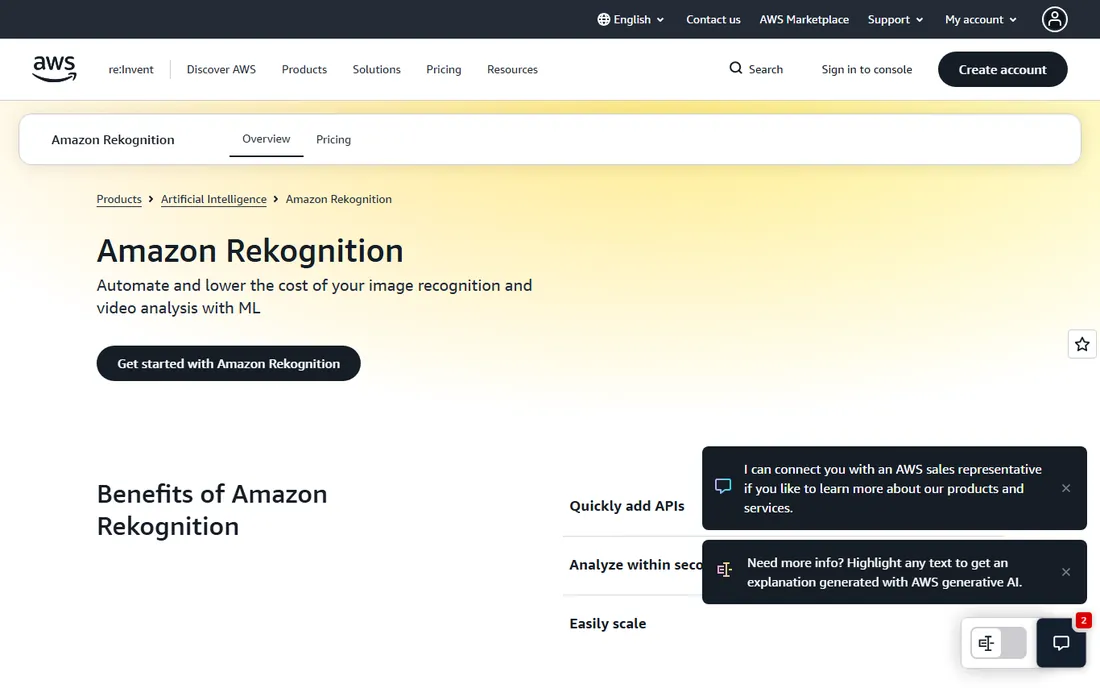
Rekognition is the default starting point for a reason. The face APIs, DetectFaces, CompareFaces, SearchFaces, plus face liveness for spoof resistance, are pre-trained and callable in minutes through the AWS SDK. Pricing is transparent: $0.001 per image for the first million face API calls a month, dropping with volume, and the free tier covers 1,000 images a month for a year.
For identity verification, onboarding and media workflows, it is hard to beat on time-to-value. Face metadata storage for search collections costs a fraction of a cent per face per month.
The honest catch: it is a cloud API, so every face image leaves your network, which rules it out for buyers with data residency requirements. Accuracy depends heavily on input quality, and AWS pricing punishes high-volume experimentation. Start here to prove the concept; move on-premise when compliance demands it.
What we like- No ML expertise needed
- Pay-per-image with a real free tier
- Face liveness, compare and search in one service
Watch out for- Accuracy varies with image quality
- AWS lock-in
- Enterprise buyers want more deployment control
Starting priceSee website
Free planNo
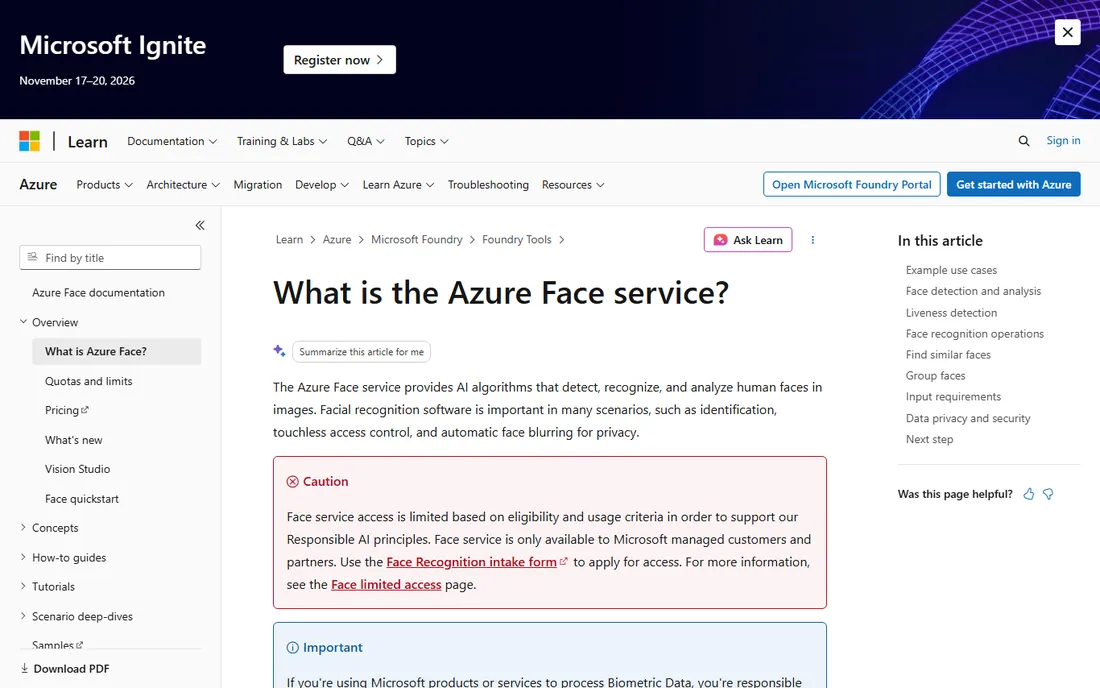
Azure's Face service detects, verifies and identifies faces with the polish you expect from Microsoft's AI stack. Face detection works without special approval, which covers blurring, counting and basic analysis use cases.
The catch is access. Face identification and verification are limited-access features: only Microsoft managed customers and partners can apply, through an intake form, with review taking 5 to 10 business days. Microsoft also retired emotion and gender inference and restricted age, smile and facial hair attributes on responsible-AI grounds.
That makes Azure the right choice for enterprises already on Azure with an approved use case, and a non-starter for independent developers who want to experiment today.
What we like- Strong detection, verification and identification APIs
- Integrates with the Azure ecosystem
- Responsible-AI guardrails built in
Watch out for- Face recognition requires approval and is limited to managed customers and partners
- No self-serve signup for 1:N features
- Emotion and gender attributes retired
Starting priceSee website
Free planSee website
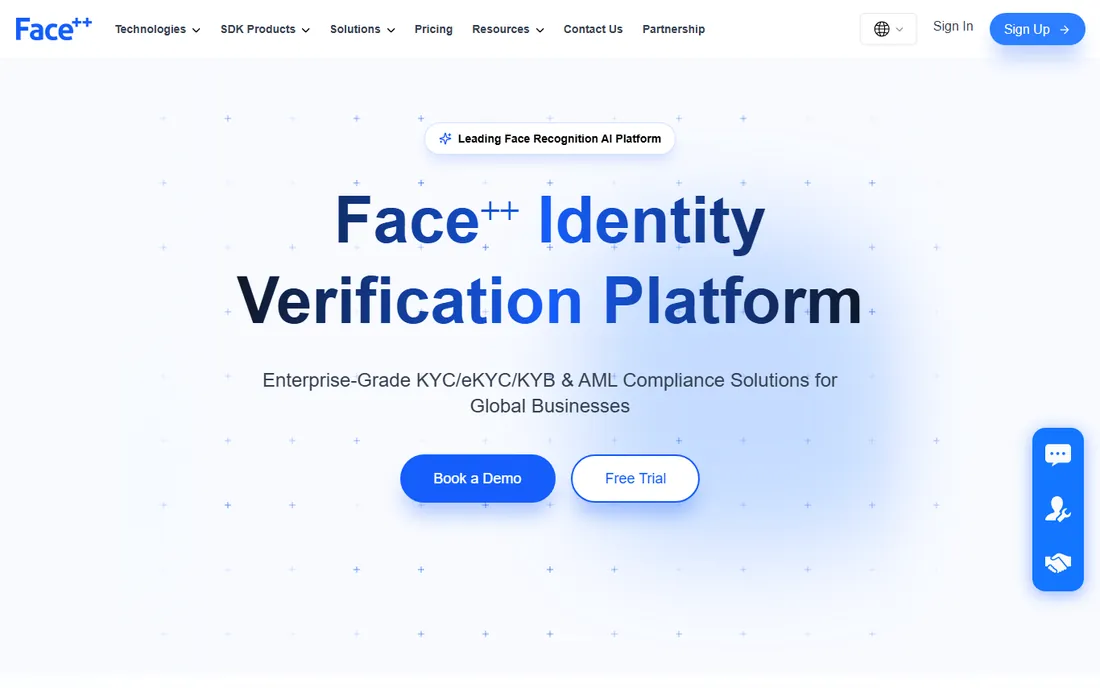
Face++ (from Megvii) offers one of the broadest computer vision APIs in the industry: face detection, 1:1 compare, 1:N search, landmarks, attributes, emotion, gaze, 3D face modeling, plus body detection and OCR. If your product needs more than faces, the single-vendor convenience is real.
The platform is popular with mobile developers thanks to solid iOS and Android SDKs, and it has deep adoption in Asian markets. KYC, onboarding and workforce identity are the core use cases.
The honest catch: public pricing is thin, so budget planning means a sales conversation. Some Western enterprises hesitate over a Chinese vendor for biometric data, which is a procurement reality regardless of the technology's quality.
What we like- Huge API catalog beyond faces (body, text, image)
- SDKs for mobile and edge
- Strong in Asian markets
Watch out for- Pricing requires talking to sales for scale
- Documentation quality varies
- Geopolitical considerations for some buyers
#4
Luxand
Best for: Developers who want face recognition that runs on their own hardware
Visit luxand.com
Starting priceSee website
Free planSee website
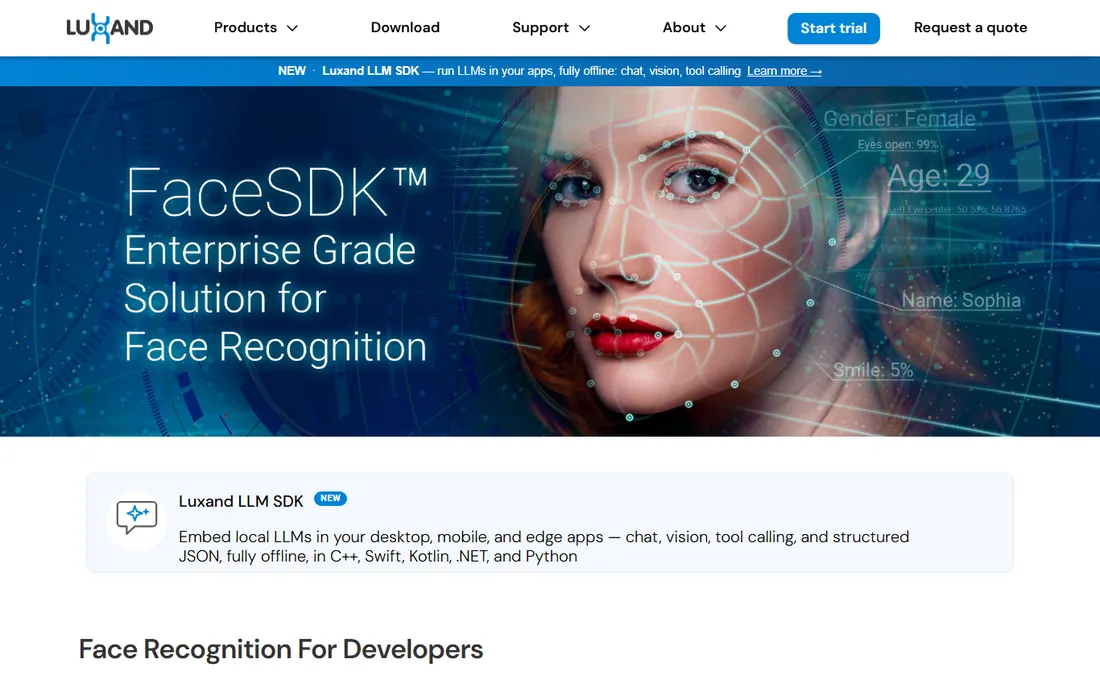
Luxand has been selling face recognition SDKs since before it was fashionable. FaceSDK detects faces and facial features and performs recognition entirely on-device, which solves the data residency problem by architecture: no face image ever has to leave your network.
That makes it a natural fit for access control hardware, kiosks and desktop applications where cloud latency or privacy rules kill API options. Licensing is traditionally per-seat or per-project rather than per-call, which finance teams often prefer.
The catch is scale of support. You get a capable SDK, not a platform with a solutions team, and documentation feels dated next to AWS or Azure. It is a strong pick for product teams that can integrate an SDK themselves and want to own their biometric data completely.
What we like- FaceSDK runs on Windows, Mac, Linux, iOS and Android with no cloud needed
- Long track record
- One-time licensing options
Watch out for- Smaller company with less enterprise hand-holding
- API ecosystem thinner than hyperscalers
- Interface and docs feel dated
#5
Trueface (BigBear.ai)
Best for: Edge and on-premise deployments that cannot use the cloud
Visit trueface.ai
Starting priceSee website
Free planNo
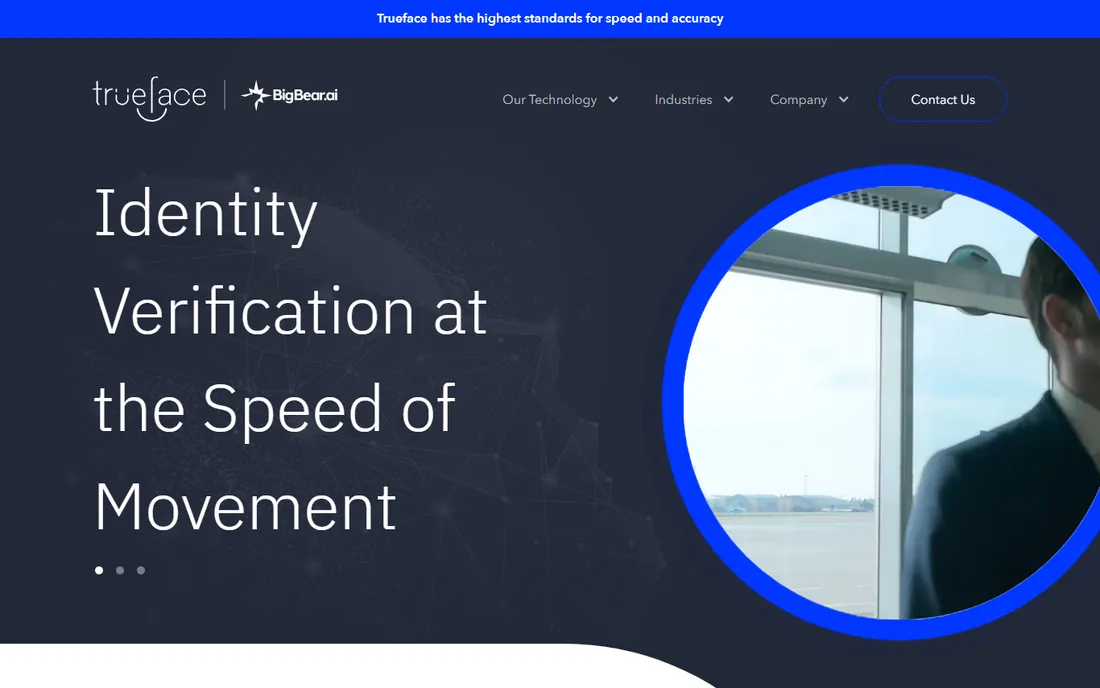
Trueface, now part of BigBear.ai, pitches itself on deployment flexibility: the same engine runs on-premise, on bare metal, in the cloud or at the edge, so biometric data never has to leave designated infrastructure. For defense, critical infrastructure and regulated industries, that is often the deciding factor.
The technology claims are specific: 1:1 template matches in under 200 nanoseconds, strong results on masked faces in independent testing, and built-in spoof detection for presentation attacks. The company emphasizes representative training data across ethnicities and genders.
The honest catch: this is enterprise software sold the enterprise way, with quotes instead of pricing pages and pilots instead of trials. Smaller buyers will find the process heavy. It belongs on shortlists where data control and edge deployment are requirements, not preferences.
What we like- Runs on-premise, in cloud or at the edge
- Strong masked-face accuracy
- Spoof detection included
Watch out for- Enterprise sales motion, no self-serve
- Pricing not published
- Smaller partner ecosystem than hyperscalers
#6
NEC Bio-IDiom
Best for: Government and large-scale identity programs
Visit nec.com
Starting priceSee website
Free planNo
NEC's Bio-IDiom is the portfolio name for its biometric identification suite, covering face, iris, fingerprint, palm and voice. Its face recognition has repeatedly ranked first in NIST vendor tests, and it runs real national-scale systems: airport immigration, law enforcement and large access control deployments across dozens of countries.
This is not software you download. Bio-IDiom engagements are systems integration projects with NEC or its partners, scoped around throughput, accuracy targets and existing infrastructure.
The catch, plainly: unless you are a government agency, airport or very large enterprise, you will not buy this directly. Include it to calibrate what "proven at scale" means, then buy the tool that fits your actual size.
What we like- Decades of biometric R&D
- Top-ranked in NIST testing
- Proven at airports and national-scale deployments
Watch out for- Enterprise and government sales only
- Pricing never public
- Implementations are projects, not products
#7
Cognitec
Best for: Organizations that want a pure-play face recognition vendor
Visit cognitec.com
Starting priceSee website
Free planNo
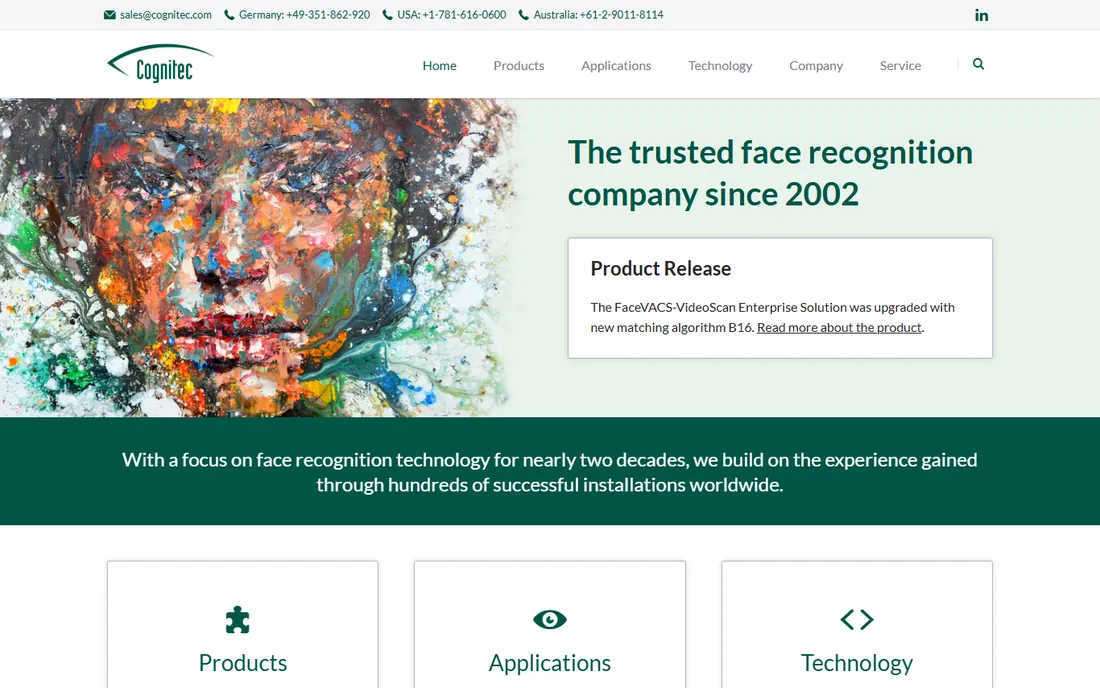
Cognitec does one thing, face recognition, and has done it for nearly twenty years. Its technology powers video surveillance analytics, border control and law enforcement installations worldwide, with a reputation for reliability in difficult real-world conditions.
As a pure-play vendor, it lives or dies on algorithm quality rather than cloud bundling, which shows in its NIST results and long customer relationships. Support is personal in a way hyperscaler support is not.
The honest catch is accessibility. There is no free tier to tinker with and no public pricing; you engage through sales and pilots. Developers building a new product will move faster with Rekognition or Face++; buyers with a serious deployment and a procurement process will get white-glove treatment here.
What we like- Nearly two decades focused only on face recognition
- Hundreds of installations
- Strong in video surveillance and border control
Watch out for- Niche vendor with limited self-serve options
- Pricing quote-only
- Less developer mindshare than API-first rivals
#8
SAFR
Best for: Live video intelligence and touchless access control
Visit safr.com
Starting priceSee website
Free planNo
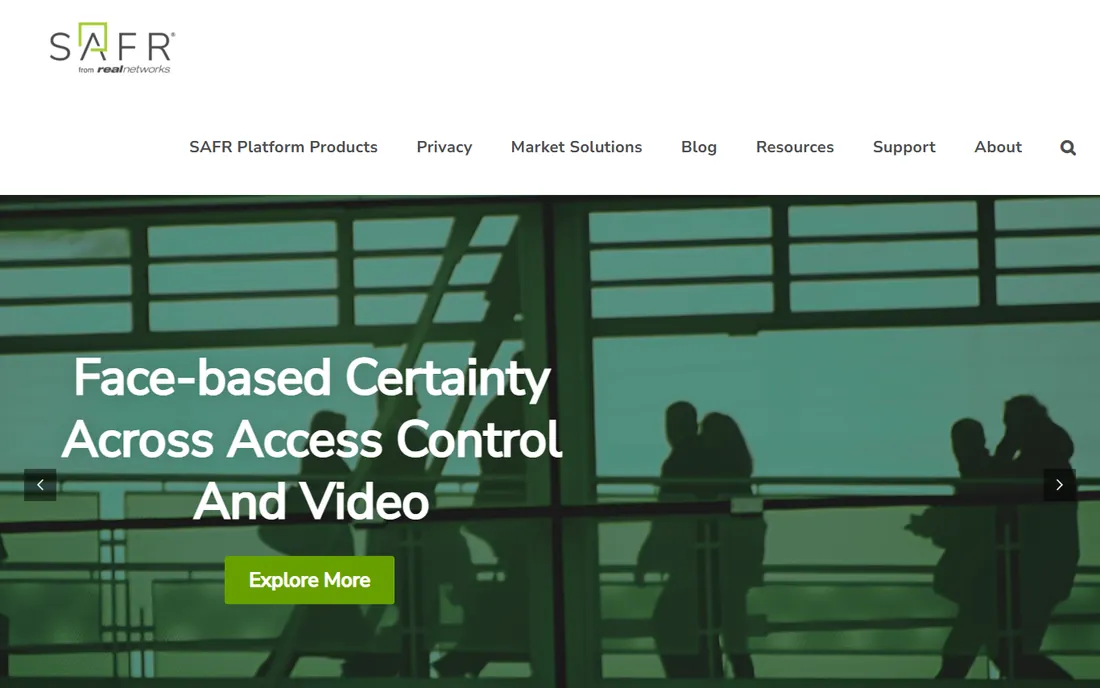
SAFR, from RealNetworks, is built for faces in motion: live video streams, touchless access control and retail analytics. Matching runs in under 100 milliseconds, it operates on edge devices including directly on cameras, and NIST testing has noted its low demographic bias.
The platform play is the unified ecosystem: one identity database, shared watchlists, and integration with physical access control and video management systems. With tens of thousands of cameras deployed, it has real-world proof in the environments it targets.
The catch is scope. SAFR is not a general-purpose face API for app developers; it is a security and access platform with enterprise, quote-based pricing. If your problem is recognizing people on cameras in real time, it is a top-three option.
What we like- Optimized for live video with sub-100ms matching
- Low bias scores in NIST testing
- Runs on edge devices and cameras
Watch out for- Enterprise pricing, quote-only
- Focused on video and access, not general APIs
- Smaller developer community
#9
Kairos
Best for: Smaller developers who want a straightforward face API
Visit kairos.com
Starting priceSee website
Free planSee website
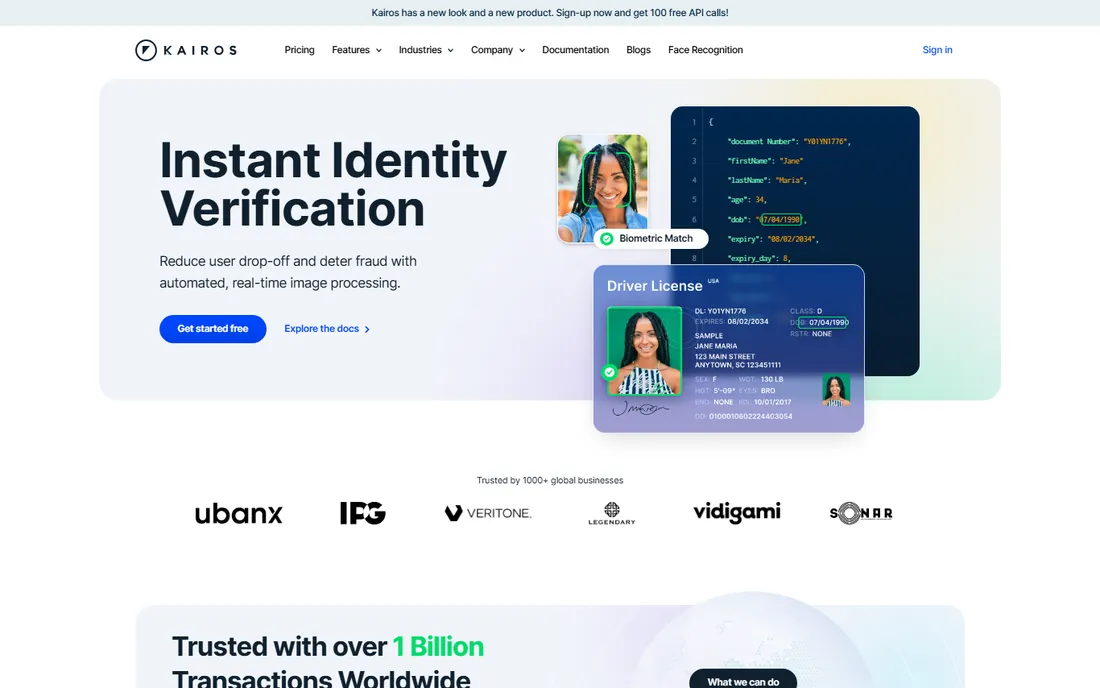
Kairos has long pitched itself as the developer-friendly, ethics-conscious face recognition API: simple endpoints for detection and recognition, clear documentation, and a company narrative around responsible use. For prototypes, hackathons and small products, that simplicity has real value.
The API covers the essentials without the complexity of a full biometric platform, and the company historically offered a free tier for experimentation.
The honest catch is viability. Kairos is a small independent in a market consolidating around hyperscalers and defense-backed vendors, so validate the roadmap and support continuity before building on it. Fine for experiments and small deployments.
What we like- Simple developer-friendly API
- Ethics-forward positioning
- Usable free tier historically
Watch out for- Smaller company, less certain roadmap
- Feature depth trails the leaders
- Enterprise support limited
#10
Betaface
Best for: Budget-conscious developers who want to try before they buy
Visit betaface.com
Starting priceSee website
Free planFree trial
Betaface is the veteran indie of this list: face detection, 1:1 and 1:N recognition, plus unusually deep analysis features (age, gender, ethnicity, emotion, hairstyle, even clothing color) through both SDKs and a hosted API. The free online demo lets you upload a photo and see results in seconds, which is the fastest evaluation on this list.
Pricing has historically been among the most affordable, with a credit-based API model suited to low and medium volumes.
The catch is modernity. The site and tooling show their age, and it is a small operation without enterprise-grade support. For developers who want to test cheaply and integrate quickly, it remains legitimate; for mission-critical deployments, prefer vendors with deeper benches.
What we like- Free online demo to test accuracy immediately
- Wide feature set including age, emotion and 3D analysis
- Affordable API pricing historically
Watch out for- Website and product feel dated
- Smaller operation
- Support responsiveness varies
How we chose
We opened each vendor's homepage and documentation, checked pricing and access pages, and cross-referenced public reviews, NIST test references and developer discussion on Reddit and GitHub for recurring complaints. We weighted business suitability (deployment options, data handling, support) over raw accuracy claims, and we mixed hyperscaler APIs, independent SDK vendors and enterprise biometric platforms so different buyer types see themselves. We excluded consumer novelties and surveillance-only controversies. We did not test the tools hands-on.
How to buy facial recognition without creating legal risk
Consent and notice come first
In Illinois, the Biometric Information Privacy Act (BIPA) requires written consent before collecting face geometry, with statutory damages per violation. Texas and Washington have similar laws, the EU's GDPR treats biometric data as a special category, and the EU AI Act restricts real-time remote biometric identification. Your vendor choice does not exempt you: if you are the deployer, you own the compliance burden. Get legal review before launch, not after a complaint.
Cloud API versus on-premise
Cloud APIs (Rekognition, Face++, Kairos) are fastest to deploy but send biometric data to someone else's servers. On-premise and edge options (Luxand SDK, Trueface, SAFR edge, NEC) keep data inside your network at the cost of integration effort. Regulated buyers should default to on-premise; everyone else should confirm the vendor's retention and deletion terms in writing.
1:1 verification versus 1:N identification
These are different products with different risk profiles. 1:1 verification ("is this the person they claim to be?") is used for login and onboarding and is widely accepted. 1:N identification ("who is this person among millions?") is surveillance-adjacent, faces the strictest regulation, and is exactly what Azure gates behind approval. Know which one you are buying.
Test on your data, not the vendor's
NIST rankings and marketing accuracy figures are measured under test conditions. Your cameras, lighting, angles and demographics will differ. Run a pilot on your own footage with your own watchlist sizes before signing, and measure false match and false non-match rates separately: the trade-off between them is where deployments actually fail.
Accuracy is not one number: what to test
Vendors quote single accuracy figures; real deployments live in the details. Test liveness detection against printed photos and phone screens, because spoofing is the first attack. Test with masks, glasses and hats if your environment includes them. Test across the demographic mix of your actual users, since accuracy gaps by skin tone and gender have been documented across the industry. Test at your camera angles: overhead cameras and low light degrade every algorithm. And test throughput: sub-100ms matching matters at a turnstile and is irrelevant for overnight batch jobs. A two-week pilot on real footage answers more than any datasheet.
Frequently asked questions
Is facial recognition legal for my business?
It depends on where you operate and what you do with it. 1:1 verification for access control or onboarding is broadly legal with proper consent and notice. 1:N identification faces strict limits, especially in the EU and in US states with biometric privacy laws. Get legal advice for your jurisdiction and use case before deploying.
Should I use a cloud API or run recognition on-premise?
Use a cloud API when speed of deployment matters and your data policies allow biometric data to leave your network. Run on-premise or on edge devices (Luxand, Trueface, SAFR) when regulations, contracts or customer expectations require data to stay inside your infrastructure. The accuracy gap between the two has narrowed; the decision is now mostly about control.
What is the difference between face detection, verification and identification?
Detection finds faces in an image. Verification (1:1) checks whether a face matches a claimed identity, used for login and onboarding. Identification (1:N) searches a face against a database of many, used for watchlists and surveillance. Each step up increases both capability and regulatory scrutiny.
How accurate is facial recognition in 2026?
Top algorithms exceed 99 percent accuracy in controlled NIST testing, but real-world performance depends on image quality, lighting, camera angle and demographics. Liveness detection quality varies widely between vendors. Always pilot on your own footage and measure false matches and false rejections separately.
Can these systems recognize faces with masks?
Some can, with degraded accuracy. Trueface and SAFR specifically trained for masked faces, and several vendors improved mask handling significantly. If masks are common in your environment, make masked-face accuracy an explicit pilot criterion rather than assuming it works.
Why is Azure AI Face access restricted?
Microsoft limits face identification and verification to managed customers and partners who complete an intake review, as part of its responsible AI policy. Emotion and gender inference were retired entirely. If you need self-serve face recognition today, AWS Rekognition, Face++ or Luxand do not require approval.
Sources we checked (11)
- https://aws.amazon.com/rekognition
- https://aws.amazon.com/rekognition/pricing/
- https://learn.microsoft.com/en-us/azure/ai-services/face/overview-identity
- https://www.faceplusplus.com
- https://luxand.com/
- https://www.trueface.ai
- https://www.nec.com/en/global/solutions/biometrics/index.html
- https://cognitec.com/
- https://kairos.com/
- https://betaface.com/
- https://safr.com/
Is your product missing or out of date?
We review this list regularly. Vendors can request a listing, send updated pricing or ask about featured placement.

Shihab Mia · Founder, Rankite
Shihab has spent more than a decade helping SaaS and e-commerce brands grow through search. He writes Rankite's software buying guides from pricing pages, documentation and public user reviews. More about Shihab.