How we make this list: we compare pricing pages, product documentation and public user reviews. Rankite is independent; if a vendor ever pays for a featured spot, that listing is clearly labeled Partner.
Key takeaways
- ImagenAI and Evoto AI are the batch workhorses: AI retouching priced per photo or credit, built for wedding and portrait pros with big galleries.
- PortraitPro remains the dedicated face-retouching specialist, with the longest track record and the most granular control over skin, eyes and makeup.
- Luminar Neo and ON1 Photo RAW are the one-time-purchase alternatives for photographers who refuse Adobe subscriptions.
- Lightroom and Photoshop are still the standard combo; DxO PhotoLab and Capture One win on RAW quality, noise reduction and color.
- Retouch4me sells task-specific AI plugins that drop into Photoshop and Lightroom, so you buy only the retouching you need.
Quick comparison
| Tool | Best for | Starting price | Free plan |
|---|
 Luminar Neo Luminar Neo | Photographers who want AI portrait tools without a subscription | See website | No |
 PortraitPro PortraitPro | Dedicated face retouching with full manual control | See website | See website |
 ImagenAI ImagenAI | Wedding and portrait pros who want editing in their own style, automated | See website | Free trial |
 Evoto AI Evoto AI | High-volume portrait retouching at per-photo prices | $89/year (800 credits) | Free trial |
 Adobe Lightroom Adobe Lightroom | The industry-standard photo workflow with portrait presets | See website | See website |
 Adobe Photoshop Adobe Photoshop | Maximum control over every pixel of a portrait | See website | Free trial |
 DxO PhotoLab DxO PhotoLab | The best RAW quality and noise reduction for portraits | See website | Free trial |
 ON1 Photo RAW ON1 Photo RAW | An all-in-one editor with no subscription | See website | Free trial |
 Capture One Capture One | Studio and tethered portrait shooters who demand color accuracy | See website | Free trial |
 Retouch4me Retouch4me | Photoshop and Lightroom users who want task-specific AI plugins | $145 per plugin (one-time) | Free trial |
Is your product missing or out of date?
We review this list regularly. Vendors can request a listing, send updated pricing or ask about featured placement.
Portrait editing software, head to head
#1
Luminar Neo
Best for: Photographers who want AI portrait tools without a subscription
Visit skylum.com
Starting priceSee website
Free planNo
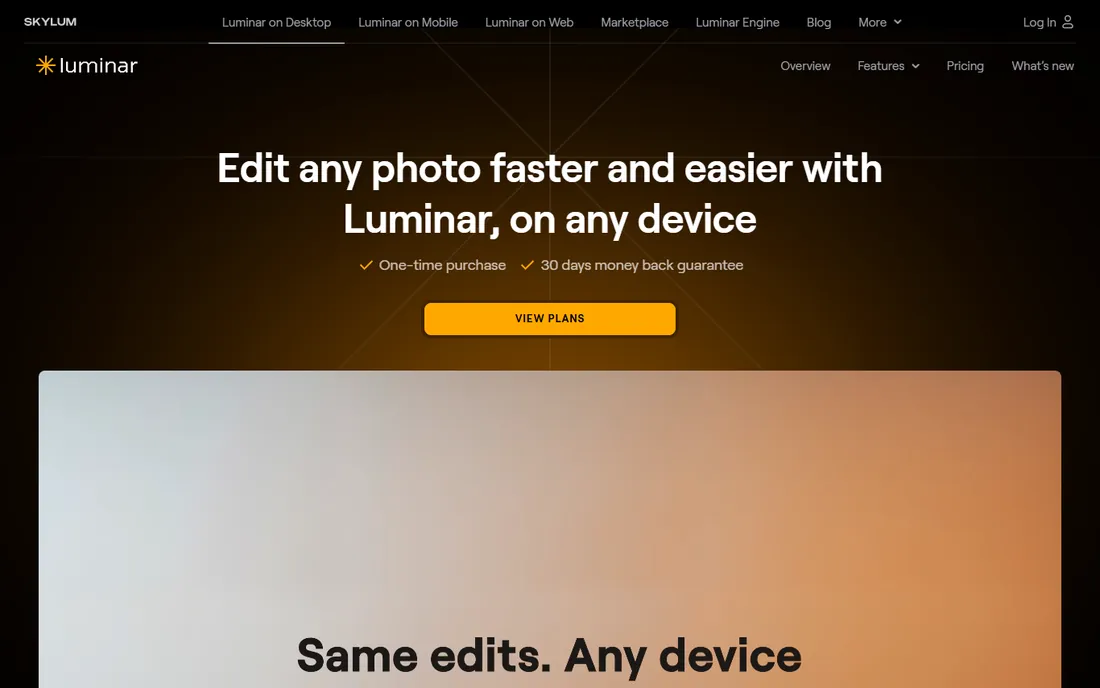
Skylum sells Luminar Neo as the AI photo editor for people who edit portraits but do not want a subscription hanging over them. The portrait toolkit is genuinely useful: SkinAI smooths skin while keeping texture, FaceAI refines facial features and lighting, and there are tools for body sculpting, background blur and bokeh. For a hobbyist or part-time portrait shooter, it covers 90 percent of retouching needs.
The buying model is the draw. You can buy a perpetual desktop license instead of renting, use it standalone or as a plugin inside Lightroom and Photoshop, and edit across desktop and mobile. Batch processing and presets make short work of a family session.
The catch is in the fine print: the generative AI tools and asset library renew yearly after year one, there is no free trial beyond the 30-day money-back guarantee, and the catalog lags Lightroom. Buy it for the retouching engine, not as a Lightroom replacement.
What we like- One-time purchase option
- SkinAI and FaceAI built in
- Works as a Lightroom and Photoshop plugin
Watch out for- No free trial, only a money-back guarantee
- AI features renew yearly after year one
- Catalog weaker than Lightroom
Starting priceSee website
Free planSee website
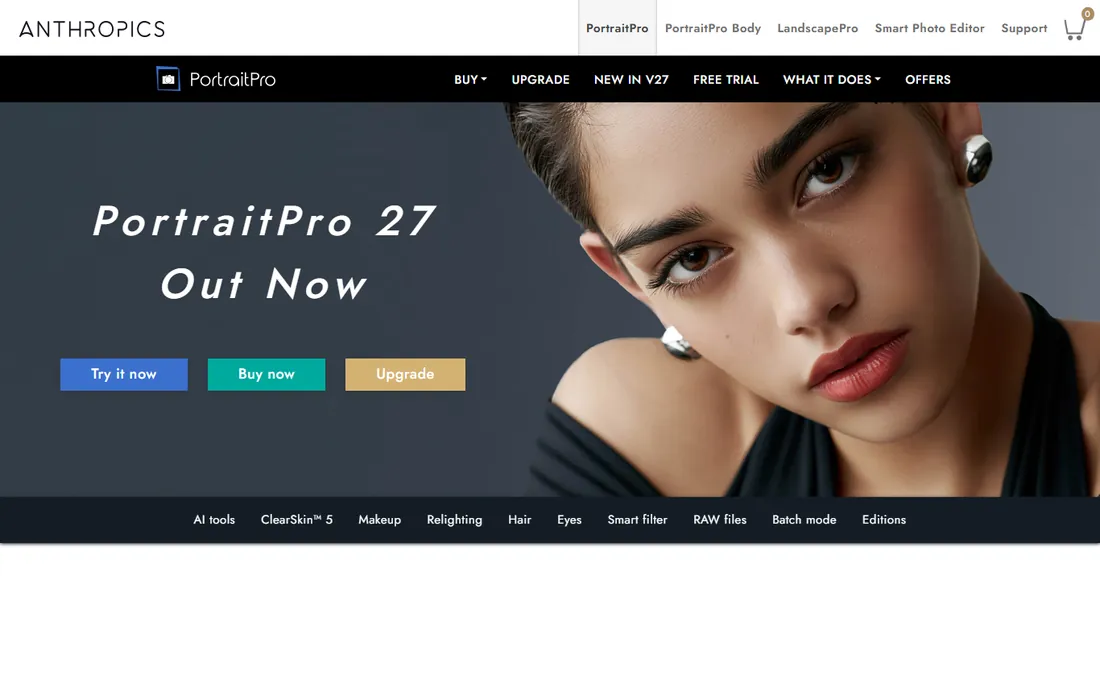
Anthropics has been refining PortraitPro for years, and version 24 shows it: automatic face, age and gender detection, natural skin smoothing, digital makeup, hair recoloring, eye enhancement and relighting, now with generative tools for teeth and glasses reflections. If your job is making faces look their best, this is the most focused tool on the list.
It comes in three editions. Standard suits keen amateurs; Studio adds RAW handling and a Photoshop Smart Filter for round-tripping; Studio Max adds automatic batch processing for whole shoots. The slider-based controls give you more say than one-click AI, which working retouchers appreciate.
The honest catch: PortraitPro does one thing. You will still need another editor for everything else, and the interface looks its age next to Luminar or Evoto. It earns its place only if faces are a big part of your workload.
What we like- Purpose-built for faces with deep controls
- ClearSkin smoothing keeps texture
- Studio Max adds batch processing
Watch out for- Interface feels dated
- Not a full photo editor
- Pricing not shown upfront
#3
ImagenAI
Best for: Wedding and portrait pros who want editing in their own style, automated
Visit imagen-ai.com
Starting priceSee website
Free planFree trial

ImagenAI takes a different approach from every other tool here: instead of generic AI retouching, it studies your past Lightroom edits and builds a Personal AI Profile that recreates your color, tone and style choices across new galleries. For wedding photographers with a signature look, that is the killer feature.
Beyond editing, it handles culling, grouping and rating, plus cropping, perspective correction and video color work, all integrated with Adobe Creative Cloud. The homepage offers 1,000 free photos to try, which is enough to judge whether the AI nails your style.
The catch is the meter. You pay for exported photos rather than a flat fee, so a 3,000-image wedding season has a real line item. Processing happens in the cloud, which needs decent upload bandwidth, and the AI needs a solid base of your edited work to learn from.
What we like- Learns your personal editing style from your Lightroom catalog
- 1,000 free photos to try
- Culling plus editing in one flow
Watch out for- You pay per exported photo
- Cloud processing means uploads
- The first profile needs enough of your past edits to learn from
#4
Evoto AI
Best for: High-volume portrait retouching at per-photo prices
Visit evoto.ai
Starting price$89/year (800 credits)
Free planFree trial
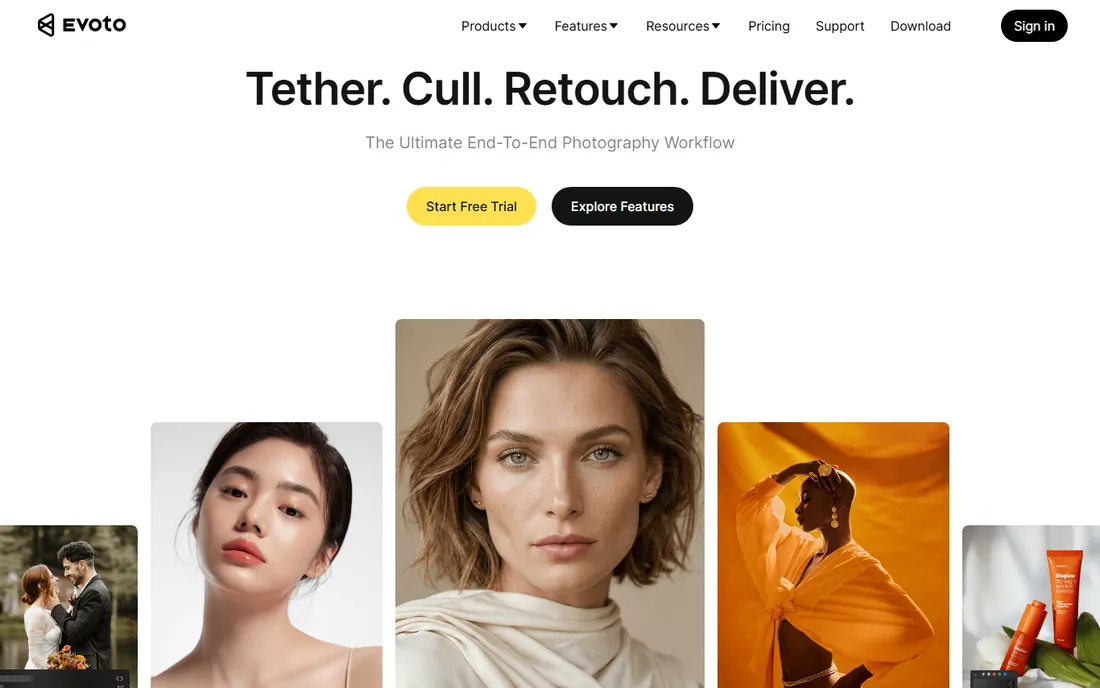
Evoto is built for the photographer staring down a 500-portrait backlog. It batch-retouches skin, blemishes, body shape, backgrounds and more, with AI presets you can tune and sync across a whole set. The pitch is simple: consistent professional retouching without per-hour labor.
Pricing is credit-based. The Starter plan is $89 a year for 800 credits, working out to roughly $0.10 per credit, with bigger plans dropping the per-credit cost. A 7-day free trial and 50 free credits let you test on real client work before paying.
The honest catch: credit systems always take a sitting to understand, and heavier edits burn through plans faster than the headline math suggests. If your volume is spiky, watch the rollover terms. Still, for predictable per-photo costs, it is one of the clearest deals here.
What we like- Credit pricing works out to cents per photo
- 7-day trial plus 50 free credits
- Desktop, mobile and iPad apps
Watch out for- Credit math confuses first-time buyers
- Heavier retouching costs more credits
- Best rates need annual plans
#5
Adobe Lightroom
Best for: The industry-standard photo workflow with portrait presets
Visit adobe.com
Starting priceSee website
Free planSee website
Lightroom is where most professional portrait workflows live. Its Develop module handles exposure, color and local adjustments well, and the masking tools have improved to the point where skin smoothing and background blur are doable without leaving the app. The real strength is everything around the edit: cataloging, keywording, collections and cloud sync.
For portraits specifically, most pros pair Lightroom with presets or plugins rather than retouching natively. That is fine; the ecosystem is the point. Publish a gallery, sync to mobile, hand off to Photoshop for hero images, all inside one subscription.
The catch is the obvious one: it is subscription-only, Adobe rarely discounts, and serious retouching still means Photoshop or a plugin. If you want deep automated retouching inside one app, Luminar Neo or ON1 give you more for a single payment.
What we like- Best-in-class organization and catalog
- Enormous preset and plugin ecosystem
- Cloud sync across devices
Watch out for- Subscription only
- Built-in portrait retouching is basic
- Plan prices creep up over time
#6
Adobe Photoshop
Best for: Maximum control over every pixel of a portrait
Visit adobe.com
Starting priceSee website
Free planFree trial
Photoshop remains the ceiling of what portrait retouching can be. Frequency separation, dodge and burn, advanced masking, compositing: anything a human retoucher can imagine, Photoshop can execute. The newer neural filters and Generative Fill add AI speed to the manual toolkit, and a free trial lets you test before subscribing.
Nobody disputes the capability. The question is whether you need it. For hero images, album covers and beauty work, yes. For 400 wedding portraits, Photoshop is the wrong tool; that is what ImagenAI, Evoto and PortraitPro's batch mode are for.
The honest catch is time. Photoshop rewards skill and punishes dabblers, and the subscription never ends. Most portrait photographers land on the same setup: Lightroom or Capture One for the gallery, Photoshop for the selects.
What we like- Unmatched manual retouching depth
- Generative Fill and neural filters
- The industry standard clients expect
Watch out for- Steep learning curve
- Subscription pricing
- Slow for batch work
#7
DxO PhotoLab
Best for: The best RAW quality and noise reduction for portraits
Visit dxo.com
Starting priceSee website
Free planFree trial
DxO PhotoLab 10 is the image-quality pick. Its denoising and optical corrections are built from laboratory measurements of specific camera and lens combinations, and reviewers consistently rate them ahead of Adobe's. For high-ISO reception portraits or older cameras, the difference is visible.
Version 10 adds depth-aware masking, better color grading and smarter AI selections of people and facial features, closing the gap on portrait-specific work. It runs on Windows and Mac with a perpetual license, and a 30-day trial is genuinely free.
The catch: PhotoLab is a RAW developer first and a retoucher second. Skin retouching and face-aware tools exist but are thinner than PortraitPro or Luminar. Buy it for image quality at the RAW stage, then retouch elsewhere if faces are your focus.
What we like- Superb denoising and lens corrections from lab-measured profiles
- Perpetual license
- 30-day free trial
Watch out for- Portrait-specific tools are thinner than rivals
- Interface less modern
- Major upgrades cost extra
#8
ON1 Photo RAW
Best for: An all-in-one editor with no subscription
Visit on1.com
Starting priceSee website
Free planFree trial
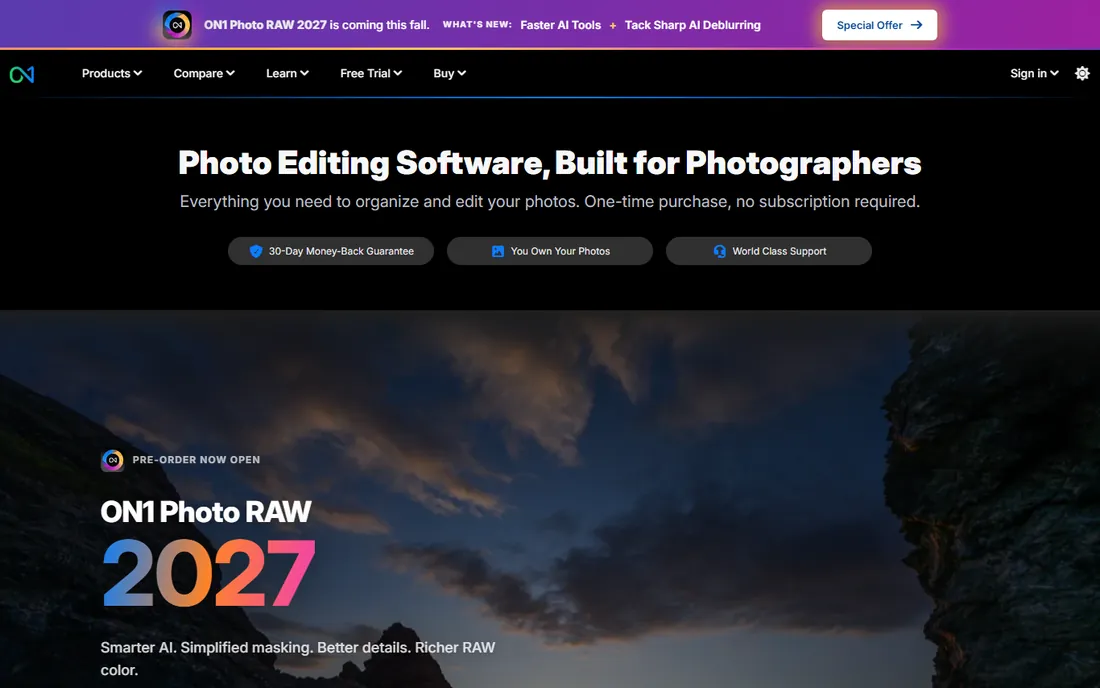
ON1 Photo RAW is the closest thing to a Lightroom-plus-Photoshop replacement you can buy once. It bundles organizing, RAW processing, layers, effects, NoNoise AI and Portrait AI retouching in a single app, installable on two computers, with a 30-day trial.
Portrait AI handles automated face retouching with the kind of one-click skin and eye tools that cover most client work. As a plugin it also drops into Lightroom and Photoshop, so you can add it to an Adobe workflow instead of replacing it.
The honest catch is polish. On huge catalogs it can feel slower than Lightroom, the tutorial base is smaller, and the yearly version cycle creates upgrade confusion. Still, for photographers allergic to subscriptions, it is the most complete single purchase here.
What we like- One-time purchase with no subscription required
- Portrait AI built in
- 30-day free trial
Watch out for- Performance can lag on large catalogs
- Smaller community and fewer tutorials
- Version numbering gets confusing
#9
Capture One
Best for: Studio and tethered portrait shooters who demand color accuracy
Visit captureone.com
Starting priceSee website
Free planFree trial
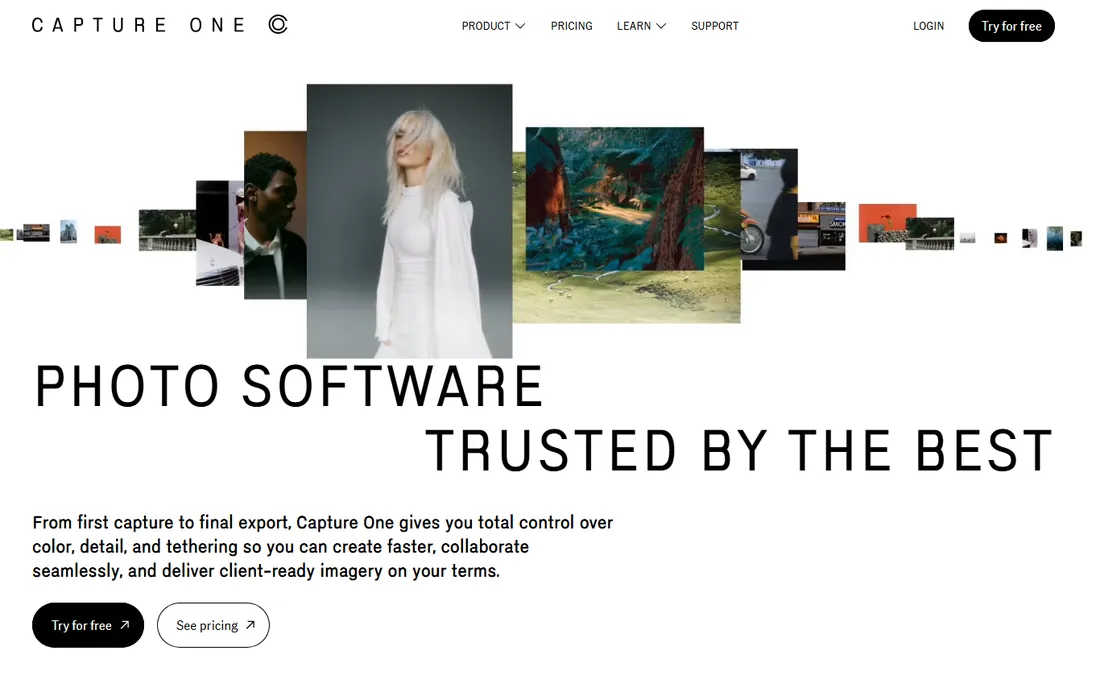
Capture One is the studio photographer's choice. Tethered shooting is the most reliable in the business, which matters when the client watches every frame appear on a big screen, and the color tools give finer control over skin tones than Lightroom. Portrait, fashion and beauty workflows are first-class citizens here.
Recent versions add more AI masking and retouching assistance, but Capture One's philosophy stays manual and precise rather than one-click. The Studio plan targets high-volume teams with collaboration and automation.
The catch is cost and commitment. It is among the priciest options here, and switching from Lightroom means rebuilding muscle memory and presets. Choose it for tethering and color; pair it with PortraitPro or Retouch4me for automated retouching on top.
What we like- The industry's best tethered shooting
- Superb color editing tools
- Free trial with no commitment
Watch out for- Expensive next to alternatives
- Learning curve for Lightroom converts
- Portrait retouching less automated
#10
Retouch4me
Best for: Photoshop and Lightroom users who want task-specific AI plugins
Visit retouch4.me
Starting price$145 per plugin (one-time)
Free planFree trial
Retouch4me does one clever thing: instead of a monolithic retoucher, it sells individual AI plugins for individual jobs. Heal removes blemishes, Dodge & Burn sculpts light on faces, Eye Brilliance brightens eyes, Fabric smooths clothing wrinkles, and so on. Each is trained on professionally retouched photos, and the results look human rather than plastic.
Plugins run inside Photoshop, Lightroom and Capture One, so they slot into your existing workflow instead of replacing it. Every plugin has a free demo, and two (Frequency Separation and Color Match) are free outright. Most paid plugins cost $145 each as a one-time purchase.
The honest catch is arithmetic. Fifteen plugins at $145 each is real money, and photographers tend to accumulate them. Start with Heal and Dodge & Burn, and add others only when a specific pain justifies it.
What we like- One plugin per retouching task with natural results
- Free demos of every plugin
- Works in Photoshop, Lightroom and Capture One
Watch out for- A full set costs well over $1,000
- No all-in-one app
- Each plugin is a separate purchase to manage
How we chose
We opened each vendor's homepage and checked pricing and trial pages, read documentation on retouching features and workflow fit, and cross-referenced public reviews on G2, Capterra, Reddit and photography press for recurring praise and complaints. We weighted portrait-specific capability (skin, eyes, batch retouching) over general photo editing, and we mixed pricing models so different budgets see themselves here. We replaced one planned pick, Aperty, after the vendor announced it will shut down on November 4, 2026. We did not test the tools hands-on.
Choosing portrait editing software without overpaying
How you get billed
This category has three billing models, and picking the wrong one is the most expensive mistake. Subscriptions (Adobe, Evoto annual) suit steady professionals. Perpetual licenses (Luminar Neo, ON1, DxO, Retouch4me plugins) suit anyone who hates recurring fees. Per-photo pricing (ImagenAI, Evoto credits) suits volume shooters who can map cost directly to revenue. Estimate with your real annual image count before committing.
Retouching depth versus speed
Decide what a "finished" portrait means to you. If clients pay for detailed beauty work, you need manual control (Photoshop, PortraitPro, Retouch4me). If they pay for consistent, flattering galleries delivered fast, you need batch AI (ImagenAI, Evoto). Most working photographers need both, which is why plugin and combo setups are so common.
Workflow fit
Ask where the tool lives. Standalone apps (Luminar, ON1, DxO, Capture One) replace your editor. Plugins (Retouch4me, Luminar as plugin) extend the editor you already use. Cloud services (ImagenAI) sit beside Lightroom. The best retouching engine in the world is worthless if it breaks a workflow your second shooter and your delivery pipeline depend on.
Skin realism
Every AI retoucher can produce plastic skin; the good ones preserve texture. Judge any tool on its worst result, not its homepage before-and-after. Look for texture-preserving smoothing, separate control over blemishes versus skin tone, and the ability to dial every effect back. Your clients notice over-retouching before they notice under-retouching.
Keeping retouching believable: the one rule that matters
The technical term is restraint. Viewers accept sharpened eyes and cleaned-up skin; they reject faces that no longer look like the person. The practical rule: retouch until the subject looks like themselves on their best day, then stop. Batch AI gets you 80 percent there; the last 20 percent is checking skin texture, catchlights and edge halos on samples from every batch.
Frequently asked questions
What is the difference between Luminar Neo and PortraitPro?
Luminar Neo is a full photo editor with AI portrait tools inside; PortraitPro is a dedicated face-retouching app. If you need one program for the whole edit, pick Luminar. If you already have an editor and want the deepest control over faces specifically, add PortraitPro.
Is AI retouching good enough for paying clients?
For standard portrait, wedding and family work, yes, with a human review pass. The current generation handles skin, blemishes, eyes and teeth convincingly. For beauty, fashion and commercial work where every pore is scrutinized, human retouchers still lead and AI handles the prep work.
Should I buy a perpetual license or subscribe?
If you upgrade editors every few years anyway, perpetual licenses (Luminar Neo, ON1, DxO) usually cost less over time. If you always want the newest features and cloud services, subscriptions (Adobe, Evoto) make sense. Per-photo pricing (ImagenAI) is best when your volume swings seasonally.
Can these tools replace Photoshop?
For routine portrait work, mostly yes. Luminar Neo, ON1 and Capture One cover the full edit for most photographers. Photoshop stays irreplaceable for compositing, advanced manipulation and the final 5 percent of hero images. Most pros keep it for selects even after switching their main workflow.
Do I need a powerful computer for AI portrait software?
AI features benefit from a modern GPU and enough RAM, especially batch processing and denoising. Cloud-based tools like ImagenAI do the heavy lifting on their servers, and most desktop apps run acceptably on mid-range machines. Check each vendor's system requirements before buying.
Sources we checked (12)
- https://skylum.com/luminar
- https://www.portraitpro.com
- https://imagen-ai.com/
- https://www.evoto.ai
- https://www.evoto.ai/payment/combo-sub
- https://www.adobe.com/products/photoshop-lightroom
- https://www.adobe.com/products/photoshop
- https://dxo.com/
- https://www.on1.com/
- https://www.captureone.com/
- https://retouch4.me
- https://retouch4.me/products/retouch-plugins
Is your product missing or out of date?
We review this list regularly. Vendors can request a listing, send updated pricing or ask about featured placement.

Shihab Mia · Founder, Rankite
Shihab has spent more than a decade helping SaaS and e-commerce brands grow through search. He writes Rankite's software buying guides from pricing pages, documentation and public user reviews. More about Shihab.