How we make this list: we compare pricing pages, product documentation and public user reviews. Rankite is independent; if a vendor ever pays for a featured spot, that listing is clearly labeled Partner.
Key takeaways
- DeepL Pro is the safest default for teams that want strong raw quality on Word, PowerPoint and PDF files without much setup.
- Smartling fits enterprises that want one vendor for translation software and managed human translation, at enterprise prices.
- memoQ and RWS Trados are CAT tools for professionals: they remember your past translations and enforce terminology, but they have a learning curve.
- Crowdin and Lokalise suit software teams that translate documentation in the same pipeline as their product.
- Google Cloud Translation and Microsoft Translator are the developer options for embedding translation into your own document workflows.
- SYSTRAN and Pairaphrase are the picks when security and compliance decide the purchase, especially for regulated industries.
Quick comparison
| Tool | Best for | Starting price | Free plan |
|---|
 DeepL Pro DeepL Pro | Teams that want the best raw translation quality for documents | See website | Free trial |
 Smartling Smartling | Enterprises that want translation services and software in one contract | See website | No |
 memoQ memoQ | Professional translators and language service providers | See website | See website |
 RWS Trados RWS Trados | Translation teams that need the industry-standard CAT tool | See website | See website |
 Crowdin Crowdin | Software teams localizing docs alongside their product | See website | Free trial |
 Lokalise Lokalise | Product and marketing teams that want AI-led localization | See website | Free trial |
 Pairaphrase Pairaphrase | Regulated teams translating sensitive documents | $285/month (billed annually) | See website |
 Google Cloud Translation Google Cloud Translation | Developers embedding translation into document pipelines | $20 per 1M characters | Yes |
 Microsoft Translator Microsoft Translator | Microsoft 365 organizations translating Office documents | See website | Yes |
 SYSTRAN SYSTRAN | Governments and enterprises that need on-premise translation | $18.99 per user/month (billed annually) | Free trial |
Is your product missing or out of date?
We review this list regularly. Vendors can request a listing, send updated pricing or ask about featured placement.
The best document translation software, compared in depth
#1
DeepL Pro
Best for: Teams that want the best raw translation quality for documents
Visit deepl.com
Starting priceSee website
Free planFree trial
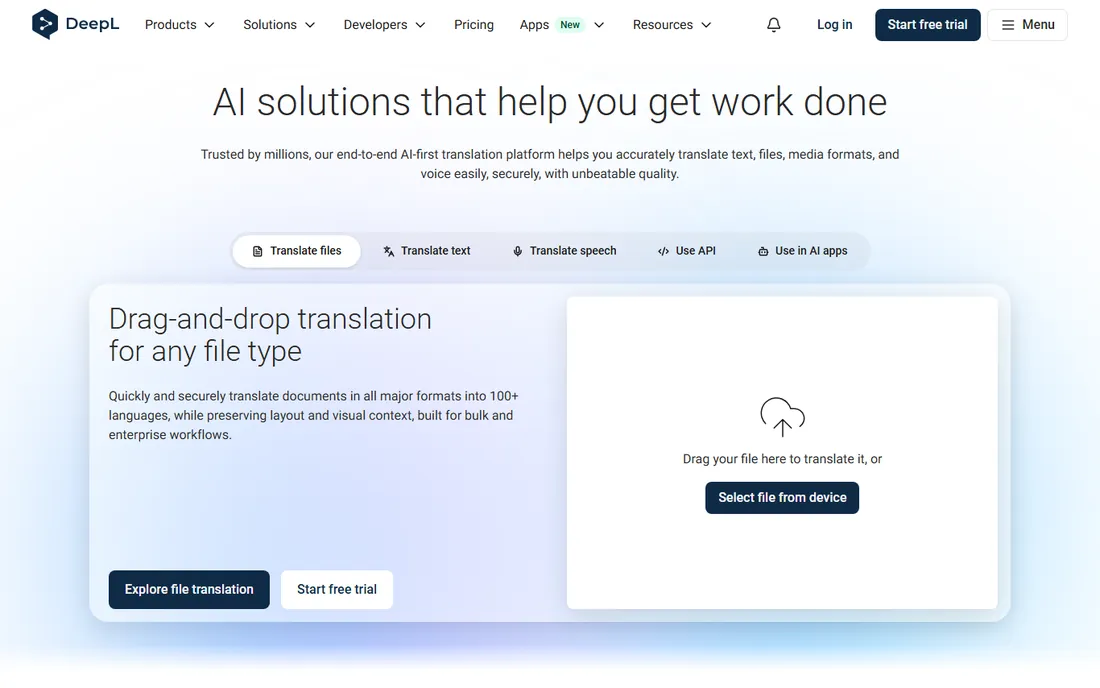
If your main complaint about machine translation is quality, start here. DeepL Pro has built its reputation on translations that read more naturally than Google's, especially for German, French, Spanish and other European languages. For internal documents, reports and marketing copy that a human will lightly review, it saves real editing time.
The document mode is the practical draw: upload a Word file or PDF and get back a translated copy with headings, tables and formatting mostly intact. You can lock in company terminology with glossaries so product names and legal phrases translate the same way every time. That matters more than most buyers expect.
The catch is cost structure. Per-user pricing means a 20-person team pays 20 seats even if half of them translate one document a month, API usage is billed separately, and the entry plan caps document pages. Test it on your actual file types during the trial.
What we like- Consistently strong quality on European languages
- Translates Word, PowerPoint, PDF and Excel while keeping layout
- Glossary control for brand terms
Watch out for- Per-user pricing gets expensive for big teams
- Monthly page limits on lower tiers
- API access costs extra on top
#2
Smartling
Best for: Enterprises that want translation services and software in one contract
Visit smartling.com
Starting priceSee website
Free planNo
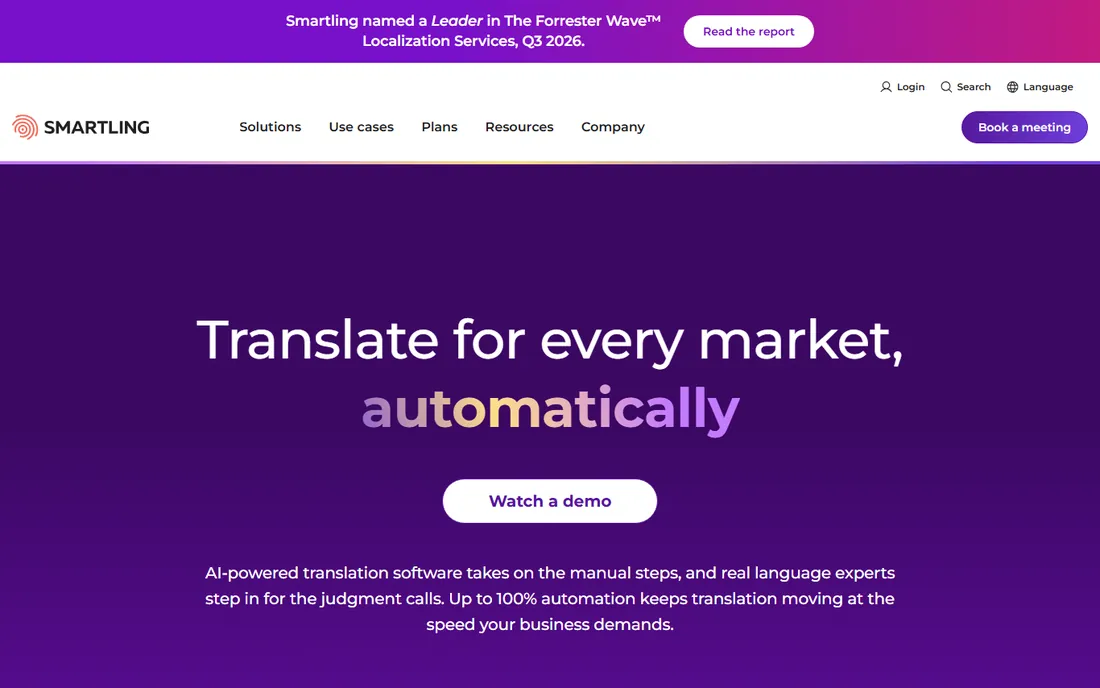
Smartling is what you buy when translation is a business function, not a chore. It combines a translation management system with a vetted network of professional linguists, so AI drafts, human review and quality checks all happen inside one workflow. Marketing teams like the visual context; engineers like the connectors.
For documents specifically, it handles Word, Excel, PowerPoint and PDF alongside web and software content, which means one vendor can cover the whole localization program. The MQM-based quality scoring gives you a number to put in front of stakeholders instead of a subjective opinion.
The honest catch: this is the priciest option on this list for most buyers, and pricing is quote-only. Small teams will drown in features they never touch. If you only translate a stack of PDFs a month, start cheaper and return when you have a real localization program.
What we like- TMS plus managed human translation in a single vendor
- 50+ connectors for CMS and code repos
- Quality scoring on every job
Watch out for- No public pricing, expect enterprise quotes
- Overkill below a few thousand words a month
- Implementation takes weeks, not days
#3
memoQ
Best for: Professional translators and language service providers
Visit memoq.com
Starting priceSee website
Free planSee website
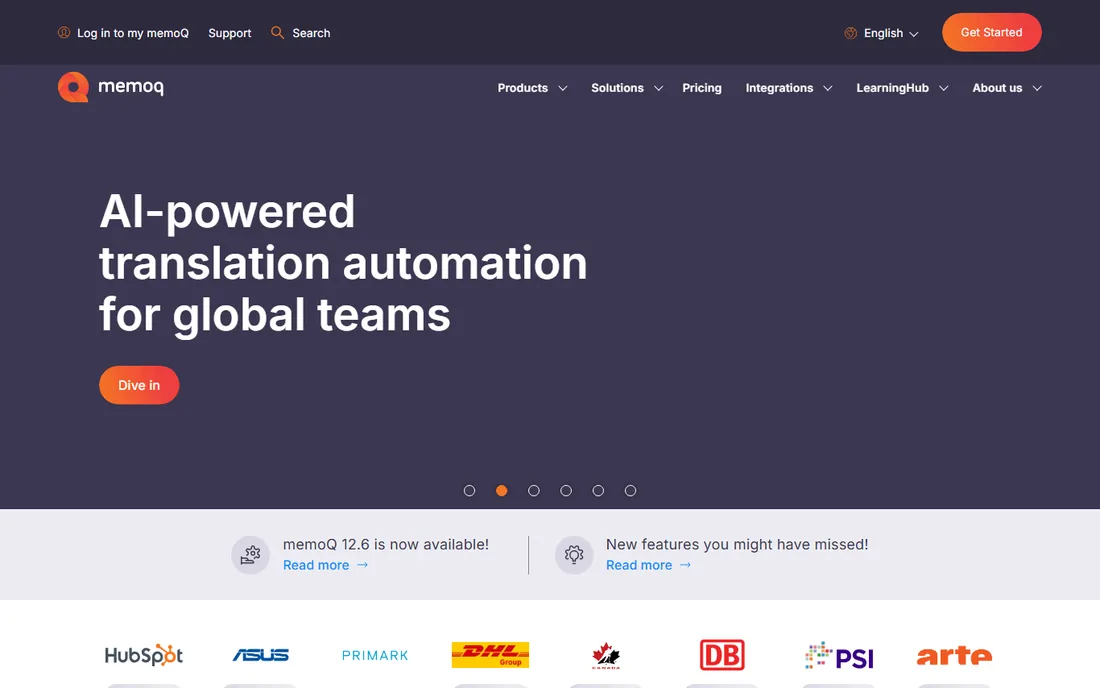
memoQ is the translator's workbench. It is a computer-assisted translation tool, which means it does not replace the human: it remembers every sentence you have ever translated, suggests matches, enforces your glossaries and runs quality checks. For freelancers and agencies producing client-ready documents, that memory is money.
Compared with Trados, memoQ is widely considered easier to learn, and its web-based project management makes it practical for coordinating teams of translators. It handles dozens of file formats and plugs into machine translation engines for a first draft that you then refine.
The trade-offs are platform and transparency. The desktop app is Windows-first, which frustrates Mac-based translators, and memoQ does not publish pricing. If your team already runs on Trados, switching costs are real; if you are choosing fresh, memoQ deserves the demo.
What we like- Strong translation memory and terminology tools
- Easier learning curve than Trados
- Good project management for agencies
Watch out for- Windows desktop focus, Mac users need workarounds
- Pricing not published
- Smaller app ecosystem than Trados
#4
RWS Trados
Best for: Translation teams that need the industry-standard CAT tool
Visit trados.com
Starting priceSee website
Free planSee website
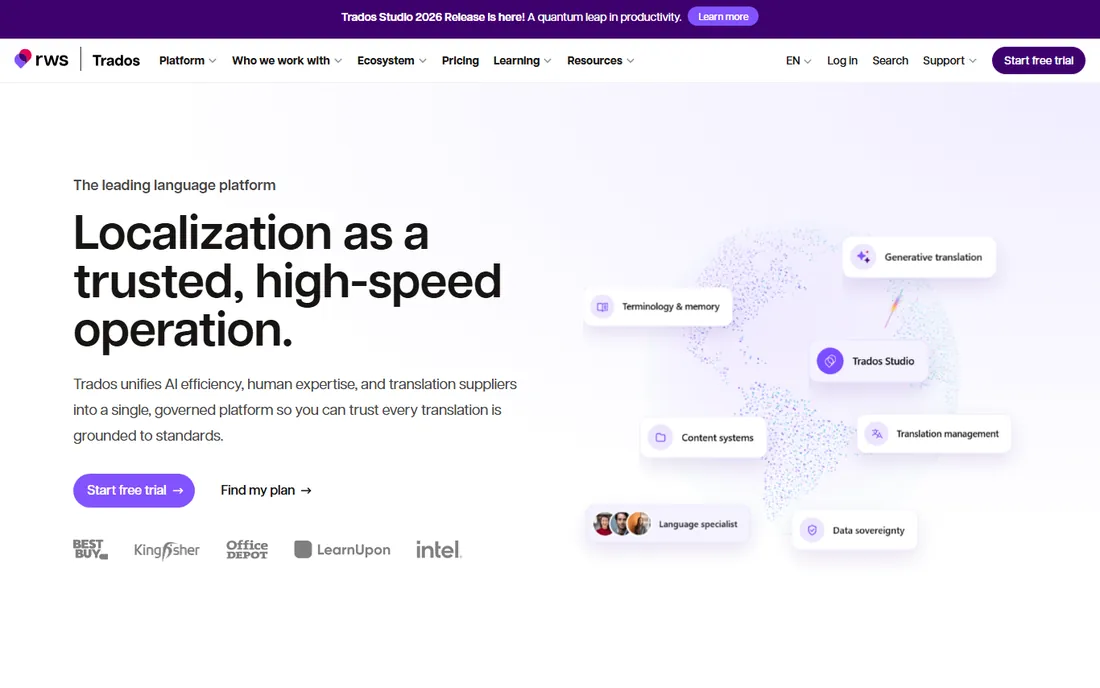
Trados is the name every professional translator knows. Decades of dominance mean translation memories built in Trados open everywhere, agencies standardize on it, and clients ask for it by name. If you sell translation services, not having Trados can cost you work.
Trados Studio has moved to subscription licensing, with a cheaper browser-only Trados Go tier for lighter needs, and its translation memory, terminology bases and QA checks remain best in class. The RWS AppStore's 350+ apps extend it into almost any workflow.
The honest catch: the interface feels like enterprise software from another era, and the subscription meter never stops. Casual users will find it heavy. Buy Trados when translation is your profession or your client's requirement, not for occasional documents.
What we like- The default tool clients and agencies expect
- Huge app ecosystem with 350+ apps
- Strong terminology and QA features
Watch out for- Dated interface that new users find dense
- Subscription pricing that keeps rising
- Overkill for occasional translation
#5
Crowdin
Best for: Software teams localizing docs alongside their product
Visit crowdin.com
Starting priceSee website
Free planFree trial
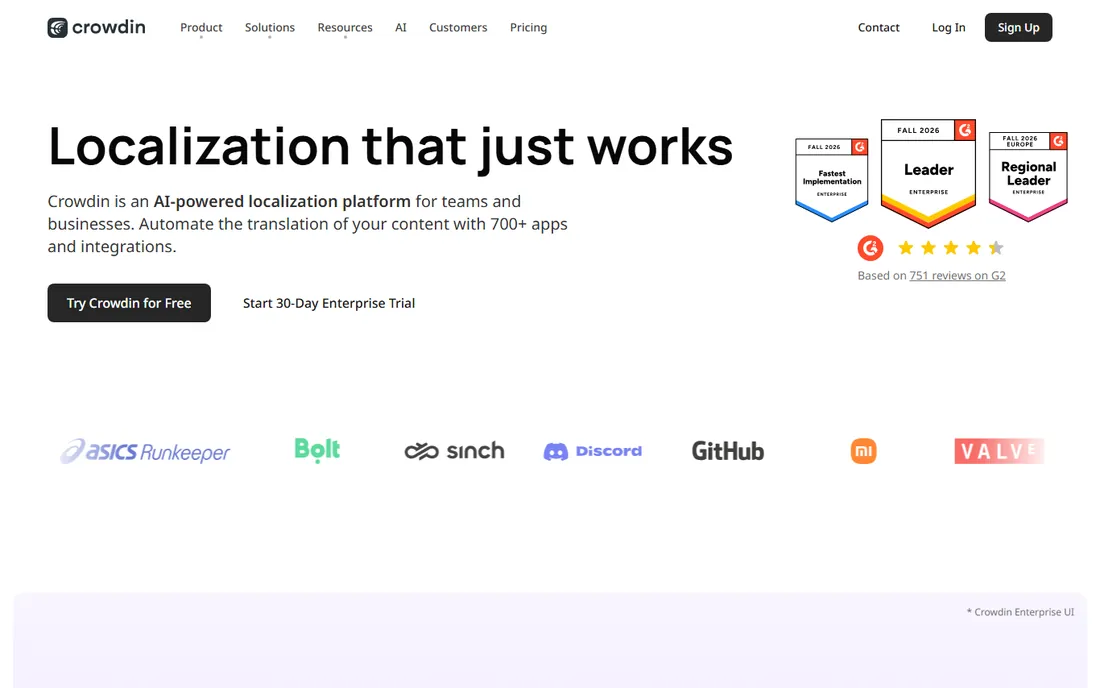
Crowdin started as a localization platform for software, and it shows in the best way: GitHub syncs, Figma plugins, in-context editing. If your documentation lives next to your code, translating it in the same pipeline keeps everything in sync instead of emailing Word files around.
The free tier covers small projects, and paid plans scale on hosted words with unlimited translators and a 14-day trial of the Team plan. AI pre-translation drafts from DeepL, Google or your own LLM, then humans review. For help centers, knowledge bases and product docs, this workflow beats desktop tools.
The catch is fit: Crowdin is not a document-first tool, formatting-heavy PDFs are not its strength, and hosted-word pricing takes effort to model. Use it when docs and product ship together; look elsewhere for standalone document piles.
What we like- 700+ integrations with dev tools
- Free tier for small projects
- AI pre-translation with DeepL, Google and OpenAI
Watch out for- Built for software strings first, documents second
- Hosted-word pricing takes effort to model
- Advanced features sit on higher tiers
#6
Lokalise
Best for: Product and marketing teams that want AI-led localization
Visit lokalise.com
Starting priceSee website
Free planFree trial
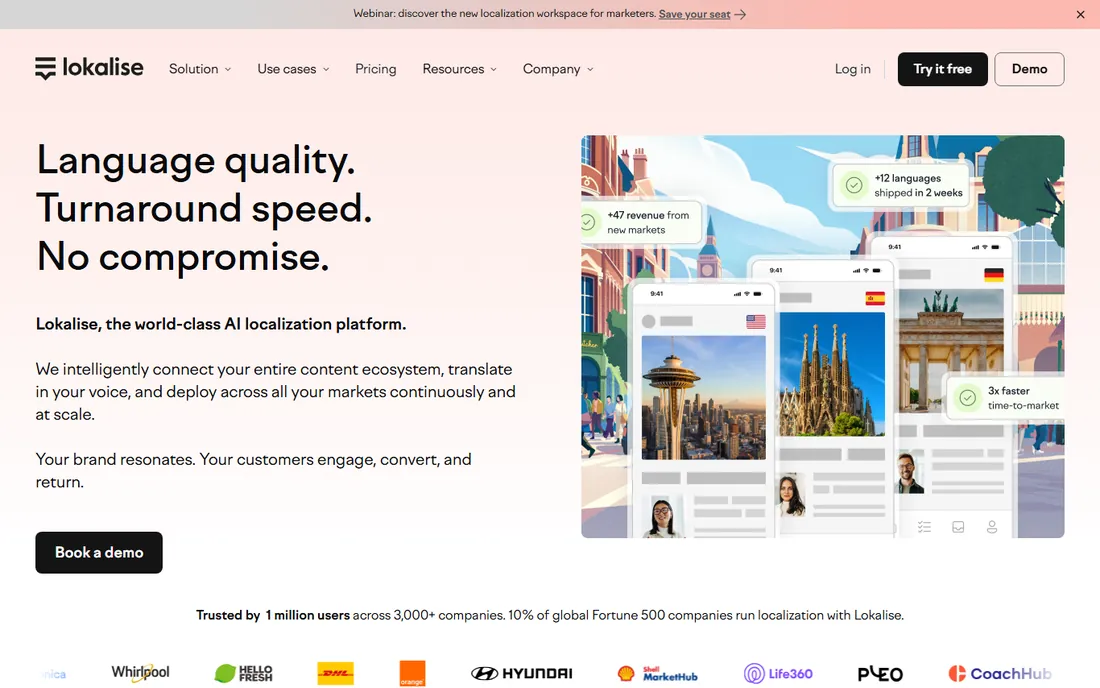
Lokalise pitches itself as the AI-native localization platform, and the pitch has substance: it routes each job to a suitable AI model for the language pair, keeps your translation memory and glossaries consistent, and lets unlimited translators and reviewers in on every paid plan.
Pricing is usage-based, built on processed words and advanced seats rather than simple per-word tiers. For teams with spiky translation volumes, that can be cheaper than legacy TMS pricing; for steady high volumes, model it carefully before signing. Every plan starts with a 14-day trial.
The honest catch is predictability: AI features, advanced seats and processed-word tiers make invoices harder to forecast, and the tool skews toward product content over long documents. Demo it with your real content mix.
What we like- Strong AI features with smart model routing
- Unlimited translator seats and hosted words on paid plans
- 60+ integrations
Watch out for- Usage-based pricing is hard to estimate
- Newer pricing model with fewer public benchmarks
- Skews toward product content over long documents
Starting price$285/month (billed annually)
Free planSee website
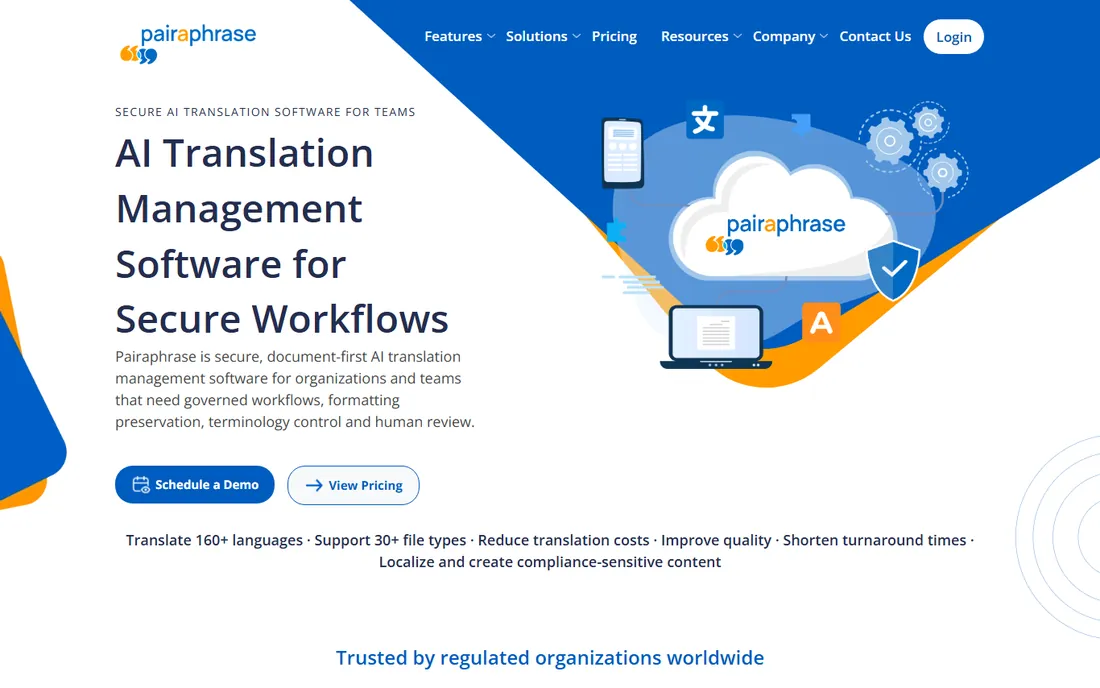
Pairaphrase is built for organizations where the document itself is the sensitive part. Healthcare systems, school districts and legal teams use it to translate patient forms, IEPs and compliance materials with encrypted handling, access controls and audit trails that consumer tools cannot offer.
The document workflow is the selling point: upload Word, PDF, Excel, PowerPoint or even scanned PDFs, and get back translated files with layout largely preserved. Translation memory and glossaries keep terminology consistent across recurring documents, and reviewers can edit inside the platform.
The catch is the price floor: Bronze starts at $3,420 a year, so this is not a tool for occasional use, and AI features are gated by tier. If your documents are not sensitive or regulated, you will get similar output cheaper elsewhere.
What we like- Security-first design aligned with HIPAA, FERPA and SOC 2
- Preserves formatting across 30+ file types
- OCR for scanned PDFs
Watch out for- Starts at $3,420/year with no cheap tier
- Smaller vendor with less third-party validation
- AI features gated by tier
#8
Google Cloud Translation
Best for: Developers embedding translation into document pipelines
Visit cloud.google.com
Starting price$20 per 1M characters
Free planYes
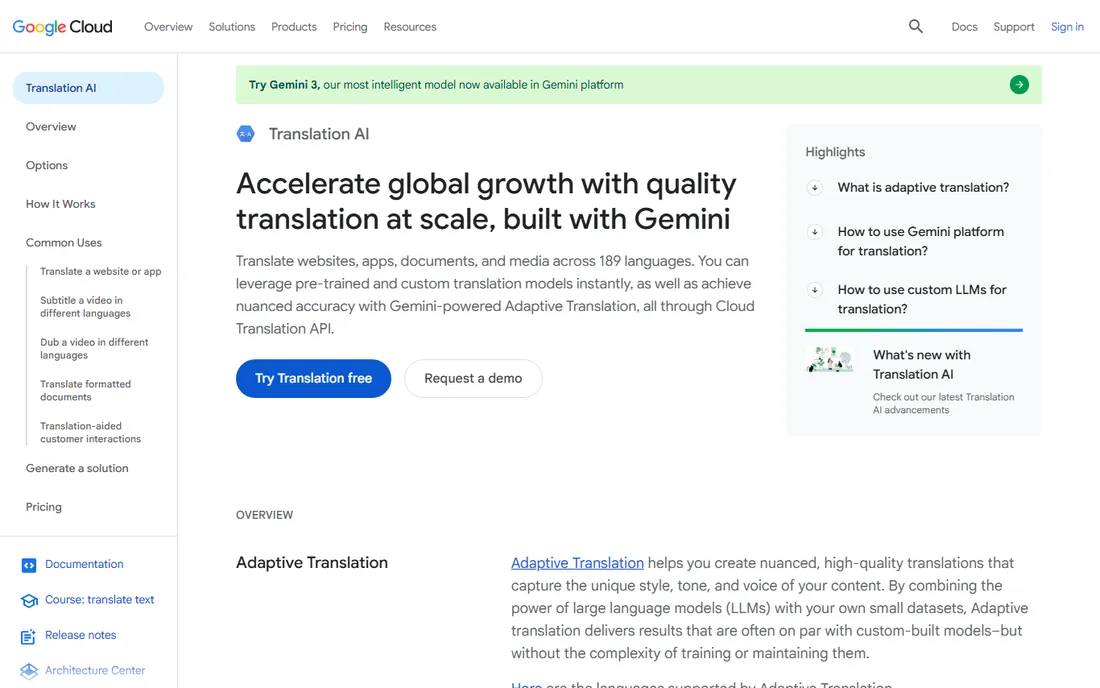
When you need translation inside your own product or workflow, Google's API is the default choice. The first 500,000 characters a month are free, then it is $20 per million characters for neural machine translation, which makes experimentation nearly free and production pricing predictable.
For documents specifically, Translation Hub is the business-friendly layer: upload formatted documents, keep the layout, add translation memory and human review, at $0.15 per page per target language on the basic tier. The advanced tier adds custom models and quality prediction at $0.50 per page.
The honest catch: this is infrastructure, not an application, so non-technical teams will need a developer or a wrapper. Coverage is the widest in the industry, but raw quality on some pairs still needs human review for anything customer-facing.
What we like- Pay-per-use pricing with a real free tier
- Translation Hub handles formatted documents with human review
- 189 languages
Watch out for- API-first, not a friendly app for non-technical users
- Quality varies by language pair
- Enterprise support costs extra
#9
Microsoft Translator
Best for: Microsoft 365 organizations translating Office documents
Visit microsoft.com
Starting priceSee website
Free planYes
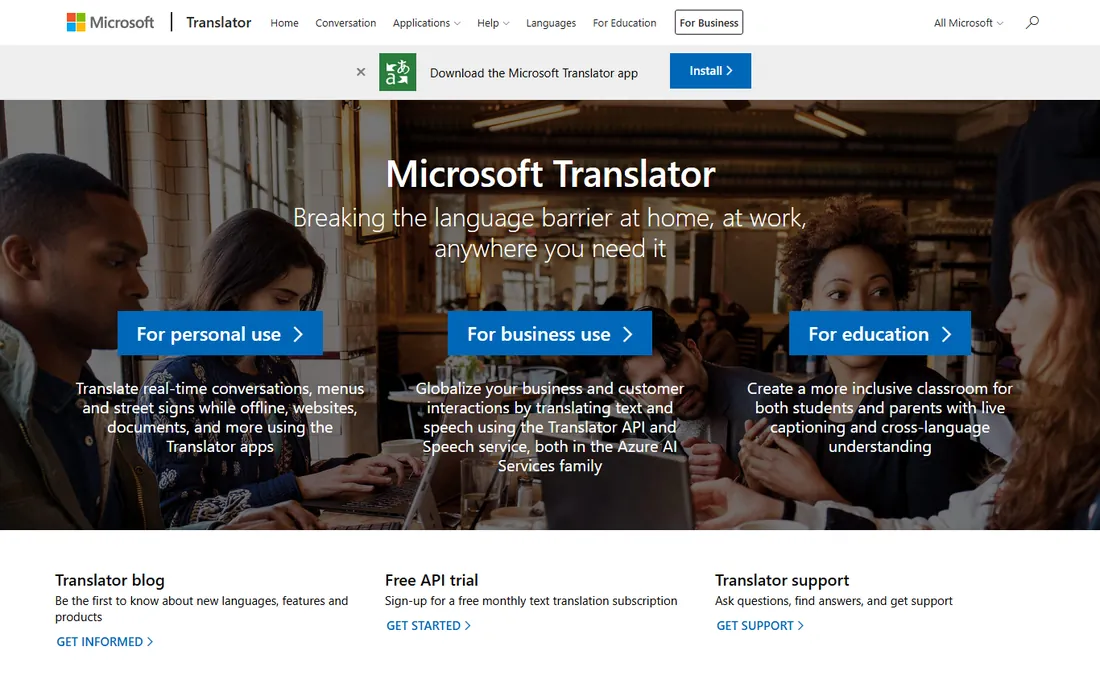
If your company lives in Microsoft 365, Translator is the path of least resistance. The free app handles text and speech, while the Azure AI Translator service adds document translation: upload Office files and get translated copies with formatting intact, right where your files already live.
Pricing follows Azure's usage model with a free tier for getting started, which suits teams with intermittent needs. For SharePoint-heavy organizations, keeping translation inside the Microsoft boundary also simplifies security reviews.
The catch is discovery: business pricing lives in Azure's catalog, and raw quality does not beat DeepL on the European pairs most buyers test first. Pick it for ecosystem fit, not for raw quality leadership.
What we like- Free consumer app and an API free tier
- Document translation preserves Office formatting
- Tight Microsoft 365 integration
Watch out for- Business pricing is buried in Azure's catalog
- Weaker than DeepL on several European pairs
- API setup needs Azure know-how
#10
SYSTRAN
Best for: Governments and enterprises that need on-premise translation
Visit systran.net
Starting price$18.99 per user/month (billed annually)
Free planFree trial
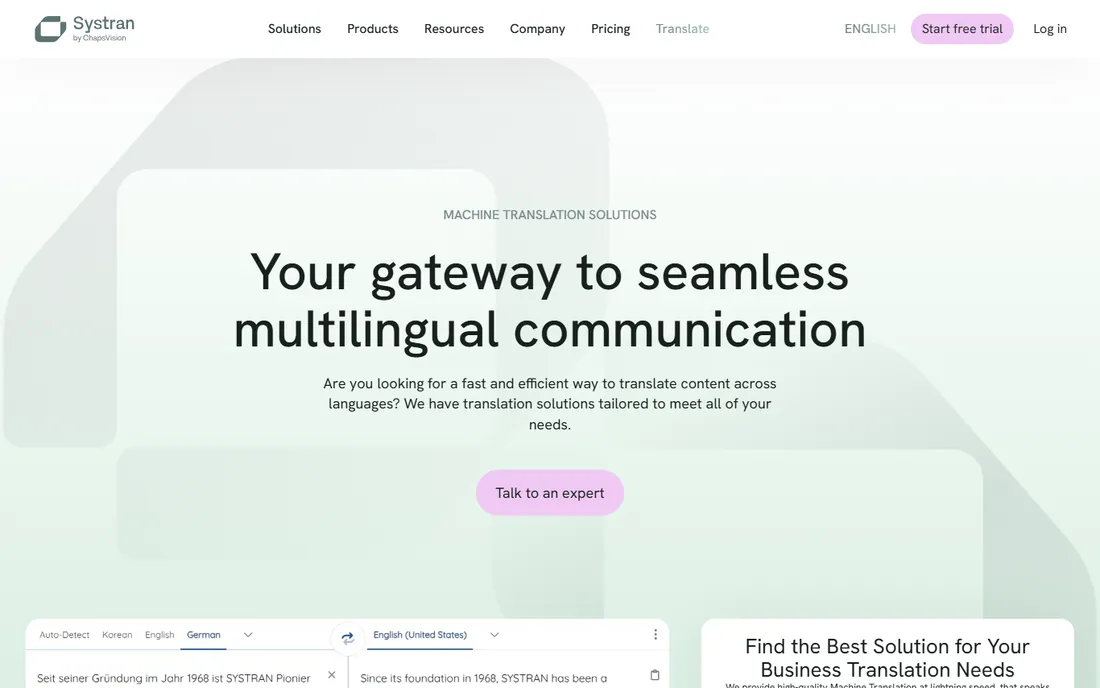
SYSTRAN is the veteran of this list, with five decades in machine translation, and its pitch is control: an on-premise server that keeps every document inside your network. For defense, government and highly regulated enterprises, that is often a hard requirement no cloud API can meet.
The Translate Pro plans start at $18.99 per user per month on annual commitment ($25.99 month to month), covering unlimited text translation plus Word, Excel, PowerPoint, PDF and XML file translation across 55 languages, with a 14-day trial to evaluate.
The honest catch is modernity: the language count trails Google and DeepL, the product feels enterprise-traditional, and per-user pricing scales with headcount. Buy SYSTRAN when data residency decides the purchase; otherwise newer tools offer more for less.
What we like- On-premise server option for maximum data control
- 50+ years in machine translation
- Per-user plans with PDF and Office file translation
Watch out for- Smaller language coverage at 55 languages
- Interface and brand feel dated
- Per-user pricing adds up with headcount
How we chose
We checked each vendor's homepage and pricing pages, read their documentation on supported file types and security, and cross-referenced public reviews on G2, Capterra and Reddit for recurring complaints. We weighted document-specific features (formatting preservation, OCR, translation memory, glossaries) over generic text translation, and favored tools that serve distinct buyer types. We did not test the tools hands-on. Treat prices as a snapshot from 2026-10-14 and confirm on the vendor's pricing page before buying.
What to look for before you buy
Document formats and formatting
List the file types you actually translate before shortlisting anything. Word and PowerPoint are table stakes; scanned PDFs need OCR, InDesign files need layout-aware tools, and Excel files with formulas break naive converters. Ask for a trial on your real files, not the vendor's demo files.
Quality versus control
Raw machine translation quality matters less than most buyers think, because anything customer-facing still needs human review. What saves money over time is control: translation memory that reuses past work, glossaries that lock terminology, and QA checks that catch number and formatting errors.
Pricing models
This category has four pricing models: per user per month (DeepL, SYSTRAN), per character or page (Google, Translation Hub), per word or hosted word (Crowdin, Lokalise), and flat annual tiers (Pairaphrase). Estimate with your real volume. A cheap per-user plan is expensive if 30 people each translate two pages a month.
Security and compliance
If your documents contain patient data, student records or legal material, the translation engine is secondary to data handling. Ask where files are processed, whether they train models on your content, and which certifications the vendor holds. On-premise options like SYSTRAN exist for a reason.
Where machine translation still falls short
Machine translation handles routine documents well, but three cases still need humans in the loop: anything with legal liability such as contracts and medical instructions, low-resource languages where errors are harder to spot, and brand voice, where literal translation reads as translated. Budget for human review in these cases rather than discovering the gap after publishing.
Frequently asked questions
What is the difference between machine translation and a CAT tool?
Machine translation converts text automatically. A CAT tool is a workbench for human translators: it suggests matches from translation memory, enforces glossaries and runs quality checks, but a person makes the final call. Many professionals use both, with machine translation providing the first draft.
Can document translation software keep my PDF formatting?
It depends on the PDF. Text-based PDFs from Word or InDesign usually translate with layout largely intact in tools like DeepL Pro, Pairaphrase and Google Translation Hub. Scanned PDFs are images, so you need a tool with OCR (Pairaphrase, SYSTRAN) and should expect some cleanup. Complex layouts with tables and footnotes always deserve a visual check.
Which tool is best for legal or medical documents?
For regulated content, prioritize security and human review over raw engine quality. Pairaphrase and SYSTRAN are built for healthcare, education and legal workflows. Pair any machine translation with review by a qualified translator for anything with legal or clinical consequences.
Do I still need human translators?
For internal drafts and low-stakes content, often not. For anything customer-facing, legally binding or brand-sensitive, yes. The realistic workflow most teams land on is machine translation plus human post-editing, which is faster and cheaper than translation from scratch.
How is document translation software priced?
Four models dominate: per user per month, per character or page, per word or hosted word, and flat annual tiers. Match the model to your usage pattern. Occasional users do best with pay-per-use APIs; heavy teams do best with flat or per-user plans; professionals buy CAT tools as a cost of doing business.
Sources we checked (15)
- https://www.deepl.com
- https://www.deepl.com/pro
- https://www.smartling.com
- https://memoq.com/
- https://trados.com/
- https://crowdin.com
- https://crowdin.com/pricing
- https://lokalise.com/
- https://lokalise.com/pricing
- https://www.pairaphrase.com/
- https://www.pairaphrase.com/subscriptions
- https://cloud.google.com/translate
- https://www.microsoft.com/en-us/translator
- https://systran.net/
- https://www.systransoft.com/pricing/
Is your product missing or out of date?
We review this list regularly. Vendors can request a listing, send updated pricing or ask about featured placement.

Shihab Mia · Founder, Rankite
Shihab has spent more than a decade helping SaaS and e-commerce brands grow through search. He writes Rankite's software buying guides from pricing pages, documentation and public user reviews. More about Shihab.