How we make this list: we compare pricing pages, product documentation and public user reviews. Rankite is independent; if a vendor ever pays for a featured spot, that listing is clearly labeled Partner.
Key takeaways
- Celonis created the category and still leads it, with the deepest process intelligence platform for large enterprises.
- UiPath pairs process mining with its RPA platform, which suits automation programs that mine then automate.
- SAP Signavio is the natural pick for SAP shops, connecting process mining to the system most processes run in.
- Microsoft's process mining (in Power Automate) is the accessible entry for organizations already on Microsoft 365.
Quick comparison
| Tool | Best for | Starting price | Free plan |
|---|
 Celonis Celonis | Large enterprises serious about process intelligence | See website | Free trial |
 UiPath UiPath | Automation programs that mine first | See website | Free tier |
 ABBYY Timeline ABBYY Timeline | Process mining with document intelligence | See website | Free trial |
 Microsoft Microsoft | Organizations already on Microsoft Power Platform | See website | Free trial |
 Apromore Apromore | AI-driven process mining with academic roots | See website | Free trial |
 SAP Signavio SAP Signavio | SAP customers transforming processes | See website | Free trial |
 QPR QPR | Affordable process mining for mid-market | See website | Free trial |
 Fluxicon Disco Fluxicon Disco | Fast beautiful process discovery | See website | Free trial |
 Skan Skan | AI process discovery from user activity | See website | No |
Is your product missing or out of date?
We review this list regularly. Vendors can request a listing, send updated pricing or ask about featured placement.
The best process mining software
#1
Celonis
Best for: Large enterprises serious about process intelligence
Visit celonis.com
Starting priceSee website
Free planFree trial
Celonis invented commercial process mining and keeps extending the lead: discover how processes actually run from system logs, find bottlenecks and deviations, then act through execution apps. The platform now covers the full loop from insight to improvement. Large enterprises run transformation programs on it.
The investment is significant in money and people. Process mining only pays when someone acts on the findings, which needs committed resources. But for enterprises where process inefficiency costs millions, Celonis is the proven platform.
What we like- Category leader with the deepest platform
- Process intelligence plus execution apps
- Huge partner ecosystem
Watch out for- Enterprise pricing and complexity
- Needs dedicated resources
Starting priceSee website
Free planFree tier
UiPath's process mining fits its automation story: discover processes, identify automation candidates, then deploy robots to fix them. Organizations already on UiPath get a coherent mine-to-automate pipeline without a second vendor.
Pure process mining buyers will find Celonis deeper. But automation leaders who think in terms of ROI from bots will value the integrated path from discovery to deployment.
What we like- Mining connected to leading RPA platform
- Good for automation pipelines
- Broad ecosystem
Watch out for- Mining depth trails Celonis
- Best within UiPath automation programs
#3
ABBYY Timeline
Best for: Process mining with document intelligence
Visit abbyy.com
Starting priceSee website
Free planFree trial
ABBYY Timeline (from the TimelinePI acquisition) brings process mining together with ABBYY's document processing strength. Processes heavy on documents, insurance claims, loan processing, mortgage, get both the flow analysis and the content understanding.
Market visibility trails Celonis and UiPath. But organizations already using ABBYY for documents get a natural extension into process intelligence.
What we like- Combines process mining with ABBYY's document AI
- Good for document-heavy processes
- Strong analytics
Watch out for- Less market momentum than leaders
- Enterprise sales process
Starting priceSee website
Free planFree trial
Microsoft's process mining lives in Power Automate: process advisor discovers workflows from user activity, and process mining analyzes event logs. For Microsoft-centric organizations, it is the low-friction entry: no new vendor, familiar licensing, integration with the automation tools teams already use.
Specialists go deeper on complex analysis. But as a starting point for understanding processes before investing in a dedicated platform, Microsoft's offering is the pragmatic choice.
What we like- Built into Power Automate
- Accessible pricing
- Natural for Microsoft shops
Watch out for- Less deep than specialists
- Newer to the category
Starting priceSee website
Free planFree trial

Apromore grew from process mining research into a commercial platform with strong AI: automated discovery, conformance checking, simulation and predictive monitoring. Process improvement teams get sophisticated analysis without the enterprise weight.
The smaller vendor footprint means fewer partners and references than Celonis. But analytically minded teams will find the depth impressive for the investment.
What we like- Strong AI and simulation features
- Good for process improvement teams
- Flexible deployment
Watch out for- Smaller vendor
- Less ecosystem than leaders
Starting priceSee website
Free planFree trial
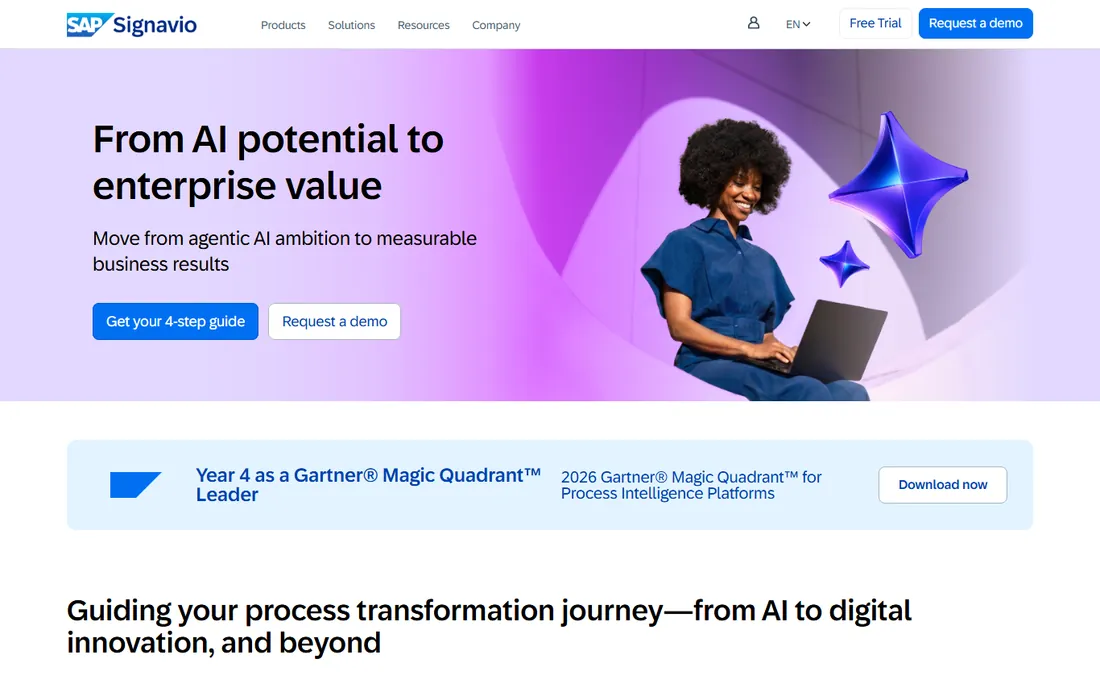
SAP Signavio combines process modeling, mining and journey mapping in SAP's business transformation suite. For the millions of companies running SAP, it connects process intelligence directly to the system of record, which matters enormously for S/4HANA migrations.
Non-SAP shops get less value. But SAP customers planning transformations will find the native integration decisive.
What we like- Deep SAP integration
- Process modeling plus mining
- Strong for S/4HANA programs
Watch out for- Best within SAP environments
- Pricing is enterprise
#7
QPR
Best for: Affordable process mining for mid-market
Visit qpr.com
Starting priceSee website
Free planFree trial
QPR offers the core of process mining, discovery, conformance, performance analysis, at prices mid-market companies afford. Organizations running their first mining project get real capability without enterprise commitment.
The advanced AI and execution features trail the leaders. But as an entry to the discipline, QPR proves value before bigger investments.
What we like- More accessible pricing
- Solid core mining features
- Good for first projects
Watch out for- Less advanced AI than leaders
- Smaller market presence
Starting priceSee website
Free planFree trial
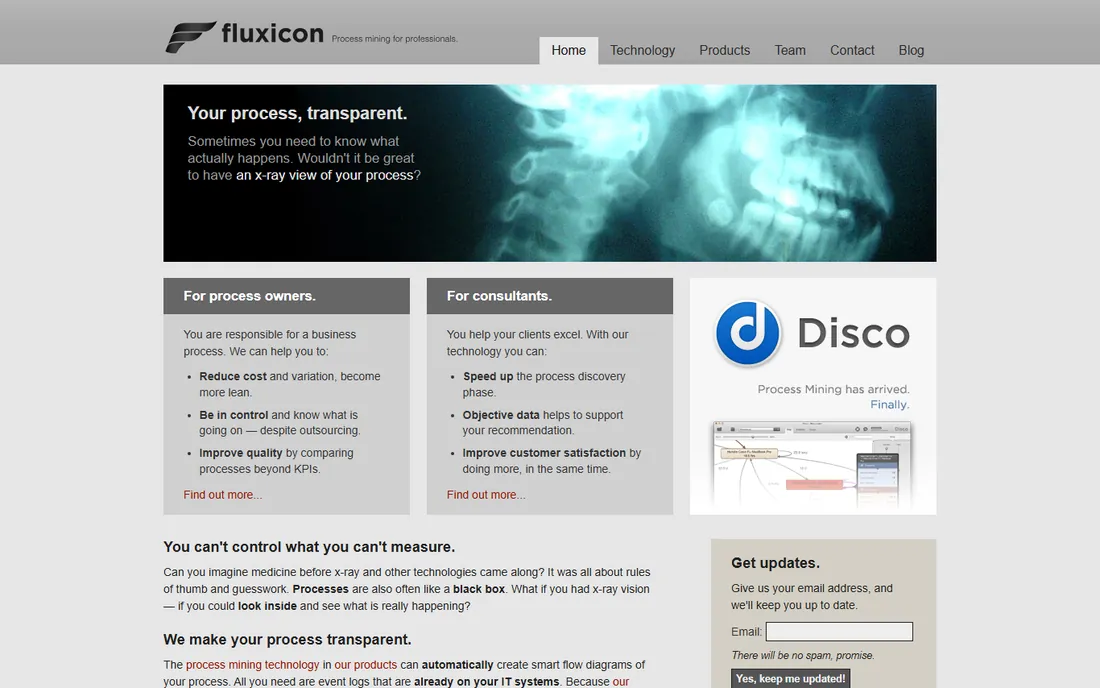
Disco is the analyst's favorite: import an event log and see your process visualized beautifully in minutes. The speed from data to insight is unmatched, making it perfect for ad-hoc analysis, audits and quick discovery projects.
It is a discovery tool, not an enterprise transformation platform. But for understanding a process quickly, nothing beats it, and many enterprises use Disco alongside heavier platforms.
What we like- Fastest time to insight
- Beautiful visualizations
- Beloved by analysts
Watch out for- Discovery-focused
- Less enterprise execution depth
#9
Skan
Best for: AI process discovery from user activity
Visit skan.ai
Starting priceSee website
Free planNo
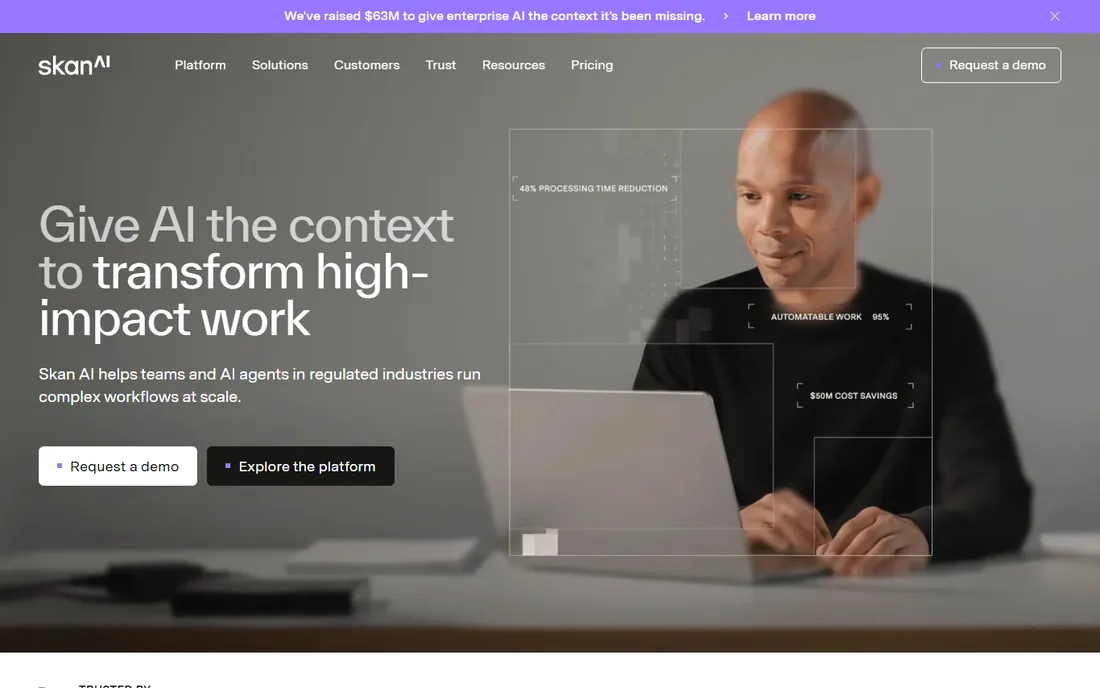
Skan takes a different approach: AI observes how people actually work on their computers and maps the processes, no system event logs required. This reveals the manual, desktop-level work that log-based mining misses.
It complements rather than replaces traditional mining. But organizations wanting to understand real human workflows, especially for automation planning, will find the perspective unique.
What we like- Discovers processes from desktop activity
- No event logs needed
- Good for task-level insight
Watch out for- Different from log-based mining
- Enterprise pricing
Start with one process, not the enterprise
Process mining fails when it starts as an enterprise platform purchase. It succeeds when it starts with one painful process: order-to-cash, procure-to-pay, claims handling. Pick the process, get the event data, run the analysis, fix what you find, then expand.
Data quality decides everything. Mining needs event logs with case IDs, activities and timestamps. If your systems cannot produce clean event data, fix that first; no tool mines insight from garbage.
How we chose
We compared tools on discovery quality, analysis depth, conformance checking, AI features, execution capabilities and pricing models. We verified each vendor's homepage and current positioning, reviewed analyst coverage and practitioner feedback, and distinguished mining depth from automation breadth. We did not run mining projects on live enterprise data.
Preparing event logs: the unglamorous prerequisite
Process mining lives or dies on event log quality, and preparing the log is where most projects spend most of their time. You need three columns at minimum: a case ID that groups events into process instances (an order number, a claim ID, a ticket number), an activity name describing what happened, and a timestamp for when it happened. Everything else is enrichment.
The case ID is the hard part. Real systems rarely hand you a clean one: an order-to-cash process might span the CRM, the ERP and the ticketing system, each with its own identifiers. Correlating events across systems into coherent cases is genuine data engineering work. Budget for it; the mining itself is the easy part.
Activity names need standardization. If one system logs "Invoice Created," another logs "INV_CRTD" and a third logs "billing doc posted," the miner sees three different activities. Build a mapping table early and validate it with the people who know the systems. This tedious work determines whether the discovered process looks like reality or noise.
Timestamps deserve suspicion. Check time zones, check whether the timestamp records when the event happened or when it was logged, and look for the telltale signs of batch processing (thousands of events at exactly midnight). Bad timestamps produce beautiful but fictional process maps.
Start with one system and one process. Extract three to six months of data, validate the case IDs and timestamps with domain experts, and run the first analysis before expanding scope. A clean narrow log teaches you more than a messy enterprise-wide one, and the quick win funds the bigger effort.
Process mining mistakes that waste the investment
The biggest is mining without a question. Running the software over enterprise data to "see what we find" produces interesting pictures and zero action. Start with a specific pain: why do orders take so long, where do invoices get stuck, why does onboarding vary so much. Questions focus the analysis; curiosity alone does not.
Second is dirty data accepted uncritically. Mining garbage event logs produces confident-looking nonsense: impossible process flows, phantom bottlenecks, misleading variants. Validate the data with the people who know the systems before trusting any visualization. An hour with a domain expert saves weeks of analyzing fiction.
Third is analysis without authority to act. The mining reveals that approvals take three weeks because four managers must sign, but nobody can change the approval policy. Insights without the power to implement are just expensive observations. Secure executive sponsorship for acting on findings before the project starts, not after.
Fourth is the one-time project mindset. Processes drift: systems change, people work around, new exceptions appear. Mining once gives a snapshot; mining continuously gives control. Build the data pipeline once and refresh the analysis regularly, or the insights expire within quarters.
Finally, ignoring the human side of findings. Process mining often reveals that the official process is fiction and the real process lives in workarounds. Presenting this as failure creates defensiveness; presenting it as discovery creates collaboration. The people who built the workarounds usually know exactly what is broken; enlist them.
Frequently asked questions
What is process mining?
Process mining analyzes event logs from business systems to show how processes actually run, revealing bottlenecks, deviations and inefficiencies that process maps miss.
How is it different from process mapping?
Mapping shows how processes should work; mining shows how they actually work. The gap between the two is where the improvement opportunities hide.
What data does process mining need?
Event logs with three elements: a case identifier, an activity name and a timestamp. ERP, CRM and workflow systems usually produce these. Data preparation is often the hardest part.
How much does process mining cost?
Specialist platforms are enterprise-priced and quote-based. Microsoft's offering is the most accessible. Disco and QPR sit in the middle. Budget for the analysis resources, not just the license.
Do we need consultants?
First projects often benefit from experienced help with data preparation and interpretation. The goal should be building internal capability, not permanent consulting dependence.
Can small companies use process mining?
The techniques scale down: Disco and Microsoft's tools work for smaller analyses. But the ROI math favors processes with real volume; mining a ten-case process rarely pays.
Sources we checked (9)
- https://www.celonis.com/
- https://www.uipath.com/
- https://www.abbyy.com/
- https://www.microsoft.com/
- https://www.apromore.com/
- https://www.signavio.com/
- https://www.qpr.com/
- https://fluxicon.com/
- https://www.skan.ai/
Is your product missing or out of date?
We review this list regularly. Vendors can request a listing, send updated pricing or ask about featured placement.

Shihab Mia · Founder, Rankite
Shihab has spent more than a decade helping SaaS and e-commerce brands grow through search. He writes Rankite's software buying guides from pricing pages, documentation and public user reviews. More about Shihab.