How we make this list: we compare pricing pages, product documentation and public user reviews. Rankite is independent; if a vendor ever pays for a featured spot, that listing is clearly labeled Partner.
Key takeaways
- ScreenCloud leads for businesses wanting polished signage without IT complexity, with apps for every content type.
- Yodeck is the value pick: Raspberry Pi-based players and straightforward pricing that undercuts everyone.
- OptiSigns balances features and price well for growing deployments across locations.
- Rise Vision is free for basic use, making it the starting point for schools and nonprofits, while Xibo is the open-source option.
Quick comparison
| Tool | Best for | Starting price | Free plan |
|---|
 ScreenCloud ScreenCloud | Businesses wanting polished signage easily | See website | Free trial |
 Yodeck Yodeck | Affordable signage on Raspberry Pi | See website | Free tier |
 OptiSigns OptiSigns | Growing multi-location deployments | See website | Free trial |
 Rise Vision Rise Vision | Free signage for schools and basics | See website | Free tier |
 NoviSign NoviSign | Creative and interactive signage | See website | Free trial |
 TelemetryTV TelemetryTV | Developers and custom signage | See website | Free trial |
 Raydiant Raydiant | In-store customer experience | See website | No |
 Xibo Xibo | Open-source self-hosted signage | Free | Yes |
 Scala Scala | Large enterprise signage networks | See website | No |
 Spectrio Spectrio | Managed signage without the hassle | See website | No |
Is your product missing or out of date?
We review this list regularly. Vendors can request a listing, send updated pricing or ask about featured placement.
The top 10 digital signage software
Starting priceSee website
Free planFree trial
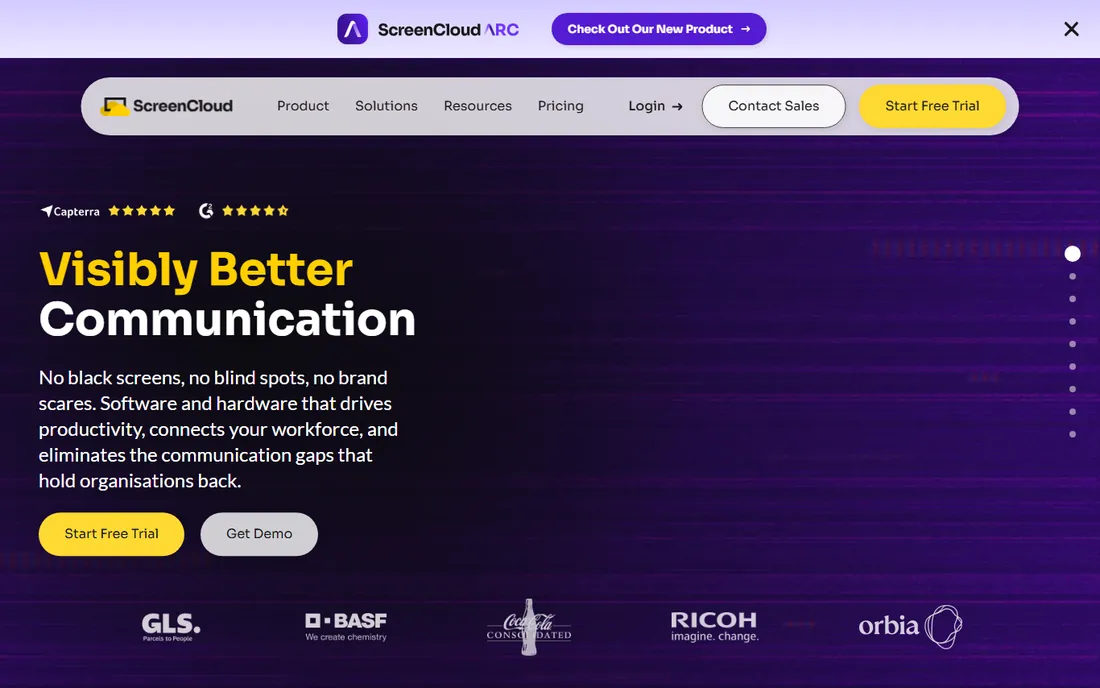
ScreenCloud makes digital signage feel like smartphone apps: pick from dozens of content apps (social walls, dashboards, menus, news), arrange playlists, and push to screens anywhere. Non-technical staff manage content confidently, which is the real victory in signage.
Per-screen subscriptions accumulate across large deployments. But for businesses wanting professional screens without an IT project, ScreenCloud's ease is the selling point.
What we like- Huge app store for content
- Easy playlist management
- Works on many devices
Watch out for- Per-screen pricing adds up
- Advanced features need higher tiers
Starting priceSee website
Free planFree tier
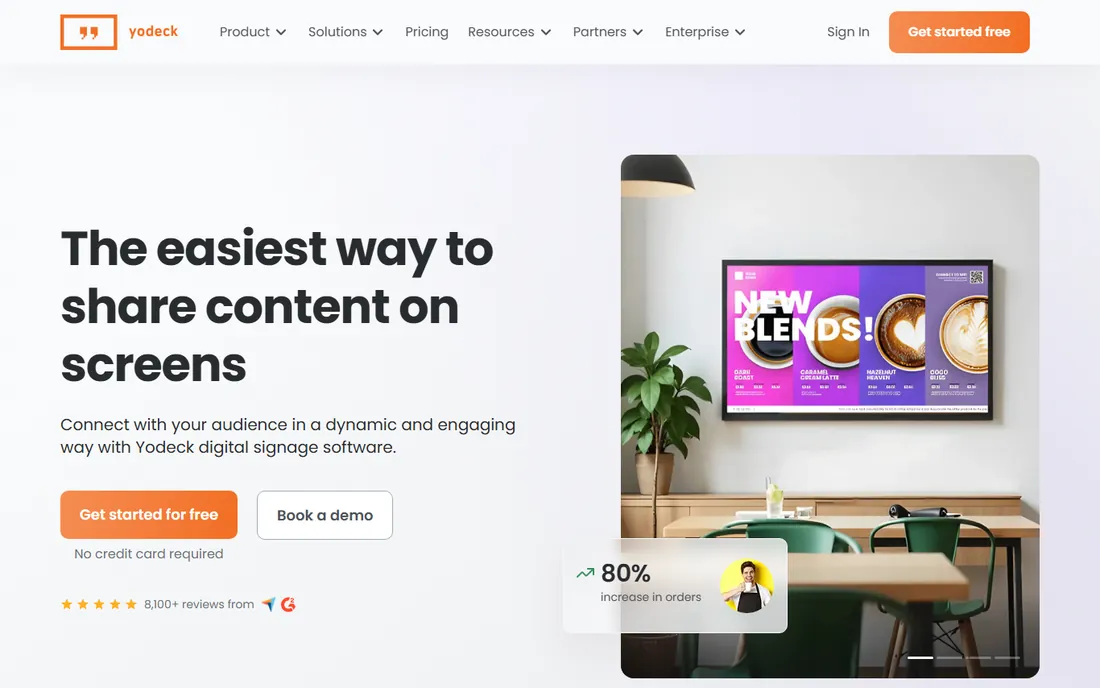
Yodeck's genius is the Raspberry Pi player: cheap hardware running capable signage software, managed from a straightforward dashboard. One screen is free, and paid screens cost far less than competitors. Small businesses, restaurants and offices get real signage cheaply.
High-end video walls and complex interactivity exceed the Pi's comfort zone. But for the vast middle of signage needs, Yodeck's value is unmatched.
What we like- Very affordable including hardware
- One free screen
- Simple management
Watch out for- Pi-based players have limits
- Less enterprise polish
Starting priceSee website
Free planFree trial
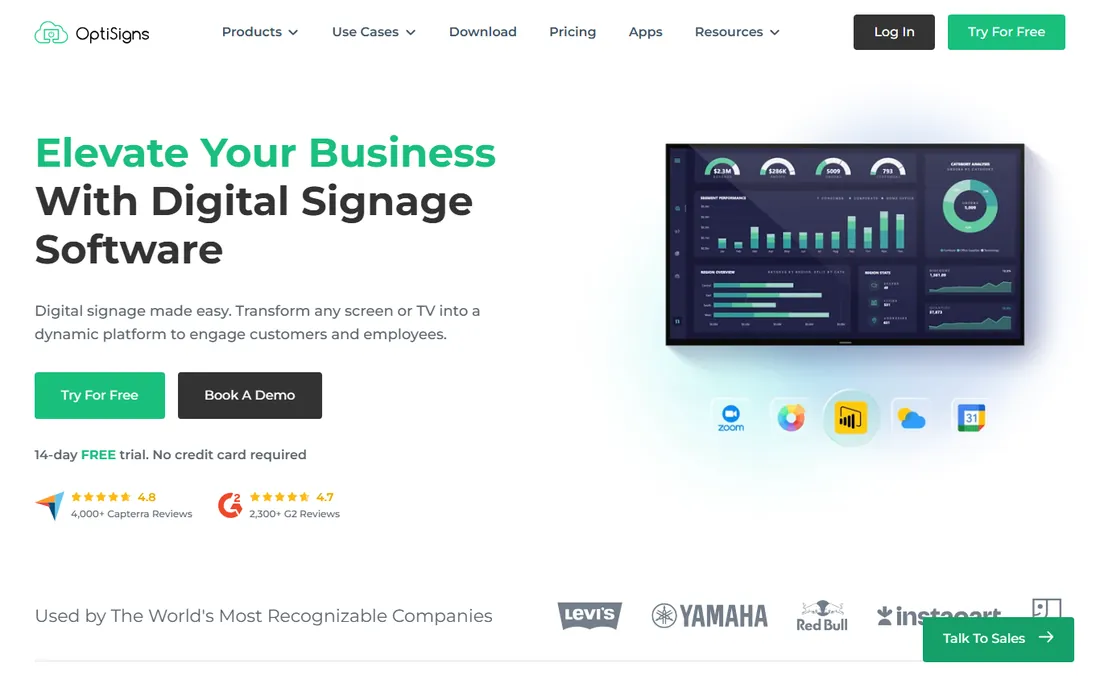
OptiSigns sits in the sweet spot: more capable than budget tools, more affordable than enterprise ones. Multi-location businesses manage screens centrally with scheduling, playlists and integrations. Device support covers the common players.
It lacks the marketing presence of ScreenCloud. But buyers comparing feature lists against invoices will find OptiSigns quietly competitive.
What we like- Good balance of features and price
- Strong device support
- Useful apps and integrations
Watch out for- Less brand recognition
- Interface is functional
Starting priceSee website
Free planFree tier
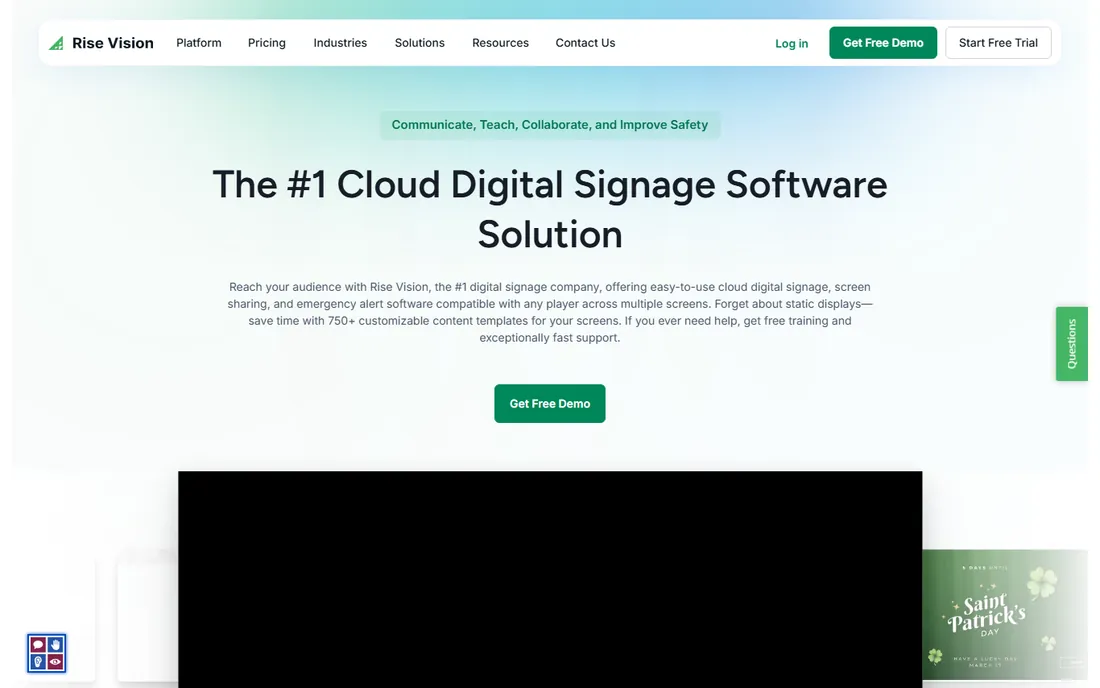
Rise Vision's free tier made it the default in schools: basic digital signage, templates and scheduling at no cost. Districts and nonprofits run hallway screens and announcements without budget battles.
Paid plans add the advanced features businesses expect. But as a free starting point, and for education specifically, Rise Vision remains the obvious first look.
What we like- Free tier for basic signage
- Popular in education
- Simple templates
Watch out for- Advanced features need paid plans
- Less polished than premium tools
Starting priceSee website
Free planFree trial
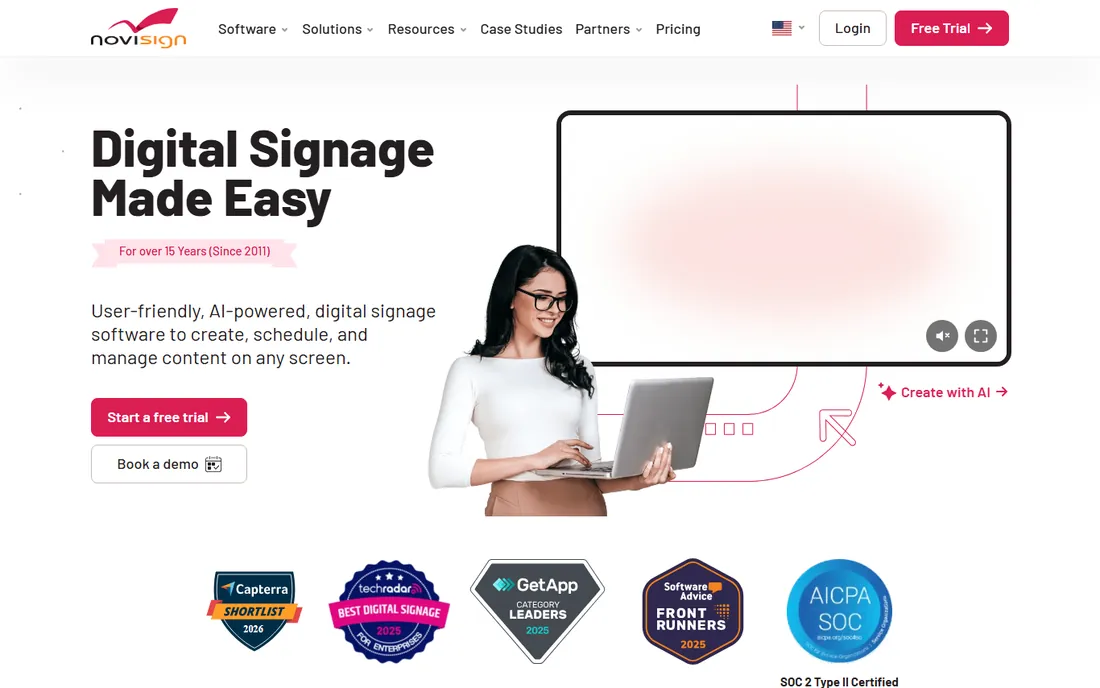
NoviSign emphasizes the creative side: drag-and-drop design, interactive touchscreens, and widgets that make screens engaging rather than ambient. Retailers and hospitality businesses build interactive experiences without developers.
The ecosystem is smaller than ScreenCloud's. But for signage as interaction rather than broadcast, NoviSign's design focus fits.
What we like- Strong design tools
- Interactive touchscreen support
- Good widgets
Watch out for- Smaller ecosystem
- Pricing per screen
Starting priceSee website
Free planFree trial
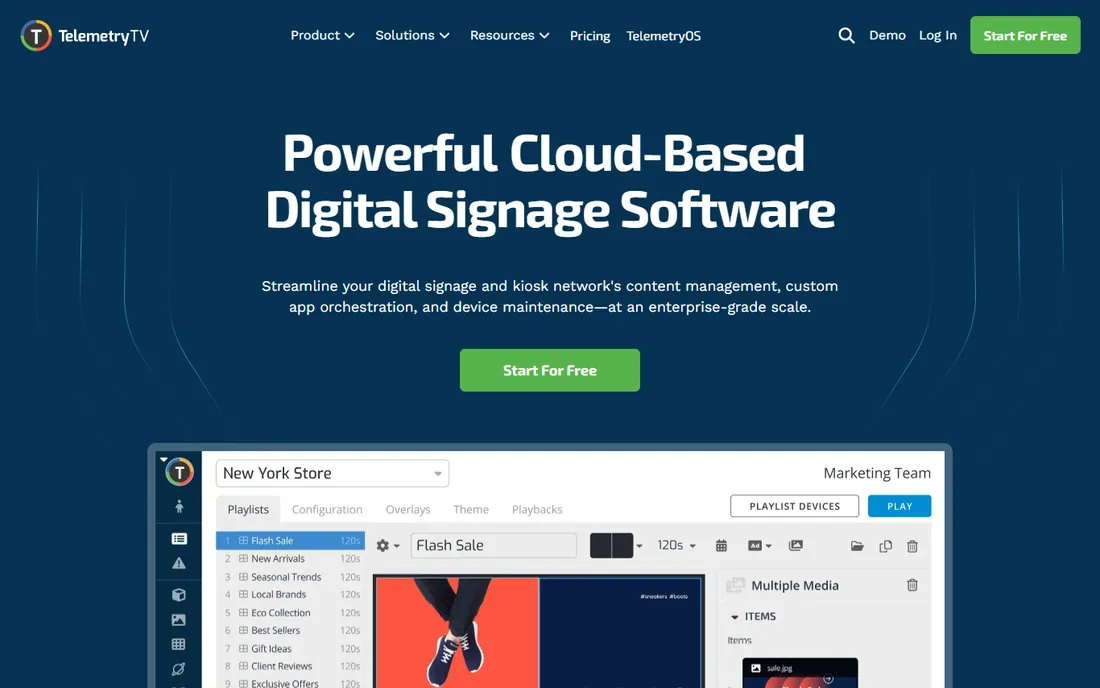
TelemetryTV gives technical teams the building blocks: APIs, custom apps and flexible deployment for signage that does unusual things. Digital agencies and IT departments build bespoke screen experiences on it.
Non-technical users will find less guidance than ScreenCloud offers. But for custom signage projects, the developer foundation is exactly right.
What we like- Developer-friendly with APIs
- Flexible content
- Good for custom projects
Watch out for- Needs technical skill for full value
- Less hand-holding
Starting priceSee website
Free planNo
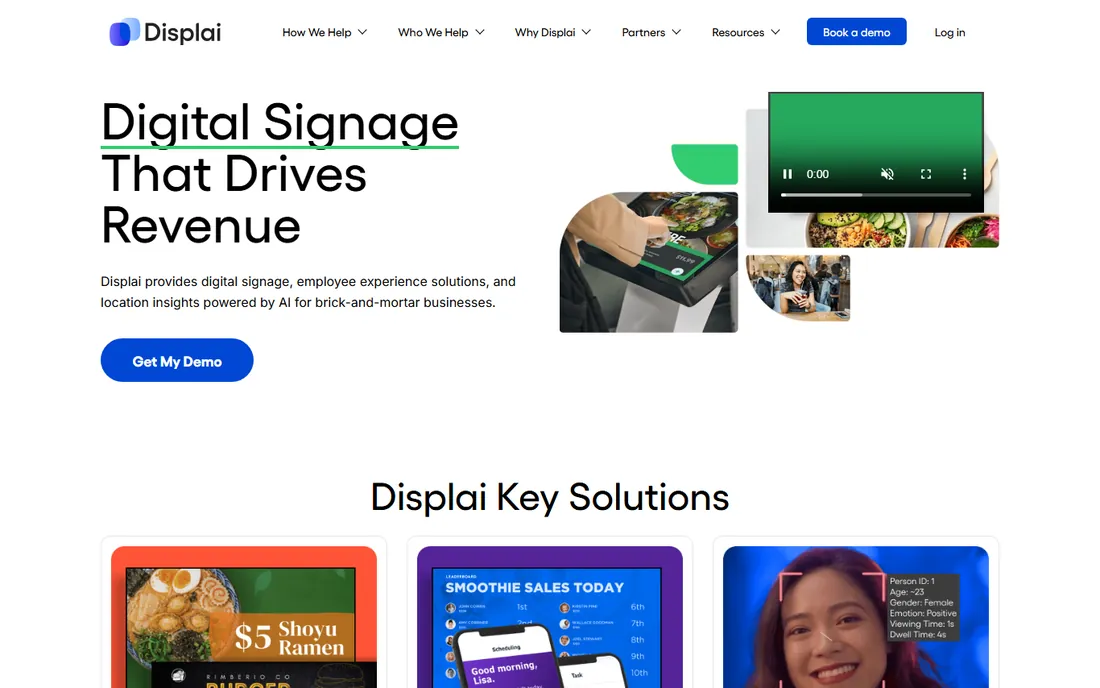
Raydiant (formerly Mira) targets the in-store experience: menus, promotions and branded content for restaurants, retailers and hospitality. The content partnerships and hardware bundles suit businesses wanting signage as a service.
Back-office and corporate communications are not the focus. But customer-facing screens that drive sales are Raydiant's home turf.
What we like- Built for retail and restaurant experience
- Good content partnerships
- Reliable hardware options
Watch out for- Premium pricing
- Focused on customer-facing use
Starting priceFree
Free planYes
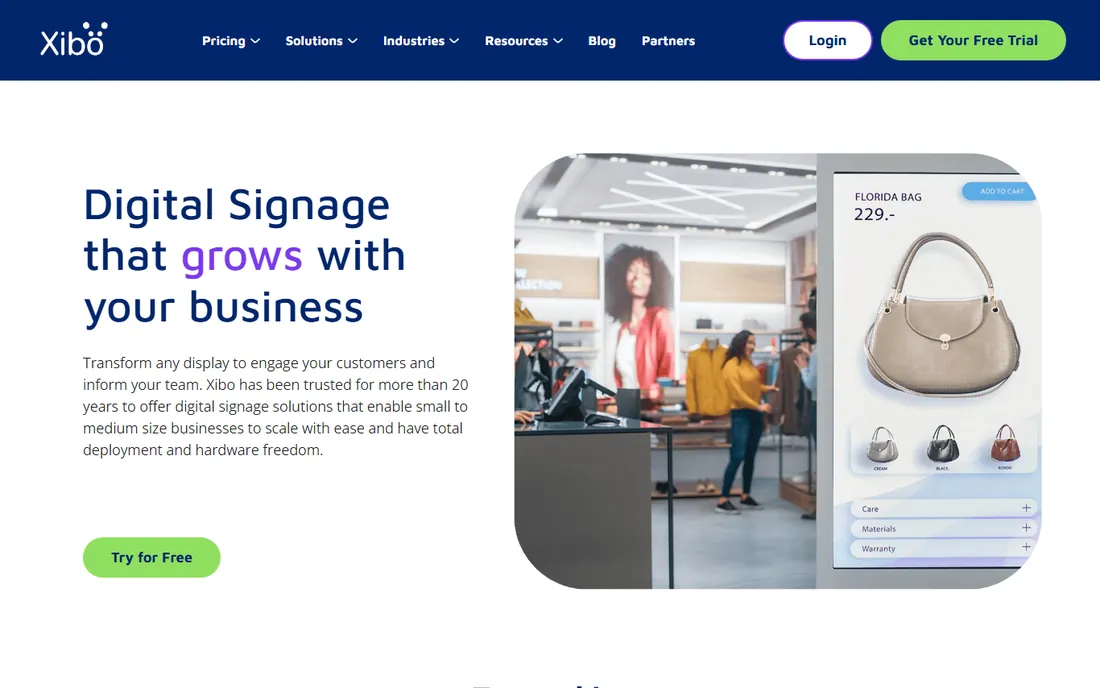
Xibo is the open-source answer: full digital signage software free to self-host, with no per-screen fees ever. Organizations with IT resources run substantial networks without licensing costs. The community is active and the software is capable.
You own the hosting, maintenance and troubleshooting. But for technically equipped organizations, especially education and public sector, Xibo's economics are unbeatable.
What we like- Free and open source
- Self-hosted control
- No per-screen fees
Watch out for- Needs technical management
- Less polished than commercial tools
Starting priceSee website
Free planNo
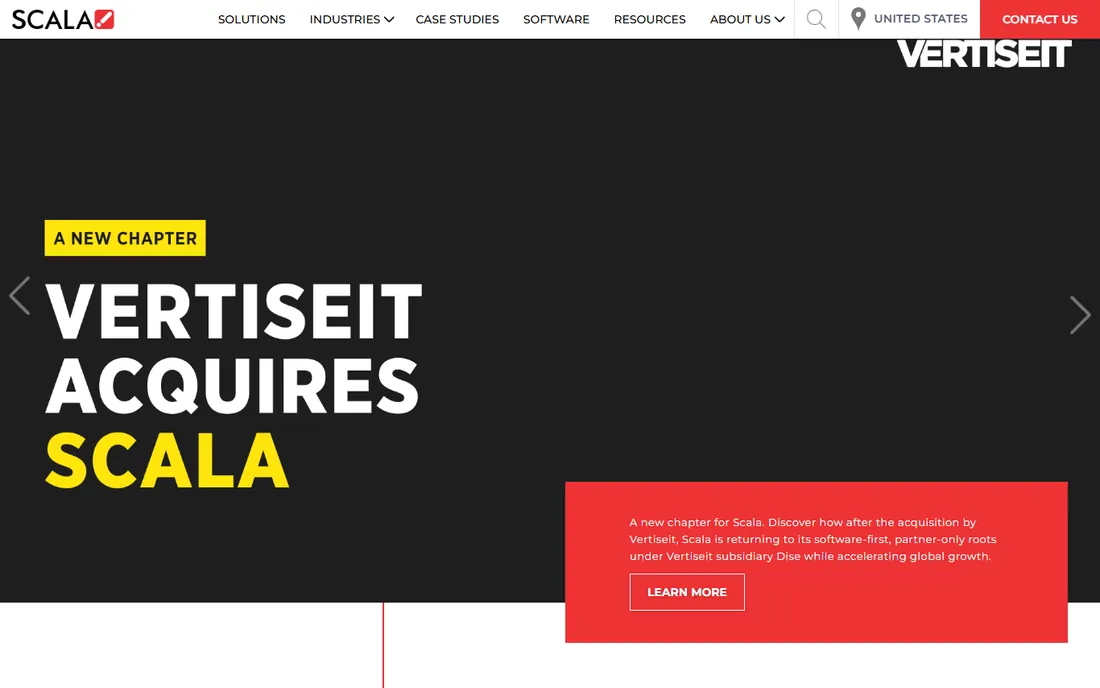
Scala has run some of the world's largest signage networks for decades: thousands of screens with centralized control, advanced scheduling and enterprise integration. Large retailers, transportation and corporate networks rely on its scalability.
Small deployments should look elsewhere. But for signage at true enterprise scale, Scala's track record is the credential.
What we like- Proven at massive scale
- Deep enterprise features
- Long track record
Watch out for- Enterprise complexity and pricing
- Overkill for small deployments
Starting priceSee website
Free planNo
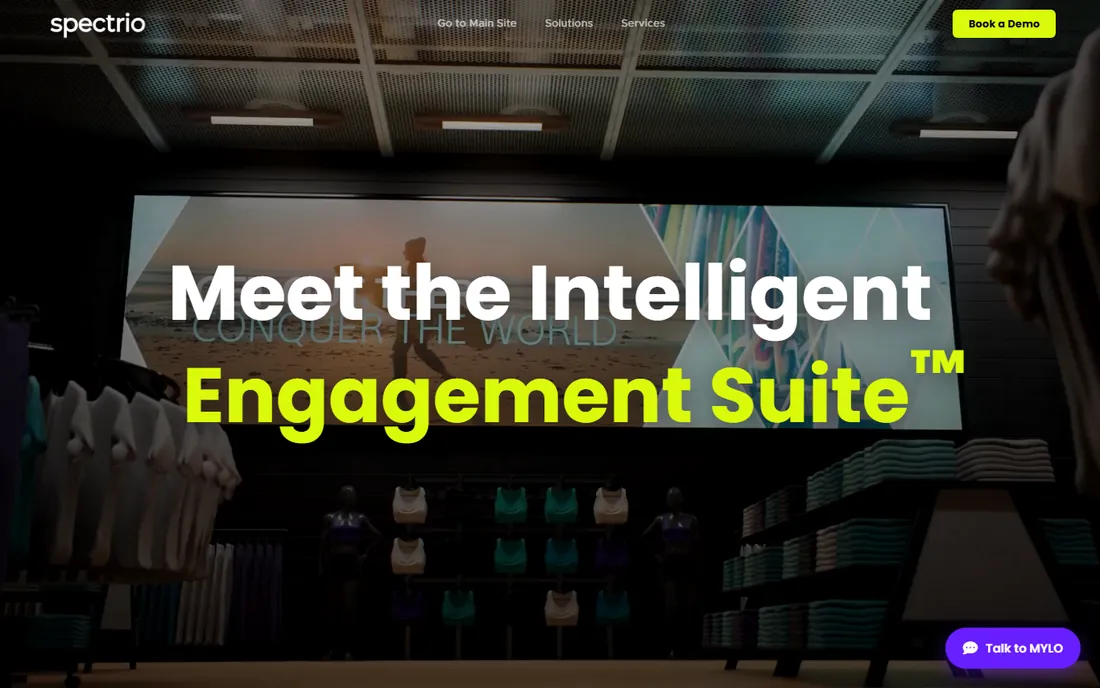
Spectrio (which absorbed Enplug) offers signage as a managed service: hardware, software, installation and even content creation handled for you. Businesses that want screens working without becoming signage experts choose the full service.
The service model costs more than DIY software and offers less direct control. But for owners who want results without a new skill set, managed is the honest answer.
What we like- Full-service including content
- Good for businesses wanting done-for-you
- Reliable
Watch out for- Service pricing
- Less DIY control
Hardware decides as much as software
Signage software is half the decision; players and screens are the other half. Consumer TVs work for basic needs but lack commercial durability and warranties. Dedicated players (BrightSign, Raspberry Pi, ChromeOS devices) vary enormously in capability and cost.
Match the hardware to the ambition: a menu board needs reliability more than power; a video wall needs both. And confirm the software supports your chosen players before committing, since switching later means rebuying hardware.
How we chose
We compared platforms on content management ease, device support, scheduling, interactivity, pricing models and fit for different deployment sizes. We verified each vendor's homepage and current positioning, reviewed user feedback on G2, Capterra and AV industry sources, and weighted real deployment experience over feature lists. We did not operate live signage networks.
Content strategy: the part everyone neglects
The hardware gets the budget and the software gets the evaluation, but content decides whether the screens work. Stale content is the number one signage killer: a promotions screen showing last month's offer trains viewers to ignore every screen you own. Assign content ownership explicitly, with a named person and a refresh schedule.
Design for the glance, not the read. Viewers give a screen three to five seconds. That means seven words or fewer per message, high contrast, large type, and one idea per slide. If your content needs paragraphs, it belongs on a website, not a wall. Test readability from the actual viewing distance before deploying.
Mix content types to hold attention. Pure advertising gets tuned out; blend promotions with useful information (weather, news, schedules), social proof (reviews, user content) and brand storytelling. The 80/20 rule works well: 80 percent value or entertainment, 20 percent direct promotion.
Localize where it matters. A national promotion means less than the lunch special at this location, the event tonight in this building, the name of the employee of the month here. The screens' advantage over every other channel is physical presence; use it.
Measure what you can. Foot traffic, QR scan rates on screen offers, sales lift during promotions: imperfect measurement beats none. Screens that demonstrably drive results keep their budget; screens on faith get cut in the next downturn.
Digital signage mistakes to avoid
The number one mistake is installing screens before planning content. Hardware without a content plan becomes an expensive blank rectangle within weeks. Assign content ownership, set a refresh schedule and prepare the first month of content before the installer arrives.
Second is wrong screen placement. Screens mounted too high, facing away from traffic flow, or washed out by sunlight get ignored regardless of content quality. Walk the space as a visitor, note the natural sightlines and dwell points, and place screens where eyes actually go.
Third is tiny text. Content designed on a desktop monitor and viewed from fifteen feet away is unreadable. Test every layout at real viewing distance, keep text large and minimal, and remember the three-second rule: if the message takes longer than that to grasp, it will not be grasped.
Fourth is neglecting the network. Cloud-managed screens need reliable connectivity; a screen that shows error messages half the day is worse than no screen. Verify wifi coverage at each mount point, prefer wired connections where possible, and monitor screen health remotely.
Finally, no measurement. Screens justified on faith get cut in downturns; screens with data on engagement, QR scans or sales lift survive. Build basic measurement in from the start, even if it is just tracking offer redemptions, so the next budget conversation has numbers.
Frequently asked questions
How much does digital signage cost?
Software typically runs $10 to $30+ per screen per month. Players cost $50 to $500 each; commercial displays $500+. A single-screen setup can start under $500 total; enterprise networks reach six figures.
Can we use regular TVs?
Yes, for basic indoor signage. Commercial displays offer better brightness, durability and warranties. Match the display to the environment: sunlight-facing windows need high-brightness commercial panels.
Do we need a player per screen?
Usually yes, though some smart displays run apps natively and some software supports video walls from one player. System-on-chip displays reduce hardware but limit software choice.
How do we manage content across locations?
Cloud dashboards in all these tools push content to screens remotely. Role-based access lets local managers update their screens without touching others.
What content works best?
Short, readable, high-contrast content with minimal text. Rotate frequently. The biggest signage failure is stale content; assign someone to keep it fresh.
Is open source viable?
Yes. Xibo runs real networks for free if you have the technical resources to host and maintain it. Factor in the total cost of your IT time, not just the license savings.
How many screens do we need to start?
Start with one to three screens in your highest-traffic spots. Prove the concept, learn what content works, and expand once you have the workflow running. A small network done well beats a large one neglected.
Sources we checked (10)
- https://www.screencloud.com/
- https://www.yodeck.com/
- https://www.optisigns.com/
- https://www.risevision.com/
- https://www.novisign.com/
- https://www.telemetrytv.com/
- https://www.raydiant.com/
- https://xibo.org.uk/
- https://www.scala.com/
- https://www.spectrio.com/
Is your product missing or out of date?
We review this list regularly. Vendors can request a listing, send updated pricing or ask about featured placement.

Shihab Mia · Founder, Rankite
Shihab has spent more than a decade helping SaaS and e-commerce brands grow through search. He writes Rankite's software buying guides from pricing pages, documentation and public user reviews. More about Shihab.