How we make this list: we compare pricing pages, product documentation and public user reviews. Ratings come from G2, Capterra or Trustpilot, with the date we checked them.
Key takeaways
- Adobe Creative Cloud Pro is still the safest pick when clients send native Photoshop, Illustrator or InDesign files. It is also the most expensive suite in this list, and the annual plan is a real commitment.
- Affinity by Canva now gives away its vector, photo and layout tools in a single free desktop app. You only need a paid Canva plan for the AI features.
- Apple Creator Studio bundles Pixelmator Pro with Final Cut Pro, Logic Pro and more for $12.99 a month or $129 a year. That makes it the cheapest paid suite here for Mac and iPad studios.
- CorelDRAW Graphics Suite is the only full design suite in this guide that still sells a one-time license next to its subscription. That matters to print shops and sign makers who don't want to rent software.
- A no-cost setup of Inkscape plus GIMP covers vector and raster work on Windows, macOS and Linux. The trade-off is less polish and no commercial support.
Quick comparison
| Tool | Best for | Starting price | Free plan |
|---|
 Adobe Creative Cloud Pro Adobe Creative Cloud Pro | Agencies and designers who swap native Adobe files | See website | Free trial |
 Affinity by Canva Affinity by Canva | Freelancers and small studios leaving Adobe | Free (AI features need a paid Canva plan) | Yes |
 CorelDRAW Graphics Suite CorelDRAW Graphics Suite | Print, signage and Windows-based production | See website | Free trial (15 days) |
 Apple Creator Studio Apple Creator Studio | Mac and iPad creators who also edit video | $12.99/month or $129/year | Free trial (1 month) |
 Canva Canva | Marketing teams producing on-brand content fast | See website | Yes |
 Figma Figma | Designers working on digital products and UI | See website | Yes |
 Kittl Kittl | Merch, packaging and social graphics in the browser | $12 per editor/month (billed annually) | Yes (personal use only) |
 Inkscape Inkscape | Free, open-source vector illustration | Free | Yes |
 GIMP GIMP | Free, open-source photo editing and retouching | Free | Yes |
Is your product missing or out of date?
We review this list regularly. Vendors can request a listing, send updated pricing or ask about featured placement.
The best creative software suites for graphic designers
#1
Adobe Creative Cloud Pro
Best for: Agencies and designers who swap native Adobe files
Visit adobe.com
Starting priceSee website
Free planFree trial
Adobe renamed its all-apps plan Creative Cloud Pro in 2025. It now bundles more than 20 desktop and mobile apps with Adobe Firefly. A cheaper Creative Cloud Standard tier keeps the core apps but cuts the generative AI allowance. If you move between Photoshop, Illustrator, InDesign and After Effects in a normal week, no other suite on this list covers that range with the same depth.
File compatibility is the main reason agencies stay. Printers, brand teams and freelancers will send you PSD, AI and INDD files, and converting them in another tool always takes extra time.
The downside is cost and lock-in. After Adobe's 2025 pricing changes, many existing All Apps subscribers were moved to the more expensive Pro tier by default, and people complained about it on Reddit and in design forums. Before you sign, read the cancellation terms for the annual plan billed monthly. Check the current US price on Adobe's plans page too, because intro offers change often.
What we like- Photoshop, Illustrator, InDesign, Premiere and After Effects in one plan
- Industry-standard file formats that clients and printers expect
- Firefly generative AI built into the core apps
Watch out for- Highest cost of any suite in this guide
- Annual plans billed monthly carry an early cancellation fee
#2Affinity by Canva
Best for: Freelancers and small studios leaving Adobe4.5/5 on
G2 (452 reviews, checked Oct 2026)
Visit affinity.studio
Starting priceFree (AI features need a paid Canva plan)
Free planYes
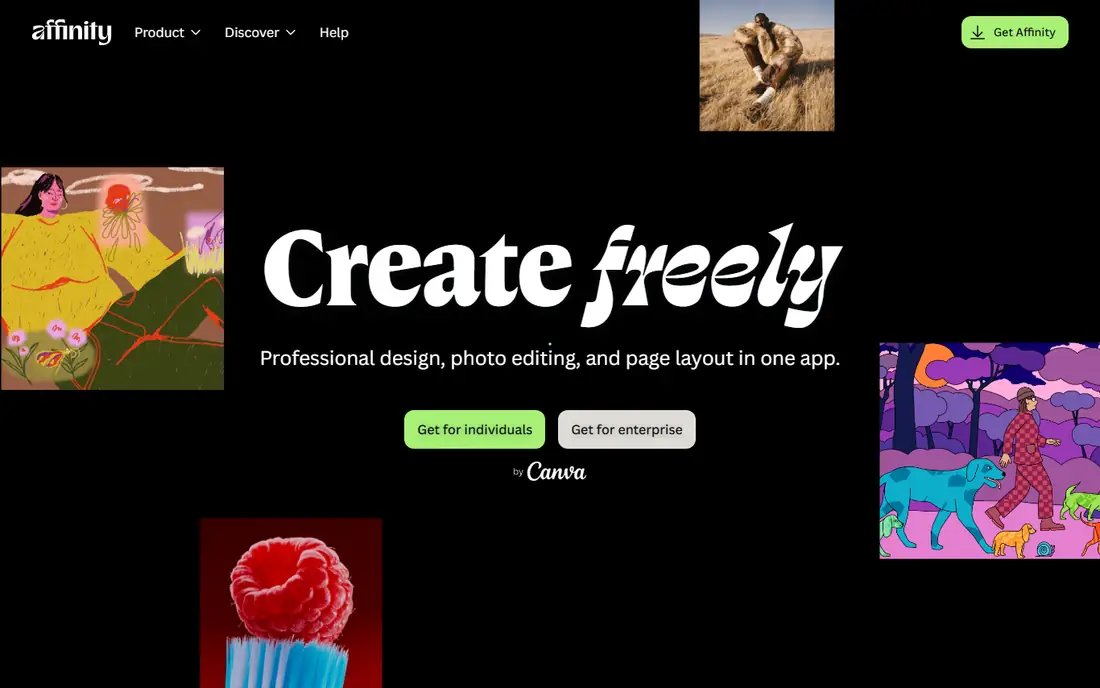
Canva bought Serif in 2024. In October 2025 it merged Affinity Designer, Photo and Publisher into one app with separate vector, pixel and layout studios, and made the core app free. Affinity has said publicly that the app will stay free and that it won't use people's projects to train AI models.
For a two- or three-person studio, this is the biggest pricing change in the category in years. You get a credible replacement for Illustrator, Photoshop and InDesign on Windows and Mac with no per-seat fees. Because it imports PSD, AI and IDML files, you can work with what clients send. Generative fill and background removal need a paid Canva Pro or Business plan, so budget for that if you rely on AI tools.
There are real gaps. It has no motion graphics or video app and no real-time multi-user editing. Complex Adobe files with live effects don't always convert cleanly. Your account is also tied to Canva, which some designers object to on principle.
What we like- Vector, pixel and layout tools in one free desktop app
- Opens PSD, AI, PDF, SVG, TIFF and IDML files
- No subscription for the core features
Watch out for- Requires a Canva account to download and activate
- Smaller plugin and template ecosystem than Adobe
#3CorelDRAW Graphics Suite
Best for: Print, signage and Windows-based production4.3/5 on
G2 (555 reviews, checked Oct 2026)
Visit coreldraw.com
Starting priceSee website
Free planFree trial (15 days)
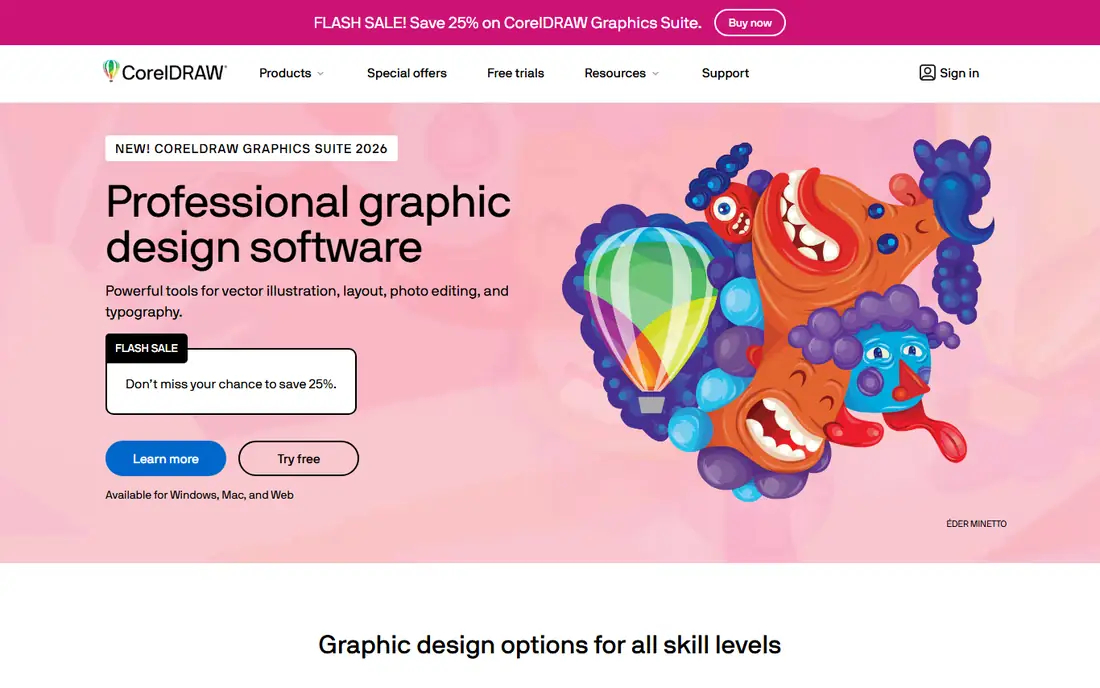
CorelDRAW has long been used in sign shops, vinyl cutting, embroidery and print production, and the 2026 suite is still built around that work. It combines CorelDRAW for vector work and layout with Corel PHOTO-PAINT for raster editing. It now runs on Windows, Mac and the web, and recent versions add a generative text-to-vector feature that uses monthly AI credits.
For small businesses, the buying options are the main draw. Corel sells the suite as an annual or monthly subscription, as a license with maintenance, or as a one-time purchase you keep forever. If your shop keeps the same software on a workstation for five years, the one-time license can cost much less over that time.
Keep two things in mind. Corel says the one-time version leaves out many of the features and cloud apps subscribers get, so compare the editions carefully. And most freelancers work in Adobe or Affinity rather than CorelDRAW, so check files more carefully when you hand them off.
What we like- Choice of annual, monthly or one-time purchase
- Vector, layout and photo editing in one package
- Free trial needs no credit card
Watch out for- The one-time license leaves out several subscription-only features
- Smaller talent pool and fewer tutorials than Adobe
#4
Apple Creator Studio
Best for: Mac and iPad creators who also edit video
Visit apple.com
Starting price$12.99/month or $129/year
Free planFree trial (1 month)
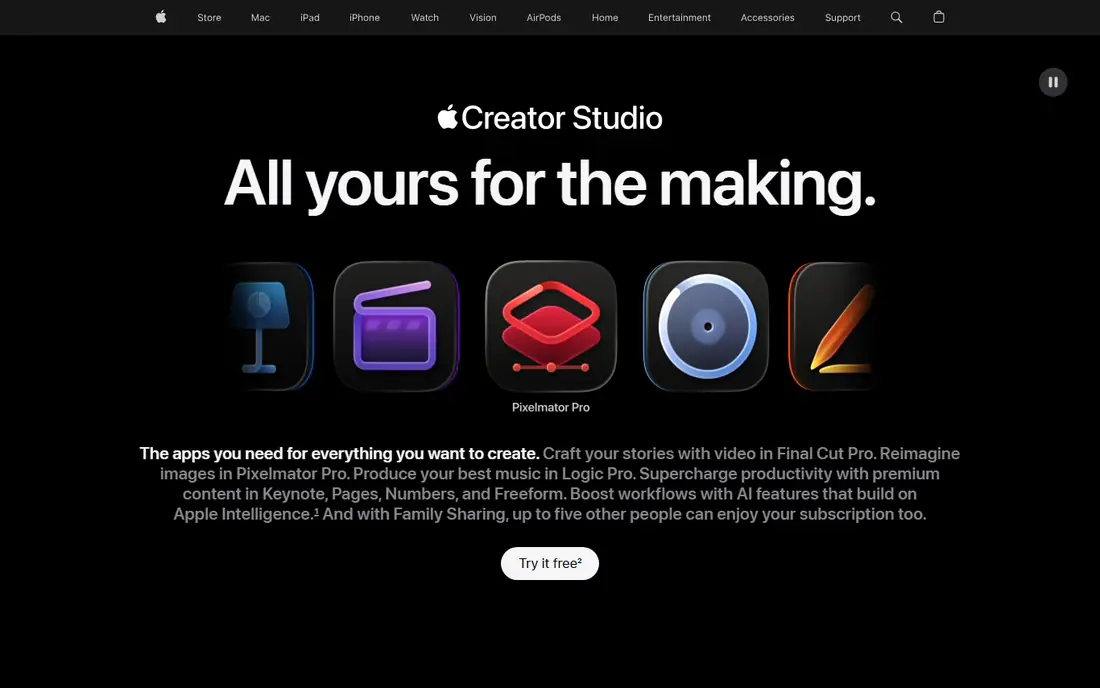
Apple launched Creator Studio in January 2026 as one subscription for its pro creative apps. You get Final Cut Pro, Logic Pro and Pixelmator Pro on Mac and iPad, plus Motion, Compressor and MainStage on Mac. It also adds premium content in Keynote, Pages and Numbers. According to MacRumors, buying the Mac apps separately would cost about $680.
Designers will mostly care about Pixelmator Pro. It's a capable photo editor with layer-based compositing and decent vector shape tools, and it runs on iPad for the first time. With Final Cut Pro and Motion in the same plan, a small marketing team can make social video and still graphics for one low monthly price.
It isn't a full graphic design suite in the way Adobe's is. There's no vector app on the level of Illustrator and nothing like InDesign, so brand identity and print layout still need another tool (Affinity is a good partner). It doesn't run on Windows.
What we like- Pixelmator Pro, Final Cut Pro, Logic Pro, Motion and more for one low fee
- Works across Mac and iPad
- Family Sharing support
Watch out for- Apple devices only
- No dedicated vector illustration or page layout app
#5Canva
Best for: Marketing teams producing on-brand content fast4.7/5 on
G2 (7,678 reviews, checked Oct 2026)
Visit canva.com
Starting priceSee website
Free planYes
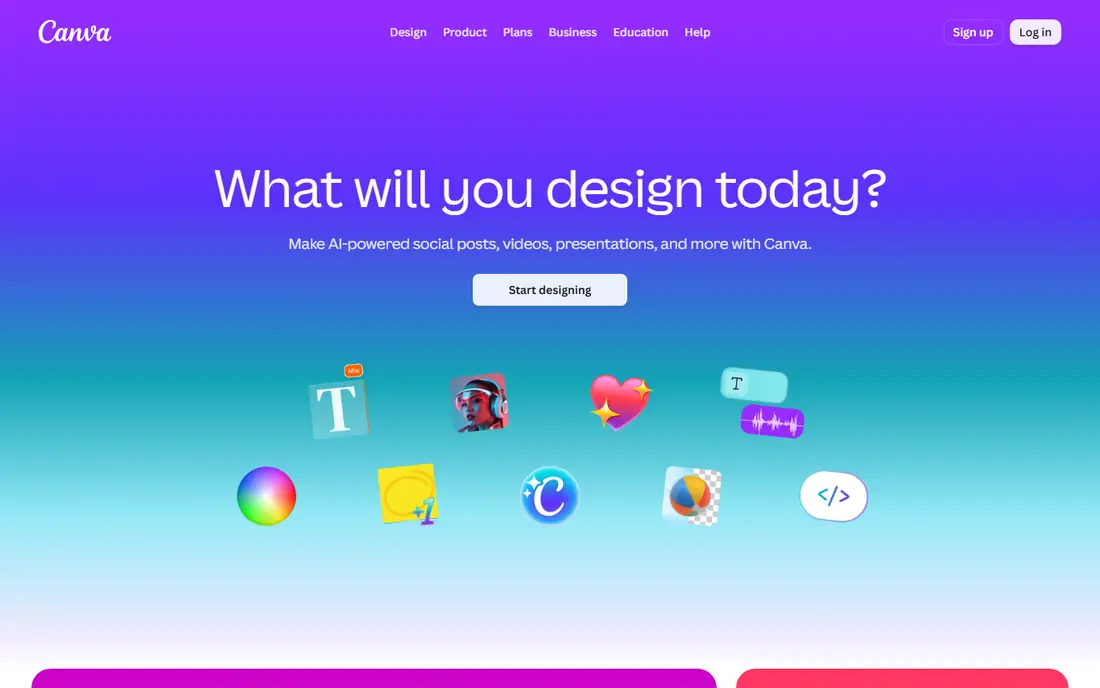
Most professional designers don't build identity systems in Canva, but it's often where the identity gets used every day. Designers set up Brand Kits, locked templates and approved assets. Marketers then make social posts, presentations and flyers without asking a designer for every resize.
That makes Canva a good partner for a pro suite. Canva also owns Affinity, and the two products are starting to connect. A paid Canva plan is what turns on Affinity's AI features. On the Business tier you pay per person, so costs grow with total headcount, not just the number of designers.
By itself, Canva is a weak fit for serious graphic design. Its vector editing, advanced typography and print color control are far behind Illustrator, Affinity or CorelDRAW. You also can't really export a fully editable source file to use in another app.
What we like- Very short learning curve for non-designers
- Brand Kits and templates keep teams on brand
- Huge stock library and built-in AI tools
Watch out for- Limited precision for logo, packaging and prepress work
- Designs live inside Canva's platform
#6Figma
Best for: Designers working on digital products and UI4.7/5 on
G2 (1,593 reviews, checked Oct 2026)
Visit figma.com
Starting priceSee website
Free planYes
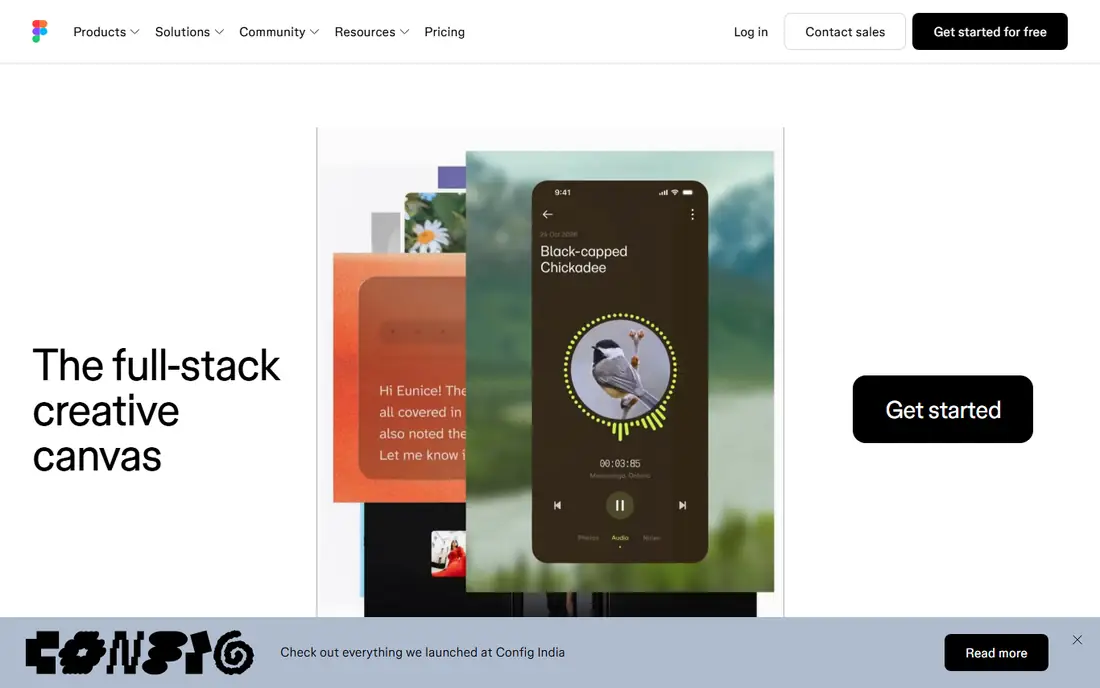
Figma began as an interface design tool and has grown into a small suite: Figma Design, FigJam whiteboards, Slides, and Figma Draw for illustration. If your work is mostly websites, apps, ads and design systems, it's the standard choice for US teams.
The main reason to choose it is collaboration. Several people can edit a file at the same time, leave comments, and pass specs to developers without exporting anything. The Professional plan has Full, Dev and Collab seat types, and view-only users are free, so clients and stakeholders don't add much cost.
It's a poor fit for print. It has no real CMYK workflow, very little photo retouching, and no layout tool for long documents. Third-party reviews also report that Figma started enforcing per-seat AI credit limits in March 2026, so heavy AI users should check each plan's allowance.
What we like- Real-time collaboration in the browser
- Seat types so reviewers and developers pay less than designers
- Strong plugin and community file library
Watch out for- Monthly AI credit limits on each seat
- Not built for print or photo retouching
#7Kittl
Best for: Merch, packaging and social graphics in the browser4.7/5 on
G2 (43 reviews, checked Oct 2026)
Visit kittl.com
Starting price$12 per editor/month (billed annually)
Free planYes (personal use only)
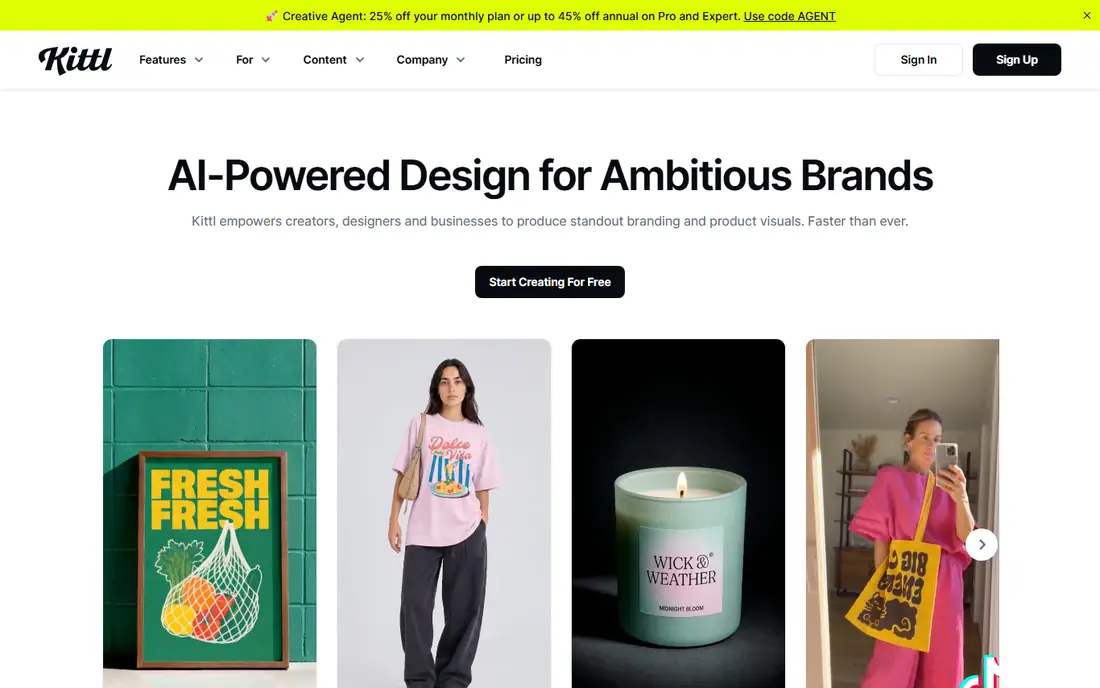
Kittl is a newer browser-based design tool with a clear focus: t-shirts, labels, logos, posters and social graphics built around bold type. Its text effects, illustration assets and templates suit print-on-demand sellers and small brands that want polished results without opening Illustrator.
Kittl explains its licensing clearly, which is unusual. It says Pro and Expert plans include a commercial license for up to 500,000 copies across packaging, marketing and print. Business plans add an enhanced license that goes past that limit. Pricing is $12 a month per editor for Pro, $26 for Expert and $48 for Max, all billed annually.
It isn't a full desktop suite. Photo editing is basic, there's no multi-page layout, and AI generation uses a token balance. Only the Expert and Max tiers get extra tokens every day. The Free plan is for personal use only.
What we like- Commercial license on every paid plan
- Strong typography effects and templates for apparel and labels
- Runs entirely in the browser
Watch out for- Free plan has no commercial rights and only 5 projects
- AI work is metered by tokens
#8Inkscape
Best for: Free, open-source vector illustration4.4/5 on
G2 (417 reviews, checked Oct 2026)
Visit inkscape.org
Starting priceFree
Free planYes
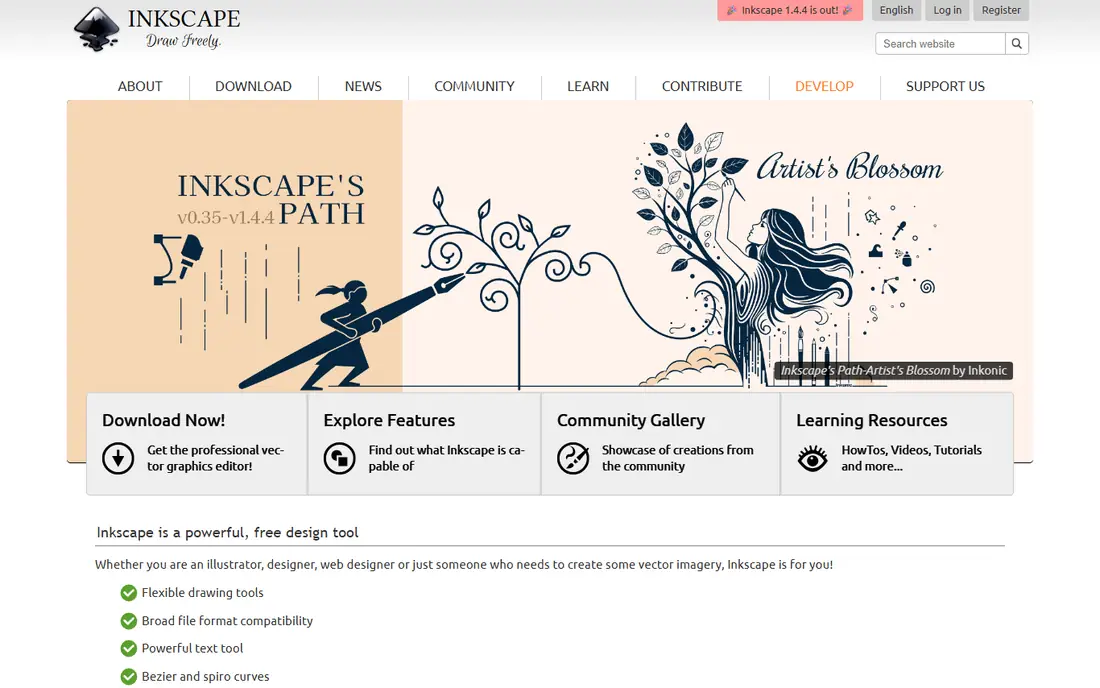
Inkscape is a mature open-source vector editor for logos, illustrations, diagrams and technical drawings. It saves natively to SVG, which suits web graphics and laser or vinyl cutting files. It can also import and export AI, EPS, PDF and PNG.
For a nonprofit, a school or a small business that only needs vector work now and then, it's free and installs in minutes. A large community answers questions in the forums.
The trade-offs are speed and support. Large, complex files can be slow, print work in CMYK takes extra steps, and there's no vendor to call if something breaks before a deadline. Use it with GIMP for a completely free toolkit.
What we like- Free with no account required
- Runs on Windows, macOS and Linux
- Native SVG with AI, EPS and PDF import and export
Watch out for- Interface feels dated next to commercial tools
- No official support line or SLA
#9GIMP
Best for: Free, open-source photo editing and retouching4.3/5 on
G2 (1,484 reviews, checked Oct 2026)
Visit gimp.org
Starting priceFree
Free planYes
GIMP has been the main free image editor for decades. The 3.x series updated it with a new interface toolkit and non-destructive filters. The current stable version as of this writing is 3.2.6, released in September 2026.
It does retouching, compositing, masking and web exports well enough for many small businesses. Because it's free and open source, you can install it on every office computer without tracking seats or licenses.
The cost is the learning curve. Photoshop users will need time to get used to different tools and menus, and CMYK print work is awkward. Use it for raster work in a free setup, not as a direct Photoshop replacement for an agency.
What we like- Free on Windows, macOS and Linux
- GIMP 3 adds non-destructive filters and better PSD handling
- Actively maintained with regular releases
Watch out for- Workflow and shortcuts differ a lot from Photoshop
- Limited CMYK support for print
How we chose
We started with the suites and apps graphic designers actually use for logos, brand assets, print and digital work. For each one, we checked the vendor's pricing page, product pages and documentation for current plans, free tiers, platforms and license terms. When we couldn't confirm a price directly with the vendor, we wrote "See website" instead of repeating a number from a third-party site.
Next, we read public reviews on G2, Capterra and Reddit to find common complaints, such as billing surprises, file compatibility problems and missing features. We compared the tools on how many creative apps they include, which file formats they support, collaboration, platforms, pricing model and fit for teams of one to fifty people. We didn't run lab tests. Treat this list as a starting point and test each tool during its free trial.
How to pick the right suite for your studio
Start with the files you receive
Start with the files that land in your inbox. If clients and printers send native PSD, AI and INDD files every week, Adobe will save you real hours. If you mostly design from scratch and export PDFs, PNGs and SVGs, Affinity, CorelDRAW or even the free tools will be enough.
Match the pricing model to your cash flow
Subscriptions spread the cost out, but you never stop paying. CorelDRAW is the only full suite here that still sells a perpetual license, and Affinity's core app is free. Apple Creator Studio is cheap each month but only works on Apple hardware. For teams, check how many people really need editing rights before you buy seats. Figma's Collab and free view-only seats can keep costs down for reviewers.
Count the work you do outside design
Many designers at small businesses also edit video, build slides and post to social media. Adobe and Apple Creator Studio include video tools. Affinity, CorelDRAW and Kittl don't. If you edit video every week, that can change which suite is the better deal.
Run a two-week trial on a real project
Use the free trial or free plan on a real client job, not a sample file. Check export quality, font handling, print color profiles and how long a typical revision takes. Before you commit, make sure you can export your work as PDF and SVG in case you switch later.
Frequently asked questions
What is the top creative software suite for graphic designers in 2026?
For most professional designers, Adobe Creative Cloud Pro is still the most complete suite. It covers photo, vector, layout, motion and video, and it uses the file formats the industry expects. For freelancers and small studios, Affinity by Canva is the strongest alternative because its core vector, photo and layout tools are free.
Is Affinity really free for commercial work?
Yes. The core Affinity app is free to download and use with a Canva account. The generative AI features need a paid Canva plan, so check which features you need before you rely on them for client work.
Can CorelDRAW still be bought without a subscription?
Yes. Corel sells CorelDRAW Graphics Suite 2026 as a one-time purchase as well as annual and monthly subscriptions. The one-time version leaves out some subscription-only features and cloud apps, so compare the editions on Corel's site.
Is Canva good enough for professional graphic designers?
Canva is good for producing on-brand marketing content quickly, especially after designers set up the templates. It doesn't have the precise vector tools, typography control or print prepress features that identity, packaging and editorial work need. Most professionals use it alongside a full suite.
What is the best free graphic design software suite?
Affinity by Canva is the most complete free option for Windows and Mac. If you want open-source software or need Linux support, Inkscape for vector work and GIMP for photo editing cover most needs for free.
Does Apple Creator Studio replace Adobe for designers?
Only partly. Pixelmator Pro is good at photo editing and compositing, and the bundle adds strong video and audio tools. But it has no dedicated vector illustration or page layout app, so most designers would still need Affinity or Illustrator as well.
Sources we checked (15)
- https://www.apple.com/newsroom/2026/01/introducing-apple-creator-studio-an-inspiring-collection-of-creative-apps/
- https://www.apple.com/apple-creator-studio/
- https://www.macrumors.com/2026/01/28/apple-creator-studio-hands-on/
- https://www.kittl.com/pricing
- https://www.coreldraw.com/en/product/coreldraw/
- https://www.coreldraw.com/en/product/family/
- https://inkscape.org/about/
- https://www.gimp.org/downloads/
- https://www.digitalcameraworld.com/photography/photo-editing/breaking-affinity-photo-is-now-free-for-everyone-as-the-editing-software-is-reborn-as-affinity-studio
- https://en.wikipedia.org/wiki/Affinity_(software
- https://checkthat.ai/brands/affinity/pricing
- https://www.lilachbullock.com/adobe-creative-cloud-price/
- https://checkthat.ai/brands/adobe/pricing
- https://www.awesomic.com/blog/figma-pricing
- https://www.lilachbullock.com/canva-pro-price/
Is your product missing or out of date?
We review this list regularly. Vendors can request a listing, send updated pricing or ask about featured placement.

Shihab Mia · Founder, Rankite
Shihab has 5+ years in B2B and SaaS SEO. He writes Rankite's software buying guides from pricing pages, documentation and public user reviews. More about Shihab.