How we make this list: we compare pricing pages, product documentation and public user reviews. Rankite is independent; if a vendor ever pays for a featured spot, that listing is clearly labeled Partner.
Key takeaways
- Canva and VistaCreate give non-designers the fastest route to good-looking graphics, with generous free tiers.
- Adobe Express suits teams already paying for Adobe, adding quick social and web content to the Creative Cloud habit.
- Figma is the value pick for interface and product design, with a free tier that covers most solo work.
- Affinity, GIMP, and Inkscape serve designers who want professional power without subscriptions: pay once or pay nothing.
- Pixlr fills the quick-edit gap in the browser, handy when Photoshop would be overkill.
What does "value" mean in design software?
Value is not the same as cheap. A free tool you fight with for three hours costs more than a $15 subscription that gets the job done in twenty minutes, once you price your own time honestly. And a $60-a-month professional suite is good value if it replaces two other subscriptions and the work pays for itself by Friday. The question is never just the price tag. It is what you get per dollar for the work you actually do.
That is the lens for this comparison. We looked at tools across the design spectrum, from drag-and-drop editors for marketers to professional-grade software for working designers, and judged each on what it delivers relative to its cost. Some are free forever. Some cost less than a streaming subscription. One costs nothing because volunteers maintain it. All of them can produce professional results in the right hands.
Whether you are a founder making your own pitch deck, a marketer feeding the content calendar, or a designer equipping a studio on a budget, there is a value pick here with your name on it.
Quick comparison
| Tool | Best for | Starting price | Free plan |
|---|
 Canva Canva | All-round design for non-designers | See website | Yes |
 Adobe Express Adobe Express | Quick content for Adobe users | See website | Yes |
 Figma Figma | Interface and product design | See website | Yes |
 Affinity Affinity | Pro design without subscription | See website | Free trial |
 GIMP GIMP | Free Photoshop-class editing | Free | Yes |
 Inkscape Inkscape | Free vector illustration | Free | Yes |
 Pixlr Pixlr | Fast browser photo editing | See website | Yes |
 VistaCreate VistaCreate | Templates for social and marketing | See website | Yes |
Is your product missing or out of date?
We review this list regularly. Vendors can request a listing, send updated pricing or ask about featured placement.
The best value creative design software in 2026
Starting priceSee website
Free planYes
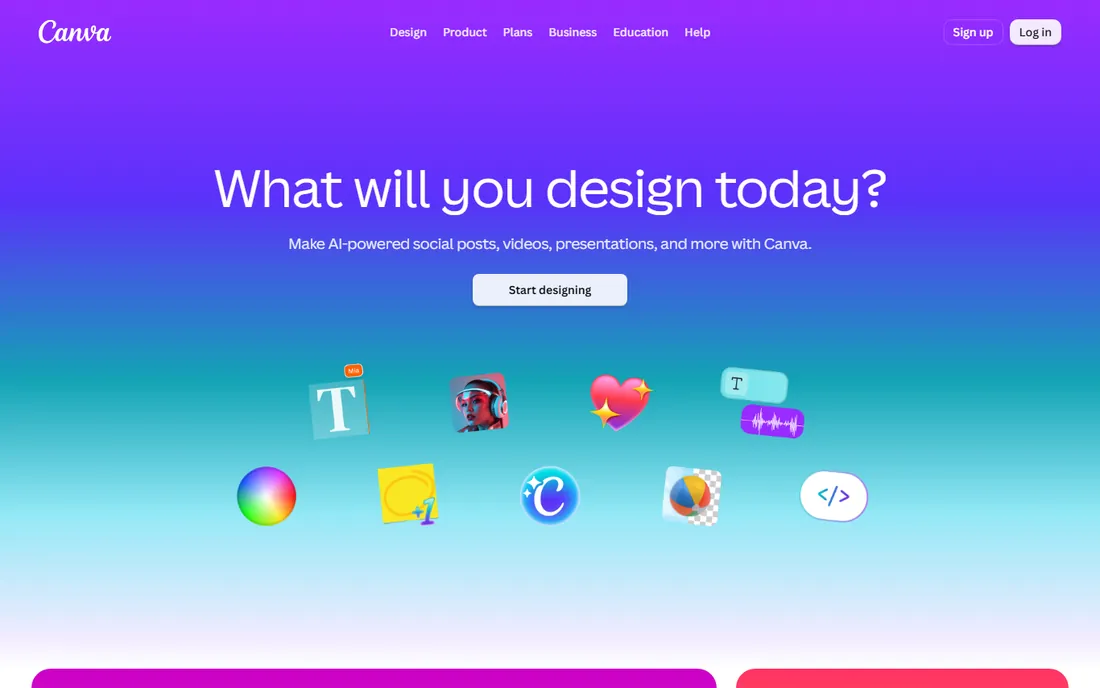
Canva redefined what non-designers expect from design software, and the free tier remains remarkably capable: thousands of templates, a deep stock library, and collaboration that just works. The paid Pro tier adds brand kits, background removal, and AI features under Magic Studio, and it still costs less per month than a single stock photo used to.
The value argument is time. A social post, a presentation, or a flyer that would take a designer an hour takes a marketer fifteen minutes in Canva, and the result looks professional enough for most purposes. Precision work like complex vector illustration or color-managed print still belongs in professional tools. But for the vast middle of business design work, Canva's ratio of output to cost is unmatched.
What we like- Enormous template library, Genuinely useful free tier, Easy brand kit management, Magic Studio AI features
Watch out for- Less precise than pro tools, Print workflows are basic, Heavy users hit paywalls
Starting priceSee website
Free planYes
Adobe Express is Adobe's answer to Canva: template-driven design for social posts, flyers, and short videos, with the advantage of Adobe's font library, stock collection, and Firefly generative AI under the hood. The free tier covers casual use, and Creative Cloud subscribers get the premium version included, which changes the value math entirely.
On its own merits, Express trails Canva in template variety and third-party integrations. Inside an Adobe workflow, though, it shines: start something in Express on your phone, finish it in Photoshop on your desktop, with assets flowing between them. If you already pay Adobe every month, Express is value you are leaving on the table.
What we like- Tied to Adobe's stock and fonts, Good generative AI features, Clean mobile apps, Free tier available
Watch out for- Less template depth than Canva, Best value only inside Creative Cloud, Can feel like Canva-lite
Starting priceSee website
Free planYes
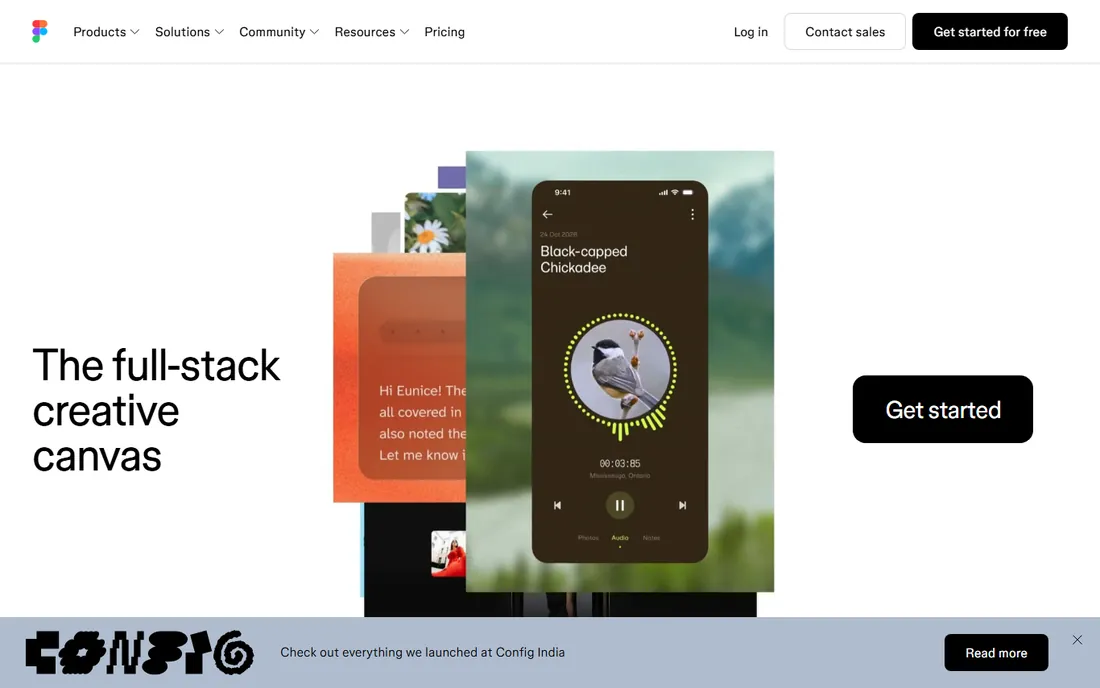
Figma won interface design by being collaborative first and free for starters. The free tier gives individuals unlimited drafts and generous project allowances, which means students, freelancers, and side projects get a professional tool for nothing. Paid plans add the team libraries, advanced prototyping, and organization features that product teams need.
The value story is about replacing a stack. Teams that once paid for separate design, prototyping, and handoff tools now do it all in Figma, and developers inspect designs in the same file. It will not edit photos or lay out a brochure, but for screens, which is where most design work now lives, no tool delivers more per dollar.
What we like- Best-in-class UI design tool, Free tier covers solo projects, Real-time collaboration, Huge community plugin ecosystem
Watch out for- Not for print or photo editing, Paid seats add up for large teams, Requires internet connection
Starting priceSee website
Free planFree trial
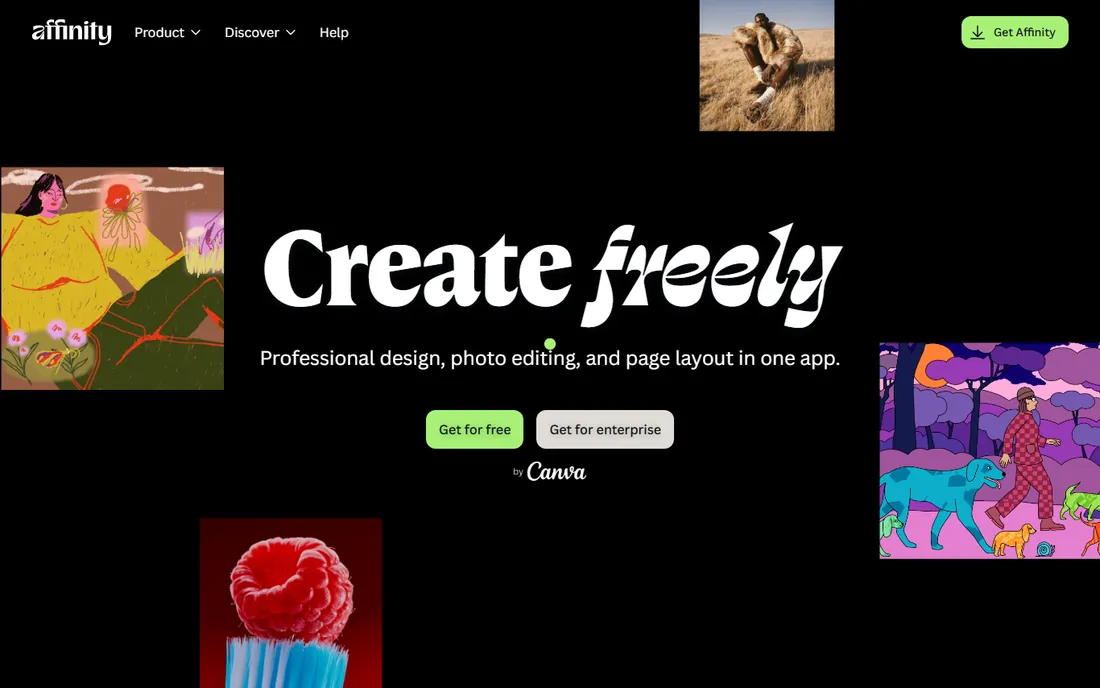
Affinity's pitch has always been simple: professional design software you buy once instead of renting forever. Designer, Photo, and Publisher cover vector, raster, and layout work at a standard that satisfies working professionals, and the one-time price pays for itself in months against a Creative Cloud subscription. Canva's acquisition of Serif brought resources and a bigger future to the suite.
The trade-offs are ecosystem depth: fewer plugins, fewer tutorials, fewer studios built around it than Adobe. But the file compatibility keeps improving, and for freelancers and small studios watching every subscription, Affinity is the most credible Adobe alternative ever made. Check the current site for the latest bundle pricing, since Canva has been known to run aggressive offers.
What we like- Professional-grade tools, One-time purchase, no subscription, Tight integration between apps, Now backed by Canva
Watch out for- Smaller ecosystem than Adobe, Some advanced features still missing, Learning curve for Adobe converts
Starting priceFree
Free planYes
GIMP is the open-source answer to Photoshop, and it has been for over two decades. Layers, masks, curves, healing tools, and a plugin ecosystem cover the vast majority of photo editing and digital painting tasks. It costs nothing, shows no ads, and respects your privacy, which is more than most free software can say.
The interface is the honest weakness: powerful but idiosyncratic, with a learning curve that assumes you will invest time. Print professionals will miss proper CMYK workflows. But for web graphics, photo retouching, and digital art on a zero budget, GIMP delivers professional capability that no other free tool matches. Pair it with Inkscape below and you have a complete free design studio.
What we like- Completely free and open source, Deep photo manipulation features, Extensible with plugins and scripts, Runs on all major platforms
Watch out for- Interface shows its age, Learning curve is steep, CMYK and print support limited
Starting priceFree
Free planYes
Where GIMP handles pixels, Inkscape handles vectors: logos, icons, illustrations, and diagrams. It is the only free tool that takes vector work seriously, with bezier editing, boolean operations, text on paths, and extensions that add real capability. SVG is its native format, which makes it a natural fit for web and UI icon work.
Complex files can slow it down, and Illustrator converts will notice missing conveniences. But for logo design, technical illustration, and laser-cutter or vinyl-cutting workflows, Inkscape is genuinely professional. Combined with GIMP, it means a freelancer can handle client design work with zero software costs, which is the ultimate value proposition.
What we like- Full vector editing for free, Strong SVG standard support, Good for logos and illustrations, Active open-source community
Watch out for- Performance lags on complex files, Interface less refined than Illustrator, Some pro features missing
Starting priceSee website
Free planYes
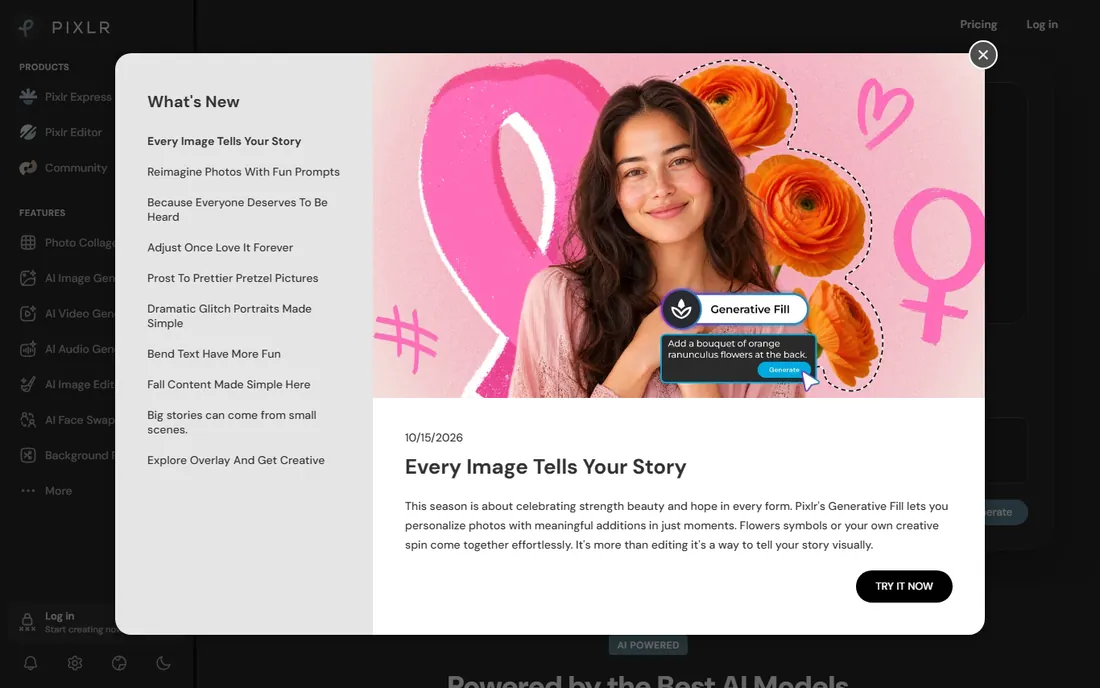
Pixlr is for the moment you need to edit a photo and do not want to open, update, or pay for anything. It runs entirely in the browser, with layers, filters, and retouching tools that go well beyond what "online editor" suggests. The free tier is ad-supported but functional; paid plans remove ads and add AI features like background removal and generative fill.
It will not replace Photoshop or GIMP for serious work, and that is not the job. The job is the quick crop, the background cleanup, the social image resize, done in two minutes from any computer. As a complement to a heavier editor, or as the only editor for someone who edits photos occasionally, Pixlr's value is in its zero friction.
What we like- No install, works in browser, Surprisingly capable editor, Good AI tools on paid tiers
Watch out for- Ad-supported free tier, Less depth than desktop editors, Requires internet
Starting priceSee website
Free planYes
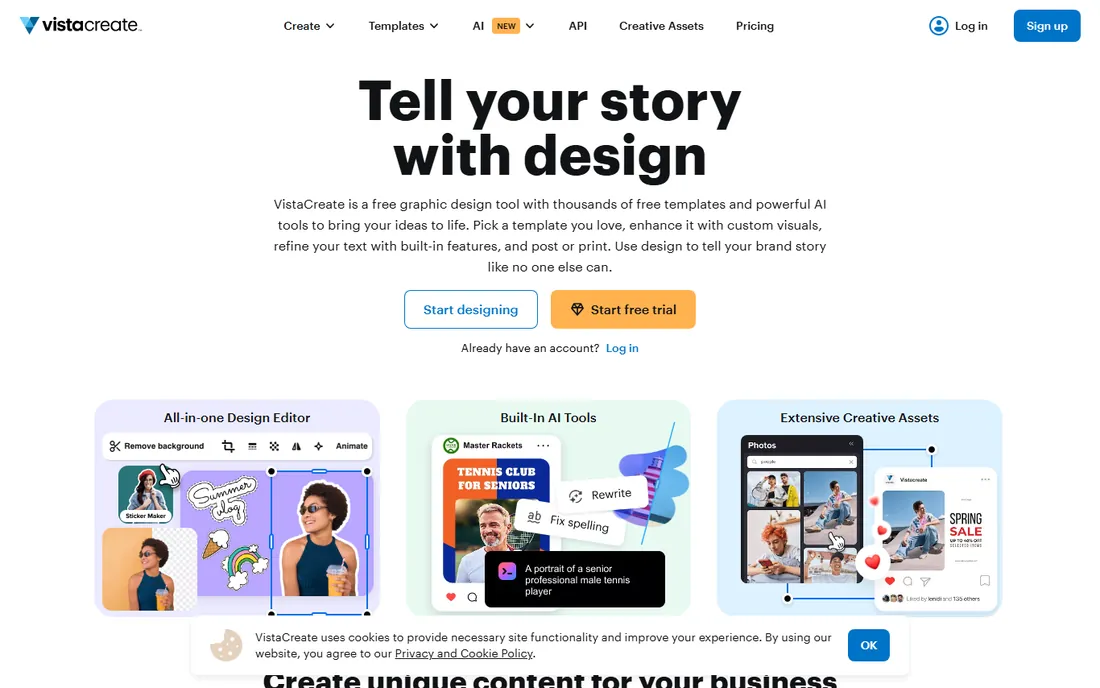
VistaCreate (formerly Crello) plays Canva's game at a lower price. The template library is deep, especially for social media and marketing formats, the free tier is generous, and the Pro plan undercuts Canva while adding background removal, team brand kits, and unlimited storage. For a small business that lives on social content, the savings compound.
The ecosystem gap is real: fewer integrations, fewer designers sharing VistaCreate files, less third-party template support. But if you judge by output per dollar for a solo marketer or small team, VistaCreate is arguably the best value on this list. It is the pick for buyers who like Canva's model but flinch at Canva's price.
What we like- Strong template library, Generous free tier, Simple brand kit tools, Affordable Pro plan
Watch out for- Smaller ecosystem than Canva, Fewer integrations, Less name recognition with collaborators
How we chose
We defined value as capability per dollar for real work, not just the lowest price. That meant including free tools only where they are genuinely usable for professional output (GIMP, Inkscape), and paid tools only where the price is modest relative to what they replace (Figma, Affinity, VistaCreate). We excluded both enterprise-only suites and toy apps that cannot produce client-ready work.
We tested the free tiers where available, compared paid plans against the subscriptions they replace, and weighted ease of learning alongside raw power, because a cheap tool nobody masters is not good value. Every tool here can produce professional results; they differ in who they suit and what they cost to run for a year.
Getting the most for your money
Start with the free tiers and stay there as long as they serve you. Canva, Figma, Pixlr, and VistaCreate all have free plans that cover real work, and GIMP and Inkscape are free forever. Many buyers upgrade out of habit rather than need, so audit what you actually use before paying: if you touch three templates a month, the free tier is your value pick.
When you do pay, match the tool to the work. Interface designers should pay for Figma before anything else. Print and brand designers get more from one Affinity purchase than years of mid-tier subscriptions. Marketers feeding social channels should compare Canva Pro and VistaCreate Pro feature for feature, because the price gap is real and the output gap is smaller than the marketing suggests.
Finally, count subscriptions, not just prices. Two $15 tools you half-use cost more than one $25 tool you live in. Consolidate where you can, cancel what you do not open monthly, and remember that the best value in design software is the tool your team actually masters.
Frequently asked questions
What is the best free graphic design software?
Canva's free tier is the easiest starting point for general design. GIMP and Inkscape are the most powerful free options for photo editing and vector work respectively, though both take longer to learn.
Is Canva better value than Adobe Express?
For most non-designers, yes, because of the larger template library and more generous free tier. Adobe Express becomes the better value if you already subscribe to Creative Cloud, since the premium version is included.
Can free tools really replace Photoshop and Illustrator?
For many workflows, yes. GIMP covers most photo editing and Inkscape covers most vector illustration. They fall short on print-specific features like CMYK color management and on the plugin ecosystems professionals rely on.
Why is Affinity cheaper than Adobe?
Affinity sells perpetual licenses instead of subscriptions, so you pay once per major version. Canva's ownership may change the pricing model over time, so check the current offer before buying.
Do I need design software if I use AI image generators?
AI generators create images; design software turns them into finished work. You still need layout, typography, and export control for anything professional. The tools here complement AI generation rather than competing with it.
Sources we checked (8)
- https://www.canva.com/
- https://www.adobe.com/
- https://www.figma.com/
- https://www.affinity.studio/
- https://www.gimp.org/
- https://www.inkscape.org/
- https://pixlr.com/
- https://create.vista.com/
Is your product missing or out of date?
We review this list regularly. Vendors can request a listing, send updated pricing or ask about featured placement.

Shihab Mia · Founder, Rankite
Shihab has spent more than a decade helping SaaS and e-commerce brands grow through search. He writes Rankite's software buying guides from pricing pages, documentation and public user reviews. More about Shihab.