How we make this list: we compare pricing pages, product documentation and public user reviews. Rankite is independent; if a vendor ever pays for a featured spot, that listing is clearly labeled Partner.
Key takeaways
- Synthesia is the pick for regulated corporate training. Its compliance stack (SOC 2, ISO, SSO, SCORM) is unmatched, but it charges the most per finished minute.
- HeyGen leads on avatar realism and lip-synced translation, and unused credits roll over, which matters when production comes in bursts.
- Colossyan and Elai.io are the value plays for training teams. Colossyan includes SCORM export on its mid plan, and Elai.io sells the cheapest interactive video.
- If you mainly animate photos or build conversational agents, D-ID and DeepBrain AI Studios cost far less than the enterprise suites. Read the per-minute caps first.
Quick comparison
| Tool | Best for | Starting price | Free plan |
|---|
 Synthesia Synthesia | Corporate training and onboarding at scale | $29/month (Starter; $18/month billed annually) | Yes (Basic, 10 minutes per month, watermarked) |
 HeyGen HeyGen | Marketing teams that localize video | $29/month (Creator; $24/month billed annually) | Yes (3 videos per month) |
 Colossyan Colossyan | Compliance training published to an LMS | $59/month (Professional, billed annually) | Yes (Starter, 20 minutes per month) |
 Elai.io Elai.io | Small teams that want interactive training videos | $29/month (Creator) | Yes (1 minute per month) |
 D-ID D-ID | Developers and marketers animating photos | $5.90/month (Lite) | Free trial (14 days) |
 DeepBrain AI Studios DeepBrain AI Studios | Companies that want live conversational avatars | $24/month (Personal) | Yes (3 short videos) |
 Akool Akool | Marketers who need avatars plus face swap in one place | $12/seat/month (Starter, billed annually) | Yes (free tier, watermarked) |
 Veed Veed | Creators who edit and caption video too | $12/month (Creator, billed annually) | Yes (watermarked, 720p) |
 Pictory Pictory | Turning scripts and articles into video fast | $25/month (Starter, billed annually) | Free trial (14 days) |
Is your product missing or out of date?
We review this list regularly. Vendors can request a listing, send updated pricing or ask about featured placement.
The top AI avatar software
Starting price$29/month (Starter; $18/month billed annually)
Free planYes (Basic, 10 minutes per month, watermarked)
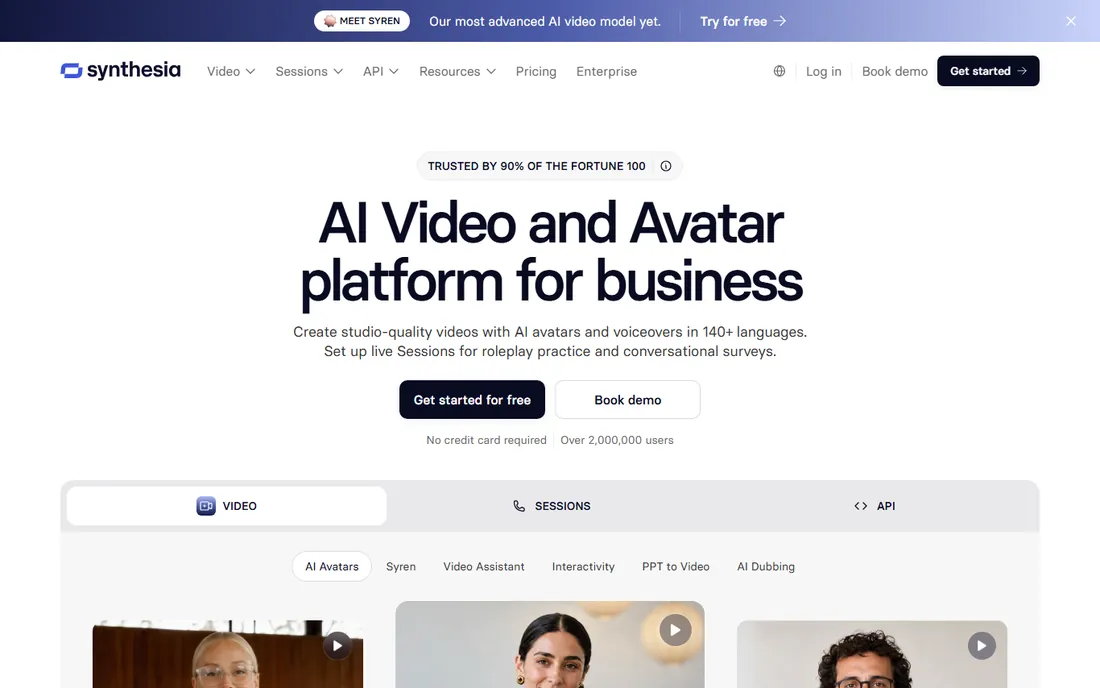
Synthesia is the default choice inside large companies, and the reason is trust. The platform holds SOC 2 Type II, ISO 27001 and ISO 42001 certifications, offers EU data residency, and exports SCORM packages for learning management systems on the Enterprise plan. If your videos touch compliance training, this is the paperwork your legal team will ask for.
The trade is price. Starter runs $29 a month for roughly 12 extra minutes of video beyond the free allowance, and every paid tier meters usage through a shared credit pool. At this price per minute, Synthesia makes sense when you produce training regularly, not when you need one video a quarter. The free Basic plan, with 10 minutes a month and 9 avatars, is genuinely useful for testing the workflow before committing.
What we like- Deepest governance and compliance stack in the category
- One-click translation into 140+ languages
- Re-editing bills only for the seconds you change
Watch out for- High cost per finished minute on lower plans
- Personal avatars capped at 3 on Starter
- API access starts on Pro
Starting price$29/month (Creator; $24/month billed annually)
Free planYes (3 videos per month)
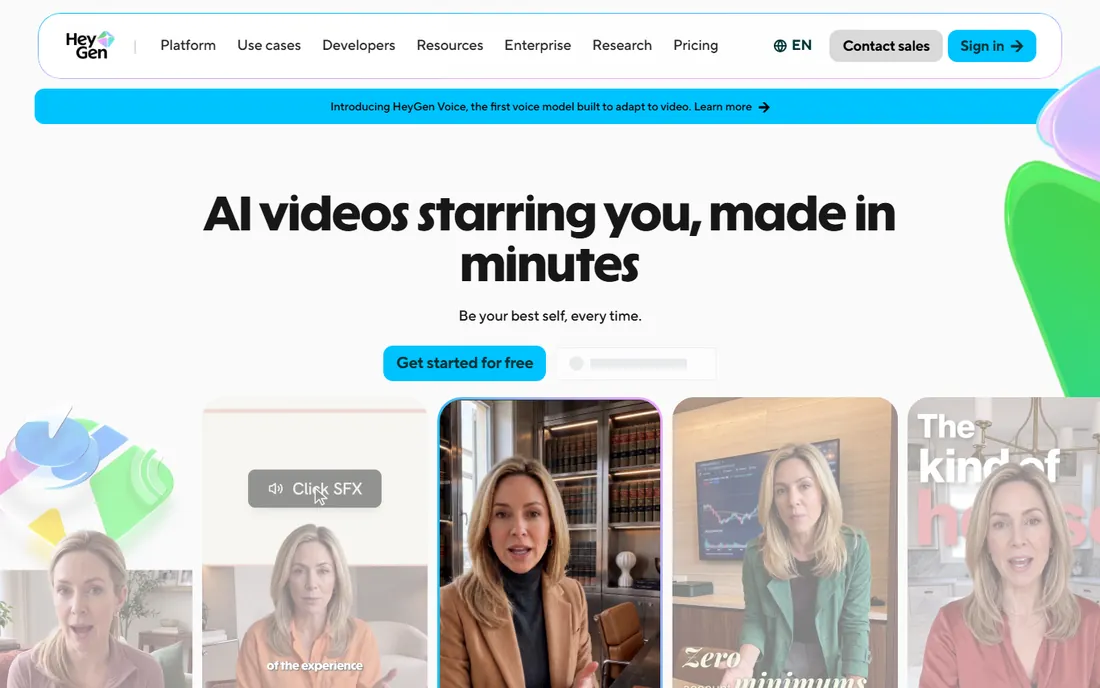
HeyGen wins the realism contest. Its avatars move more naturally than most competitors, and its video translation keeps the original speaker's voice while matching lip movements across 175 languages and dialects. Marketing teams that repurpose one webinar recording for a dozen markets get the most from it.
The pricing looks simple until you learn the credit system. Creator costs $29 a month and includes unlimited standard videos, but advanced generation runs on a separate credit pool, and any edit that re-renders a scene spends credits again. Annual subscribers keep unused credits until renewal, which softens the blow. Start on the free plan, test one real script, and watch your credit burn before choosing a tier.
What we like- Strongest avatar realism and lip-synced dubbing in its class
- Unused credits roll over
- 700+ stock avatars on paid plans
Watch out for- Premium features like Avatar IV burn credits fast
- Steep price jumps between tiers
- Re-rendered scenes spend credits again
Starting price$59/month (Professional, billed annually)
Free planYes (Starter, 20 minutes per month)
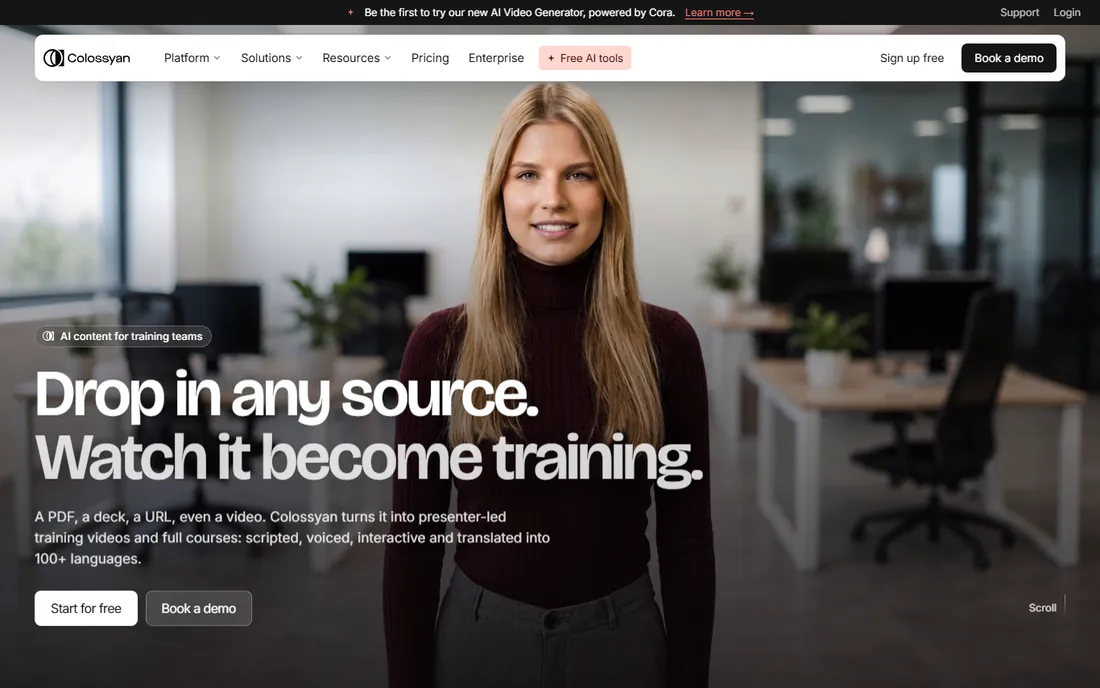
Colossyan is built for one job: turning internal knowledge into trackable training. Every plan includes the complete stock avatar library, and the Professional plan adds SCORM export, interactive quizzes and 4K output. Learning teams that publish into an LMS and need completion data will find the feature set unusually complete.
The free Starter plan is the most generous in this roundup at 20 minutes a month, which makes evaluation easy. The catch is the jump to paid: Professional starts at $59 a month, and the higher-fidelity NEO2 avatar generation is metered separately at just 10 minutes a month. Teams that produce training weekly will outgrow the minute caps faster than they expect.
What we like- Full 300+ avatar library even on the free plan
- SCORM export from Professional
- SOC 2 Type II and GDPR compliance built in
Watch out for- Paid entry is higher than most rivals
- Top-quality NEO2 minutes are tightly capped
- Extra editor seats cost $30 each per month
#4
Elai.io
Best for: Small teams that want interactive training videos
Visit elai.io
Starting price$29/month (Creator)
Free planYes (1 minute per month)
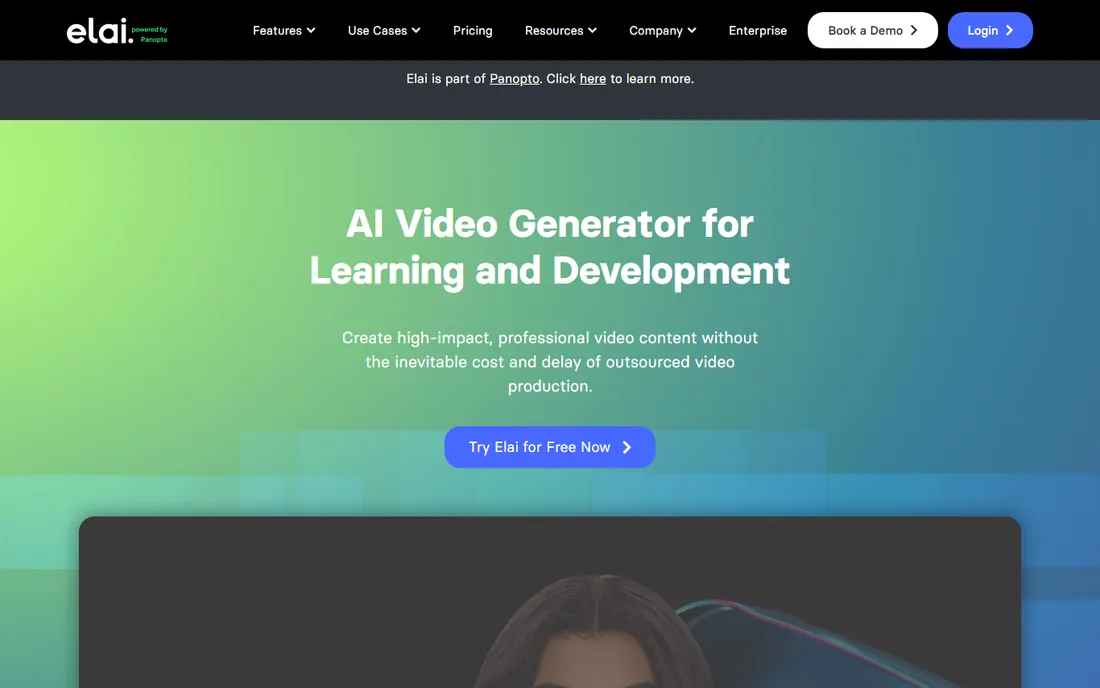
Elai.io competes on price and interactivity rather than avatar polish. The Creator plan includes clickable buttons, quiz overlays and branching paths, features that cost twice as much elsewhere. For onboarding flows and product tutorials where the viewer clicks through scenarios, that matters more than photorealism.
At $29 a month for 15 minutes, the math works for small teams producing a few training videos monthly. The free tier, with a single minute, only proves the tool renders. Also note that every render consumes minutes, even re-renders of the same video, so budget for revisions.
What we like- Cheapest interactive video option, with quizzes and branching
- 80+ avatars and 75+ languages on Creator
- Extra minutes cost a flat $2 each
Watch out for- Free plan is too small for real evaluation
- Smaller avatar library than category leaders
- Minutes expire at the end of each billing cycle
#5
D-ID
Best for: Developers and marketers animating photos
Visit d-id.com
Starting price$5.90/month (Lite)
Free planFree trial (14 days)
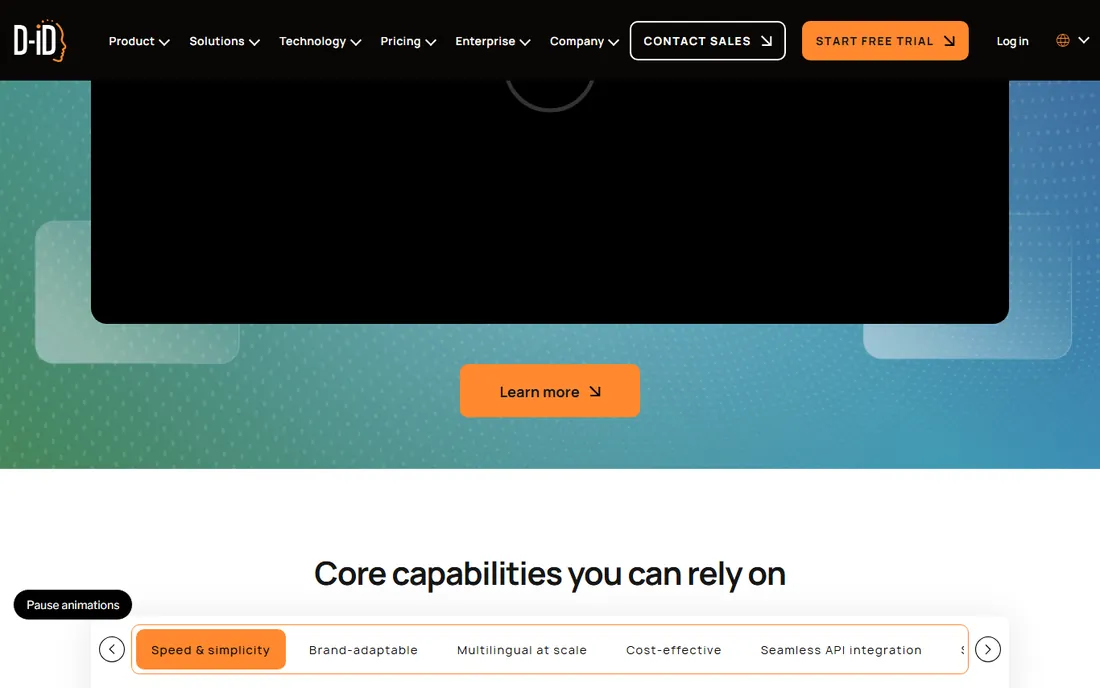
D-ID takes a different path from the studio platforms. Its signature trick is animating a still photo into a talking head, which suits social clips, personalized outreach videos and support explainers. The developer story is stronger here too: a documented API generates avatar video at scale, and the company has pushed into real-time conversational agents.
The Lite plan at $5.90 a month is the lowest entry price in this list, but the minute accounting is strict. Video length rounds up to the nearest 15 seconds, and unused minutes vanish at month end. Treat D-ID as a specialist tool for short clips and API projects, not as a full training-video platform.
What we like- Cheapest paid entry in the category
- Photo-to-video talking heads
- A talking-head API for building agents
Watch out for- Minutes round up to 15-second intervals and expire monthly
- Video depth lags the studio suites
- Trial exports carry a watermark
#6
DeepBrain AI Studios
Best for: Companies that want live conversational avatars
Visit deepbrain.io
Starting price$24/month (Personal)
Free planYes (3 short videos)
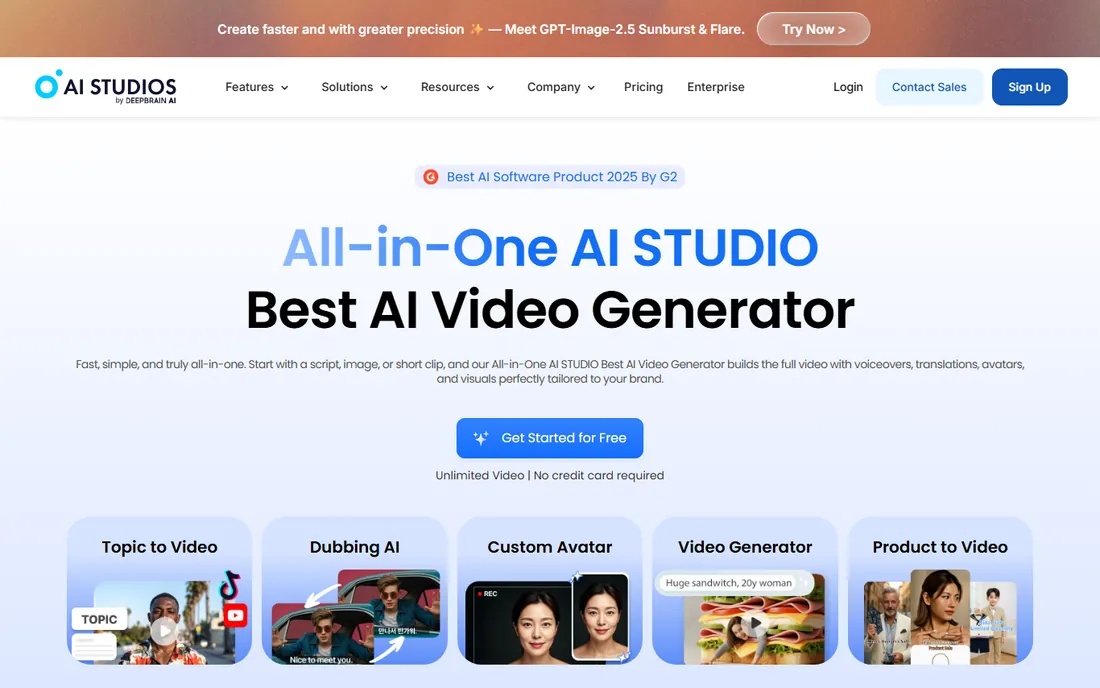
DeepBrain's avatars look convincingly human, with subtle gestures that read as genuine on camera. Where it separates from the pack is interactivity: the platform can deploy a live avatar that answers questions in real time, powered by a language model. Retail, hospitality and customer service teams use this for kiosks and website assistants.
The Personal plan at $24 a month includes unlimited videos up to 30 minutes each, 3 custom avatars and 120 minutes of lip-synced dubbing monthly. That is solid value for presenter-style content. The honest catch is that the standout feature, the interactive avatar, sits on a separate plan starting at $99 a month, so price the use case you actually need.
What we like- Real-time interactive avatars for websites and kiosks
- 150+ languages with lip-sync dubbing
- 7,000+ templates
Watch out for- Free plan is tiny (3 videos, one minute each)
- Custom avatars take days and cost around $1,000
- Team seats run $55 each per month
#7
Akool
Best for: Marketers who need avatars plus face swap in one place
Visit akool.com
Starting price$12/seat/month (Starter, billed annually)
Free planYes (free tier, watermarked)
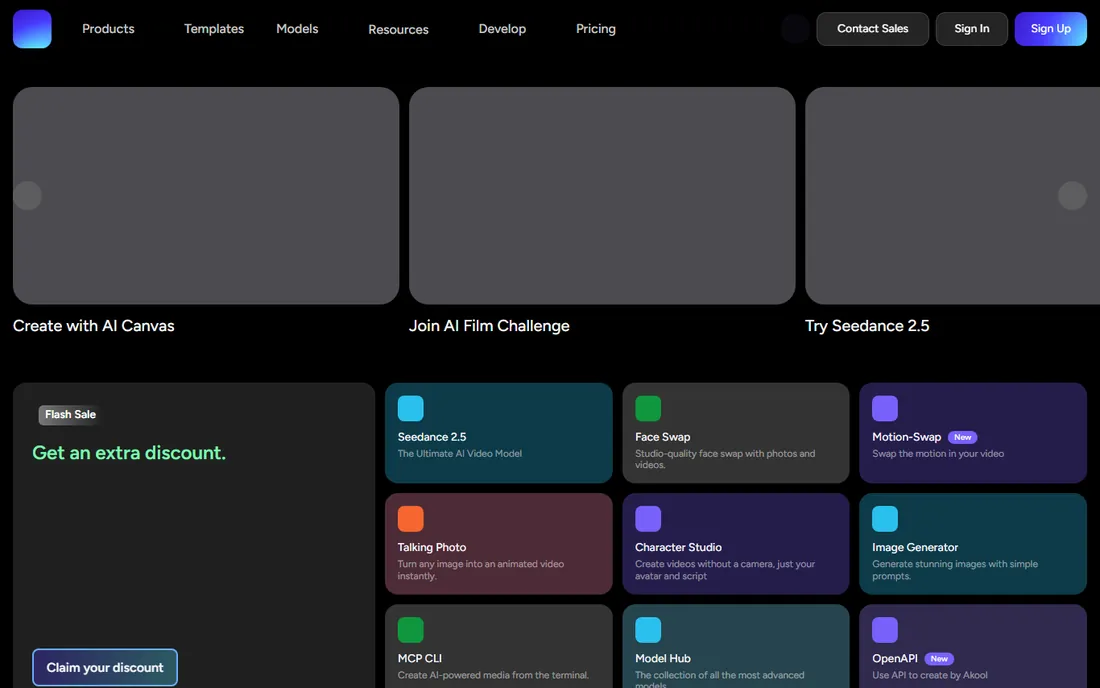
Akool is a suite, not a single-purpose tool. One subscription covers AI avatar video, face swap, lip-synced translation into 155+ languages, image generation and voice tools, with access to third-party video models alongside its own. Marketing teams that produce localized ad variants or social content in volume get more tools per dollar here than anywhere else.
The Starter plan at $12 per seat a month includes 200 credits, 1080p output and no watermark. The complication is the meter: different models consume credits at different rates, so forecasting spend takes experimentation. And because pricing is per seat, adding collaborators multiplies the bill. Solo creators and small teams benefit most.
What we like- Avatars, translation, face swap and text-to-speech under one bill
- Video translation in 155+ languages
- 200 credits on the Starter plan
Watch out for- Per-seat pricing punishes teams
- Credit math varies by model and is hard to predict
- Higher tiers escalate quickly
#8
Veed
Best for: Creators who edit and caption video too
Visit veed.io
Starting price$12/month (Creator, billed annually)
Free planYes (watermarked, 720p)
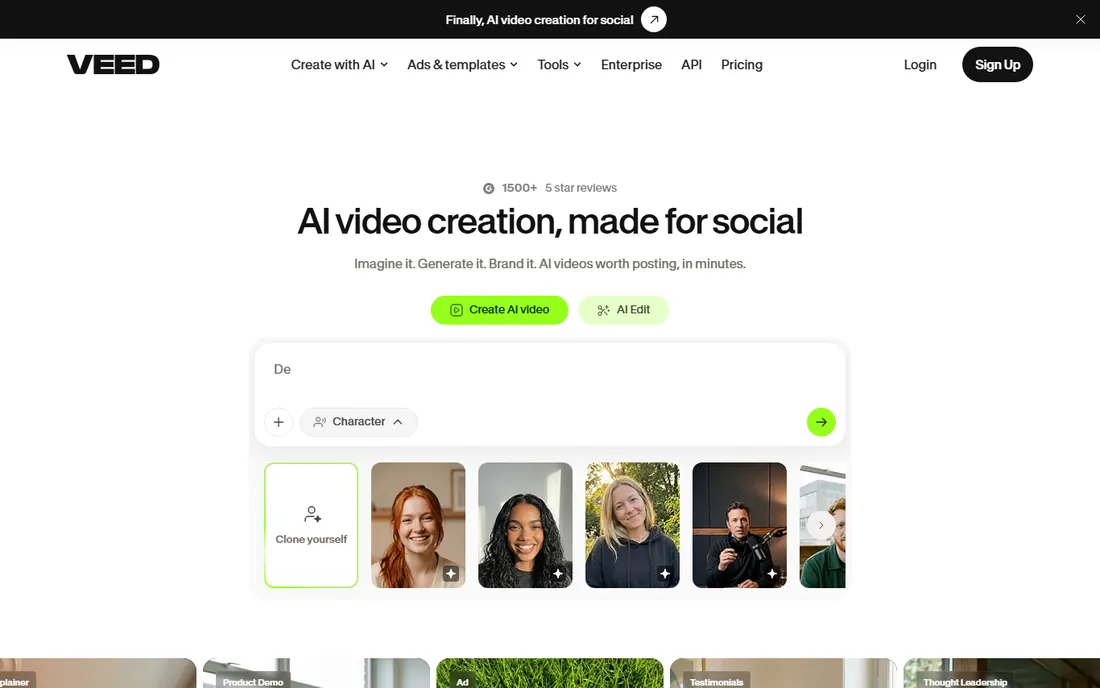
Veed is first a video editor and second an avatar tool, which is exactly its appeal. If your workflow already includes cutting footage, adding captions and resizing for social, getting AI avatars inside the same subscription beats paying for two products. The Creator plan includes unlimited auto subtitles, a full stock library and one-click translation.
Avatar features live on the Pro plan, which costs more, and the credit system needs attention: AI credits reset each year rather than monthly, and unused credits are forfeited at renewal. For creators who publish captioned clips daily and need avatars occasionally, Pro is still cheaper than a dedicated avatar suite plus an editor.
What we like- Full video editor plus avatars in one subscription
- Unlimited auto subtitles from Creator
- Browser-based with nothing to install
Watch out for- AI avatars are available only on Pro
- AI credits reset annually and do not roll over
- Free exports carry a watermark
#9
Pictory
Best for: Turning scripts and articles into video fast
Visit pictory.ai
Starting price$25/month (Starter, billed annually)
Free planFree trial (14 days)
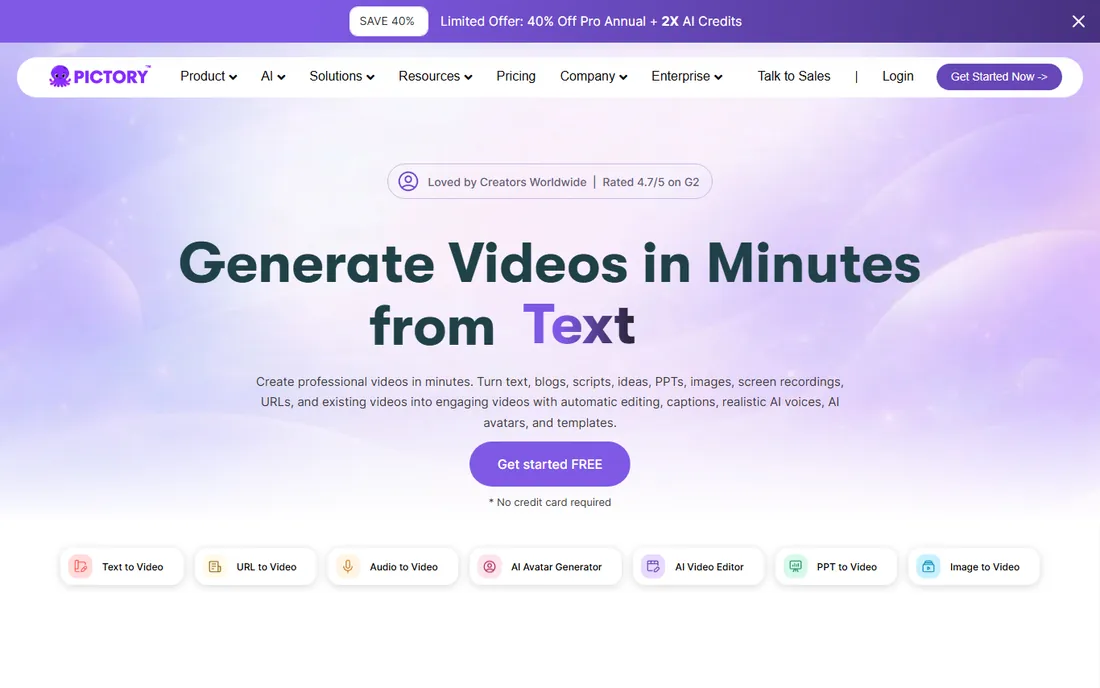
Pictory belongs on this list with an asterisk. It is not an avatar-first tool. It turns scripts, blog posts and long recordings into finished videos using stock footage and AI voiceovers, and it does that job faster than anything else here. Custom avatars exist, but only on the Professional plan.
The Starter plan's 200 video minutes dwarf the allowances of the avatar studios, which makes Pictory the economical choice for faceless YouTube channels, repurposed webinars and social clips. Buy it for volume video production, and pair it with a dedicated avatar tool only if you need a consistent digital presenter.
What we like- 200 video minutes on Starter, more than avatar-first rivals
- Huge stock footage library
- Genuinely simple text-to-video workflow
Watch out for- No talking-head avatars on Starter
- Auto-matched footage can feel generic
- No permanent free plan
How we chose
We compared each tool's current pricing page, feature documentation and plan limits, then checked those claims against public reviews on G2 and Capterra and real-world complaints on Reddit. Every product above exists today and fits the category: software that generates a speaking digital human from text, audio or a photo. We excluded tools that were shut down or pivoted away from avatars, and we weighted fit for small and mid-size US companies, not enterprise broadcast studios. No vendor paid for placement, and we did not claim hands-on testing of every plan.
The demo always looks great. The bill is where buyers get surprised, so check these four things before you enter a card number.
Minutes versus credits
Most tools meter usage, but they meter different things. Some sell video minutes, some sell credits consumed per render, and some use both at once. Ask two questions: does a re-render of the same video cost me again, and do unused minutes or credits expire? Tools that expire everything monthly punish irregular production schedules.
Avatar quality versus avatar count
A library of 700 avatars means little if none of them fit your brand. Watch full sample videos, not thumbnails, and check whether the plan you can afford includes custom avatars made from your own footage. Stock avatars are fine for internal training; client-facing content usually needs a consistent digital presenter.
Languages and lip sync
Nearly every tool claims 100+ languages. What varies is whether the avatar's mouth matches the translated audio, whether the original speaker's voice is preserved, and how many translation jobs your plan allows per month. If localization is the whole point of the purchase, test it on your actual script before paying.
Export and ownership
Check the export resolution on your plan, whether the watermark is removed, and who owns the finished video. Most paid plans grant commercial rights, but free tiers watermark exports and some plans restrict commercial use. If videos will appear in ads or client deliverables, get this in writing on the pricing page.
The real cost is per finished minute
Sticker prices mislead in this category. A $29 plan with 15 minutes a month costs about $1.93 per minute, while a $59 plan with 30 minutes lands near $1.97, nearly identical. The real differences hide in re-render charges, expired minutes, credit top-ups and per-seat multipliers.
Do this math before you subscribe: estimate how many finished minutes you will publish per month, double it for revisions, then divide the plan price by that number. For most small teams the honest range lands between $1.50 and $4 per finished minute. If your number comes out far above that, you are on the wrong plan or the wrong tool.
Frequently asked questions
How much does AI avatar software cost?
Entry plans run $6 to $29 a month, mid-tier plans $49 to $99, and enterprise pricing is custom. The number that matters is cost per finished minute after accounting for revisions, which usually lands between $1.50 and $4 for small teams.
How realistic are AI avatars in 2026?
The best ones pass comfortably in training and marketing videos, with natural gestures and accurate lip sync. Close-ups and long emotional passages can still look slightly off, so match the tool to the scrutiny your audience will apply.
Can I create an avatar of myself?
Yes, most platforms offer personal or custom avatars built from a short recording. Stock plans include a small number of them, and studio-quality versions filmed professionally can cost around $1,000 a year as an add-on.
Do these tools handle multiple languages?
All nine support dozens of languages. The differentiators are lip-synced dubbing, voice preservation and monthly translation caps, so test your target languages on the free tier before committing.
Are there ethical concerns with AI avatars?
Yes. Reputable vendors require consent for custom avatars, watermark trial outputs and publish ethics policies. Never create an avatar of a real person without their written permission, and check your company's policy before using avatars in hiring or financial communications.
Sources we checked (15)
- https://www.synthesia.io/pricing
- https://www.heygen.com/pricing
- https://www.colossyan.com/pricing
- https://elai.io/pricing/
- https://www.d-id.com/pricing/
- https://www.deepbrain.io/pricing
- https://akool.com/pricing
- https://www.veed.io/pricing
- https://pictory.ai/blog/best-ai-video-editor-2026
- https://thetoolsverse.com/tools/pictory-ai-text-to-video-generator
- https://thetoolsverse.com/tools/akool-ai
- https://multilogin.com/blog/veed-review/
- https://www.fahimai.com/d-id-vs-invideo
- https://toolquestor.com/vs/elaiio-vs-synthesia
- https://siteefy.com/tools/ai-studios-by-deepbrain-ai
Is your product missing or out of date?
We review this list regularly. Vendors can request a listing, send updated pricing or ask about featured placement.

Shihab Mia · Founder, Rankite
Shihab has spent more than a decade helping SaaS and e-commerce brands grow through search. He writes Rankite's software buying guides from pricing pages, documentation and public user reviews. More about Shihab.