How we make this list: we compare pricing pages, product documentation and public user reviews. Rankite is independent; if a vendor ever pays for a featured spot, that listing is clearly labeled Partner.
Key takeaways
- HubSpot's free CRM is the safest starting point for most startups, but the jump to real automation is steep: Professional costs $90 per seat plus a $1,500 onboarding fee.
- Pipedrive is the simplest paid option for sales-only teams, with the fastest setup, though automations start at Growth ($39 per seat).
- Close and Freshsales are the cheapest ways to get built-in calling, both starting at $9 per user on entry plans.
- If your team lives in Gmail, Streak, Copper or Folk remove the data-entry excuse entirely.
Quick comparison
| Tool | Best for | Starting price | Free plan |
|---|
 HubSpot CRM HubSpot CRM | Startups that want marketing and sales in one database | $15/seat/month (Starter) | Yes (free CRM) |
 Pipedrive Pipedrive | Sales-only teams that live in the pipeline | $14/seat/month (Lite, billed annually) | Free trial (14 days) |
 Zoho CRM Zoho CRM | Startups that want maximum features per dollar | $14/user/month (Standard, billed annually) | Yes (up to 3 users) |
 Freshsales Freshsales | Small teams that call prospects | $9/user/month (Growth, billed annually) | Free trial (21 days) |
 Close Close | Outbound teams that live on the phone | $9/user/month (Solo, billed annually) | Free trial (14 days) |
 Attio Attio | Startups that want a flexible, modern data model | See website | Yes (up to 3 seats) |
 Copper Copper | Teams that run their business in Gmail | $9/seat/month (Starter, billed annually) | Free trial (14 days) |
 Streak Streak | Solo founders who never leave Gmail | $49/user/month (Pro, billed annually) | Yes (limited, no CRM pipelines) |
 Folk Folk | Relationship-driven prospecting and LinkedIn outreach | $24/member/month (Standard, billed annually) | Yes (free plan; 2-week trial) |
Is your product missing or out of date?
We review this list regularly. Vendors can request a listing, send updated pricing or ask about featured placement.
The top CRM software for startups
#1
HubSpot CRM
Best for: Startups that want marketing and sales in one database
Visit hubspot.com
Starting price$15/seat/month (Starter)
Free planYes (free CRM)
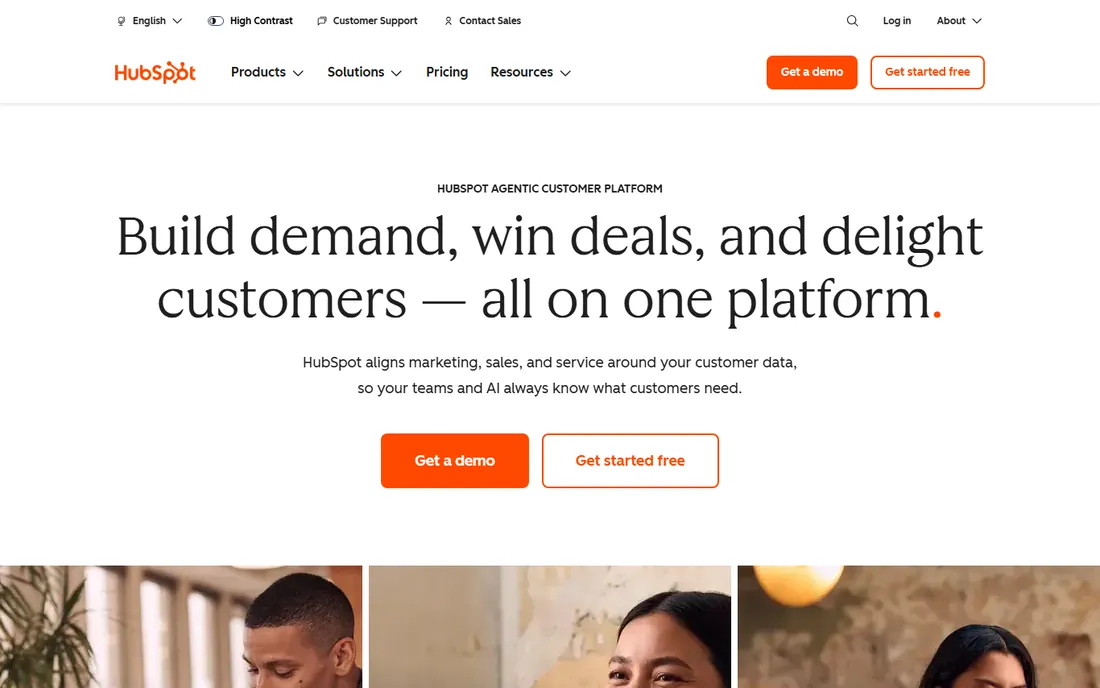
HubSpot is the default recommendation for a reason: the free CRM is genuinely usable, with contact management, deal pipelines, meeting scheduling and forms at no cost. A two-person founding team can run on it for months. Everything shares one database, so a contact's marketing engagement and sales history live in the same record.
The pricing cliff is the catch everyone warns about. Email sequences, real automation and custom reporting require Sales Hub Professional at $90 per seat per month, plus a one-time $1,500 onboarding fee. A five-person team jumps from roughly $180 a year on Starter to several thousand in year one. Start free, and move up only when the automation pays for itself.
What we like- Generous free tier with core CRM
- One shared contact record across all hubs
- Guided setup a non-technical founder can finish
Watch out for- Steep jump to Professional ($90/seat) for automation
- Mandatory onboarding fees on higher tiers
- Costs scale with marketing contacts
Starting price$14/seat/month (Lite, billed annually)
Free planFree trial (14 days)
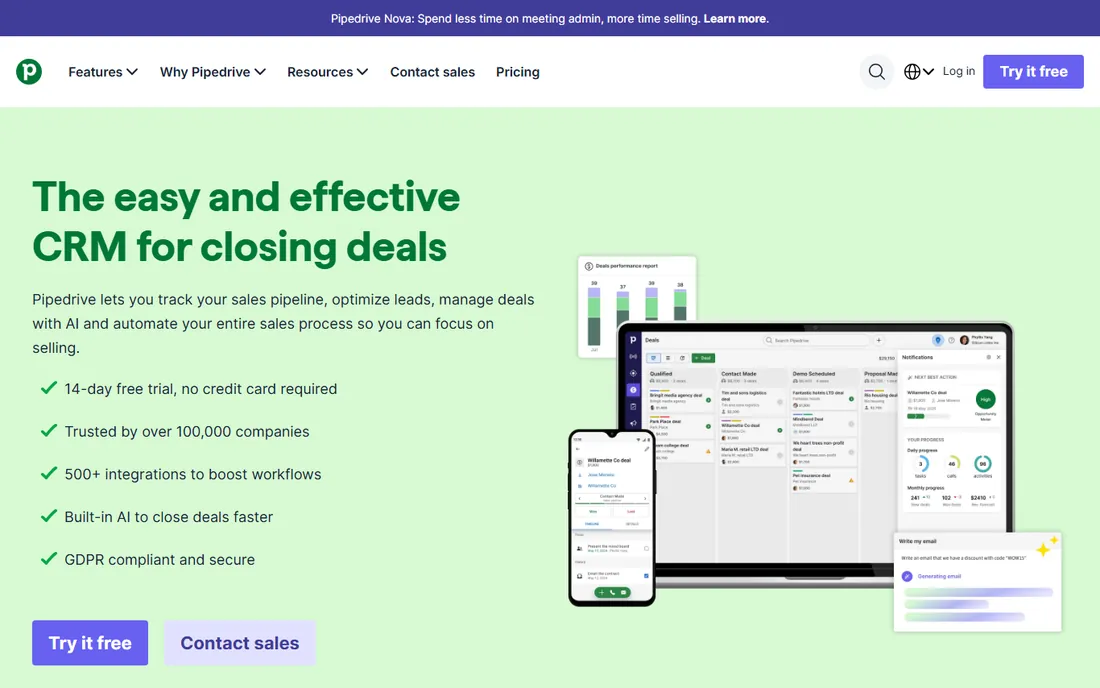
Pipedrive does one thing well: it shows every open deal on a board and makes the next action obvious. Reps drag deals between stages, set activity reminders and see exactly what needs attention. For a startup whose whole sales process fits on one whiteboard, this focus is a feature, not a limitation.
The Lite plan at $14 per seat covers pipelines, lead management and reporting, but it has no workflow automation. Growth at $39 adds two-way email sync, automations and sequences. Budget carefully: add-ons for lead generation, campaigns and web visitors stack up fast, and every user must sit on the same tier.
What we like- Fastest setup for a sales team
- Unlimited contacts and deals on every plan
- 500+ integrations in the marketplace
Watch out for- No free plan
- Automations require Growth ($39/seat)
- Key features like campaigns sold as add-ons
#3
Zoho CRM
Best for: Startups that want maximum features per dollar
Visit zoho.com
Starting price$14/user/month (Standard, billed annually)
Free planYes (up to 3 users)
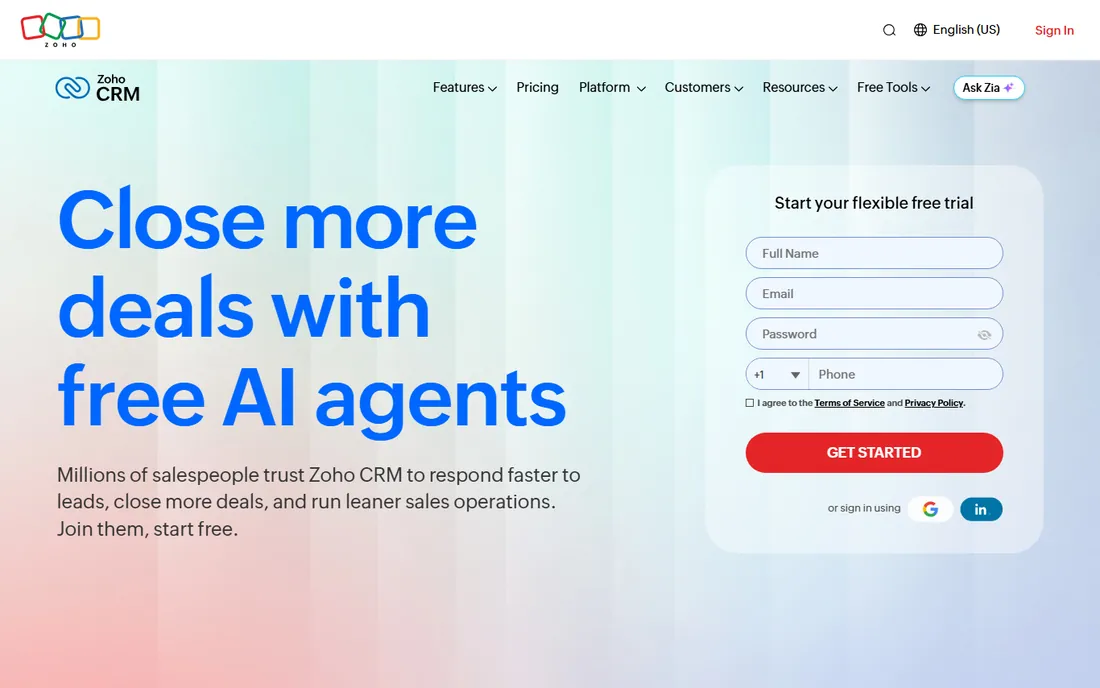
Zoho CRM gives you more features per dollar than anything else on this list. The free edition supports three users with leads, contacts and mobile apps. Standard at $14 adds custom modules and workflows, and Professional at $23 brings Blueprint process management and deeper automation that competitors charge triple for.
The trade is usability. The interface carries more modules and settings than a small team needs, and reviewers consistently rate support below HubSpot's. If someone on your team enjoys configuring software, Zoho is a bargain. If nobody does, the cheaper sticker price gets spent on setup time instead.
What we like- Free plan covers 3 users
- Cheapest path to advanced automation
- Zoho One bundles 45+ apps cheaply
Watch out for- Busier interface with a steeper learning curve
- Support quality is a common complaint
- Setup takes longer than rivals
Starting price$9/user/month (Growth, billed annually)
Free planFree trial (21 days)
Freshsales is the budget way to get a CRM with a phone built in. The Growth plan includes calling, email, chat and a visual pipeline for $9 per user, and Freddy AI ranks leads so reps know where to focus. For a startup doing founder-led sales with real call volume, that combination is hard to beat.
Watch the usage billing. Calls run on credits at a few cents per minute, international rates vary, and the AI agent features cost extra per session block. The 21-day trial is generous, so run a real week of outreach on it and check the actual call spend before committing the team.
What we like- Built-in phone on the entry plan
- Freddy AI scores leads out of the box
- Clean interface reps learn in a day
Watch out for- Call minutes cost extra on top of the subscription
- Freddy AI agent is a paid add-on
- Smaller integration ecosystem than HubSpot
Starting price$9/user/month (Solo, billed annually)
Free planFree trial (14 days)
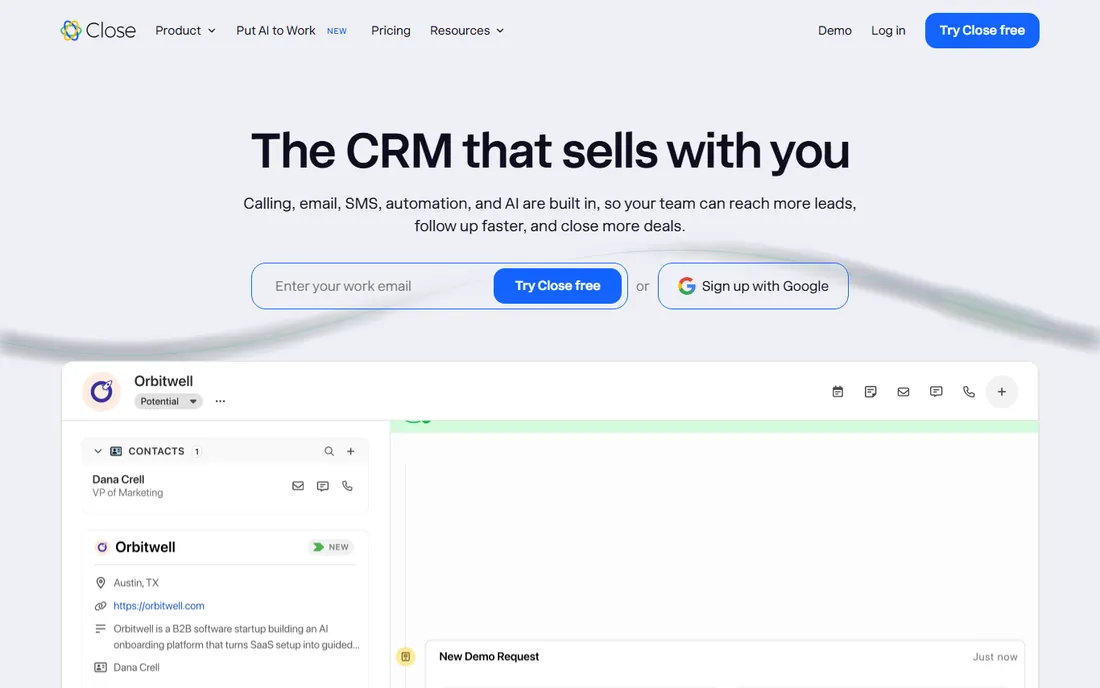
Close is built for one motion: high-volume outbound. Email, calling, SMS and follow-up sequences live in a single screen, and the built-in dialers remove the usual patchwork of phone tools. The company even bundles Chloe, an AI sales agent that can call down lead lists, on every plan.
The Solo plan at $9 a month is the cheapest real CRM with calling in this roundup, but it fits exactly one user. Teams start at Essentials ($35), and automated workflows need Growth at $99 per user. If your reps make 20 or more calls a day, the price is easy to justify. Below that volume, you are paying for a dialer you barely touch.
What we like- Calling, SMS and email built in at every tier
- 30-day money-back guarantee
- Chloe AI agent included on all plans
Watch out for- Solo plan limited to one user and 10,000 leads
- Call and SMS usage billed at cost
- Workflows require Growth ($99)
#6
Attio
Best for: Startups that want a flexible, modern data model
Visit attio.com
Starting priceSee website
Free planYes (up to 3 seats)
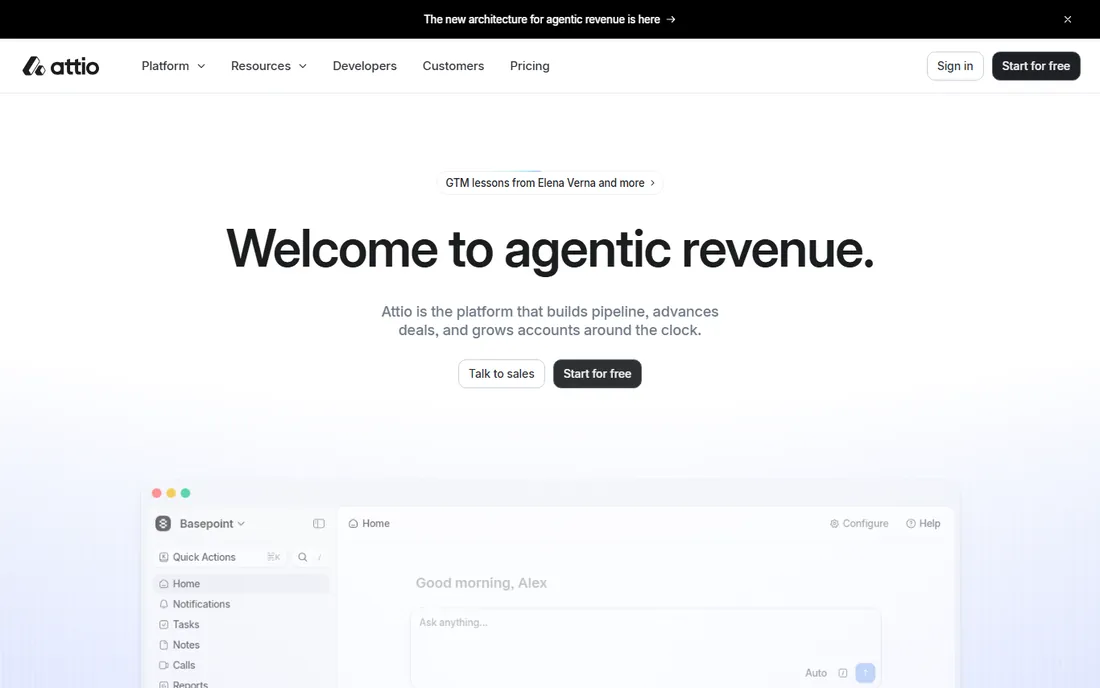
Attio feels like the CRM a product team would design. The data model bends to non-standard businesses, email and calendar sync build your contact database automatically, and the interface is the fastest in this list. The free plan covers up to three seats with real functionality, which is enough for a founding team to run a genuine pipeline.
Pricing is the one thing to double-check before you budget. Attio has adjusted its tiers more than once, and AI features plus automations run on a credit system with workspace and per-seat pools. Confirm the current numbers on attio.com, and estimate your automation usage honestly before picking a tier.
What we like- Real free tier with core CRM, not a demo
- Automatic contact and company enrichment
- Clean, fast interface
Watch out for- Published pricing changes often, so verify on the site
- AI and workflow usage is credit-metered
- Younger integration ecosystem
Starting price$9/seat/month (Starter, billed annually)
Free planFree trial (14 days)
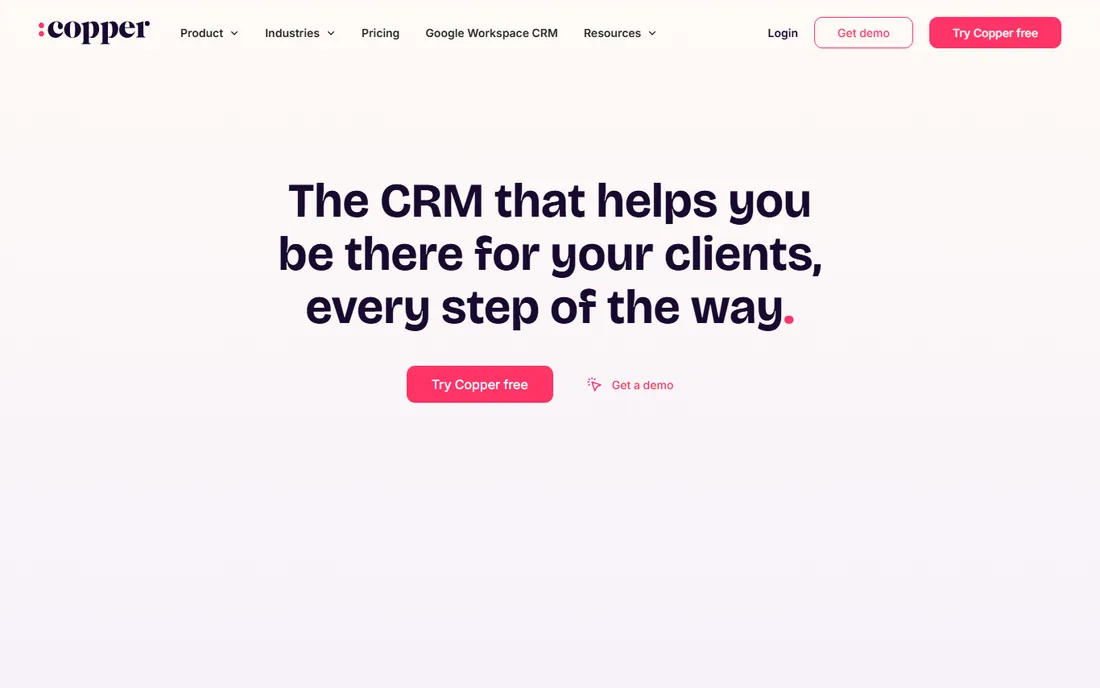
Copper lives inside Gmail. Every email, calendar event and Drive file attaches itself to the right contact record without anyone typing it in, which solves the adoption problem that kills most startup CRMs. It is also the only CRM Google officially recommends for Workspace users, and Google itself is a customer.
The entry price looks friendly until you read the fine print. The $9 Starter tier covers contacts but not pipelines, so most teams need Basic ($23) or Professional ($59) for real sales work. And if your company ever leaves Google Workspace, Copper leaves with it. For Google-native teams, though, the friction is lower than anything else here.
What we like- Native Gmail, Calendar and Drive sync
- Automatic contact capture kills manual data entry
- The only CRM Google officially recommends
Watch out for- Starter plan lacks pipelines
- Workflow automation starts at Professional ($59)
- Useless outside Google Workspace
Starting price$49/user/month (Pro, billed annually)
Free planYes (limited, no CRM pipelines)
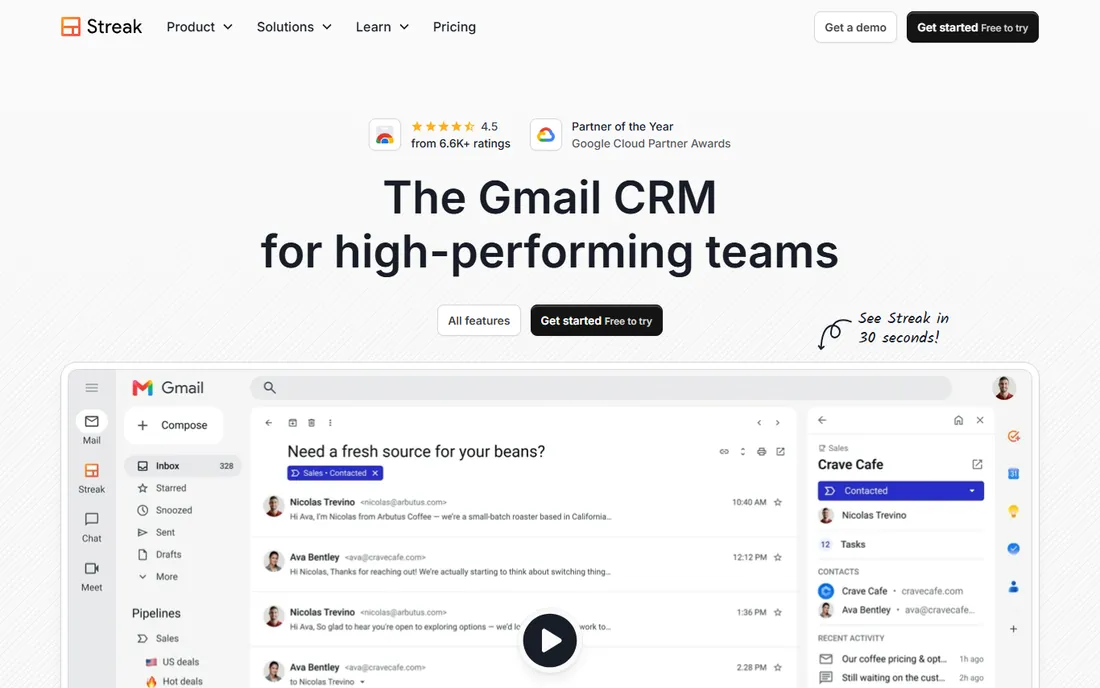
Streak turns Gmail into a CRM with pipelines embedded directly in the inbox. Open an email from a prospect and the sidebar shows their deal stage, history and next task. For a solo founder or a tiny team that lives in email, there is almost no learning curve and no tab-switching.
The pricing is the honest catch. The free tier covers email tools only, so a working CRM starts at Pro for $49 per user per month, and automations need Pro+ at $69. That makes Streak one of the pricier options per seat here. It earns the premium only if your team genuinely never leaves Gmail.
What we like- Full CRM inside the Gmail interface
- Unlimited records, contacts and pipelines on paid plans
- Strong mail merge built in
Watch out for- Free plan excludes pipelines entirely
- Automations require Pro+ ($69)
- Every teammate must be on the same plan
#9
Folk
Best for: Relationship-driven prospecting and LinkedIn outreach
Visit folk.app
Starting price$24/member/month (Standard, billed annually)
Free planYes (free plan; 2-week trial)
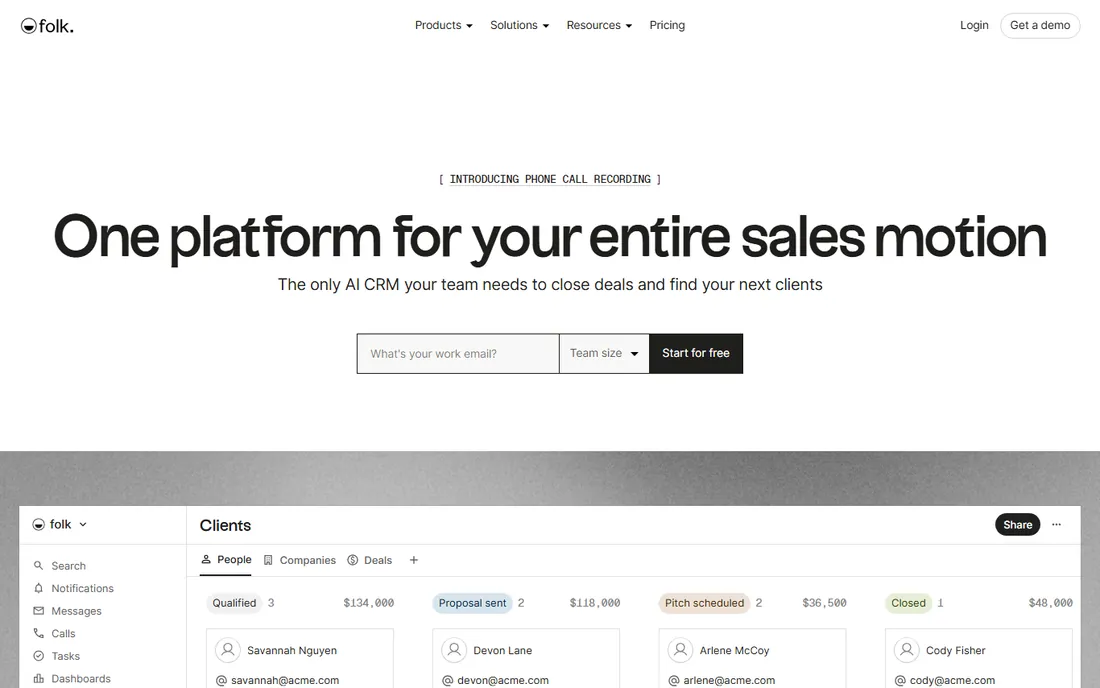
Folk is the CRM for founders who sell through relationships. The LinkedIn browser extension captures contacts in one click, enrichment fills in the blanks, and AI fields keep records current. Agencies, recruiters and partnership teams that live on outreach get a tool shaped exactly like their workflow.
Standard at $24 per member covers pipeline management and email campaigns, but the features a sales team usually wants, deals, sequences, dashboards and the API, sit on Premium at $48. That doubling is the decision point. If you only need to track people and companies, stay on Standard. If you run sequences, price Premium from day one.
What we like- LinkedIn extension and contact enrichment built in
- Unlimited contacts on every plan
- AI magic fields auto-fill records
Watch out for- Deals and sequences only on Premium ($48)
- No real automation on lower tiers
- Price doubles between Standard and Premium
How to pick a CRM your team will actually use
Forget feature checklists. Four questions decide whether a CRM survives contact with your team.
Who updates it, and how much effort does that take?
Adoption is the whole game. Gmail-native tools like Streak, Copper and Folk win here because data entry happens automatically. If you pick a traditional CRM, assign one owner for data hygiene and keep required fields to a minimum, or reps will route around the system within weeks.
What does year two cost, not month one?
Free plans and cheap entry tiers are marketing. Map your team size in 18 months against the tier that has the features you need, especially automation and calling, and add onboarding fees, add-ons and usage charges. HubSpot and Close both look different once you price the tier you will actually live on.
Do you need calling inside the CRM?
If prospecting means phone calls, built-in dialing saves a separate phone subscription and keeps every call logged automatically. Close and Freshsales include it cheapest. If your sales motion is email and referrals, skip the dialer tax and pick on pipeline quality instead.
How painful is switching later?
Every CRM exports to CSV, but workflows, automations and integrations do not travel. Close, Pipedrive and HubSpot all ship built-in importers, which lowers the switching cost. Still, treat the first CRM as a two-year decision: migrating a messy database costs more in time than any annual subscription.
How we chose
We read each vendor's current pricing page and plan documentation, then cross-checked the headline claims against public reviews on G2 and Capterra and practitioner discussions on Reddit. Every tool above exists today, serves startups, and offers either a free plan or a trial. We weighted setup speed, per-seat cost at small team sizes and daily friction over enterprise feature depth, because those decide whether a startup CRM gets used. No vendor paid for placement.
Pricing traps that surprise startups
Three costs hide behind the per-seat number. First, onboarding fees: HubSpot charges $1,500 for Sales Hub Professional and more for Marketing Hub, which can exceed the first year of seats. Second, usage billing: Close passes calling and SMS through at cost, Freshsales sells call credits, and Attio meters AI and workflow credits, so a "cheap" plan with heavy usage is not cheap. Third, tier jumps: the automation, sequences or calling you need often sits one tier above the advertised starting price. Always price the tier you will actually use, for the headcount you will have in a year, before you compare.
Frequently asked questions
Is a free CRM enough for a startup?
For the first few months, usually yes. HubSpot, Zoho, Attio and Folk all offer free tiers that handle contacts, deals and basic pipelines. Upgrade when you need automation, calling or reporting that the free tier withholds, not before.
How much should a startup budget for a CRM?
Plan $10 to $50 per user per month for the working tier, not the entry tier. A five-person team typically lands between $600 and $3,000 a year before add-ons, onboarding fees and usage charges.
How long does CRM setup take?
Pipedrive and Folk can be productive the same day. HubSpot takes a few days of configuration. Zoho and heavily customized setups take one to three weeks. Import your contacts before you invite the team, so day one shows real data.
Can I switch CRMs later without losing data?
Contacts, companies and deals export cleanly from every tool here. What does not transfer is automation rules, custom fields and integrations, which you rebuild. Built-in importers from Close, Pipedrive and HubSpot make the move easier than a raw CSV migration.
Per-seat pricing or flat pricing?
Nearly every CRM here charges per seat, which punishes growing teams. Multiply the per-seat price by your headcount in 12 months when comparing. Flat-priced tools are rare in CRM, so negotiate annual billing discounts instead, most vendors cut 15 to 30 percent.
Sources we checked (16)
- https://www.pipedrive.com/en/pricing
- https://www.freshworks.com/crm/pricing/
- https://www.streak.com/pricing
- https://www.folk.app/pricing
- https://www.copper.com/pricing
- https://www.zoho.com/crm/pricing/
- https://www.close.com/pricing
- https://attio.com/pricing
- https://nethunt.com/blog/blog-top-hubspot-crm-alternatives/
- https://crms.jobnaker.com/hubspot-crm-pricing-2026-how-much-does-hubspot-cost/
- https://saasrat.com/products/folk-crm
- https://nethunt.com/blog/streak-crm-limitations-what-you-cant-do-inside-gmail-based-on-real-use-cases/
- https://www.dotsquares.com/press-and-events/tech/zoho-crm-implementation-process-costs-best-practices
- https://blog.coffee.ai/attio-crm-pricing-2026
- https://omidsaffari.com/blog/close-crm-pricing
- https://www.layer3labs.io/comparisons/zoho-crm-vs-pipedrive-for-small-business
Is your product missing or out of date?
We review this list regularly. Vendors can request a listing, send updated pricing or ask about featured placement.

Shihab Mia · Founder, Rankite
Shihab has spent more than a decade helping SaaS and e-commerce brands grow through search. He writes Rankite's software buying guides from pricing pages, documentation and public user reviews. More about Shihab.