How we make this list: we compare pricing pages, product documentation and public user reviews. Rankite is independent; if a vendor ever pays for a featured spot, that listing is clearly labeled Partner.
Key takeaways
- The simplest picks: Less Annoying CRM ($15/user/month, one price) and Bigin by Zoho (free edition available) keep client records without CRM bloat.
- Mac-first firms get Daylite (30-day trial), Gmail-first teams get Streak, and WordPress-free solopreneurs get HoneyBook's clientflow tools from $29/month.
- Capsule offers a real free plan (2 users, 250 contacts); Nutshell starts at $13/user/month with a 14-day trial.
- Spotler CRM (formerly Really Simple Systems) and Nimble suit firms that want a traditional small-business CRM without enterprise complexity.
The best client database software
Somewhere in your business there is a spreadsheet called something like "clients FINAL v3" and nobody trusts it. A client database fixes the underlying problem: one record per client, with the contact details, the deal history, the emails and the follow-ups attached, so nothing lives in someone's head or inbox. These nine tools are the ones that do that job for small firms without dragging in enterprise CRM machinery you will never use.
Starting price$15/user/month (single plan)
Free planNo (free trial, no credit card required)
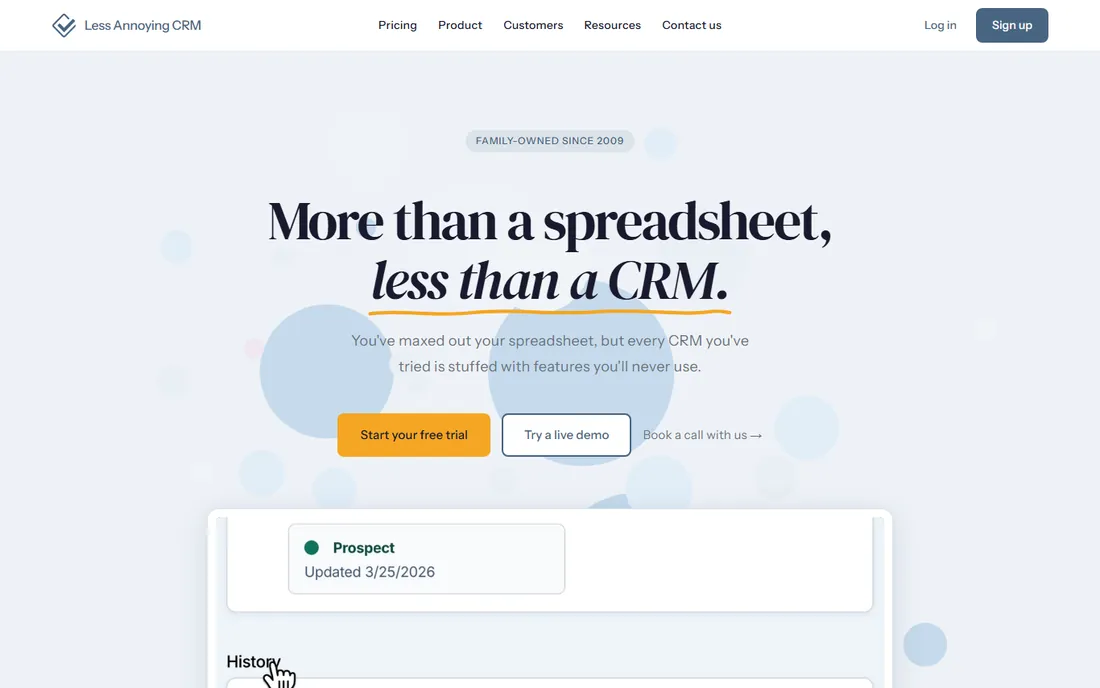
Less Annoying CRM earns its name with the pricing page: one plan, $15 per user per month, and that is the whole story. There are no tiers to decode, no per-feature upsells and no "contact sales" wall. The product matches the pitch, with contacts, companies, pipelines, tasks and a calendar in an interface a non-technical team can learn in an afternoon. The free trial requires no credit card, so testing it costs nothing but time.
The simplicity is the ceiling as well as the floor. If you need custom objects, heavy automation or a deep integration marketplace, you will outgrow it. But most small firms never need those things; they need to know who their clients are, what was promised and when to follow up. For that job, one price and no learning curve is the right trade.
What we like- One plan and one price, so there is nothing to upgrade into by accident
- Built for non-technical users with genuinely simple setup
- Calendar, tasks and pipeline included
Watch out for- No free tier, so you pay from day one
- Customization and integrations are thinner than bigger CRMs

#2
Daylite
Best for: Mac-first small businesses that live in Apple Mail and Calendar
Visit daylite.app
Starting priceSee website
Free planNo (30-day free trial)
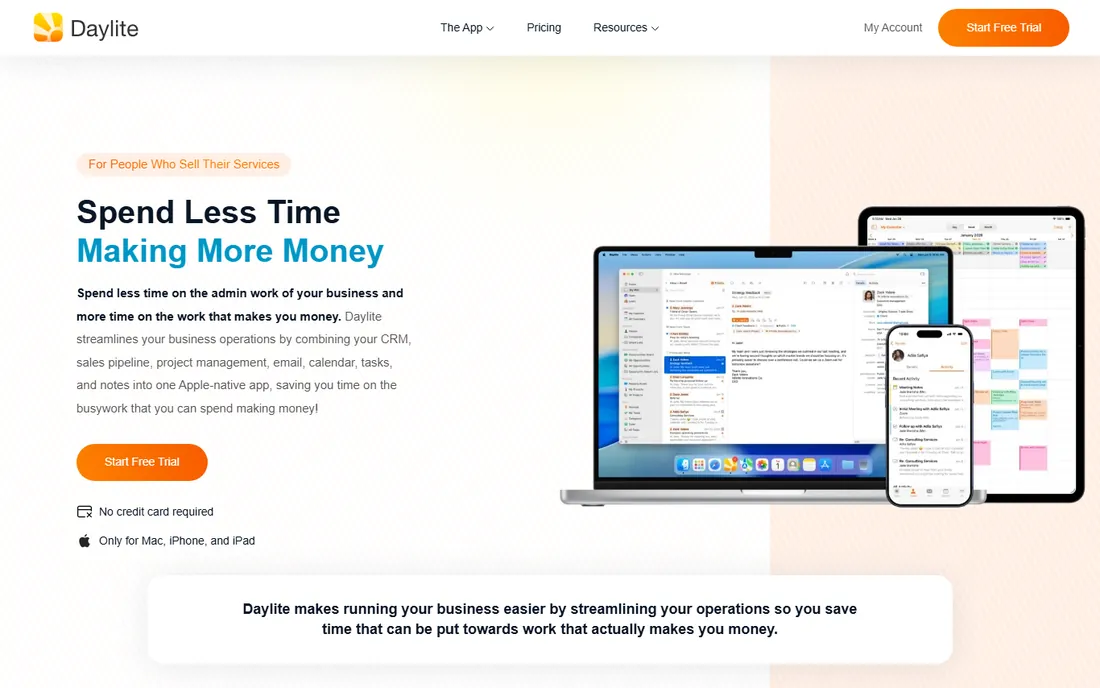
Daylite is the CRM for businesses that run on Macs and have no intention of switching. It is built by Marketcircle as a native Apple-ecosystem product: contacts, projects, tasks, sales pipelines and scheduling that sync with Apple Mail and Calendar. The 30-day free trial gives a real evaluation window, which matters because this is a commitment to an ecosystem, not just an app.
The obvious limit is the platform. If anyone on the team uses Windows or Android, Daylite is a non-starter. Pricing is also quote-or-plan based rather than a single published number, so you will work through their site to pin it down. For a Mac-only firm, though, nothing else on this list feels as native, and the integration with Apple Mail alone saves daily friction.
What we like- Deep macOS and iOS integration, including Apple Mail and Calendar sync
- Project and task management built around client records
- Offline-capable native apps
Watch out for- Apple-only, so mixed-device teams cannot use it
- No published starting price on the main pricing flow

#3
Spotler CRM
Best for: Small B2B firms wanting a traditional, uncomplicated CRM
Visit spotlercrm.com
Starting priceSee website
Free planSee website
Spotler CRM is the current name for Really Simple Systems, rebranded under the Spotler group. The product keeps the original promise: a traditional small-business CRM with contacts, companies, deals, tasks and reporting, plus email marketing through the wider Spotler suite. It is aimed at small B2B teams that want a recognizable CRM shape without Salesforce-scale complexity.
The rebrand is worth knowing about because older reviews and comparisons still say Really Simple Systems; it is the same product line under a new name. Pricing is not published, so you will need a quote to compare it with the transparent options here. Shortlist it if you want conventional CRM structure with marketing built in, and you are comfortable with a sales-led buying process.
What we like- Straightforward contact, pipeline and marketing features without enterprise bloat
- Part of the Spotler marketing suite for email and automation
- Suited to small sales teams
Watch out for- No published pricing to compare against
- The rebrand from Really Simple Systems can confuse older reviews

#4
Capsule
Best for: Small teams that want to start free and grow into paid tiers
Visit capsulecrm.com
Starting priceSee website (Starter, Growth, Advanced and Ultimate tiers, billed annually)
Free planYes (free plan for 2 users and 250 contacts)
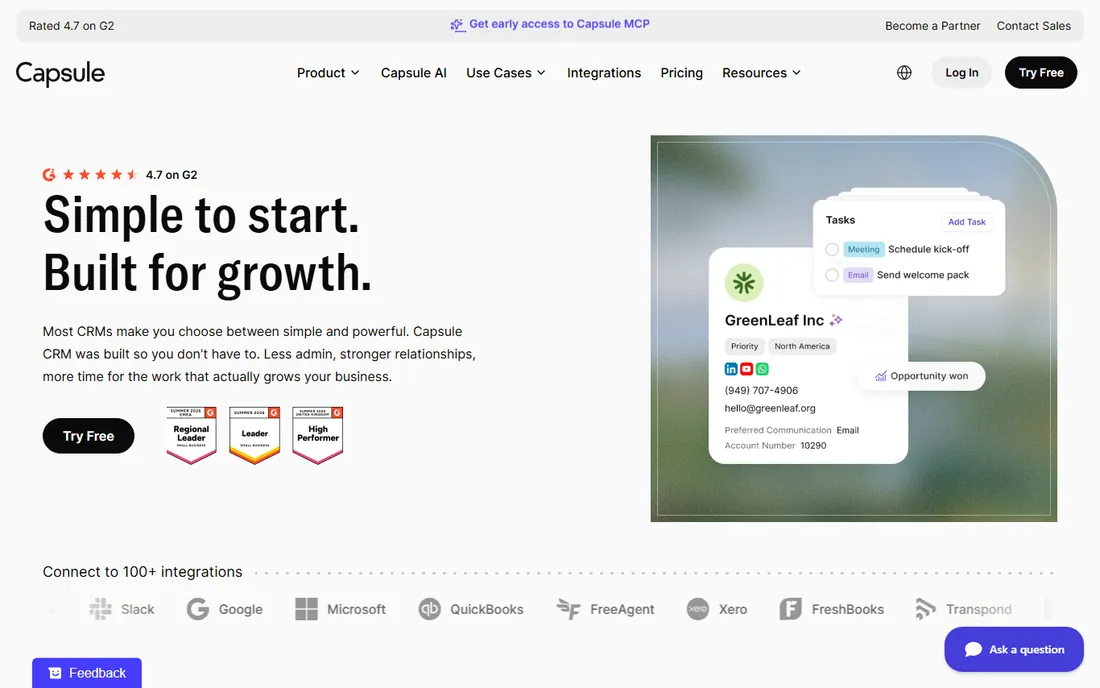
Capsule's free plan is the real thing: 2 users, 250 contacts, contacts and pipelines included, with no expiry date. That makes it the lowest-risk starting point on this list for a firm that just needs client records and a sales pipeline. The paid ladder runs Starter, Growth, Advanced and Ultimate, billed annually, with 14-day trials on the paid tiers.
The wrinkle is pricing transparency: the tier names are public but the dollar figures were not displayed in the pricing text we could verify, so treat the paid tiers as "see website" until you check. The free plan's 250-contact ceiling is also a deliberate funnel; a healthy small firm will hit it. Still, starting free and upgrading only when the database proves its value is a sensible way to buy CRM.
What we like- A genuinely useful free plan, not a trial in disguise
- Clean interface with tracks, tasks and pipelines
- Paid tiers scale from Starter to Ultimate
Watch out for- Dollar figures were not shown on the pricing page we checked, so budget planning needs a signup
- The free plan's contact cap will push growing teams to paid

#5
Bigin by Zoho
Best for: Very small businesses and freelancers wanting a free-forever pipeline CRM
Visit bigin.com
Starting priceSee website
Free planYes (free edition available)
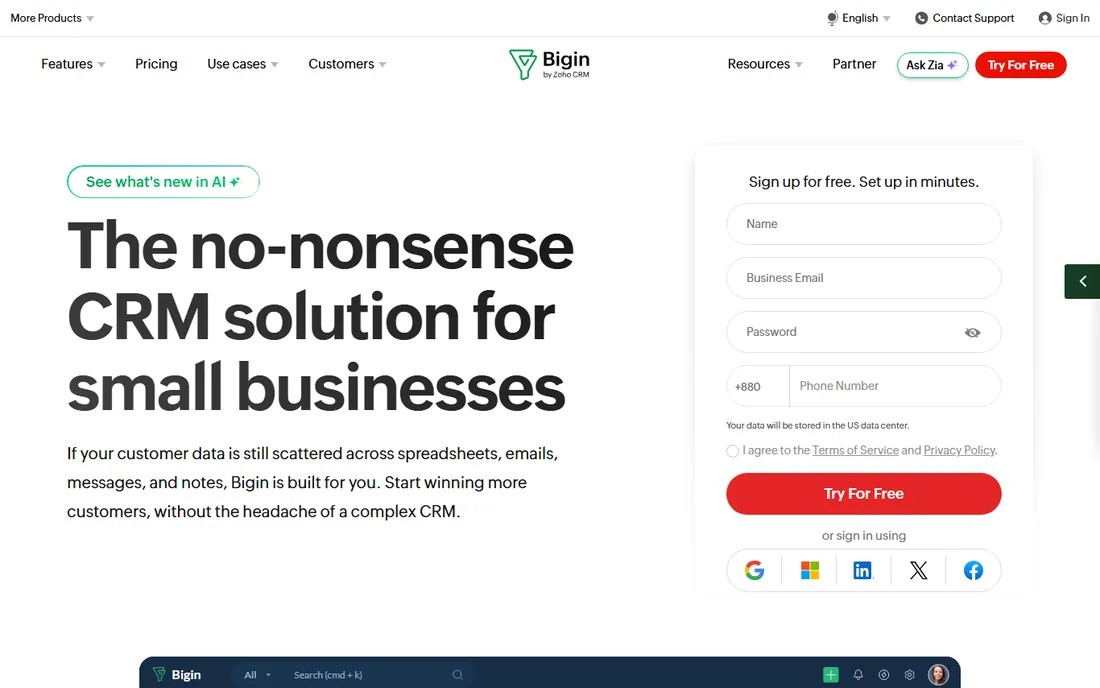
Bigin is Zoho's answer to the question of how small a CRM can be: a pipeline-centric tool for freelancers and micro-businesses that find even Zoho CRM too much. The free edition makes it a zero-cost way to keep client records and move deals through stages. When the business grows, the Zoho ecosystem, accounting, email, helpdesk, is waiting next door.
Deliberate simplicity is both the pitch and the limit. Bigin handles straightforward deal flows well and complex ones poorly; if your sales process has many stages, approvals and custom objects, look at Capsule or Nutshell instead. Verify the current paid pricing on bigin.com before budgeting. For a freelancer's client database, though, free and pipeline-first is hard to argue with.
What we like- Free edition for getting started
- Pipeline-first design that suits small deal flows
- Backed by Zoho's wider app ecosystem for later growth
Watch out for- Pricing details need verification on Zoho's site
- Deliberately simple, so complex sales processes will strain it

#6
Streak
Best for: Teams that run their client work entirely inside Gmail
Visit streak.com
Starting priceSee website
Free planSee website
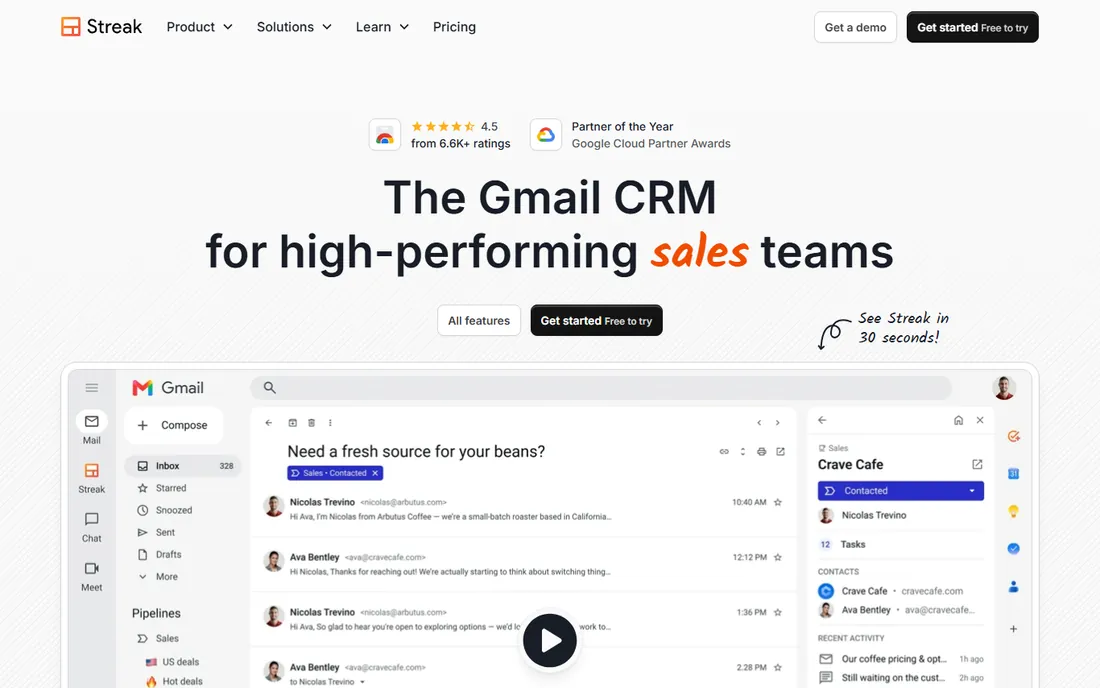
Streak is a CRM that lives inside Gmail: pipelines, contact records and email tracking appear as panels in the inbox your team already uses. For a small firm where every client conversation happens in email, that eliminates the classic CRM failure mode, the database nobody opens because it is another tab. Client records, deal stages and follow-up reminders all sit next to the messages they relate to.
The trade is total dependence on Google's ecosystem. If you ever leave Gmail, Streak goes with it. Pricing and the exact free-versus-paid boundaries should be confirmed on streak.com before you commit. But for a Gmail-native team that has rejected every standalone CRM, Streak is the one most likely to actually get used, and a used CRM beats a perfect one every time.
What we like- Lives inside Gmail, so there is no separate app to open
- Pipelines attached to emails and contacts
- Minimal behavior change for inbox-driven teams
Watch out for- Tied to Gmail and Google Workspace, so it is useless outside that ecosystem
- Pricing and plan details need checking on the vendor site

#7
Nutshell
Best for: Small sales teams wanting an affordable, full-featured CRM
Visit nutshell.com
Starting price$13/user/month (Foundation plan)
Free planNo (14-day free trial, no credit card required)
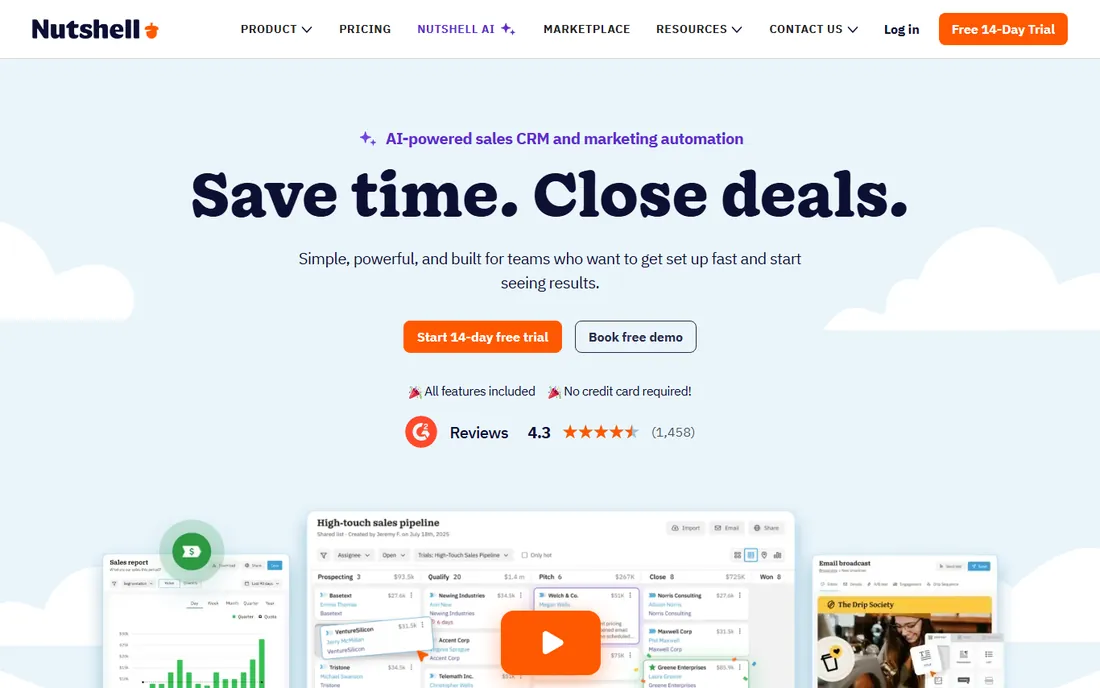
Nutshell is the budget full-featured option: five published tiers from $13 per user per month (Foundation) through $79 (Enterprise), so a small team can start cheap and the ceiling is visible from day one. Pipelines, contact management, email marketing and reporting are in the mix, and the 14-day trial needs no credit card. For a firm that wants real CRM features at the lowest published starting price on this list, Nutshell is the quote to beat.
Five tiers is also five decisions, and the Foundation plan is basic enough that most teams will land on the $25 or $42 tiers once they need automation and deeper reporting. Price your actual tier, not the headline $13. Still, the transparency is refreshing: you can map the whole cost curve before talking to anyone.
What we like- Published pricing from $13 per user per month across five tiers
- Pipeline, email marketing and reporting included
- 14-day trial with no credit card
Watch out for- Five tiers ($13/$25/$42/$59/$79) take study to navigate
- The cheapest tier is genuinely basic

#8
HoneyBook
Best for: Freelancers and creative firms that need contracts, invoices and client records together
Visit honeybook.com
Starting price$29/month (Starter, billed annually; $36 month-to-month)
Free planNo (free trial; no free plan)
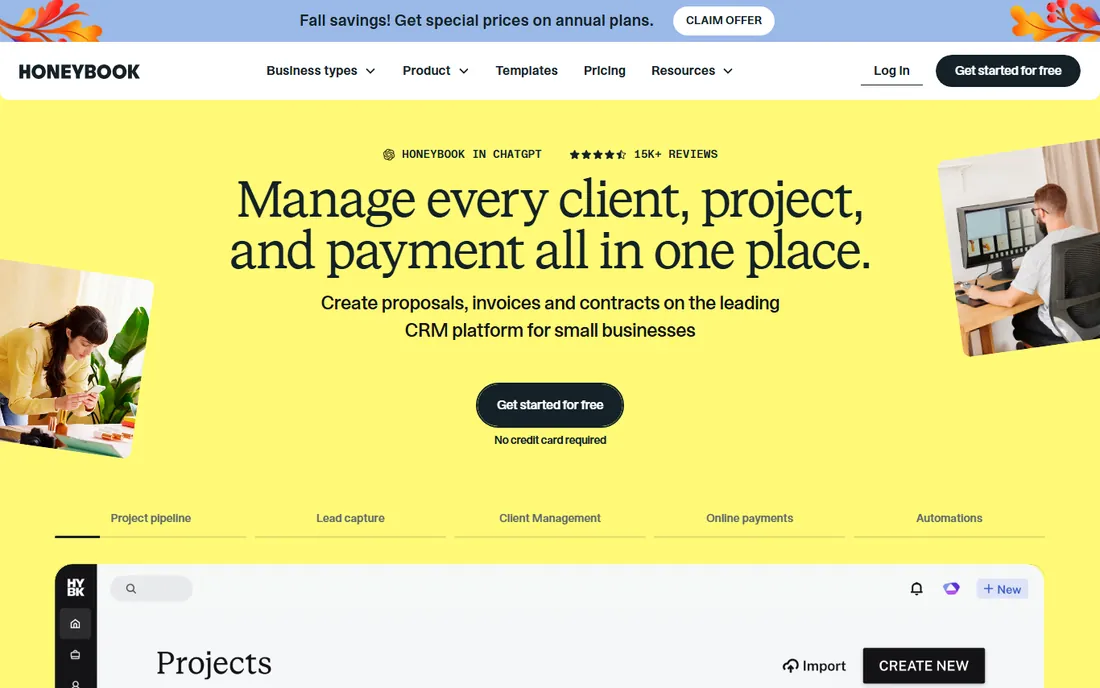
HoneyBook is client management for people who sell projects, not products: photographers, designers, planners and consultants. The client record sits alongside proposals, contracts, invoices and payments, so the database is really a business-running system. Starter is $29 per month billed annually ($36 month-to-month), Essentials $49 ($59) and Premium $109 ($129), with a free trial to test the workflow.
If all you need is a place to store client details, HoneyBook is too much software and too much money. But if you currently juggle a spreadsheet, a contract template and an invoicing tool, consolidating them around the client record is the value proposition. Price the annual plan honestly against the three tools it replaces before deciding it is expensive.
What we like- Combines client database with proposals, contracts, invoicing and payments
- Built for freelancers and creative businesses
- Published pricing with annual discounts
Watch out for- Overkill if you only need a contact database
- Monthly billing is notably pricier than annual ($36 vs $29 on Starter)

#9
Nimble
Best for: Relationship-driven sellers who work from email and social inboxes
Visit nimble.com
Starting priceSee website
Free planNo (14-day free trial)
Nimble takes a different angle on the client database: instead of making you enter data, it assembles contact profiles from your email history and social connections, then reminds you to stay in touch. For consultants, brokers and network-driven sellers, the value is the relationship memory, who you talked to, when, and what about, more than deal stages. The 14-day trial lets you see how rich your auto-built database looks.
It is lighter on pipeline machinery than Nutshell or Capsule, so process-driven sales teams may find it thin. Pricing is not published, which makes comparison shopping harder. Choose Nimble when your business runs on relationships and follow-up timing; choose a pipeline tool when it runs on stages and forecasts.
What we like- Automatically builds contact profiles from email and social signals
- Relationship-focused rather than pipeline-obsessed
- 14-day free trial
Watch out for- No published pricing to benchmark
- Lighter on pipeline management than sales-team CRMs
Quick comparison
| Tool | Best for | Starting price | Free plan |
|---|
 Less Annoying CRM Less Annoying CRM | Small firms that want one simple CRM with one simple price | $15/user/month (single plan) | No (free trial, no credit card required) |
| Daylite | Mac-first small businesses that live in Apple Mail and Calendar | See website | No (30-day free trial) |
| Spotler CRM | Small B2B firms wanting a traditional, uncomplicated CRM | See website | See website |
| Capsule | Small teams that want to start free and grow into paid tiers | See website (Starter, Growth, Advanced and Ultimate tiers, billed annually) | Yes (free plan for 2 users and 250 contacts) |
| Bigin by Zoho | Very small businesses and freelancers wanting a free-forever pipeline CRM | See website | Yes (free edition available) |
| Streak | Teams that run their client work entirely inside Gmail | See website | See website |
| Nutshell | Small sales teams wanting an affordable, full-featured CRM | $13/user/month (Foundation plan) | No (14-day free trial, no credit card required) |
| HoneyBook | Freelancers and creative firms that need contracts, invoices and client records together | $29/month (Starter, billed annually; $36 month-to-month) | No (free trial; no free plan) |
| Nimble | Relationship-driven sellers who work from email and social inboxes | See website | No (14-day free trial) |
Is your product missing or out of date?
We review this list regularly. Vendors can request a listing, send updated pricing or ask about featured placement.
What a client database needs to do (and what it can skip)
A client database has one job: when anyone asks "what is the status with this client," the answer is in the system, not in someone's memory. That means a single contact record, a history of emails and notes, open deals or projects, and reminders for follow-ups. Everything on this list does that. What separates them is what surrounds the record: HoneyBook adds contracts and invoices, Daylite adds projects, Streak adds nothing because Gmail is the surroundings.
What you can skip depends on team size. Under five people, skip custom objects, territory management, lead scoring and anything with "AI-powered" in the description; you will not use them and they complicate the interface. Marketing automation matters only if you actually send campaigns; most small firms would do better with a simple newsletter tool. The right client database is the one your team opens daily, which usually means the simplest one that covers your workflow.
Choosing between free plans and cheap paid plans
Free plans from Capsule, Bigin and PeepSo-style freemium tools are genuine, but they are built to convert you. Capsule's 250-contact cap and Bigin's simplicity both nudge growing firms toward paid tiers, which is fair: a client database that holds your business relationships is worth paying for once it proves itself. The question is timing, not principle.
Cheap paid plans change the calculation. Less Annoying CRM at $15 per user per month and Nutshell from $13 are inexpensive enough that a three-person firm pays less than a lunch per month for the whole team. At that price, the cost of staying on a spreadsheet, lost follow-ups, duplicated outreach, forgotten renewals, dwarfs the subscription. Start free if you are validating the habit; move to paid as soon as the database holds real client history worth protecting.
How we chose
We started with the categories buyers search: client database software, simple CRM for small business and contact management software. For each candidate we opened the vendor's own pricing page, checked prices against public reviews on G2 and Capterra and practitioner discussion on Reddit, and compared features, ease of use, platform fit and company-size fit. Where a price could not be verified on the vendor's page we wrote "See website" rather than guessing. Really Simple Systems is listed under its current name, Spotler CRM.
Frequently asked questions
What is the difference between client database software and a CRM?
Almost nothing at the small-business end. "Client database" usually means a simpler tool focused on storing client records and history, while "CRM" implies pipelines, automation and reporting. The tools on this list sit in the overlap: simple enough to be a database, structured enough to be a CRM.
What is the cheapest good option?
Nutshell starts at $13 per user per month (published), Less Annoying CRM is $15 flat, and Capsule and Bigin by Zoho both offer genuinely free plans. For a solo user, Bigin's free edition or Capsule's free plan costs nothing; for a small team, Nutshell's Foundation tier is the cheapest published per-user price here.
I only use Gmail. Which should I pick?
Streak, because it lives inside Gmail and your team never opens another app. Nimble is the second choice: it builds contact profiles from your email automatically. Both assume you stay in Google's ecosystem.
I run my business on a Mac. Which should I pick?
Daylite. It is the only Apple-native option here, with real macOS and iOS apps and Apple Mail and Calendar integration. The 30-day trial is long enough to know if the ecosystem lock-in works for you.
Can I migrate from a spreadsheet?
Yes. Every tool on this list imports CSV files, which is what your spreadsheet exports to. Clean the sheet first: one row per client, consistent column names, no merged cells. The import takes minutes; the cleanup takes an afternoon. Do the cleanup.
Do I need the paid tier or is free enough?
Free is enough while you are building the habit and your contact count is low. Move to paid when you hit a cap (Capsule's 250 contacts), need more users, or the database holds client history you cannot afford to lose. A paid plan also usually adds the integrations, like email sync, that make the database maintain itself.
Sources we checked (11)
- https://lessannoyingcrm.com/
- https://daylite.app/
- https://spotlercrm.com/
- https://capsulecrm.com/
- https://bigin.com/
- https://streak.com
- https://nutshell.com/
- https://honeybook.com/
- https://nimble.com/
- https://www.g2.com/categories/crm
- https://www.capterra.com/customer-relationship-management-software/
Is your product missing or out of date?
We review this list regularly. Vendors can request a listing, send updated pricing or ask about featured placement.

Shihab Mia · Founder, Rankite
Shihab has spent more than a decade helping SaaS and e-commerce brands grow through search. He writes Rankite's software buying guides from pricing pages, documentation and public user reviews. More about Shihab.