How we make this list: we compare pricing pages, product documentation and public user reviews. Rankite is independent; if a vendor ever pays for a featured spot, that listing is clearly labeled Partner.
Key takeaways
- The automation you want is usually one tier above the plan you are looking at: HubSpot workflows start at Professional ($90/seat/month), Pipedrive automations at Growth ($39/seat/month), Close workflows at Growth ($99/user/month).
- Tight budget with real automation: EngageBay Growth ($64.99/user/month) and ActiveCampaign (prices on its site) give you workflow builders without enterprise pricing.
- Free starting points exist: HubSpot (free CRM, 2 users), Salesforce (free Suite, 2 users), Zoho CRM (free, 3 users) and EngageBay (free, 250 contacts).
- Agencies and high-volume outbound teams should price GoHighLevel ($97 to $497/month) and Close against per-seat tools before assuming per-seat is cheaper.
Quick comparison
| Tool | Best for | Starting price | Free plan |
|---|
 HubSpot HubSpot | Teams that want CRM, marketing and sales automation on one platform | $20/seat/month (Sales Hub Starter) | Yes (free CRM, up to 2 users) |
 Salesforce Salesforce | Businesses that need the deepest automation and room to scale | $25/user/month (Starter Suite) | Yes (free Suite, 2 users, no credit card required) |
 ActiveCampaign ActiveCampaign | Email-first businesses that want the best automation builder for the money | See website (plans: Starter, Plus, Pro, Enterprise) | Free trial |
 Pipedrive Pipedrive | Sales teams that want automation without a learning curve | $14/seat/month billed annually (Lite) | Free trial (14 days, no credit card required) |
 Zoho CRM Zoho CRM | Small teams that want automation inside a low-cost suite | See website (free edition available) | Yes (free edition, up to 3 users) |
 Keap Keap | Service businesses that want proven campaign automations without building them | See website (contact-based pricing) | Free trial |
 GoHighLevel GoHighLevel | Agencies and businesses running multi-channel follow-up at volume | $97/month (Starter, 3 sub-accounts) | Free trial (14 days) |
 EngageBay EngageBay | Budget buyers who want marketing and sales automation in one cheap stack | $0 (Free plan, 250 contacts) | Yes (free, 250 contacts, CRM and basic automation included) |
 Close Close | Outbound sales teams that want calling, email and SMS automated in one inbox | $19/user/month ($9 billed annually, Solo) | Free trial (14 days, no credit card required) |
Is your product missing or out of date?
We review this list regularly. Vendors can request a listing, send updated pricing or ask about featured placement.
The best CRM automation software
Most "CRM automation" lists are just feature sheets with the prices removed. Here is the blunt version: almost every CRM advertises automation, but the automation that actually saves you time, multi-step workflows with branching logic, lead routing, sequences that adapt to behavior, is gated behind a paid tier on every platform here except the cheapest ones. The free and starter plans give you reminders and simple rules. The real workflow builders start one or two tiers up. This list tells you exactly where that tier is and what it costs.
#1
HubSpot
Best for: Teams that want CRM, marketing and sales automation on one platform
Visit hubspot.com
Starting price$20/seat/month (Sales Hub Starter)
Free planYes (free CRM, up to 2 users)
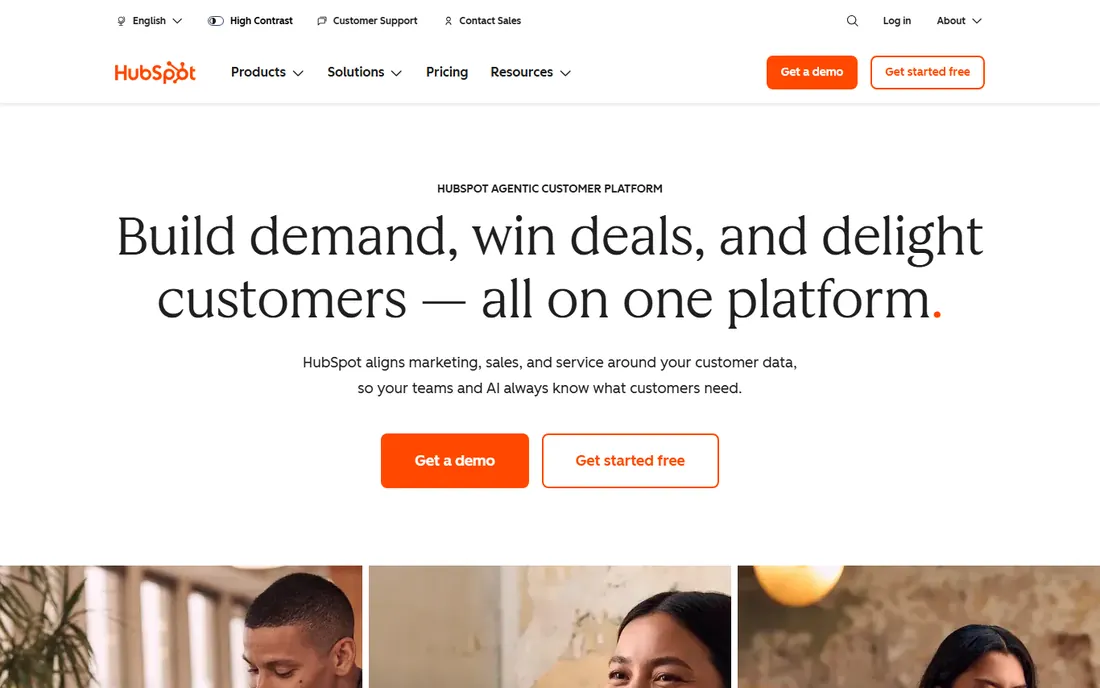
HubSpot is the default recommendation for a reason: the free CRM covers contacts, companies, deal pipelines and basic outreach with no time limit, so a tiny team can run on it for months before paying. When you are ready, Sales Hub adds sequences, meeting scheduling and calling, and the workflow builder at the Professional tier automates lead rotation, task creation, internal notifications and multi-step nurture across email.
The pricing cliff is the thing everyone underestimates. Starter at $20 per seat per month gives you simple automation, but the custom workflows most buyers picture when they hear "CRM automation" require Professional at $90 per seat per month billed annually, plus a mandatory $1,500 onboarding fee. A five-seat team pays over $5,000 in year one before add-ons. HubSpot is the best platform here for teams that will actually use marketing, sales and service automation together, and an expensive habit for teams that only needed pipeline automation.
What we like- Free CRM is genuinely usable with contact management and pipeline tracking
- Automation spans marketing, sales and service hubs
- Enormous integration library and template gallery
Watch out for- Custom workflows start at Professional ($90/seat/month billed annually) plus a $1,500 onboarding fee
- Starter plans show discounted prices that renew higher
- Costs scale fast with seats and contacts
#2
Salesforce
Best for: Businesses that need the deepest automation and room to scale
Visit salesforce.com
Starting price$25/user/month (Starter Suite)
Free planYes (free Suite, 2 users, no credit card required)
Salesforce Flow lets you build automation that the other tools here cannot: multi-object updates, approval processes, scheduled batch flows and screen flows that guide users through data entry. The Starter Suite at $25 per user per month includes built-in sales flows, lead routing, dynamic email nurture and lead scoring, which covers most small-business automation needs. The free Suite gives two users a working CRM with assistive AI at no cost.
Nobody should pretend Salesforce is simple. The platform assumes you will invest in setup, and many small businesses end up hiring a consultant to configure Flow properly. But if your automation needs will grow past "send a follow-up email," starting on Salesforce avoids a painful migration later. Price it per user against HubSpot Professional before deciding.
What we like- Flow is the most capable no-code automation builder in this list
- Free Suite covers leads, opportunities and cases
- Scales from solo to enterprise without migration
Watch out for- Real Flow depth and customization sit on Pro Suite ($100/user/month)
- Setup complexity usually needs a consultant
- Per-user pricing adds up fast on larger teams
#3
ActiveCampaign
Best for: Email-first businesses that want the best automation builder for the money
Visit activecampaign.com
Starting priceSee website (plans: Starter, Plus, Pro, Enterprise)
Free planFree trial
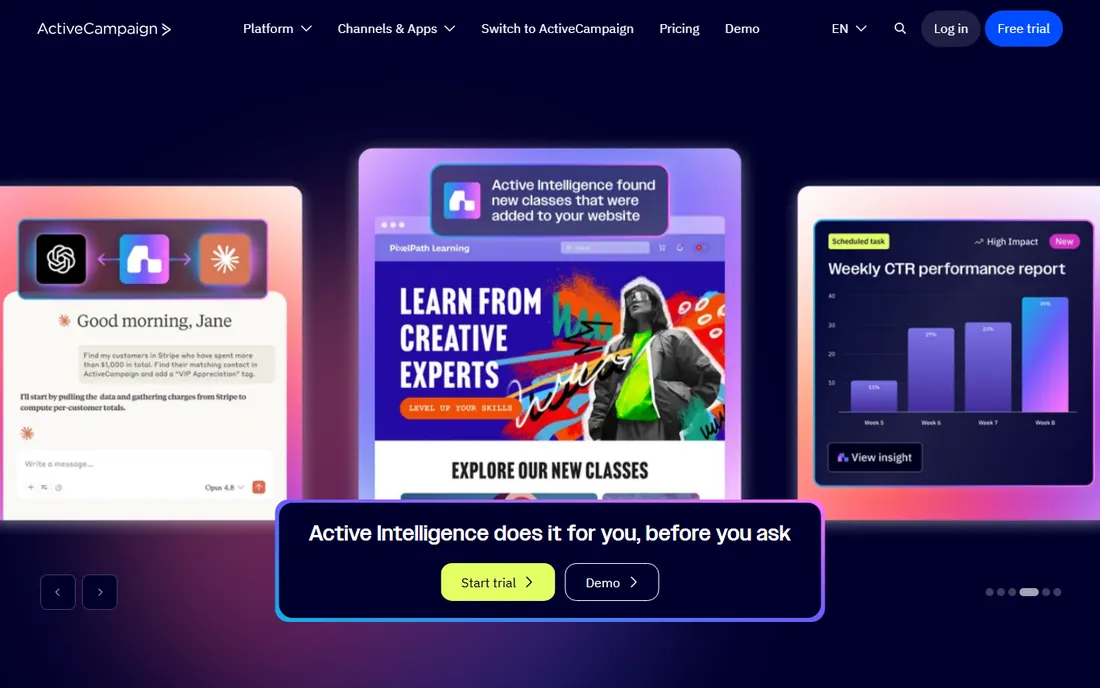
ActiveCampaign built its reputation on one thing: the automation builder. The drag-and-drop canvas handles branching logic, goal checks, split tests and cross-channel steps across email, SMS and WhatsApp, and the recipe library gives you proven starting points for abandoned carts, win-back campaigns and onboarding sequences. Marketing automation runs on every plan, with Starter limited to 5 actions per automation and Plus and above offering unlimited actions.
The honest framing is that this is marketing automation with a CRM attached, not the other way around. Deal pipelines, lead scoring and sales engagement come through the Pipelines and Sales Engagement add-ons. If your automation lives in email and your sales process is simple, it is the strongest builder here. If you need deep sales pipeline automation, compare Pipedrive or Close.
What we like- Visual automation builder with 950-plus ready-made recipes
- Unlimited automation actions on Plus and above
- Cross-channel automation across email, SMS and WhatsApp
Watch out for- The CRM itself is a Pipelines add-on rather than the core product
- Pricing is contact-based and gets complex
- The depth of features means a real learning curve
#4
Pipedrive
Best for: Sales teams that want automation without a learning curve
Visit pipedrive.com
Starting price$14/seat/month billed annually (Lite)
Free planFree trial (14 days, no credit card required)
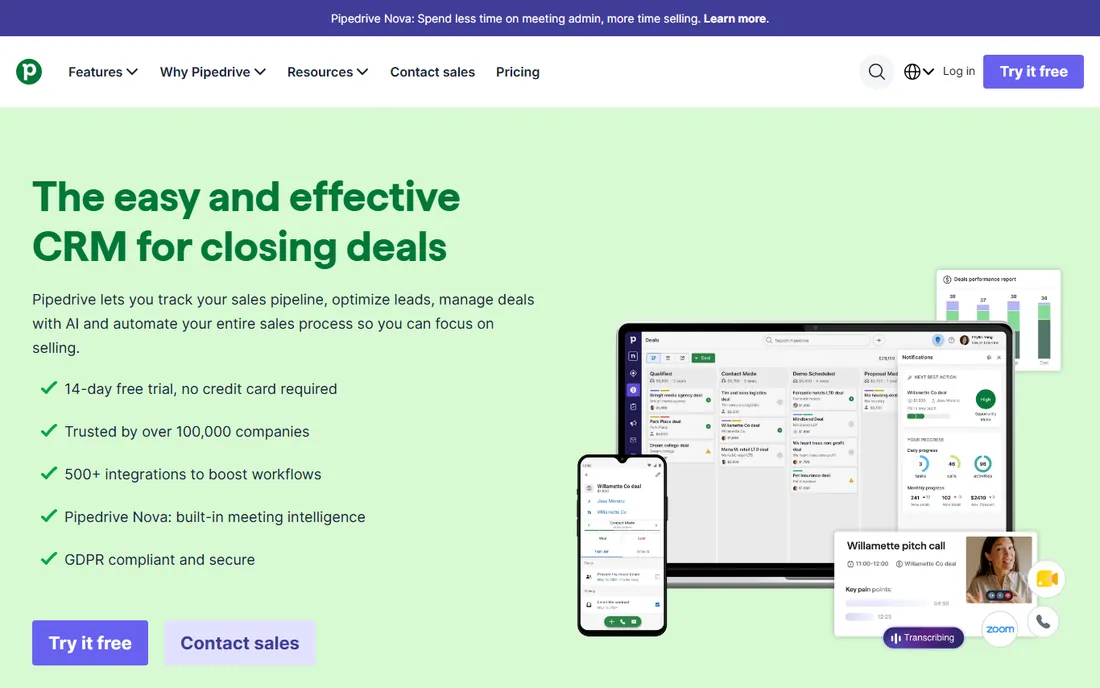
Pipedrive's automation philosophy is that a salesperson should build it, not an admin. The workflow builder on the Growth plan automates repetitive tasks, assigns activities when deals move stages, and runs email sequences that nurture deals without manual follow-up. Everything is visual and plain-language, which is why small sales teams adopt it faster than HubSpot or Salesforce.
The catch is the Lite plan: at $14 per seat per month it covers pipelines, contacts and activities but zero automation, so the real starting price for automation is Growth at $39 per seat per month. Lead generation, routing and custom scoring wait until Premium. Pipedrive is the right pick when the sales team will own the tool and you want automation live this week, not this quarter.
What we like- Workflow automations are visual and take minutes to set up
- Sequences automate personalized email follow-up
- 500-plus integrations and a built-in AI meeting assistant
Watch out for- Automations start at Growth ($39/seat/month), Lite has none
- Lead scoring and routing need Premium ($59/seat/month)
- No permanent free plan
#5
Zoho CRM
Best for: Small teams that want automation inside a low-cost suite
Visit zoho.com
Starting priceSee website (free edition available)
Free planYes (free edition, up to 3 users)
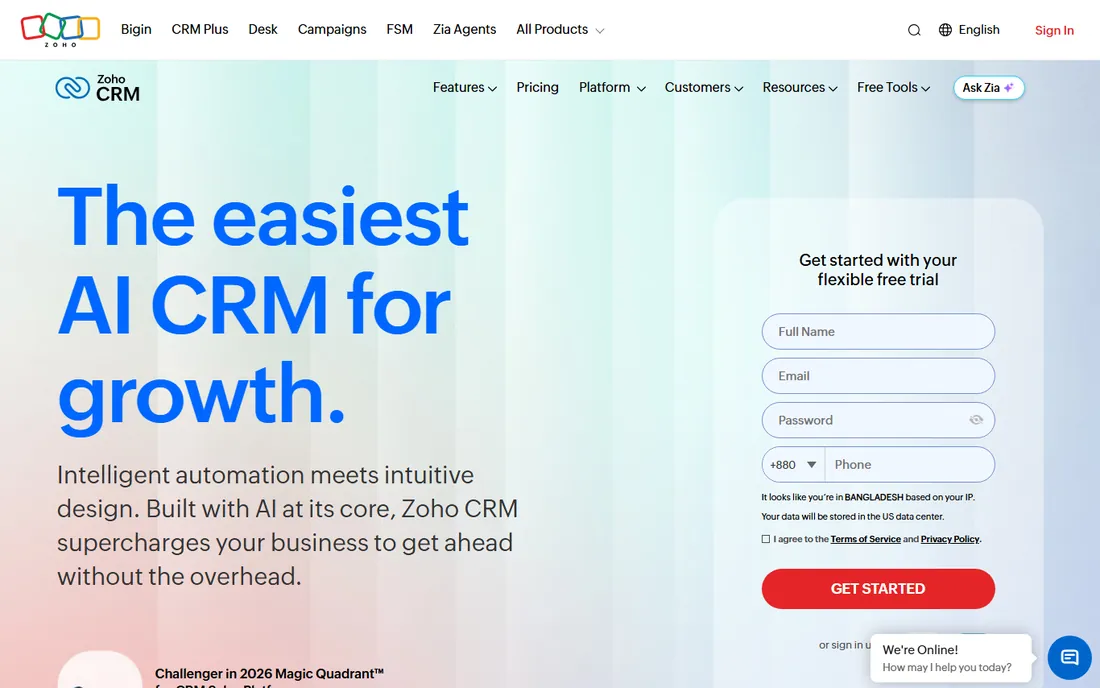
Zoho CRM is the value play for teams already leaning into the Zoho ecosystem. Workflow rules automate field updates, email notifications, task creation and webhook calls on every paid edition, and the free edition gives three users a working CRM with leads, documents and mobile apps. If you also use Zoho Books, Desk or Campaigns, the shared data model makes cross-app automation straightforward.
The caps are the thing to know before you commit. Standard allows 10 workflow rules, Professional 15 and Enterprise 30, which sounds like plenty until a growing sales process eats through them. Zia, Zoho's AI assistant, and custom modules sit on Enterprise. Zoho CRM suits cost-conscious teams with moderate automation needs; heavy automation buyers should price the tier they will actually land on.
What we like- Free edition covers leads, contacts and mobile apps for 3 users
- Workflow rules on every paid tier
- Deep bench of 55-plus Zoho apps if you standardize on the suite
Watch out for- Workflow rules are capped per tier (10 on Standard, 15 on Professional, 30 on Enterprise)
- Pricing page prices need a live check
- Advanced AI and custom modules need higher tiers
#6
Keap
Best for: Service businesses that want proven campaign automations without building them
Visit keap.com
Starting priceSee website (contact-based pricing)
Free planFree trial
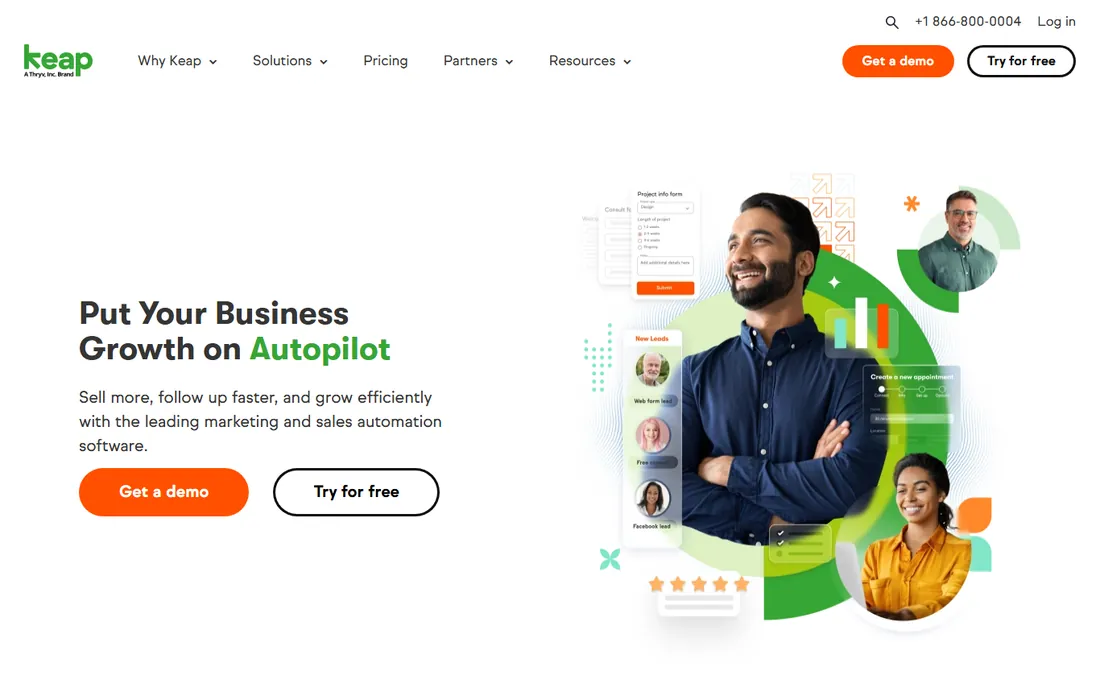
Keap, formerly Infusionsoft, has spent two decades refining one idea: the small service business that needs leads captured, followed up and converted on autopilot. The campaign builder ships with templates for lead nurture, appointment follow-up, billing reminders and referral requests, and the platform bundles invoicing, quotes, payments and scheduling so the automation can touch the whole client lifecycle. Text marketing, lead scoring and pipeline automation are all native.
The commercial reality is that Keap wants you to succeed through its implementation services, which are effectively required and priced separately from the subscription. Contact-based pricing means your bill grows with your list. It is the right choice for a service business that wants automation done with expert help rather than built solo, and the wrong choice for a team that just needs email sequences.
What we like- Campaign builder with a library of proven automation templates
- Built-in invoicing, payments and appointment scheduling
- Dedicated success manager and 24/7 chat support
Watch out for- Pricing is contact-based and requires checking the live page
- Implementation services are effectively required and add cost
- Overkill if you only need simple follow-up
#7
GoHighLevel
Best for: Agencies and businesses running multi-channel follow-up at volume
Visit gohighlevel.com
Starting price$97/month (Starter, 3 sub-accounts)
Free planFree trial (14 days)
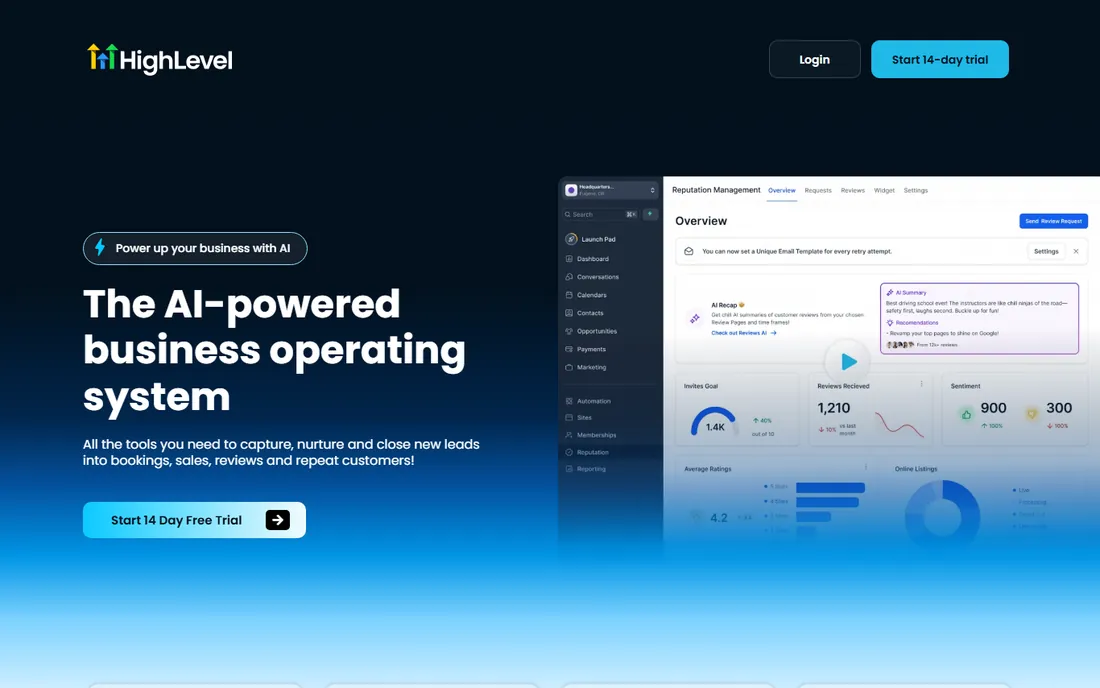
GoHighLevel's workflow builder is built for the follow-up grind: missed-call text-back, no-show sequences, review requests, reactivation campaigns and pipeline stage automation across SMS, email and voice. Every plan includes unlimited contacts and unlimited users, so a five-person team pays the same $97 per month as a solo operator on Starter. The snapshot library gives you pre-built setups for industries like real estate, dental and fitness.
Two costs hide behind the headline price. Usage fees for phone numbers, SMS, emails and AI run on top of the subscription, and while agencies rebill those to clients, a single business absorbs them. The platform also assumes an agency-shaped operation with sub-accounts. If you run follow-up across SMS and email at volume, especially as an agency, nothing else matches the value. If you need simple CRM automation, it is more tool than you need.
What we like- Workflows span SMS, email, voice calls and Messenger in one builder
- Unlimited contacts and users on every plan
- White-labeling and SaaS mode for agencies
Watch out for- Built around agencies, solo businesses pay for sub-account structure they may not need
- SMS, calls and email carry usage fees on top of the subscription
- The breadth of features means a steep learning curve
#8
EngageBay
Best for: Budget buyers who want marketing and sales automation in one cheap stack
Visit engagebay.com
Starting price$0 (Free plan, 250 contacts)
Free planYes (free, 250 contacts, CRM and basic automation included)
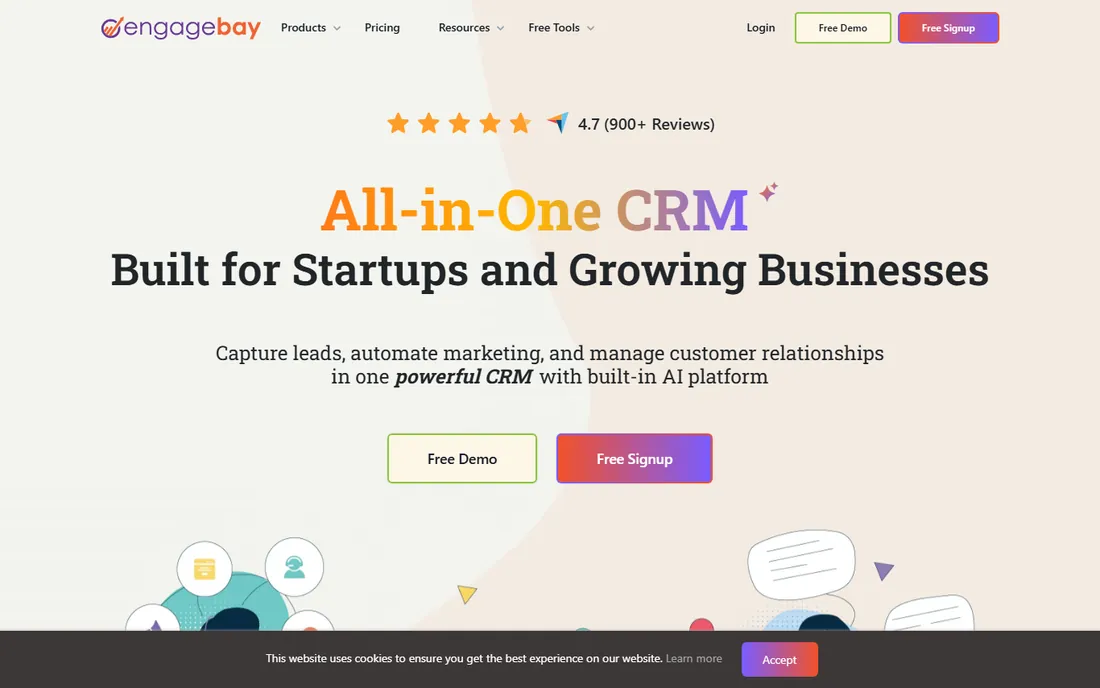
EngageBay is the budget all-in-one: marketing, sales CRM and helpdesk automation in one subscription. The free plan covers 250 contacts with email marketing, autoresponders, sequences and basic workflows, which is enough to run real automation before paying anything. Growth at $64.99 per user per month adds marketing automation, A/B testing, service automation and proposals. The whole stack costs less than two HubSpot Professional seats.
The limits are contacts and integrations. Each tier caps your contact count, and the integration library is thinner than HubSpot's or ActiveCampaign's, though Zapier covers most gaps. For a small business that wants email automation plus pipeline automation in one login without enterprise pricing, EngageBay is the most complete cheap option here.
What we like- Free plan includes CRM, email sequences and basic workflows
- Growth at $64.99/user/month adds full marketing automation
- All-in-one pricing well under HubSpot and ActiveCampaign
Watch out for- Contact caps per tier (250 free, 500 Basic, 5,000 Growth)
- Fewer native integrations than the big platforms
- Custom reporting and advanced features need Pro
#9
Close
Best for: Outbound sales teams that want calling, email and SMS automated in one inbox
Visit close.com
Starting price$19/user/month ($9 billed annually, Solo)
Free planFree trial (14 days, no credit card required)
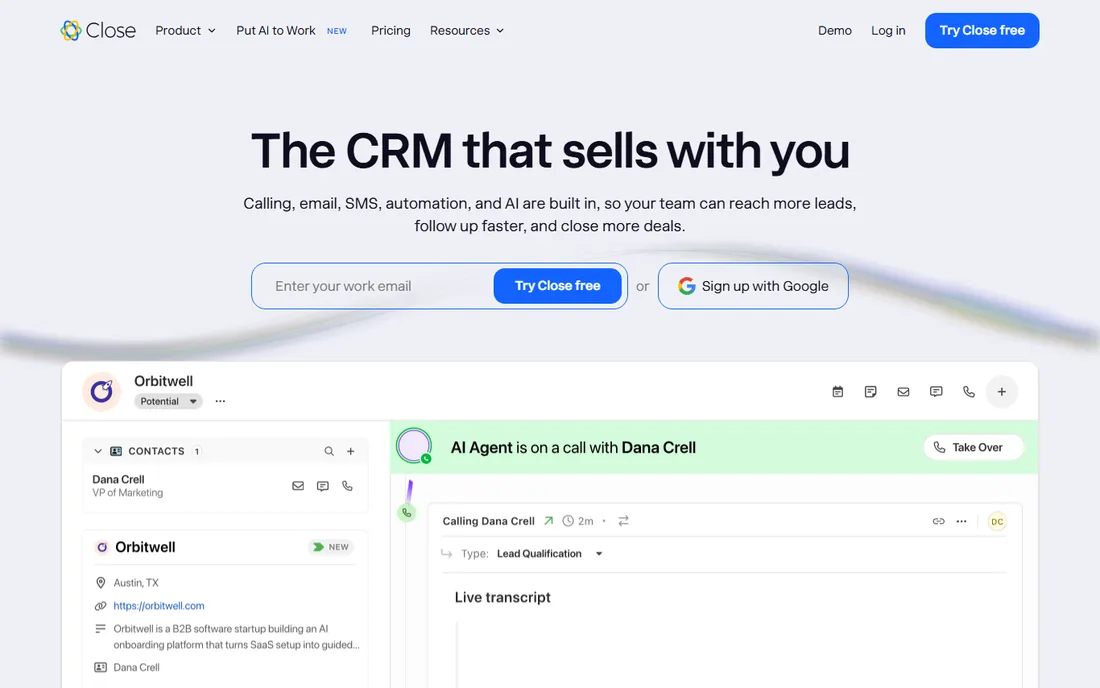
Close is built for one motion: high-volume outbound. Calls, SMS and email live in the same inbox, so a workflow can call a lead, send a follow-up email and trigger an SMS without touching another tool. The Growth plan at $99 per user per month adds automated workflows, the power dialer and bulk email, plus the Chloe AI agent that can call down lead lists and update records. Built-in importers pull your data from HubSpot, Pipedrive or HighLevel.
Price it honestly: Solo at $19 per user per month and Essentials at $49 exclude workflows entirely, so automation starts at Growth. Calling and SMS are usage-based at cost, roughly 2 cents a minute for calls, which is fair but adds up on a dial-heavy team. If your team lives on the phone, Close replaces three subscriptions. If it does not, a cheaper CRM with email automation wins.
What we like- Built-in calling, SMS and email mean sequences run without integrations
- Workflows automate follow-up on the Growth plan ($99/user/month)
- AI teammate Chloe works leads on every plan
Watch out for- No permanent free plan
- Workflows are excluded from Solo and Essentials
- Calling and SMS usage is billed at cost on top of the subscription
How we chose
We started with the categories buyers search: CRM automation software, CRM workflow automation, sales automation software and marketing automation CRM. For each candidate we opened the vendor's own pricing page, confirmed the product is live and still sold in 2026, and identified exactly which tier includes real workflow automation rather than simple reminders. Where a price could not be verified on the vendor's page we wrote "See website" rather than guessing.
What counts as automation (and what is just email)
Vendors stretch the word automation to cover anything that happens without a click. Before you compare plans, sort features into three buckets. Simple rules: send a reminder when a deal goes stale, notify an owner when a lead arrives. Every tool here does this, most on every plan. Sequences: a fixed series of emails or texts with delays and exit conditions. Pipedrive, ActiveCampaign, Keap and Close do these well, usually from the second tier up. Workflows: branching, multi-step automation that updates records, routes leads, scores behavior and triggers across channels. This is the tier that costs money: HubSpot Professional, Salesforce Pro Suite, Pipedrive Growth and above, Close Growth and above.
Match the bucket to your actual need. A two-person team that wants follow-up reminders does not need HubSpot Professional. A team running lead scoring, round-robin routing and post-demo nurture across email and SMS does, and buying the cheaper tier first just delays the upgrade by a quarter. During trials, build one real workflow end to end: lead arrives, gets scored, routes to the right rep, receives a sequence, and creates a task if unresponsive. The tools where that takes an hour are the ones worth paying for.
CRM automation pricing has two axes, and vendors mix them deliberately. Per-seat pricing (HubSpot, Salesforce, Pipedrive, Close) multiplies by headcount: five seats of HubSpot Professional at $90 each is $450 a month before the $1,500 onboarding fee. Flat pricing (GoHighLevel at $97 to $497 a month, Keap by contacts) stays fixed as you add users but grows with accounts or contacts. Contact-based pricing (ActiveCampaign, EngageBay, Keap) punishes list growth: the automation is the same, but the bill rises because your database grew.
Model both before you choose. Take your current team size, add the hires you expect in the next year, and take your contact count with the growth you expect. Then price the tier with the automation you actually need, not the entry tier. A five-person team on Pipedrive Growth pays $195 a month; the same team on HubSpot Professional pays $450 plus onboarding; on GoHighLevel Starter it pays $97 regardless of seats. The cheapest sticker price is rarely the cheapest at your scale.
Frequently asked questions
What is CRM automation software?
Software that runs your sales and marketing follow-up without manual work: lead routing, follow-up sequences, task creation, record updates and internal notifications, all triggered by what contacts do. The best tools combine a CRM database with a visual workflow builder so the automation acts on real customer data.
Which CRM has the best workflow automation?
Salesforce Flow is the most capable builder, handling multi-object updates, approvals and scheduled flows. HubSpot workflows are the easiest to run across marketing, sales and service together. ActiveCampaign has the best email automation builder for the money. The "best" depends on whether your automation is sales-led, marketing-led or both.
How much does CRM automation software cost?
From $0 to over $500 a month for a small team. Free starting points include HubSpot, Salesforce and Zoho CRM free tiers and EngageBay's free plan. Real workflow automation typically starts at $39 to $99 per user per month (Pipedrive Growth, HubSpot Professional, Close Growth) or $97 to $297 flat per month (GoHighLevel).
Do I need marketing automation and CRM automation, or are they the same?
They overlap but start from different sides. Marketing automation (ActiveCampaign, Keap) nurtures contacts with email and SMS toward a sale. CRM or sales automation (Pipedrive, Close) moves deals through the pipeline with tasks, sequences and follow-ups. HubSpot, Salesforce, GoHighLevel and EngageBay do both in one platform.
Can I automate follow-ups without paying for an expensive plan?
Yes, up to a point. EngageBay's free plan includes sequences and basic workflows, and Pipedrive Growth ($39/seat/month) covers email sequences and task automation. What the expensive tiers add is branching logic, lead scoring, routing and cross-channel orchestration. Start cheap and upgrade when your follow-up process outgrows simple sequences.
Should a small business pick HubSpot or a simpler CRM?
Pick HubSpot when you will use marketing, sales and service automation together and can absorb Professional pricing as you grow. Pick Pipedrive, EngageBay or Close when you need pipeline automation now without the platform overhead. The wrong choice is buying HubSpot Professional for a team that only needed automated follow-up emails.
Sources we checked (9)
- https://hubspot.com/pricing/sales
- https://www.salesforce.com/small-business/free-crm/
- https://activecampaign.com/pricing/
- https://www.pipedrive.com/en/pricing
- https://www.zoho.com/crm/zohocrm-pricing.html
- https://keap.com/pricing
- https://gohighlevel.com/pricing
- https://engagebay.com/pricing
- https://close.com/pricing
Is your product missing or out of date?
We review this list regularly. Vendors can request a listing, send updated pricing or ask about featured placement.

Shihab Mia · Founder, Rankite
Shihab has spent more than a decade helping SaaS and e-commerce brands grow through search. He writes Rankite's software buying guides from pricing pages, documentation and public user reviews. More about Shihab.