How we make this list: we compare pricing pages, product documentation and public user reviews. Rankite is independent; if a vendor ever pays for a featured spot, that listing is clearly labeled Partner.
Key takeaways
- The only dedicated marketing calendar here: CoSchedule (Starter $29/month billed annually, $39 monthly), built around social scheduling, ReQueue evergreen resharing and a drag-and-drop calendar.
- Free plans carry real weight in this category: ClickUp advertises "free forever" with no credit card, Monday's homepage promises unlimited time on its free plan, and Asana, Airtable and Trello all run free tiers.
- Social-first calendars (CoSchedule, Loomly, Planable, StoryChief) schedule and approve posts; project-first calendars (Monday, Asana, ClickUp, Airtable, Trello) plan campaigns as tasks and show them on a calendar view. Buy the type that matches the work.
- Loomly's 7-day trial needs no credit card, and StoryChief's homepage advertises no credit card required, so the social tools are easy to test before paying.
Quick comparison
| Tool | Best for | Starting price | Free plan |
|---|
 CoSchedule CoSchedule | Social-led marketing teams that want a calendar built for publishing | $29/month billed annually ($39 monthly) for Starter; Professional $49/month billed annually ($59 monthly); Suite custom | Yes (free plan listed by Capterra; free trial offered on vendor site) |
 Monday.com Monday.com | Marketing teams that think in boards and want the calendar as a view | See website | Yes (free plan with unlimited time, advertised on the vendor homepage) |
 Asana Asana | Launch-driven teams that plan campaigns as projects with dependencies | See website | Yes (free tier referenced on the vendor site) |
 ClickUp ClickUp | Teams that want tasks, docs, chat and calendar in one workspace | See website | Yes (free forever, no credit card required, advertised on the vendor homepage) |
 Airtable Airtable | Content operations that need database power behind the calendar | See website | Yes |
 StoryChief StoryChief | Content teams that plan from brief to multichannel publish | See website | Free trial (no credit card required, advertised on the vendor homepage) |
 Loomly Loomly | SMBs that want AI-assisted social planning without the learning curve | See website | Free trial (7 days, no credit card required, advertised on the vendor homepage) |
 Planable Planable | Agencies and teams where clients must approve every post | See website | See website |
 Trello Trello | Small teams that want the simplest shared marketing calendar | See website | Yes |
Is your product missing or out of date?
We review this list regularly. Vendors can request a listing, send updated pricing or ask about featured placement.
The marketing calendar problem
Marketing calendars fail in spreadsheets because a spreadsheet cannot remind anyone, hold an approval, or show the month at a glance. The job of marketing calendar software is three things at once: a single view of everything scheduled, a workflow that moves each item from idea to published, and accountability for who owns what. The nine tools below solve it from two directions. Social calendars (CoSchedule, Loomly, Planable, StoryChief) are built for posts, profiles and publishing schedules. Project calendars (Monday, Asana, ClickUp, Airtable, Trello) are built for campaigns as work, with the calendar as one view of the plan. Most marketing teams eventually need one of each.
#1
CoSchedule
Best for: Social-led marketing teams that want a calendar built for publishing
Visit coschedule.com
Starting price$29/month billed annually ($39 monthly) for Starter; Professional $49/month billed annually ($59 monthly); Suite custom
Free planYes (free plan listed by Capterra; free trial offered on vendor site)
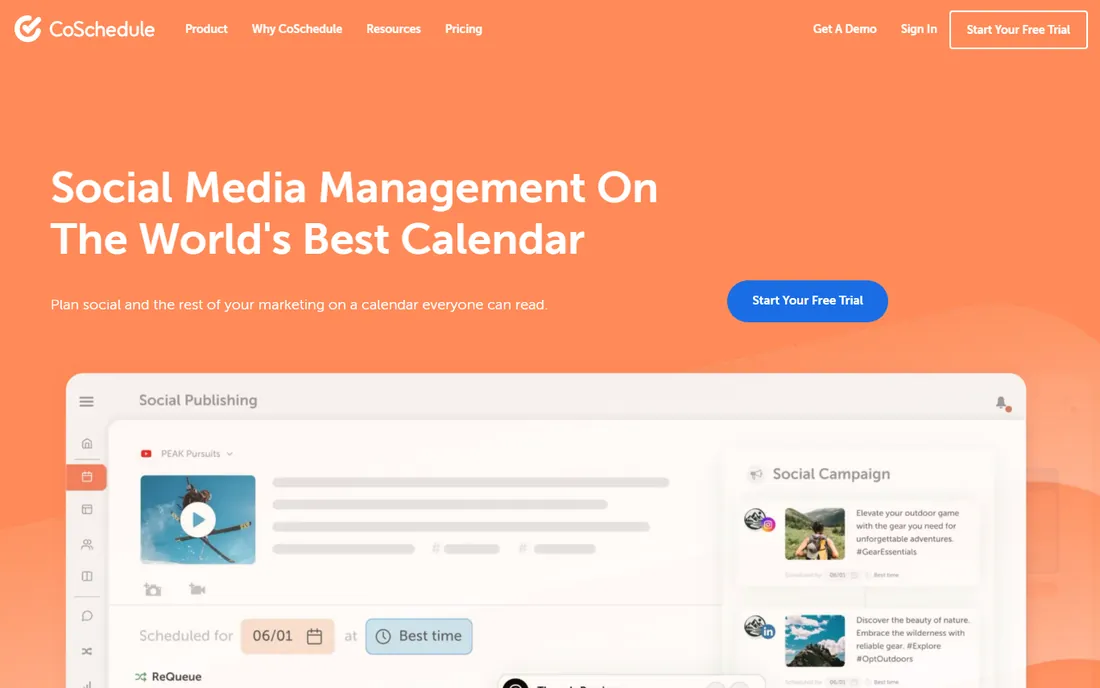
CoSchedule is the closest thing to a marketing calendar by definition rather than by adaptation. The calendar sits at the center: social posts, campaigns and content projects share one drag-and-drop view, with color labels, saved filtered calendars and read-only sharing for stakeholders. ReQueue picks up evergreen posts and reshares them on quiet days, which is the kind of automation that actually reduces weekly workload. Paid plans publish to 11 networks, and AI tools draft posts, campaigns and images with no usage caps on paid tiers.
The honest catch is the metering. Starter covers 1 user and 3 profiles, Professional covers 2 users (max 3) and 5 profiles, and every extra profile is $5 per month while X/Twitter profiles are $16 each per month. A team with several networks and a few teammates lands well above the sticker price. Suite is custom-quoted for bigger teams. Buy this when the calendar's job is publishing social content on schedule, not managing a product launch.
What we like- Purpose-built marketing calendar with drag-and-drop scheduling across 11 social networks
- ReQueue automatically reshares evergreen posts to fill gaps
- Unlimited scheduled messages on paid plans, with AI campaign drafting and social analytics built in
Watch out for- Pricing scales with users and profiles (Starter allows 1 user and 3 profiles
- Extra profiles $5/month each)
- X/Twitter profiles cost $16 each per month on top of base plans
- Smaller teams may find it more structured than they need
#2
Monday.com
Best for: Marketing teams that think in boards and want the calendar as a view
Visit monday.com
Starting priceSee website
Free planYes (free plan with unlimited time, advertised on the vendor homepage)
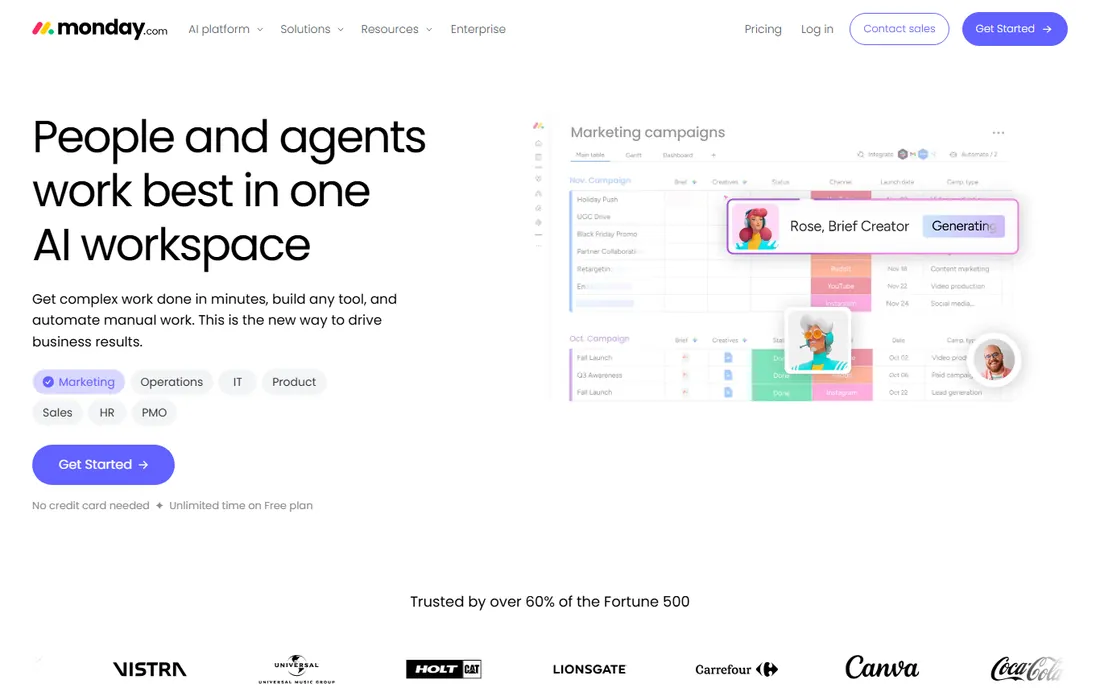
Monday.com is a work operating system that marketing teams commonly adopt as their calendar. Campaigns live as boards with owners, dates, statuses and assets, and the calendar view renders the whole plan at once. The strength is flexibility: content pillars, channels, formats and funnel stages become columns, and automations move items through review stages without manual chasing. The vendor homepage advertises a free plan with unlimited time, which is a genuine on-ramp.
The catch is that it is a general platform wearing a marketing hat. Social scheduling and publishing are not native; teams pair it with a social tool or integrations. Pricing is per seat with minimums, and the features marketing teams want (timeline views, automations, integrations) sit above the entry tier. Buy this when the calendar must also run the work behind the posts.
What we like- Calendar view turns any campaign board into a shared schedule
- Huge template library and 20-plus column types for content metadata
- Automations and integrations connect the calendar to Slack, email and file tools
Watch out for- No published pricing found on the vendor homepage during research, so budgeting needs a quote
- Per-seat pricing with minimum seat counts can sting small teams
- Deep marketing features need the higher tiers
#3
Asana
Best for: Launch-driven teams that plan campaigns as projects with dependencies
Visit asana.com
Starting priceSee website
Free planYes (free tier referenced on the vendor site)
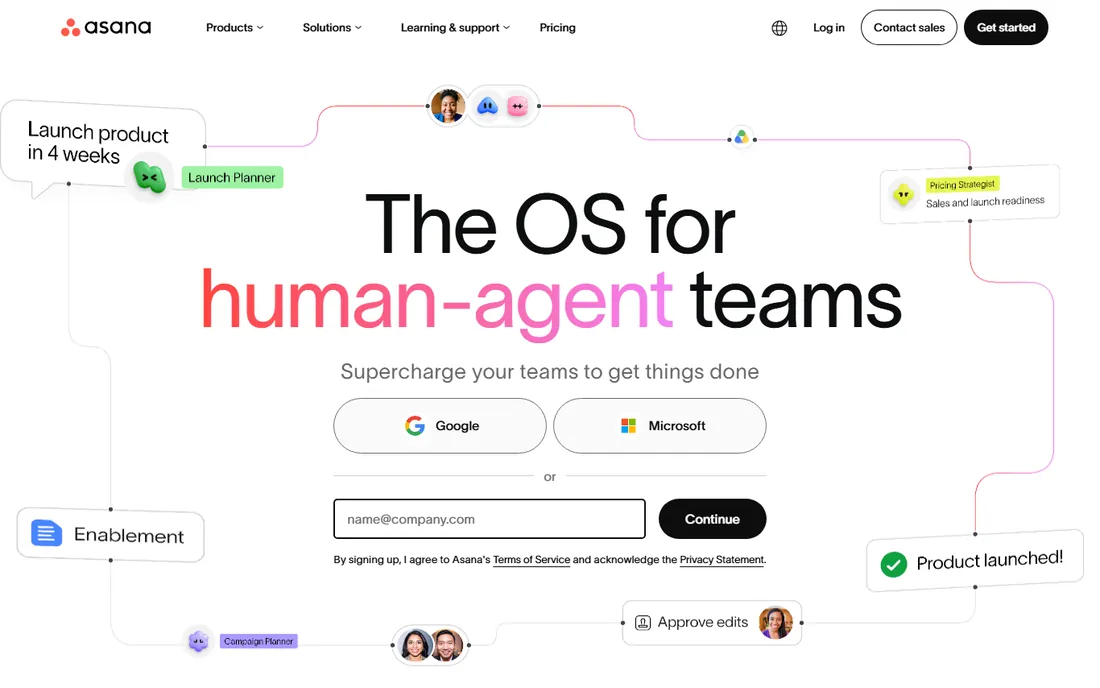
Asana suits marketing teams whose calendar is really a launch plan. Campaigns become projects with sections, milestones, dependencies and owners, and the calendar and timeline views show the sequence at a glance. Portfolios group every campaign for leadership visibility. The AI teammates and shared work graph push it toward larger operations where agents and humans share the plan.
The honest catch is cost structure. It is per-seat software priced for companies, and the useful views and automation sit above entry. Like Monday, it plans the work but does not publish the posts; social teams still need a scheduling layer. Buy this when the calendar's job is coordinating launches, not posting to Instagram.
What we like- Timeline and calendar views show campaign plans with dependencies and milestones
- Portfolios roll multiple campaigns into one executive view
- Strong template ecosystem and AI teammates that work inside real workflows
Watch out for- No published pricing on the vendor homepage during research
- Per-seat pricing scales fast with team size
- Social scheduling is not native and needs integrations
#4
ClickUp
Best for: Teams that want tasks, docs, chat and calendar in one workspace
Visit clickup.com
Starting priceSee website
Free planYes (free forever, no credit card required, advertised on the vendor homepage)
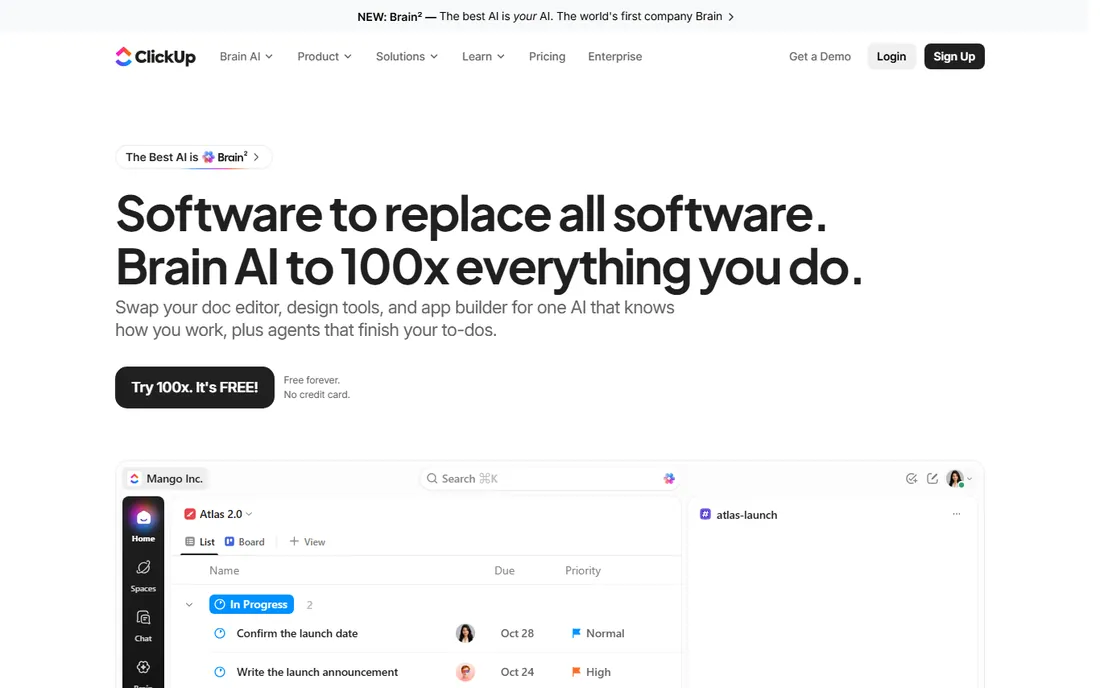
ClickUp's pitch is consolidation: the marketing calendar, the docs behind it, the team chat about it and the AI that summarizes it all live in one workspace. For a marketing calendar, that means campaign tasks, briefs and the calendar view share one home, and the free-forever tier with no credit card required is genuinely usable for small teams. The AI layer (Brain, Super Agents) is the current differentiator, searching tasks, docs and conversations together.
The catch is sprawl. Doing everything means the interface carries everything, and teams that want a simple calendar can find the workspace heavy. Pricing is not published on the homepage, and the paid tiers are where the serious permissions and automation live. Buy this when the team wants fewer tools, not just a better calendar.
What we like- Generous free-forever tier makes it the cheapest real calendar on this list
- Calendar, list, board and timeline views of the same work
- Docs, chat and AI built into the same workspace as the tasks
Watch out for- No published pricing found on the vendor homepage during research
- The everything-in-one-workspace approach can feel cluttered
- Advanced permissions and controls sit on paid plans
#5
Airtable
Best for: Content operations that need database power behind the calendar
Visit airtable.com
Starting priceSee website
Free planYes
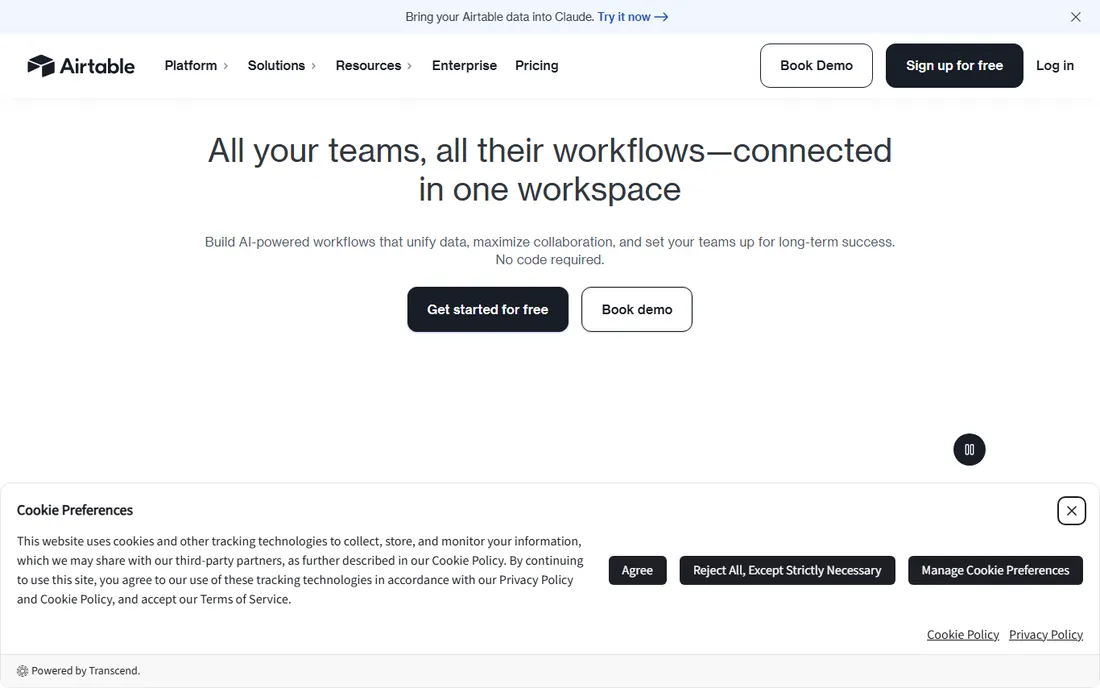
Airtable is the spreadsheet person's marketing calendar: content lives as structured records with fields for channel, format, owner, status, publish date and URL, and the calendar view renders the plan. Interfaces let you build custom views for writers, reviewers and clients without showing them the raw base. Automations can move records through approval stages or ping owners when dates slip.
The honest catch is setup effort. This is a database you shape into a calendar, not a calendar you switch on, and the first version takes real thought. Pricing is not published on the homepage, and paid tiers are per seat. Buy this when the content operation has structure worth modeling (dozens of pieces, multiple formats, defined review stages) rather than a simple posting schedule.
What we like- Calendar view of richly structured content data (channels, formats, owners, statuses, links)
- Interfaces and automations turn the base into a lightweight content system
- Scales from a solo creator's editorial calendar to enterprise content operations
Watch out for- No published pricing on the vendor homepage during research
- Building the calendar is a small project, not a template click
- Per-seat pricing on paid tiers adds up for large teams
#6
StoryChief
Best for: Content teams that plan from brief to multichannel publish
Visit storychief.io
Starting priceSee website
Free planFree trial (no credit card required, advertised on the vendor homepage)
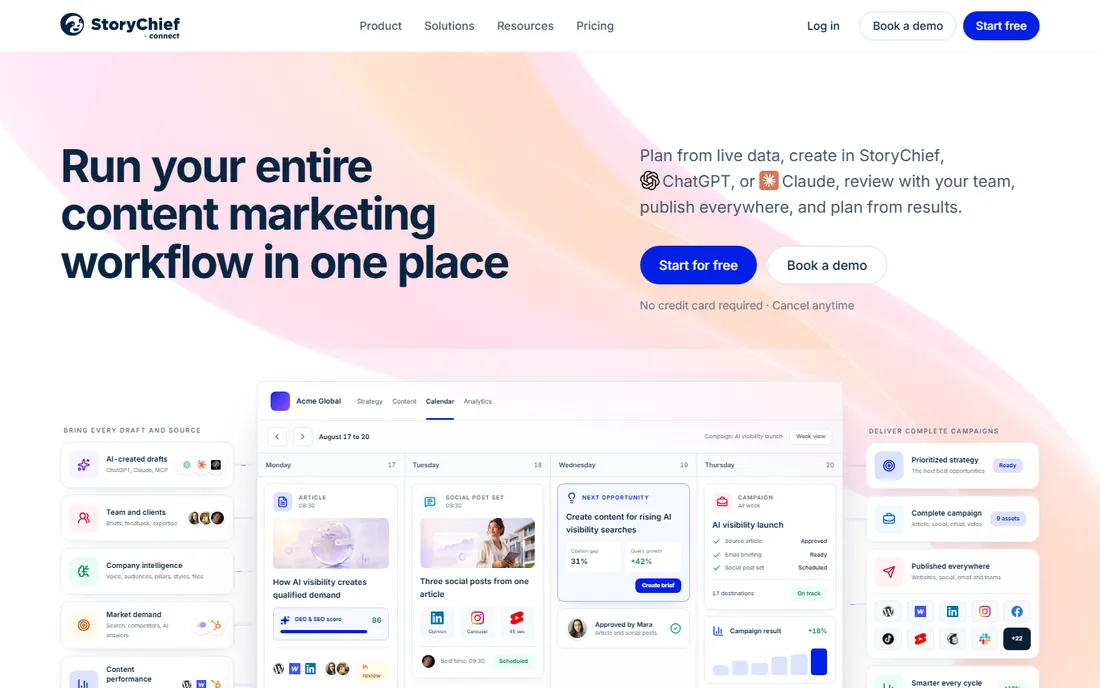
StoryChief treats content marketing as one connected workflow instead of scattered tools. Plans, briefs, drafts, reviews, publishing and performance attach to the same campaign, and AI prepares drafts and recommendations while humans edit and approve before anything goes live. The employee advocacy add-on is a genuine differentiator for B2B teams that can mobilize staff sharing.
The catch is that it is a content marketing platform, not just a calendar, and the pricing reflects that through a sales process. A team that only needs social scheduling will find lighter tools cheaper and simpler. Buy this when the calendar must cover the whole content pipeline from idea to published result.
What we like- One workflow from planning and briefing through drafting, review and multichannel publishing
- AI-assisted drafting with human review before anything publishes
- Employee advocacy module turns staff into a distribution channel
Watch out for- Pricing is not published on the vendor site
- The full platform exceeds what a social-only team needs
- Smaller teams may underuse the campaign and analytics depth
#7
Loomly
Best for: SMBs that want AI-assisted social planning without the learning curve
Visit loomly.com
Starting priceSee website
Free planFree trial (7 days, no credit card required, advertised on the vendor homepage)
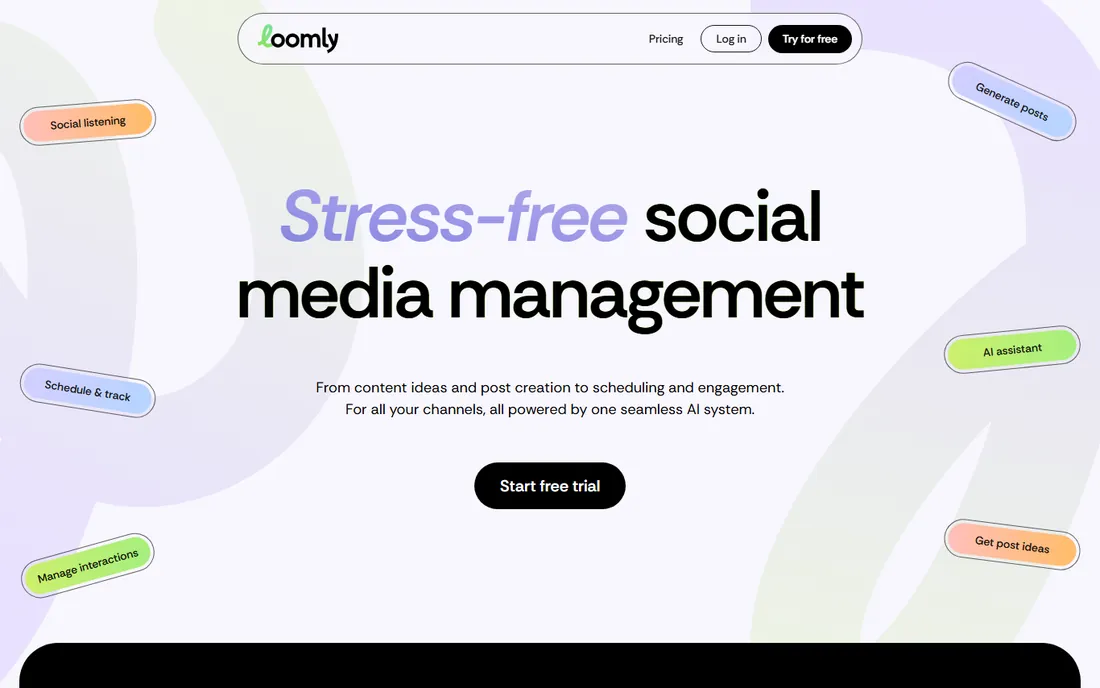
Loomly pitches stress-free social management: generate post ideas, create captions and visuals with AI, plan weeks of content on the calendar, then manage comments and DMs with AI help. The calendar view covers 10-plus channels, and collaboration features let teams assign roles and approve posts quickly. The 7-day trial needs no credit card, so testing is low friction.
The honest catch is scope. This is a social tool with a calendar, not a campaign planning platform; product launches, content pipelines and cross-channel campaigns still need a project layer. Pricing is not published on the homepage. Buy this when the calendar's main job is keeping social profiles active and consistent.
What we like- Calendar-first planning with AI-generated post ideas, captions and visuals
- Collaboration and approval workflows built for modern marketing teams
- AI-assisted comment and DM handling plus social listening and analytics
Watch out for- Pricing is not published on the vendor homepage
- Positioned for social, so broader campaign planning needs another tool
- The AI emphasis may be more than simple schedulers want
#8
Planable
Best for: Agencies and teams where clients must approve every post
Visit planable.io
Starting priceSee website
Free planSee website
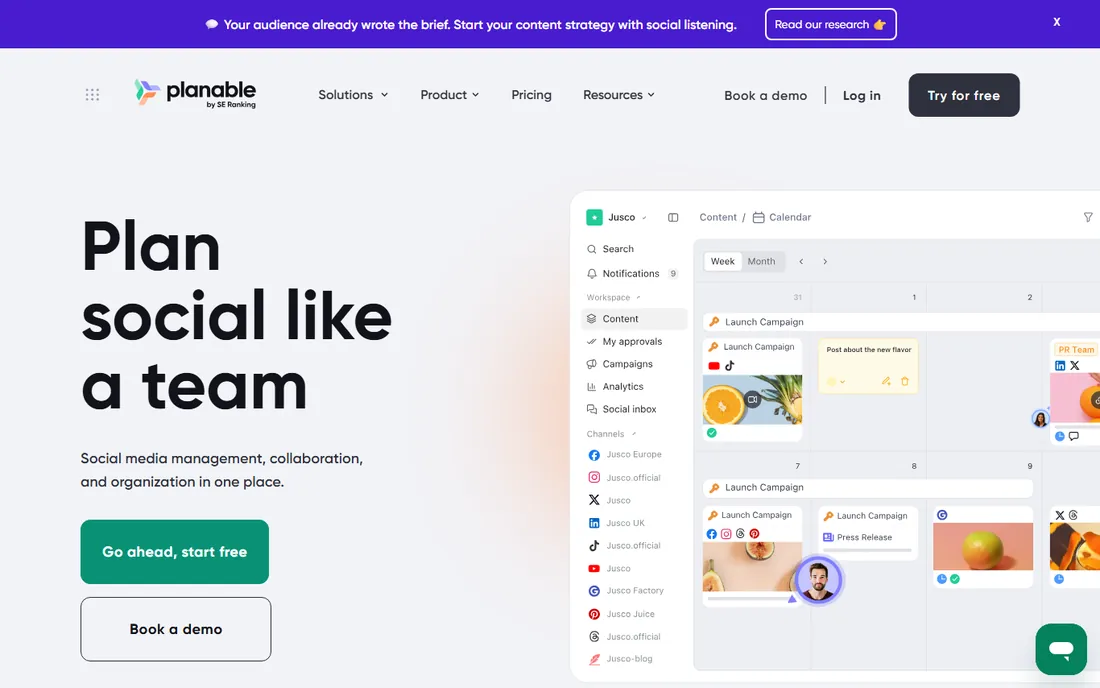
Planable is the approval people's calendar. Posts show as real previews in feed, calendar and Instagram grid views, and feedback happens in context: comments, suggestions and annotations sit next to the content instead of in email threads. One-time share links let clients review without accounts, and the approval workflow is the product's core, with one-click green lights and a kanban approvals tab so nothing skips review.
The catch is that the approval workflow is the whole pitch. Solo marketers and teams without client review cycles will find simpler schedulers cheaper, and pricing is not published on the homepage. Buy this when the calendar's bottleneck is getting content approved, not creating it.
What we like- Collaboration-first design with in-context comments, suggestions and annotations on every post
- Customizable multi-step approval workflows clients can use without training
- Calendar, feed, grid and list views with real post previews
Watch out for- Pricing is not published on the vendor homepage during research
- Built for approval workflows, so solo creators get less value
- Analytics and publishing depth trail dedicated social suites
#9
Trello
Best for: Small teams that want the simplest shared marketing calendar
Visit trello.com
Starting priceSee website
Free planYes
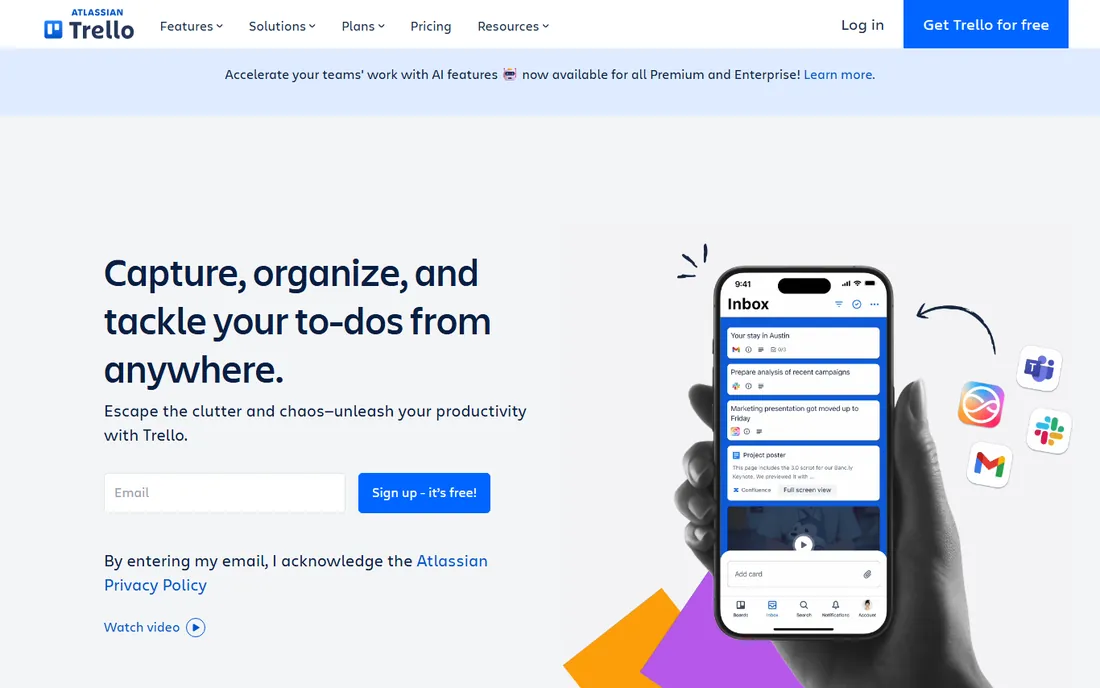
Trello is the calendar for teams that hate software. A board per campaign or content stream, lists for stages, cards for pieces, and a calendar view that shows the month. Setup takes minutes, and the free plan handles small teams without complaint. For a two-person marketing operation or a side project, this is often all the calendar it needs.
The honest catch is the ceiling. There is no native social publishing, no approval workflow depth, no content analytics; as the operation grows, teams graduate to Monday, Asana or a social suite. Pricing is not published on the homepage. Buy this when simplicity beats features, knowing you will likely outgrow it.
What we like- The simplest mental model on this list: cards on lists, with a calendar view on top
- The fastest onboarding of any tool here
- Free plan covers real small-team use
Watch out for- Pricing is not published on the vendor homepage during research
- Thin on marketing-specific features (no native social publishing, approvals or analytics)
- Larger operations outgrow it fast
Picking the right calendar for your team size
Solo marketers and two-person teams should start free: ClickUp's free-forever tier, Trello's free plan or Monday's free plan all run a real editorial calendar without spending anything. The question is how much structure the work needs. A simple posting schedule fits Trello or ClickUp; a content pipeline with review stages fits Airtable or Monday.
Teams of three to ten with clients or approvers hit the paid tier question. CoSchedule at $29 per month (annual) is the dedicated marketing calendar pick if social publishing is the job. Planable fits when client approval is the bottleneck. StoryChief fits when content marketing is the whole program. Teams running launches as projects should look at Asana or Monday, and accept that social scheduling will live in a second tool or an integration.
Larger operations need the platform conversation: permissions, SSO, audit trails and portfolio views. That is Asana, Monday or Airtable territory on the project side, and CoSchedule's Suite (custom-quoted) on the social side. Price the user and profile limits carefully: CoSchedule's per-profile add-ons and the per-seat pricing of the project tools are where quotes grow.
Social calendars vs. project calendars: know which one you are buying
The category splits in two, and mixing them up is the most common buying mistake. Social calendars (CoSchedule, Loomly, Planable, StoryChief) start from the post: they schedule, preview, approve and publish content to social networks, and their calendar shows what goes live when. Their reporting is social analytics: engagement, reach, best times to post.
Project calendars (Monday, Asana, ClickUp, Airtable, Trello) start from the work: campaigns are projects with owners, deadlines and dependencies, and the calendar is one view of that work. Their reporting is operational: what shipped, what is late, who owns what. Neither type does the other's job well. A social team that buys Asana still needs a scheduler; a launch team that buys Loomly still needs a project plan.
Most marketing teams over five people end up with one of each: a project calendar for the work and a social calendar for the publishing. The integration between them (or the manual habit of keeping both current) is the real product decision. If budget forces one tool, pick the one that matches the team's biggest pain: missed posts means a social calendar; missed launches means a project calendar.
How we chose
We started with the categories buyers search: marketing calendar software, content calendar software and social media calendar software. For each candidate we opened the vendor's own site, checked the vendor's pricing page where a published price existed, read public reviews on G2, Capterra and GetApp, and compared calendar views, approval workflows, publishing features and team-size fit. Where a price could not be verified on the vendor's own page we wrote "See website" rather than guessing. We never claim hands-on testing.
Frequently asked questions
What is the difference between a marketing calendar and a social media scheduler?
A social media scheduler queues and publishes posts. A marketing calendar shows everything scheduled across channels with the workflow behind it: owners, approvals, deadlines and assets. CoSchedule, StoryChief and Planable are closer to true marketing calendars; pure schedulers only handle the posting step.
Can I use Asana, Monday or Trello as a marketing calendar?
Yes, and many teams do. Their calendar views render campaign tasks as a shared schedule, and they handle the planning work (briefs, reviews, dependencies) better than social tools. What they do not do natively is publish to social networks, so teams pair them with a scheduler or use integrations.
How much does marketing calendar software cost?
CoSchedule publishes its prices: Starter is $29 per month billed annually ($39 monthly), Professional is $49 per month billed annually ($59 monthly), and Suite is custom. The project tools (Monday, Asana, ClickUp, Airtable, Trello) run free plans and per-seat paid tiers, with prices on their pricing pages. Loomly, StoryChief and Planable price through their sites rather than on the homepage.
Is there a free marketing calendar?
ClickUp's free-forever tier and Trello's free plan are the most capable free options. Monday and Asana also run free tiers, and CoSchedule lists a free plan on review sites. Free tiers cover planning and calendar views; social publishing at scale is where paid plans start.
Which marketing calendar is best for agencies?
Planable, for client approval workflows with one-click green lights and share links. CoSchedule's Professional and Suite tiers add white-label reports, client calendars and message approvals for agency work. StoryChief fits agencies running full content programs with advocacy.
Do I need both a project tool and a social tool?
Most teams over five people use both: a project calendar (Asana, Monday, ClickUp) for the work and a social calendar (CoSchedule, Loomly, Planable) for publishing. If budget forces one, match it to the bigger pain: missed posts means a social calendar, missed launches means a project calendar.
Sources we checked (12)
- https://coschedule.com/pricing
- https://coschedule.com
- https://monday.com
- https://asana.com
- https://clickup.com/
- https://airtable.com/
- https://trello.com/
- https://storychief.io/
- https://www.loomly.com
- https://planable.io/
- https://www.g2.com/categories/marketing-calendar
- https://www.capterra.com/marketing-calendar-software/
Is your product missing or out of date?
We review this list regularly. Vendors can request a listing, send updated pricing or ask about featured placement.

Shihab Mia · Founder, Rankite
Shihab has spent more than a decade helping SaaS and e-commerce brands grow through search. He writes Rankite's software buying guides from pricing pages, documentation and public user reviews. More about Shihab.