How we make this list: we compare pricing pages, product documentation and public user reviews. Rankite is independent; if a vendor ever pays for a featured spot, that listing is clearly labeled Partner.
Key takeaways
- The only free full-featured option: Snipe-IT (self-hosted, free forever; hosted plans from $39.99/month). ManageEngine AssetExplorer's free edition covers 50 nodes cloud or 25 on-prem and never expires.
- Agentless network discovery picks (Lansweeper, Device42, Ivanti) find hardware automatically as devices appear; manual-entry tools (Snipe-IT, Asset Panda) are cheaper but depend on discipline.
- Most of this category is quote-based: Lansweeper, PDQ, Asset Panda, Device42, InvGate, Ivanti and Freshservice publish no entry price, so budget with a demo call, not a pricing page.
- Lansweeper advertises a free starting tier (no credit card required), useful for small networks before you commit to a paid plan.
Quick comparison
| Tool | Best for | Starting price | Free plan |
|---|
 Snipe-IT Snipe-IT | IT teams that want full-featured inventory at zero license cost | Free self-hosted; Basic Hosting $39.99/month ($399.99/year) | Yes (self-hosted edition is free, unlimited assets and users) |
 Lansweeper Lansweeper | IT and security teams that want assets discovered automatically | See website (custom quote; asset-based tiers) | Free tier advertised (start free, no credit card required) |
 ManageEngine AssetExplorer ManageEngine AssetExplorer | SMBs that want a genuinely free edition with real features | See website (asset/node-based licensing; paid tiers quote-based) | Yes (Free edition: 50 nodes cloud, 25 nodes on-premises, never expires) |
 PDQ Inventory PDQ Inventory | Windows-focused sysadmin teams that also deploy software | See website | No (free trial reported by reviewers; length unverified) |
 Asset Panda Asset Panda | Field and facilities teams tracking physical assets by mobile scan | See website (custom quote) | Free trial (14 days, per vendor announcements) |
 InvGate Asset Management InvGate Asset Management | IT teams that want straightforward ITAM tied to service management | See website (custom quote) | No (demo-based sales process) |
 Device42 Device42 | Hybrid IT estates that need discovery plus dependency mapping | See website (custom quote) | No (weekly demos; trial by arrangement) |
 Ivanti Ivanti | Enterprises already running the Ivanti Neurons platform | See website (custom quote) | No |
 Freshservice Freshservice | IT teams that want ITSM and asset tracking in one subscription | See website (per-agent pricing, quoted on site) | No (free trial reported by reviewers; length unverified) |
Is your product missing or out of date?
We review this list regularly. Vendors can request a listing, send updated pricing or ask about featured placement.
Why computer inventory software earns its keep
You cannot secure, budget for, or replace what you cannot see. Most mid-size companies underestimate their device count by 20 percent or more, and the gap shows up as unpatched laptops, licenses paying for seats that left months ago, and audit findings that arrive without warning. Computer inventory software keeps one current record of every machine, who holds it, what is installed on it, and when warranties and leases end.
The nine tools below cover the real market, from a free open-source tracker to enterprise suites that discover data centers automatically. The split that matters most: tools that find devices for you (agentless network discovery) versus tools that record what you tell them (manual check-in and barcode scans). Pick the first type if devices appear faster than you can log them; pick the second if every asset already has a named owner.
#1
Snipe-IT
Best for: IT teams that want full-featured inventory at zero license cost
Visit snipeitapp.com
Starting priceFree self-hosted; Basic Hosting $39.99/month ($399.99/year)
Free planYes (self-hosted edition is free, unlimited assets and users)
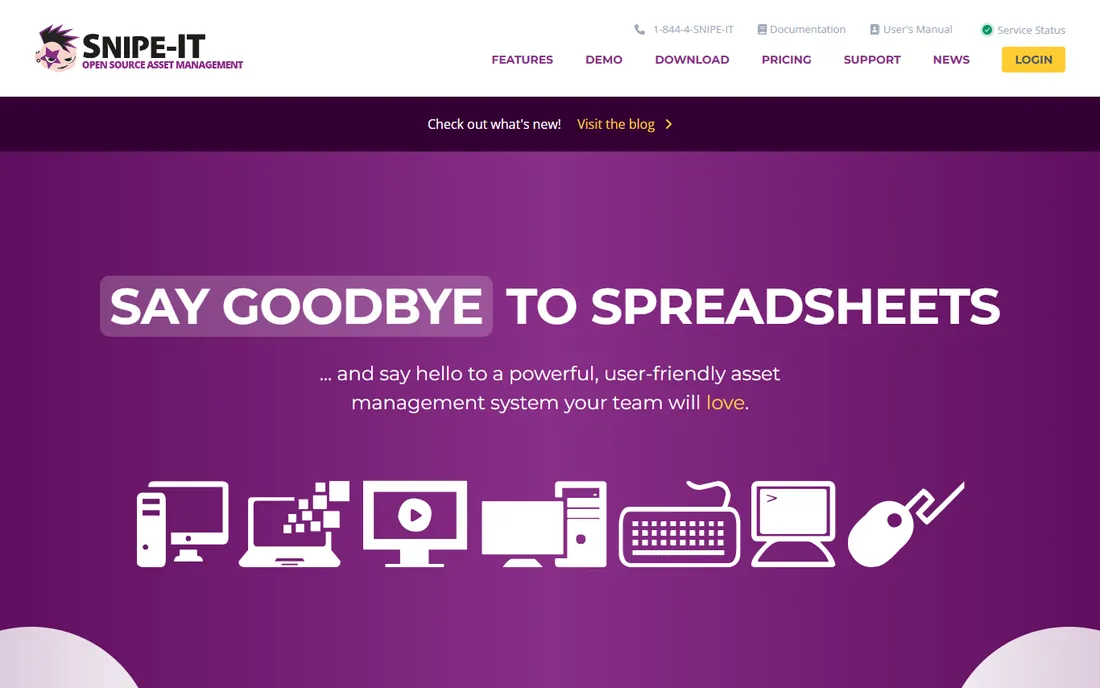
Snipe-IT is the budget answer that refuses to act like one. The self-hosted edition is genuinely free under an open-source license with every feature included: check-in and check-out with user attribution, software license tracking, warranty and contract alerts, custom fields, barcode and QR scanning, and LDAP/Active Directory sync. There are no seat fees and no asset caps, so it scales from 50 machines to 50,000 without a license conversation.
The honest catch is data collection. Snipe-IT does not scan your network to find devices on its own, so someone has to enter, import or sync every asset, and accuracy decays without that discipline. Self-hosting also hands you the server: installation, backups and updates are your job. If you would rather not run infrastructure, Grokability's hosted plans start at $39.99 per month (or $399.99 per year) with automatic maintenance and email support.
What we like- Entire product is free to self-host with no asset or user limits
- Hosted plans include unlimited assets, users and storage with automatic backups and upgrades
- Hardware check-in/check-out, license tracking, warranty alerts, QR/barcode generation and a documented REST API
Watch out for- No native network discovery, so inventory accuracy depends on manual entry or imports
- Self-hosting means you own the server, updates and security
- Reviewers note weaker reporting than paid competitors
#2
Lansweeper
Best for: IT and security teams that want assets discovered automatically
Visit lansweeper.com
Starting priceSee website (custom quote; asset-based tiers)
Free planFree tier advertised (start free, no credit card required)
Lansweeper sells the opposite of Snipe-IT's bargain: visibility you do not have to maintain by hand. Its agentless scanners sweep the network and add new devices as they appear, including ones nobody told IT about, with passive detection running by default so silent devices still surface. Machine-learning fingerprints identify unmanaged devices by manufacturer, model and OS without credentials, and records are matched on MAC, serial and hostname rather than IP so a device that moves address stays one asset.
The commercial reality is opacity. Lansweeper publishes no prices, so budgeting requires a quote, and reviewers report a real learning curve plus database work at scale. The advertised free tier gives small networks a way to test the discovery before committing. Buy this when devices outnumber the people tracking them.
What we like- Agentless network discovery adds devices as they appear, across IT, OT, cloud and IoT
- Passive detection and MAC/serial-based matching merge duplicates into one record
- Integrates with ServiceNow, Splunk and Microsoft SCCM
Watch out for- No public pricing, so every purchase starts with sales
- Reported learning curve for first-time setups and proper database configuration on large networks
#3
ManageEngine AssetExplorer
Best for: SMBs that want a genuinely free edition with real features
Visit manageengine.com
Starting priceSee website (asset/node-based licensing; paid tiers quote-based)
Free planYes (Free edition: 50 nodes cloud, 25 nodes on-premises, never expires)
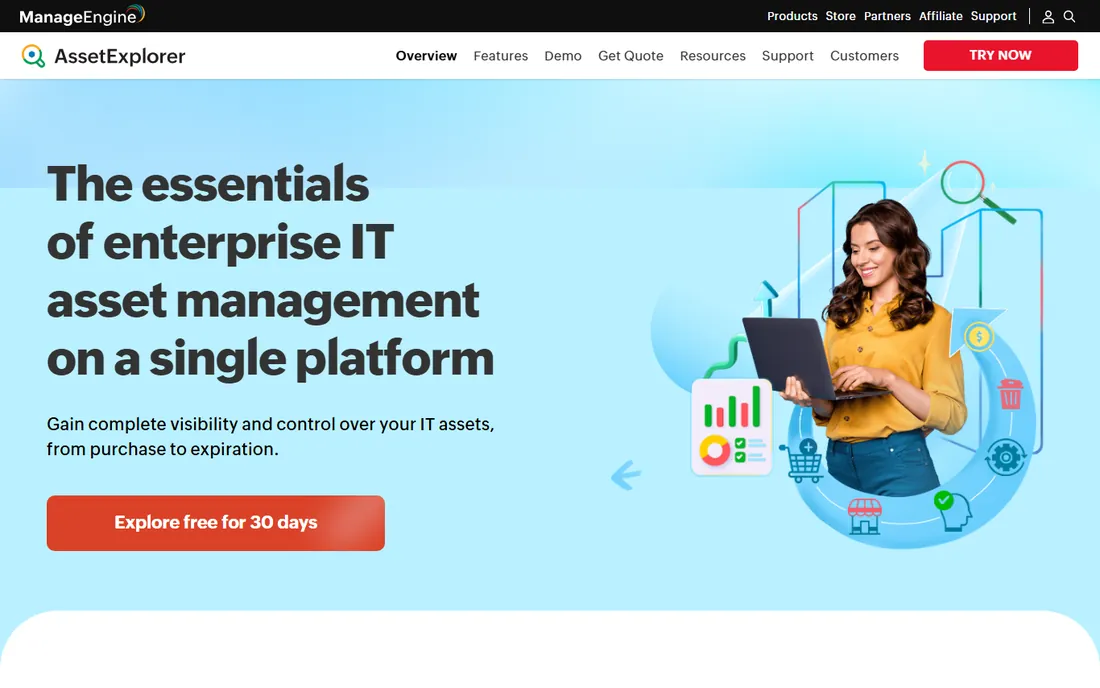
AssetExplorer's free edition is the real deal: fully functional, never expires, and covers up to 50 nodes in the cloud version or 25 on-premises. That includes IT asset inventory, software license management, purchase order management, contract management, lifecycle tracking and reporting. For a small shop, this is often all the inventory software it will ever need, with a 30-day trial of the paid edition available for evaluation.
Paid plans switch to asset/node-based licensing with published tiers but quoted numbers, which makes pre-purchase budgeting a conversation with sales. Strengths include automated discovery by multiple methods, license compliance views that flag under-licensed and over-licensed software, and lifecycle automation without code. Buy this when you want free to be genuinely free, not a 30-day countdown.
What we like- Free edition is fully functional and never expires, with inventory, license management, purchase orders and contracts
- Agent-based and agentless discovery plus barcode, QR and RFID scanning
- No-code automations, drag-and-drop lifecycle design and built-in CMDB
Watch out for- Paid pricing is node-based and quoted, so costs are hard to predict before a quote
- The paid plans sit under a broader ManageEngine upsell ecosystem
#4
PDQ Inventory
Best for: Windows-focused sysadmin teams that also deploy software
Visit pdq.com
Starting priceSee website
Free planNo (free trial reported by reviewers; length unverified)
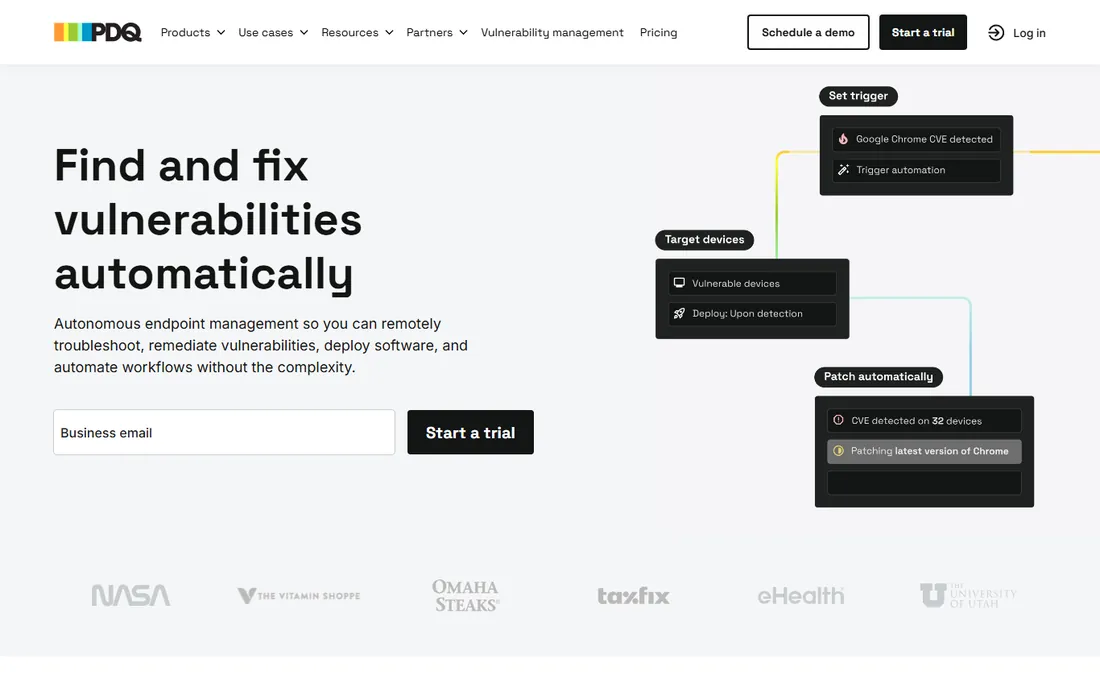
PDQ Inventory is the sysadmin's inventory tool rather than the accountant's. It scans Windows machines for hardware, software and configuration data, then lets you build dynamic collections (every laptop with an outdated Java install, every server missing a patch) that pair directly with PDQ Deploy for remote remediation. Active Directory integration keeps device data collecting without manual imports.
The catch is scope. This is endpoint intelligence, not full lifecycle management: purchase orders, depreciation and contract tracking are thin or absent compared with Snipe-IT or AssetExplorer. It is also Windows-first, and pricing is unpublished. Buy this when the job is knowing exactly what is on every Windows machine and fixing it, not tracking asset finances.
What we like- Deep Windows hardware, software and configuration scanning built for sysadmins
- Custom collections automatically group machines needing updates
- Pairs with PDQ Deploy for scan-to-patch workflows without leaving the console
Watch out for- Windows-centric, so mixed-OS fleets need other tools
- No published pricing, which complicates budget planning
- Focused on endpoint data rather than full asset lifecycle and financial tracking
#5
Asset Panda
Best for: Field and facilities teams tracking physical assets by mobile scan
Visit assetpanda.com
Starting priceSee website (custom quote)
Free planFree trial (14 days, per vendor announcements)
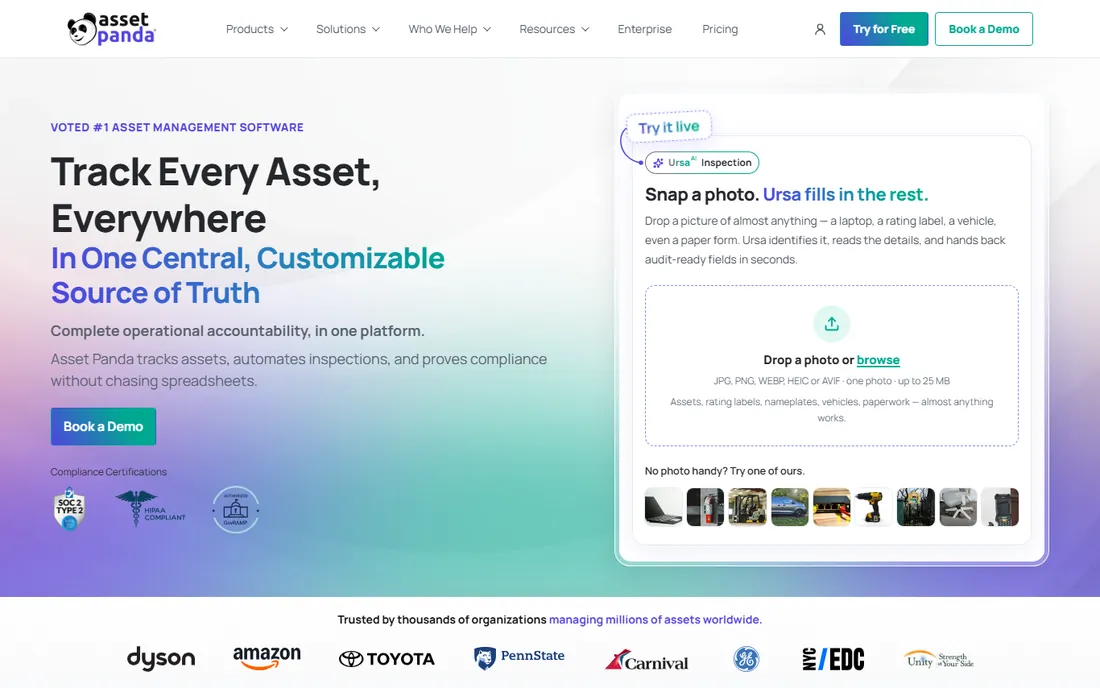
Asset Panda is built for the field: crews scan barcodes and QR codes from iOS or Android apps, work offline during audits, and sync when connectivity returns, with GPS coordinates captured at each scan. Unlimited users means the whole team can check tools, laptops and equipment in and out without seat math. The no-code setup adapts fields and workflows per team without developer time.
For computer inventory specifically, note the gap: this is manual, scan-driven tracking, not network discovery, so it records what people scan rather than finding devices itself. Pricing is quote-only through sales. Buy this when assets move between sites, trucks and jobs and the scanning happens on phones, not from a console.
What we like- Mobile-first with barcode/QR scanning, offline-capable audits and unlimited users
- No-code customization of fields, workflows and reports
- Check-in/check-out, GPS capture, maintenance history and depreciation in one record
Watch out for- Quote-only pricing with a sales-led purchase process
- Stronger on physical asset tracking than on automated network discovery of computers
#6
InvGate Asset Management
Best for: IT teams that want straightforward ITAM tied to service management
Visit invgate.com
Starting priceSee website (custom quote)
Free planNo (demo-based sales process)
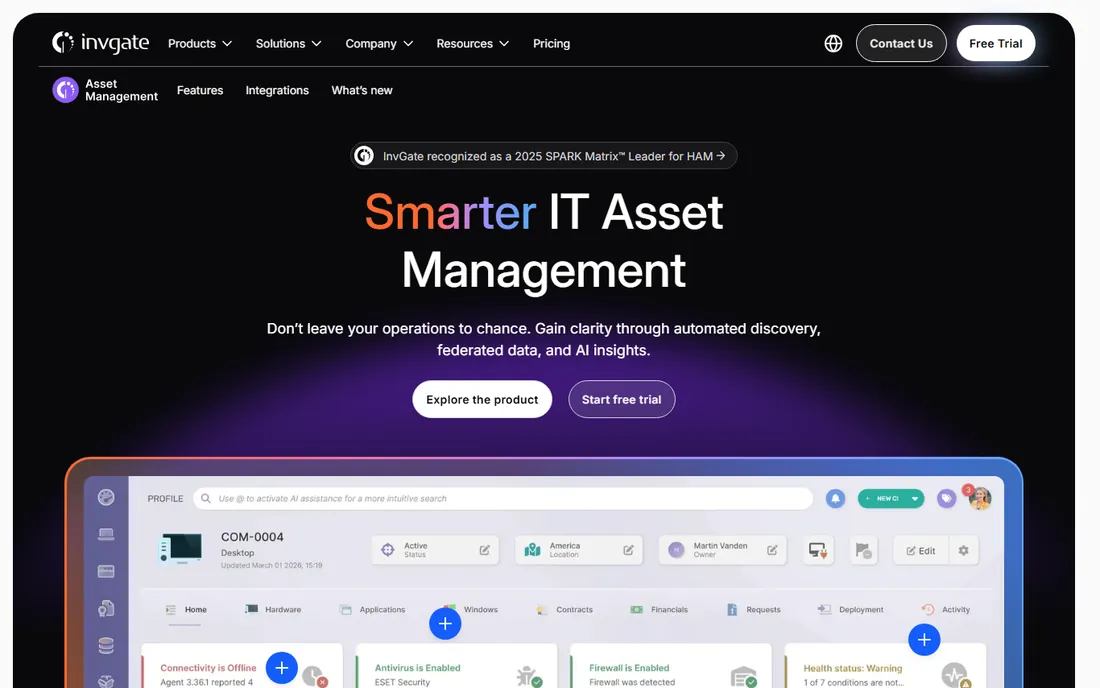
InvGate Asset Management (formerly InvGate Insight) takes the pragmatic middle path: IT asset discovery and inventory, software and license tracking, contract and warranty management, and a CMDB, wired into service management workflows. Its licensing model is unusually plain for this category: you count IP devices (computers, phones, network gear), and each one includes two non-IP devices (monitors, keyboards, chairs) at no extra cost.
The catch is commercial transparency: pricing is quoted, not published, and the ecosystem of integrations is narrower than Lansweeper's or Ivanti's. Buy this when you want ITAM that talks to ITSM without enterprise-suite complexity, and when the IP-device counting model fits how your fleet is actually built.
What we like- Clear device-count licensing with 2 non-IP devices included per IP device at no extra cost
- Hardware, software, contract and license tracking with CMDB functionality
- Automation for asset lifecycle processes and service management integration
Watch out for- No published pricing
- Rebranded from InvGate Insight in 2024, so older reviews use the old name
- Smaller ecosystem of third-party integrations than category leaders
#7
Device42
Best for: Hybrid IT estates that need discovery plus dependency mapping
Visit device42.com
Starting priceSee website (custom quote)
Free planNo (weekly demos; trial by arrangement)
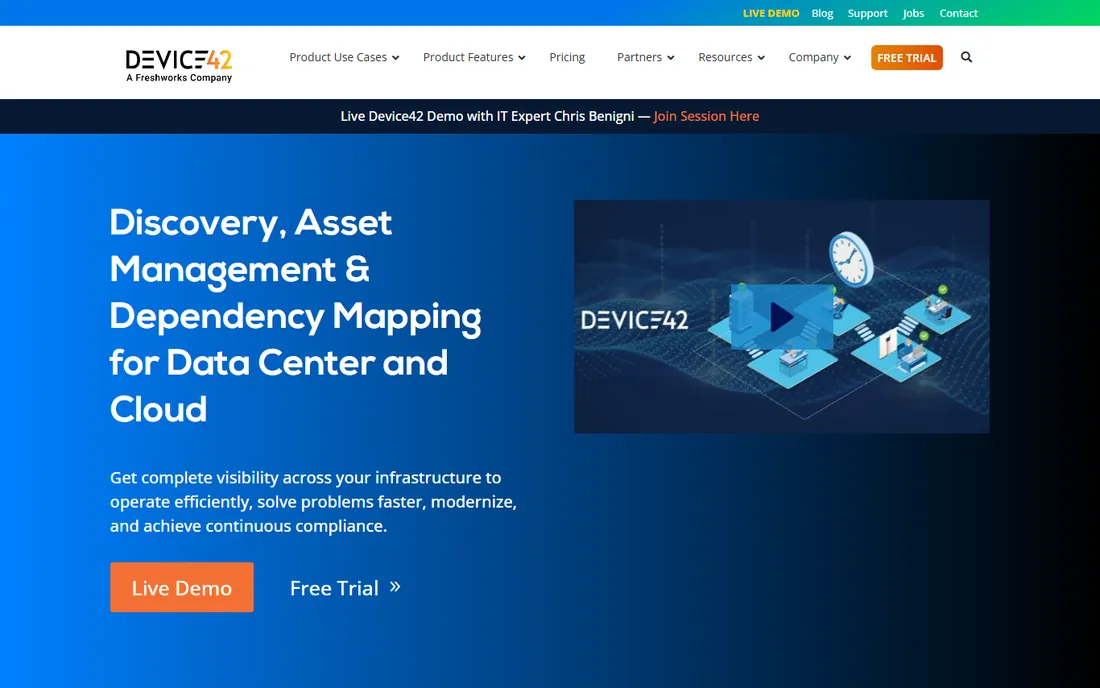
Device42 (now a Freshworks company) is the heavyweight discovery option for hybrid estates: agentless discovery of servers, hypervisors, storage, network gear and cloud services, with an auto-populating CMDB and dependency maps that show how applications actually connect. That mapping is the differentiator for cloud migrations and audit readiness, where knowing what depends on what matters more than knowing serial numbers.
For a straight computer inventory job, this is a lot of product. The quote-only pricing is enterprise-shaped, and features like power monitoring and cloud recommendation engines add cost and complexity that a laptop-and-desktop fleet does not need. Buy this when the inventory question is "what does this server support and what breaks if it dies," not "who has which laptop."
What we like- Agentless discovery across physical, virtual, cloud and storage with auto-populating CMDB
- Application dependency mapping for migrations and impact analysis
- IP address management, software license management and power/CO2 tracking in one platform
Watch out for- Enterprise-grade pricing by quote only
- Depth exceeds what a pure computer inventory buyer needs, so smaller teams pay for mapping they will never use
#8
Ivanti
Best for: Enterprises already running the Ivanti Neurons platform
Visit ivanti.com
Starting priceSee website (custom quote)
Free planNo
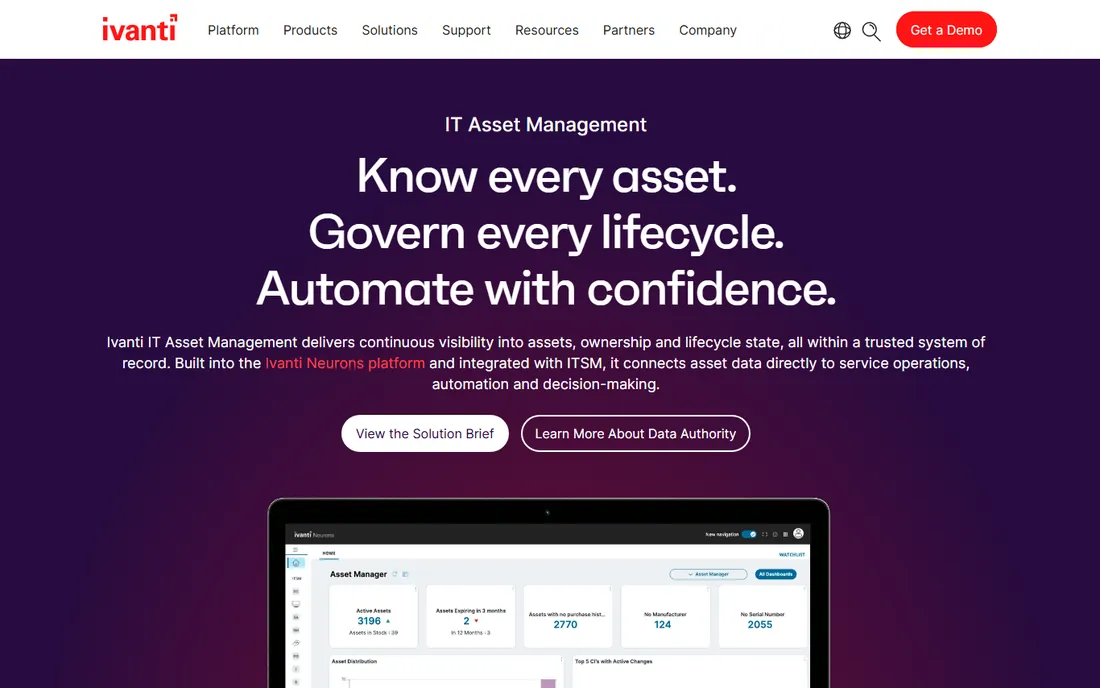
Ivanti ITAM is asset management as part of a platform, not a standalone product. Discovery and normalization feed the Ivanti Neurons system of record, where every asset carries identity, ownership, lifecycle state and financial context, and that context governs the platform's autonomous endpoint actions. Contracts, renewals, depreciation and reporting ride on the same data.
Standalone, this is a hard sell: pricing is quoted, and the strongest arguments assume you also run Ivanti's ITSM, endpoint management and security products. Buy this when the organization already lives in Ivanti and wants asset data to be the foundation of its automation, not when you need a quick inventory win on a budget.
What we like- Continuous discovery and normalized asset data built into the Neurons platform
- Hardware, software, ownership and lifecycle state in one authoritative record
- Discovery feeds autonomous endpoint management, so asset context governs automated patching and remediation
Watch out for- Enterprise pricing by quote only
- Much of the value sits inside the Ivanti ecosystem, so standalone buyers pay for platform depth they do not use
#9
Freshservice
Best for: IT teams that want ITSM and asset tracking in one subscription
Visit freshservice.com
Starting priceSee website (per-agent pricing, quoted on site)
Free planNo (free trial reported by reviewers; length unverified)
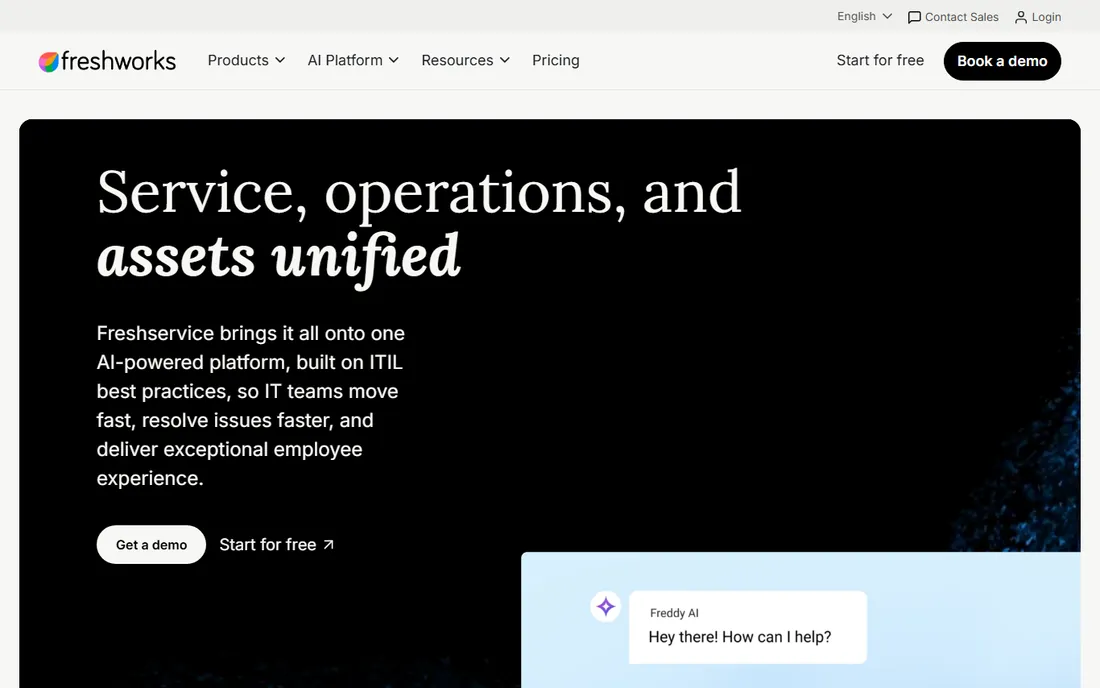
Freshservice (by Freshworks) bundles the service desk and the asset register: tickets, a CMDB, asset discovery and lifecycle tracking share one interface, so the asset record an agent sees during an incident is the same record the inventory report pulls. The vendor publishes its per-agent pricing in four tiers, which is rare transparency in a category full of quote-only enterprise suites.
The catch is that asset management is a passenger, not the driver, on the lower tiers: meaningful asset limits and caps push inventory-heavy teams toward the higher plans, and per-agent pricing scales with support headcount rather than device count. Buy this when the goal is one platform for service and assets together, not the deepest standalone inventory database.
What we like- Service desk, asset management, CMDB and automation unified on one platform
- Transparent published pricing on the vendor's site with four tiers
- AI agents and no-code workflows for growing teams
Watch out for- Asset depth is limited on lower tiers (asset caps apply), pushing serious inventory users to higher plans
- Per-agent pricing means license costs scale with support staff, not assets
What to check before you buy inventory software
Start with the discovery question, because it decides half the shortlist. If devices join the network faster than you log them, you need agentless discovery (Lansweeper, Device42, Ivanti, Freshservice's discovery features). If every asset already has a named owner and a barcode label, manual-entry tools (Snipe-IT, Asset Panda) cost far less and stay accurate through process discipline. Audit your fleet size first: the free editions on this list (Snipe-IT unlimited, AssetExplorer 50/25 nodes, Lansweeper's free tier) cover real small businesses without spending anything.
Then check license and warranty tracking, not just device counts. A tool that records serial numbers but cannot flag under-licensed software or expiring warranties leaves the two most expensive inventory jobs undone. Check the pricing model against your growth: per-device/node pricing punishes fleet growth, per-agent pricing punishes support hiring, and quote-only vendors make multi-year budgeting guesswork. Finally, confirm integrations with your ticketing and endpoint tools; inventory data that cannot flow into ServiceNow, Jira or your RMM stays a pretty dashboard nobody opens.
Agentless vs. agent-based: the question that shapes everything
Inventory tools collect data two ways, and the choice shapes accuracy, cost and effort. Agentless tools scan the network (SNMP, WMI, SSH, ARP sweeps) and find devices without installing anything, which means rogue laptops and forgotten servers surface on their own. The tradeoff is blind spots: powered-off machines, off-network laptops and devices behind firewalls may never answer a scan, which is why vendors add optional agents and passive detection.
Agent-based tools install a small client on every machine and report home on schedule, capturing off-network and sleeping devices plus richer software and usage data. The tradeoff is deployment and maintenance of the agent fleet itself. Many tools now blend both: Lansweeper and Device42 lead with agentless discovery and offer agents for remote systems, while AssetExplorer and InvGate support both modes from the start. Manual-entry tools like Snipe-IT and Asset Panda sit outside this debate entirely: they record what humans and barcodes tell them, which is cheap and exact for managed fleets, and hopeless for shadow IT.
How we chose
We started with the categories buyers search: computer inventory software, IT asset management software and hardware inventory software. For each candidate we opened the vendor's own site, checked prices against the vendor's pricing page or product page, read public reviews on G2, Capterra and SourceForge, and compared discovery methods, license tracking and company-size fit. Where a price could not be verified on the vendor's own page we wrote "See website" rather than guessing. We never claim hands-on testing.
Frequently asked questions
What is the difference between computer inventory software and IT asset management?
Inventory software records what exists: devices, serial numbers, installed software, assignments. IT asset management covers the full lifecycle: procurement, deployment, license compliance, warranty tracking, depreciation and retirement. Most tools on this list do both, but endpoint-focused tools like PDQ lean toward inventory while suites like Ivanti and Device42 lean toward lifecycle and compliance.
Is there really a free computer inventory software?
Yes. Snipe-IT is free to self-host with unlimited assets and users and no missing features. ManageEngine AssetExplorer offers a free edition for 50 cloud nodes or 25 on-premises nodes that never expires. Lansweeper advertises a free starting tier. "Free" usually means self-hosted effort (Snipe-IT) or node caps (AssetExplorer, Lansweeper), so read the limits before committing.
How much does computer inventory software cost?
It ranges from $0 (Snipe-IT self-hosted) to quote-only enterprise contracts. The honest answer for paid tools: most vendors in this category publish no prices, so expect a sales process. Budget signals from the published end of the market: Snipe-IT hosted starts at $39.99 per month, and per-agent ITSM bundles like Freshservice publish per-agent tiers on their sites.
Do I need agents installed on every computer?
Not necessarily. Agentless discovery (Lansweeper, Device42) finds devices by scanning the network, which covers servers, printers and network gear with no installs. Agents give better data on roaming laptops and deeper software detail. For pure inventory of a managed fleet, agentless plus barcode labeling usually suffices; for compliance-grade software metering, agents earn their keep.
Can inventory software track software licenses too?
The ITAM tools on this list can: Snipe-IT, AssetExplorer, Lansweeper, Device42, Ivanti, InvGate and Freshservice all include software inventory and license tracking. AssetExplorer explicitly flags under-licensed and over-licensed software. PDQ Inventory tracks installed software on Windows but is lighter on license compliance. If license audits are the worry, confirm compliance views on a demo before buying.
Sources we checked (11)
- https://lansweeper.com/
- https://snipeitapp.com/pricing
- https://www.manageengine.com/products/asset-explorer/
- https://pdq.com/
- https://assetpanda.com/
- https://www.device42.com/
- https://invgate.com/asset-management
- https://www.ivanti.com/products/it-asset-management
- https://freshservice.com/
- https://www.g2.com/categories/it-asset-management
- https://www.capterra.com/it-asset-management-software/
Is your product missing or out of date?
We review this list regularly. Vendors can request a listing, send updated pricing or ask about featured placement.

Shihab Mia · Founder, Rankite
Shihab has spent more than a decade helping SaaS and e-commerce brands grow through search. He writes Rankite's software buying guides from pricing pages, documentation and public user reviews. More about Shihab.