How we make this list: we compare pricing pages, product documentation and public user reviews. Rankite is independent; if a vendor ever pays for a featured spot, that listing is clearly labeled Partner.
Key takeaways
- The cheapest way to start is MaintainX: its Basic plan is free forever, with paid plans from $20 per user per month billed yearly.
- Rental businesses should shortlist Booqable (Start $29/month billed yearly, 14-day free trial) and EZRentOut ($399/month starting price, free trial), both built around bookings, availability and billing.
- Fleet teams get per-vehicle pricing from Fleetio: Essential at $4 per vehicle per month billed yearly ($5 monthly), with a 14-day free trial.
- Maintenance teams comparing per-user CMMS pricing: UpKeep lists Essential at $24 per user per month and Premium at $55; CHEQROOM, Rentman, Limble, Asset Panda and Current RMS publish no prices, so get quotes.
Quick comparison
| Tool | Best for | Starting price | Free plan |
|---|
 MaintainX MaintainX | Small teams that want to digitize work orders without paying anything to start | $0 (Basic free forever); Essential $20/user/month billed yearly ($25 monthly) | Yes (Basic free forever) |
 Booqable Booqable | Rental businesses that take bookings online and want no commission on orders | $29/month billed yearly ($35 monthly, Start plan) | Free trial (14 days, no credit card required) |
 EZRentOut EZRentOut | Equipment rental fleets that need availability, maintenance and billing in one loop | $399/month (stated on the vendor site) | Free trial ("try it free" on the vendor site) |
 CHEQROOM CHEQROOM | Teams managing high-value equipment that moves between people and locations | See website (custom quote) | No |
 Rentman Rentman | AV, event and media production companies managing equipment, crew and projects | See website (platform fee plus per-user modules, quoted by the vendor) | Free trial (per vendor and review listings) |
 Current RMS Current RMS | AV, production and event rental shops that want straightforward pricing and a free trial | See website | Free trial ("try Current for free" on the vendor site) |
 Fleetio Fleetio | Fleets that need vehicle inventory, inspections, fuel tracking and maintenance in one system | $4 per vehicle per month billed yearly ($5 billed monthly, Essential plan) | Free trial (14 days, no credit card required) |
 UpKeep UpKeep | Mobile-first maintenance teams moving from reactive to preventive maintenance | $24 per user per month (Essential plan) | Free trial |
 Limble Limble | Maintenance teams that want a CMMS technicians actually enjoy using | See website | No |
 Asset Panda Asset Panda | Organizations tracking large, distributed asset inventories with heavy customization needs | See website (custom quote, priced by asset count) | Free trial (14 days, per product reviews) |
Is your product missing or out of date?
We review this list regularly. Vendors can request a listing, send updated pricing or ask about featured placement.
What equipment management software actually does for you
A spreadsheet can tell you what you own. It cannot tell you where it is, who has it, when it is due back, or whether it is fit to go out again. Equipment management software closes those gaps: check-in and check-out with barcodes or QR codes, availability calendars, reservations, maintenance scheduling, and billing tied to the same record. The ten tools below split into two camps. Rental-first tools (Booqable, EZRentOut, Rentman, Current RMS, CHEQROOM) are built around bookings and utilization. Maintenance-first tools (MaintainX, UpKeep, Limble, Fleetio, Asset Panda) are built around work orders, inspections and asset health. Buy for the workflow you run every day, not the feature list that looks longest.
#1
MaintainX
Best for: Small teams that want to digitize work orders without paying anything to start
Visit getmaintainx.com
Starting price$0 (Basic free forever); Essential $20/user/month billed yearly ($25 monthly)
Free planYes (Basic free forever)
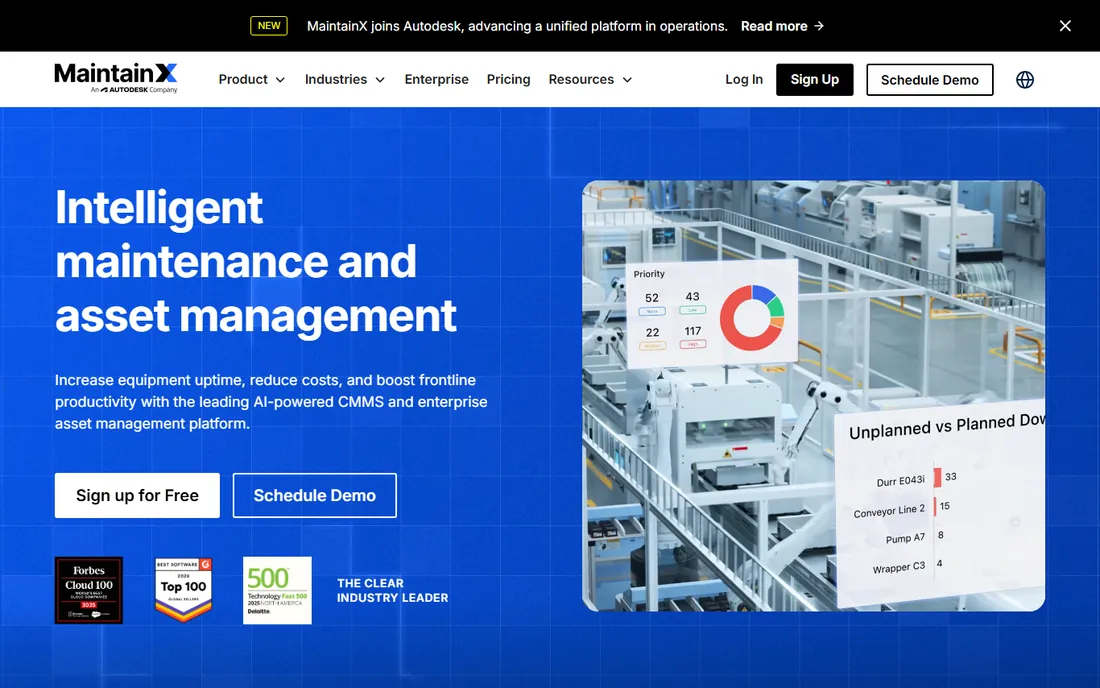
MaintainX is the low-risk entry point on this list because the free tier is genuinely usable: unlimited work orders, unlimited requester users and real-time messaging at $0. For a small shop moving off paper or spreadsheets, that removes the usual "will we actually use it" gamble. Paid plans stay simple: Essential at $20 per user per month billed yearly adds unlimited work orders with images, unlimited repeating work orders and longer analytics history, while Premium at $65 adds meter-based maintenance, parts inventory, purchase orders and API access.
The tradeoff for the low prices is depth. Reporting and analytics are capped by time on the lower plans, and features like file attachments, the open API and a dedicated account manager sit on Premium. Per-user pricing also means costs scale with headcount, so a 20-technician team pays meaningfully more than the headline rate suggests. For teams under ten people that need work orders, preventive maintenance scheduling and parts tracking, the value is hard to beat.
What we like- Free Basic plan includes unlimited work orders and unlimited requester users
- Paid tiers publish clear per-user prices
- Built-in team messaging and barcode/QR scanning on paid plans
Watch out for- Advanced analytics are time-limited on lower tiers
- File attachments and API access need Premium or higher
- Enterprise is quote-only
#2
Booqable
Best for: Rental businesses that take bookings online and want no commission on orders
Visit booqable.com
Starting price$29/month billed yearly ($35 monthly, Start plan)
Free planFree trial (14 days, no credit card required)
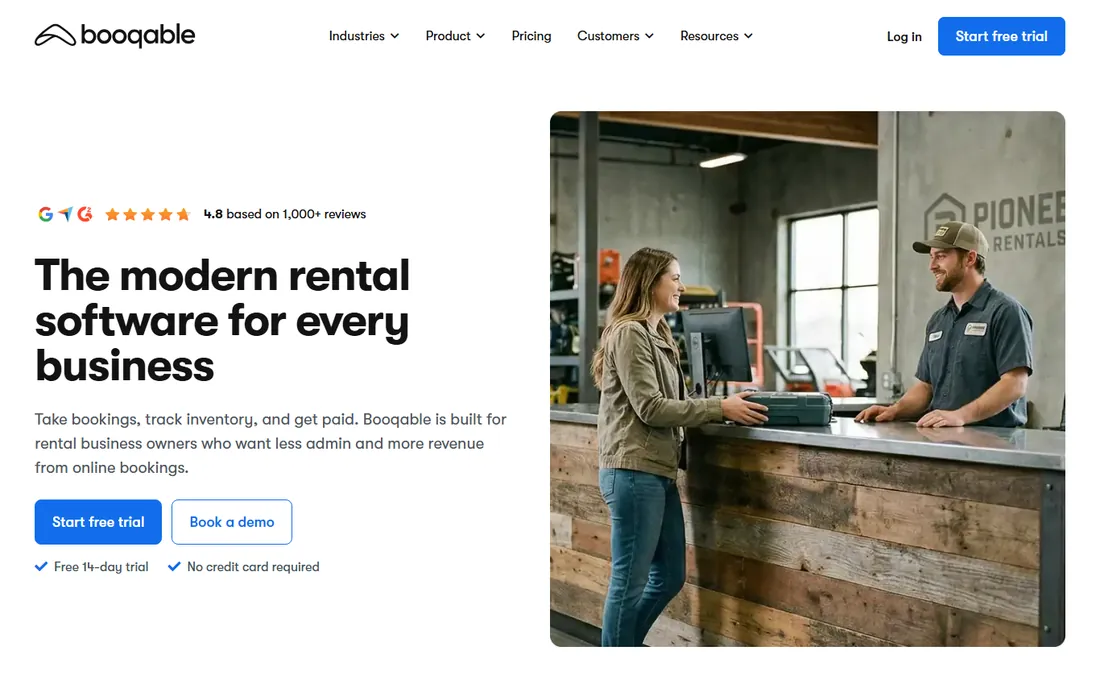
Booqable is built for one job: helping rental businesses take bookings, track inventory and get paid, without taking a cut. Every plan includes unlimited inventory and unlimited orders, and the vendor charges no commission on bookings, which keeps costs predictable as volume grows. Start at $29 per month billed yearly covers order and inventory management, quotes, contracts, invoices, real-time availability and a ready-made booking page. Grow at $69 adds five extra users, e-signatures, API access and advanced reports; Scale at $149 adds ten users, multi-location management and activity logs.
Watch the add-ons when budgeting. The rental website builder runs about $19 to $24 per month extra, mobile point of sale is $9 to $12 per user per month, and extra locations on Scale run $29 to $37 per location per month. A single-location shop on Start stays near the headline price; a multi-location operation will not. The 14-day trial with no credit card makes it easy to test the booking flow before committing.
What we like- Published flat-rate pricing with unlimited inventory and orders on every plan
- No commission or transaction fees on bookings
- 14-day free trial with no credit card
Watch out for- Multi-location support and 10 users need the $149/month Scale plan
- The rental website builder and mobile point of sale are paid add-ons
- Extra locations cost more per month
#3
EZRentOut
Best for: Equipment rental fleets that need availability, maintenance and billing in one loop
Visit ezrentout.com
Starting price$399/month (stated on the vendor site)
Free planFree trial ("try it free" on the vendor site)
EZRentOut targets equipment-heavy rental operators, construction first, where a unit's story matters: what is out, what is due back, what maintenance it needs before it can go out again, and whether the money side is settled. Maintenance is wired directly into availability, so a unit due for service or flagged for damage cannot be rented until it is cleared. The mobile app supports rent-outs, returns, scanning and damage photos from a phone in the yard, with offline logs that sync when the signal returns.
The price is the filter. At $399 per month to start, EZRentOut costs more than ten times Booqable's entry plan, so it only makes sense for fleets where the connected workflow replaces real labor: phone-tag availability checks, manual billing cycles and month-end reconciliation with QuickBooks. Smaller rental shops should start with the cheaper tools on this list and move up only when the volume justifies it.
What we like- Connects availability, orders, returns, maintenance, damage tracking and billing on one record
- Mobile app works offline in the yard and syncs later
- Integrations with QuickBooks, Xero, Stripe and telematics tools
Watch out for- The $399 starting price is far above most rental tools here
- Plan tiers above the entry point are not published on the site
- Implementation is a weeks-long guided onboarding
#4
CHEQROOM
Best for: Teams managing high-value equipment that moves between people and locations
Visit cheqroom.com
Starting priceSee website (custom quote)
Free planNo
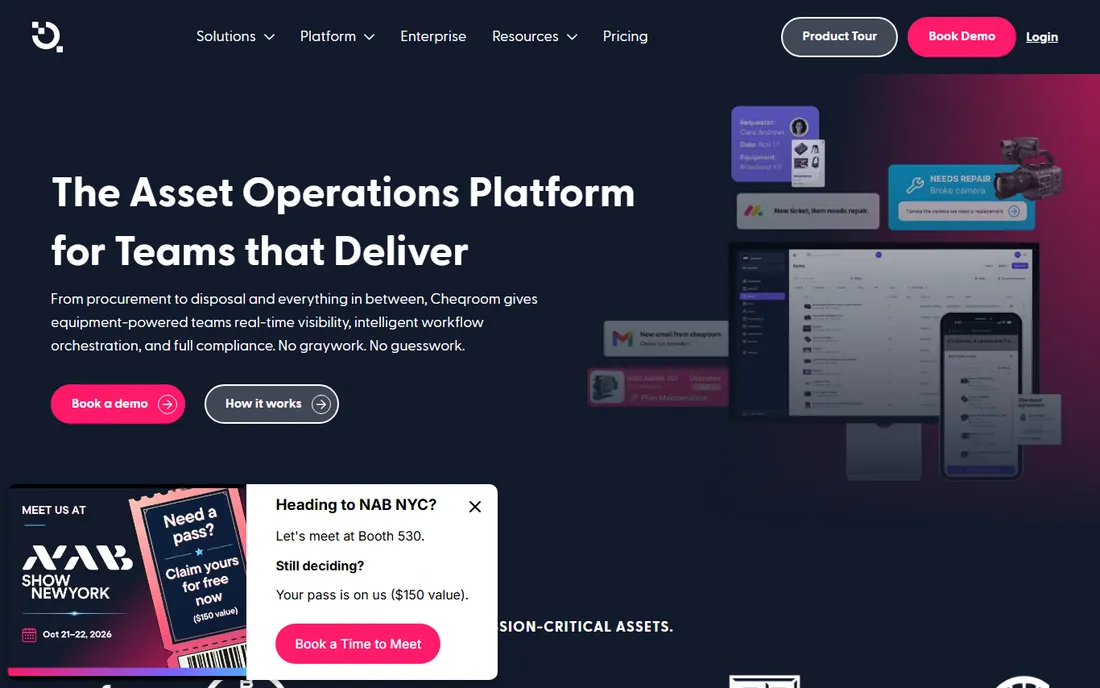
CHEQROOM is the chain-of-custody pick: it answers who has what, when it is due back and who had it last, with digital check-in and check-out, signatures, QR scanning, automatic audit trails and GPS tracking. Reservations prevent double bookings, and the maintenance side covers issue flagging, repairs, work orders and automated service reminders. Integrations include Slack, Microsoft Teams, Google Workspace and Zapier, and the platform supports RFID and barcode identification for larger operations.
The commercial reality is enterprise-style. Pricing is quote-based with annual plans, and the vendor publishes no numbers, so small teams cannot comparison-shop without a sales conversation. That is fine for production companies, universities and event firms managing mission-critical gear across locations, which is CHEQROOM's core audience. If you need a price today or a month-to-month plan, look at the published-price tools above.
What we like- Check-in and check-out with signatures, QR scanning and GPS tracking
- Maintenance scheduling with work orders and service reminders
- Unlimited users on paid plans with SSO
Watch out for- No published prices, so every buyer goes through sales
- Plans are annual
- Overkill for teams that just need a simple asset list
#5
Rentman
Best for: AV, event and media production companies managing equipment, crew and projects
Visit rentman.io
Starting priceSee website (platform fee plus per-user modules, quoted by the vendor)
Free planFree trial (per vendor and review listings)
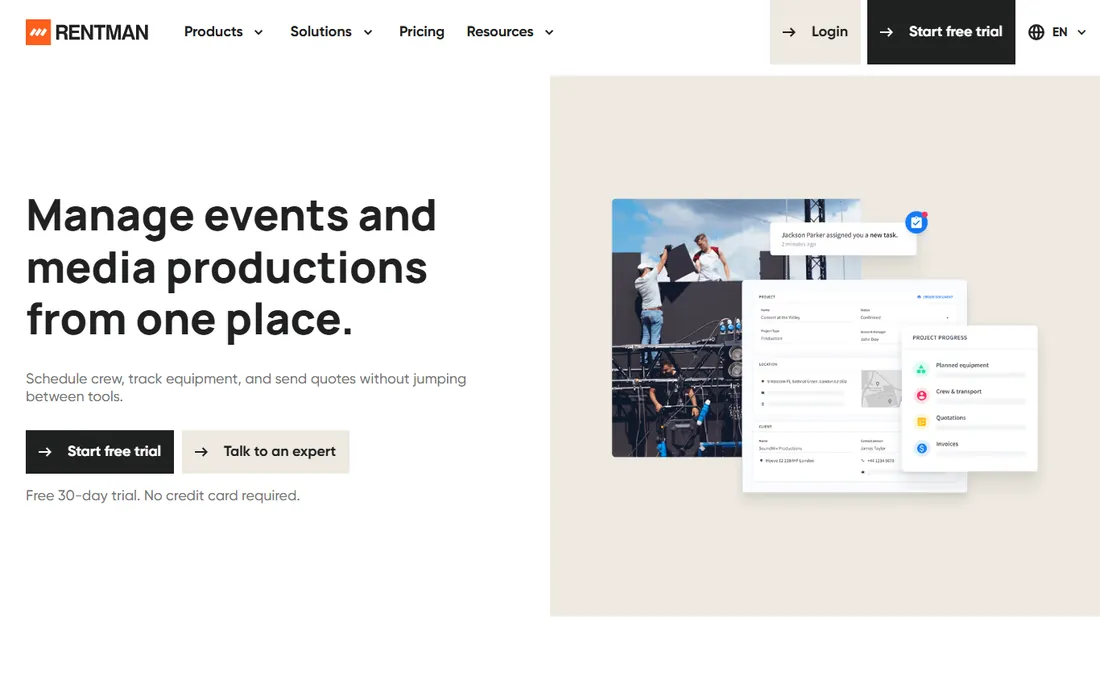
Rentman is the event-industry specialist: equipment availability in a timeline view, crew scheduling with drag-and-drop shifts, quoting and invoicing with digital signatures, and subrental management for when your own inventory runs short. It is built by people from the AV and event world, and the crew app, transport scheduling and cost tracking reflect that. Third-party listings describe a platform fee plus per-power-user charges for modules like Inventory, Crew and Organize, with a free trial available.
The modular model is both the strength and the complication. You pay for the pieces you use, but working out your real monthly cost takes a configured quote, and reviewers note that initial setup demands patience. For production and rental companies that live in projects, crews and packing lists, the fit is strong. For general equipment tracking without the event layer, the simpler tools on this list cost less and deploy faster.
What we like- Equipment planning, crew scheduling, quoting and invoicing in one platform built for events
- QR and barcode tracking with digital packing lists
- Integrations with QuickBooks, Xero, Stripe and Zapier
Watch out for- Modular pricing (platform fee plus per-power-user product fees) is hard to compare without a quote
- Implementation takes real setup effort
- Reporting depth is a common reviewer complaint
#6
Current RMS
Best for: AV, production and event rental shops that want straightforward pricing and a free trial
Visit current-rms.com
Starting priceSee website
Free planFree trial ("try Current for free" on the vendor site)
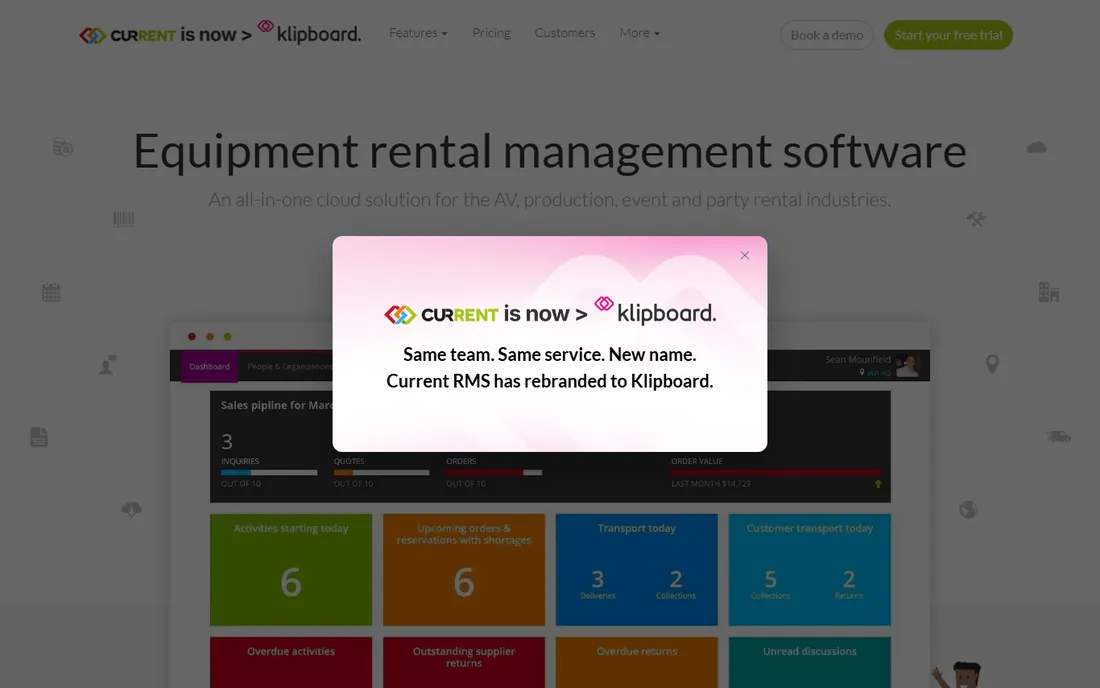
Current RMS is a cloud rental system for the AV, production, event and party rental industries, covering the full arc from quote to invoice. It centralizes customer information, tracks gear with barcodes and containers, schedules labor, vehicles and locations on one calendar, and sends branded proposals with online e-signature. Reviewers consistently describe the pricing as simple with no large upfront investment or contracts, and the vendor offers a free trial.
The gaps are at the edges of the rental workflow. Businesses that need strong customer-facing online booking, deeper payment processing or heavy customization tend to outgrow it, and the vendor publishes no prices, so the "simple pricing" claim has to be verified on a call. For a rental shop that wants quotes, availability, documents and accounting sync without enterprise complexity, it is a solid mid-market option.
What we like- Purpose-built for AV, production, event and party rental workflows
- Quotes, e-signatures, rental agreements and invoicing in one flow
- Integrations with Xero and QuickBooks Online
Watch out for- No published prices on the vendor site
- Online booking and payment processing are weaker than rental-first competitors
- Customization options are limited
#7
Fleetio
Best for: Fleets that need vehicle inventory, inspections, fuel tracking and maintenance in one system
Visit fleetio.com
Starting price$4 per vehicle per month billed yearly ($5 billed monthly, Essential plan)
Free planFree trial (14 days, no credit card required)
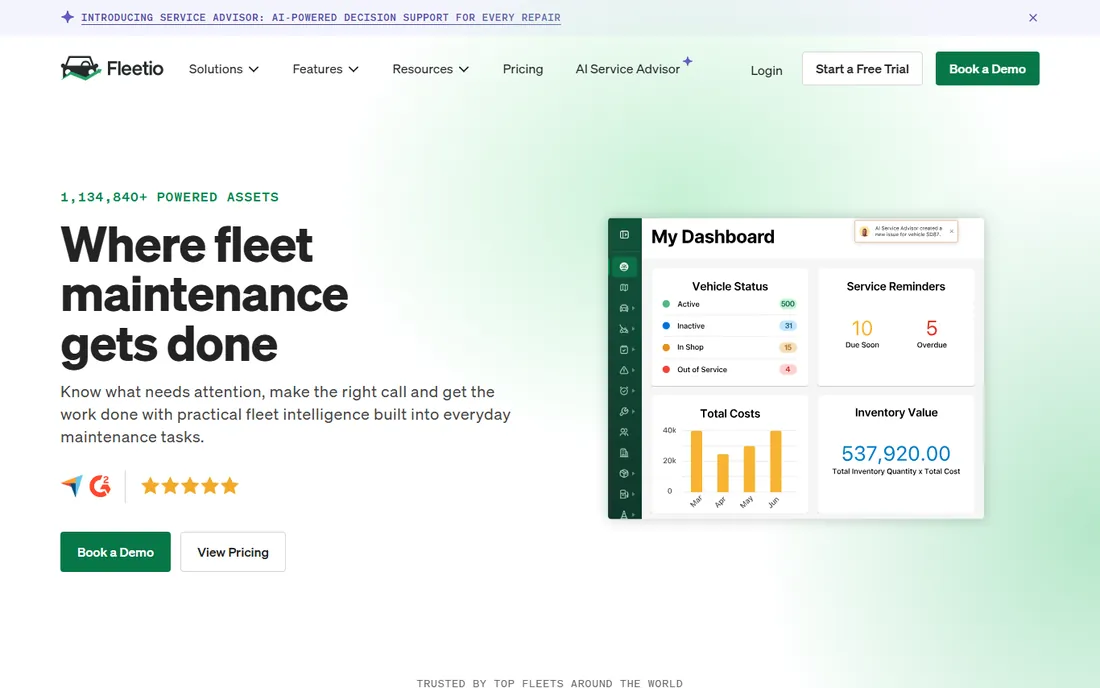
Fleetio prices by vehicle, not by user, which changes the math completely: unlimited users are included on every plan, so the whole team, drivers and technicians included, can work in the system without seat-license anxiety. Essential at $4 per vehicle per month billed yearly covers vehicle inventory, inspections, fuel tracking and reporting. Professional at $7 adds work orders, parts management, outsourced maintenance and API access; Premium at $10 adds purchase orders, tire and warranty management and advanced analytics.
Read the fine print before modeling costs. The published prices assume a five-asset fleet band, Professional and Premium bill annually only, and a large fleet pays per vehicle, so a 200-vehicle operation is a different conversation than a 10-vehicle one. For mixed fleets that also run heavy equipment, pair Fleetio with a maintenance CMMS rather than forcing one tool to do both jobs.
What we like- Transparent per-vehicle pricing with unlimited users on every plan
- 14-day free trial with no credit card
- Deep maintenance features (service programs, recalls, tire and warranty management) on higher tiers
Watch out for- Per-vehicle pricing penalizes large fleets with many assets
- Professional and Premium are annual-only
- A minimum fleet size applies to the published bands
#8
UpKeep
Best for: Mobile-first maintenance teams moving from reactive to preventive maintenance
Visit upkeep.com
Starting price$24 per user per month (Essential plan)
Free planFree trial
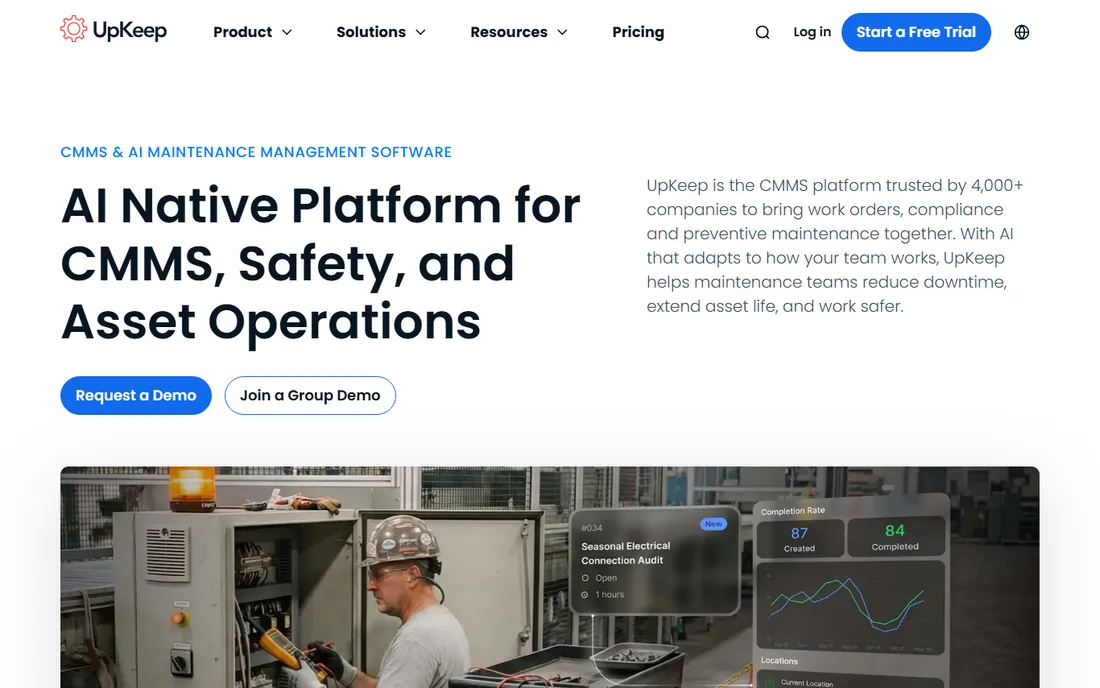
UpKeep is the mobile-first CMMS: technicians get work orders, asset info and messaging on their phones, while managers get scheduling, parts and reporting on the web. Essential at $24 per user per month includes unlimited work orders, unlimited locations and asset management. Premium at $55 adds preventive maintenance scheduling, custom checklists, parts and inventory management with costing, and time and labor tracking. Professional and Enterprise are quote-based and add offline mode, workflow automation and SSO.
The per-user model is the thing to model. Five technicians on Premium cost $275 per month; twenty-five cost $1,375, which is where flat-fee competitors start looking attractive. Reviewers also note that advanced features sit in the higher tiers and that implementation and training packages cost extra. For small maintenance teams that live on their phones, the usability justifies the price; for large teams, get the quote in writing and compare totals.
What we like- Published per-user pricing with a low $24 entry point
- Strong mobile app for technicians in the field
- Premium adds PM scheduling, parts and inventory costing, and time tracking
Watch out for- Per-user costs compound fast as the team grows
- Offline mode, full analytics history and API access need higher tiers
- Implementation packages are sold separately
#9
Limble
Best for: Maintenance teams that want a CMMS technicians actually enjoy using
Visit limblecmms.com
Starting priceSee website
Free planNo
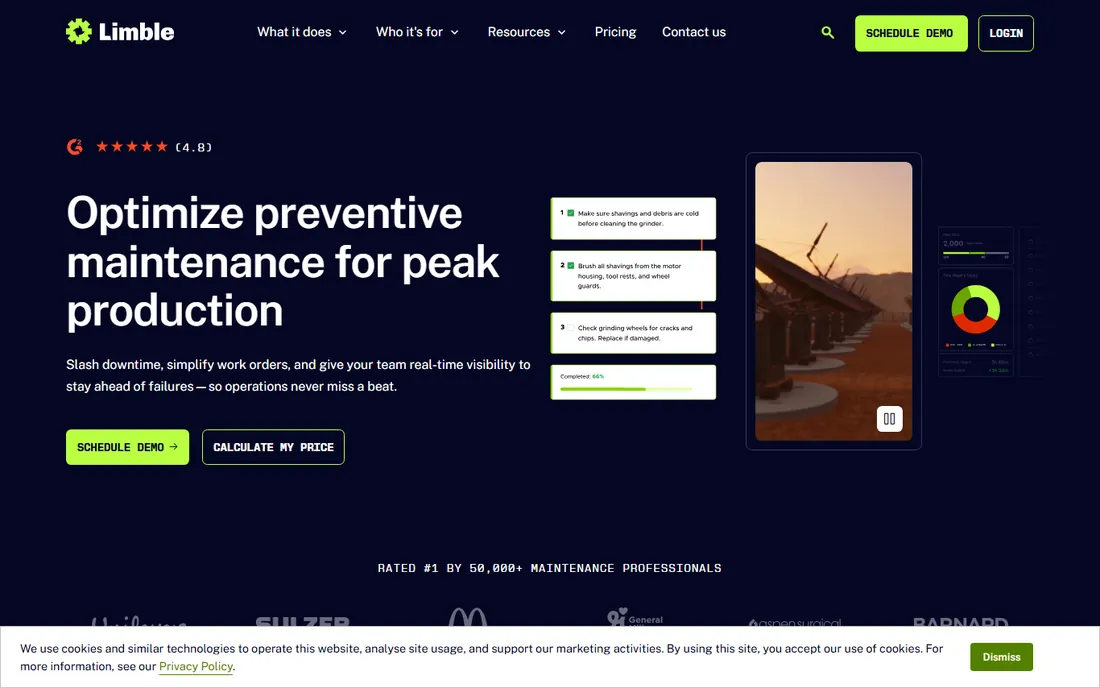
Limble's entire pitch is adoption: a CMMS that maintenance teams pick up in days, with work orders, preventive maintenance, asset management and parts inventory in an interface reviewers describe as unusually easy. The feature set covers the real maintenance workflow, including meter and threshold-based scheduling, downtime reporting with MTBF and MTTR, purchase orders, vendor management and an open API on the top tier.
The frustration is pricing transparency. The vendor's pricing page lists Standard, Premium+ and Enterprise plans but the price cards did not render as readable text when we checked, and third-party estimates vary widely, so treat any number you see online as unverified and get the quote. That opacity aside, Limble is a strong pick for small to mid-sized maintenance teams where ease of use matters more than enterprise reporting depth.
What we like- Reviewers consistently call it one of the easiest CMMS tools to learn
- Drag-and-drop scheduling, QR codes and downtime tracking
- Unlimited work orders and assets on paid plans
Watch out for- The vendor pricing page shows plan names without readable prices, so buyers must request a quote
- Reporting is lighter than enterprise CMMS tools
- Integrations lean on Zapier and QuickBooks
#10
Asset Panda
Best for: Organizations tracking large, distributed asset inventories with heavy customization needs
Visit assetpanda.com
Starting priceSee website (custom quote, priced by asset count)
Free planFree trial (14 days, per product reviews)
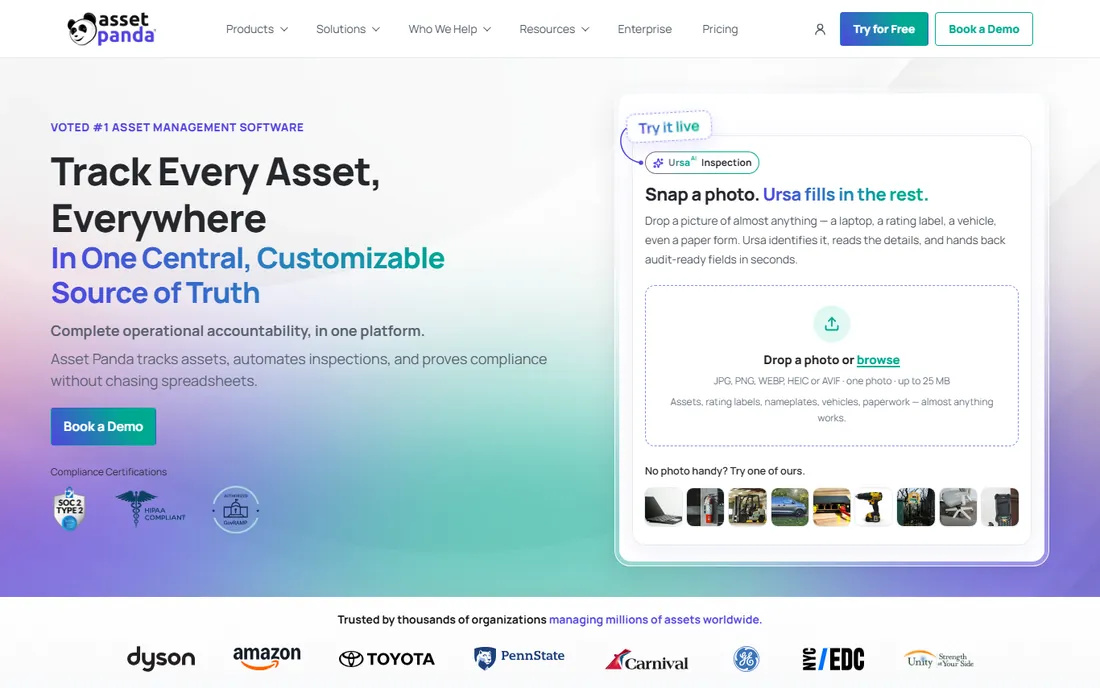
Asset Panda replaces spreadsheets with a configurable cloud platform: custom fields, barcode check-in and check-out, location mapping, maintenance and inspection workflows, and audit-ready reporting. It serves IT, education, healthcare, construction and government teams, with SOC 2, HIPAA and GovRAMP compliance certifications for regulated environments. The mobile-first design means field teams can scan, inspect and update records without a desk.
Pricing is the catch. Asset Panda publishes no prices and quotes by asset count rather than users, so a growing inventory means a growing bill; third-party estimates put entry plans around $1,500 per year for small asset counts, but verify with the vendor. Reviewers also flag complicated reporting and an app that logs them out too often. Pick it when configurability and mobile fieldwork matter most; pick a simpler tracker when they do not.
What we like- Highly configurable fields, workflows and reports with no coding
- Free mobile app with barcode and QR scanning
- Unlimited users on plans
Watch out for- No published pricing
- Pricing is based on asset count so costs rise with inventory size
- Reviewers say reporting can feel complicated and the app logs users out too quickly
Rental-first or maintenance-first: buy for the workflow you run daily
The most expensive mistake in this category is buying a rental tool for a maintenance problem or the reverse. If your day is bookings, availability, quotes and invoices, shortlist Booqable, EZRentOut, Rentman and Current RMS, and compare them on the booking flow, not the maintenance module. If your day is work orders, preventive maintenance and inspections, shortlist MaintainX, UpKeep, Limble and Fleetio, and compare them on the technician experience.
Then model the real price, not the headline. Per-user tools (MaintainX, UpKeep, Limble) get expensive as headcount grows; per-vehicle tools (Fleetio) get expensive as the fleet grows; flat-rate tools (Booqable) stay predictable; asset-count tools (Asset Panda) grow with your inventory. A 10-person maintenance team pays $200 per month on MaintainX Essential billed yearly, $240 on UpKeep Essential and $290 on Booqable Start, but those numbers describe completely different products. Match the pricing model to the thing you have most of: people, vehicles, bookings or assets.
The barcode, mobile and offline test
Every vendor on this list claims barcode scanning and a mobile app. Before you buy, run this test during the trial: scan twenty assets in the actual yard or warehouse, check three of them in and out, and file one maintenance issue from a phone with the WiFi off. That single exercise exposes the real differences: which apps work offline and sync later (EZRentOut and UpKeep's higher tiers do), which scanners read reliably in bad light, and which check-in flows your least technical employee can complete without training.
Also confirm the boring essentials. Ask whether barcode labels print from the system or need a third-party tool, whether the audit trail records who scanned what and when, and whether historical data exports cleanly if you ever leave. The tool that passes the yard test with your actual crew is the right one, regardless of what the feature grid says.
How we chose
We started with the searches buyers use: equipment management software, equipment rental software, CMMS software and asset tracking software. For each candidate we opened the vendor's own homepage and pricing page, checked prices against public reviews on G2 and Capterra and practitioner discussion on Reddit, and compared features, pricing models and company-size fit. Where a price could not be verified on the vendor's own page we wrote "See website" rather than repeating third-party estimates.
Frequently asked questions
What is the cheapest equipment management software?
MaintainX: its Basic plan is free forever with unlimited work orders. The cheapest paid entry with published pricing is Booqable at $29 per month billed yearly, or Fleetio at $4 per vehicle per month billed yearly for fleets. CHEQROOM, Rentman, Limble, Asset Panda and Current RMS require quotes.
Should I choose rental software or a CMMS?
Choose rental software (Booqable, EZRentOut, Rentman, Current RMS) if your core work is bookings, availability and invoicing. Choose a CMMS (MaintainX, UpKeep, Limble) if your core work is work orders, preventive maintenance and inspections. Fleetio covers the vehicle side; Asset Panda and CHEQROOM cover asset tracking across locations.
How does per-user vs. per-vehicle vs. flat-rate pricing compare?
Per-user pricing (MaintainX $20, UpKeep $24) scales with headcount. Per-vehicle pricing (Fleetio $4) scales with fleet size and includes unlimited users. Flat-rate pricing (Booqable $29) stays the same as you grow. Asset-count pricing (Asset Panda) grows with inventory. Model your actual counts before comparing.
Do I need barcode or QR code scanning?
If equipment moves between people or locations, yes. Every tool here offers it, but test it in your actual environment during the trial: scan reliability, offline behavior and label printing vary more than the feature lists suggest.
Can equipment management software replace spreadsheets completely?
For tracking, check-in/out and maintenance scheduling, yes. Keep the spreadsheet habit for one thing: exporting your data regularly. Confirm during the trial that asset history exports cleanly, so you are never locked in.
Sources we checked (12)
- https://www.cheqroom.com
- https://ezrentout.com/
- https://rentman.io
- https://booqable.com/pricing/
- https://www.fleetio.com/pricing
- https://upkeep.com/pricing/
- https://limblecmms.com/pricing/
- https://www.assetpanda.com
- https://www.current-rms.com
- https://getmaintainx.com/pricing/
- https://www.g2.com/categories/equipment-rental
- https://www.capterra.com/equipment-rental-software/
Is your product missing or out of date?
We review this list regularly. Vendors can request a listing, send updated pricing or ask about featured placement.

Shihab Mia · Founder, Rankite
Shihab has spent more than a decade helping SaaS and e-commerce brands grow through search. He writes Rankite's software buying guides from pricing pages, documentation and public user reviews. More about Shihab.