How we make this list: we compare pricing pages, product documentation and public user reviews. Rankite is independent; if a vendor ever pays for a featured spot, that listing is clearly labeled Partner.
Key takeaways
- Bitwarden is the closest thing to a commercial product: unlimited passwords and devices free, with a Premium tier at $1.65 per month billed annually and business plans for companies.
- KeePassXC is the pick for people who trust no cloud at all. The vault is a local encrypted file, and syncing is your job.
- Vaultwarden lets you run the Bitwarden apps against your own lightweight server, with no vendor license fee for organizations.
- Passbolt and Teampass are built for teams: shared credentials, roles, permissions and audit trails, all self-hosted.
- Padloc and LessPass suit individuals who want simplicity, while Psono gives small businesses a free self-hosted team vault.
Quick comparison
| Tool | Best for | Starting price | Free plan |
|---|
 Bitwarden Bitwarden | Individuals and teams wanting a full-featured free tier | Free (Premium $1.65/month billed annually) | Yes |
 KeePassXC KeePassXC | Privacy-first users who want a fully offline vault | Free (open source, no paid tier) | Yes |
 Vaultwarden Vaultwarden | Self-hosters who want Bitwarden apps on their own server | Free (open source, self-hosted) | Yes |
 Passbolt Passbolt | Teams needing shared credentials with audit trails | Free (Community, self-hosted); Business from €45/month for 10 users | Yes |
 Psono Psono | Small businesses wanting a free self-hosted team vault | Free (Community Edition) | Yes |
 Padloc Padloc | Individuals and families who want a clean interface | Free (Premium from $3.49/month) | Yes |
 LessPass LessPass | Minimalists who want no vault to sync or lose | Free (open source) | Yes |
 Teampass Teampass | Companies needing folder-level access control and compliance evidence | Free (open source, self-hosted) | Yes |
Is your product missing or out of date?
We review this list regularly. Vendors can request a listing, send updated pricing or ask about featured placement.
The best open source password management software
#1
Bitwarden
Best for: Individuals and teams wanting a full-featured free tier
Visit bitwarden.com
Starting priceFree (Premium $1.65/month billed annually)
Free planYes
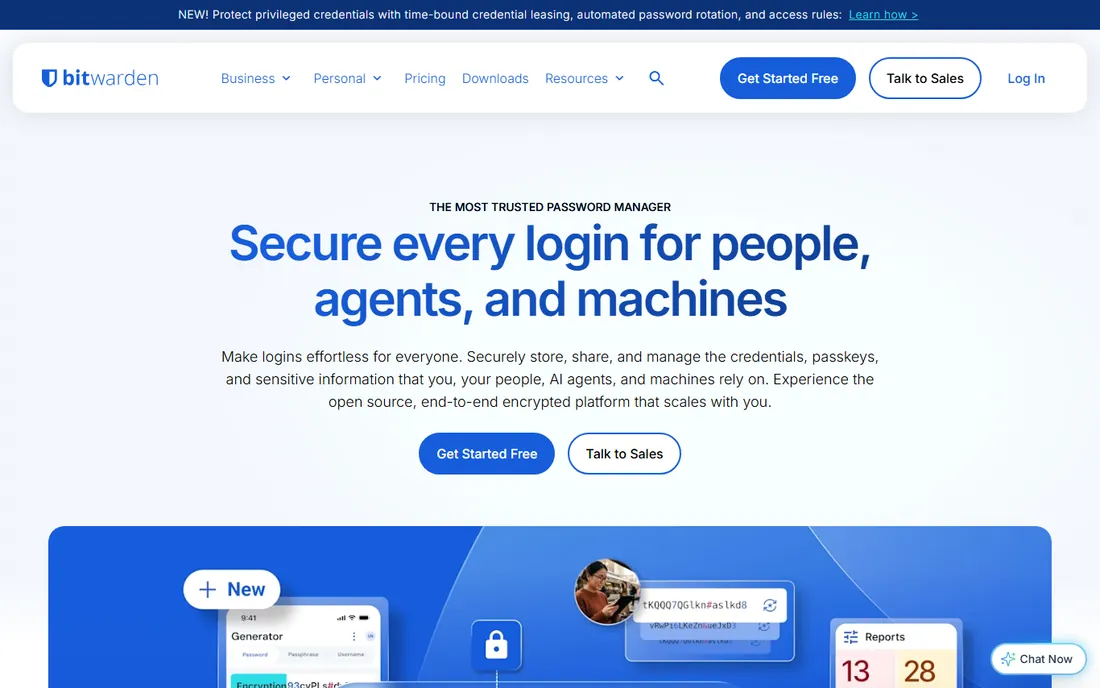
Start with the obvious pick. Bitwarden stores unlimited passwords and syncs them across unlimited devices without charging you anything, which is more generous than any commercial rival. The paid Premium tier, at $1.65 per month billed annually, adds a built-in authenticator, encrypted file attachments, emergency access and security reports. For companies, the Teams plan costs $4 per user per month billed annually and the Enterprise plan $6, adding event logs, directory sync, SSO and enterprise policies.
Bitwarden publishes its source code and commissions independent security audits, and the zero-knowledge design means the company cannot read your vault. The trade-off is polish. The admin console and mobile apps work fine but look utilitarian, and support on the free tier is community-based. One practical detail: the official self-hosted server is resource-heavy and organizations need a paid license file to run it, which is exactly the gap Vaultwarden fills.
What we like- Unlimited passwords and devices on the free plan
- Open source clients with independent security audits
- Affordable business plans with SSO, policies and self-hosting
Watch out for- Interface feels plain next to commercial rivals
- Self-hosting an organization needs a paid license file
Starting priceFree (open source, no paid tier)
Free planYes
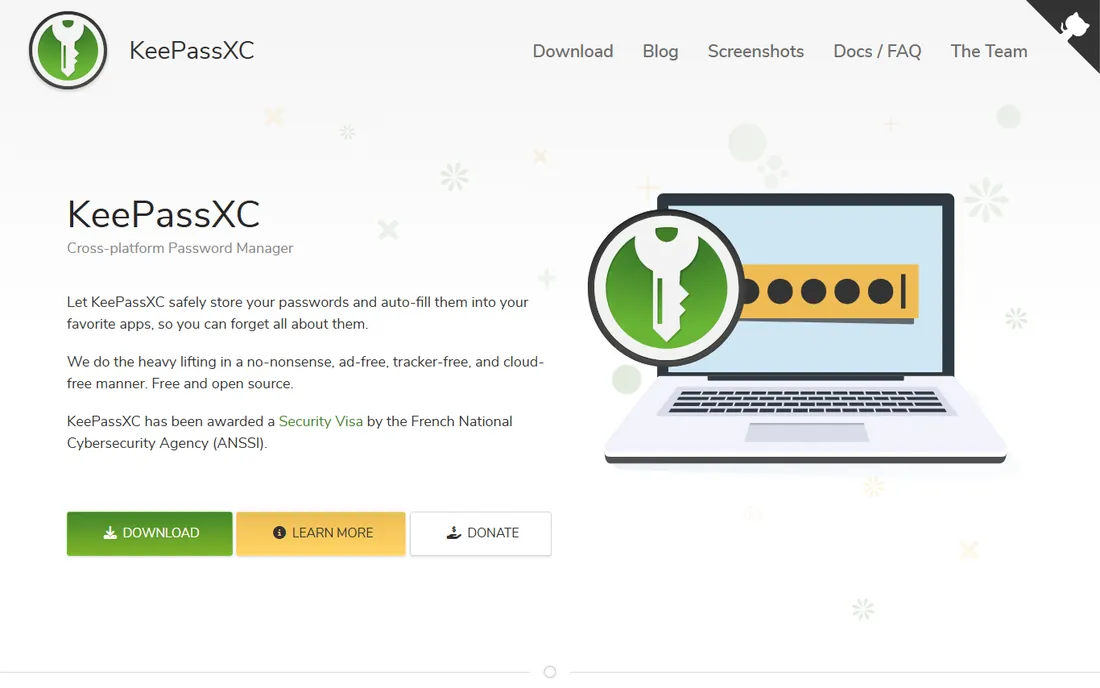
If you do not trust any cloud at all, KeePassXC is the answer. It keeps your passwords in an encrypted .kdbx file on your own computer, protected by AES or Twofish encryption, and there is no account, no subscription and no server phoning home. It runs on Windows, macOS and Linux, generates strong passphrases, checks breaches against Have I Been Pwned, and supports YubiKey challenge-response for opening the database.
The catch is that syncing is entirely your responsibility. Most users pair the database file with Nextcloud, Syncthing or a cloud drive folder to reach it from a phone, using mobile apps like KeePassDX on Android or KeePassium on iOS. That setup takes an afternoon and occasional attention when conflicts appear. Team sharing is possible by passing the same file around, but there are no roles or audit logs, so KeePassXC fits individuals and tiny trusted groups, not companies with compliance needs.
What we like- Local encrypted database, nothing leaves your machine
- YubiKey challenge-response and TOTP built in
- Browser integration for Firefox, Chrome and Edge
Watch out for- No built-in sync, so you arrange your own
- Sharing a vault with a team is clumsy
#3
Vaultwarden
Best for: Self-hosters who want Bitwarden apps on their own server
Visit github.com
Starting priceFree (open source, self-hosted)
Free planYes
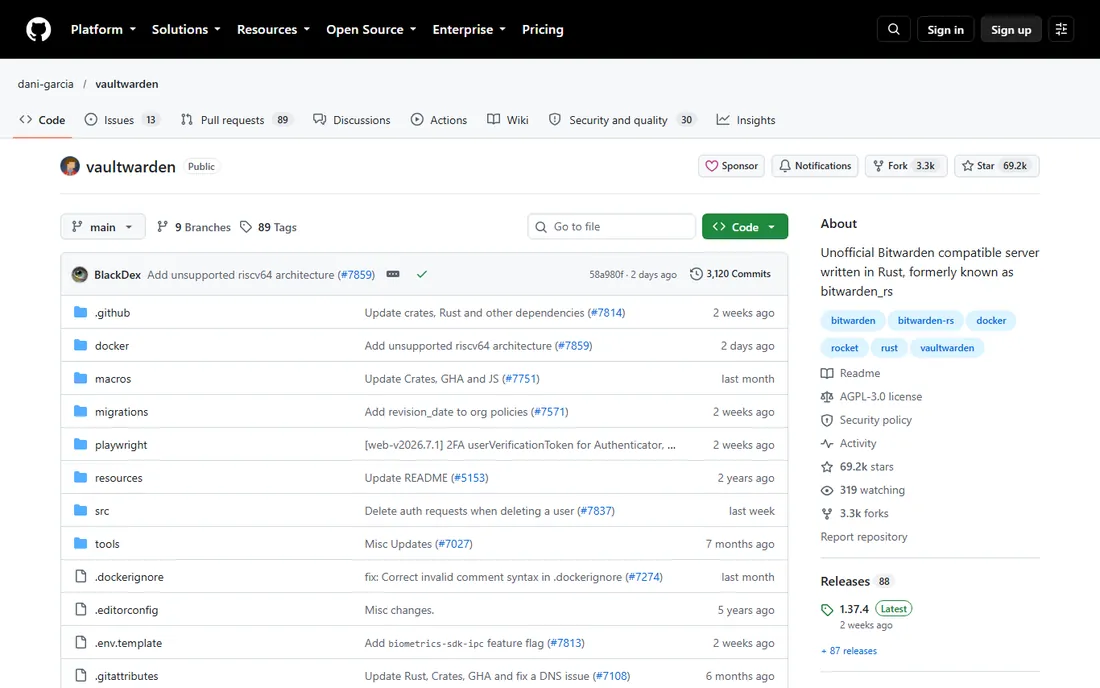
For people who love the Bitwarden apps but want their own server without the cost, Vaultwarden is the standard answer. It is a community-built server written in Rust that speaks the Bitwarden client API, so the official web vault, desktop apps, mobile apps and browser extensions all connect to it. It uses a fraction of the resources of the official server and supports organization vaults and sharing without any license file.
The honest catch is support. Vaultwarden states plainly that it is not associated with Bitwarden, Inc., so you get no vendor help desk and bug reports go to the community, not to Bitwarden. You also take on the operational work: updates, database backups, TLS certificates and keeping sign-ups closed so strangers cannot register on your instance. For a small office with someone technical watching it, the savings are real. For a company with no one to own the server, the official Bitwarden cloud is the saner choice.
What we like- Works with the official Bitwarden clients on every platform
- Tiny footprint, runs happily on a Raspberry Pi
- No license fees for organizations and shared vaults
Watch out for- Unofficial project with no vendor support
- You own updates, backups and uptime
#4
Passbolt
Best for: Teams needing shared credentials with audit trails
Visit passbolt.com
Starting priceFree (Community, self-hosted); Business from €45/month for 10 users
Free planYes
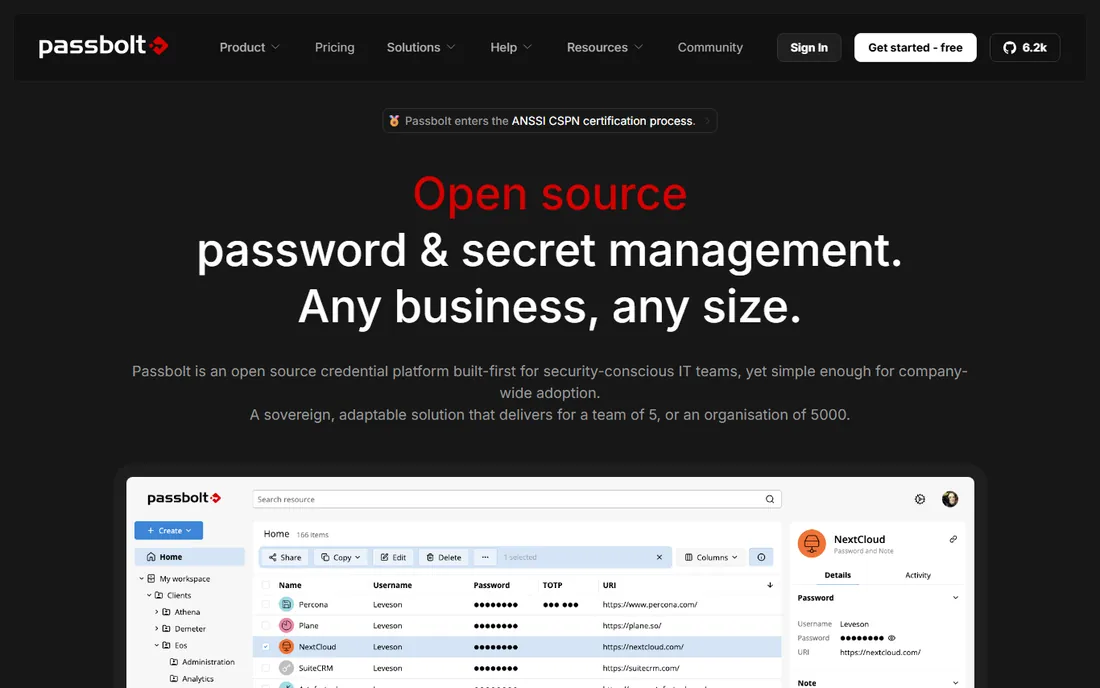
Teams with developers and auditors will feel at home in Passbolt. It is an open source password manager designed from the ground up for collaboration, using OpenPGP encryption, with shared folders, granular permissions and real-time access logs. The free Community edition is self-hosted with unlimited users and the full core feature set, which is unusually generous. The paid Business tier adds LDAP, SSO, SCIM and priority support, priced from €45 per month for 10 users.
Passbolt also ships a JSON API and a command-line client, so DevOps teams can pull secrets into scripts and CI pipelines instead of pasting them into chat. The main limitation is the client story: you work through browser extensions and mobile apps, and the long-promised desktop apps are still on the horizon. Pricing is also per-user with a 10-user minimum on Business, so a 12-person agency pays for the structure of a much bigger company.
What we like- Built for team sharing with roles, folders and permissions
- JSON API and CLI for automation
- Even the commercial code is open source under AGPL
Watch out for- Browser-extension-first, no full desktop app yet
- Paid tiers get expensive as headcount grows
#5
Psono
Best for: Small businesses wanting a free self-hosted team vault
Visit psono.com
Starting priceFree (Community Edition)
Free planYes
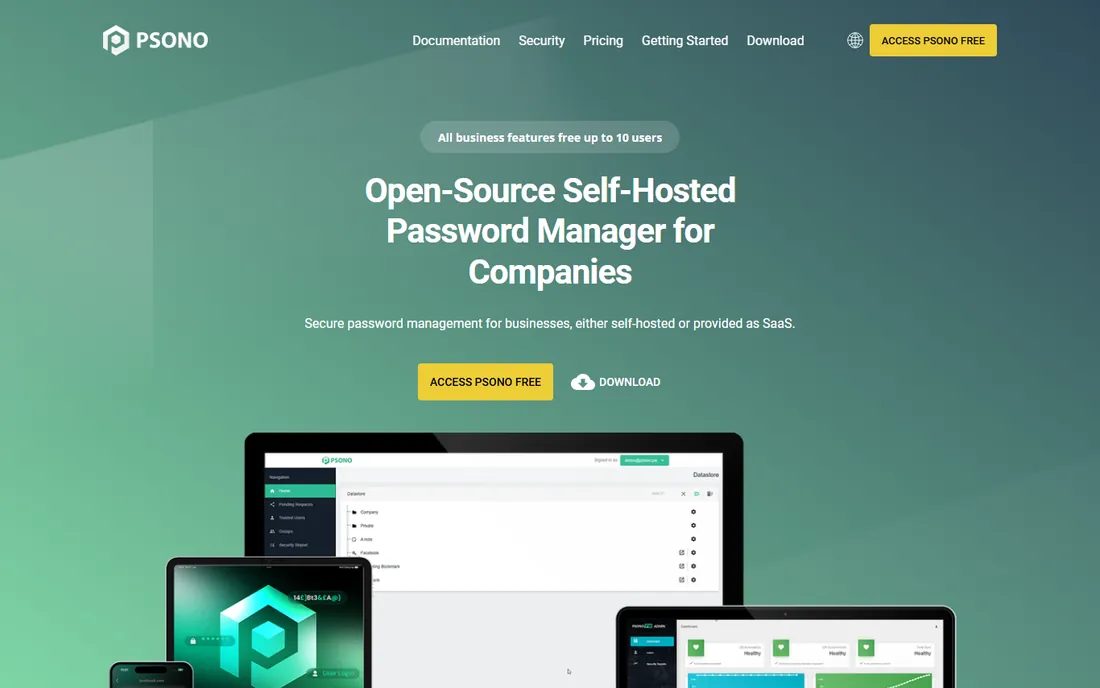
Psono comes from Germany and takes a clean layered approach. The Community Edition is completely free and open source with unlimited users, covering personal and small-team use. It encrypts everything on the client before anything touches the server, and the web-based client works across desktop and mobile browsers without installing native apps. For businesses, the Enterprise Edition adds LDAP and SSO integration, audit logging and compliance controls, and is free for up to 10 users.
Where Psono loses ground is ecosystem size. Bitwarden has a decade of clients, integrations and community answers; Psono's community is smaller and you will find fewer how-to guides when something breaks. The Enterprise pricing beyond the free 10 users is published on the vendor site and worth checking against your headcount before you commit. If you want a European vendor, a simple deployment and a free tier that covers a small team, Psono deserves a trial.
What we like- Community Edition free with unlimited users
- Client-side encryption with a modern web client
- Enterprise adds LDAP, SAML, OIDC and audit logging
Watch out for- Enterprise Edition is free only up to 10 users
- Smaller community and fewer third-party clients than Bitwarden
#6
Padloc
Best for: Individuals and families who want a clean interface
Visit padloc.app
Starting priceFree (Premium from $3.49/month)
Free planYes
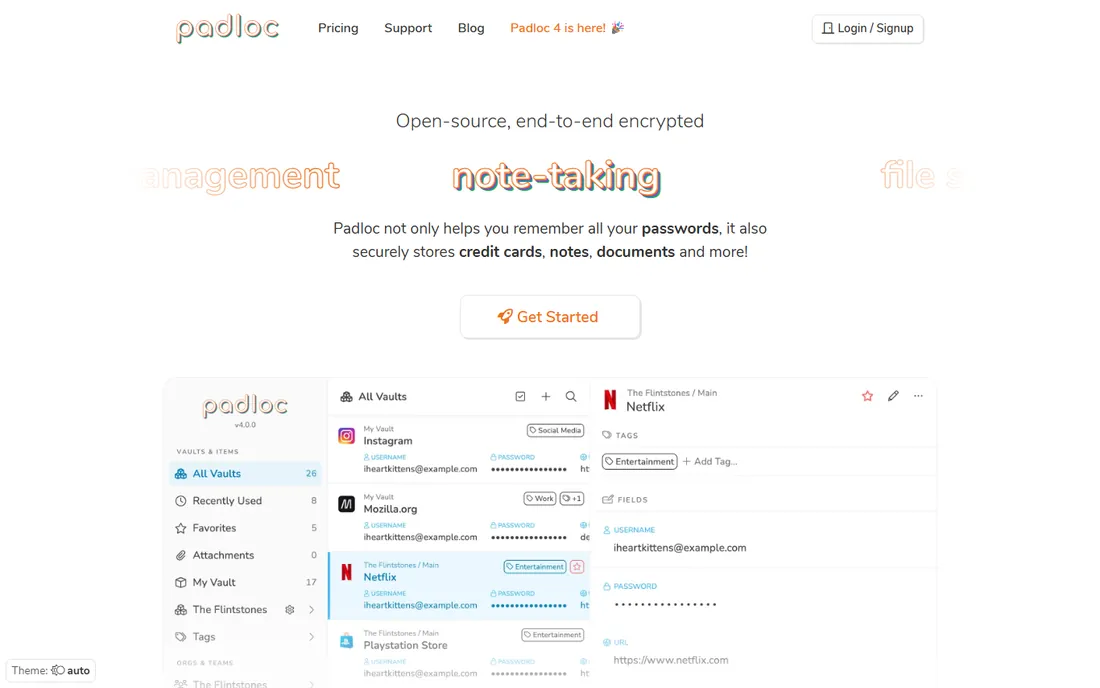
The interface is what sells Padloc. Where many open source tools feel engineered by developers for developers, Padloc looks like a consumer product: simple vaults for passwords, credit cards, documents and notes, with sharing that does not require a manual. The free plan covers unlimited items and unlimited devices, and the Premium plan at $3.49 per month adds advanced multi-factor options, security reports and more encrypted file storage. Family and Teams plans cover shared vaults for households and small companies.
Padloc is open source under AGPL and can be self-hosted if you prefer not to use the vendor cloud. The honest weakness is maturity. The project is younger and the company behind it is smaller than Bitwarden's, so the pace of security audits and enterprise features is slower. For an individual or a family that values ease of use over the deepest feature list, it is one of the nicest open source options available.
What we like- Polished apps on desktop, mobile and browser
- Unlimited vault items and devices on the free plan
- You can self-host the server yourself
Watch out for- Newer project with a smaller team behind it
- Team and business features trail Bitwarden
Starting priceFree (open source)
Free planYes
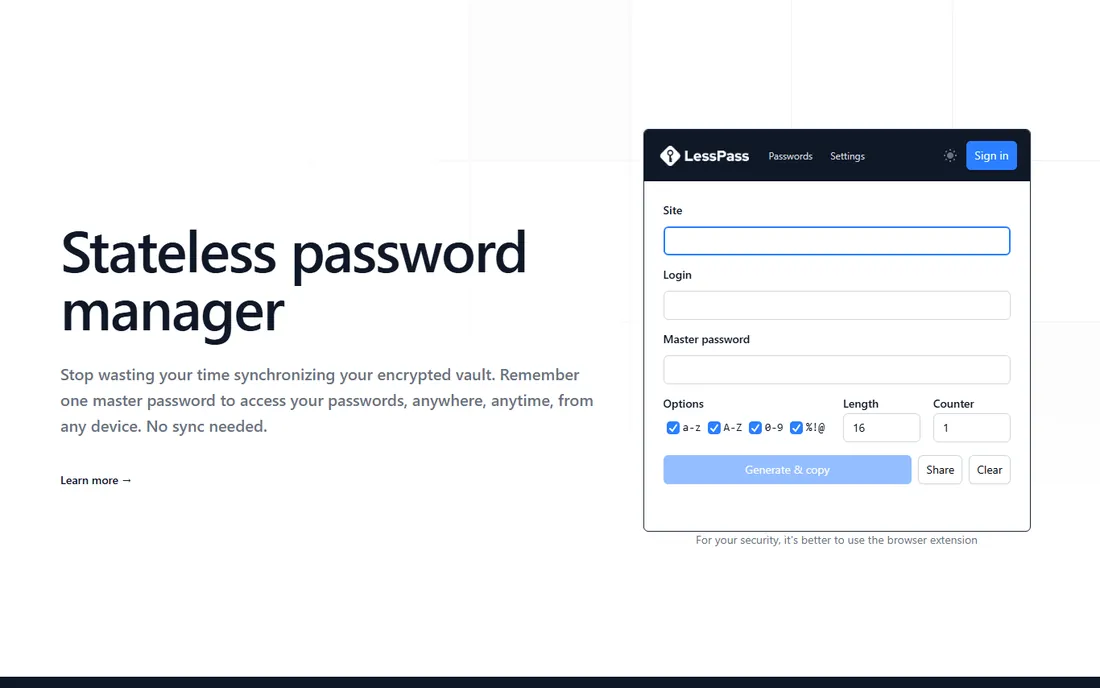
LessPass throws out the vault entirely. Instead of storing passwords, it regenerates them on demand from your site, login, master password and a set of options, using PBKDF2 with 100,000 iterations. The same inputs always produce the same password, so there is nothing to sync between devices and nothing for an attacker to steal from a server. It is open source, works offline, and ships as a website, browser extensions, mobile apps and a command-line tool.
The trade-off is flexibility. Because passwords are derived, not stored, you cannot keep an existing random password, a secure note or a file attachment. If a website forces a password change, you bump a counter in the settings rather than typing a new password. LessPass suits people with a tidy, technical mindset who want the smallest possible attack surface. Everyone else will miss having a real vault.
What we like- Stateless design regenerates passwords from your master password
- Works offline through the site, extensions and mobile apps
- Nothing to sync, back up or breach
Watch out for- Cannot store existing random passwords, notes or files
- Changing one password means adjusting the generation settings
#8
Teampass
Best for: Companies needing folder-level access control and compliance evidence
Visit teampass.net
Starting priceFree (open source, self-hosted)
Free planYes
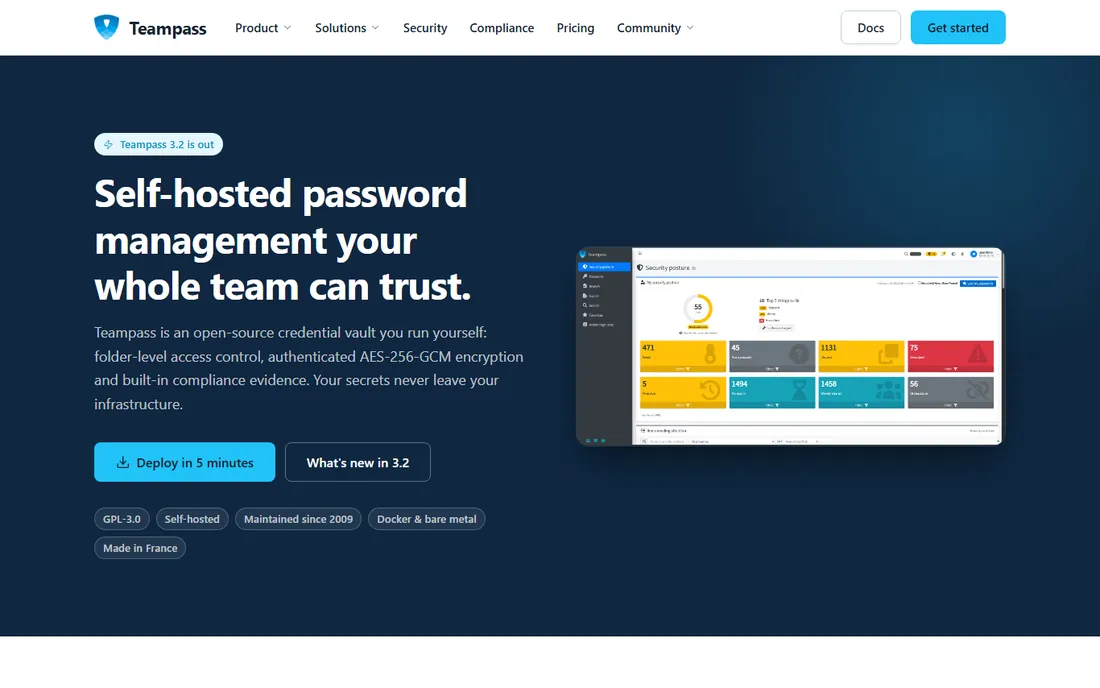
Teampass has been around since 2009, and it shows in the best way: this is a credential vault built for how companies actually share secrets. Folders carry their own access rules, every user gets their own encryption keys, and a complete audit trail records who saw or changed what, which is exactly what an auditor asks for. It imports from Bitwarden, LastPass, 1Password and KeePassXC, connects to LDAP and Active Directory, and runs on ordinary PHP and MySQL hosting or a Docker container.
Being a traditional PHP application, it needs the usual care: updates, database backups and a properly configured web server. The interface is functional rather than beautiful, and the mobile story leans on the browser and an official extension rather than rich native apps. For regulated teams and IT departments that want proven, self-hosted credential management with compliance evidence built in, Teampass is the veteran choice.
What we like- Folder-level roles with per-user encryption keys and full audit trails
- Maintained since 2009
- Runs on a cheap VPS, Raspberry Pi or Docker
Watch out for- PHP and MySQL stack needs regular admin care
- The interface shows its age
How we chose
We started with the vendor's own pages: pricing, documentation, feature lists and changelogs. We then checked public reviews on G2 and Capterra, Reddit threads from self-hosters, and each project's repository activity to confirm it is maintained in 2026. Tools that were abandoned, acquired or turned closed-source were dropped. We favored tools that fit real buyers: individuals who want a free vault, families who share logins, and small companies that need team sharing or audit trails without enterprise budgets.
How to pick an open source password manager
Open source removes the trust problem but adds a homework problem. Work through these three questions before you commit your logins to any tool on this list.
Decide who holds the vault
If you are comfortable with a vendor cloud, Bitwarden and Padloc give you polished apps with zero maintenance. If you want the data on your own hardware, Vaultwarden, Passbolt, Psono and Teampass are self-hosted, and KeePassXC never touches a server at all. Self-hosting means you also own backups, updates and uptime, so be honest about whether someone on your team will do that work every month.
Check the license and the audit trail
Not every "open source" label means the same thing. Bitwarden, KeePassXC, Vaultwarden and Teampass use GPL-style licenses, Passbolt uses AGPL for all editions, and independent security audits matter more than the license text. Look for a published audit from the last two or three years and an active repository with recent commits. A project with no commits in a year is a project you should not trust with your passwords.
Count the real cost of self-hosting
Free software is not free operations. A VPS, a domain, TLS certificates, off-site backups and the hours spent updating and monitoring all have a price. For a team of ten, Bitwarden Teams at $4 per user per month often costs less than the staff time spent babysitting a server. Self-hosting wins when you have the skills in-house, face data-residency rules, or simply refuse to put credentials on someone else's infrastructure.
Self-hosted or cloud: which setup fits your team
Cloud hosting fits most small businesses. You get automatic updates, professional backups and support, and the per-user prices on this list are low enough that the convenience usually wins. Bitwarden and Padloc both run solid clouds, and Passbolt offers managed hosting for teams that want the software without the server.
Self-hosting fits teams with a technical owner and a reason to keep data in-house. Vaultwarden is the lightest lift if you already like the Bitwarden apps. Passbolt and Teampass suit IT departments that need LDAP integration and audit evidence. KeePassXC with a synced database file is the homelab classic. Whichever you choose, set up automated encrypted backups on day one and test restoring them, because a password vault you cannot restore is worse than no vault at all.
Frequently asked questions
Is an open source password manager safer than a commercial one?
Open source lets anyone inspect the code, which means flaws get found and fixed in public instead of hidden. That transparency is a real advantage, but it does not automatically make a tool safer. What matters more is whether the project gets independent security audits, ships updates quickly and has an active maintainer team, so check those before you choose.
Can I use Bitwarden for free forever?
Yes. The free tier includes unlimited passwords, unlimited devices and passkey support with no time limit. You only need to pay if you want extras like the built-in authenticator, file attachments and security reports, which cost $1.65 per month billed annually, or if you need business features like SSO and event logs.
What is the difference between Bitwarden and Vaultwarden?
Bitwarden is the company and the official product, with a hosted cloud and paid business plans. Vaultwarden is an independent, community-built server that works with Bitwarden's official apps but is not affiliated with the company. It is lighter to run and free of license fees, but you get community support instead of a vendor help desk.
Do I need technical skills to self-host a password manager?
For Vaultwarden or Teampass in Docker, you need basic Linux and networking skills: running containers, setting up a reverse proxy, managing TLS certificates and scheduling backups. Expect a few hours for the first setup and some ongoing attention each month. If that sounds like a burden, the hosted clouds from Bitwarden, Padloc or Passbolt remove the work for a few dollars per user.
What happens to my passwords if the project shuts down?
With open formats you are never trapped. KeePassXC uses the standard .kdbx format, Bitwarden and most others export to CSV or JSON, and self-hosted tools keep the database on your own server. Export your vault regularly and store the export encrypted somewhere safe, and a shutdown becomes an inconvenience rather than a disaster.
Sources we checked (8)
- https://bitwarden.com/index.md
- http://en.wikipedia.org/wiki/KeePassXC
- https://github.com/dani-garcia/vaultwarden
- https://password-manager.cybernews.com/passbolt-review-currentyear-the-open-source-team-password-manager-built-for-control/
- https://slashdot.org/software/comparison/Obynt-vs-Psono/
- https://www.techrepublic.com/article/best-password-manager-open-source-windows/
- https://github.com/lesspass/lesspass
- https://teampass.net/
Is your product missing or out of date?
We review this list regularly. Vendors can request a listing, send updated pricing or ask about featured placement.

Shihab Mia · Founder, Rankite
Shihab has spent more than a decade helping SaaS and e-commerce brands grow through search. He writes Rankite's software buying guides from pricing pages, documentation and public user reviews. More about Shihab.