How we make this list: we compare pricing pages, product documentation and public user reviews. Rankite is independent; if a vendor ever pays for a featured spot, that listing is clearly labeled Partner.
Key takeaways
- Opus Clip at $15/month is the reference product, with virality scores that help you pick which clips deserve your attention first.
- 2short.ai is the cheapest credible clipper at $9.90/month, and its free tier exports un-watermarked 1080p clips.
- Quso bundles clipping with scheduling and analytics at $19/month annual, which suits creators who want one subscription instead of three.
- AI Video Cut is the only tool with prompt-based clipping, so you can tell the AI exactly what kind of moments to find.
- Every tool meters usage in credits or minutes, so your real cost depends on how much long-form video you feed it each month.
Quick comparison
| Tool | Best for | Starting price | Free plan |
|---|
 Opus Clip Opus Clip | Virality-scored clip selection | $15 per month (Starter) | Yes |
 Quso Quso | Clipping plus publishing in one place | $19 per month (billed annually) | Yes |
 2short.ai 2short.ai | Cheap YouTube-to-Shorts clipping | $9.90 per month (Lite) | Yes |
 AI Video Cut AI Video Cut | Telling the AI what to find | $10 per month (billed annually, Starter) | Yes |
 Klap Klap | High-volume short production | $29 per month (Pro) | Free trial |
 Submagic Submagic | Caption-driven short polish | $12 per month (billed annually, Starter) | Free trial |
 Wisecut Wisecut | Podcasters who want autopilot | See website | Free trial |
 Eklipse Eklipse | Automatic streamer highlights | See website | Yes |
 StreamLadder StreamLadder | Turning long VODs into clips fast | See website | Yes |
Is your product missing or out of date?
We review this list regularly. Vendors can request a listing, send updated pricing or ask about featured placement.
The best auto clipping software
Starting price$15 per month (Starter)
Free planYes
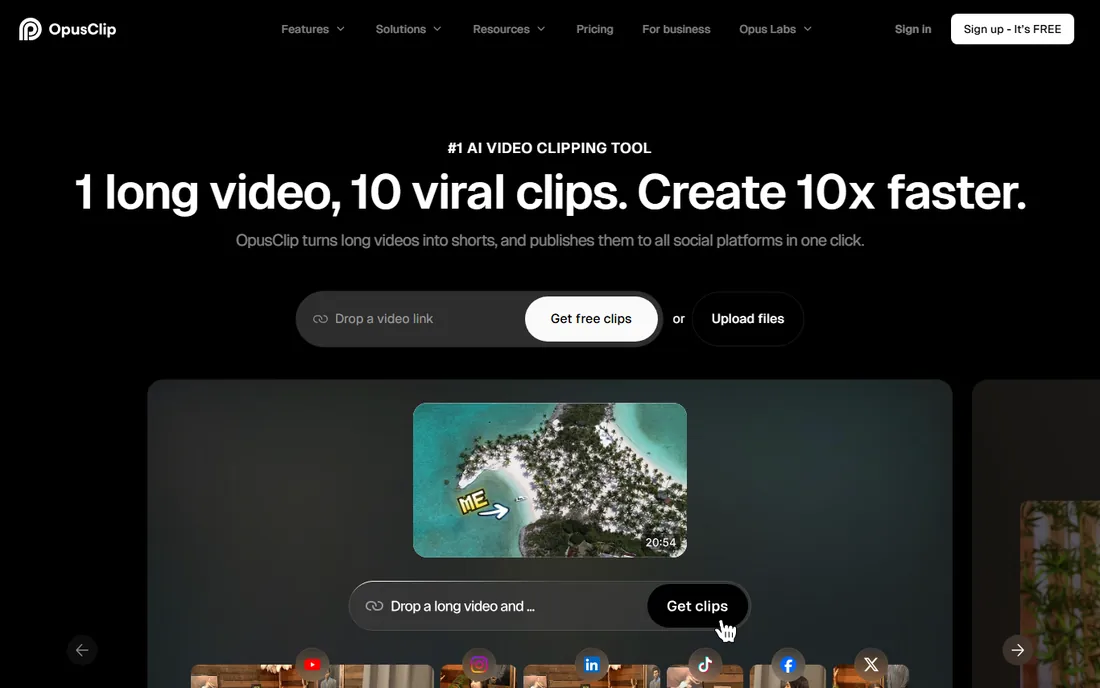
Opus Clip defined this category. Upload a long video or paste a link, and its AI finds the moments worth clipping, scores each one for viral potential, reframes speakers vertically, and burns in animated captions. The workflow fits podcasters and educators who record long sessions and need a week of social content without an editor.
The pricing model needs attention. Credits are consumed by the minutes of source video you process, so a two-hour podcast costs far more than a twenty-minute interview. The free plan gives 60 credits a month with a watermark, and free exports stop being downloadable after three days. Starter at $15/month covers 150 credits, which suits a weekly episode cadence but not daily publishing.
What we like- Virality score ranks clips by predicted performance
- Active speaker detection with smart reframing
- Exports to Premiere Pro and DaVinci Resolve on Pro
Watch out for- Credits burn on source minutes, not just clips
- Free exports carry a watermark and expire after three days
#2
Quso
Best for: Clipping plus publishing in one place
Visit quso.ai
Starting price$19 per month (billed annually)
Free planYes
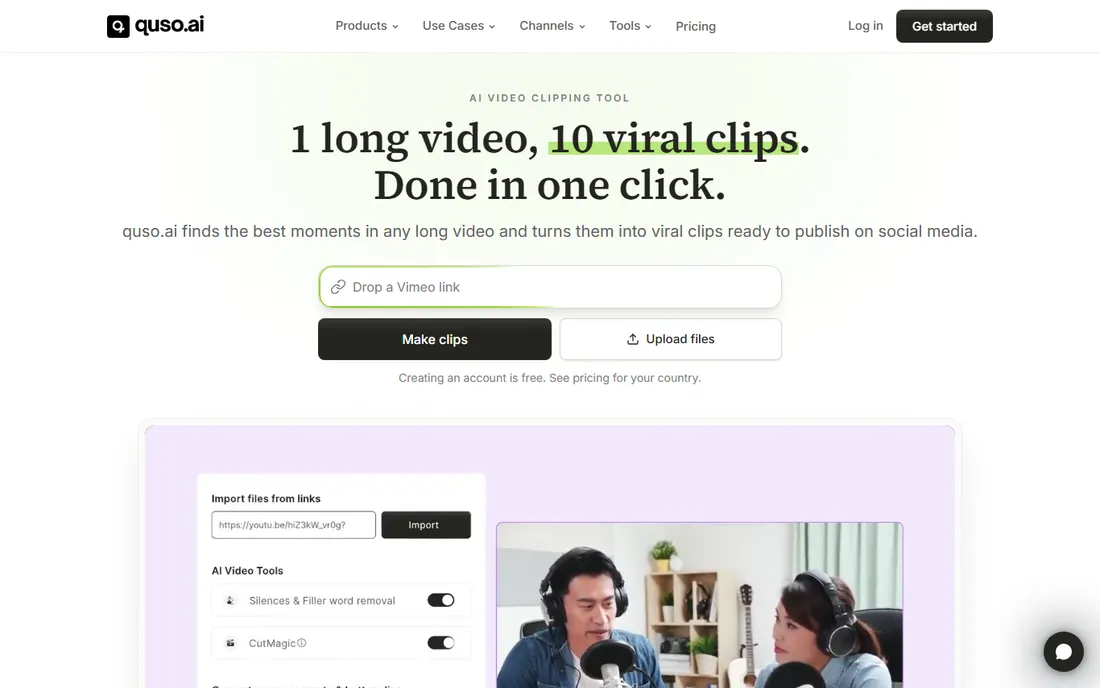
Quso, previously known as Vizard, grew from a clipper into a full content stack. Beyond finding highlights and captioning them, it schedules posts to TikTok, Instagram, YouTube, LinkedIn, and more, then tracks performance. For a creator or small team, replacing a separate clipper, caption tool, and scheduler with one $19/month annual subscription is a genuine saving.
The free plan is workable for testing, with 75 credits a month and 720p watermarked exports. Paid plans start at $29/month monthly or $19/month billed yearly with 1080p watermark-free exports. The main complaint in user discussions is credit handling: unused credits reportedly do not survive cancellation, so buy the tier you will actually consume.
What we like- Combines clipping, captions, scheduling, and analytics
- 75 free credits a month
- Imports from YouTube, Twitch, Zoom, and Drive
Watch out for- Higher entry price than pure clippers
- Reports of credits forfeited on cancellation
Starting price$9.90 per month (Lite)
Free planYes
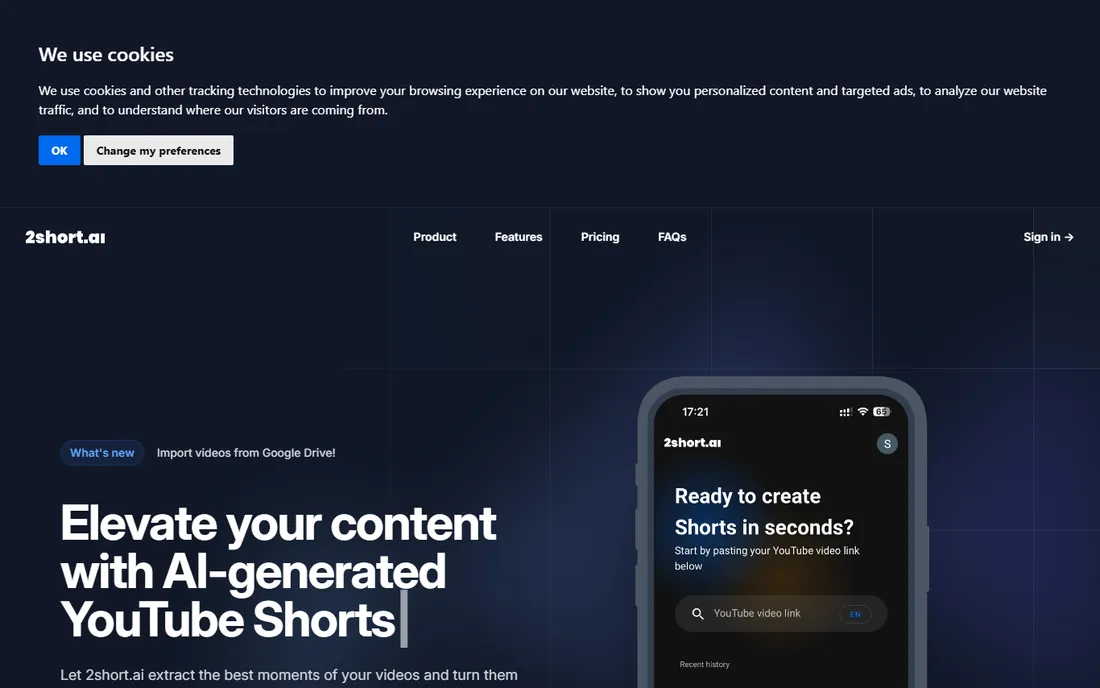
2short.ai is the value pick that reviewers keep recommending. The free Starter plan includes 30 minutes of AI analysis a month with full feature access and, unusually, unlimited un-watermarked 1080p exports. Paid tiers scale by analysis hours: Lite at $9.90/month covers five hours, Pro at $19.90/month covers fifteen, and Premium at $49.90/month covers fifty.
The limitations are scope. There is no scheduler, no social posting, and no B-roll or templates, so you export clips and publish them yourself. The AI also relies on captions to understand content, which means dialogue-heavy videos like podcasts and commentaries work far better than visual-only footage. For creators who already have a posting workflow, it is the cheapest way to generate the raw clips.
What we like- Free tier exports unlimited un-watermarked 1080p clips
- Facial tracking keeps speakers centered
- Simple per-hour pricing
Watch out for- Meters analysis hours rather than clips
- No posting or scheduling features
Starting price$10 per month (billed annually, Starter)
Free planYes

AI Video Cut takes a different approach from every other tool here. Instead of accepting whatever highlights the AI picks, you write a prompt describing the moments you want: funny bits, product mentions, key arguments. Ready-made prompts cover trailers, sports highlights, and gaming moments, and custom prompts work in any language the transcription supports.
Pricing is straightforward. The free tier gives 50 minutes of processing once, with a watermark, which is enough to judge clip quality. Starter at $10/month billed annually provides 1,800 minutes a year without watermarks, and Pro at $12.50/month doubles that. The one-time free minutes mean you cannot lean on the free plan indefinitely, but the paid tiers are among the cheapest per minute in the category.
What we like- Prompt-based clipping gives direct control over moment selection
- Ready-made prompts for trailers, highlights, and reviews
- 100-language transcription
Watch out for- Free 50 minutes are one-time and never refresh
- Brand kit features still marked as coming soon
Starting price$29 per month (Pro)
Free planFree trial
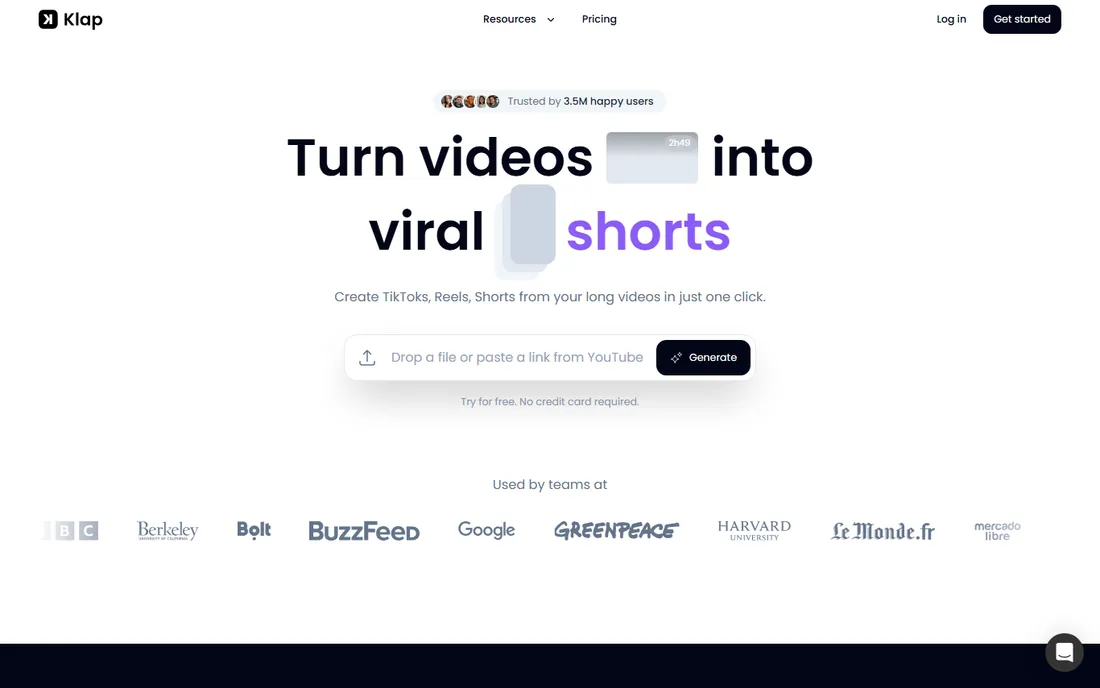
Klap positions itself as the workhorse for creators who publish daily. Its AI Reframe 2 analyzes scenes and applies the right layout automatically, including split-screen for interviews and dedicated gaming frames, which reduces the manual fixing other tools leave you. With 3.5 million users, it has the largest installed base here, and the 52 supported languages cover most global audiences.
The pricing page is blunt: one video free as a trial, then Pro at $29/month. Annual billing cuts that substantially, but the lack of a recurring free tier means you commit early. Klap suits creators with a steady pipeline of long videos who value output volume and layout automation over the cheapest per-clip cost.
What we like- AI Reframe 2 handles split-screen and gaming layouts
- 52 transcription languages
- 3.5M users and 8.5M clips made
Watch out for- No recurring free tier beyond one trial video
- Monthly billing costs roughly double the annual rate
Starting price$12 per month (billed annually, Starter)
Free planFree trial
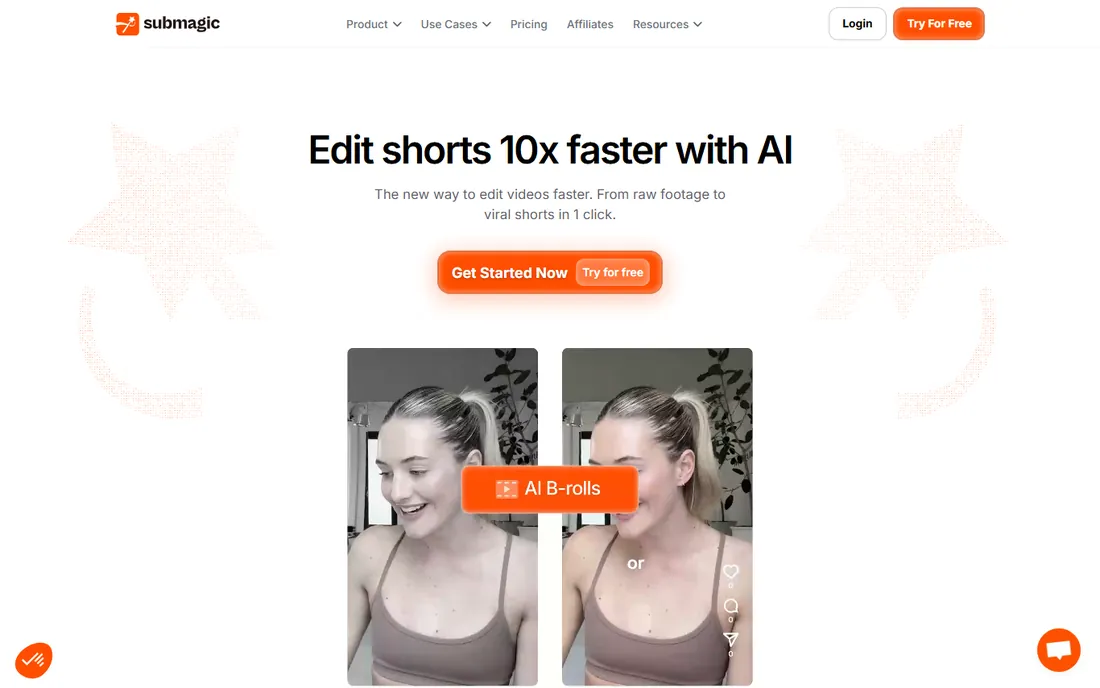
Submagic started as a caption tool and grew into a full short-form editor, which shows in the output quality. Captions look native to the platforms, B-roll inserts automatically, and exports reach 4K at 60fps on higher tiers. The Magic Clips feature repurposes long videos into multiple shorts, and built-in scheduling publishes them without leaving the app.
The pricing starts at $12/month billed annually, which is competitive for individuals. Teams should read carefully: billing is per member, so a three-person workflow triples the cost. Starter also limits maximum video length, pushing longer projects to higher tiers. For solo creators who care most about how captions look, Submagic is the aesthetic leader.
What we like- Excellent animated captions in 123 languages
- AI B-roll and auto-zoom
- Direct scheduling to major platforms
Watch out for- Per-member billing adds up for teams
- Starter caps video length
Starting priceSee website
Free planFree trial
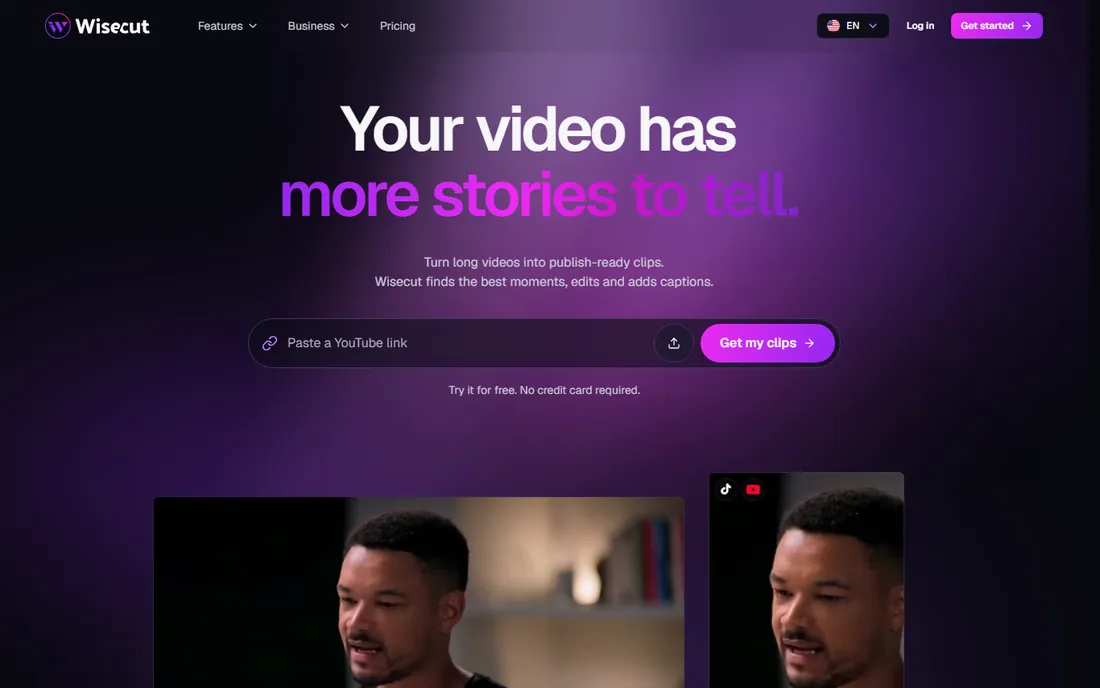
Wisecut's standout feature is Autopilot: point it at a YouTube channel and it clips every new upload into vertical highlights without you touching anything. For podcasters with a regular release schedule, that is as close to a set-and-forget workflow as this category offers. Silence removal, auto reframing, and a studio voice filter handle the cleanup that makes clips feel professional.
The weak spot is commercial transparency. Pricing is hard to find on the site, which makes comparison shopping annoying, and the interface shows its age next to Opus Clip or Klap. Still, the feature set is solid for talking-head and podcast content, and the free trial is enough to test whether Autopilot fits your publishing rhythm.
What we like- Autopilot can clip new uploads from a watched channel automatically
- Silence removal and studio voice cleanup
- Punch-in zoom effects
Watch out for- Pricing is not transparent on the site
- Interface feels older than rivals
Starting priceSee website
Free planYes
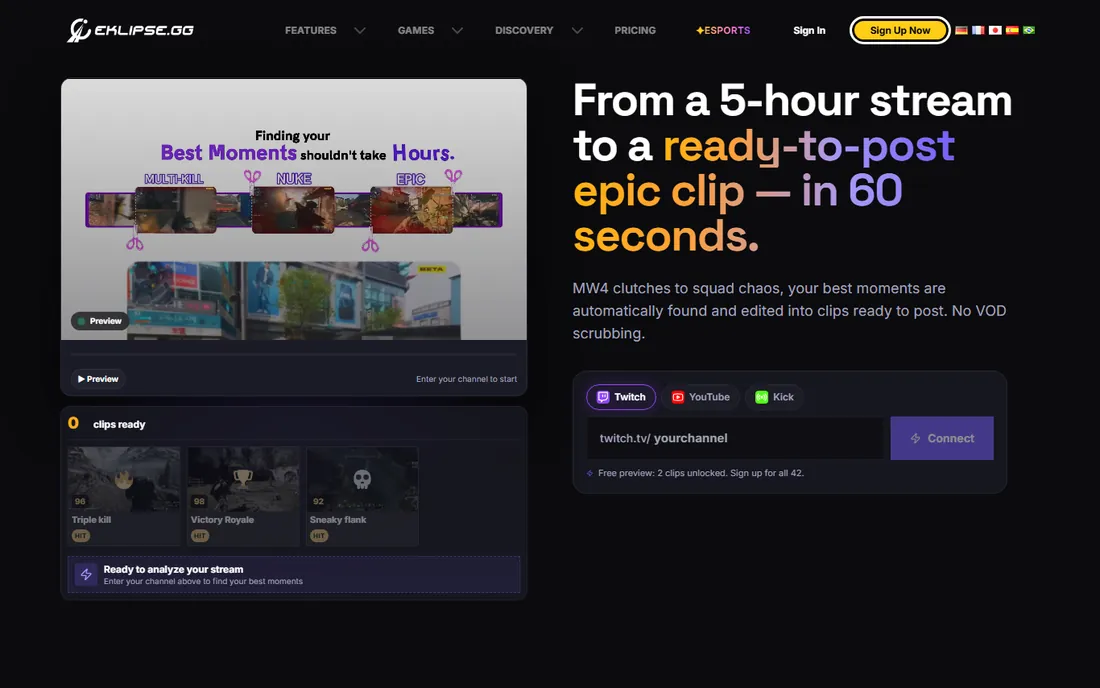
Eklipse is the only tool here designed around live streaming rather than uploaded files. Connect your channel and it watches your streams, detects the exciting moments, and turns them into captioned vertical clips with minimal input. It also works backward: feed it an existing VOD from Twitch, YouTube, Kick, or Facebook and it extracts highlights after the fact.
The free tier covers the core workflow, with paid plans removing limits for heavy streamers. The trade-off is specialization. If your content is podcasts, interviews, or business videos, the gaming-tuned detection will miss the mark and the meme-style templates will feel off-brand. For streamers, though, nothing else automates the VOD-to-clip pipeline this completely.
What we like- Built specifically for gamers and streamers
- Pulls highlights from Twitch, YouTube, Kick, and Facebook VODs
- Adds captions and memes automatically
Watch out for- Gaming focus limits usefulness for other niches
- Less manual control than editor-style tools
Starting priceSee website
Free planYes
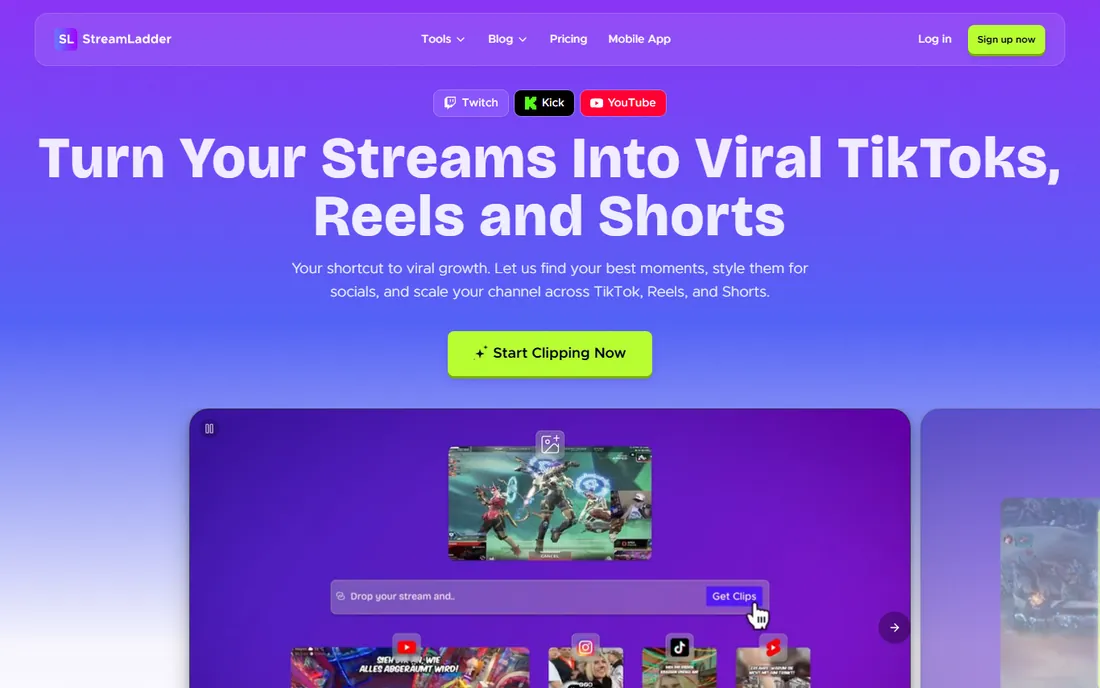
StreamLadder attacks the hardest version of this problem: finding highlights in a six-hour stream VOD. Its ClipGPT tool scans the full recording and surfaces clip-worthy moments in minutes, then the clip editor reframes them vertically and the publisher posts across platforms. Analytics show which clips actually drove followers, closing the loop most tools leave open.
Like Wisecut, StreamLadder keeps pricing off the homepage, so you will need to sign up to see plans. The free tier lets you test the core workflow. The positioning is firmly streamer-first, with Twitch, Kick, and YouTube integrations front and center. If your source material is long streams rather than recorded videos, it deserves a spot in your trial shortlist.
What we like- ClipGPT finds moments in multi-hour VODs
- Built-in publisher and analytics
- 12M clips made by 1M streamers
Watch out for- Streamer-specific positioning
- Pricing not published on the site
How we chose
We evaluated tools that automatically cut long videos into short clips, not general video editors. We read each vendor's pricing page and documentation, checked feature lists for clipping-specific capabilities like highlight detection and reframing, and cross-checked pricing and limits against independent reviews and user discussions on Reddit. We excluded tools that were shut down, pivoted away from clipping, or lacked a working product in 2026.
How to pick an auto clipper without wasting money
The category looks uniform in demos. The differences show up in your monthly bill and your workflow.
Credits, minutes, and what they really cost
Every tool meters usage, but the unit differs. Opus Clip and Quso sell credits where one credit roughly equals one minute of source video. 2short.ai sells analysis hours. AI Video Cut sells upload minutes per year. Before comparing sticker prices, estimate your monthly source footage: a weekly one-hour podcast is about four hours a month, while daily two-hour streams are sixty. Map that volume to each pricing page and the cheapest option often changes.
Free tiers are trials, not plans
Free plans exist to validate clip quality, not to run your content operation. Watermarks, export windows as short as three days, and monthly minute caps make them impractical for regular publishing. Use the free tier to test two or three of your actual videos, compare which tool's moment selection you trust, then pay for the winner.
Scheduling matters more than you think
Clipping is half the job. If your current workflow involves downloading clips and uploading them manually to three platforms, a tool with built-in scheduling like Quso, Submagic, or StreamLadder saves more time than a slightly better highlight detector. Factor the scheduler you would otherwise pay for into the price comparison.
Credit systems explained
Credit confusion causes most billing surprises in this category. A credit usually represents one minute of source video processed, not one clip produced, so a long source file burns credits before you see any output. Unused credits typically expire monthly and do not roll over, and at least one vendor forfeits credits on cancellation. Annual billing usually cuts the monthly rate by 30 to 50 percent but locks you in. Start monthly, measure your actual consumption for two months, then switch to annual once you know your real volume.
Frequently asked questions
What is auto clipping software?
Auto clipping software uses AI to watch a long video, find the most engaging moments, and cut them into short vertical clips for TikTok, Reels, and YouTube Shorts. Most tools also add captions, reframe speakers, and let you publish directly to social platforms.
How accurate is AI highlight detection?
Good enough to save hours, not good enough to publish blindly. The tools reliably find energetic or emotional moments but miss context, inside jokes, and subtle points. Plan to review every clip before posting, and expect to discard a third of what the AI suggests.
Do I still need a video editor?
For finishing work, yes. Auto clippers handle selection, captions, and reframing, but fine cuts, branding, and corrections still need an editor. Several tools export project files for Premiere Pro or DaVinci Resolve so you can finish there.
Can these tools clip streams as they happen?
Most work from uploaded files or VODs after the stream ends. Eklipse and StreamLadder come closest to stream-native workflows by connecting to your channel and processing VODs automatically. True real-time clipping during a live broadcast remains rare.
How much does auto clipping software cost?
Entry plans run $10 to $15 a month for light use, $20 to $30 for regular creators, and $50 or more for teams and high-volume publishers. Your actual cost depends on monthly source footage because every vendor meters processing minutes or credits.
Will AI clips hurt my channel if the quality is low?
Low-effort clips with bad captions and awkward cuts perform poorly and can train your audience to skip your content. The tools that win are the ones whose output you are willing to review and lightly edit. Treat the AI as a first-pass editor, not a publisher.
Sources we checked (16)
- https://beebom.com/best-ai-short-video-makers-tested/
- https://news.ssbcrack.com/best-ai-short-video-generators/
- https://www.plainlyvideos.com/blog/automatic-video-editor
- https://multilogin.com/blog/opusclip-review/
- https://www.therundown.ai/tools/opus-clip
- https://ai4how.com/blog/best-ai-video-editing-tools/
- https://appscribed.com/software/2short-ai-review/
- https://pexo.ai/blog/2short-ai-review-and-alternatives-4314
- https://quso.ai/
- https://2short.ai
- https://aivideocut.com/
- https://klap.app/
- https://submagic.co/
- https://wisecut.video/
- https://eklipse.gg
- https://streamladder.com/
Is your product missing or out of date?
We review this list regularly. Vendors can request a listing, send updated pricing or ask about featured placement.

Shihab Mia · Founder, Rankite
Shihab has spent more than a decade helping SaaS and e-commerce brands grow through search. He writes Rankite's software buying guides from pricing pages, documentation and public user reviews. More about Shihab.