How we make this list: we compare pricing pages, product documentation and public user reviews. Ratings come from G2, Capterra or Trustpilot, with the date we checked them.
Key takeaways
- Our top 5 video editing software for PC are DaVinci Resolve, Adobe Premiere Pro, CyberLink PowerDirector, Wondershare Filmora and Camtasia. Vegas Pro, Clipchamp and Shotcut complete the list for specific needs.
- DaVinci Resolve 21 is still free. The paid Studio version costs $295 once (on sale for $236 until November 20, 2026). No other editor here gives you as much for one payment.
- You can still buy perpetual licenses on Windows. PowerDirector 2027 ($139.99) and Vegas Pro ($219.95) both sell one-time licenses alongside their subscriptions.
- Camtasia is the only editor here built around screen recording. That makes it the practical pick for training, onboarding and product demo videos.
- Two editors cost nothing: Shotcut is open source, and Clipchamp's free plan exports at 1080p.
Quick comparison
| Tool | Best for | Starting price | Free plan |
|---|
 DaVinci Resolve DaVinci Resolve | Pro-grade editing and color on a budget | Free; DaVinci Resolve Studio $295 one-time (US$236 until November 20, 2026) | Yes |
 Adobe Premiere Pro Adobe Premiere Pro | Teams already on Adobe Creative Cloud | See website | Free trial (7 days) |
 CyberLink PowerDirector CyberLink PowerDirector | Fast, feature-packed editing for non-specialists | $59.99/year for PowerDirector 365 (list $79.99); PowerDirector 2027 perpetual $139.99 | Yes (limited free version) |
 Wondershare Filmora Wondershare Filmora | Social and marketing videos with AI helpers | $9.99/month; annual plans also available | Free trial (watermarked exports) |
 Camtasia Camtasia | Screen-recorded tutorials and training | $179.88/year (Essentials, billed yearly) | Free trial |
 Vegas Pro Vegas Pro | Windows editors who want a perpetual license | $17.95/month, $99.95/year, or $219.95 one-time | Free trial (15 days) |
 Microsoft Clipchamp Microsoft Clipchamp | Quick edits for Microsoft 365 shops | Free; Premium see website | Yes |
 Shotcut Shotcut | Zero-budget editing with no watermark | Free | Yes |
Is your product missing or out of date?
We review this list regularly. Vendors can request a listing, send updated pricing or ask about featured placement.
The best video editing software for PC
Starting priceFree; DaVinci Resolve Studio $295 one-time (US$236 until November 20, 2026)
Free planYes
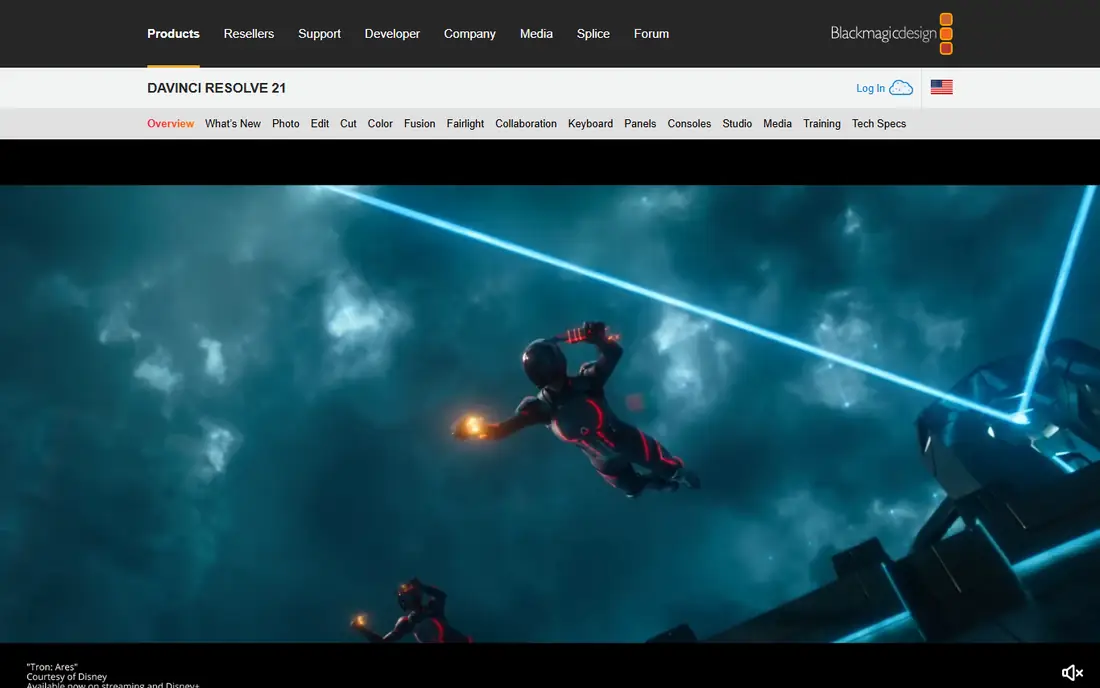
Blackmagic Design built Resolve as a color grading system, and it shows. The free download now handles editing, color correction, visual effects, motion graphics, audio post and, since version 21, photo editing in one program. For a marketing team that wants a single tool to grow into, this saves money on separate audio and effects software.
The pricing model is the main draw for a small business. DaVinci Resolve Studio costs $295 once, and Blackmagic is running a 20% discount that brings it to $236 through November 20, 2026. Studio adds the AI tools Blackmagic keeps for paying users, so most teams can start free and pay only when they hit a specific limit.
The catch is effort. Resolve splits work across separate pages (Cut, Edit, Fusion, Color, Fairlight). That layout is powerful but takes weeks to feel natural, and it expects a decent graphics card. If your editor is a marketing generalist who needs a video out by Friday, a simpler tool further down this list may get you there faster.
What we like- Free version covers editing, color, effects and audio
- Studio is a one-time purchase with no subscription
- Version 21 adds photo editing to the same app
Watch out for- Steep learning curve for casual users
- Needs a strong GPU and plenty of RAM, so older office PCs will struggle
#2Adobe Premiere Pro
Best for: Teams already on Adobe Creative Cloud4.5/5 on
G2 (1,675 reviews, checked Oct 2026)
Visit adobe.com
Starting priceSee website
Free planFree trial (7 days)
Premiere Pro is the safe hire. If you plan to outsource edits or bring in freelancers, they probably already work in it, so project files move between your team and theirs without conversion. Companies that already pay for Photoshop and Illustrator get the most out of it, because assets move between Adobe apps with little friction.
Adobe sells Premiere Pro only by subscription, either as a single app or inside the Creative Cloud bundle. Prices depend on the plan, the commitment length and whether you buy a business or individual license, so check Adobe's plan page before you budget. Business plans add central license management, which helps once you have more than two or three editors.
The downside is long-term cost. There is no free tier and no way to buy it outright, so you pay for as long as you edit. Read the annual plan terms carefully, because canceling an annual commitment partway through can trigger a fee.
What we like- Industry-standard timeline that freelancers and agencies already know
- Tight handoff to After Effects, Photoshop and Audition
- Easy to share projects with outside editors
Watch out for- Subscription only, with no perpetual license
- Read the cancellation terms on annual plans
#3CyberLink PowerDirector
Best for: Fast, feature-packed editing for non-specialists4.4/5 on
G2 (57 reviews, checked Oct 2026)
Visit cyberlink.com
Starting price$59.99/year for PowerDirector 365 (list $79.99); PowerDirector 2027 perpetual $139.99
Free planYes (limited free version)
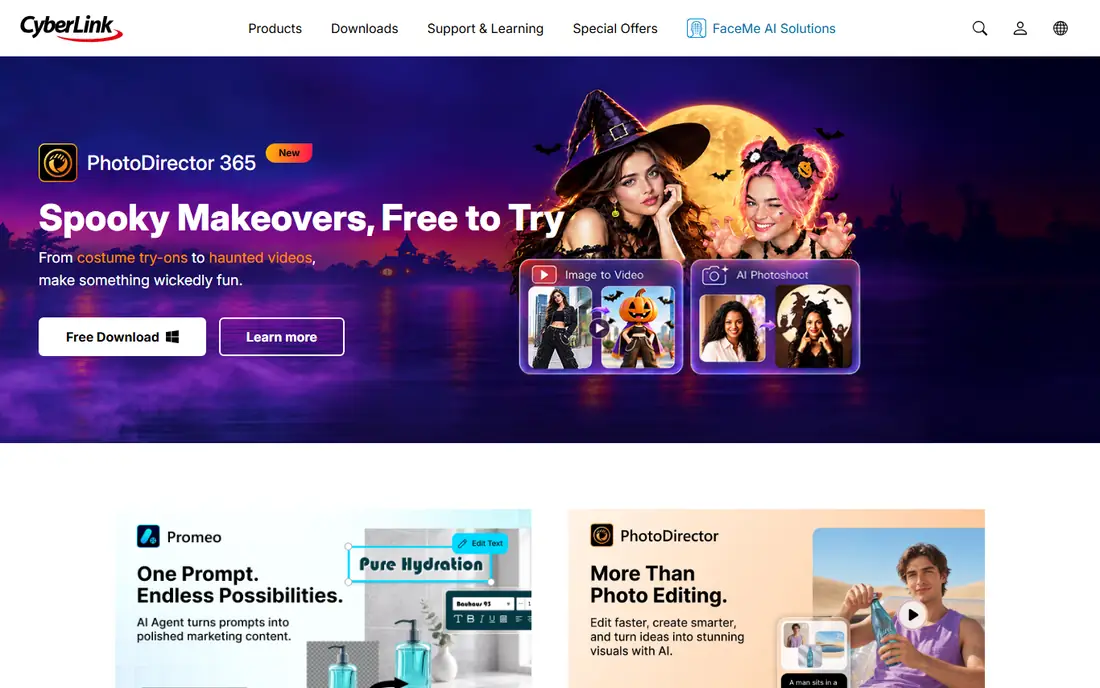
PowerDirector fits a small business owner who wants more than a basic trimmer but has no interest in learning color science. The timeline is approachable, and the bundled templates, titles and 290+ transitions make it quick to produce product videos and social clips.
CyberLink is one of the few vendors that still lets you choose how to pay. PowerDirector 365 lists at $79.99 per year and was on promotion for $59.99 when we checked, which works out to about $5 a month. PowerDirector 2027 is a $139.99 perpetual license. Director Suite ($109.99 per year on promotion, $149.99 list) adds PhotoDirector and audio tools.
The trade-off is polish. The menus are dense. The perpetual version also misses the monthly feature updates and the premium generative AI features that come with the 365 plan. Keep that in mind if the AI tools are why you are buying.
What we like- Choice between subscription and one-time license
- Large library of templates, transitions and AI effects
- Director Suite bundles photo and audio editing
Watch out for- Interface feels crowded
- Perpetual license does not get the monthly feature updates
Starting price$9.99/month; annual plans also available
Free planFree trial (watermarked exports)
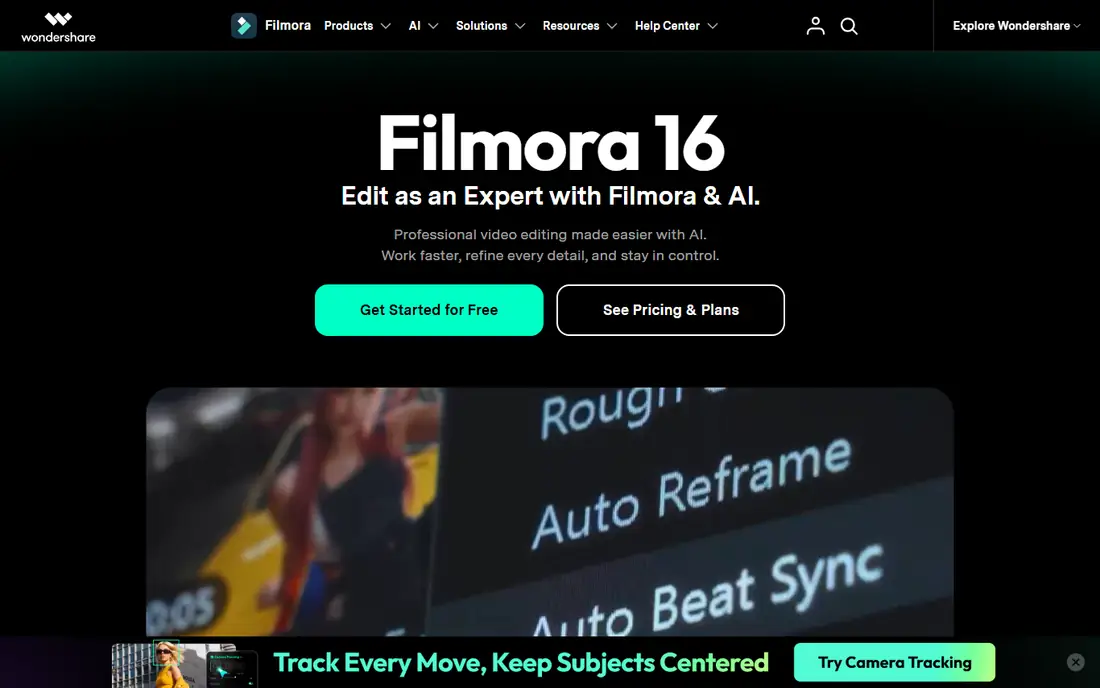
Filmora is aimed at the person who handles video on top of three other jobs. With drag-and-drop editing, preset titles and built-in AI tools, a marketer can produce passable social content within an afternoon of installing it.
Wondershare's Windows store page offers a $9.99 monthly subscription you can cancel at any time, plus annual plans whose price changes with frequent promotions. Filmstock asset packs are sold separately, so watch for add-on costs if your team relies on stock footage.
Filmora falls short on depth. Advanced color work, collaboration between several editors and long-form projects are not its strengths. It is a fine choice for a solo creator but a weaker standard for a growing video team.
What we like- Very short learning curve
- Lots of built-in effects, stickers and stock assets
- Month-to-month option you can cancel any time
Watch out for- Free version adds a watermark
- Annual prices change often with promotions, which makes budgeting harder
#5Camtasia
Best for: Screen-recorded tutorials and training4.6/5 on
G2 (1,769 reviews, checked Oct 2026)
Visit techsmith.com
Starting price$179.88/year (Essentials, billed yearly)
Free planFree trial
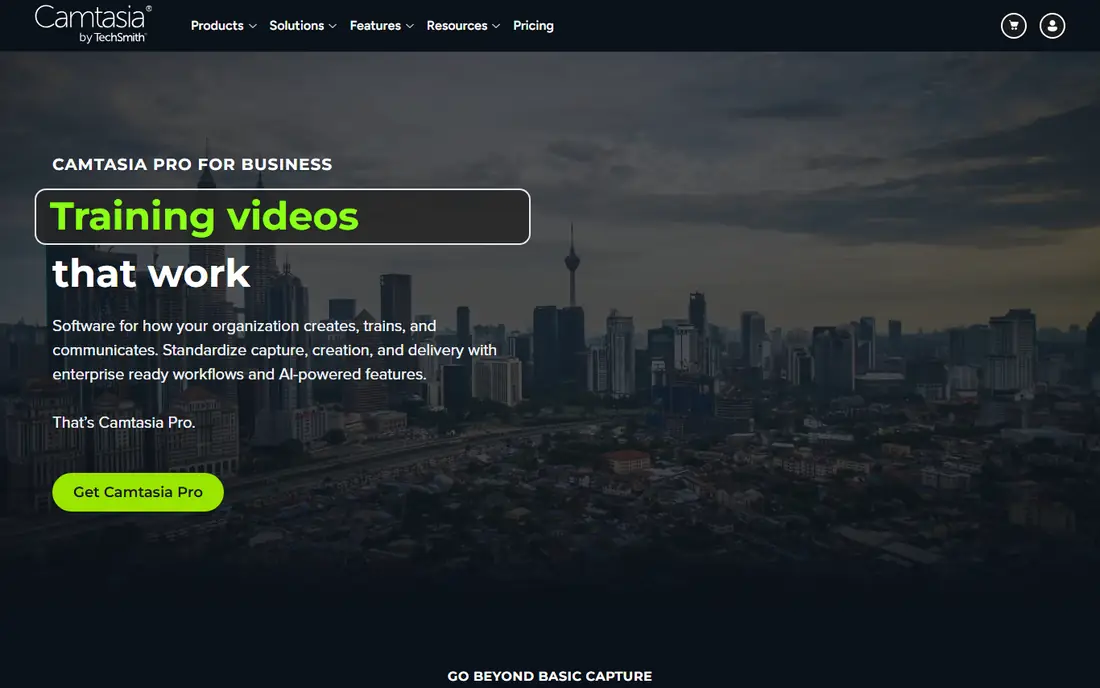
TechSmith built Camtasia for a different job than the rest of this list. If most of your videos are software walkthroughs, customer onboarding or internal SOPs, Camtasia records your screen, webcam and microphone and puts it all on a timeline designed for zooms, highlights and annotations.
Pricing is per user and billed yearly. The Starter plan ($39 per year) is mainly for advanced screen capture and comes with a watermarked editor, so the realistic starting point for editing is Essentials at $179.88 per year. Create costs $249 per year and adds AI script generation and voice features.
Don't pick Camtasia for brand films or event recaps. Its effects and color tools are basic next to PowerDirector or Resolve, and costs add up quickly once you license a whole training team.
What we like- Screen recording and editing in one tool
- Cursor effects, callouts and quizzes built for teaching
- Essentials bundles Snagit and Audiate
Watch out for- Not designed for cinematic or camera-heavy footage
- Higher plans get expensive per seat
Starting price$17.95/month, $99.95/year, or $219.95 one-time
Free planFree trial (15 days)
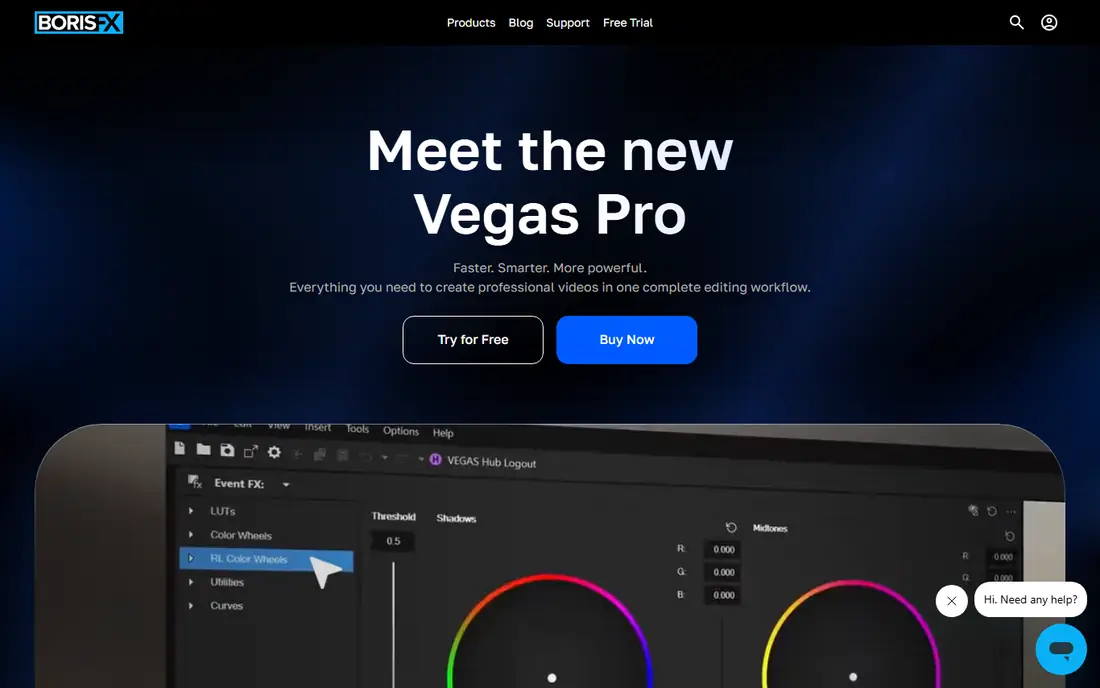
Vegas Pro has a loyal following among Windows users who like its quick, drag-anywhere timeline and its audio tools, which come from the same family as Sound Forge. Boris FX now sells it, and you sign in with a Boris FX account instead of managing activation keys.
The pricing is flexible. Vegas lists a $17.95 monthly subscription, a $99.95 annual subscription and a $219.95 perpetual license. The 15-day trial includes every feature, which is enough time to cut a real project before you commit.
The honest weakness is reach. Vegas runs only on Windows, and it has fewer third-party tutorials and freelancers than Premiere or Resolve. It has also changed owners more than once. Buy it if the workflow suits you, not because you expect a bigger community to build up around it.
What we like- Windows-native with a fast, flexible timeline
- Strong audio editing roots
- Three ways to pay, including a perpetual license
Watch out for- Windows only, so mixed Mac and PC teams cannot share it
- Several ownership changes over the years make the roadmap harder to read
#7Microsoft Clipchamp
Best for: Quick edits for Microsoft 365 shops4.1/5 on
G2 (49 reviews, checked Oct 2026)
Visit clipchamp.com
Starting priceFree; Premium see website
Free planYes
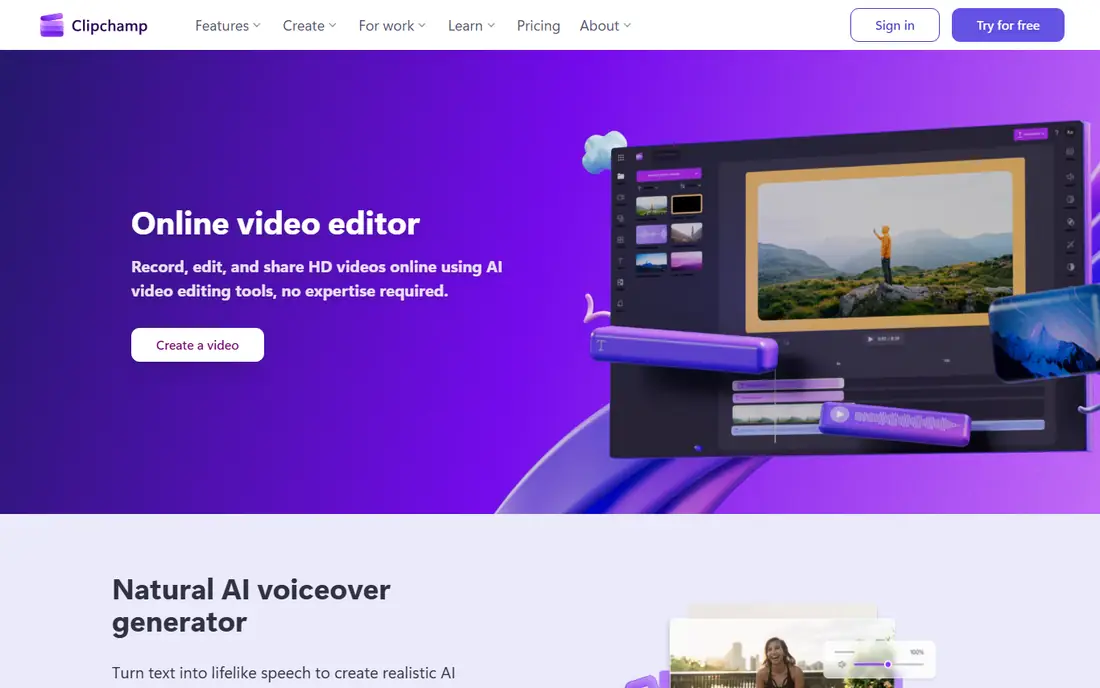
Many Windows users already have Clipchamp without realizing it. It runs in the browser or as a Windows 11 app. Its template-based approach is fine for trimming a webinar, adding captions to a short or putting together a quick product teaser.
For companies on Microsoft 365, the appeal is simple administration. Many business plans include a work version, so you can give staff a basic editor without signing another vendor contract. The consumer Premium plan adds stock content and is sold separately, so check the current price on Microsoft's site.
Clipchamp hits its limits quickly. Anything beyond basic multi-track work, plus color correction and heavy 4K timelines, is better handled elsewhere. Treat it as a quick-edit tool, not your main editor.
What we like- Ships with Windows 11 and runs in the browser
- Free plan exports at 1080p
- Work version fits inside Microsoft 365 accounts
Watch out for- Not built for long or complex projects
- Premium features cost extra
#8Shotcut
Best for: Zero-budget editing with no watermark4.2/5 on
G2 (42 reviews, checked Oct 2026)
Visit shotcut.org
Starting priceFree
Free planYes
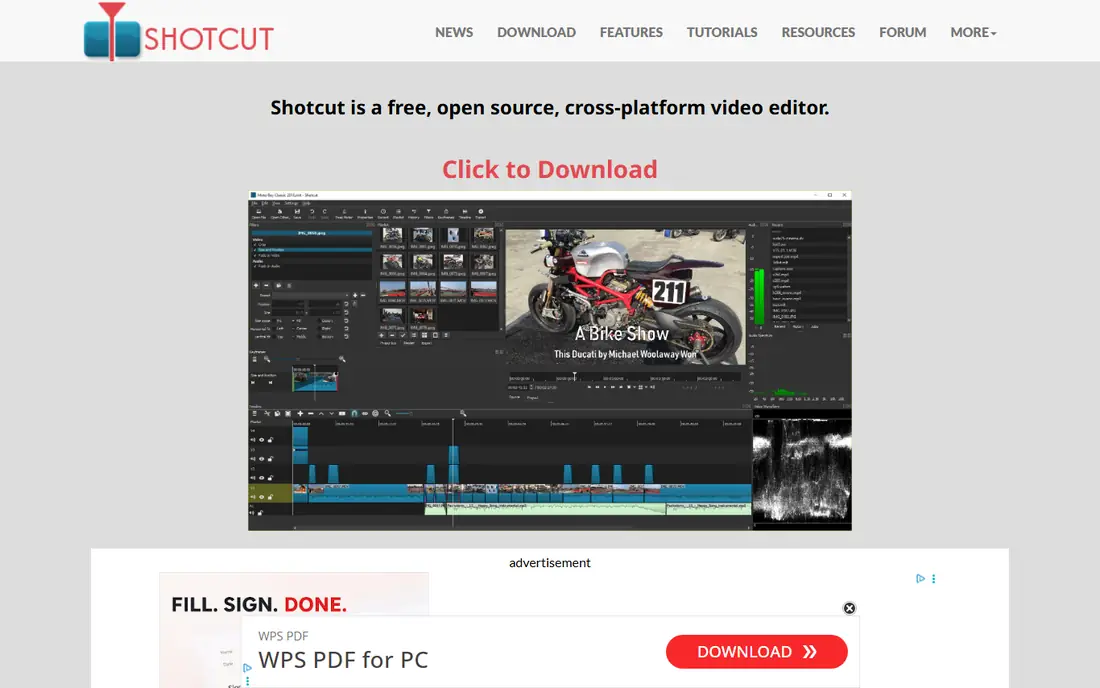
Shotcut is for a business that needs a real editor and has no budget for one. It is free and open source, runs on Windows, Mac and Linux, and never puts a watermark on exports. A portable zip version is also available, which helps on locked-down office machines.
The project is actively maintained. The download page lists version 26.9.27 as the current release, with builds for both Intel/AMD and ARM Windows PCs. You get a multitrack timeline, wide format support and a filter library for color, audio and text.
Support is the gap. There is no help desk, so problems get solved on the forum or not at all, and the layout is less polished than commercial tools. That is fine for occasional internal videos. For client-facing work on a deadline, a paid editor with support is the safer choice.
What we like- Free and open source with no watermark or account
- Regular releases (version 26.9.27 is current)
- Runs on Windows 10 and 11, including ARM PCs
Watch out for- Interface looks dated and takes some getting used to
- No vendor support line, only forums and community tutorials
How we chose
We started with the editors PC users mention most in public reviews on G2, Capterra and Reddit. We then narrowed the list to tools that run natively on Windows (or in the browser, for Clipchamp) and are still being updated in 2026. For each one, we read the vendor's pricing page and product documentation, checked which features are locked to higher plans, and noted the licensing model, trial length and supported platforms.
We gave more weight to the factors that matter to a small or mid-size company than to a hobbyist. Those include total cost over two or three years, whether a perpetual license exists, how quickly a new hire can learn the software, how well it works with tools you already pay for, and whether the vendor offers real support. We did not run hands-on benchmarks, so the performance notes summarize public documentation and user reports.
Picking the right editor for your team
Start with the type of video you make
For screen tutorials and training, choose Camtasia. For social clips and ads made by a non-specialist, look at Filmora, PowerDirector or Clipchamp. For brand films, interviews and anything where color matters, choose DaVinci Resolve or Premiere Pro. Matching the tool to the work saves more time than any feature checklist.
Do the three-year math
A subscription that looks cheap per month can cost more than a one-time license within two years. Compare Resolve Studio ($295 once), PowerDirector 2027 ($139.99) or Vegas Pro ($219.95) against three years of a subscription. Then consider what you give up: perpetual licenses usually miss new AI features and monthly updates.
Check your hardware before you buy
Professional editors, especially Resolve, rely heavily on the graphics card and memory. A standard office laptop can run Clipchamp or Filmora comfortably but may stutter on a 4K Resolve timeline. Try the free version or trial on the actual machine your editor will use.
Think about who else touches the files
If you hire freelancers or agencies, ask what they edit in. Premiere Pro and Resolve have the most outside editors who already know them. Vegas Pro runs only on Windows, which matters if anyone on the team uses a Mac.
Know your exit options
Project files rarely open cleanly in a different editor, but exported video always will. Keep master exports and raw footage in shared storage so that switching tools later doesn't mean losing work.
Frequently asked questions
What are the top 5 video editing software for PC in 2026?
Our top five are DaVinci Resolve, Adobe Premiere Pro, CyberLink PowerDirector, Wondershare Filmora and Camtasia. Resolve and Premiere Pro suit professional work, PowerDirector and Filmora suit fast marketing content, and Camtasia suits screen-based training. Vegas Pro, Clipchamp and Shotcut are strong alternatives for specific needs.
Is there a good free video editor for Windows with no watermark?
Yes. DaVinci Resolve's free version and Shotcut both export without a watermark, and Clipchamp's free plan exports at 1080p. Filmora's free version and Camtasia's Starter editor add watermarks, so they are for testing rather than publishing.
Can I still buy video editing software without a subscription?
Yes. DaVinci Resolve Studio ($295), PowerDirector 2027 ($139.99) and Vegas Pro ($219.95) are all sold as one-time licenses. Premiere Pro, Filmora and Camtasia are sold by subscription.
Which editor is easiest for a beginner on a PC?
Clipchamp and Filmora are the easiest to learn, with templates and drag-and-drop editing. PowerDirector is a bit more complex but still friendly. Resolve and Premiere Pro take longer to learn but pay off the time you put in.
Do I need a powerful computer for video editing?
For short 1080p social clips, a recent mid-range PC is usually enough. For 4K footage, color grading or AI effects, a dedicated graphics card and at least 16GB of RAM make a clear difference. Always run a trial on your own hardware first.
Is Premiere Pro worth it over DaVinci Resolve for a small business?
It depends on the tools you already use. If your team works in Adobe apps or hires freelancers who expect Premiere files, the subscription pays for itself through easier collaboration. If you are starting fresh and want low recurring costs, Resolve's free version or one-time Studio license is hard to beat.
Sources we checked (11)
- https://www.blackmagicdesign.com/products/davinciresolve
- https://www.blackmagicdesign.com/event/davinci-resolve-special
- https://www.adobe.com/products/premiere.html
- https://www.cyberlink.com/products/powerdirector-video-editing-software/pricing_en_US.html
- https://filmora.wondershare.com/store/windows-individuals.html
- https://www.techsmith.com/store/camtasia
- https://www.vegascreativesoftware.com/vegas-pro/
- https://www.vegascreativesoftware.com/
- https://clipchamp.com
- https://www.shotcut.org/download/
- https://shotcut.org/
Is your product missing or out of date?
We review this list regularly. Vendors can request a listing, send updated pricing or ask about featured placement.

Shihab Mia · Founder, Rankite
Shihab has 5+ years in B2B and SaaS SEO. He writes Rankite's software buying guides from pricing pages, documentation and public user reviews. More about Shihab.