How we make this list: we compare pricing pages, product documentation and public user reviews. Rankite is independent; if a vendor ever pays for a featured spot, that listing is clearly labeled Partner.
Key takeaways
- DaVinci Resolve gives you the most professional toolset at zero cost, including Hollywood-grade color correction, but it demands a powerful PC and patience to learn.
- CapCut and Clipchamp are the fastest route from raw footage to a finished video, especially for social content, and both are free without watermarks on exports.
- Shotcut, OpenShot, and Kdenlive are fully free and open source, which means no accounts, no upsells, and no expiring trials.
- VSDC is the standout for older or low-spec Windows machines, running well where heavier editors stutter.
- Lightworks offers a genuine pro workflow in its free tier, but exports top out at 720p unless you pay.
Quick comparison
| Tool | Best for | Starting price | Free plan |
|---|
 DaVinci Resolve DaVinci Resolve | ambitious editors who want pro-grade tools free | Free | Yes |
 CapCut CapCut | social video creators and total beginners | Free | Yes |
 Shotcut Shotcut | a no-nonsense open-source workhorse | Free | Yes |
 OpenShot OpenShot | beginners who want the simplest open-source editor | Free | Yes |
 Kdenlive Kdenlive | editors who want deep features without paying | Free | Yes |
 VSDC Free Video Editor VSDC Free Video Editor | Windows users with older or low-spec PCs | Free | Yes |
 Lightworks Lightworks | a pro workflow with a free entry point | Free | Yes |
 Clipchamp Clipchamp | Windows 11 users who want editing built in | Free | Yes |
Is your product missing or out of date?
We review this list regularly. Vendors can request a listing, send updated pricing or ask about featured placement.
The best free video editing software for PC
Starting priceFree
Free planYes
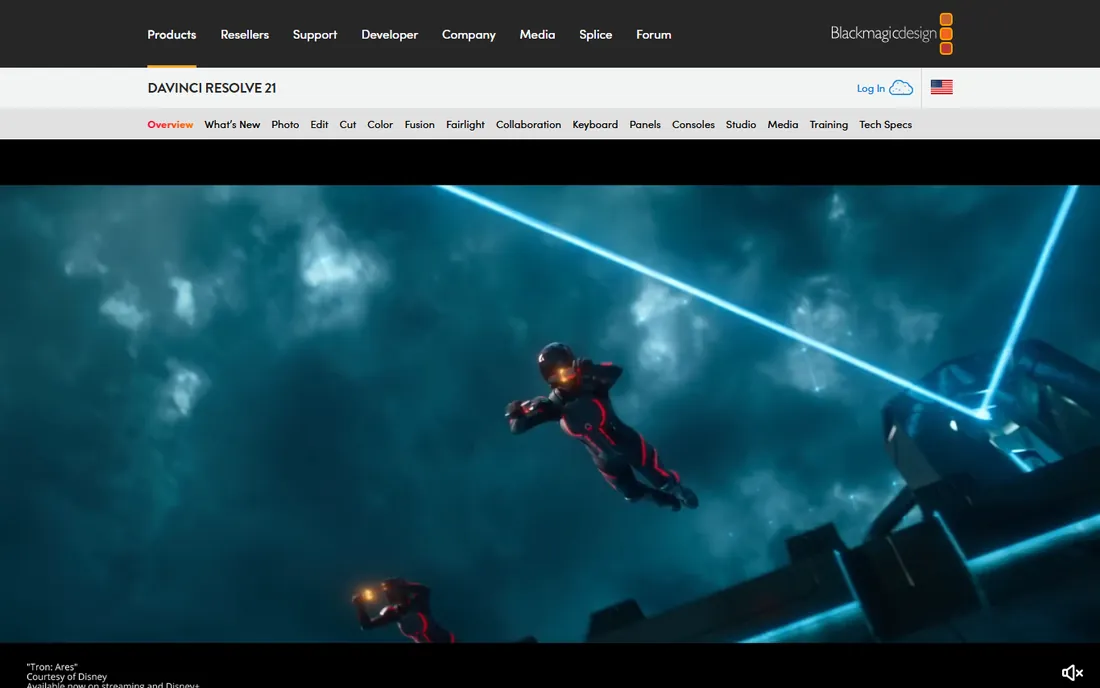
DaVinci Resolve is the top free editing software on this list by sheer capability. It combines editing, color correction, visual effects, motion graphics, and Fairlight audio post production in a single application, and the free version includes far more than most paid competitors offer. The color page alone is the same toolset professional colorists use on feature films.
The catch is the hardware and the learning curve. Resolve wants a discrete GPU and 16GB of RAM or more to run smoothly, and the interface assumes you are willing to learn professional workflows. A paid Studio version exists for those who need its extra effects and collaboration features, but most PC creators will never hit the free version's ceiling.
What we like- Full editing, color, VFX, and audio post in one app
- The free version is remarkably complete
- AI-assisted tools included
Watch out for- Steep learning curve
- Needs a strong GPU and plenty of RAM
Starting priceFree
Free planYes
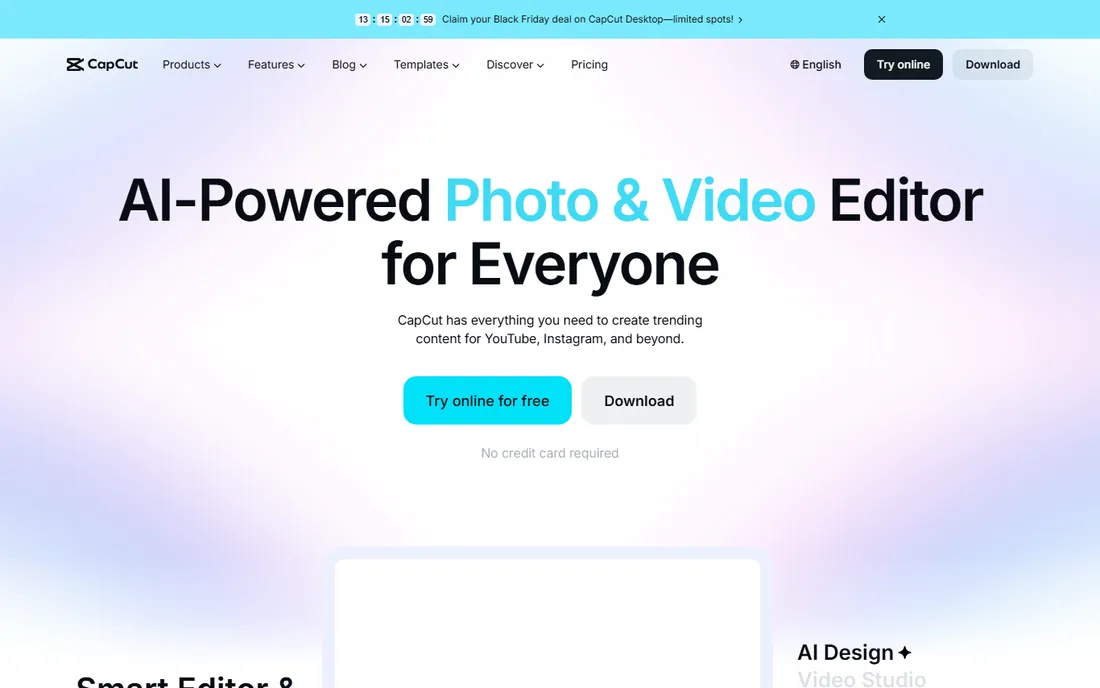
CapCut is the best free PC video editing software if your output is YouTube, TikTok, Reels, or client social content. The free tier needs no credit card and includes AI-powered features that used to be paid add-ons elsewhere: auto captions in multiple languages, background removal, text to speech voiceovers, and noise removal. Templates get a rough cut assembled in minutes.
The trade-off is depth. CapCut is built for speed, not for long-form documentary or commercial work, and its color grading and audio mixing are basic next to Resolve or Kdenlive. For talking-head videos, vlogs, and ads, though, nothing free gets you to a finished export faster.
What we like- Genuinely free with no credit card required
- AI captions, background removal, and templates built in
- Exports HD without watermark
Watch out for- Desktop app leans toward short-form workflows
- Advanced color and audio tools are thin
Starting priceFree
Free planYes
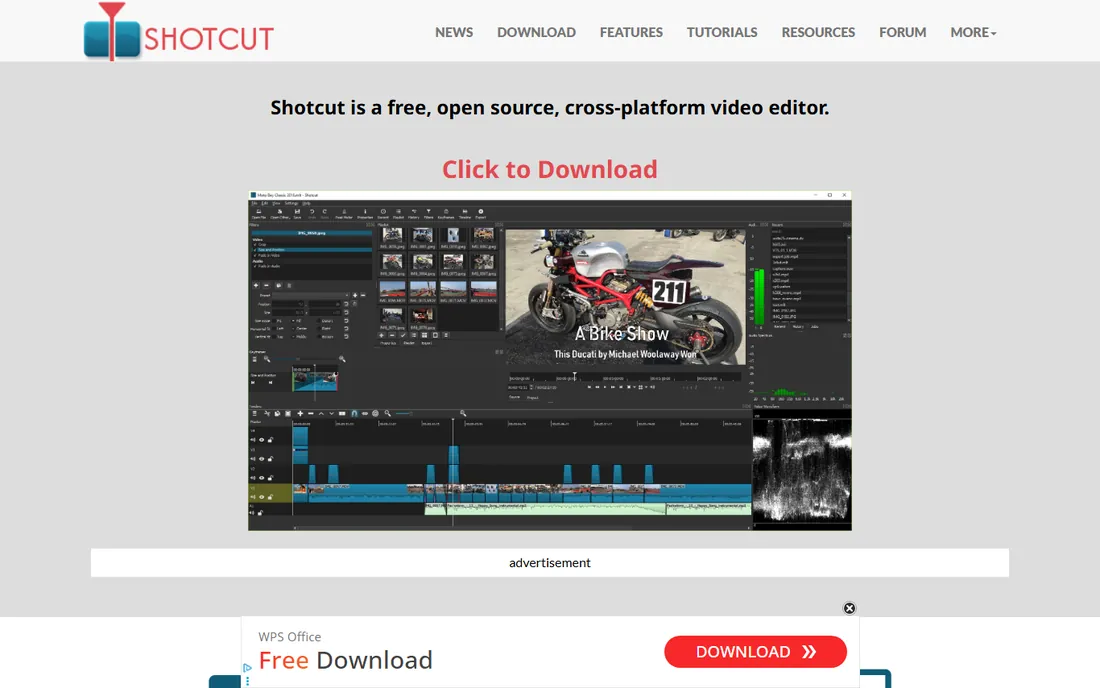
Shotcut has been around since 2004 in its original conception and the current version is a complete rewrite focused on cross-platform reliability. It supports hundreds of audio and video formats through FFmpeg, edits natively without importing, handles 4K timelines, and even captures from screen, webcam, and HDMI devices. There are no accounts, no watermarks, and no feature gates.
What you give up is polish. The dockable-panel interface is functional rather than beautiful, and tasks like keyframing take more clicks than in commercial editors. If you value a free tool that simply works and never asks for money, Shotcut is one of the most honest options available.
What we like- Free and open source forever
- Native editing with no import step
- Wide format support through FFmpeg
Watch out for- Interface looks dated
- Some filters and workflows take extra clicks
#4
OpenShot
Best for: beginners who want the simplest open-source editor
Visit openshot.org
Starting priceFree
Free planYes
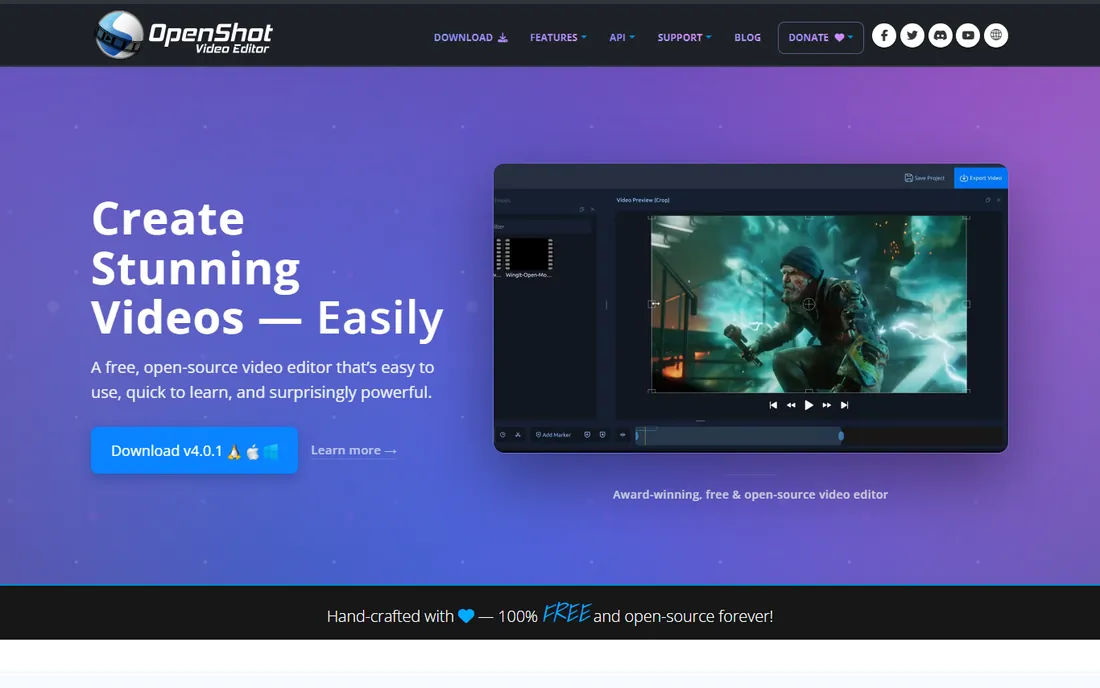
OpenShot describes itself as easy to use, quick to learn, and surprisingly powerful, and that is a fair summary. The timeline supports unlimited tracks with snapping and frame-accurate trimming, keyframe animation covers position, scale, rotation, and opacity, and built-in effects include chroma key, lens flares, and masks. Everything is free with no strings attached.
Performance is the honest weakness. On long timelines with many effects, OpenShot can lag behind Shotcut and Kdenlive, and very large projects sometimes test its stability. For short videos, family projects, and school assignments on a Windows PC, it remains one of the friendliest free editors you can download.
What we like- Easiest learning curve of the open-source picks
- Unlimited tracks
- No subscriptions, watermarks, or project limits
Watch out for- Can feel slow on complex timelines
- Fewer advanced effects than Kdenlive
Starting priceFree
Free planYes
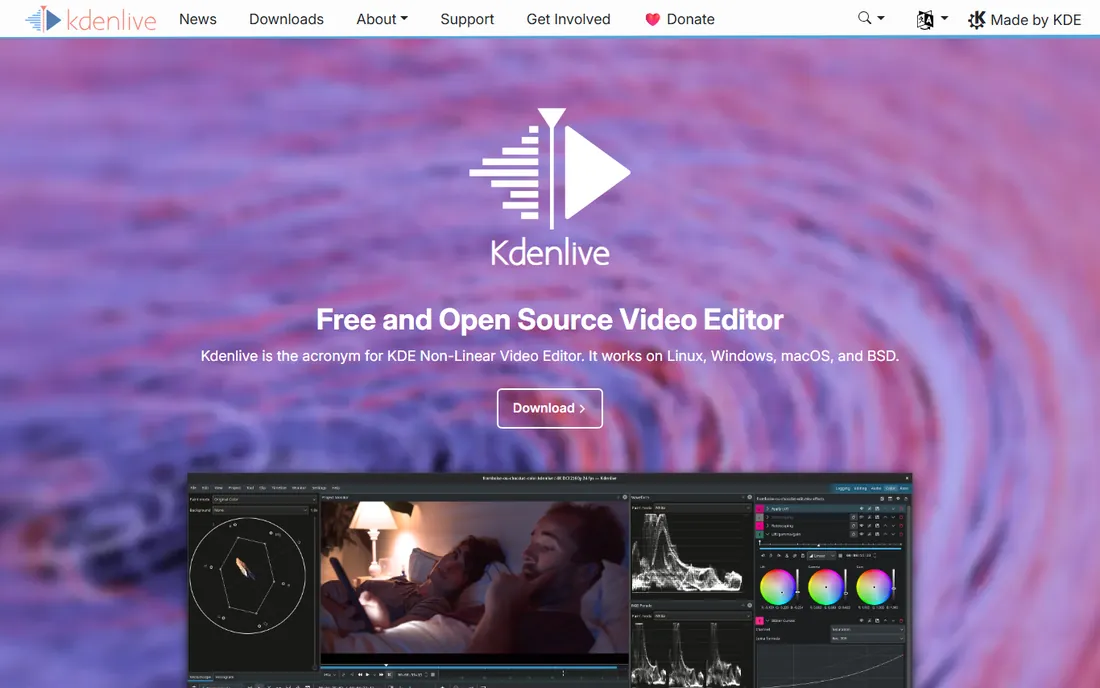
Kdenlive, the KDE Non-Linear Video Editor, is the open-source pick for people who outgrow OpenShot. It runs on Windows, Linux, macOS, and BSD, and its customizable interface adapts from a simple single-track layout to a full multi-track production setup. Effects, transitions, color tools, audio mixing, and subtitling are all included, developed by a volunteer team in the KDE community.
The learning curve sits between OpenShot and DaVinci Resolve: approachable, but the manual expects you to know basic editing vocabulary. Windows builds are solid these days, though the project’s heart remains on Linux, so occasional platform quirks still surface. For a free editor with genuine professional headroom, Kdenlive is hard to beat.
What we like- Professional multi-track editing free
- Customizable interface
- Strong effects, transitions, and titling
Watch out for- Documentation assumes some editing knowledge
- Occasional quirks on Windows builds
Starting priceFree
Free planYes
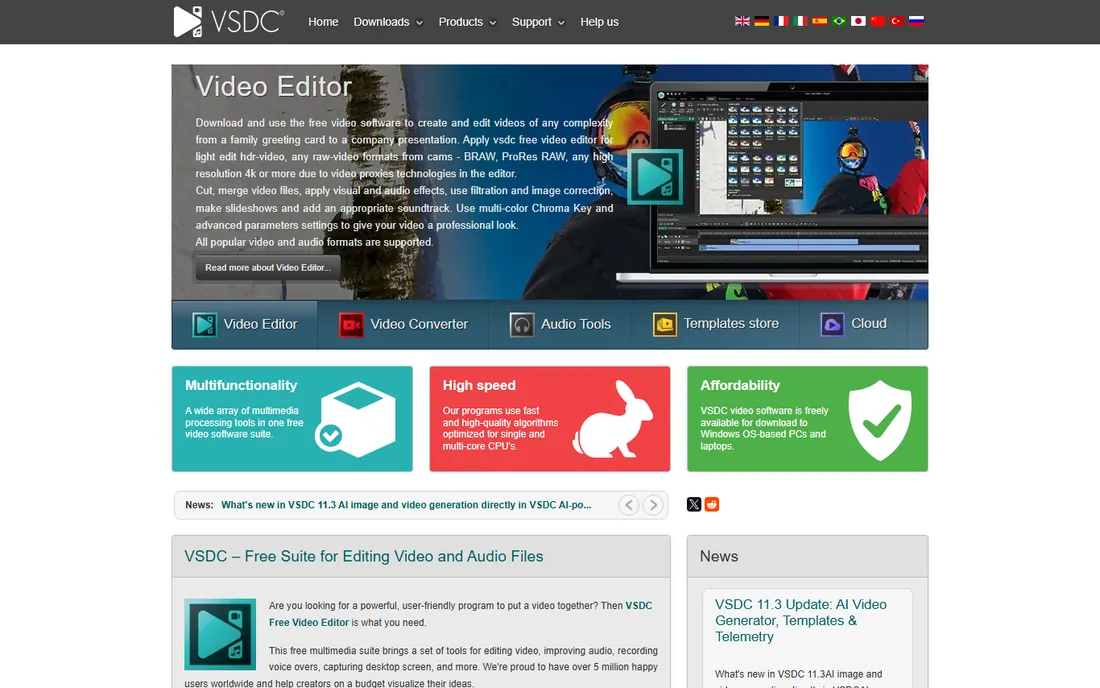
VSDC earns its place as the best free video editing software for PC owners with modest hardware. Its minimal system requirements mean it runs smoothly on machines where DaVinci Resolve would refuse to launch, yet the free version still handles 4K and HDR footage, chroma key, color correction, 360-degree video, and desktop screen capture. Exports carry no watermark.
The interface is unconventional, with a non-linear object-based approach that confuses first-timers for an afternoon. A paid Pro version adds motion tracking, video stabilization, audio waveform editing, and multi-color chroma key for editors who need them. If your PC is more than a few years old, start here before assuming you need new hardware.
What we like- Runs well on outdated hardware
- No watermarks on free exports
- 4K and HDR support plus screen recording
Watch out for- Windows only
- Interface takes getting used to
- Pro features like motion tracking cost extra
#7
Lightworks
Best for: a pro workflow with a free entry point
Visit lwks.com
Starting priceFree
Free planYes
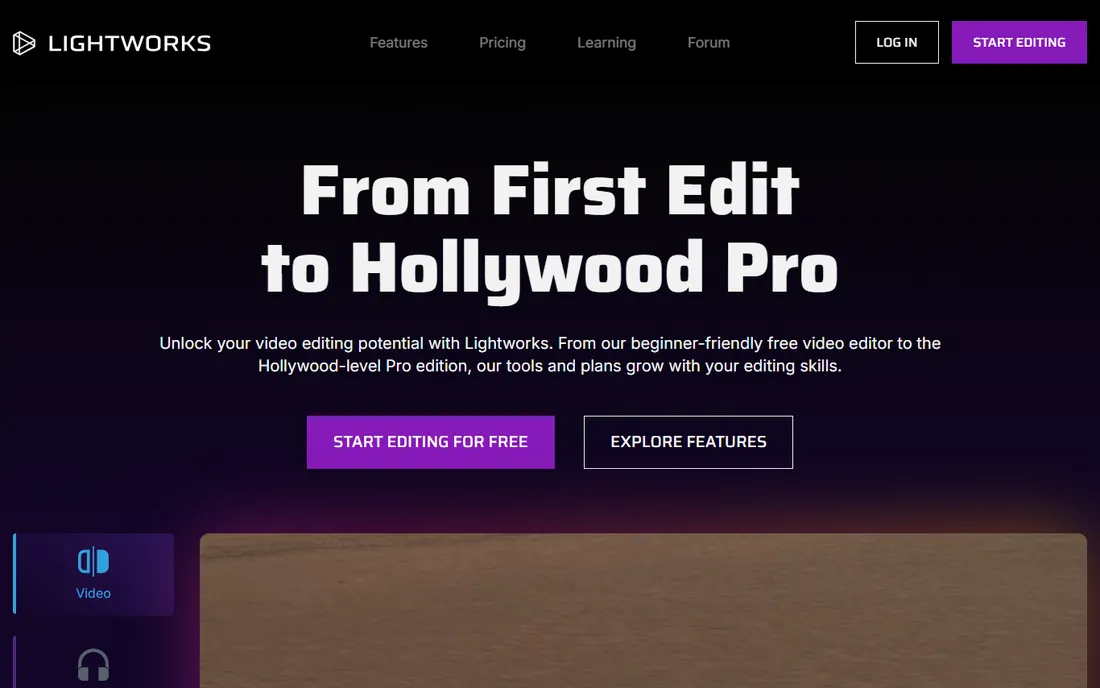
Lightworks has a long professional history in film editing, and that DNA shows in a fast, keyboard-driven workflow that experienced editors love. The free tier includes real-time effects, text overlays, advanced transitions, HDR workflows, and social media export, which is more than enough to learn serious editing technique at no cost.
The free plan’s hard limit is export resolution: 720p. That is fine for learning and for some social formats, but anyone delivering 1080p or 4K will need the Create or Pro tiers. The interface also follows Lightworks’ own conventions rather than the Premiere-style layout most tutorials assume, so expect a few days of adjustment.
What we like- Professional editing heritage and workflow
- Real-time effects
- Free tier is genuinely usable
Watch out for- Free exports limited to 720p
- The interface follows its own logic
Starting priceFree
Free planYes
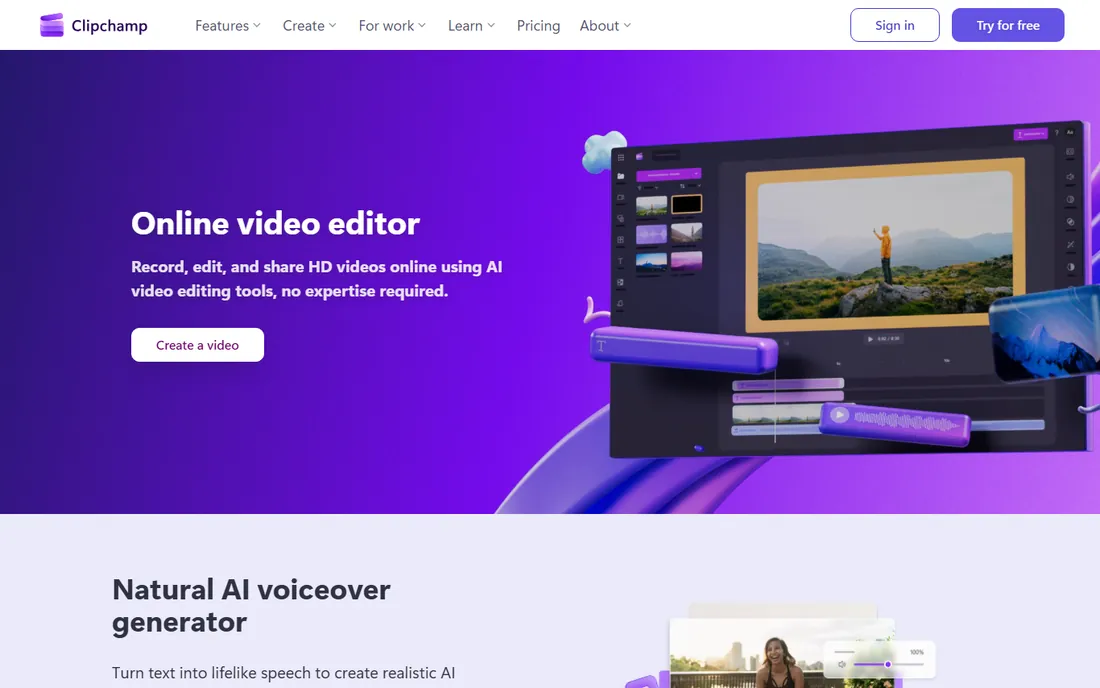
Clipchamp is Microsoft’s video editor, and for many PC owners it is already in the Start menu. The free version exports an unlimited number of videos in HD with no watermark, records screen, webcam, and voiceover, and includes AI tools for lifelike text-to-speech narration, auto captions in over 80 languages, and background noise removal. A stock library of video, music, and graphics rounds out quick projects.
Because much of the work happens in the browser, very large projects can feel slower than in a desktop-native editor like VSDC or Shotcut. Premium features come with a Microsoft 365 subscription rather than a standalone plan. For everyday editing on a Windows PC, though, the free tier covers the fundamentals well.
What we like- Preinstalled on Windows 11
- Unlimited HD exports with no watermark on the free plan
- AI voiceovers and captions
Watch out for- Browser-based at its core, so big projects depend on your connection
- Premium features need a Microsoft 365 subscription
What to check before you download
Match the editor to your PC first. DaVinci Resolve is the most capable free option, but it needs a discrete GPU and 16GB of RAM to run comfortably. On an older laptop or a budget desktop, VSDC or Shotcut will give you a far better experience than a stuttering Resolve timeline. Check each vendor’s published minimum requirements against your actual machine before you invest learning time.
Second, look at export limits, because that is where free plans usually draw the line. Lightworks caps free exports at 720p, while CapCut, Clipchamp, OpenShot, Shotcut, Kdenlive, and VSDC export full HD without watermarks. If you deliver client work or YouTube videos, 1080p without a watermark is the minimum acceptable bar.
Third, consider the workflow you actually need. Short-form social content favors CapCut’s templates and AI tools. Long-form or commercial work favors Resolve, Kdenlive, or Lightworks. Open-source picks like Shotcut, OpenShot, and Kdenlive never expire, never upsell, and keep working offline, which matters if you edit on the road or dislike subscriptions.
How we chose
We opened the homepage of each editor and recorded what the vendor itself publishes about pricing, free tiers, system requirements, and export limits. We favored editors with genuinely free desktop versions for Windows, verified that free exports carry no watermark where claimed, and left out discontinued products and trials masquerading as free plans. We did not run hands-on performance tests, so hardware guidance follows the vendors’ published requirements and long-standing public reporting.
Getting the most out of free editors
Free editors reward a little setup discipline. Before your first project, set your timeline resolution and frame rate to match your footage; mismatched settings are the most common cause of choppy previews in Shotcut, OpenShot, and Kdenlive. In DaVinci Resolve, generate optimized media or proxies for 4K footage on a mid-range PC and the timeline will feel twice as fast.
Learn keyboard shortcuts early, especially in Lightworks and Resolve, where the speed advantage over mouse-driven editing is dramatic. For cleaner audio, record in a quiet room rather than fighting noise removal later; every free editor here benefits more from good source audio than from any filter.
Finally, keep your projects organized from day one. Free editors rarely include the media management polish of paid suites, so a simple folder structure for footage, audio, and exports will save you from broken file links when you reopen a project months later.
Frequently asked questions
What is the best free video editing software for Windows?
DaVinci Resolve is the most capable free editor for Windows, with professional editing, color, effects, and audio tools at no cost. For simpler needs, CapCut and Clipchamp are faster to learn, while Shotcut and OpenShot are fully free open-source options with no upsells.
Is there a truly free video editor with no watermark?
Yes. DaVinci Resolve, CapCut, Clipchamp, Shotcut, OpenShot, Kdenlive, and VSDC all export without watermarks on their free tiers. Be cautious with editors you find elsewhere; many advertise as free but stamp exports until you pay.
Can free video editors handle 4K video?
DaVinci Resolve, Shotcut, Kdenlive, and VSDC all support 4K editing and export for free. You will need a reasonably powerful PC for smooth 4K timelines, and using proxy files helps on mid-range machines. Lightworks limits free exports to 720p.
Which free editor is easiest for beginners?
CapCut and Clipchamp are the easiest starting points, with templates, AI assistance, and guided workflows. OpenShot is the gentlest of the open-source options. DaVinci Resolve and Lightworks repay the effort but expect a real learning curve.
Do I need to pay for DaVinci Resolve Studio?
No. The free version of DaVinci Resolve is a complete editor that covers the needs of most creators, including YouTubers and freelancers. Studio adds extra effects, AI tools, and collaboration features aimed at professional facilities.
Will these editors work on an old PC?
VSDC is specifically built to run on low-spec and older Windows machines. Shotcut and OpenShot are also relatively light. DaVinci Resolve is the most demanding and realistically needs a modern PC with a discrete GPU.
Sources we checked (8)
- https://www.blackmagicdesign.com/products/davinciresolve
- https://www.capcut.com
- https://www.shotcut.org/
- https://www.openshot.org/
- https://kdenlive.org
- https://videosoftdev.com/
- https://lwks.com/
- https://www.clipchamp.com
Is your product missing or out of date?
We review this list regularly. Vendors can request a listing, send updated pricing or ask about featured placement.

Shihab Mia · Founder, Rankite
Shihab has spent more than a decade helping SaaS and e-commerce brands grow through search. He writes Rankite's software buying guides from pricing pages, documentation and public user reviews. More about Shihab.