How we make this list: we compare pricing pages, product documentation and public user reviews. Rankite is independent; if a vendor ever pays for a featured spot, that listing is clearly labeled Partner.
Key takeaways
- Dance videos live or die on beat sync, slow-motion clarity and mobile-first workflows.
- CapCut is the default for TikTok and Reels dance edits; DaVinci Resolve is the best free desktop editor.
- Mobile apps like KineMaster and VivaCut handle most dance edits; desktop suits multi-cam and 4K work.
- Premiere Pro is the professional pick for studios and choreographers producing at scale.
The best software for dance video editing
Dance video editing has its own demands: cuts that land on the beat, smooth slow motion for highlight moves, multi-cam angles of the same routine, and exports tuned for vertical feeds. A generic editor works, but tools with beat detection, speed ramping and vertical templates save hours. Dance content also ships on volume: creators posting daily need fast templates and quicker timelines than a film project allows. These seven cover phone, desktop and studio workflows.
Starting priceFree (paid tiers for Pro features)
Free planYes
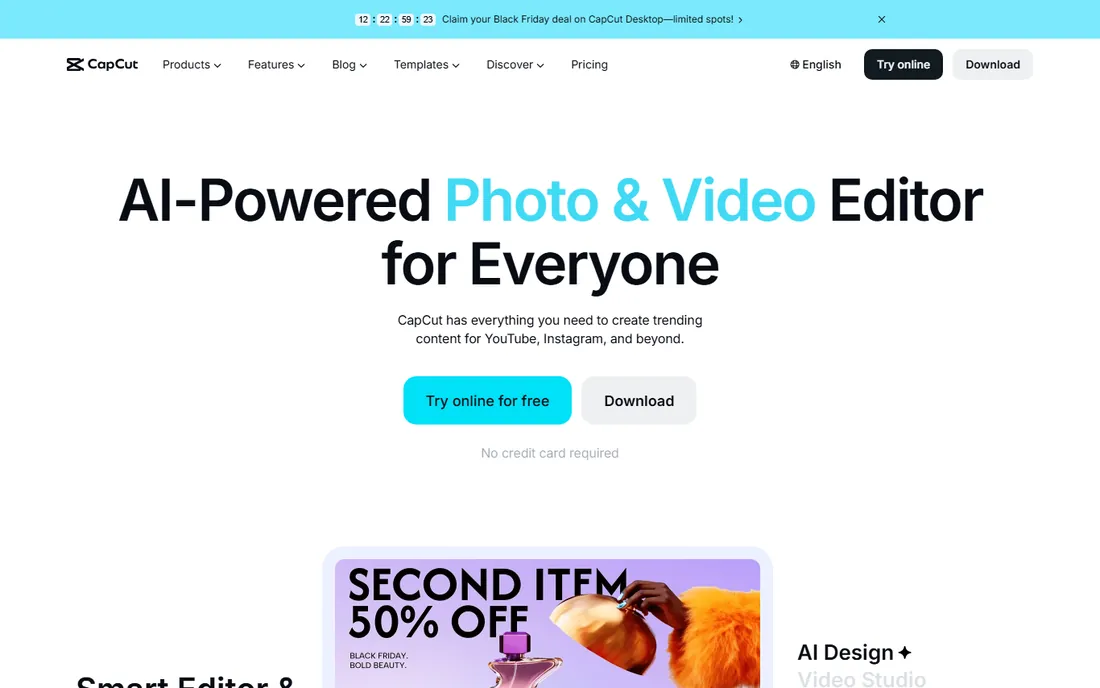
CapCut is the default editor for dance content, and for good reason: beat markers, auto beat-sync, speed ramping and a deep template library tuned for dance trends, all in a free app that exports without a watermark on core features. The dance template ecosystem alone saves hours.
The free tier covers most dance edits; Pro features cost extra and free export caps at 1080p. For phone-shot choreography, covers and trend videos, CapCut is the obvious starting point. The auto-captions matter for dance too: lyrics on screen keep viewers watching past the first beat, which feeds the algorithm.
What we like- Beat-sync tools and auto captions
- Huge template library
- Free core exports
Watch out for- Pro effects paywalled
- Export capped at 1080p free
- Account sync quirks
Starting priceFree (Studio $295 one-time)
Free planYes
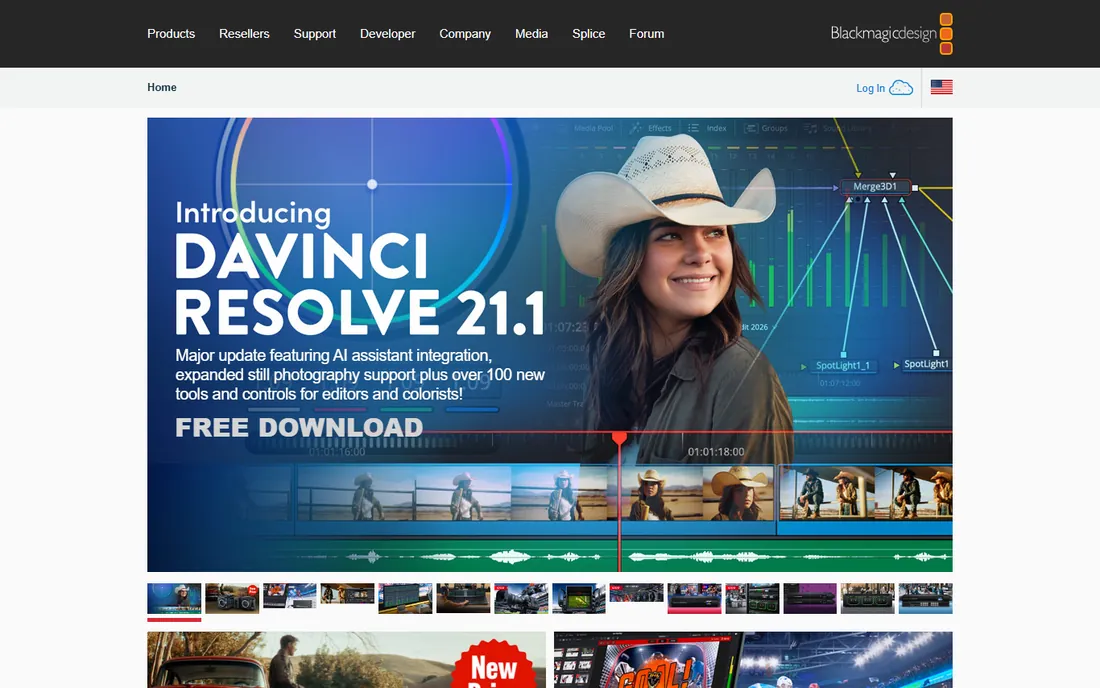
DaVinci Resolve is the best free desktop editor for serious dance video work: multi-cam editing for performance angles, optical-flow slow motion for highlight moves, and professional color grading, all free up to 4K/60. No watermark, no subscription.
The trade-off is complexity: it is a professional NLE with a real learning curve and demanding hardware. For choreographers filming performances, studio routines and multi-angle covers, the quality ceiling is the highest here for free. The Fairlight audio page also gives dance editors proper audio control, useful when cutting between multiple takes of the same track.
What we like- Most complete free editor
- Excellent slow motion and color
- Up to 4K/60 free
Watch out for- Learning curve
- Heavy on hardware
- No dance templates

#3
Adobe Premiere Pro
Best for: professional studios and agencies
Visit adobe.com
Starting price~$22.99/month
Free planNo (free trial)
Premiere Pro is the studio standard for dance video production: audio remixing to hit beats, precise markers, multi-cam workflows and integration with After Effects for effects-heavy edits. For agencies and studios producing dance content at scale, the pipeline is unmatched.
At around $22.99 a month it is expensive for casual creators, and the learning curve is steep. For solo dancers posting weekly, CapCut does the job. For professionals, Premiere is the benchmark. The Essential Sound panel and remix feature shorten music edits specifically: remixing a track to fit a routine's length without audible seams is a quiet superpower for choreography videos.
What we like- Industry standard
- Precise beat markers and remixing
- After Effects integration
Watch out for- Subscription cost
- Overkill for casual edits
- Steep learning curve
Starting price~$49.99/year
Free planYes (watermarked)
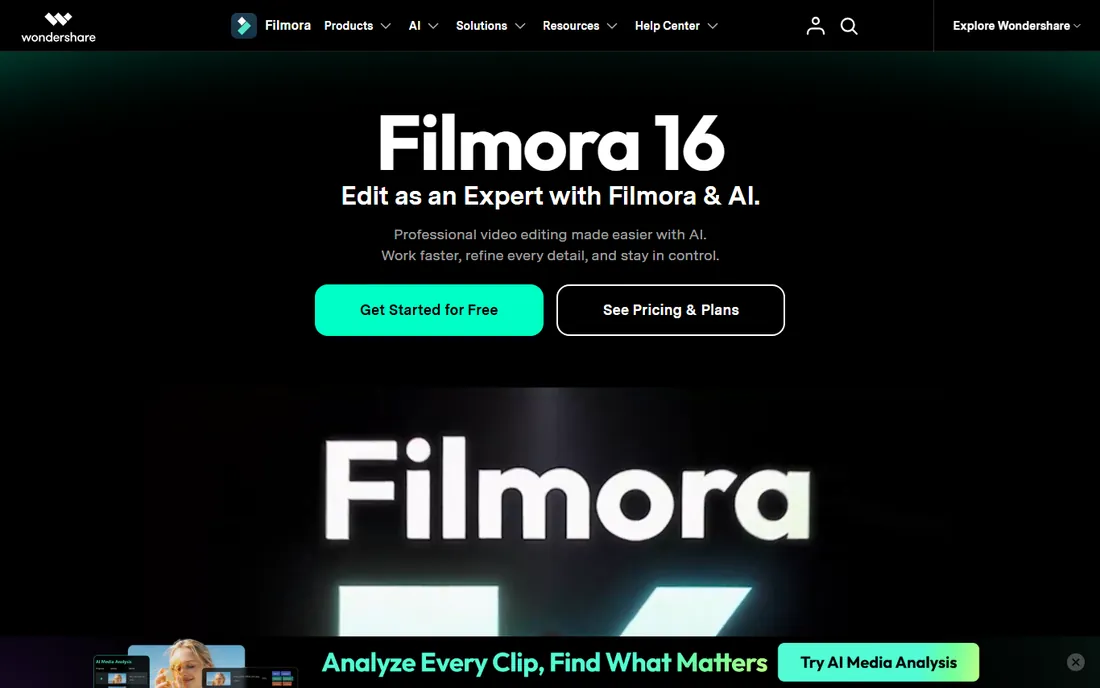
Filmora sits between CapCut and Resolve: a real desktop timeline with beat-sync tools, speed ramping and transitions, priced around $49.99 a year, with an interface beginners can learn in a weekend. For dancers moving from phone to desktop editing, it is the gentlest upgrade.
The free plan watermarks exports, and the effects store pushes upsells. But for the price, it covers the dance workflow, beats, slow motion, vertical exports, without the Resolve learning curve. Screen-recording-style tutorials are everywhere for Filmora, which matters for beginners: answers to every "how do I" question already exist on YouTube.
What we like- Easy learning curve
- Beat sync and speed ramping
- Affordable annual plan
Watch out for- Watermark on free
- Fewer pro features
- Effects store upsells
Starting price~$3.99/month
Free planYes (watermarked)
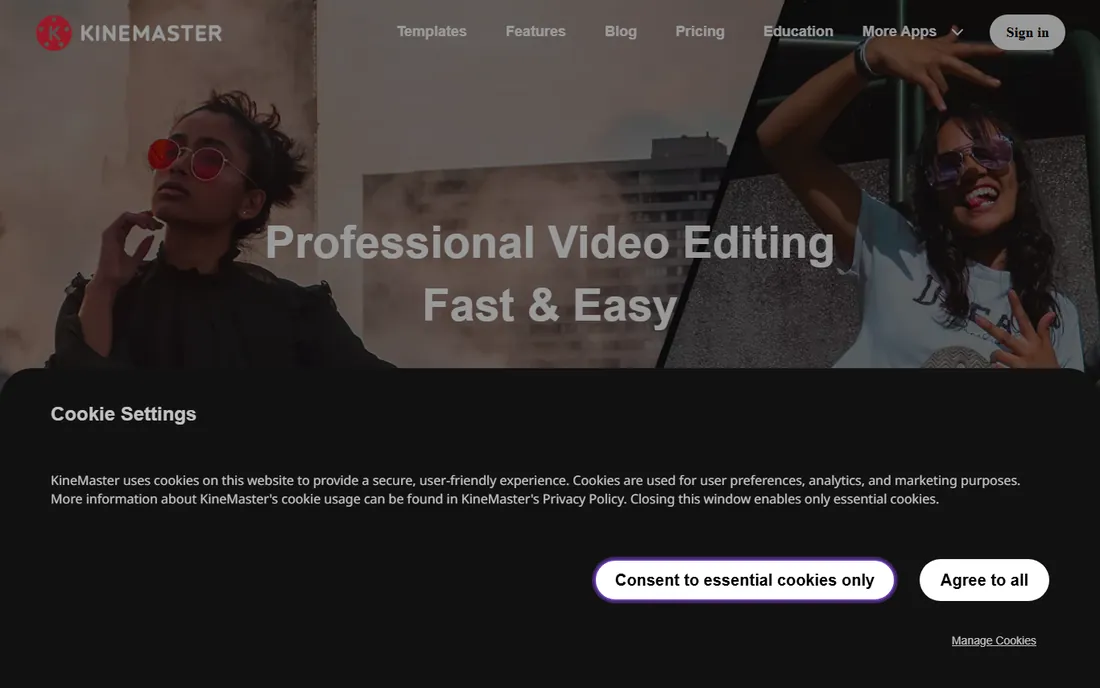
KineMaster brings a multi-layer desktop-style timeline to phones: multiple video layers, chroma key, blending modes and precise audio controls, from around $3.99 a month. For complex dance edits done entirely on mobile, the layering beats CapCut's simplicity.
The free tier watermarks, and the interface is busy on small screens. For editors who think in layers and want phone-first control, it is the strongest mobile pick after CapCut. Split-screen duets, a staple of dance challenges, are genuinely easier here than in template-driven editors.
What we like- Multi-layer timeline on phone
- Chroma key and blending
- Affordable
Watch out for- Watermark on free tier
- Interface busy on small screens
- Some features Pro-only
Starting price~$4.33/month
Free planYes (limited)
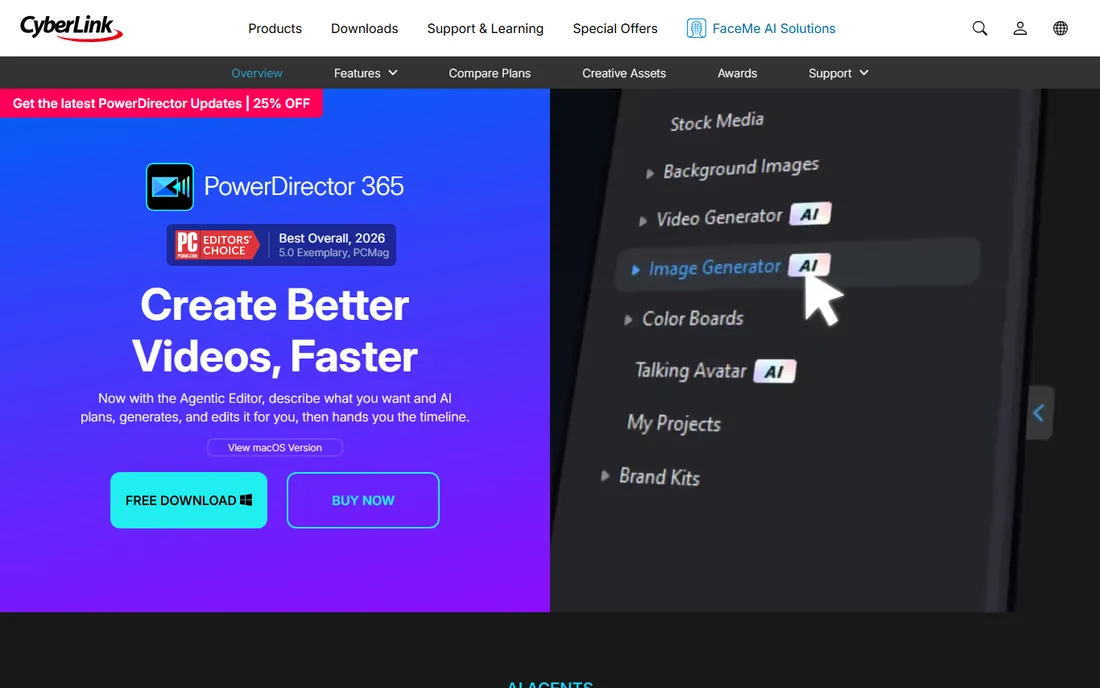
PowerDirector offers AI-assisted editing, motion tracking for following dancers, and strong slow-motion tools at around $4.33 a month. The AI features, background removal, object detection, save time on performance footage.
The tiered pricing pushes upsells, and the interface feels dated next to Premiere. For hobbyists wanting AI help with dance footage on desktop, the price is right. Background removal is the standout for dancers: shooting in a living room and dropping in a clean studio background is a few clicks here.
What we like- AI tools and motion tracking
- Strong slow motion
- Affordable
Watch out for- Upsells across tiers
- Interface dated
- Free tier limited
Starting priceFree (paid tiers)
Free planYes
VivaCut is a mobile editor popular with dance creators for its stylish transitions, multi-layer timeline and straightforward beat cutting, free with paid tiers for advanced features. For quick, polished dance clips, it competes with CapCut's ease.
It is less known and has a smaller feature set than the leaders. For creators wanting an alternative to CapCut's ecosystem, VivaCut is worth the trial. The transition library is the reason to stay: whip pans, zooms and velocity-style effects are tuned for exactly the dance edits trending on short-form platforms.
What we like- Stylish transitions and effects
- Easy beat cutting
- Free core use
Watch out for- Smaller feature set
- Pro features paywalled
- Less known
How to choose dance video editing software
First, match the tool to where you shoot and post. Phone-shot choreography for TikTok and Reels belongs in CapCut, KineMaster or VivaCut: vertical templates, beat tools and fast export. Multi-cam performances, studio footage and 4K belong on desktop in Resolve, Premiere or Filmora. The wrong platform costs more time than the wrong price.
Second, prioritize beat sync and slow motion. The two features that define dance edits are cuts that land on the beat and smooth slow motion on highlight moves. Test both on your own footage before committing: optical-flow quality varies hugely between tools, and bad slow motion ruins a dance video.
Third, count the total cost of your workflow, not just the subscription. Free mobile apps with 1080p caps may force upgrades for quality; desktop NLEs need hardware that can handle them. For professionals, Premiere plus After Effects is a pipeline investment. For creators, CapCut free plus a phone is often the whole business.
Fourth, think about music rights before you edit. Dance videos live on copyrighted tracks, and platform licensing covers posting, not repurposing for ads or brand deals. If you plan to monetize, keep your source files organized so you can swap audio when a deal requires it. The best editor cannot save a video that gets muted.
Fifth, plan your shooting for the edit. Clean takes on a tripod, one full wide shot plus close-ups, and a few seconds of stillness before and after the routine make editing dramatically easier. No software fixes a take where the camera moved during the drop. Editors reward disciplined footage.
Frequently asked questions
What is the best app for editing dance videos?
CapCut is the best app for most dance videos: free, with beat-sync tools, speed ramping and a huge template library for dance trends. For multi-layer mobile edits, KineMaster is the alternative. Desktop users should look at DaVinci Resolve. The honest answer depends on output: one trend video a day points to CapCut, a weekly studio series points to desktop.
How do you sync dance video cuts to the beat?
Use beat markers or auto beat-sync: most dance editors analyze the audio track and place markers on beats, then snap cuts and transitions to them. CapCut, Filmora and PowerDirector all include this. For manual precision, place markers yourself on a waveform view. The trick experienced editors use is cutting one frame before the beat, not on it: the visual lands exactly with the hit.
Is there a free video editor good enough for dance videos?
Yes. CapCut's free tier exports without a watermark on core features and includes beat tools. DaVinci Resolve is free up to 4K/60 with professional slow motion. KineMaster and VivaCut offer free tiers with watermarks. For most creators, the free tier of a phone app plus Resolve on desktop covers everything.
What software do professional dance studios use?
Professional studios typically use Adobe Premiere Pro, often with After Effects for effects-heavy work, and DaVinci Resolve for color. Multi-cam performance editing and broadcast delivery are the reasons studios stay on desktop NLEs. Dance studios filming recitals usually hand multi-cam footage to an editor on Resolve or Premiere rather than cutting on phones.
How do I export dance videos for TikTok and Reels?
Shoot and edit in 9:16 vertical, export 1080x1920 at 30fps or higher, and keep the file under platform limits. CapCut, KineMaster and VivaCut default to vertical projects; desktop editors need the sequence set to vertical first. Higher frame rates, 60fps, make slow-motion exports smoother. Keep text and faces inside the safe center of the frame: platform UI covers the edges of vertical videos on every app, so plan framing first.
Which editor has the best slow motion for dance?
DaVinci Resolve's optical-flow slow motion is the best free option and professional grade. Premiere Pro's time remapping is the studio standard. On mobile, CapCut's speed ramping handles most dance slow-motion needs.
Quick comparison
| Tool | Best for | Starting price | Free plan |
|---|
 CapCut CapCut | TikTok and Reels dance edits | Free (paid tiers for Pro features) | Yes |
 DaVinci Resolve DaVinci Resolve | free professional desktop editing | Free (Studio $295 one-time) | Yes |
| Adobe Premiere Pro | professional studios and agencies | ~$22.99/month | No (free trial) |
 Filmora Filmora | beginners wanting desktop editing | ~$49.99/year | Yes (watermarked) |
 KineMaster KineMaster | mobile multi-layer dance edits | ~$3.99/month | Yes (watermarked) |
 PowerDirector PowerDirector | desktop editing with AI assistance | ~$4.33/month | Yes (limited) |
 VivaCut VivaCut | quick stylish mobile edits | Free (paid tiers) | Yes |
Is your product missing or out of date?
We review this list regularly. Vendors can request a listing, send updated pricing or ask about featured placement.
Sources we checked (3)
- https://www.krea.ai/blog/best-video-editing-software-in-2026
- http://news.illinoisnewsdesk.com/story/623182/what-is-the-best-music-video-tool-in-2026-three-workflows-compared-for-finished-songs.html
- https://slashdot.org/software/comparison/Adobe-Premiere-Pro-vs-KineMaster-vs-PowerDirector/
Is your product missing or out of date?
We review this list regularly. Vendors can request a listing, send updated pricing or ask about featured placement.

Shihab Mia · Founder, Rankite
Shihab has spent more than a decade helping SaaS and e-commerce brands grow through search. He writes Rankite's software buying guides from pricing pages, documentation and public user reviews. More about Shihab.