How we make this list: we compare pricing pages, product documentation and public user reviews. Rankite is independent; if a vendor ever pays for a featured spot, that listing is clearly labeled Partner.
Key takeaways
- Adobe Premiere Pro and DaVinci Resolve are the professional standards, with Resolve's free version being the best value in video editing.
- Final Cut Pro is the fastest option on Mac, at a one-time $299.99 with no subscription.
- DaVinci Resolve is genuinely free for most 4K work; Studio ($295) adds the rest.
- CapCut is free and surprisingly capable for 4K social content.
- Lightworks is free but caps exports at 720p; you need a paid tier for 4K.
Quick comparison
Is your product missing or out of date?
We review this list regularly. Vendors can request a listing, send updated pricing or ask about featured placement.
The best video editing software for 4K videos

#1
Adobe Premiere Pro
Best for: Professional standard, everywhere
Visit adobe.com
Starting price$22.99/month
Free planFree trial (7 days)
Premiere Pro remains the default answer for professional 4K editing, and its proxy workflow is the reason. Ingest 4K footage, edit with lightweight proxies, and export at full resolution: the workflow that makes 4K practical on real-world hardware. Hardware acceleration for H.264, HEVC, and ProRes keeps timeline playback smooth on capable machines, and the plugin ecosystem is unmatched.
The subscription model is the perennial complaint: $22.99 a month forever, with no perpetual license. On modest hardware, Premiere can also feel sluggish next to Final Cut's optimization. But for collaborative professional work, client compatibility, and the deepest feature set, it is the standard everything else is measured against.
What we like- Industry-standard workflows and plugin ecosystem
- Excellent proxy workflow for 4K
- Integrates with After Effects and Audition
Watch out for- Subscription only
- Can feel heavy on modest machines
Starting price$299.99 one-time
Free planFree trial (90 days)
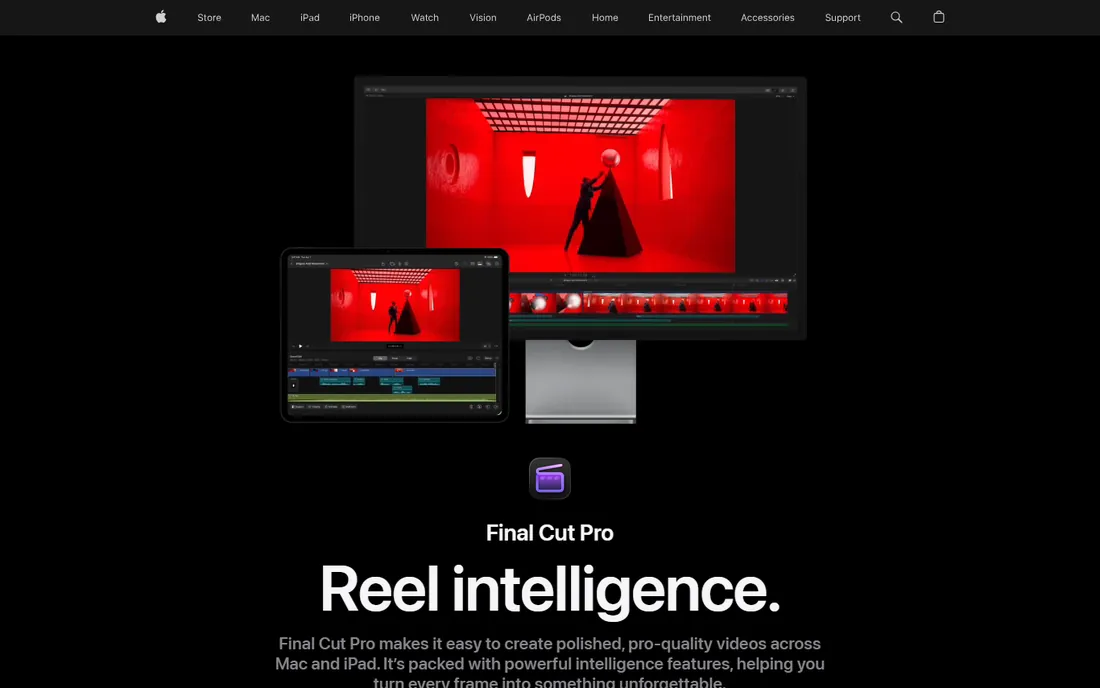
On a modern Mac, nothing edits 4K faster than Final Cut Pro. Apple's optimization for its own silicon means multicam 4K timelines that stutter elsewhere play smoothly here, often without proxies. The $299.99 one-time price is the deal of the industry: pay once, own it, with free updates that have added real features for years.
The magnetic timeline divides editors. Fans find it the fastest way to assemble a cut; Premiere veterans find it fights their habits. And it is Mac-only, which rules out mixed-platform shops. Apple's 90-day free trial is unusually generous, so Mac owners can evaluate thoroughly before buying.
What we like- Blazing performance on Apple Silicon
- One-time purchase, no subscription
- Magnetic timeline speeds assembly
Watch out for- Mac only
- Unconventional interface for editors coming from other NLEs
Starting priceFree (Studio $295 one-time)
Free planYes
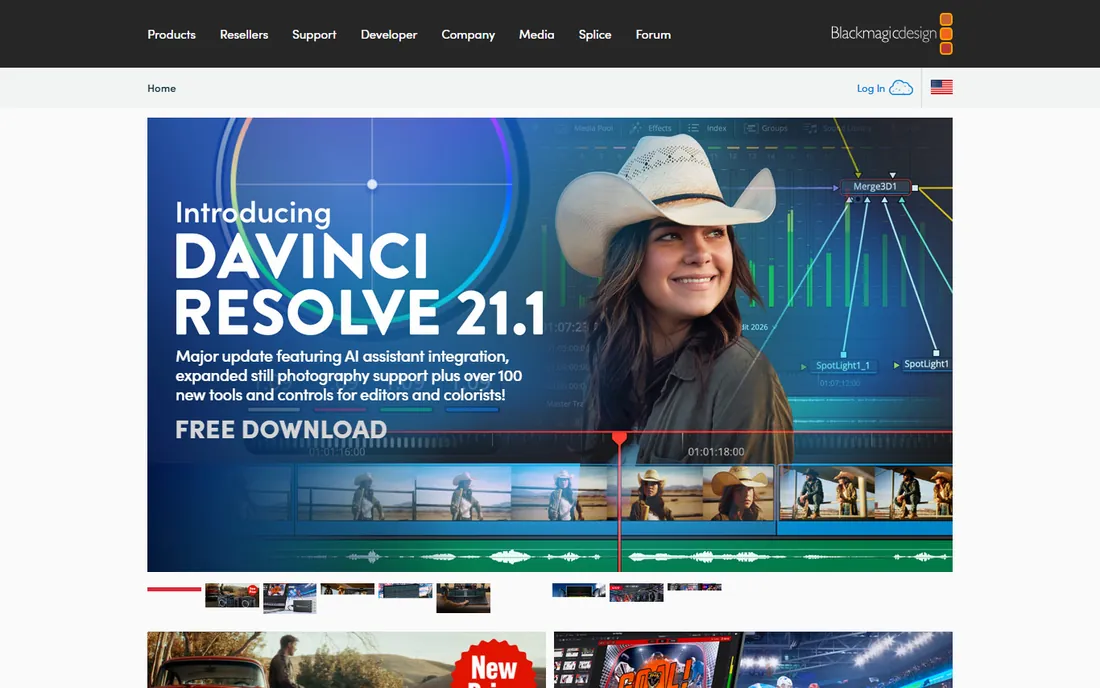
DaVinci Resolve's free version is the most generous offer in creative software: a complete professional non-linear editor, with 4K timelines, Fusion effects, Fairlight audio, and the industry's best color grading, for nothing. The paid Studio version ($295, one-time) adds GPU acceleration, noise reduction, stereoscopic tools, and more
The cost is hardware. Resolve wants a strong GPU, and integrated graphics will struggle with 4K. The interface also assumes you know what you are doing. But for anyone serious about 4K on any budget, Resolve is the first download: learn on the free version, pay $295 only if you outgrow it.
What we like- Full professional editor free
- Best color grading in the business
- Studio is a cheap one-time upgrade
Watch out for- Demanding on hardware
- The interface can overwhelm beginners
Starting price$49.99/year
Free planYes
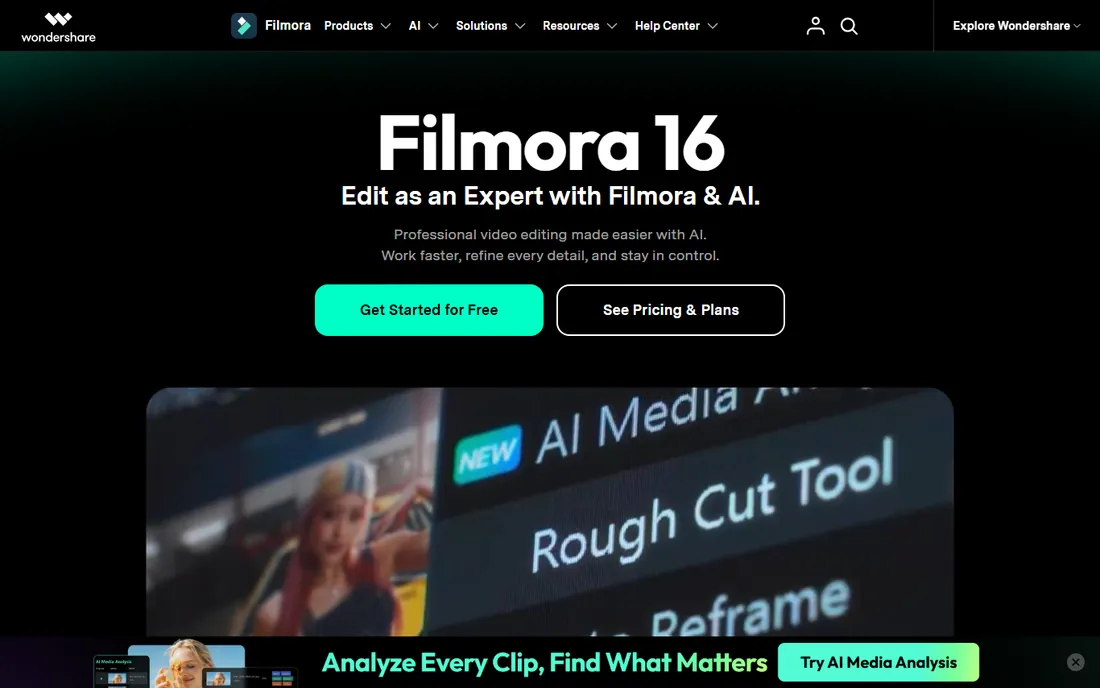
Filmora is the on-ramp to 4K editing. The interface is drag-and-drop simple, 4K import and export work fine, and the built-in library of titles, transitions, and effects covers what most YouTube and social creators need. At $49.99 a year, it is priced for hobbyists rather than professionals.
The free version exports with a watermark, which makes it a trial in practice. And serious editors will eventually want the precision of Premiere or Resolve. But for creators who find professional NLEs intimidating, Filmora gets 4K videos finished instead of abandoned.
What we like- Genuinely easy to learn
- Handles 4K timelines and export
- Huge template and effects library
Watch out for- Free version watermarks exports
- Pros will outgrow it
Starting priceSee website
Free planFree trial

PowerDirector's claim to fame is speed: its rendering engine has benchmarked among the fastest for 4K export on Windows. CyberLink has also invested heavily in AI features: motion tracking, sky replacement, wind removal, auto subtitles, that genuinely save editing time. Both subscription and perpetual licenses exist, though the company steers buyers toward subscription.
The interface packs in a lot and can feel cluttered. Pricing fluctuates with frequent discounts, so check the site rather than trusting list prices. For Windows users who want fast 4K turnaround without professional complexity, it is a strong pick.
What we like- Very fast rendering engine
- AI tools for denoise, stabilization, and subtitles
- Subscription or perpetual options
Watch out for- Subscription push is aggressive
- Interface is busy
Starting priceSee website
Free planNo
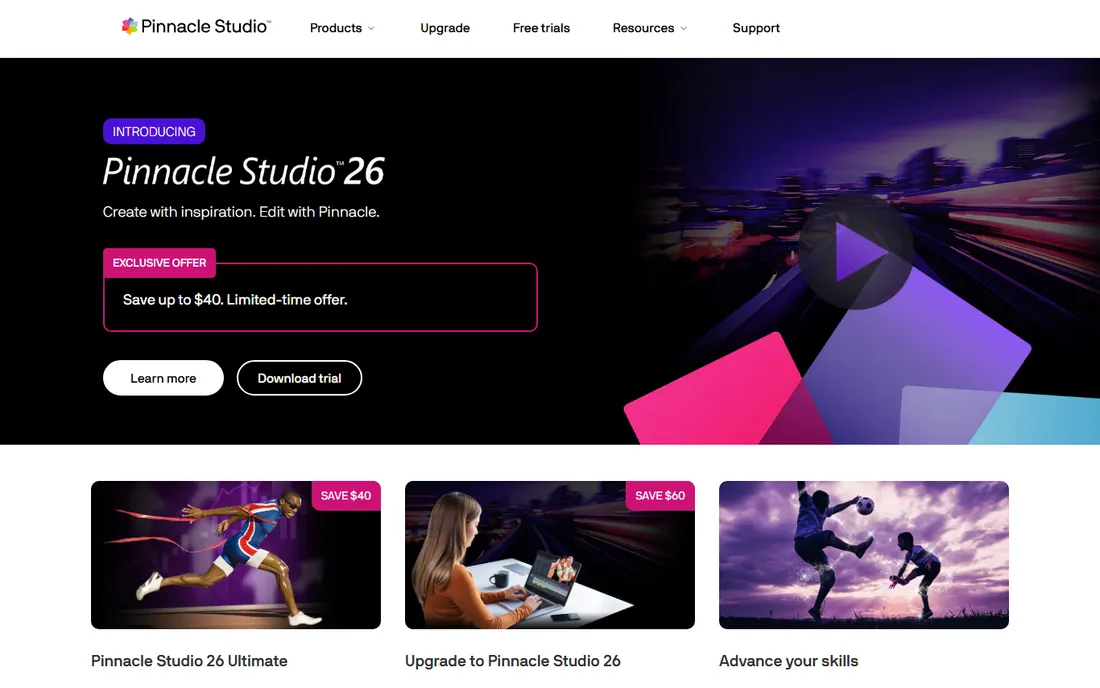
Pinnacle Studio has been the Windows enthusiast's editor for decades, and the current Studio 26 handles 4K multicam, 360 video, and advanced color grading competently. It occupies the middle ground: more capable than Filmora, less intimidating than Premiere, with perpetual licenses that avoid subscription fatigue.
The ecosystem is the weakness. Fewer users means fewer tutorials, templates, and third-party plugins than the big names. There is no free tier to try before buying. But for Windows editors who want solid 4K capability without a subscription, it remains a respectable choice.
What we like- Capable 4K multicam editing
- Good color tools for the price
- One-time purchase options
Watch out for- Windows only
- Smaller community means fewer tutorials
- No free tier
Starting priceSee website
Free planFree trial
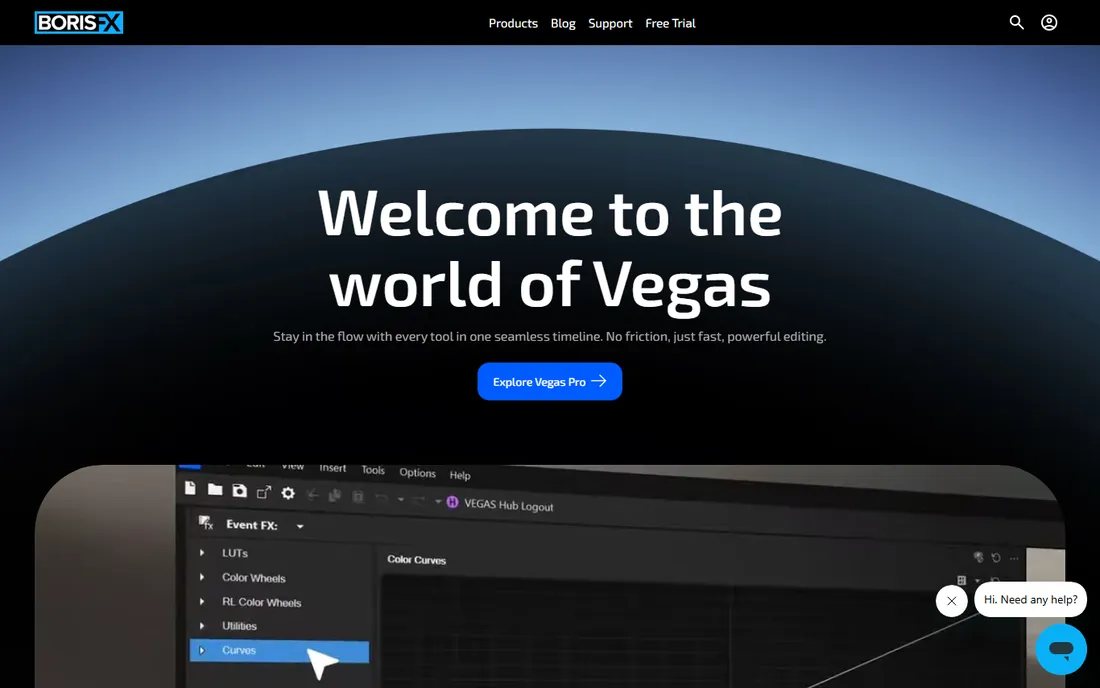
VEGAS Pro's heritage is audio, and it shows: the timeline handles multitrack audio editing better than most video-first NLEs, a real advantage for music videos, podcasts with video, and dialogue-heavy work. 4K and even 8K timelines are supported, with hardware acceleration and a flexible subscription-or-perpetual pricing model.
The interface has not kept pace with modern design, and the tier structure (Edit, Pro, Post, Suite, 365 variants) confuses buyers. Pricing varies by promotion, so check the site. For Windows editors whose projects live or die on sound, VEGAS earns its place.
What we like- Excellent audio editing built in
- Flexible timeline
- Strong 4K and 8K support
Watch out for- Windows only
- Interface feels dated
- Pricing tiers are confusing
Starting priceFree
Free planYes
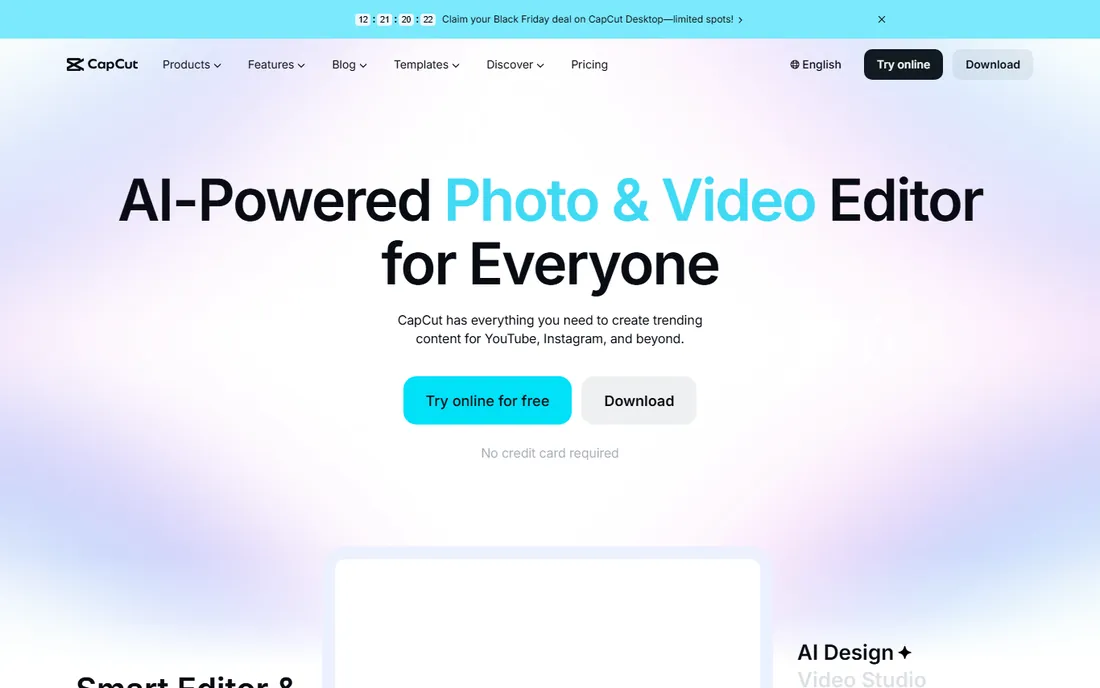
CapCut is the surprise of this list: a free editor from ByteDance that exports 4K, auto-generates accurate captions, and ships with templates that make social content fast. The desktop app is a real editor, not a toy, and the mobile app is arguably the best phone editor available. For TikTok, Reels, and Shorts creators, it is all many will ever need.
The ownership question is real: ByteDance's data practices concern privacy-minded users, though editing happens locally. Advanced color and audio tools lag the professional NLEs. But as a free 4K editor, CapCut embarrasses software that charges money.
What we like- Completely free with 4K export
- Excellent auto-captions and templates
- Desktop, mobile, and web versions
Watch out for- Owned by ByteDance, which concerns some users
- Cloud features need an account
Starting price$64.95/year
Free planFree trial (7 days)
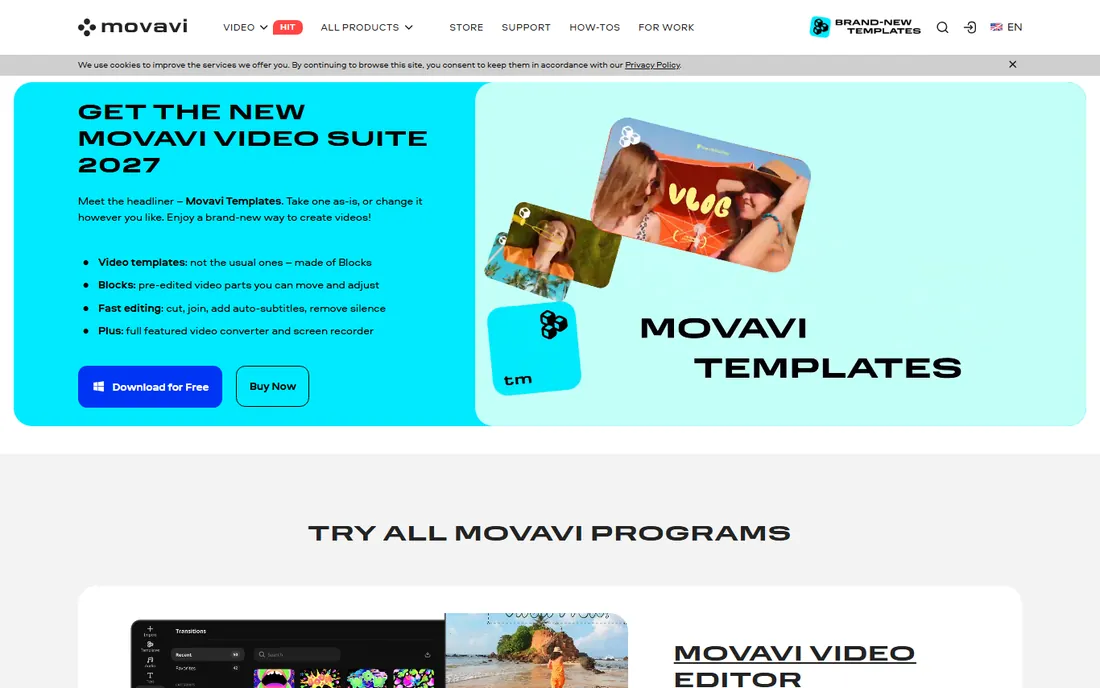
Movavi aims at the same casual editor as Filmora: family videos, travel vlogs, simple YouTube content. The interface is clean, 4K editing works without drama, and one-click AI tools handle background removal, noise reduction, and auto subtitles. The 1-year subscription is $64.95 on the vendor's store.
The 7-day trial watermarks exports, and the effects store upsells can irritate. Precision editing, keyframing, and color control are basic next to the pro tools. But for casual editors who want 4K output without a learning curve, Movavi delivers exactly that.
What we like- Very approachable interface
- Handles 4K import and export
- AI tools for background removal and noise reduction
Watch out for- Trial watermarks exports
- Effects packs cost extra
- Less precise than pro NLEs

#10
Lightworks
Best for: Film-grade editing, free to start
Visit lwks.com
Starting priceSee website
Free planYes
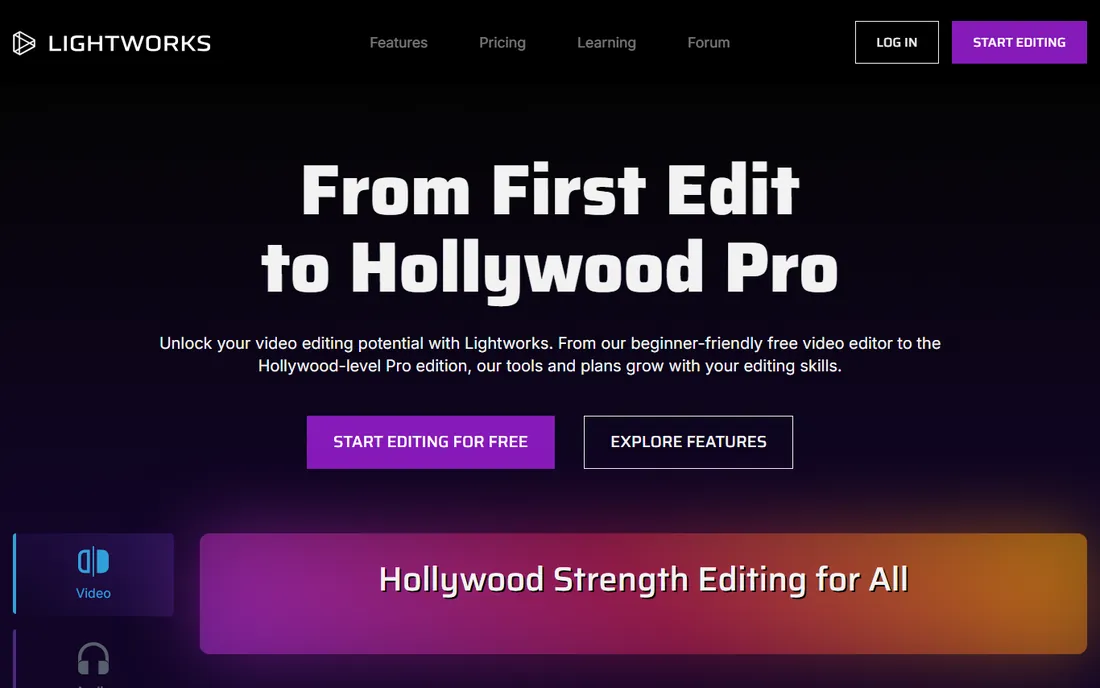
Lightworks has edited Hollywood films, which gives it credibility few free editors can claim. The free version includes the full editing toolset, making it excellent for learning professional technique. It is also one of the few pro NLEs with proper Linux support.
The catch matters for this guide: the free version caps exports at 720p. 4K export requires the paid Create tier, and pricing has shifted over the years, so check the site. The interface is idiosyncratic and takes real commitment to learn. For aspiring professionals on Linux or a budget, it is worth the effort; for casual 4K work, the free tier's export limit is disqualifying.
What we like- Genuinely professional editing heritage
- Free version is fully featured for learning
- Linux support
Watch out for- Free version exports only 720p
- Paid tiers needed for 4K
- Steep learning curve
What your computer needs for 4K
Software is half the equation. For smooth 4K editing, the practical minimums are: 16GB of RAM (32GB is better), a dedicated GPU with at least 4GB of VRAM, fast SSD storage for media, and a modern multi-core CPU. Apple Silicon Macs punch above their specs thanks to hardware media engines.
If your machine falls short, use proxy workflows: every professional editor on this list can edit with lightweight proxy files and export at full 4K. It adds an ingest step but transforms the experience on modest hardware. Also consider your codec: H.264 and HEVC from mirrorless cameras are harder to edit than ProRes or DNx, so transcoding to an edit-friendly codec helps weak machines.
How we chose
We selected editors with genuine 4K timeline and export support, verified through vendor documentation and current reviews. We confirmed pricing from vendor sites where published, using See website where pricing varies or was unverifiable. We weighted 4K playback performance, export options, proxy workflows, hardware acceleration, and value, drawing on reviews from TechRadar, Tom's Guide, Digital Camera World, and creator communities. Editors without real 4K export, like free-tier-only tools, were excluded or noted.
Picking the right editor for your 4K work
Match the software to the work, not the hype.
Professional and client work
Premiere Pro for collaboration and ecosystem, Final Cut Pro for Mac speed, DaVinci Resolve for color and value. All three handle anything 4K throws at them.
YouTube and content creation
DaVinci Resolve free for maximum quality at zero cost, Filmora or Movavi for ease, CapCut for social-first content. Most creators need one of these, not a pro suite.
Enthusiast and hobbyist
PowerDirector for fast Windows rendering, Pinnacle Studio for perpetual-license comfort, VEGAS Pro when audio matters most. Lightworks for aspiring pros willing to climb the learning curve.
On a zero budget
DaVinci Resolve free for serious work, CapCut free for social content. Between them, they cover nearly every free 4K need.
Frequently asked questions
Can my computer handle 4K editing?
Probably, with proxies. 16GB of RAM, a dedicated GPU, and SSD storage make native 4K comfortable. Older or integrated-graphics machines should use proxy workflows, which every editor here supports, to edit smoothly and export at full quality.
What is the best free 4K video editor?
DaVinci Resolve, for serious editing: full professional toolset, 4K export, no watermark. CapCut is the best free option for social and short-form content. Avoid editors whose free tiers cap exports below 4K if 4K output is the goal.
Is DaVinci Resolve really free?
Yes. The free version includes the full editor, Fusion effects, Fairlight audio, and 4K export. Studio ($295, one-time) adds GPU-accelerated features, advanced noise reduction, and stereoscopic tools. Most editors never need it.
Premiere Pro vs Final Cut Pro for 4K: which is better?
On Mac, Final Cut Pro is faster and cheaper long-term ($299.99 once vs $22.99 monthly). Premiere Pro wins for Windows users, collaborative workflows, and plugin ecosystem. Both handle 4K professionally; the platform and pricing model usually decide.
Do I need a subscription for 4K editing?
No. Final Cut Pro ($299.99), DaVinci Resolve Studio ($295), Pinnacle Studio, and VEGAS Pro all offer perpetual licenses. Subscriptions (Premiere Pro, PowerDirector 365) buy continuous updates instead. Free options need no payment at all.
What format should I export 4K videos in?
H.264 remains the universal choice for YouTube and general sharing. H.265 (HEVC) gives smaller files at equal quality but needs more playback power. For archiving or further editing, ProRes or DNxHR preserve quality at large file sizes.
Sources we checked (12)
- https://www.adobe.com
- https://www.apple.com/final-cut-pro
- https://www.blackmagicdesign.com
- https://filmora.wondershare.com
- https://www.cyberlink.com
- https://pinnaclesys.com
- https://www.vegascreativesoftware.com
- https://www.capcut.com
- https://www.movavi.com
- https://www.lwks.com
- https://www.techradar.com/reviews/cyberlink-powerdirector-365
- https://www.digitalcameraworld.com/tech/software/movavi-video-editor-2026-an-affordable-and-feature-packed-non-linear-video-editor
Is your product missing or out of date?
We review this list regularly. Vendors can request a listing, send updated pricing or ask about featured placement.

Shihab Mia · Founder, Rankite
Shihab has spent more than a decade helping SaaS and e-commerce brands grow through search. He writes Rankite's software buying guides from pricing pages, documentation and public user reviews. More about Shihab.
 Final Cut Pro
 DaVinci Resolve
 Filmora
 CyberLink PowerDirector
 Pinnacle Studio
 VEGAS Pro
 CapCut
 Movavi Video Editor