How we make this list: we compare pricing pages, product documentation and public user reviews. Rankite is independent; if a vendor ever pays for a featured spot, that listing is clearly labeled Partner.
Key takeaways
- Slack remains the safest default for most companies: huge integration library, channels, and a free tier to start on.
- Microsoft Teams is the natural pick if your company already runs on Microsoft 365; it bundles meetings, chat and file collaboration.
- Mattermost, Rocket.Chat and Zulip give you self-hosted, open-source chat for teams that need data control.
- Discord and Twist serve opposite cultures: Discord for informal, always-on communities; Twist for calm, asynchronous teams.
- Google Chat and Flock work best for teams already invested in their ecosystems, Google Workspace and Flock's built-in productivity tools.
Every team communicates somewhere, and where that somewhere is shapes how the work feels. Email buries decisions. Meetings eat the calendar. The apps below try to land in the middle: conversations organized by topic, searchable forever, with files, calls and integrations close at hand. Nine tools, three philosophies: chat-first, suite-first, and self-hosted.
Quick comparison
| Tool | Best for | Starting price | Free plan |
|---|
 Slack Slack | All-round team chat | Free | Yes |
 Microsoft Teams Microsoft Teams | Microsoft 365 shops | See website | Free trial |
 Discord Discord | Informal communities | Free | Yes |
 Google Chat Google Chat | Google Workspace teams | See website | Free trial |
 Mattermost Mattermost | Self-hosted open source | Free | Yes |
 Rocket.Chat Rocket.Chat | Federated secure chat | Free | Yes |
 Zulip Zulip | Async threaded conversations | Free | Yes |
 Twist Twist | Calm async communication | See website | Free trial |
 Flock Flock | Built-in productivity chat | See website | Free trial |
Is your product missing or out of date?
We review this list regularly. Vendors can request a listing, send updated pricing or ask about featured placement.
The best team communication apps
Starting priceFree
Free planYes
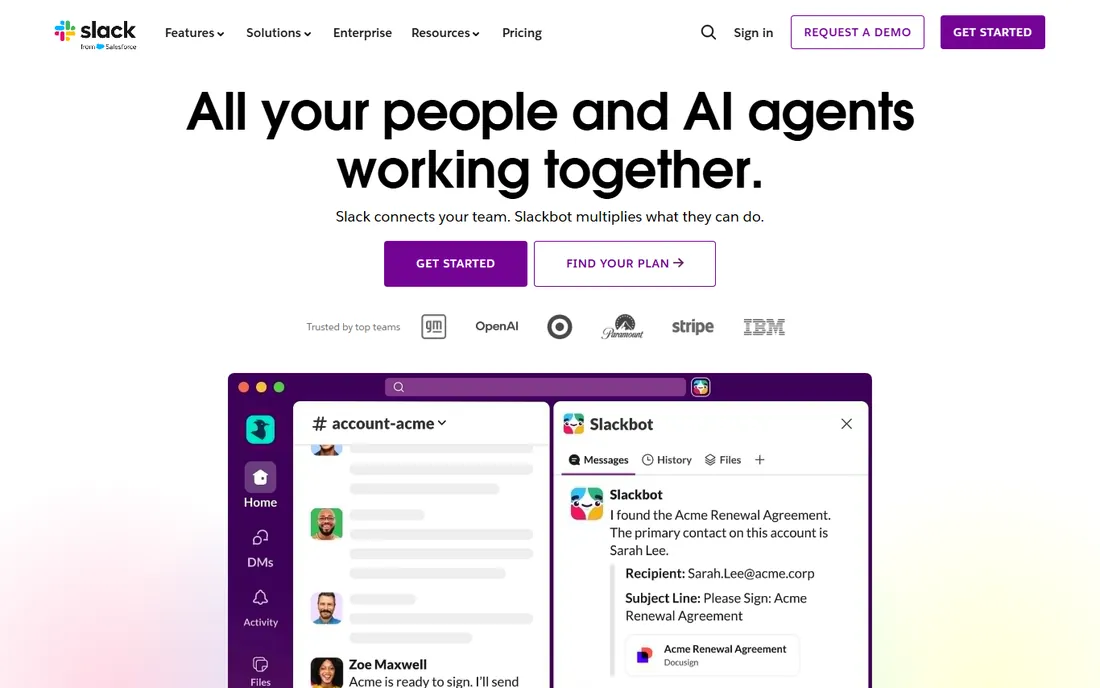
Slack defined the modern team chat category and still sets the pace. Channels organize conversations by project or topic, threads keep side discussions tidy, and huddles give you instant voice when typing is too slow. The integration directory connects nearly every business tool you already use, and Slack Connect lets you message clients and vendors from your own workspace.
The free tier covers the basics for small teams, with paid plans adding full history, advanced search, workflow automation and enterprise controls. It is the choice you make when you want the widest ecosystem and the lowest adoption friction.
Start on the free tier with a handful of channels and connect your two or three most-used tools. If the team adopts it without being told, you have your answer. Watch the per-user pricing as you scale, since that is where Slack gets expensive.
What we like- Massive integration library
- Channels, huddles and Slack Connect
- Mature and reliable
Watch out for- Costs add up at scale
- Message history limits on the free tier
Starting priceSee website
Free planFree trial
If your company already pays for Microsoft 365, Teams is sitting there waiting. Chat, meetings, file collaboration and calling live in one app, with Word, Excel and PowerPoint embedded so documents get edited where the conversation happens. Meetings support is a genuine strength, from webinars to town halls.
Outside the Microsoft ecosystem the appeal narrows. The interface has a lot going on, and teams that live in Google Workspace or neither suite may find it heavier than Slack or Discord. Pricing rides along with Microsoft 365 plans.
Check what your 365 license already includes before buying anything separately. Test a meeting and a shared document edit with your actual team, since those two workflows are the core of the Teams value proposition.
What we like- Bundled with Microsoft 365
- Strong meetings and webinars
- Deep Office integration
Watch out for- Interface can feel heavy
- Best value requires the Microsoft ecosystem
Starting priceFree
Free planYes
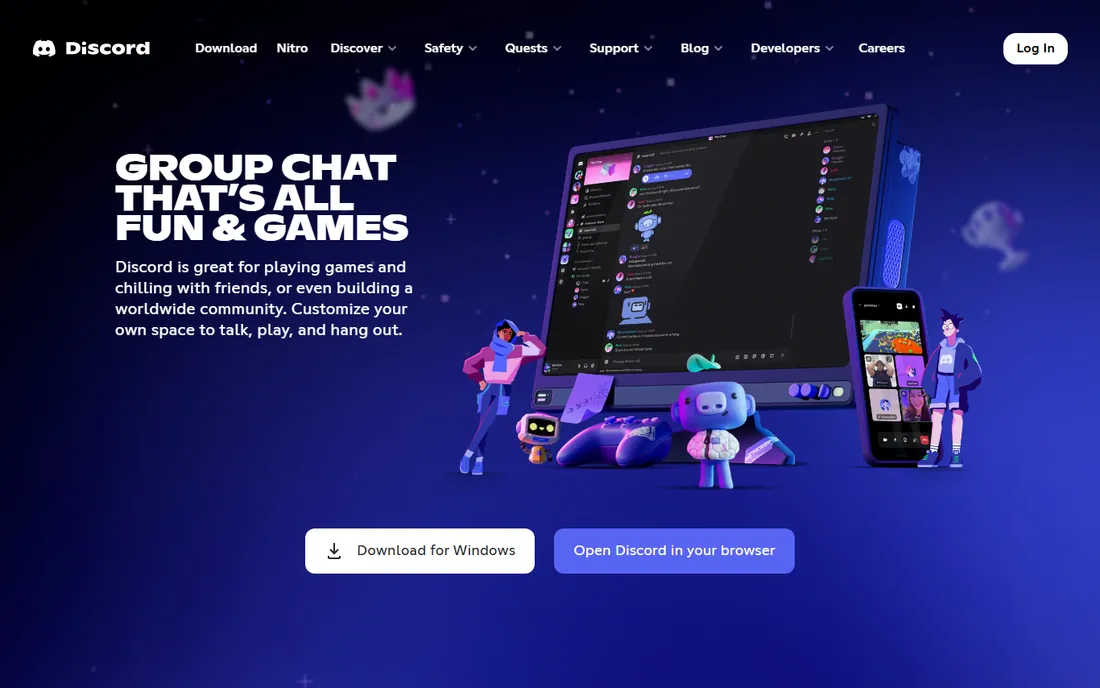
Discord started with gamers and grew into the default hangout for communities of every kind, and plenty of startups run their internal comms on it too. Voice channels you can drop in and out of, screen sharing, stages, and text channels with threads and forums cover most team needs, all free.
The tradeoff is tone and governance. It looks and feels like a gaming app, which some companies love and others cannot sell to their board. Admin controls, compliance features and business integrations lag far behind Slack and Teams.
Try it if your team skews young, technical or community-oriented and you want zero software cost. Set up a server with text and voice channels and see whether the informality helps or hinders. Nitro subscriptions add perks but are not required for team use.
What we like- Free with excellent voice channels
- Huge community adoption
- Always-on presence
Watch out for- Feels informal for corporate use
- Weaker business integrations and admin controls
Starting priceSee website
Free planFree trial

Google Chat is the messaging layer of Google Workspace: spaces for projects, direct messages, and file sharing that pulls straight from Drive. Meet video and Gmail context sit one click away, so a Workspace team can run most of its communication without leaving Google's orbit.
It is simpler than Slack or Teams, which is either refreshing or limiting. The integration ecosystem is smaller, and power users sometimes miss Slack's workflow automation. Pricing follows Workspace plans.
If your company is on Workspace, you are likely already paying for it, so enable it and run one project in a space before deciding. Compare the notification and threading behavior with your current tool, since those are the areas where Chat feels most different.
What we like- Included with Google Workspace
- Tight Gmail, Drive and Meet integration
- Simple spaces
Watch out for- Fewer integrations than Slack
- Threading model is basic
Starting priceFree
Free planYes
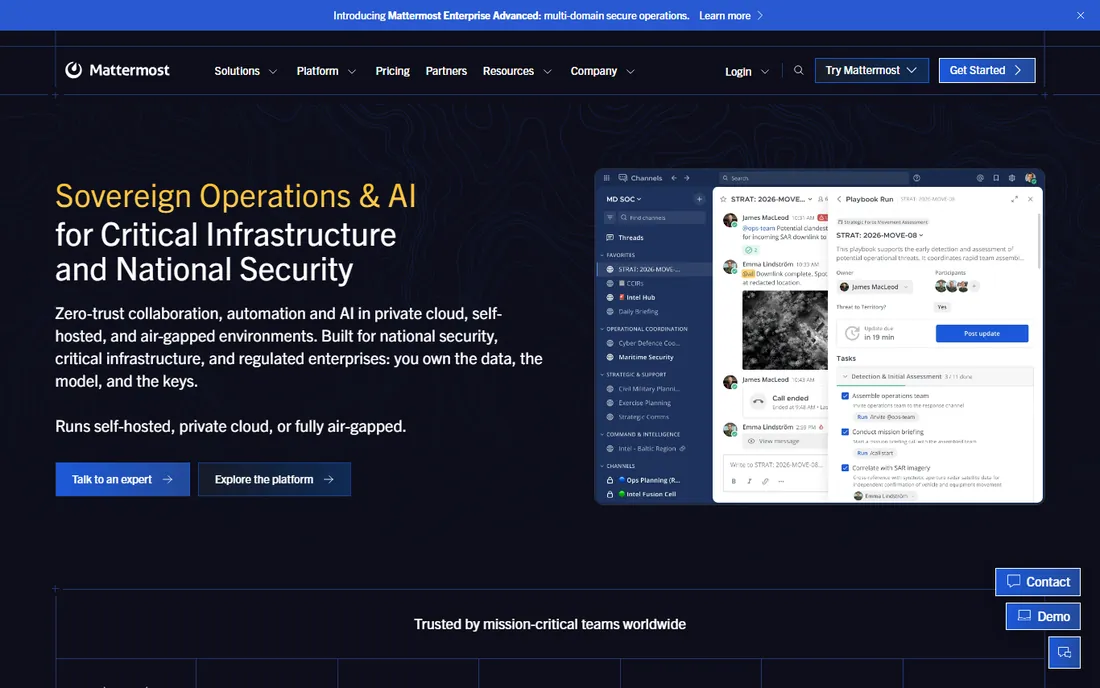
Mattermost is the open-source answer to Slack for organizations that must control their own data. Deploy it on your own servers, in your cloud, or even air-gapped, and you own every message. It includes channels, threads, calls, kanban boards and incident-response playbooks in one platform.
The vendor's focus is mission-critical and regulated environments, with compliance certifications to match. The community edition is free and open source; paid tiers add enterprise features and support.
Evaluate it if data sovereignty or compliance rules your buying decision. Run the Team Edition on your own infrastructure for a trial, and test the playbooks if incident response is part of your world. Budget ops time for upgrades and maintenance.
What we like- Self-host or use cloud
- Open source with strong security posture
- Boards and playbooks built in
Watch out for- Self-hosting needs ops effort
- Smaller integration ecosystem than Slack
Starting priceFree
Free planYes
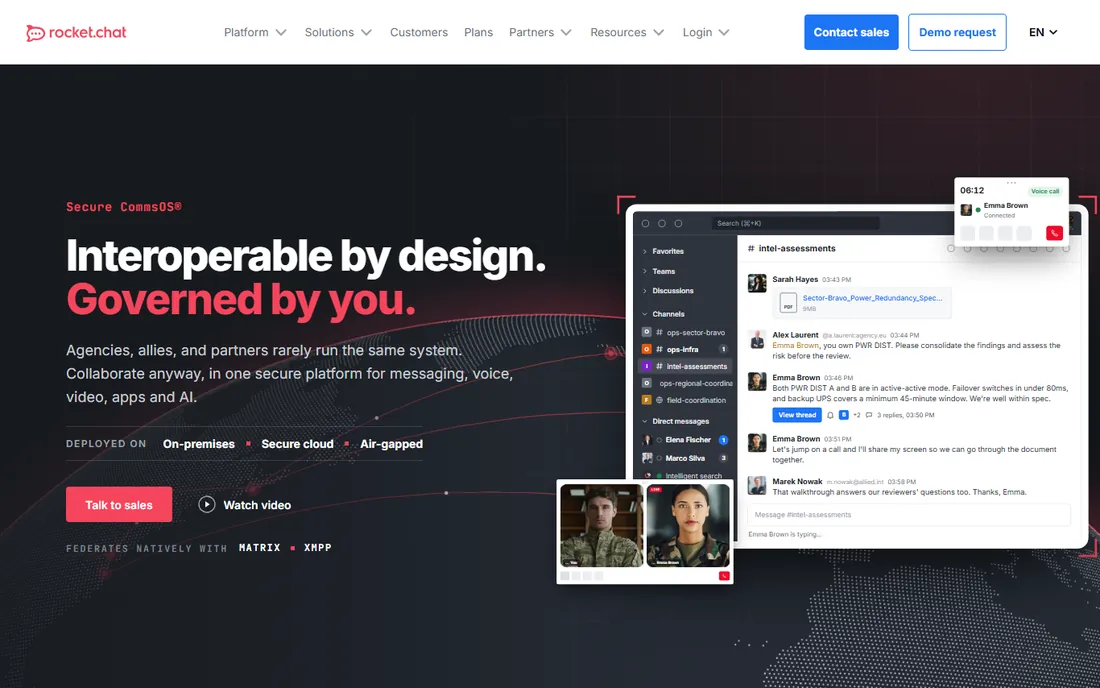
Rocket.Chat is an open-source communication platform now aimed squarely at defense, government and critical infrastructure: self-hosted or air-gapped deployment, native Matrix and XMPP federation so partners keep their own systems, and AI that runs inside your perimeter.
For ordinary business teams it is simply a capable self-hosted Slack alternative with voice, video, apps and integrations. The community edition is free and open source; enterprise tiers add the security and compliance story.
Consider it when you need federation with other organizations' chat systems or must deploy somewhere exotic. Test the community edition on your own server first. Smaller teams without ops staff should weigh the hosted option against simpler tools.
What we like- Open source with Matrix and XMPP federation
- Self-hosted, air-gapped or sovereign cloud
- Governed AI
Watch out for- Enterprise positioning can overwhelm small teams
- Self-hosting needs technical skill
Starting priceFree
Free planYes
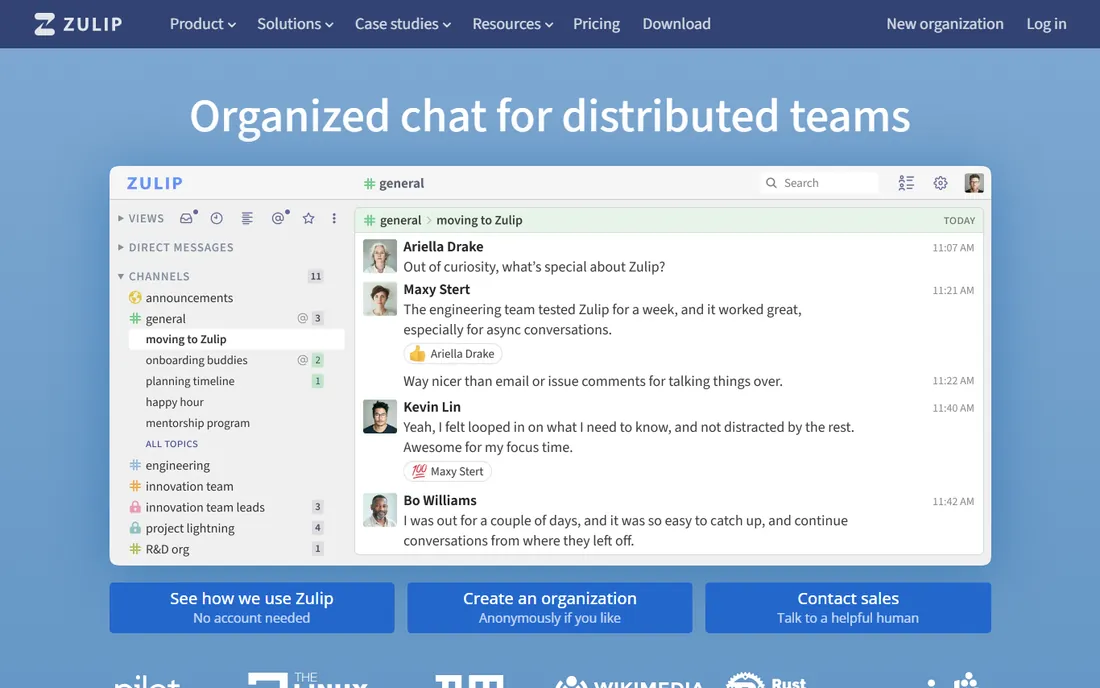
Zulip's signature idea is topics inside streams: every conversation gets a subject line, so a busy channel stays navigable in a way flat chat never achieves. It is built for asynchronous teams and distributed organizations, from Fortune 500 companies to open-source projects like Rust.
The software is fully open source, self-hostable, or available as a cloud service with free and discounted plans for non-business uses. The inbox view surfaces unread conversations across all streams, which power users swear by.
Try it with a team that drowns in Slack noise. The topic model takes a week to click, so commit to a real trial period rather than a day. If your team lives in real-time chatter, the async-first design may feel slow.
What we like- Topic-based threading keeps conversations organized
- 100 percent open source
- Free cloud tier
Watch out for- Different mental model takes adjustment
- Smaller app ecosystem
Starting priceSee website
Free planFree trial
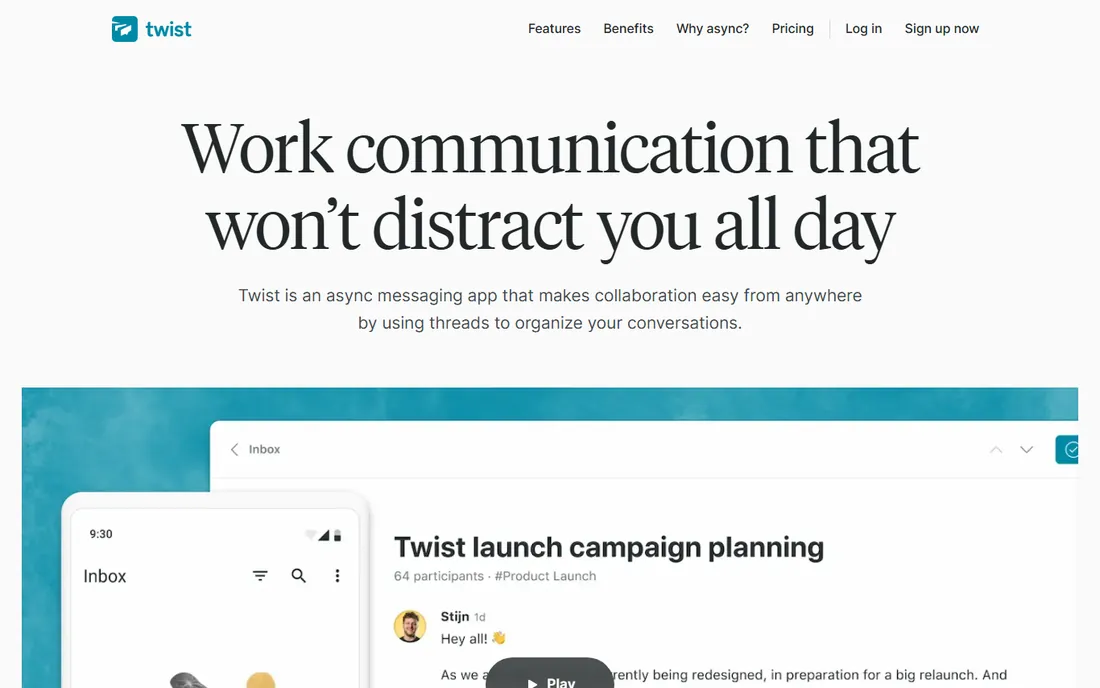
Twist, from the makers of Todoist, is built on a thesis: real-time chat destroys focus, so do not build real-time chat. Everything is a thread with a title, there are no green online dots, and the culture it encourages is thoughtful, asynchronous writing instead of constant interruption.
Remote and distributed teams that protect deep work love it. Teams that need instant answers hate it. There is no middle ground, which makes Twist the easiest tool on this list to evaluate: your team's working style either matches or it does not.
Run a trial with one distributed project and see whether decisions get better or slower. If your team already complains about Slack interruptions, Twist is worth a serious look. If you need fast back-and-forth, look elsewhere.
What we like- Threads-first design reduces noise
- No online presence indicators
- Built by remote-work veterans
Watch out for- No real-time chat feel
- Smaller integrations library
Starting priceSee website
Free planFree trial
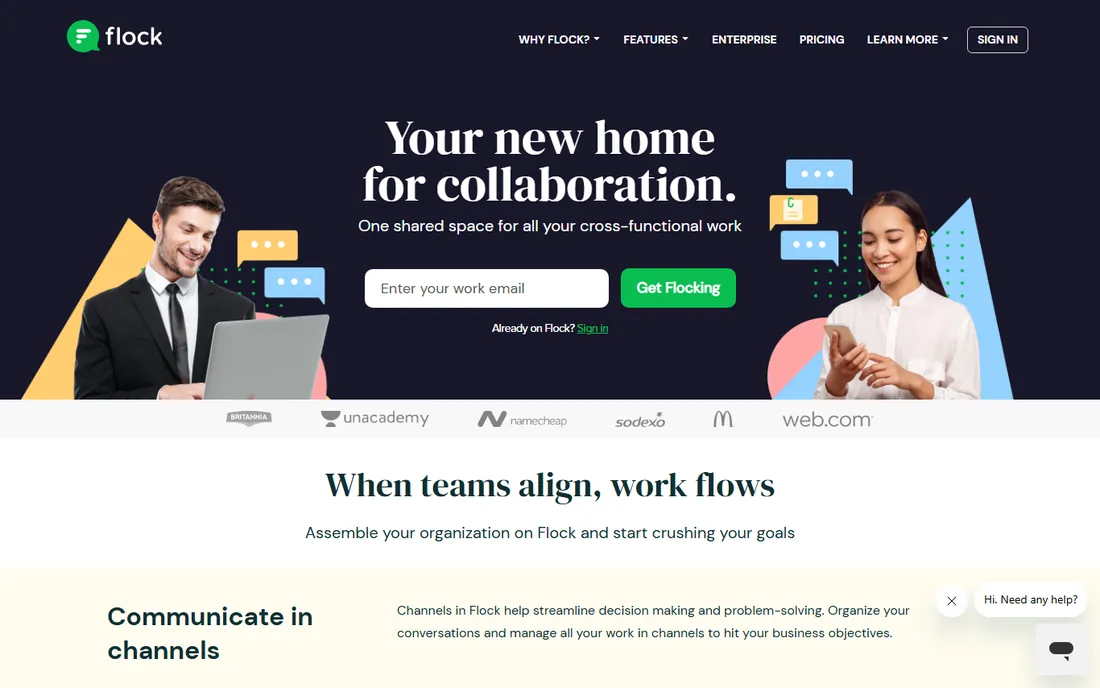
Flock bundles team chat with the productivity tools other apps charge extra for or need integrations to provide: shared to-dos, polls, reminders, notes and code snippets live inside the chat. Video and voice calling with screen sharing are built in, and channels organize team conversations.
It runs on a freemium model with paid plans for advanced features. The app store connects common business tools, though the ecosystem is smaller than Slack's. It has a strong following among small and mid-size businesses that want one app for chat and light productivity.
Start on the free tier and test the built-in polls and to-dos in a real project channel. If your team currently juggles a chat app plus a task app plus a polling tool, Flock's bundling may simplify your stack.
What we like- Channels plus built-in to-dos, polls, notes and reminders
- Video conferencing included
- Freemium pricing
Watch out for- Smaller ecosystem than Slack or Teams
- Less known outside certain markets
Choosing between chat-first and suite-first
The fundamental fork: do you want a communication app that connects to everything (Slack, Discord, Zulip, Twist), one that comes with your office suite (Teams, Google Chat), or one you host yourself (Mattermost, Rocket.Chat)? Chat-first tools win on flexibility and integrations; suite tools win on cost when you already pay for the suite; self-hosted wins when data control is non-negotiable. Pick your philosophy first, then compare two or three tools inside it.
Frequently asked questions
What is the best team communication app for small businesses?
Slack's free tier and Flock's freemium plan both work well for small teams at zero cost. If you already pay for Microsoft 365 or Google Workspace, Teams or Google Chat are effectively free too.
Is Discord good for business communication?
It can work for informal, technical or community-oriented teams, and it costs nothing. But it lacks the admin controls, compliance features and business integrations that Slack, Teams or Mattermost provide, so regulated industries should look elsewhere.
Which team chat app is open source?
Mattermost, Rocket.Chat and Zulip are all open source and self-hostable, with free community editions. They suit teams that need data sovereignty or want to avoid vendor lock-in.
What is the difference between Slack and Microsoft Teams?
Slack is a chat-first platform with the largest integration ecosystem; Teams is the communication layer of Microsoft 365 with stronger meetings and Office integration. Choose Slack for flexibility, Teams if your company already runs on Microsoft.
Can I use these apps for free?
Slack, Discord, Mattermost, Rocket.Chat and Zulip all offer genuinely free tiers or editions. Teams and Google Chat are included with their respective office suites. Twist and Flock offer free tiers or trials to start.
What is asynchronous communication?
Async communication means conversations do not require everyone online at once: you write a message, people reply when they can. Twist and Zulip are built for it, while Slack, Discord and Teams support both real-time and async styles.
How we chose
We picked established team communication products with active vendors and current homepages, covering chat-first platforms, office-suite bundles and self-hosted open-source options. We verified each vendor's website directly and compared features, integrations, deployment options and pricing models from product pages and documentation. Both free and paid options are included.
Sources we checked (9)
- https://slack.com/
- https://www.microsoft.com/
- https://discord.com/
- https://www.google.com/
- https://mattermost.com/
- https://rocket.chat/
- https://zulip.com/
- https://twist.com/
- https://flock.com/
Is your product missing or out of date?
We review this list regularly. Vendors can request a listing, send updated pricing or ask about featured placement.

Shihab Mia · Founder, Rankite
Shihab has spent more than a decade helping SaaS and e-commerce brands grow through search. He writes Rankite's software buying guides from pricing pages, documentation and public user reviews. More about Shihab.