How we make this list: we compare pricing pages, product documentation and public user reviews. Rankite is independent; if a vendor ever pays for a featured spot, that listing is clearly labeled Partner.
Key takeaways
- DaVinci Resolve is the best free video editor for PC, full stop: professional editing, color, effects and audio with no watermark, plus a $295 one-time Studio upgrade.
- CapCut (free, Pro pricing on its site) and Clipchamp (free with HD exports, premium via Microsoft 365) are the easiest options for social media and quick projects.
- Shotcut, OpenShot and Kdenlive are completely free and open source with no paywalls anywhere.
- VSDC is free for Windows with a $19.99/year Pro tier; Lightworks is free but caps exports at 720p.
- HitFilm was discontinued in 2025 and is not recommended; Kdenlive takes its place on this list.
The best free video editing software for PC
Starting priceFree ($0); DaVinci Resolve Studio $295 one-time
Free planYes, a remarkably complete free version with no watermark
DaVinci Resolve's free version is the outlier in this category: it is the same software used to finish feature films and streaming series, with the paywall drawn far beyond what most users need. The free tier covers the cut and edit pages, the legendary color page, Fusion visual effects, Fairlight audio post and 4K export. Version 21 added a photo page, AI tools like IntelliSearch and facial refinement, and over 100 new motion graphics effects.
Studio costs $295 once, not per month, and adds GPU-accelerated AI features, stereoscopic tools and advanced HDR. Most creators never need it. The real requirements are a capable PC and patience to learn: Resolve rewards the effort like no other free editor. If your PC can run it, start here.
What we like- The free version includes pro editing, Hollywood-grade color tools, Fusion effects and Fairlight audio
- No watermark and no export limits
- One-time $295 Studio upgrade, no subscription
- Runs on Windows, macOS and Linux
Watch out for- Demanding on hardware, especially for Fusion and noise reduction
- The interface overwhelms absolute beginners
- Some advanced features (stereoscopic 3D, multi-user collaboration) are Studio-only

#2
CapCut
Best for: Social media creators editing on PC who want speed and templates
Visit capcut.com
Starting priceFree ($0); CapCut Pro pricing on its website (plans changed in 2026)
Free planYes, a generous free plan with no credit card required
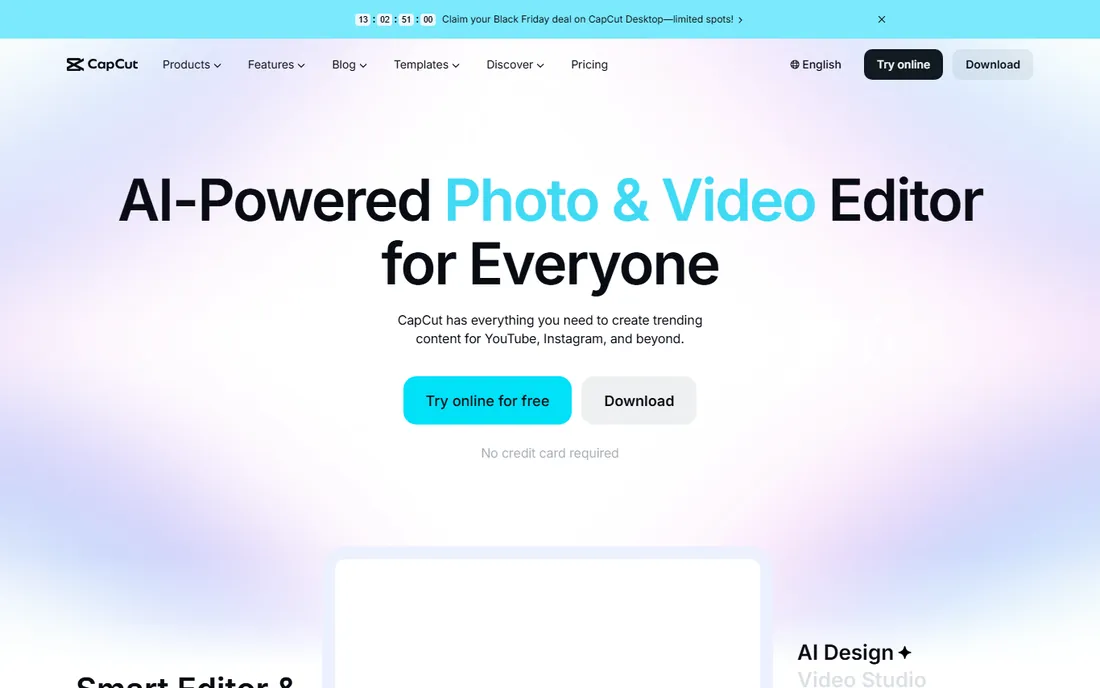
CapCut went from a mobile app to a full desktop editor that millions use as their primary tool. The free plan covers the core editor, AI captions, background removal and HD exports without watermark on much of the workflow. Templates let beginners produce polished short-form videos in minutes, and the desktop app is a real timeline editor, not a toy.
The commercial picture shifted in 2026, with Pro plan pricing restructured: check capcut.com for current Pro rates before assuming old prices. For quick-turnaround social content on a PC, CapCut's free tier is the fastest path from footage to published.
What we like- Extremely fast workflow for YouTube, TikTok and Reels
- AI tools (auto captions, background removal, text to speech)
- Huge template library
- Free desktop app for Windows plus browser and mobile versions
Watch out for- Pro pricing and plan structure changed in 2026, so check current terms
- Some effects and cloud features sit behind Pro
- Owned by ByteDance, which matters to some users

#3
Clipchamp
Best for: Windows users who want a simple editor that is already on their PC
Visit clipchamp.com
Starting priceFree ($0); premium features via Microsoft 365 (see website)
Free planYes: unlimited HD exports with no watermark
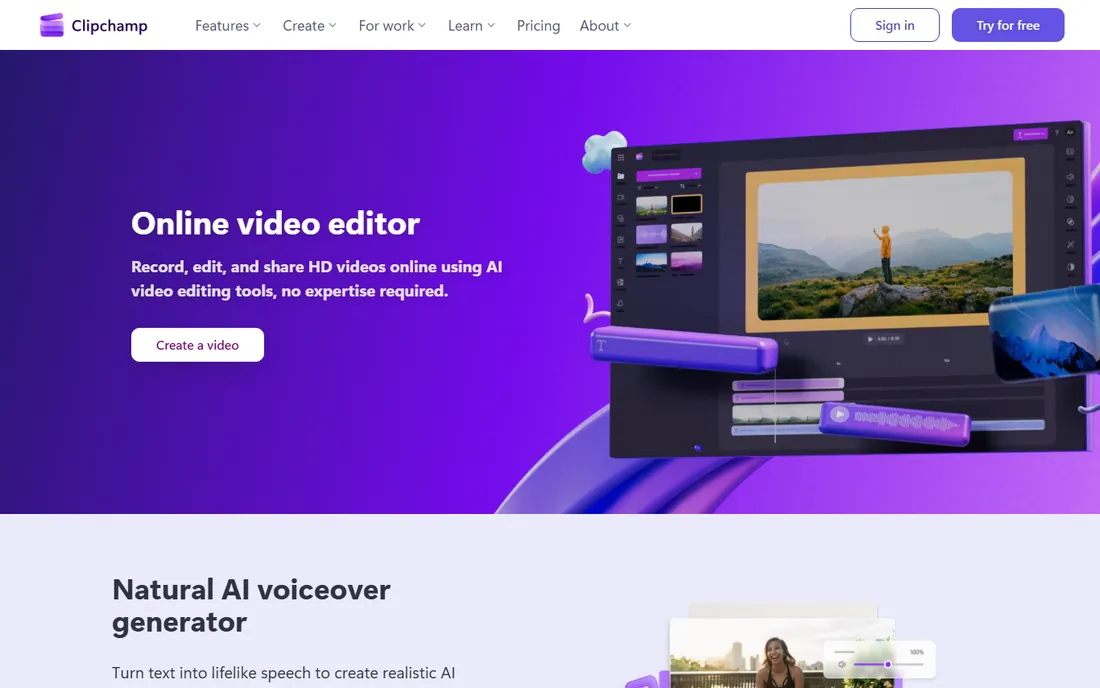
Clipchamp is Microsoft's video editor, and its free plan is better than most people expect: unlimited video exports in HD quality with no watermark, AI subtitle generation in 80-plus languages, text-to-speech voiceovers, screen and webcam recording, and a stock library. Being in the Start menu on Windows 11 means zero setup for most PC owners.
Premium features come through a Microsoft 365 subscription rather than a separate Clipchamp plan. It will not replace DaVinci Resolve for ambitious projects, but for presentations, school projects, marketing clips and quick social videos, it is the path of least resistance on Windows.
What we like- Preinstalled on Windows 11 and a free Microsoft Store download for Windows 10
- Unlimited exports in HD with no watermark on the free plan
- AI voiceovers, auto captions and screen recording
- Runs in the browser, nothing heavy to install
Watch out for- Browser-based, so very large projects can feel sluggish
- Premium features (brand kits, premium stock) need Microsoft 365
- Less depth than Resolve or Kdenlive for serious editing

#4
OpenShot
Best for: Beginners who want the simplest free open-source editor
Visit openshot.org
Starting priceFree ($0, open source)
Free planYes, completely free with no watermarks or limits
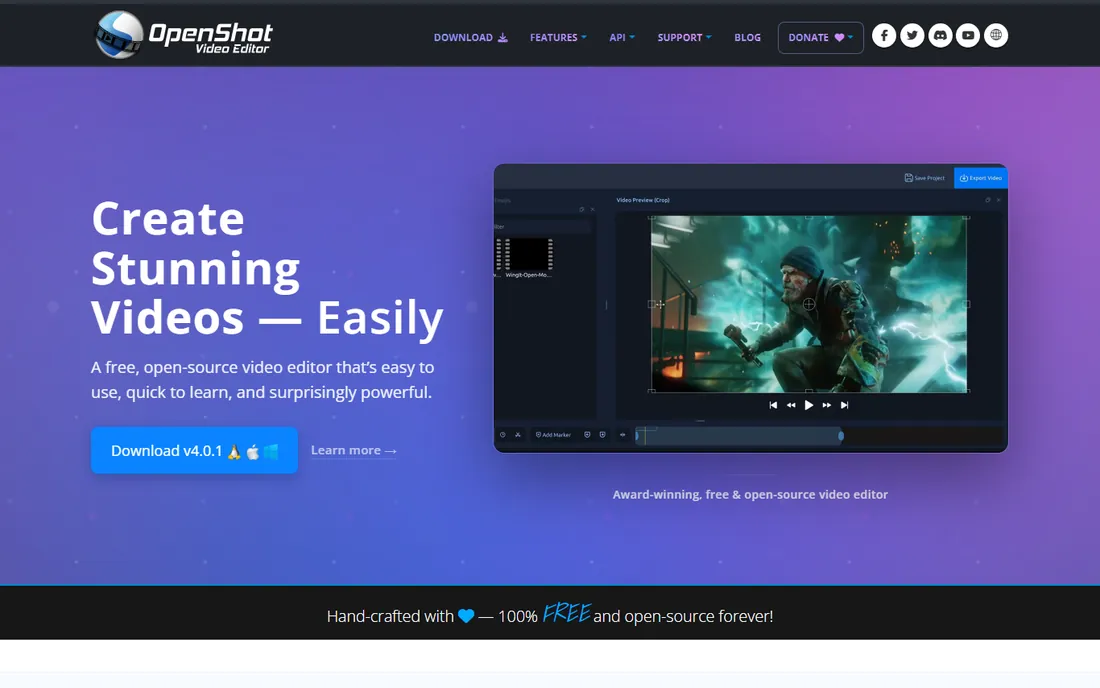
OpenShot is the friendliest open-source editor here. Trim clips on unlimited tracks, add transitions, animate with keyframes, drop in 3D titles, and export: the whole workflow is discoverable in an afternoon. Recent versions added proper color grading with wheels, curves, LUTs and scopes, plus interactive video masks, narrowing the gap with heavier tools.
There is no paywall anywhere and no account to create. Performance on huge projects is the main weakness, so keep timelines modest. For a first editor, a classroom, or simple YouTube videos, OpenShot's simplicity is the feature.
What we like- Genuinely easy to learn: drag, drop, trim, done
- Unlimited tracks, keyframe animation, 3D animated titles and video effects
- No accounts, no watermarks, no project limits
- Runs on Windows, macOS and Linux
Watch out for- Can feel sluggish on complex timelines
- Fewer advanced color and audio tools than Shotcut or Kdenlive
- Occasional stability complaints on very large projects

#5
Shotcut
Best for: Users who want a powerful free editor with wide format support
Visit shotcut.org
Starting priceFree ($0, open source)
Free planYes, completely free with no restrictions
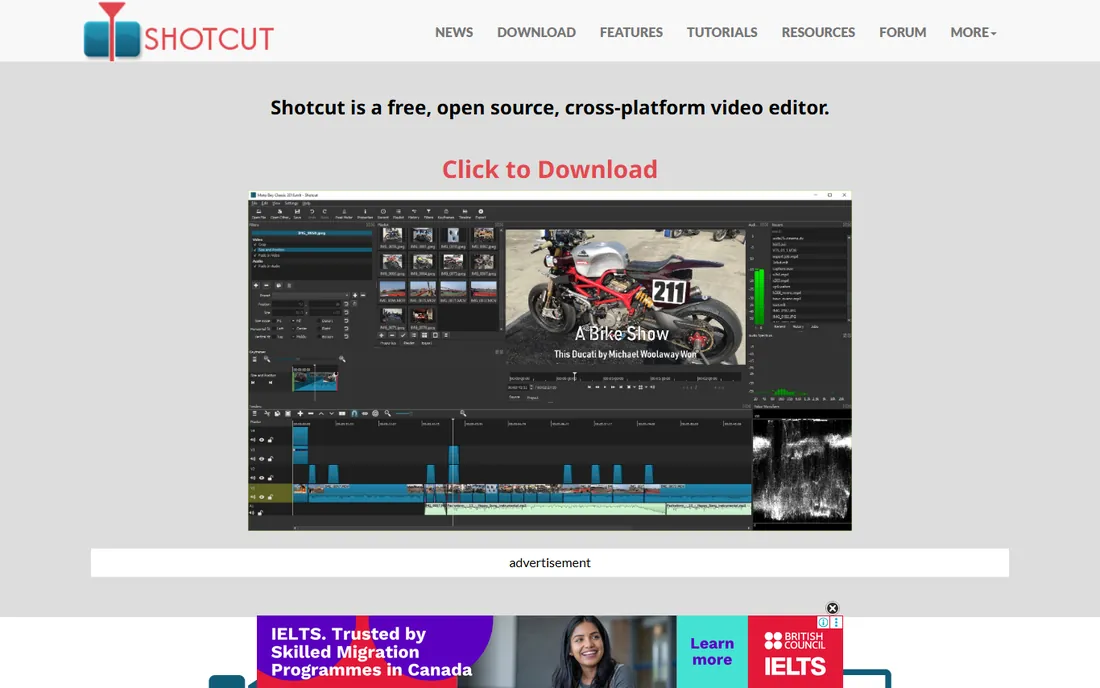
Shotcut is the workhorse of free open-source editing. Built on MLT and FFmpeg, it opens just about any format natively, edits on a multi-format timeline up to 4K, and offers a deep filter set, audio meters and scopes, hardware encoding and batch jobs. It is the rare editor with no premium tier to upsell you toward: everything is free, forever.
The interface prioritizes function over polish, and beginners may bounce off it toward OpenShot or CapCut. But for users who outgrow simple editors and refuse subscriptions, Shotcut is the free tool that keeps up the longest.
What we like- Native timeline editing with no import needed, powered by FFmpeg
- 4K support, webcam and screen capture, audio scopes and keyframes
- Cross-platform and portable
- No ads, no watermarks, no premium tier at all
Watch out for- Interface is functional rather than beautiful
- Some filters and workflows take learning
- No built-in stock media or templates

#6
Lightworks
Best for: Learning a professional editing workflow on a free plan
Visit lwks.com
Starting priceFree ($0); Create and Pro plans priced on the website
Free planYes, but exports are capped at 720p
Lightworks has cut actual Hollywood films, and the free version gives you the real editing engine: professional trimming, real-time effects, transitions, proxies and direct social export. For learning how professional editors think about timelines, it is excellent.
The catch is the 720p export cap on the free plan: fine for drafts and learning, not for publishing. Create and Pro add 4K and 8K respectively; check lwks.com for current subscription prices. If your goal is to learn pro technique for free and you can live with 720p outputs while practicing, Lightworks earns its place.
What we like- A genuine professional NLE with a 30-year Hollywood pedigree
- The free plan includes real-time effects, transitions and social export
- Multicam, proxies and HDR workflows
- Teaches transferable pro editing skills
Watch out for- Free exports limited to 720p, which rules out serious publishing
- Paid tiers are subscription-priced
- The interface and workflow feel idiosyncratic next to Resolve
Starting priceFree ($0); VSDC Pro $19.99/year
Free planYes, a full-featured free version
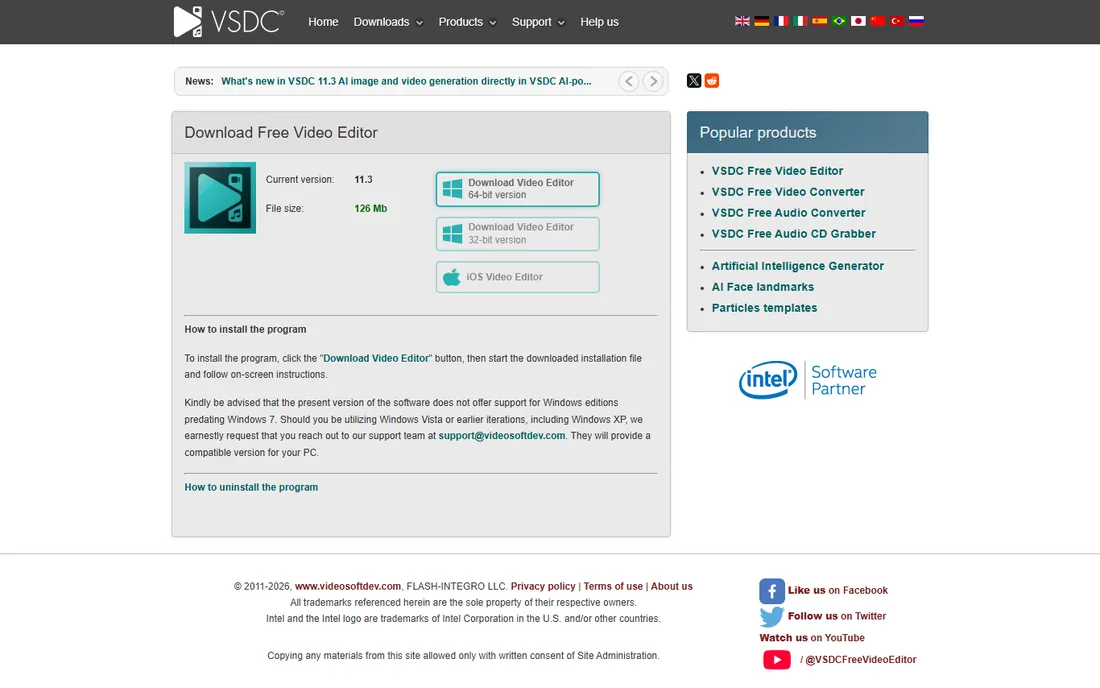
VSDC is a Windows-only non-linear editor that packs surprising depth into a 126 MB download: masking, blending modes, motion tracking, chroma key, 360-degree video tools and chart objects, with 4K and H.265 export in the free version. It runs happily on old or low-spec PCs that choke on Resolve.
Pro costs $19.99 per year and mainly adds hardware acceleration for faster exports plus premium masking and waveform tools. The interface shows its age and the learning curve is real, but for capable free editing on modest Windows hardware, VSDC is hard to beat.
What we like- Non-linear editor with blending modes, masking, motion tracking and color correction
- Exports up to 4K and H.265/HEVC in the free version
- Tiny installer that runs on old hardware
- Pro is only $19.99/year
Watch out for- Windows only
- The interface is dated and takes learning
- Pro's main advantages are hardware acceleration and advanced masking
- Occasional upgrade prompts

#8
Kdenlive
Best for: Linux and Windows users wanting a full-featured free multitrack editor
Visit kdenlive.org
Starting priceFree ($0, open source)
Free planYes, completely free
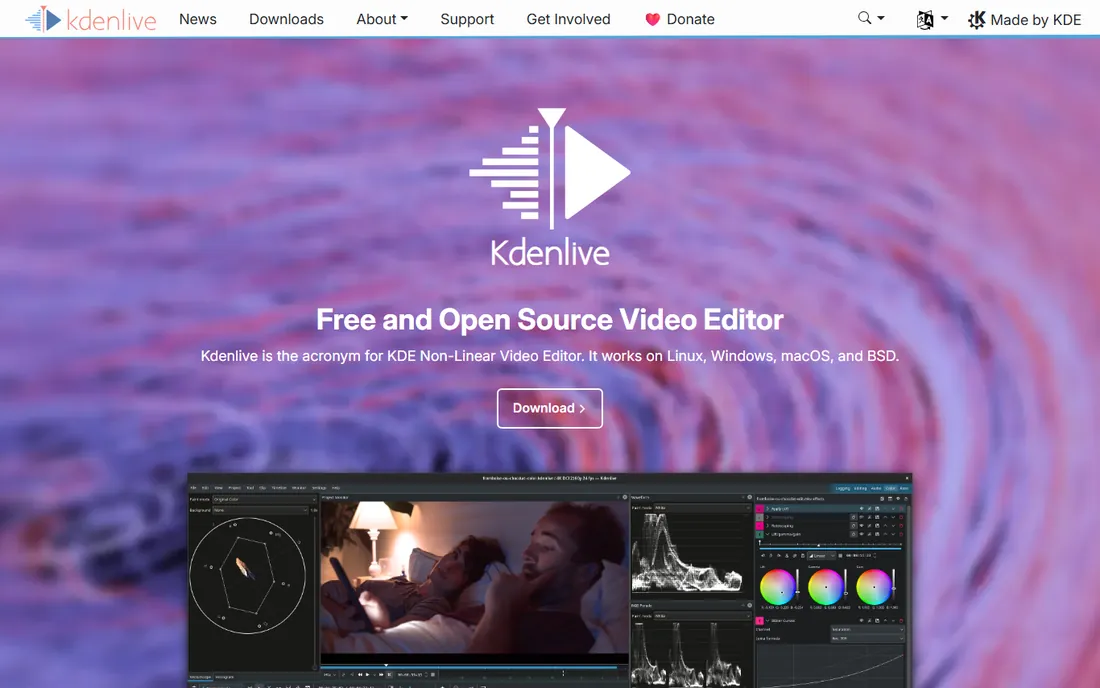
Kdenlive (KDE Non-Linear Video Editor) is the most fully featured free editor after DaVinci Resolve. Multitrack timelines, hundreds of audio and video effects, keyframing, proxy workflows for heavy footage, an audio mixer and AI speech-to-text subtitling add up to a genuinely professional toolkit. It replaces the discontinued HitFilm on this list as the free editor for users who want depth without a paywall.
Development is active, with regular releases through 2026, and stability is far better than its old reputation suggests. Linux users in particular should start here: Kdenlive is the best free editor on that platform, and it holds its own on Windows too.
What we like- Professional multitrack editing with hundreds of effects and transitions
- Proxy editing for smooth 4K on modest hardware
- Audio mixer, keyframes, titler and speech-to-text subtitles
- Runs on Linux, Windows, macOS and BSD
Watch out for- Interface can overwhelm beginners
- Historically had stability quirks (much improved in recent releases)
- Smaller tutorial ecosystem than Resolve or CapCut
Quick comparison
| Tool | Best for | Starting price | Free plan |
|---|
 DaVinci Resolve DaVinci Resolve | Anyone who wants professional-grade editing, color and audio for free | Free ($0); DaVinci Resolve Studio $295 one-time | Yes, a remarkably complete free version with no watermark |
| CapCut | Social media creators editing on PC who want speed and templates | Free ($0); CapCut Pro pricing on its website (plans changed in 2026) | Yes, a generous free plan with no credit card required |
| Clipchamp | Windows users who want a simple editor that is already on their PC | Free ($0); premium features via Microsoft 365 (see website) | Yes: unlimited HD exports with no watermark |
| OpenShot | Beginners who want the simplest free open-source editor | Free ($0, open source) | Yes, completely free with no watermarks or limits |
| Shotcut | Users who want a powerful free editor with wide format support | Free ($0, open source) | Yes, completely free with no restrictions |
| Lightworks | Learning a professional editing workflow on a free plan | Free ($0); Create and Pro plans priced on the website | Yes, but exports are capped at 720p |
 VSDC VSDC | Windows users who want a lightweight free editor with pro-style tools | Free ($0); VSDC Pro $19.99/year | Yes, a full-featured free version |
| Kdenlive | Linux and Windows users wanting a full-featured free multitrack editor | Free ($0, open source) | Yes, completely free |
Is your product missing or out of date?
We review this list regularly. Vendors can request a listing, send updated pricing or ask about featured placement.
How to choose a free video editor for PC
Start with your hardware. DaVinci Resolve is the best free editor but needs a capable PC with a decent GPU; on an old laptop it will frustrate you. VSDC, Shotcut and OpenShot run on modest machines, and Clipchamp offloads work to the browser. Check each tool's system requirements against your PC before investing learning time.
Next, match the editor to the video. Social clips and YouTube shorts: CapCut or Clipchamp get you published fastest. Serious projects, short films and color work: DaVinci Resolve, no contest. Learning the craft with zero budget: Shotcut or Kdenlive. Absolute beginners: OpenShot. Old PC, Windows only: VSDC.
Then read the free plan's fine print, because "free" varies. Resolve, Shotcut, OpenShot and Kdenlive have no meaningful free-plan limits. Clipchamp gives unlimited HD exports free. VSDC's free version exports 4K. Lightworks caps free exports at 720p, and CapCut gates some effects and cloud features behind Pro. Pick the limits you can live with, and check the upgrade price before you commit your project library to a tool.
When to pay: the upgrade paths worth knowing
Most people never need to pay, but the upgrades here are unusually fair when you do. DaVinci Resolve Studio at $295 one-time is the best value in all of video software: a single payment for GPU-accelerated AI tools, advanced HDR and collaboration features, with free updates for years. If you earn anything from video, it pays for itself immediately.
VSDC Pro at $19.99 per year is the cheapest meaningful upgrade: hardware-accelerated exports alone can halve render times. CapCut Pro and Clipchamp's Microsoft 365 route make sense only if you already live in those ecosystems or need their premium stock and cloud features. Lightworks' paid tiers are for editors committed to its workflow who need 4K-plus exports.
The upgrades to skip: anything that charges a subscription for features the free open-source tools give away. Before paying monthly for effects packs or templates, check whether Shotcut or Kdenlive already does the job. And never pay to remove a watermark: every tool on this list except Lightworks' resolution cap exports clean video for free.
Frequently asked questions
What is the best completely free video editing software for PC?
DaVinci Resolve: a professional editor, color grader, effects compositor and audio suite with a free version that has no watermark and no export limits. For a lighter-weight alternative, Shotcut and Kdenlive are completely free and open source.
Is CapCut really free?
Yes, CapCut has a generous free plan with no credit card required, covering the core editor, AI tools and HD exports. Some effects, templates and cloud features require CapCut Pro, whose pricing changed in 2026: check capcut.com for current plans.
Which free video editor has no watermark?
DaVinci Resolve, Shotcut, OpenShot, Kdenlive, VSDC, Clipchamp (HD exports) and CapCut all export without watermarks on their free plans. Lightworks free exports carry no watermark either but are capped at 720p resolution.
Can a free editor handle 4K video?
Yes. DaVinci Resolve, Shotcut, Kdenlive and VSDC all support 4K editing and export for free; Kdenlive and Shotcut offer proxy workflows that make 4K smooth on modest PCs. Clipchamp exports HD (1080p) free. Lightworks free is limited to 720p.
What happened to HitFilm?
HitFilm was discontinued by its owner Artlist (FXhome) in early 2025: no new features, no support, and downloads eventually removed. Existing installs may still run, but it is not a safe choice for new projects. Kdenlive is the closest free replacement for its audience.
Do I need a powerful PC for DaVinci Resolve?
It helps a lot. Resolve benefits from a discrete GPU, 16GB-plus RAM and fast storage, especially for Fusion effects and noise reduction. On weaker hardware, use optimized media or proxies, or choose VSDC, Shotcut or OpenShot, which are far lighter.
How we chose
We started with the categories buyers search: free video editing software, free video editor for PC and free video editing software for Windows. For each candidate we opened the vendor's own site and pricing page, checked feature lists and documentation, and compared notes from public reviews on G2 and Capterra and practitioner discussion on Reddit. HitFilm was discontinued in 2025, so Kdenlive takes its place. Where a price could not be verified on the vendor's page we wrote "See website" rather than guessing.
Sources we checked (10)
- https://www.blackmagicdesign.com/products/davinciresolve
- https://www.capcut.com
- https://www.clipchamp.com
- https://openshot.org/
- https://shotcut.org/
- https://lwks.com/
- https://www.videosoftdev.com/free-video-editor/download
- https://kdenlive.org
- https://www.g2.com/categories/video-editing
- https://www.capterra.com/video-editing-software/
Is your product missing or out of date?
We review this list regularly. Vendors can request a listing, send updated pricing or ask about featured placement.

Shihab Mia · Founder, Rankite
Shihab has spent more than a decade helping SaaS and e-commerce brands grow through search. He writes Rankite's software buying guides from pricing pages, documentation and public user reviews. More about Shihab.