How we make this list: we compare pricing pages, product documentation and public user reviews. Rankite is independent; if a vendor ever pays for a featured spot, that listing is clearly labeled Partner.
The top 10 best video editing software
CapCut reports 100 million downloads on its own homepage, and that number tells the story of video editing in 2026: the audience has split. On one side are the professional NLEs where films and client work get cut. On the other are the fast, template-driven editors where a week's worth of social content gets made in an afternoon. The top 10 best video editing software has to cover both worlds, because most buyers now live in both. These ten range from free to $299, and the right one depends on what you edit, not what is popular.

#1
Adobe Premiere Pro
Best for: Professional editors who live in the Adobe ecosystem
Visit adobe.com
Starting price$22.99/month (single app, annual plan billed monthly)
Free plan7-day free trial
Premiere Pro remains the default professional choice, and the ecosystem is why. Dynamic Link with After Effects, Photoshop file import, Audition round-tripping and Frame.io review are the workflow that agencies and freelancers actually bill against. Recent versions added Firefly-powered Generative Extend, text-based editing and faster mask tracking, plus native Windows ARM support.
The single-app plan runs $22.99 per month on an annual commitment, with a 7-day trial to test it. The honest math: a year costs about $276 with nothing to own at the end, and editors who also need Photoshop or After Effects should price the full Creative Cloud plan instead. If your clients send Premiere projects or your team already pays Adobe, this is the path of least resistance.
What we like- Industry-standard timeline with deep After Effects, Photoshop and Audition integration
- Firefly AI features like Generative Extend and text-based editing
- 100 GB cloud storage and Frame.io collaboration included
Watch out for- Subscription-only with no perpetual license
- Demanding on hardware
- The price has crept up and the month-to-month rate is steep
Starting price$295 (DaVinci Resolve Studio, one-time)
Free planYes (free edition, no watermark)
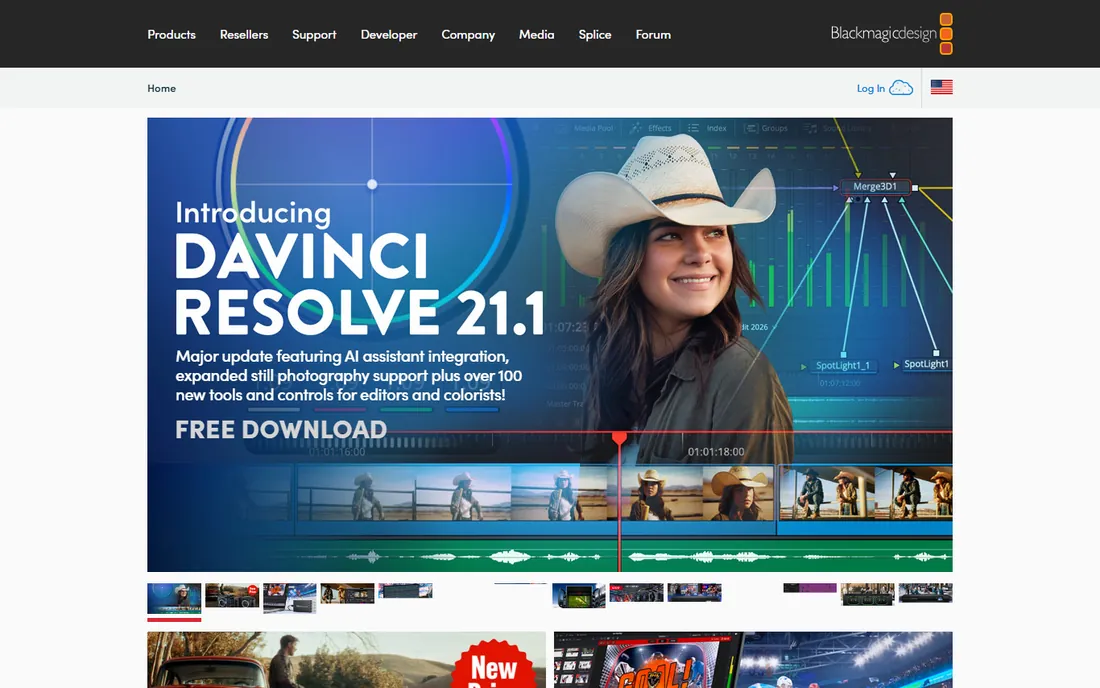
DaVinci Resolve is the best deal in professional video. The free edition includes the full edit page, the industry's most respected color grading toolset, Fusion visual effects and Fairlight audio post, with no watermark and exports up to 4K. The $295 Studio license is one-time, adding Neural Engine AI tools, stereoscopic 3D, HDR grading extras and more.
For a small business or freelancer, the free version handles client work that other vendors charge subscriptions for. The learning curve is the real cost: Resolve's node-based color page and dense interface take longer to learn than Premiere or Final Cut. But the price is unbeatable, and Blackmagic keeps shipping major free updates.
What we like- Free edition is remarkably complete: edit, color, Fusion effects and Fairlight audio
- Studio is a one-time $295 with no subscription
- Best-in-class color grading tools
Watch out for- The interface overwhelms beginners
- Studio's Neural Engine AI features need strong hardware
- Collaboration features target teams, not solo creators

#3
Final Cut Pro
Best for: Mac-based editors who want pro power with a one-time purchase
Visit apple.com
Starting price$299.99 (one-time purchase, Mac)
Free plan30-day free trial (via Apple Creator Studio)
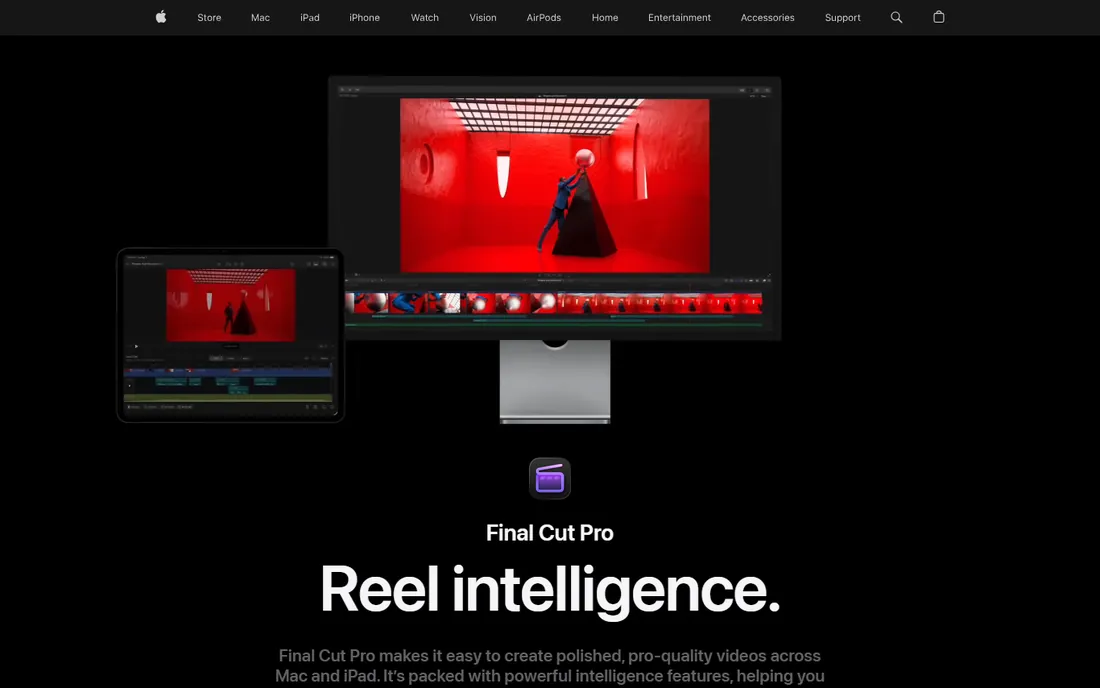
Final Cut Pro is the one-time-purchase pro editor, still $299.99 on the Mac App Store after all these years, and existing owners keep getting updates. The Magnetic Timeline is genuinely faster for assembly edits once it clicks, and optimization for Apple silicon means smooth 4K and 8K playback on machines that choke in other NLEs. iMovie projects import directly, which gives beginners a ladder.
Apple now also bundles Final Cut Pro into the Apple Creator Studio subscription at $12.99 per month or $129 per year (with a 30-day trial), alongside Motion, Compressor, Logic Pro and Pixelmator Pro. The one-time purchase remains available. For a Mac-only freelancer or small studio, $299.99 once beats every subscription on this list within fourteen months.
What we like- One-time $299.99 purchase with free updates
- Magnetic Timeline makes assembly fast
- Excellent performance on Apple silicon
- IPad version included in the ecosystem
Watch out for- Mac-only, which rules out Windows teams
- The ecosystem is smaller than Adobe's for motion graphics
- Now also sold via the Apple Creator Studio subscription
Starting price$61.99/year (annual plan)
Free planFree download (exports carry a watermark)
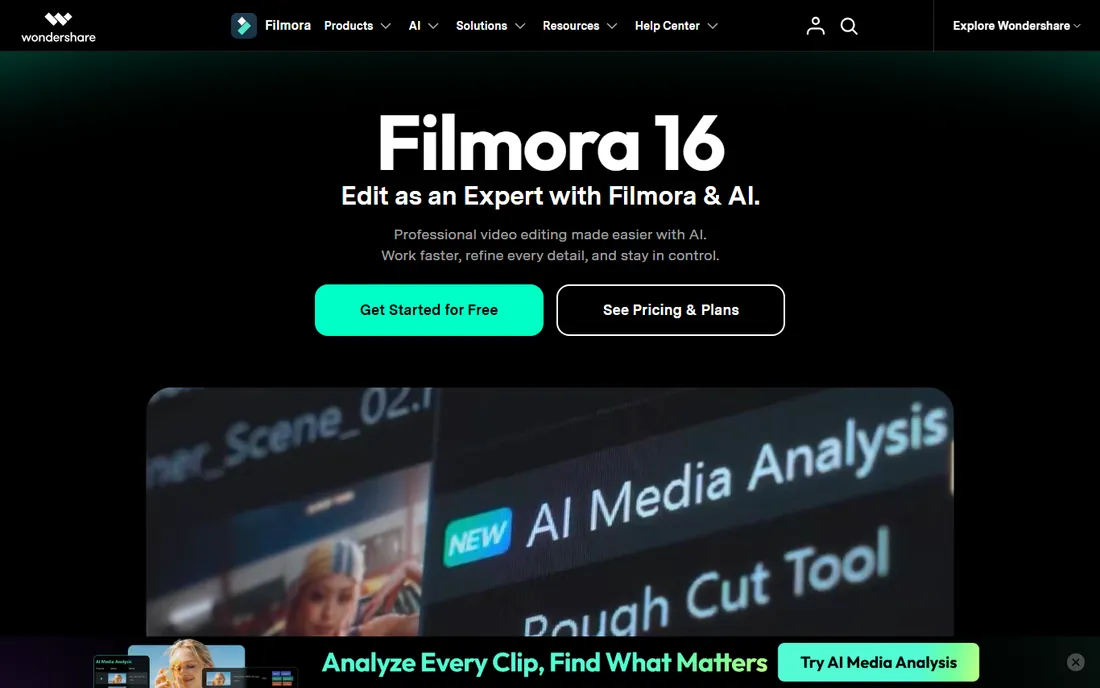
Filmora has grown into the leading prosumer editor by being the anti-Premiere: approachable, template-heavy and cheap. The current version combines timeline editing with AI media analysis, text-based rough cuts, camera tracking, color tools, auto captions and a huge asset library, all in an interface a beginner can learn in an afternoon. The vendor's store lists the annual plan at $61.99, a perpetual plan at $89.99, and a monthly plan at $19.99.
The free download lets you test everything, but exports carry the Filmora watermark until you pay. For YouTubers, course creators and small businesses making regular content, the annual plan is the value pick: far less than Premiere with most of the practical features. Just know the ceiling: multicam, advanced color and complex audio still belong to the pro NLEs.
What we like- Beginner-friendly timeline with AI tools: text-based editing, silence detection, auto captions
- 2.9 million-plus built-in creative assets
- Perpetual license option alongside subscriptions
Watch out for- Watermarked exports until you pay
- AI features run on a credit system
- Not a substitute for a real NLE on complex projects
Starting price$19.99/month (CapCut Pro; $179.99/year)
Free planYes
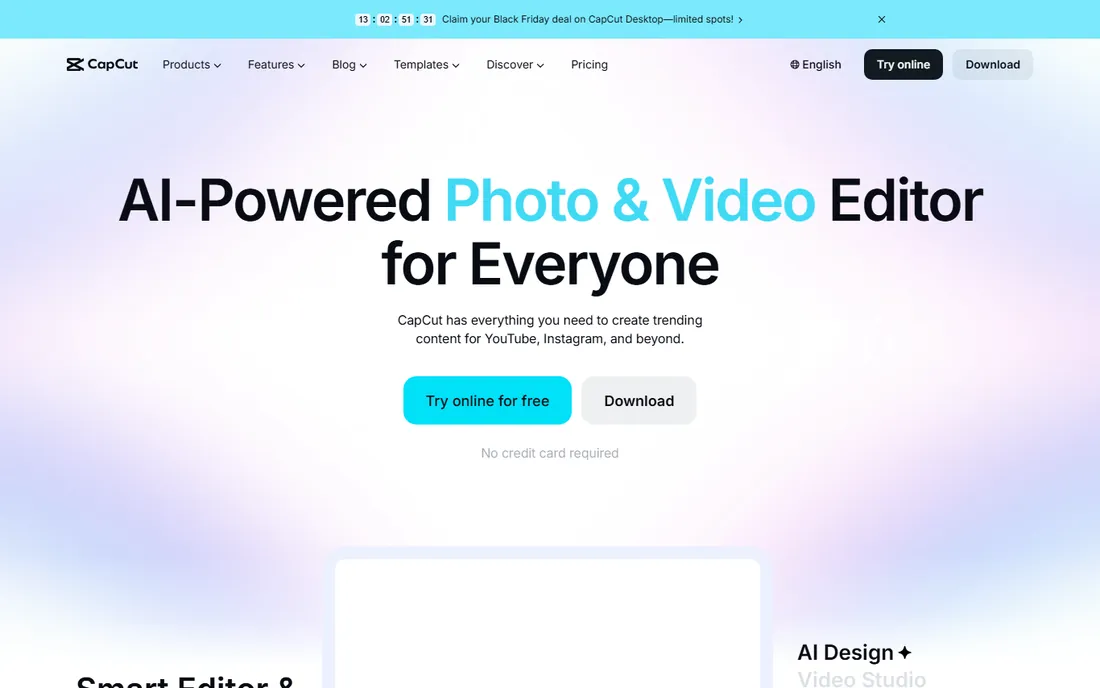
CapCut owns short-form video, and the free tier is why: the full basic editor with multi-track timeline, keyframes, chroma key, auto captions and 1080p watermark-free export costs nothing. Pro at $19.99 per month or $179.99 per year adds 4K export, the full AI toolkit, 1TB-plus cloud storage and the commercial asset library, with a cheaper mobile-first Standard tier in between.
The 2025 price restructuring annoyed users, and prices vary by region and app store, so check capcut.com before subscribing. For a business posting daily short-form content, the free tier alone may suffice; upgrade when 4K export or the AI tools become weekly needs. For long-form YouTube or client work, pair it with a real NLE rather than forcing it.
What we like- Generous free tier: full editor, 1080p export, no watermark on core tools
- Templates, auto captions and AI effects built for TikTok, Reels and Shorts
- Desktop, mobile and web versions stay in sync
Watch out for- Pro jumped to $19.99 per month after 2025 restructuring
- Commercial-use terms need checking for client work
- Desktop editor is weaker for long-form projects
Starting priceFrom $99.95/year (annual plans; perpetual from $219.95)
Free plan15-day free trial
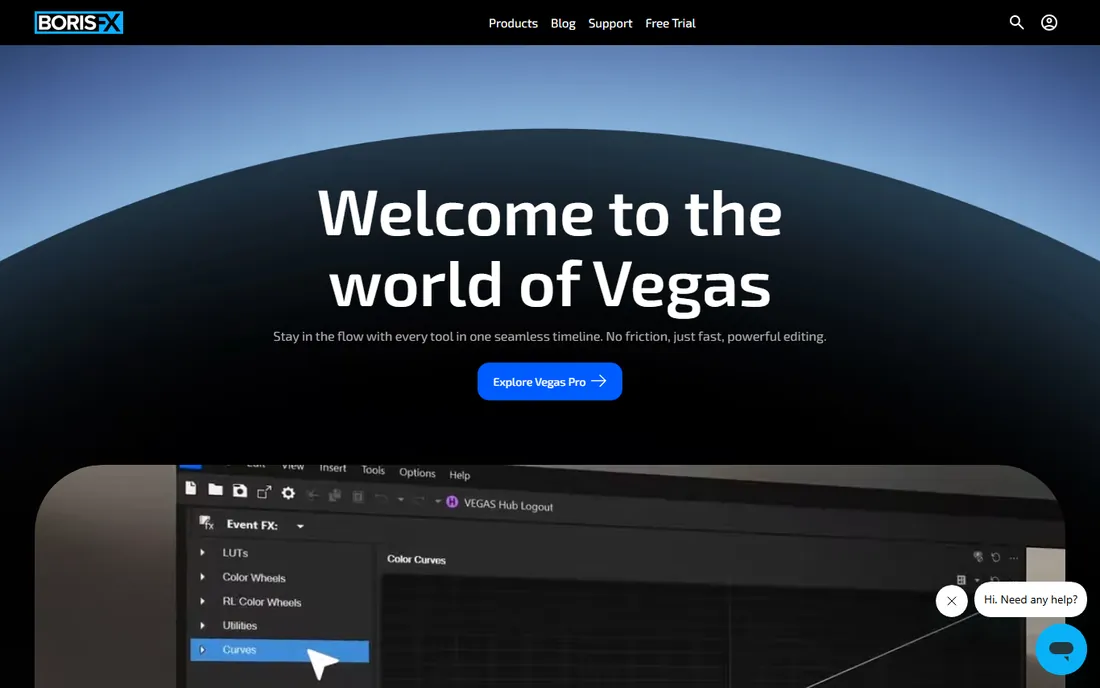
VEGAS Pro, now developed by Boris FX after the move from MAGIX, is the veteran Windows NLE with arguably the fastest timeline for straight cutting. Its audio heritage shows: multitrack audio editing and mixing are deeper than most video-first NLEs. The vendor's site lists annual plans from $99.95 and perpetual licenses from $219.95, with frequent promotions, plus a 15-day free trial.
The buying experience needs patience: tier names and sale prices shift constantly, so confirm exactly which edition a quote covers. For a Windows-based freelancer who dislikes subscriptions, the perpetual license is the appeal: pay once, edit indefinitely. The trade-off is ecosystem: fewer templates, plugins and tutorials than Premiere, and no Mac version.
What we like- Fast, flexible timeline with strong audio editing heritage
- Perpetual license option with no forced subscription
- Nested timelines and solid effects and color tools
Watch out for- Windows-only
- Smaller ecosystem for templates and tutorials than Premiere
- Pricing is promotion-heavy and confusing

#7
Clipchamp
Best for: Windows users making quick videos with no learning curve
Visit clipchamp.com
Starting priceSee website (premium features via Microsoft 365)
Free planYes (unlimited exports, no watermark)
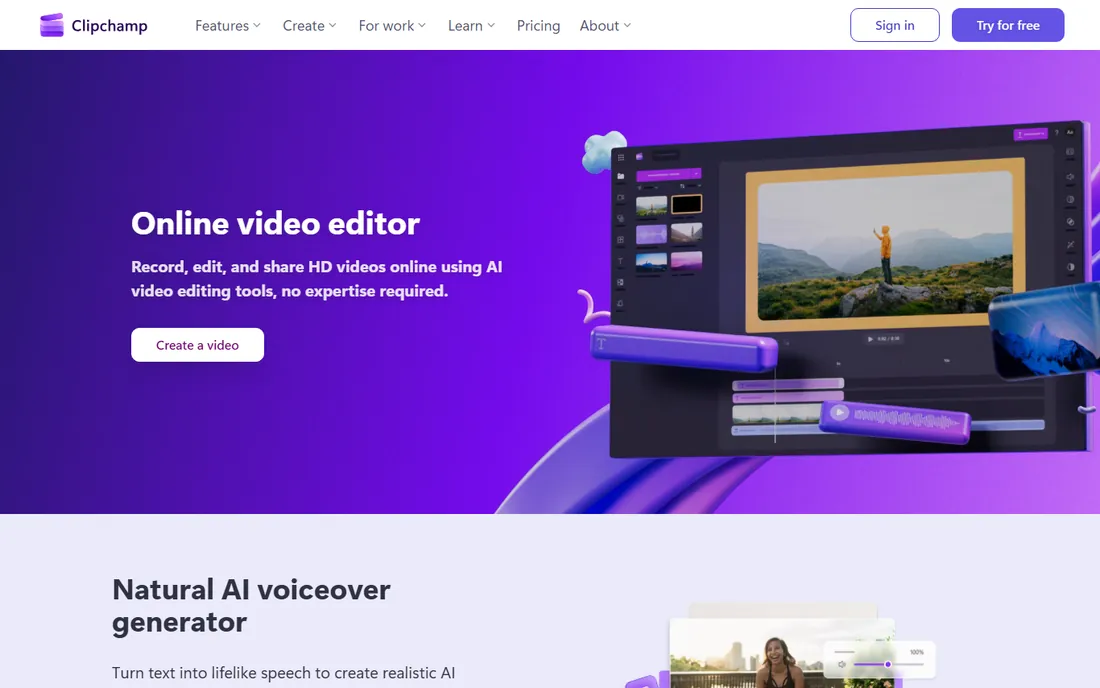
Clipchamp is Microsoft's free video editor, and the free tier is the whole story for most users: record, edit and share HD videos with unlimited exports and no watermarks, right in the browser or from the Windows 11 Start menu. AI text-to-speech voiceovers, subtitle generation in 80-plus languages, screen and webcam recording, and a stock asset library cover the standard business video jobs.
Premium features ride on a Microsoft 365 subscription rather than a Clipchamp plan, which is convenient if your business already pays for 365 and annoying if it does not. This is not a tool for films or complex edits; it is the fastest path from idea to a decent company video, and for internal comms, tutorials and social clips, free is the right price.
What we like- Free with unlimited HD exports and no watermark
- Built into Windows 11
- AI voiceovers, auto captions and screen recording
- Brand kit and stock library for business videos
Watch out for- Browser-based with limited depth for serious editing
- Premium features require a Microsoft 365 subscription
- Template variety trails Canva and CapCut

#8
Pinnacle Studio
Best for: Windows hobbyists who want pro-style editing as a one-time purchase
Visit pinnaclesys.com
Starting priceFrom $59.99 (one-time; Ultimate $129.99)
Free planNo
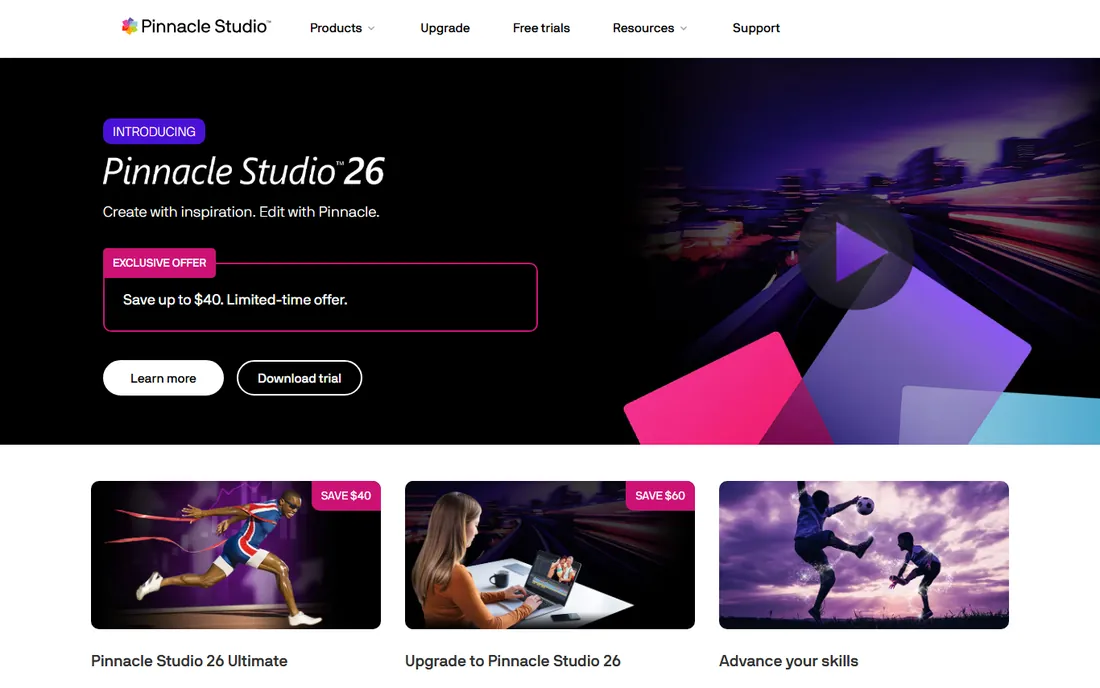
Pinnacle Studio, from Alludo, is the classic enthusiast editor: a real multi-track NLE with keyframes, effects, multi-camera editing and disc authoring, sold as a one-time purchase starting around $59.99 with Ultimate at $129.99. For a hobbyist or small business making occasional videos on Windows, owning the software outright has obvious appeal.
The honest position: Pinnacle sits between the free tools and the pro NLEs, and that middle is shrinking. DaVinci Resolve's free edition outclasses it on features, and Filmora beats it on ease. Pinnacle's case is the buyer who wants a traditional NLE, a single payment, and no account or subscription of any kind. If that describes you, wait for one of the vendor's frequent sales before buying.
What we like- One-time purchase with no subscription
- Multi-camera editing, 360 video and stop-motion in higher tiers
- Long-running product with extensive tutorials
Watch out for- Windows-only
- No free tier
- Interface and feature set trail the modern pro NLEs
- Development pace is slower than competitors

#9
Movavi Video Editor
Best for: Beginners who want the simplest possible desktop editor
Visit movavi.com
Starting price$49.95/year (Movavi Video Suite 2027)
Free planFree trial (watermarked, 60-second limit)
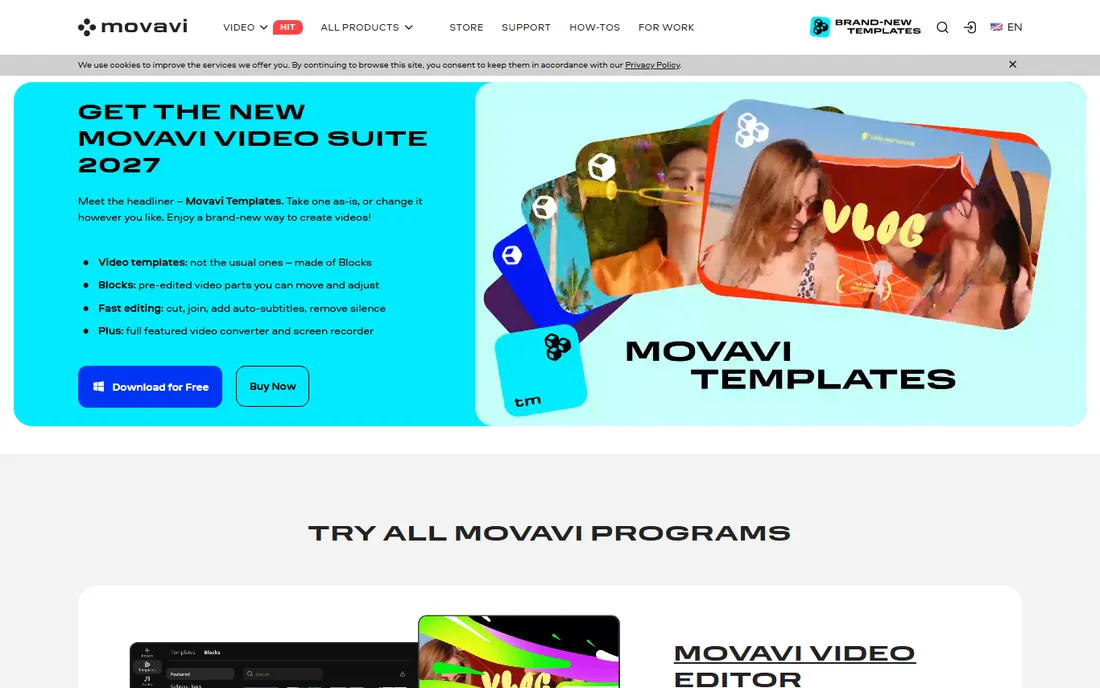
Movavi Video Editor is the simplest desktop editor on this list, and it knows it: the vendor's pitch is that a complete beginner masters it in under twenty minutes. Cut, crop, color, speed, titles, transitions and stickers are all drag-and-drop, with one-click AI subtitles, noise removal and motion tracking in recent versions. The current Video Suite 2027 lists at $49.95 per year on the vendor's site.
The free trial is genuinely tryable but limited: watermarked exports capped at 60 seconds. For family videos, school projects and simple business clips, Movavi is the least intimidating option here. Power users will outgrow it quickly; at that point Filmora offers more headroom at a similar price, and DaVinci Resolve offers a pro ceiling for free.
What we like- Extremely simple interface a beginner learns in minutes
- AI tools for subtitles, noise removal and motion tracking
- Templates for vlogs, family and business videos
- Effects packs and stock content
Watch out for- Trial limits exports to 60 seconds with a watermark
- Annual pricing with lifetime options that vary
- Feature depth is below Filmora at a similar price

#10
iMovie
Best for: Apple users making their first videos for free
Visit apple.com
Starting priceFree
Free planYes (free with Apple devices)
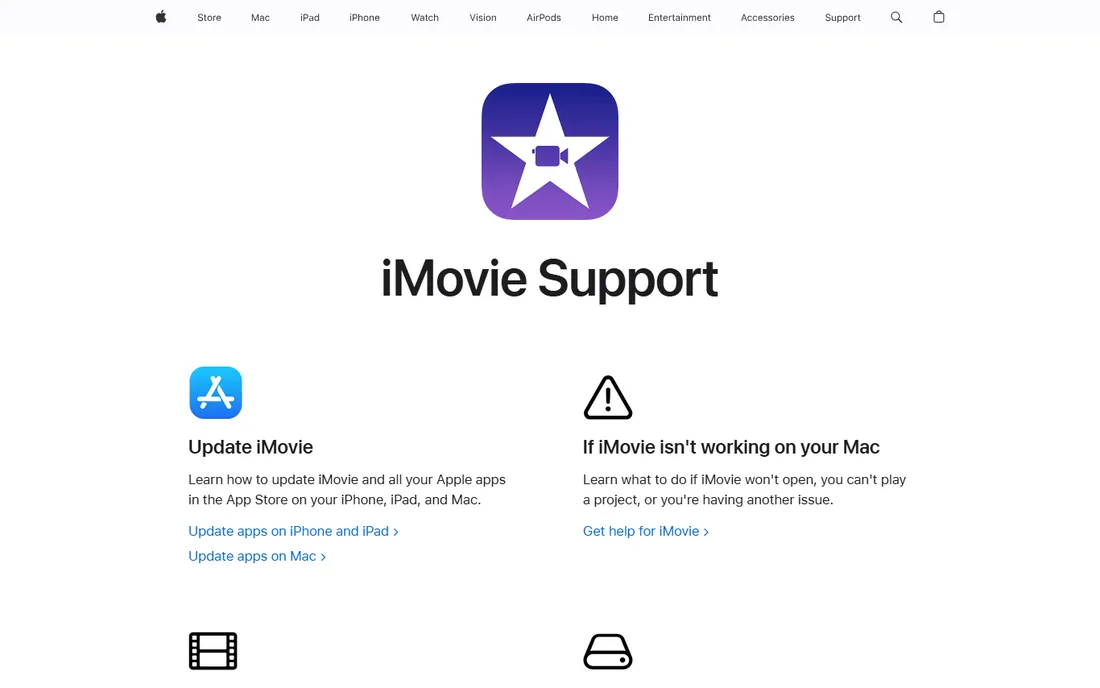
iMovie is the starting point for millions of editors and still the best free first editor on Apple devices. Templates, trailers, themes and one-click audio tools produce watchable videos fast, and 4K export covers modern needs. The killer feature is the upgrade path: open any iMovie project in Final Cut Pro and continue with pro tools.
Note the signal from Apple: the iMovie product page now redirects to Apple Support, which suggests the app is in maintenance mode while Final Cut Pro gets the attention. It remains free and functional, and for a Mac or iPhone owner making personal or simple business videos, it costs nothing to start here. Outgrow it, and Final Cut Pro at $299.99 is the natural next step.
What we like- Completely free on Mac, iPhone and iPad
- Trailers and templates make decent videos in minutes
- 4K support
- Projects open directly in Final Cut Pro when you outgrow it
Watch out for- Apple-only
- Deliberately limited: two video tracks and basic audio
- The product page now redirects to Apple Support, signaling minimal development
Key takeaways
- The free tier is genuinely good now: DaVinci Resolve (pro-grade, free), CapCut (short-form, free) and iMovie (Apple, free) cover most needs at $0.
- The cheapest paid upgrades are Filmora ($61.99/year) and Movavi ($49.95/year) for guided editing, and Pinnacle Studio (from $59.99 one-time) for a traditional NLE without subscriptions.
- The pro standard remains Premiere Pro ($22.99/month) for Adobe shops, Final Cut Pro ($299.99 one-time) for Mac editors, and DaVinci Resolve Studio ($295 one-time) for color-critical work.
- Subscriptions vs. ownership is the real decision: Premiere and CapCut Pro rent by the month, while Final Cut Pro, Resolve Studio, VEGAS Pro and Pinnacle Studio sell perpetual licenses.
Quick comparison
| Tool | Best for | Starting price | Free plan |
|---|
| Adobe Premiere Pro | Professional editors who live in the Adobe ecosystem | $22.99/month (single app, annual plan billed monthly) | 7-day free trial |
 DaVinci Resolve DaVinci Resolve | Editors who want pro color grading and a genuinely free version | $295 (DaVinci Resolve Studio, one-time) | Yes (free edition, no watermark) |
| Final Cut Pro | Mac-based editors who want pro power with a one-time purchase | $299.99 (one-time purchase, Mac) | 30-day free trial (via Apple Creator Studio) |
 Filmora Filmora | Creators who want guided, template-rich editing without pro complexity | $61.99/year (annual plan) | Free download (exports carry a watermark) |
 CapCut CapCut | Short-form social content made fast | $19.99/month (CapCut Pro; $179.99/year) | Yes |
 VEGAS Pro VEGAS Pro | Windows editors who want a perpetual license pro NLE | From $99.95/year (annual plans; perpetual from $219.95) | 15-day free trial |
| Clipchamp | Windows users making quick videos with no learning curve | See website (premium features via Microsoft 365) | Yes (unlimited exports, no watermark) |
| Pinnacle Studio | Windows hobbyists who want pro-style editing as a one-time purchase | From $59.99 (one-time; Ultimate $129.99) | No |
| Movavi Video Editor | Beginners who want the simplest possible desktop editor | $49.95/year (Movavi Video Suite 2027) | Free trial (watermarked, 60-second limit) |
| iMovie | Apple users making their first videos for free | Free | Yes (free with Apple devices) |
Is your product missing or out of date?
We review this list regularly. Vendors can request a listing, send updated pricing or ask about featured placement.
How we chose
We started with the categories buyers search: video editing software, best video editor and free video editing software. For each candidate we opened the vendor's own site, checked prices against the vendor's pricing or store pages and public reviews on G2, Capterra and practitioner discussion on Reddit, and compared editing depth, platform support, free tier generosity and fit for different creator types. Where a price could not be verified on the vendor's page we wrote "See website" rather than guessing.
Choosing the right video editor for your work
Start with what you make. Short-form social content: CapCut's free tier or Clipchamp. YouTube and courses: Filmora or DaVinci Resolve. Client work and agencies: Premiere Pro or Final Cut Pro depending on platform. Family and personal: iMovie or Movavi. The tool should match the output, not the ambition.
Then decide the payment model. Subscriptions (Premiere at $22.99/month, CapCut Pro at $19.99/month, Filmora at $61.99/year) spread the cost but never end. Perpetual licenses (Final Cut Pro $299.99, Resolve Studio $295, VEGAS Pro from $219.95, Pinnacle from $59.99) cost more upfront and then nothing. A freelancer billing clients monthly can justify a subscription; a hobbyist editing quarterly cannot.
Finally, check the platform lock-in. Final Cut Pro and iMovie are Mac-only. Premiere Pro, VEGAS Pro and Pinnacle Studio are Windows-first or Windows-only. DaVinci Resolve, Filmora, CapCut, Clipchamp and Movavi cover both. Switching platforms later means relearning, so buy for the computer you will still own in two years.
Free vs paid: where the line sits
The free tools on this list are not demos. DaVinci Resolve's free edition cuts, grades and delivers professional work. CapCut's free tier makes unlimited 1080p social videos. Clipchamp exports HD without watermarks for nothing. iMovie is free on every Apple device. Most beginners should exhaust these before spending anything.
Pay when a specific limit blocks paid work. The common triggers: watermarks on client deliverables (Filmora, Movavi trials), 4K export needs (CapCut Pro), advanced color and effects (Resolve Studio), or ecosystem requirements like After Effects integration (Premiere Pro). A useful rule: if the software earns money, the paid tier is a business expense; price it against one project, not against free. If it does not earn money, the free tier is probably enough, and the $295 you save on Resolve Studio buys a better microphone, which improves videos more than any editor.
Frequently asked questions
What is the best video editing software for beginners?
CapCut or iMovie for free, Filmora or Movavi if you want guided paid tools. Start free: CapCut handles social video and iMovie handles Apple devices, and both teach the timeline basics without costing anything.
What is the best free video editing software?
DaVinci Resolve's free edition is the most capable free editor ever made: professional editing, color grading, effects and audio with no watermark. For simpler needs, CapCut and Clipchamp are free and far easier to learn.
Is Premiere Pro worth the subscription?
For professionals in the Adobe ecosystem, yes: $22.99 per month buys the industry-standard timeline plus After Effects and Photoshop integration that clients expect. For hobbyists, no: Final Cut Pro ($299.99 once) or DaVinci Resolve (free) do the job without a subscription.
Which is better, Final Cut Pro or DaVinci Resolve?
Final Cut Pro is faster to learn with its Magnetic Timeline and costs $299.99 once; DaVinci Resolve has deeper color grading and a free edition, with Studio at $295 once. Mac-only editors often prefer Final Cut; color-critical and cross-platform work favors Resolve.
Can I edit videos professionally with free software?
Yes. DaVinci Resolve's free edition is used on real commercial work, and many creators run businesses on CapCut's free tier. The paid upgrades matter for specific needs: 4K workflows, advanced AI tools, team collaboration, or ecosystem integration.
Do I need a powerful computer for video editing?
For 4K work, yes: a modern multi-core CPU, 16 GB of RAM and a decent GPU make editing dramatically smoother in any NLE. For 1080p social content in CapCut or Clipchamp, a mid-range laptop is fine. iMovie and Final Cut Pro are the most forgiving on modest Macs thanks to Apple silicon optimization.
Sources we checked (10)
- https://www.adobe.com
- https://www.blackmagicdesign.com
- https://www.apple.com/final-cut-pro/
- https://filmora.wondershare.com
- https://www.capcut.com
- https://vegascreativesoftware.com/
- https://www.clipchamp.com
- https://pinnaclesys.com/
- https://www.movavi.com
- https://www.apple.com/imovie/
Is your product missing or out of date?
We review this list regularly. Vendors can request a listing, send updated pricing or ask about featured placement.

Shihab Mia · Founder, Rankite
Shihab has spent more than a decade helping SaaS and e-commerce brands grow through search. He writes Rankite's software buying guides from pricing pages, documentation and public user reviews. More about Shihab.