How we make this list: we compare pricing pages, product documentation and public user reviews. Rankite is independent; if a vendor ever pays for a featured spot, that listing is clearly labeled Partner.
Key takeaways
- Adobe Lightroom ($11.99/month) is still the default for photographers who manage large libraries; the $19.99/month Photography plan adds Photoshop.
- If you want to buy once and be done, DxO PhotoLab ($229 one-time), Luminar Neo (from $119 one-time), and Affinity Photo 2 ($49.99 one-time) are the strongest picks.
- Capture One ($18/month) is the pro studio choice for tethered shooting and color work, but it costs more than Adobe.
- ON1 Photo RAW ($99.99 one-time) and ACDSee Photo Studio ($179.99 one-time) cover organizing plus editing in a single purchase.
- PaintShop Pro (from $47.99 one-time) is the cheapest full editor here, though the current version dates to 2023.
Quick comparison
| Tool | Best for | Starting price | Free plan |
|---|
 Adobe Lightroom Adobe Lightroom | photographers managing large photo libraries | $11.99/month (Lightroom 1TB plan) | Free trial (7 days) |
 Adobe Photoshop Adobe Photoshop | retouching, compositing, and design work | $19.99/month (Photography plan, includes Lightroom) | Free trial (7 days) |
 Capture One Capture One | studio photographers and tethered shooting | $18/month (Pro plan, annual) | Free trial (30 days) |
 DxO PhotoLab DxO PhotoLab | maximum RAW image quality | $229 one-time (Elite edition) | Free trial (30 days) |
 Luminar Neo Luminar Neo | fast AI-assisted photo editing | From $119 one-time (perpetual desktop license) | Free trial |
 Affinity Photo 2 Affinity Photo 2 | Photoshop power without a subscription | $49.99 one-time | Free trial (30 days) |
 ON1 Photo RAW ON1 Photo RAW | all-in-one organizing and editing | $99.99 one-time (Photo RAW 2027) | Free trial (30 days) |
 ACDSee Photo Studio ACDSee Photo Studio | photographers with huge image archives | $179.99 one-time (Ultimate 2027) | Free trial |
 PaintShop Pro PaintShop Pro | budget-conscious Windows editors | From $47.99 one-time | Free trial (30 days) |
Is your product missing or out of date?
We review this list regularly. Vendors can request a listing, send updated pricing or ask about featured placement.
The best photo editing software
#1
Adobe Lightroom
Best for: photographers managing large photo libraries
Visit adobe.com
Starting price$11.99/month (Lightroom 1TB plan)
Free planFree trial (7 days)
Picture a wedding photographer returning with 3,000 RAW files on a Saturday night. Lightroom is built for exactly that moment: import, cull, apply a preset to the whole batch, fine-tune the keepers, and export a gallery before midnight. No other tool manages that volume of images with the same speed. The catalog system, smart collections, and keywording keep years of shoots searchable.
The Lightroom-only plan at $11.99/month includes 1TB of cloud storage and works across desktop, mobile, and web. Most photographers should instead take the Photography plan at $19.99/month, which adds Photoshop and Lightroom Classic for barely more money. The honest drawback is the subscription: stop paying and the editing stops, and Adobe's two-Lightroom setup (cloud vs Classic) still confuses new users. If you shoot regularly and value organization, nothing beats it.
What we like- Best-in-class library organization
- Presets and cloud sync across devices
- Huge tutorial and preset ecosystem
Watch out for- Subscription only
- Cloud version and Classic version split can confuse
- AI features are capped on lower plans
#2
Adobe Photoshop
Best for: retouching, compositing, and design work
Visit adobe.com
Starting price$19.99/month (Photography plan, includes Lightroom)
Free planFree trial (7 days)
Photoshop remains the tool that defines the category. When an edit goes beyond exposure and color, into removing objects, swapping skies, compositing multiple exposures, or detailed beauty retouching, this is where it happens. The layer system, masking tools, and selection engine have decades of refinement behind them, and recent AI additions like Generative Fill genuinely change what a single editor can do in minutes.
For photographers, the smart buy is the Photography plan at $19.99/month, which bundles Photoshop with Lightroom and 1TB of storage; buying Photoshop alone at $22.99/month costs more and gives you less. The catch is that Photoshop is a poor choice as a first or only editor. It has no real library management, the interface overwhelms beginners, and casual edits that take seconds in Lightroom take minutes here. Buy it for the work only it can do.
What we like- Unmatched depth for retouching and composites
- Generative Fill and AI tools lead the field
- Enormous plugin and tutorial ecosystem
Watch out for- Overkill for simple photo edits
- Subscription only
- Steep learning curve for beginners
Starting price$18/month (Pro plan, annual)
Free planFree trial (30 days)
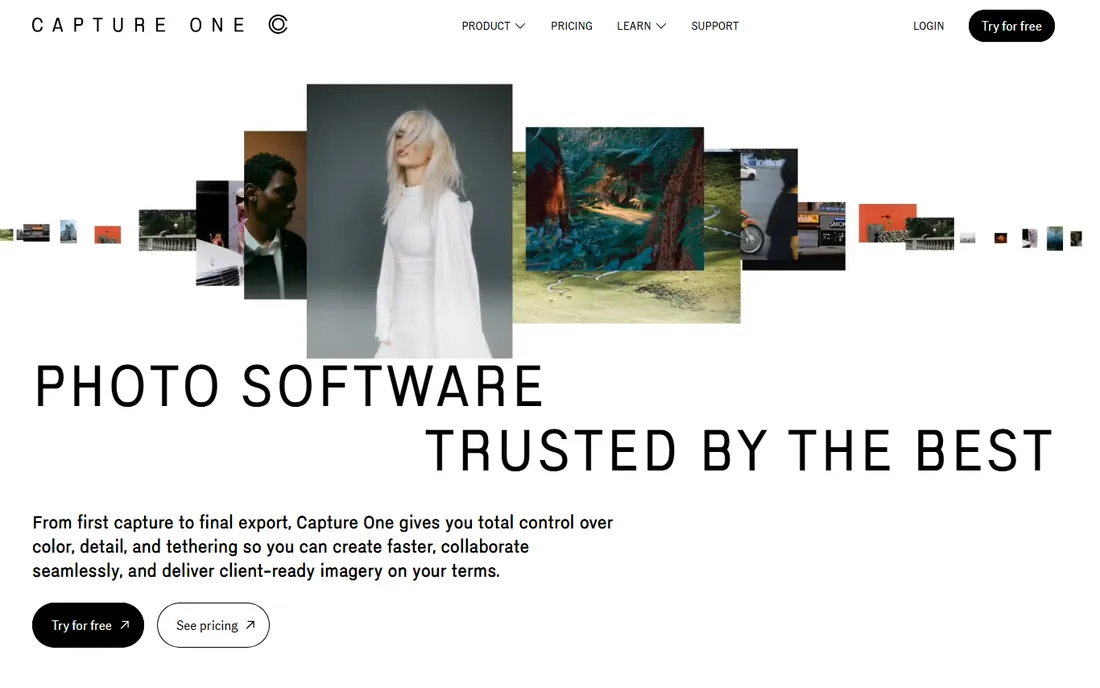
Walk into a commercial studio and the photographer is probably shooting tethered into Capture One. The live view is fast, the color tools are the deepest in any RAW editor, and the skin tone controls alone justify the price for portrait and fashion work. RAW files from Canon, Nikon, Sony, Fujifilm, and now Hasselblad render beautifully with dedicated camera profiles.
Pricing starts at $18/month for the Pro plan on annual billing, with month-to-month and higher tiers (All-in-One, Studio) costing more; a perpetual Pro license is available for $349. That makes it pricier than Adobe's Photography plan, and the interface takes real study to master. For studio, commercial, and high-end portrait photographers, the tethering and color precision are worth it. For everyone else, it is more tool than needed.
What we like- Best tethered shooting in the business
- Exceptional color grading tools
- Excellent RAW rendering for major camera brands
Watch out for- More expensive than Adobe
- Steep learning curve
- IPad and iPhone apps lag the desktop version
Starting price$229 one-time (Elite edition)
Free planFree trial (30 days)
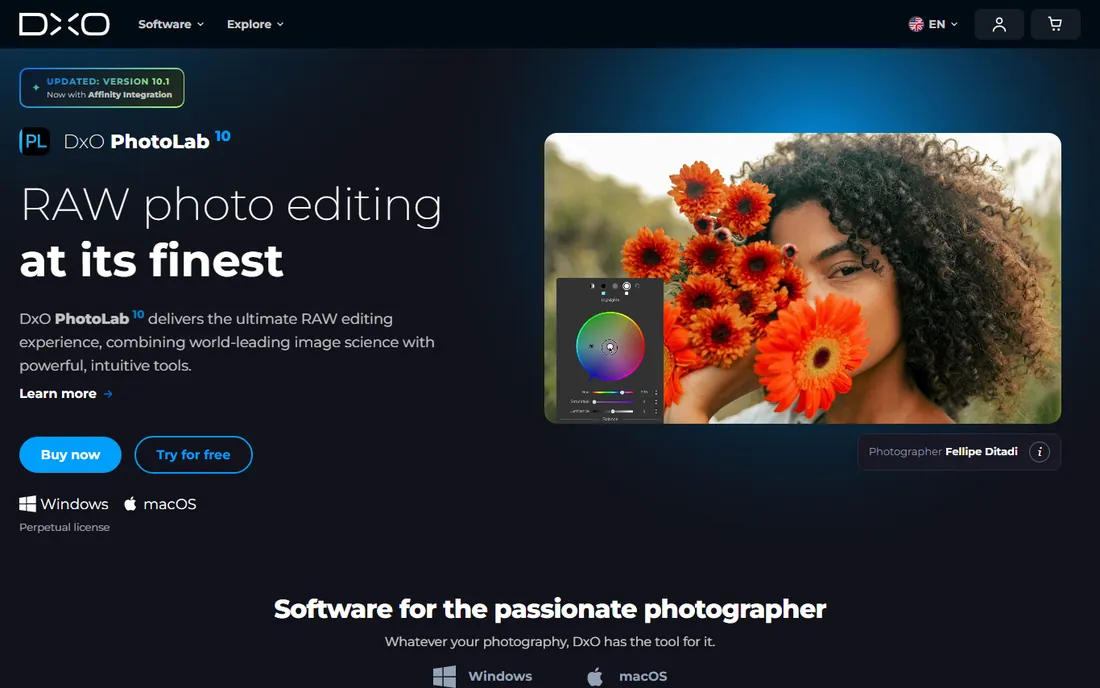
DxO PhotoLab exists for one reason: squeezing the best possible image quality out of RAW files. Its DeepPRIME noise reduction cleans up high-ISO shots while preserving detail in a way no competitor matches, and the lens corrections come from actual lab measurements of camera and lens combinations rather than generic profiles. Outdoor and wildlife photographers who shoot in difficult light notice the difference immediately.
The Elite edition costs $229 as a one-time purchase, with a cheaper Essential edition at $139 and a 30-day trial. There is no subscription, though major annual versions cost extra if you want to stay current. The trade-off is workflow: the photo library tools are basic compared with Lightroom, the interface packs a lot into small panels, and Mac users on Apple silicon run it through translation. If image quality outranks convenience, this is the pick.
What we like- DeepPRIME noise reduction is the best available
- Huge lab-tested lens correction database
- One-time purchase, no subscription
Watch out for- Library organization is weaker than Lightroom
- Interface feels dense
- No native ARM build for Apple silicon
Starting priceFrom $119 one-time (perpetual desktop license)
Free planFree trial
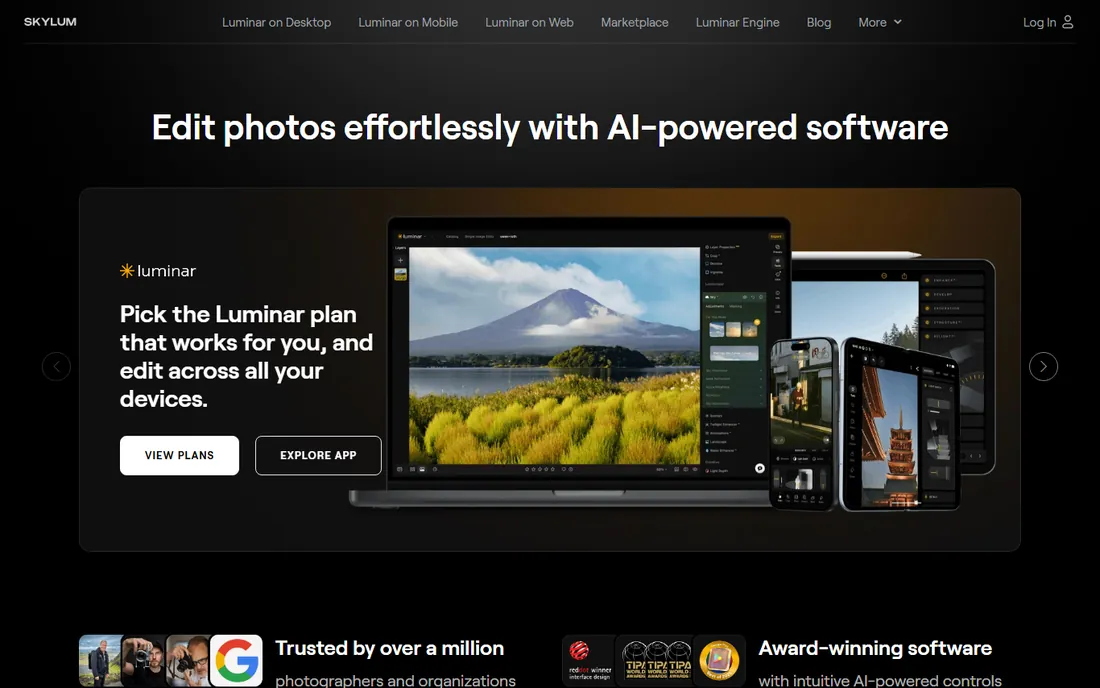
Luminar Neo is for photographers who want dramatic results without learning masks and layers. Sky AI swaps a dull sky in one click, Relight AI fixes backlit portraits, and GenErase removes objects with a brush stroke. The tools work well enough that many users never touch manual selections again. It also plugs into Lightroom Classic and Photoshop, so it can slot into an existing Adobe workflow rather than replacing it.
Skylum sells perpetual licenses starting at $119 for the desktop version, with cross-device and Max tiers adding mobile apps and a creative library. A free trial lets you test the AI tools before buying. The fine print matters: the generative AI features include only one year of access on a perpetual license, and major new versions may require a paid upgrade. For quick, impressive edits at a fixed price, it is hard to beat.
What we like- One-click AI tools for sky replacement, relighting, and object removal
- Perpetual license available
- Works as a plugin for Lightroom and Photoshop
Watch out for- Catalog features are basic
- Generative AI tools need yearly renewal
- Major version upgrades can cost extra
Starting price$49.99 one-time
Free planFree trial (30 days)
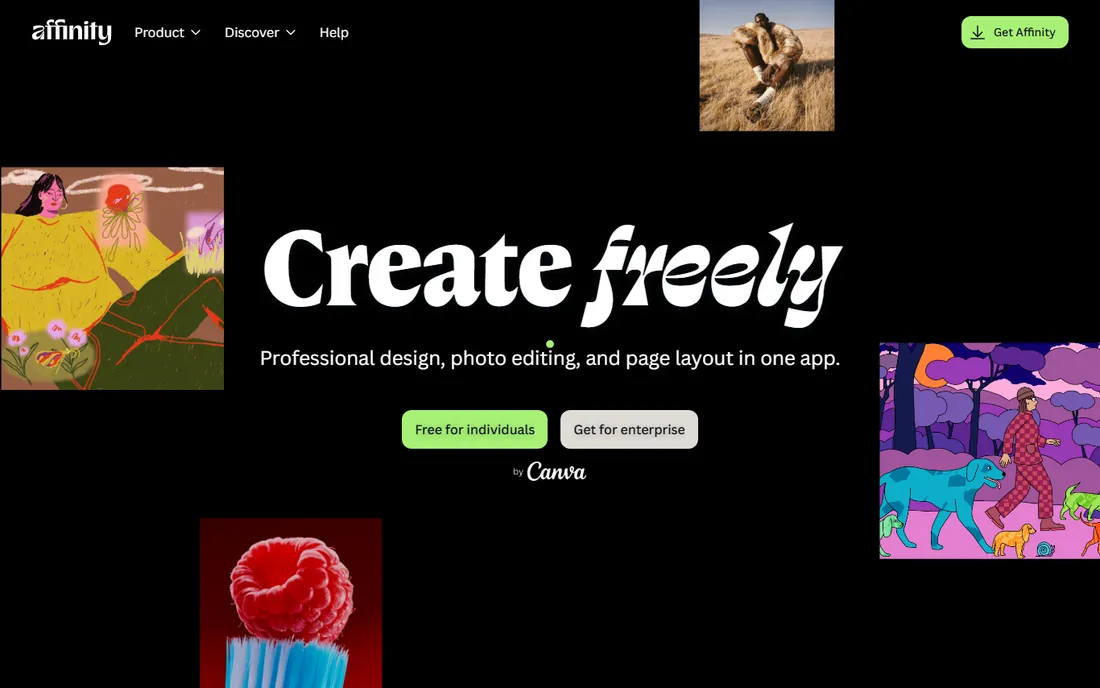
Affinity Photo 2 is the closest thing to Photoshop you can buy outright. Layers, masks, blend modes, frequency separation, panorama stitching, and HDR merging all work at a professional level, and the $49.99 one-time price undercuts a few months of Adobe. It runs on Windows, Mac, and iPad, and it opens PSD files well enough for most collaboration.
The 30-day free trial is generous, and there is no subscription to cancel. What you give up is the ecosystem: there is no Lightroom-style catalog, the plugin selection is smaller, and the RAW development side is competent rather than class-leading. Now owned by Canva, Affinity's future pricing is in flux, but the current one-time deal is excellent value for retouchers who want out of subscriptions.
What we like- Full layer-based editing at a fraction of Photoshop's cost
- One-time purchase
- Fast performance on modest hardware
Watch out for- No built-in library management
- Smaller plugin ecosystem
- RAW workflow is less refined than Lightroom
#7
ON1 Photo RAW
Best for: all-in-one organizing and editing
Visit on1.com
Starting price$99.99 one-time (Photo RAW 2027)
Free planFree trial (30 days)
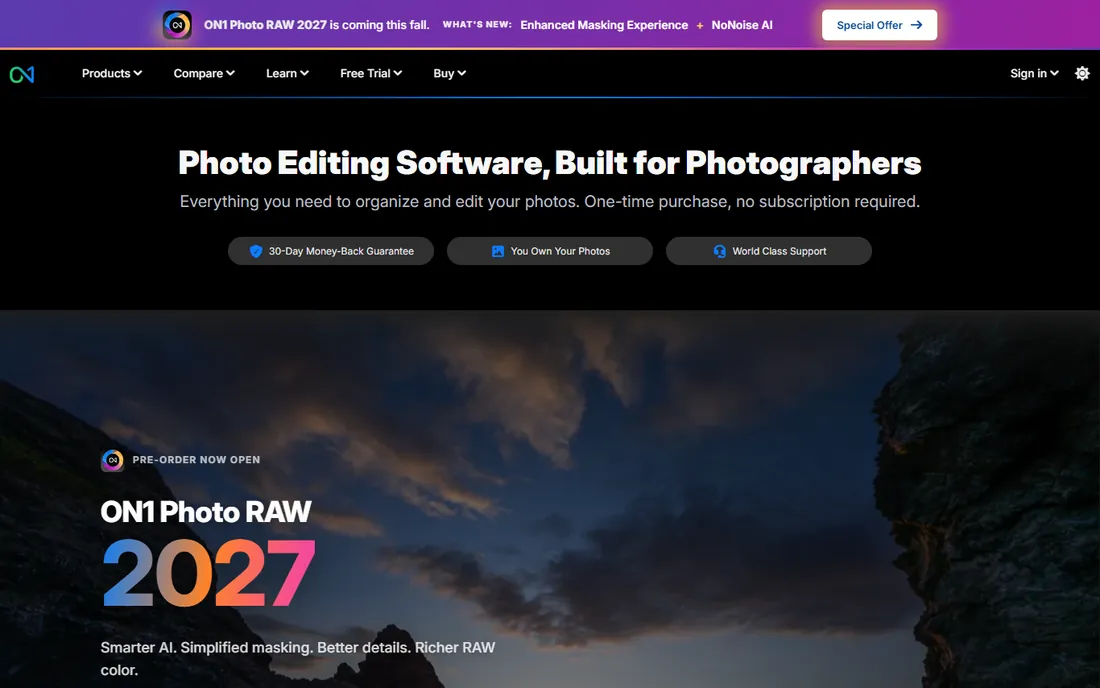
ON1 Photo RAW tries to be the whole workflow in one purchase: browse folders without importing a catalog, develop RAW files, stack effects and layers, and batch resize for delivery. For photographers fleeing Adobe subscriptions, it is one of the most complete replacements, covering perhaps 90 percent of what Lightroom plus Photoshop do for a typical shoot.
The 2027 version costs $99.99 as a one-time purchase, with a MAX edition adding plugin support and AI features, plus an optional yearly subscription with cloud sync. A 30-day trial and money-back guarantee lower the risk. The weaknesses are speed and polish: previews generate slower than Lightroom, complex layer stacks can stutter, and the interface is busy. If you want one app and one payment, it delivers.
What we like- Browse, develop, effects, and resize in one app
- Perpetual license available
- Fast asset browsing without catalog import
Watch out for- Preview generation is slower than Lightroom
- Effects engine can lag with heavy layers
- Annual upgrades cost extra
#8
ACDSee Photo Studio
Best for: photographers with huge image archives
Visit acdsee.com
Starting price$179.99 one-time (Ultimate 2027)
Free planFree trial

ACDSee has been managing photo collections since the 1990s, and it still browses folders faster than almost anything else. Point it at a drive with 100,000 images and it starts showing thumbnails immediately, no catalog import required. The Ultimate 2027 edition adds generative AI tools, AI face editing, and layered editing on top of the renowned asset management.
The perpetual license costs $179.99, with subscription options also available. That is more than some rivals, but you get organizing, RAW development, and layered editing together. The compromises are an interface that feels dated in spots and AI features that run on purchased credits rather than being unlimited. Archivists, stock photographers, and anyone drowning in files will appreciate what it does best.
What we like- Extremely fast browsing of large folders
- Strong digital asset management
- Layered editing plus RAW development in one app
Watch out for- Editing tools trail Photoshop in depth
- Interface shows its age in places
- AI features use a credit system
Starting priceFrom $47.99 one-time
Free planFree trial (30 days)
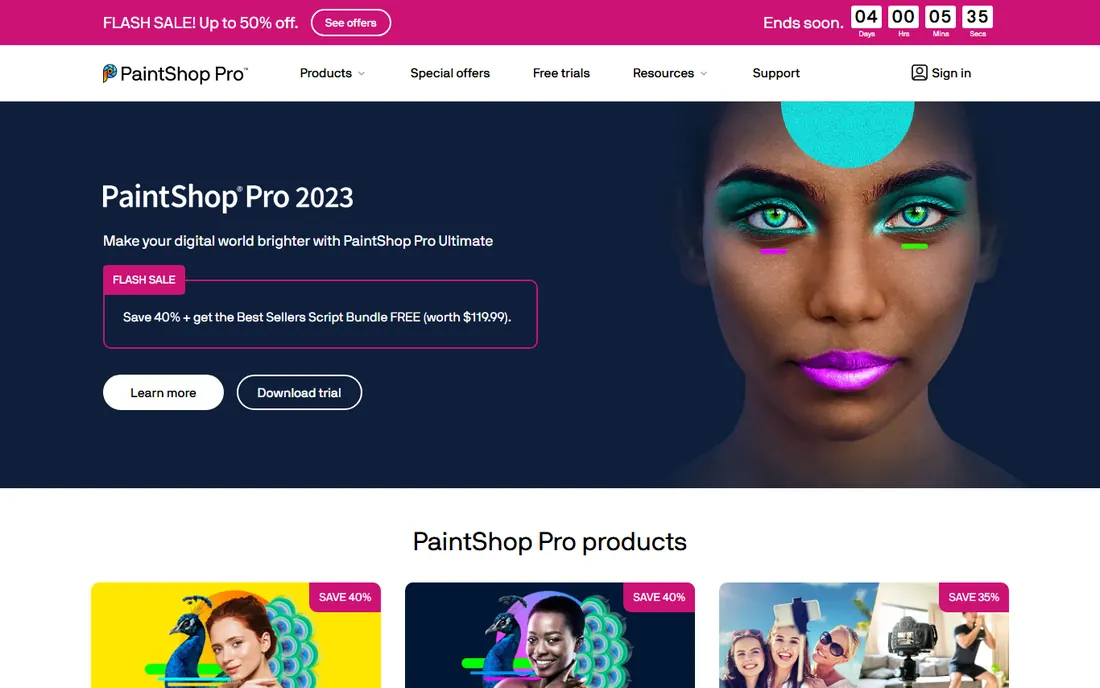
PaintShop Pro is the bargain of this roundup. For under $50 one-time, you get layers, masks, RAW processing, batch editing, scripts, and a photography workspace, with a 30-day trial to confirm it runs on your machine. Hobbyists and small businesses that need real editing power without any subscription should shortlist it.
The caveats are real: it runs on Windows only, the current 2023 version has not seen a major update in years, and the AI tools are basic next to Luminar or Adobe. Corel's focus has clearly shifted elsewhere. Even so, the software keeps working after you pay once, which is more than subscription tools offer. If your needs are straightforward and your budget is tight, it remains a legitimate option.
What we like- Cheapest full editor in this list
- Layers, masks, and scripting included
- One-time purchase
Watch out for- Windows only
- Current version dates to 2023
- AI features lag competitors
How we chose
We evaluated current photo editors against what US small business owners, marketers, and working photographers actually need: real pricing from vendor pages, honest free tiers, and features that matter in daily work. Every tool had to be actively sold or maintained in 2026. We compared subscription costs against one-time prices over a realistic three-year ownership period, checked trial availability, and weighed library management separately from pixel-level editing, since different buyers prioritize each. We did not test software hands-on; findings come from vendor documentation, pricing pages, and public reviews on G2, Capterra, and Reddit.
Subscription vs one-time: the real math
Subscriptions look cheap until you multiply. Adobe's Photography plan at $19.99/month costs about $720 over three years. Compare that with DxO PhotoLab Elite at $229 one-time, Affinity Photo 2 at $49.99, or Luminar Neo at $119: even adding a paid upgrade or two, the one-time tools cost a third as much over the same period. The subscription buys continuous updates and cloud features; the one-time purchase buys an ending bill.
Do the math for your own situation. If you edit photos weekly for clients and need the latest camera support on day one, a subscription is usually worth it. If you edit in bursts, own your camera for years, or simply dislike recurring charges, a perpetual license wins easily. Also factor in what each plan includes: Adobe's $19.99 covers two top-tier apps plus 1TB of cloud storage, while a $49.99 one-time tool covers one app and no cloud. Compare bundles to bundles, not headline prices.
Watch for the middle ground too. Several vendors now sell perpetual licenses with paid yearly renewals for AI features (Luminar Neo) or major version upgrades (DxO, ON1). Read what the one-time price actually includes before assuming it covers everything forever.
What to look for before you buy
Start by separating two jobs: organizing photos and editing pixels. Lightroom, Capture One, ACDSee, and ON1 excel at the first; Photoshop, Affinity, and DxO excel at the second. If you shoot hundreds of images per session, library management matters more than any single editing feature. If you edit a few images deeply, pixel tools matter more.
Check RAW support for your specific camera before buying. Most editors add new camera profiles quickly, but there is always a lag after a camera launch, and some budget tools trail by months. Download the trial and open your own files: marketing claims about RAW quality mean nothing until you see your images.
Consider where you edit. If you move between desktop, tablet, and phone, Adobe's cloud sync and Luminar's cross-device license have real value. If you work on one computer, ignore cloud features entirely and save the money.
Finally, test performance on your machine. Photo editors are demanding, and an app that flies on a new MacBook can crawl on a five-year-old Windows laptop. Every tool here offers a trial: use it with your actual photo library, not sample images, before committing.
Frequently asked questions
What is the best photo editing software for beginners?
Luminar Neo is the easiest path to good-looking results, thanks to AI tools that handle skies, portraits, and object removal automatically. If you want to learn proper technique, start with the free trial of Lightroom or ON1 Photo RAW, which teach the standard editing workflow used across the industry.
Is it better to buy photo editing software once or subscribe?
For most hobbyists and small businesses, buying once wins. Tools like Affinity Photo 2 ($49.99), Luminar Neo (from $119), and ON1 Photo RAW ($99.99) cost less than a year of Adobe. Subscribe only if you need constant updates, cloud sync across devices, or the full Photoshop plus Lightroom combination for client work.
Can I get Photoshop without a subscription?
No. Adobe sells Photoshop only as a subscription, currently $22.99/month alone or $19.99/month bundled with Lightroom in the Photography plan. The closest one-time alternatives are Affinity Photo 2 at $49.99 and PaintShop Pro from $47.99.
Which photo editor is best for RAW files?
DxO PhotoLab produces the cleanest RAW conversions thanks to DeepPRIME noise reduction and lab-measured lens profiles. Capture One is the choice for studio work with its color tools and tethering. Lightroom remains the best all-rounder for RAW workflow plus organization.
Are free trials really full versions?
Mostly yes. DxO, ON1, Affinity, ACDSee, and PaintShop Pro offer 14 to 30-day trials of the complete software. Adobe's 7-day trial is also the full app but requires payment details upfront. Luminar Neo's trial covers the AI tools, which is where the buying decision usually gets made.
Do I need both Lightroom and Photoshop?
Many photographers do fine with Lightroom alone, since it handles exposure, color, cropping, and batch work. You need Photoshop when edits get surgical: complex object removal, compositing, advanced retouching, or design work. The Photography plan bundles both for $19.99/month, so most Adobe users get both anyway.
Sources we checked (8)
- https://www.adobe.com/
- https://www.captureone.com/
- https://www.dxo.com/
- https://skylum.com/luminar/pricing
- https://affinity.serif.com/
- https://www.on1.com/products/photo-raw/
- https://www.acdsee.com/
- https://www.paintshoppro.com/
Is your product missing or out of date?
We review this list regularly. Vendors can request a listing, send updated pricing or ask about featured placement.

Shihab Mia · Founder, Rankite
Shihab has spent more than a decade helping SaaS and e-commerce brands grow through search. He writes Rankite's software buying guides from pricing pages, documentation and public user reviews. More about Shihab.