How we make this list: we compare pricing pages, product documentation and public user reviews. Rankite is independent; if a vendor ever pays for a featured spot, that listing is clearly labeled Partner.
Key takeaways
- Blender does nearly everything the paid giants do and costs nothing, which is why studios keep standardizing on it for modeling and rendering.
- Maya ($1,875/year) and 3ds Max ($1,875/year) are the studio pipeline defaults for animation and VFX; you pay for integration, not just features.
- Cinema 4D is the motion-design pick with the friendliest learning curve, and ZBrush ($399/year) remains unmatched for digital sculpting.
- Houdini Indie at $299/year is the cheapest legal route into serious VFX simulation; the full FX tier is $3,505/year.
- Rhino's $995 perpetual license is the only buy-it-once option left among the big modeling tools.
Quick comparison
| Tool | Best for | Starting price | Free plan |
|---|
 Blender Blender | Free all-rounder | Free | Yes |
 Autodesk Maya Autodesk Maya | Film and game animation pipelines | $1,875/year | Free trial |
 Autodesk 3ds Max Autodesk 3ds Max | Archviz and game modeling | $1,875/year | Free trial |
 Cinema 4D Cinema 4D | Motion graphics | $839/year | Free trial |
 ZBrush ZBrush | Digital sculpting | $399/year | No |
 Houdini Houdini | VFX and procedural simulation | $299/year (Indie) | Yes (Apprentice) |
 SketchUp SketchUp | Fast architectural concepting | $129/year (Go) | Yes (web, non-commercial) |
 Rhino 3D Rhino 3D | Precision NURBS modeling | $995 one-time (perpetual) | 90-day trial |
 Daz 3D Daz 3D | Character scenes without modeling | Free | Yes |
 Tinkercad Tinkercad | Beginner 3D printing | Free | Yes |
Is your product missing or out of date?
We review this list regularly. Vendors can request a listing, send updated pricing or ask about featured placement.
Ten 3D packages, one expensive decision
Picking 3D software is really picking an ecosystem. The price spread runs from free to thousands per seat per year, the learning curves run from an afternoon to a career, and switching later means relearning muscle memory and converting project files. The question is not which tool is best in the abstract. It is which one matches the work you actually do and the budget you actually have.
Below are the ten packages that cover the category in 2026: free open source, studio animation, motion graphics, sculpting, simulation, CAD-adjacent modeling, and beginner tools. Prices come from vendor and vendor-corroborated sources as of October 2026.
Starting priceFree
Free planYes
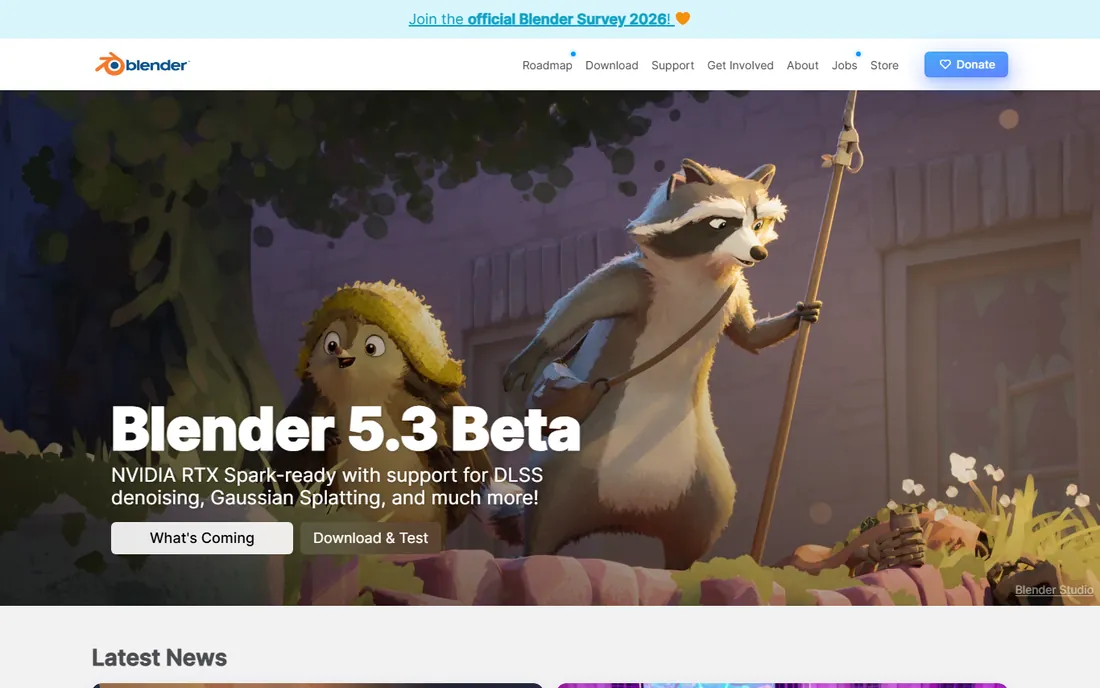
Blender is the reason half the paid tools on this list feel nervous. It is completely free and open source, and it covers modeling, sculpting, animation, simulation, video editing, and rendering in one package. The Cycles renderer produces production-quality output, and the Grease Pencil tools made it a legitimate 2D-in-3D animation option.
What holds people back is mostly habit and pipeline. Studios with years of Maya scripts and Arnold renders do not switch overnight, and Blender's interface takes real commitment to learn. But for freelancers, indie studios, and anyone starting today, the honest answer is that Blender handles most professional 3D work at zero license cost. Try it before you spend a dollar anywhere else.
What we like- Full modeling, animation, VFX, and rendering suite
- Cycles and Eevee renderers
- Huge free tutorial ecosystem
Watch out for- Interface learning curve
- Enterprise support is community-based
Starting price$1,875/year
Free planFree trial
Maya is the backbone of film, television, and game animation pipelines, and that is why it costs $1,875 a year per seat. You are not just buying software; you are buying compatibility with every major studio, a plugin for everything, and a workforce that already knows the tool. Its character rigging, animation, and dynamics toolsets remain the deepest in the business.
The honest version: nobody learns Maya for fun. The interface is dense, the menus are deep, and months of practice separate a beginner from competence. Solo artists and freelancers on a budget should look hard at the $305/year Maya Indie tier, which is the full package for qualifying individuals, or at Blender. But if your work feeds a studio pipeline, Maya is effectively a requirement, and the price is the cost of admission.
What we like- Industry standard for character animation
- Deep toolset for rigging and FX
- Massive plugin and studio ecosystem
Watch out for- Expensive per seat
- Steep learning curve
- Heavy hardware demands
Starting price$1,875/year
Free planFree trial
3ds Max owns architectural visualization the way Maya owns film animation. The modeling tools are fast and precise, and the plugin ecosystem for rendering (V-Ray, Corona) and scattering is mature. Game studios use it heavily for hard-surface modeling and asset pipelines.
The complaints are consistent year after year: it runs on Windows only, development can feel slow compared to Blender's pace, and the $1,875/year subscription is hard to justify outside commercial work. Like Maya, there is an Indie option for qualifying solo artists. For archviz professionals already invested in the Autodesk workflow, though, it remains the default, and its file formats are the lingua franca of the visualization industry.
What we like- Strong modeling toolkit
- Dominant in architectural visualization
- Big plugin ecosystem
Watch out for- Windows only
- Same steep price as Maya
- Aging in some areas
Starting price$839/year
Free planFree trial
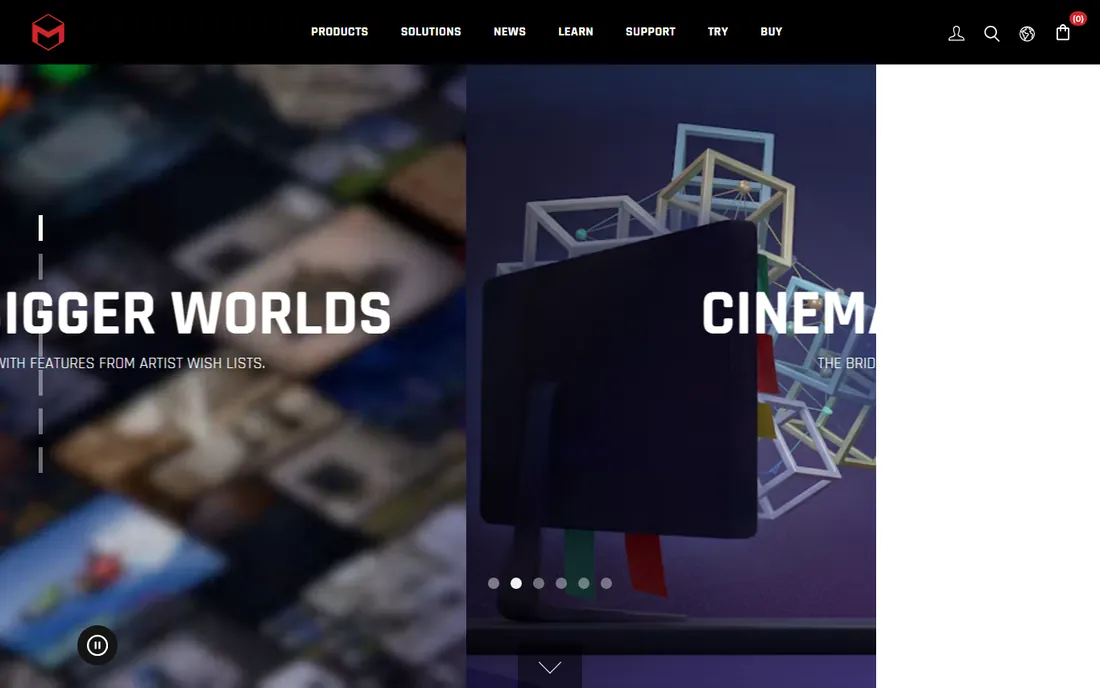
Cinema 4D is the package people recommend when someone asks "I want to learn 3D but not hate my life." The interface is clear, the MoGraph module for procedural animation is the best in its class, and the integration with After Effects makes it the natural pick for broadcast and advertising motion graphics. It even ships with Redshift now, so rendering is covered.
It is not the tool for heavy simulation work; Houdini and Maya outgun it on fluids, destruction, and complex dynamics. And Maxon moved everything to subscription, so there is no perpetual license to fall back on. At $839 a year it sits well below the Autodesk pair, and for motion designers the productivity per dollar is hard to beat.
What we like- Easiest pro tool to learn
- MoGraph is unmatched for motion design
- Stable and fast
Watch out for- Weaker simulation than Houdini
- Subscription only, no perpetual option
Starting price$399/year
Free planNo
Nothing sculpts like ZBrush. Film studios, game developers, toy designers, and jewelers all use it to push virtual clay to hundreds of millions of polygons, and its brush engine is still the standard every competitor is measured against. If your work starts with organic forms, characters, or creatures, this is the tool.
Since Maxon bought Pixologic, the quirks have stayed and the pricing moved to subscription only: $49/month or $399/year, with perpetual licenses discontinued. The interface remains famously nonstandard, which makes the first weeks painful. There is a free iPad version, but it is a learning toy without export. For professionals who sculpt daily, the price is trivial against the output; for everyone else, Blender's sculpting tools cover the basics free.
What we like- The definitive digital sculpting tool
- Handles enormous polygon counts
- Huge brush library
Watch out for- Quirky nonstandard interface
- Subscription only since 2024
Starting price$299/year (Indie)
Free planYes (Apprentice)
Houdini is where blockbuster destruction, water, smoke, and magic come from. Its node-based procedural workflow means an effect built once can be re-parameterized forever, which is why VFX houses center pipelines on it. No other tool on this list touches its simulation depth.
The learning curve is genuinely brutal; node thinking rewires how you approach 3D. SideFX softens the price with Houdini Indie at $299/year for artists earning under $100K, and a free Apprentice edition for learning. But watch the tiers: Indie caps resolution and has its own file format, and the full FX workstation is $3,505/year. Buy Houdini when simulation is your job, not your hobby.
What we like- Unmatched procedural and simulation power
- Node-based workflow scales
- Karma renderer bundled
Watch out for- Hardest tool here to learn
- Full FX tier is $3,505/year
- Indie has revenue and resolution limits
Starting price$129/year (Go)
Free planYes (web, non-commercial)
SketchUp wins on speed. Architects and interior designers can rough out a building in an afternoon thanks to the Push/Pull workflow, and the 3D Warehouse provides millions of free models to populate scenes. It is the standard for early-stage design communication and client presentations.
It is not a replacement for the tools above. Detailed modeling, rendering, and documentation need the Pro tier at $399/year plus extensions, and even then it is outgunned. The Go tier at $129/year suits casual and web-based work. Buy SketchUp for what it does best: getting ideas into 3D fast enough to show a client this week.
What we like- Fastest path from idea to 3D massing
- Huge 3D Warehouse library
- Easy to learn
Watch out for- Not a true pro modeling tool
- Rendering needs add-ons
- Pro jumps to $399/year
Starting price$995 one-time (perpetual)
Free plan90-day trial
Rhino is the outlier in modern 3D software: you pay $995 once and own it forever. Its NURBS modeling is the most accurate in its class, which is why product designers, jewelers, architects, and fabricators trust it for work that becomes real objects. Grasshopper, the built-in parametric design environment, is a legitimate superpower for generative and computational design.
The tradeoffs are real. Rendering and animation tools are basic compared to the competition, and the interface will not win beauty contests. But for anyone burned by subscription pricing, the math is compelling: three years of most subscriptions here cost more than Rhino's one-time price, and McNeel includes all service releases. The 90-day full-feature trial is generous enough to decide properly.
What we like- Perpetual license, no subscription
- Superb NURBS accuracy
- Grasshopper for parametric design
Watch out for- Rendering and animation are basic
- One-time cost is still high upfront
Starting priceFree
Free planYes
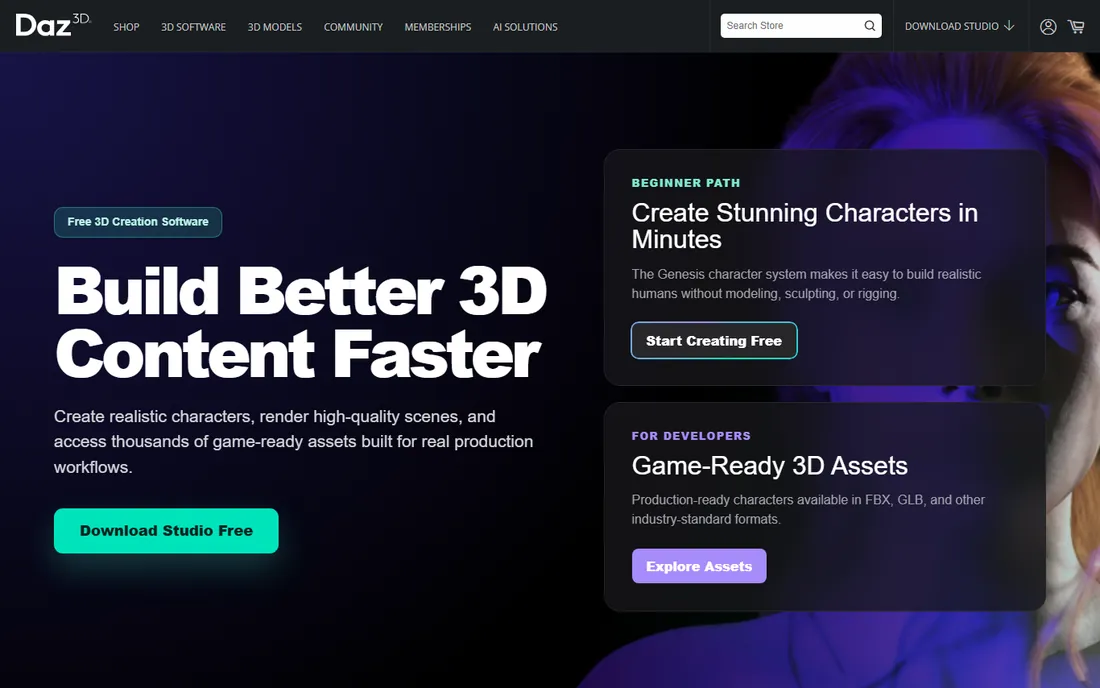
Daz Studio is free, and its trick is that you never have to model a character. Pick a base figure, buy or download clothing, poses, and environments from the marketplace, pose the scene, and render. For illustrators, comic creators, and previsualization artists who need human figures fast, the time savings are enormous.
The honest catch is the business model. The software is the free part; the content is where the money goes, and a serious library adds up. Original modeling and sculpting are limited, so you are assembling rather than creating geometry. But if your bottleneck is "I need a believable posed character today," nothing else here gets you there as fast for zero software cost.
What we like- Free base software
- Huge marketplace of characters and poses
- Fast scene assembly
Watch out for- Real costs hide in the content store
- Limited original modeling
Starting priceFree
Free planYes
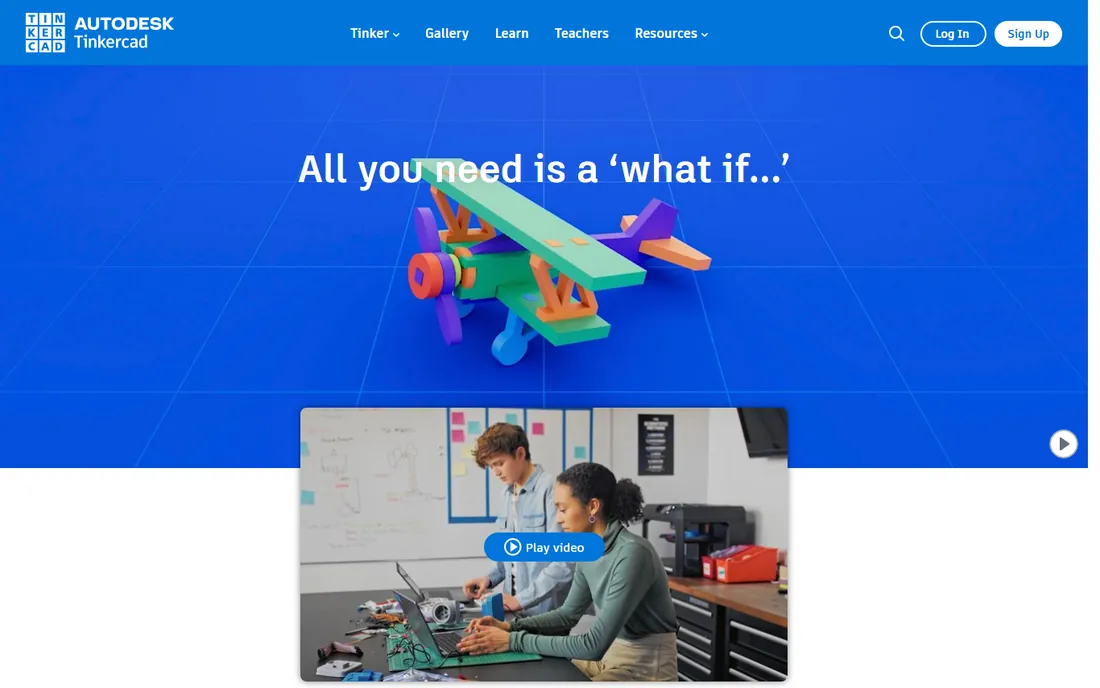
Tinkercad is Autodesk's free browser-based modeler, and it is exactly what a beginner needs: drag shapes together, export for 3D printing, done. It runs anywhere with no install, which is why schools and makerspaces standardize on it. For a first 3D model or a simple printed part, nothing is faster.
It is not professional software. Everything is built from primitives, precision is limited, and you will outgrow it quickly if you take 3D seriously. But as an entry point, or as a quick tool for simple functional prints, it is genuinely useful and completely free. Professionals should treat it as a sketching tool, not a production one.
What we like- Free
- Runs in a browser
- Designed for absolute beginners and schools
Watch out for- Primitive-based modeling only
- Not a professional tool
By industry
Film and episodic animation run on Maya and Houdini, with ZBrush for characters. Game studios mix Maya or 3ds Max for assets with Houdini for effects and ZBrush for sculpting. Motion graphics and broadcast are Cinema 4D territory. Architecture and interiors use SketchUp for concepts and Rhino for detailed design. Product and jewelry design live in Rhino. Beginners and schools start with Tinkercad or Blender.
By budget
Zero budget: Blender handles nearly everything, with Tinkercad and Daz Studio for specific needs. Under $500 a year: ZBrush for sculptors, Houdini Indie for effects artists, SketchUp Go for designers, Blender for everyone else. Over $1,000 a year: Maya, 3ds Max, and Houdini FX for studios where the pipeline demands it. Rhino's $995 one-time purchase breaks the subscription pattern entirely and deserves a look from anyone tired of annual bills.
By learning investment
Weekend to productive: Tinkercad, SketchUp, Daz Studio. Weeks to months: Blender, Cinema 4D, Rhino. Months to a year: Maya, 3ds Max, ZBrush. A year or more to mastery: Houdini. Be honest about how much time you will actually invest, because the most powerful tool you never learn is worth nothing.
How we chose
We reviewed vendor pricing pages and documentation, 2026 comparison coverage from CG Channel, Creative Bloq, 80 Level, and practitioner outlets, plus public reviews on G2 and Capterra and threads on Reddit. Each tool had to be a currently available product with a verifiable price; discontinued or merged products were excluded. We never claim hands-on testing. Rankings reflect fit across the main buyer profiles: freelancers, studios, students, and hobbyists, weighted by capability, price, learning curve, and industry adoption.
Frequently asked questions
What is the best 3D software for beginners?
Tinkercad for absolute beginners and quick 3D printing, SketchUp for design-minded beginners, and Blender for beginners willing to invest real learning time for a professional tool. All three are free to start.
Is Blender really as good as Maya or 3ds Max?
For modeling, sculpting, and rendering, Blender is genuinely competitive and in some areas ahead. Where Maya and 3ds Max still win is studio pipeline integration: existing scripts, plugins, render farms, and hiring pools. An individual can do professional work in Blender; a studio switches only with a migration plan.
Which 3D software is best for 3D printing?
Tinkercad for simple functional prints, Blender or Rhino for detailed work, and Daz Studio is not a modeling tool so skip it for printing original parts. Rhino's precision and ShrinkWrap make it a strong pick for watertight printable meshes.
What is the cheapest professional 3D software?
Blender at free, full stop. Among paid tools, Houdini Indie ($299/year) and ZBrush ($399/year) are the cheapest specialist options, and Rhino ($995 one-time) is the cheapest long-term buy since the subscription ends at zero.
Do I need an expensive GPU for 3D software?
It depends on the tool. Blender, Maya, 3ds Max, Cinema 4D, and Houdini all benefit from a strong GPU, especially for GPU rendering. SketchUp, Rhino modeling, and Tinkercad run fine on modest hardware. Houdini simulations and Redshift rendering are the most demanding workloads here.
Sources we checked (12)
- https://vagon.io/blog/best-maya-alternatives
- https://renderpool.net/blog/maya-price/
- https://www.creativebloq.com/3d/maya-indie-could-save-you-hundreds-of-dollars-but-is-it-worth-it
- http://cgchannel.com/2024/09/maxon-releases-zbrush-for-ipad/
- https://superrendersfarm.com/article/how-much-does-houdini-cost
- https://visualizee.ai/blog/sketchup-pricing
- https://www.g2.com/products/sketchup/pricing
- https://learnarchitecture.net/3d-visualization/31874-sketchup-vs-rhino.html
- https://www.myarchitectai.com/blog/rhino-pricing
- http://www.rhino3d.com
- https://www.filehorse.com/download-cinema-4d/
- https://www.ranchcomputing.com/en/what-is-cinema-4d/
Is your product missing or out of date?
We review this list regularly. Vendors can request a listing, send updated pricing or ask about featured placement.

Shihab Mia · Founder, Rankite
Shihab has spent more than a decade helping SaaS and e-commerce brands grow through search. He writes Rankite's software buying guides from pricing pages, documentation and public user reviews. More about Shihab.