How we make this list: we compare pricing pages, product documentation and public user reviews. Rankite is independent; if a vendor ever pays for a featured spot, that listing is clearly labeled Partner.
Key takeaways
- Stop using the card immediately: every new write lowers the odds, no matter which tool you pick.
- PhotoRec is the only unlimited free option, but its text interface and lost filenames make it a technician's tool.
- Disk Drill, EaseUS, and Recoverit are the easiest guided options, with free tiers that cover small losses.
- R-Studio and DMDE suit advanced users dealing with corrupted partitions or unstable cards that need disk imaging first.
Quick comparison
Is your product missing or out of date?
We review this list regularly. Vendors can request a listing, send updated pricing or ask about featured placement.
A vendor survey cited in Stellar's 2026 recovery guide puts hardware crashes at 67 percent of PC data-loss incidents, with accidental deletion above 14 percent. SD cards sit at the intersection of both: they get formatted by mistake, corrupted by cheap readers, and physically stressed by heat and handling. The good news is that deleted or formatted cards are among the most recoverable media, provided you stop writing to the card the moment you notice the loss.
The tools below are the ones worth installing, ordered from guided consumer apps to technician-grade utilities. Every one of them handles SD and microSD cards through a card reader. None of them can recover data that has been overwritten, so treat the free scan as diagnosis and pay only when the preview shows your files.
Starting priceSee website
Free planFree trial
Disk Drill is the friendliest serious recovery tool on this list. The interface walks you through selecting the card, scanning, previewing, and recovering, and the byte-to-byte backup feature lets you image an unstable card before touching it. That imaging step matters: a failing card can die mid-scan, and working from an image is safer.
The free tier covers scanning and preview, which is genuinely useful for diagnosis. Actual recovery of more than a token amount needs Pro. For a one-time card rescue, the single purchase is reasonable; for ongoing lab-style work, look at R-Studio.
What we like- Clean interface with byte-to-byte card imaging before recovery
- Good preview of found files
- Works on Windows and Mac
Watch out for- Meaningful recovery requires the paid Pro version
- Scans of large cards take a while

#2
EaseUS Data Recovery Wizard
Best for: straightforward deleted-file recovery
Visit easeus.com
Starting priceSee website
Free planFree trial
EaseUS is the tool non-technical users actually finish using. Pick the card, scan, preview, recover: there is no jargon in the path. Independent testing has ranked it well on scan speed and depth for common deletion scenarios, and the free tier can rescue a small accidental deletion without payment.
Read the free terms carefully, because the advertised allowance depends partly on completing the vendor's sharing actions. It is also a generalist: for corrupted partitions or RAW cards, DMDE or R-Studio dig deeper.
What we like- Simple three-step workflow anyone can follow
- Free tier covers small losses
- Fast scans in independent tests
Watch out for- Free allowance is small and partly conditional
- Upsells appear during the process
Starting priceSee website
Free planFree trial
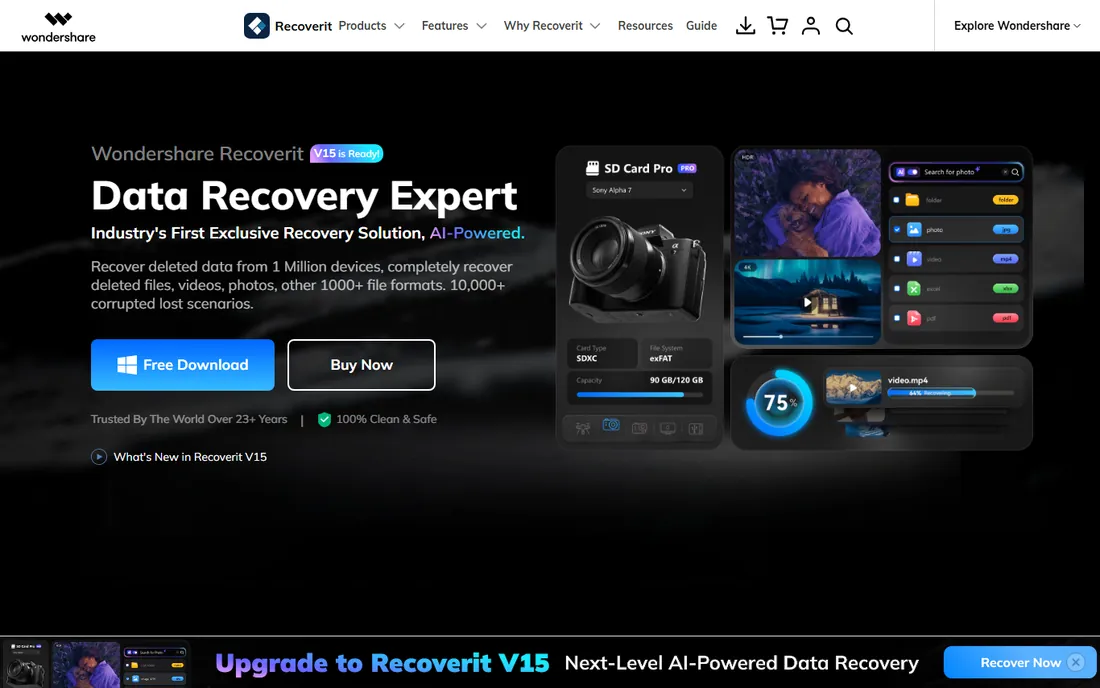
Recoverit aims squarely at camera cards. Photo recovery covers RAW formats from major camera brands, and the video fragment feature attempts to reassemble broken video files, which is the hardest common recovery job. The guided interface with format filters keeps large scans manageable.
Like its rivals, scanning and preview are free while recovery needs a license. It is also a larger, more commercial-feeling install than PhotoRec or DMDE. Photographers with RAW losses should trial this alongside Stellar Photo Recovery and compare previews before paying.
What we like- Strong photo and RAW image format support
- Video fragment matching for broken video files
- Guided workflow with filters and preview
Watch out for- Full recovery needs a paid license
- Heavier install than leaner tools
Starting priceSee website
Free planYes
Recuva is the old reliable of free Windows recovery. For simple deleted files on a healthy card, it finds and restores them without charging anything or imposing a data cap. The portable build can run from a USB stick, which avoids writing to the drive you are recovering from.
Its limits show quickly. Formatted cards, damaged partitions, and deep corruption are beyond it, and there is no Mac version. Use it as the first, free attempt for simple deletions; move to EaseUS or Disk Drill if it comes up empty.
What we like- Genuinely free for typical recovery
- Lightweight and fast
- Portable version avoids installing anything on the affected drive
Watch out for- Windows-only
- Weak on formatted cards and complex corruption
Starting priceSee website
Free planYes
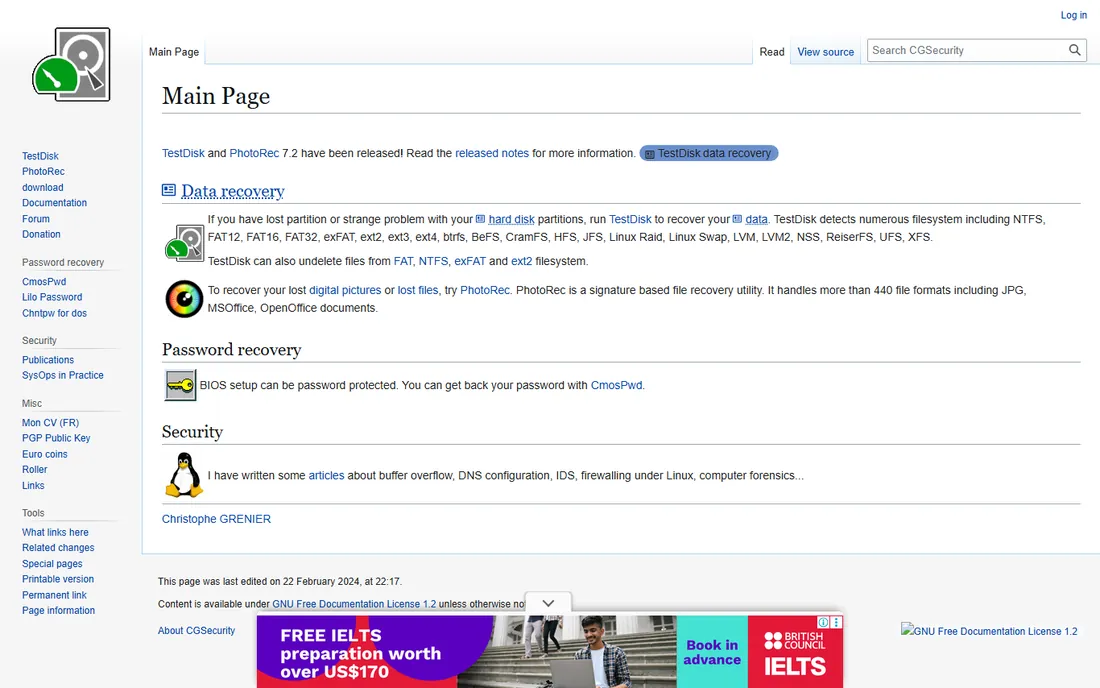
PhotoRec is the only tool here with no paywall at all. It skips the file system entirely and scans raw data blocks for recognizable file signatures, which makes it brutally effective on formatted or corrupted cards where directory-based tools fail. It is open source and runs on every major OS.
The cost is usability. The text interface asks you technical questions, and recovered files come back with generic names in no particular order, so sorting a thousand recovered photos is manual work. For irreplaceable data and zero budget, it is unmatched; for convenience, pay for a guided tool.
What we like- Completely free with no data limits
- Ignores broken file systems and carves files by signature
- Runs on Windows, Mac, and Linux
Watch out for- Text interface intimidates beginners
- Recovered files lose original names and folder structure
Starting priceSee website
Free planFree trial
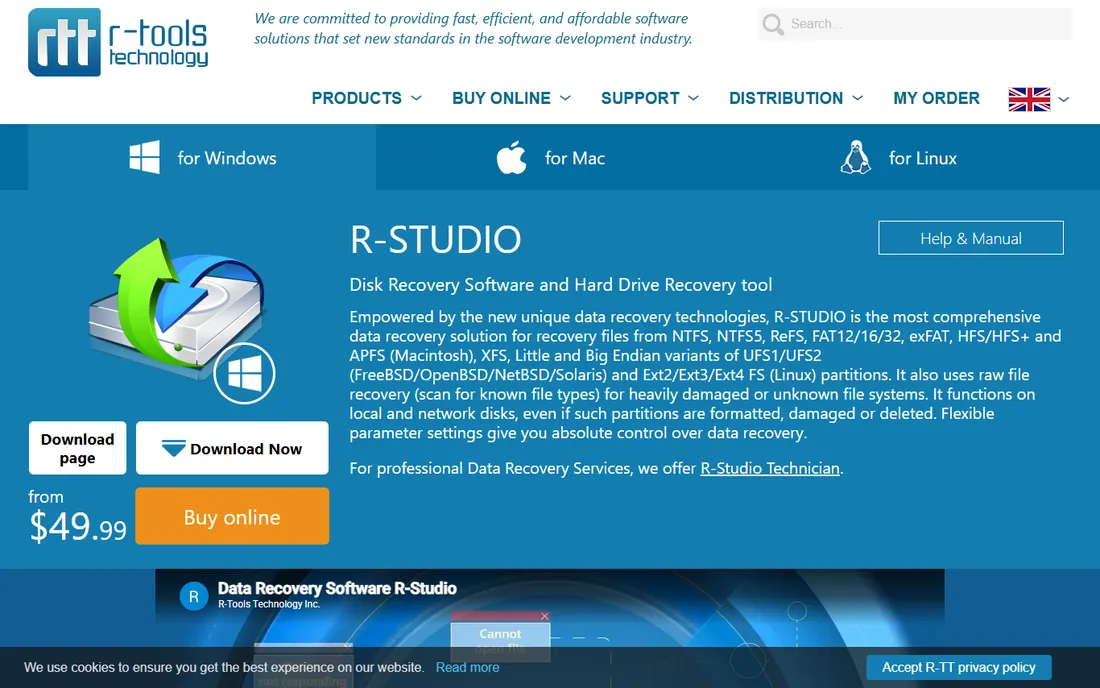
R-Studio is what data recovery professionals reach for when consumer tools fail. Its file-system parsing, hex-level disk view, and imaging tools handle damaged partitions, lost BPB data, and multi-disk cases that simpler apps cannot see. The demo lets you evaluate before buying.
For a straightforward deleted-photo job, this is the wrong tool: slower to learn and more expensive than needed. Its place is the difficult case, the corrupted card that nothing else reads, or the shop that does recoveries regularly.
What we like- Deep file-system analysis and disk imaging
- Handles damaged partitions and complex cases
- Network and RAID recovery for professionals
Watch out for- Steep learning curve
- Overkill and overpriced for a single deleted folder
Starting priceSee website
Free planFree trial
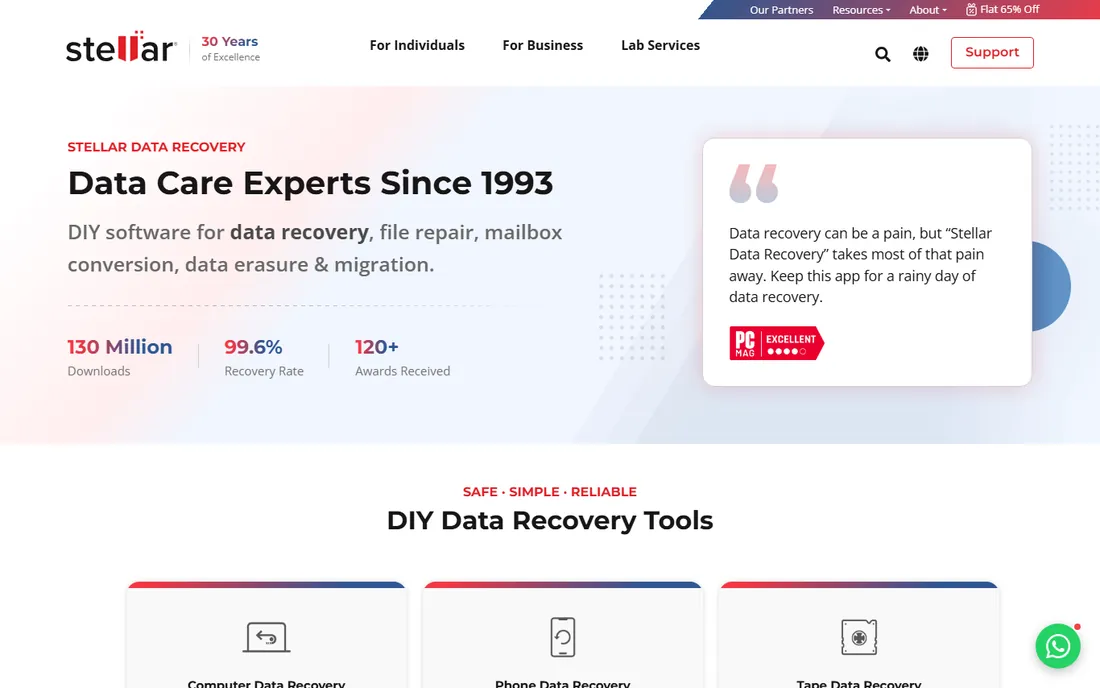
Stellar lets you define exactly which file types to hunt for, which speeds up targeted recoveries and reduces noise in the results. Disk imaging support helps with unstable cards, and the company has been in this business long enough to offer real support channels.
The product line is fragmented into multiple editions with different capabilities, so check the edition comparison before paying. Independent tests have also found its scan speed middling. It is a solid mainstream choice, just verify which edition you need.
What we like- Customizable scan for specific file types
- Disk imaging in supported editions
- Long-established vendor with support infrastructure
Watch out for- Features vary across several editions, which complicates buying
- Scans can be slow

#8
DMDE
Best for: technical recovery with generous free use
Visit dmde.com
Starting priceSee website
Free planYes
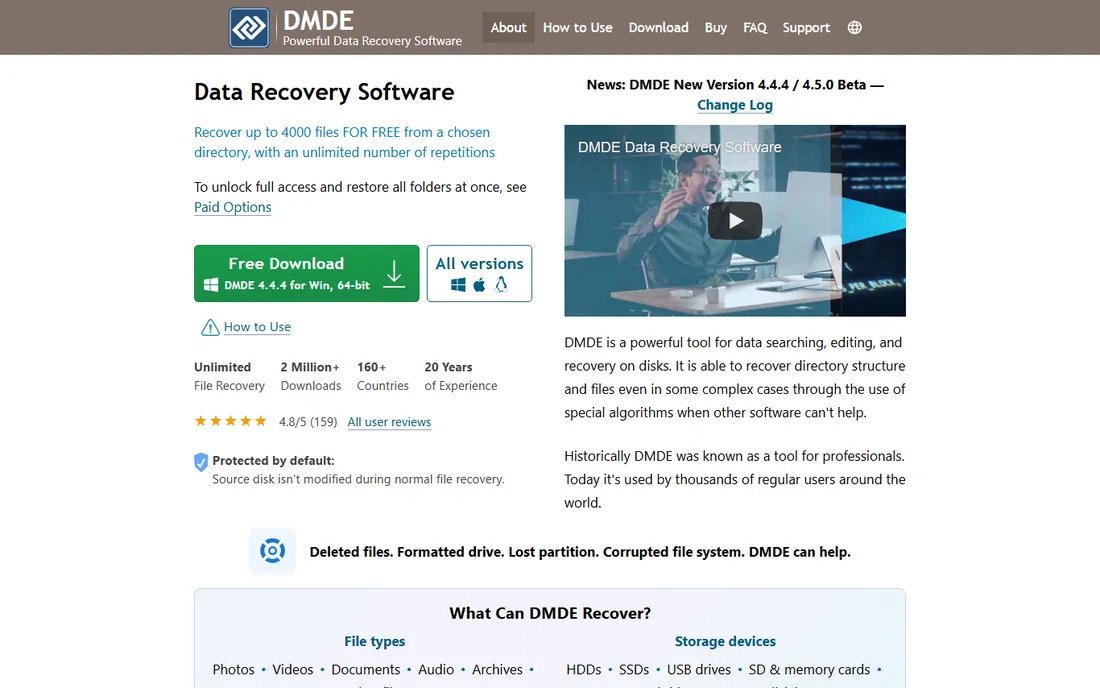
DMDE is the technician's bargain. The free edition recovers up to 4,000 files from a chosen directory per operation with no total cap, which covers most SD card jobs completely free. Under the hood are partition tools, disk imaging, and file-system reconstruction that rival R-Studio.
The interface is dense and assumes you know what a partition table is. Wrong clicks in the disk editor can make things worse, so beginners should stick to the guided tools. For skilled users, it is the best value in recovery software.
What we like- Free edition recovers thousands of files per operation
- Partition and disk editing for experts
- Portable with a tiny footprint
Watch out for- Dense interface that assumes technical knowledge
- Manual decisions can go wrong in inexperienced hands
Starting priceSee website
Free planFree trial

DiskGenius is a Swiss-army tool: partition manager, disk cloner, and file recovery in a single install. For SD cards, it handles deleted files and formatted-card recovery competently, and technicians like having one utility for the whole job. The free functionality covers evaluation well.
The interface packs a lot into small dialogs, and some English text reads translated. It also does not preserve photo metadata as thoroughly as Recoverit or Stellar Photo Recovery. Buy it if you want one tool for disks generally, not if photo recovery is the whole job.
What we like- Combines partition management, backup, and recovery in one tool
- Handles common deletion and format cases
- Popular with PC technicians
Watch out for- Interface is busy and translation is rough in places
- Photo metadata recovery is limited
Starting priceSee website
Free planFree trial
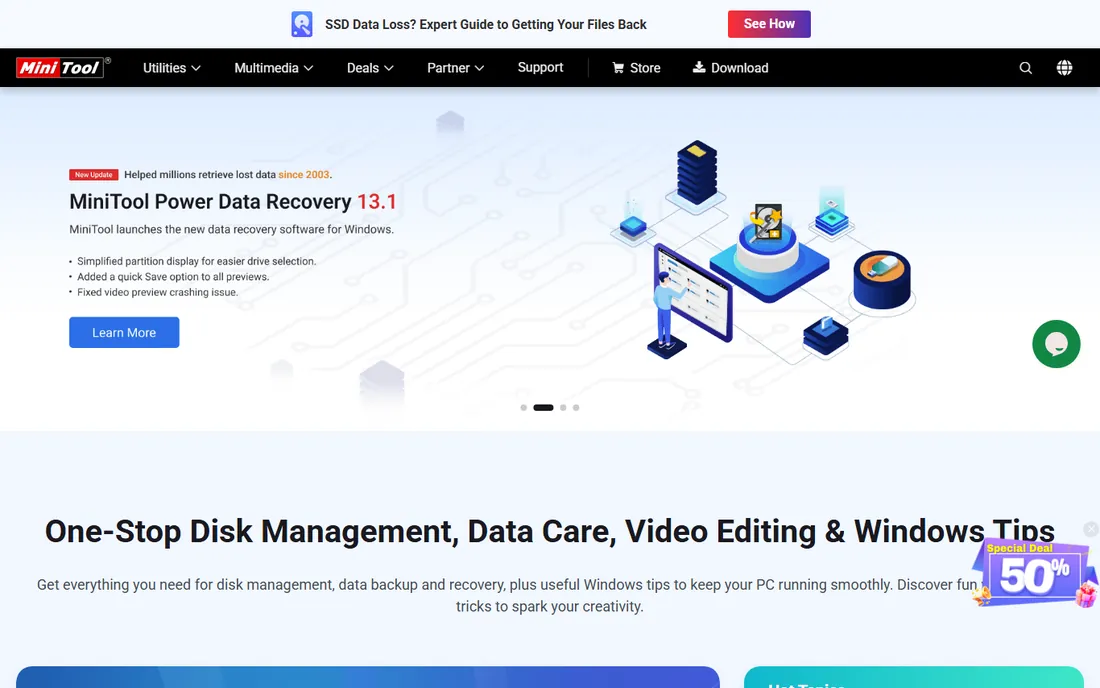
MiniTool is the straightforward Windows option for users who found Recuva too thin but do not need R-Studio's depth. The wizard walks through drive selection, scan, and recovery without technical detours, and the free tier handles small jobs. It is quick to install when a card problem is urgent.
It is Windows-only and the free allowance is modest, so larger recoveries need a license. For corrupted partitions or RAW cards, DMDE or R-Studio are stronger. Think of it as the middle step between Recuva and the premium guided tools.
What we like- Clean wizard-style interface
- Sensible defaults for common cases
- Quick to install and run
Watch out for- Windows-only
- Free allowance is small
- Less depth for damaged partitions
How we chose
We reviewed vendor pricing pages and documentation, read public reviews and independent recovery tests, including EaseUS's published multi-tool comparison and Stellar's 2026 video recovery testing, and checked practitioner discussions on Reddit and tech forums. We compared free-tier limits, scan depth, file-system support, disk imaging, and platform coverage. No hands-on testing was performed; the assessment reflects documented features, published test results, and reported user experience.
Before you scan: the rules that decide everything
Stop using the card the moment you realize files are missing. Every photo you take, every file you copy, and even leaving the card mounted can overwrite the data you want back. Use a dedicated card reader rather than the camera's USB connection, which is slower and less reliable for recovery work.
Recover to a different drive, never back onto the same card. If the card is unstable, disconnecting, or showing read errors, image it first with Disk Drill, R-Studio, or DMDE, then run recovery against the image. And scan before you repair: formatting or "fixing" the card with OS tools destroys the file-system traces that make recovery easy.
Frequently asked questions
Can free software recover a formatted SD card?
Sometimes, yes. A quick format usually leaves the data blocks intact until overwritten, so PhotoRec, DMDE, Recuva, and the free tiers of EaseUS or Disk Drill can all work. Success drops sharply if the card was used after formatting. Nothing recovers overwritten data, free or paid.
Why do recovered photos sometimes have wrong names or no folders?
Signature-based recovery, which PhotoRec and deep scans use, finds files by their content rather than the file table, so original names and folder structure are lost. Directory-based recovery preserves names but fails when the file table is damaged. Run both approaches if the first result is messy.
Is it safe to keep using the card after recovery?
Only after you have verified the recovered files open correctly. If the card corrupted once, treat it as suspect: copy everything off, full-format it in the camera, and test it before trusting it again. Cards are cheap; reshoots are not.
Do I need a paid tool, or is free enough?
For simple deletions, Recuva or PhotoRec often suffice. For formatted cards with hundreds of photos, the guided tools' previews and filtering save hours, and their free scans tell you exactly what is recoverable before you pay. Pay only when the preview shows your files.
What if no software finds my files?
If multiple tools, including PhotoRec's deep scan, find nothing, the data is likely overwritten or the card's controller has failed. Controller failure needs a professional lab with chip-level reading, which costs far more than software. Get a quote before deciding whether the data is worth it.
Sources we checked (12)
- https://www.cleverfiles.com
- https://www.easeus.com
- https://recoverit.wondershare.com
- https://www.ccleaner.com/recuva
- https://www.cgsecurity.org
- https://www.r-studio.com
- https://www.stellarinfo.com
- https://dmde.com
- https://www.diskgenius.com
- https://www.minitool.com
- https://www.stellarinfo.com/article/best-video-recovery-software.php
- http://www.easeus.com/sd-card-recovery/sd-card-data-recovery-software.html
Is your product missing or out of date?
We review this list regularly. Vendors can request a listing, send updated pricing or ask about featured placement.

Shihab Mia · Founder, Rankite
Shihab has spent more than a decade helping SaaS and e-commerce brands grow through search. He writes Rankite's software buying guides from pricing pages, documentation and public user reviews. More about Shihab.
 Disk Drill
 Wondershare Recoverit
 Recuva
 PhotoRec
 R-Studio
 Stellar Data Recovery
 DiskGenius
 MiniTool Power Data Recovery