How we make this list: we compare pricing pages, product documentation and public user reviews. Rankite is independent; if a vendor ever pays for a featured spot, that listing is clearly labeled Partner.
Key takeaways
- Photo Calendar Creator and PrintableCal are the strongest desktop options for people who want full control and print at home or the office.
- Canva and Adobe Express win for design-led calendars where typography and photos matter more than event data.
- Shutterfly and Mixbook are the practical pick when you want finished, bound calendars delivered instead of files to print yourself.
- Vertex42 and 101 Planners cover the free end: spreadsheet calendars and printable planners that cost nothing.
Quick comparison
| Tool | Best for | Starting price | Free plan |
|---|
 Photo Calendar Creator Photo Calendar Creator | desktop photo calendars | See website | Free trial |
 PrintableCal PrintableCal | printing Outlook and Google calendars | See website | Free trial |
 WinCalendar WinCalendar | calendar maker inside Word and Excel | See website | Yes |
 Canva Canva | designed calendars with templates | See website | Yes |
 Adobe Express Adobe Express | quick designed calendars | See website | Yes |
 VueMinder VueMinder | desktop calendar with printing | See website | Yes |
 Shutterfly Shutterfly | printed photo calendars delivered | See website | No |
 Mixbook Mixbook | premium printed photo calendars | See website | No |
 Vertex42 Vertex42 | free Excel calendar templates | See website | Yes |
 101 Planners 101 Planners | free printable planners | See website | Yes |
Is your product missing or out of date?
We review this list regularly. Vendors can request a listing, send updated pricing or ask about featured placement.
Calendar makers that print the way you expect
Picture an office manager who needs 200 branded wall calendars before December, a parent making a photo calendar as a gift, and a teacher who wants a classroom planner with the school holidays filled in. Three different jobs, three different tools. The calendar software market splits the same way: desktop programs for control, online designers for looks, print services for finished products, and free template libraries for the budget-conscious.
The honest mistake is picking a beautiful design tool when you need event data, or a data tool when you need something gift-worthy. Decide first whether your calendar carries appointments, photos, or both, and whether you will print it yourself or have it printed for you.
Starting priceSee website
Free planFree trial
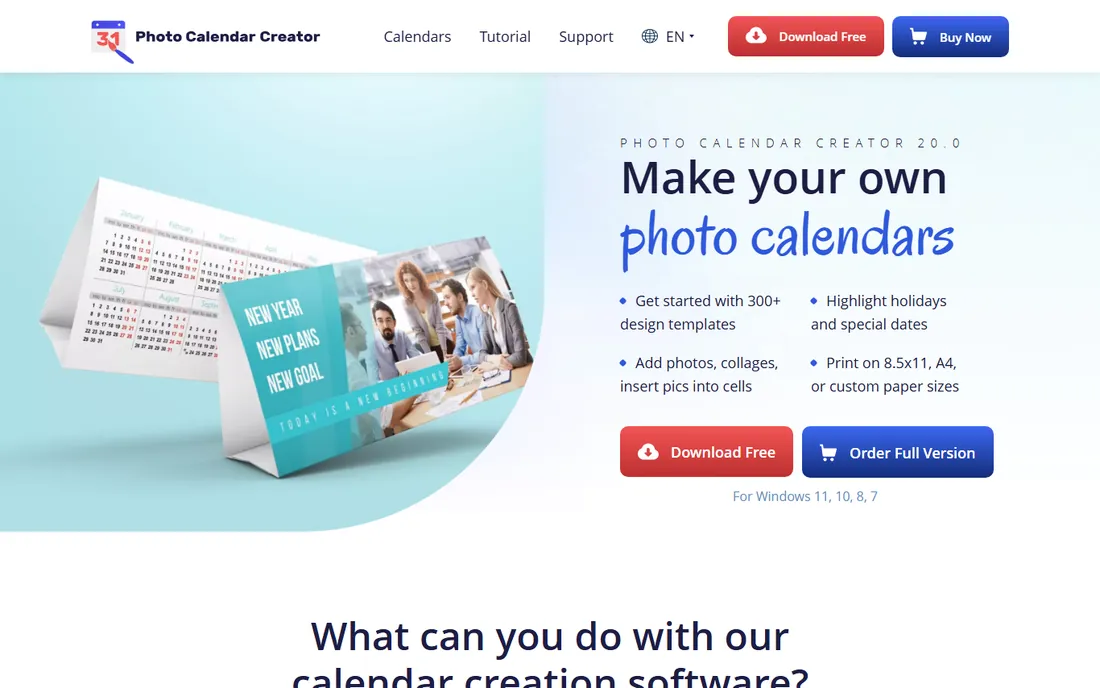
Photo Calendar Creator is built for exactly one job: making photo calendars on your own computer. You pick a format, drop in photos, add holidays and personal events, and print or export the result. The template library covers the formats people actually want, from wall calendars to pocket planners.
Because it is a one-time purchase rather than a subscription, the math favors anyone who makes calendars every year. The trade is that it lives on Windows and the interface shows its age. If you want modern web-based design, Canva or Adobe Express will feel better.
What we like- Large library of calendar templates for wall, desk and pocket formats
- Full control over photos, holidays and layouts
- One-time purchase with no subscription
Watch out for- Windows-only desktop software
- Interface looks dated next to Canva
Starting priceSee website
Free planFree trial
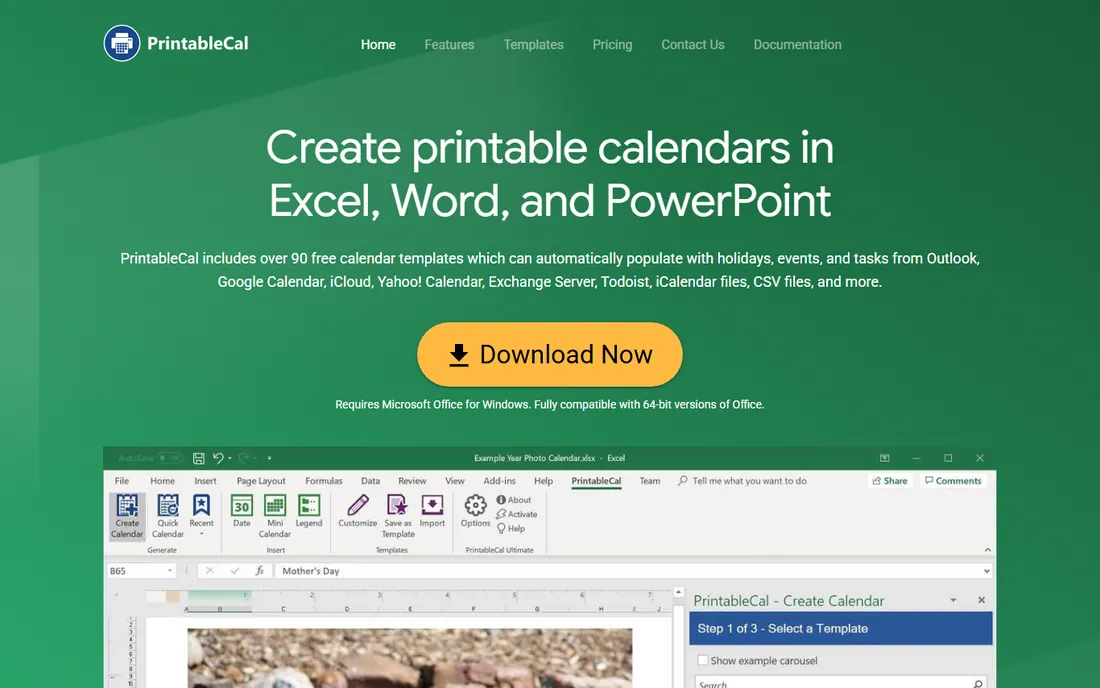
PrintableCal solves a specific frustration: Outlook and Google Calendar print terribly. It acts as an add-in for Excel, Word, and PowerPoint, pulling in your events, tasks, and holidays and laying them out across more than 90 templates. If you know Excel, you already know how to customize the output.
The 15-day trial converts to a free Lite version, so you can keep basic functions without paying. The limitation is the platform: you need Office on Windows, and this is a data calendar tool, not a photo design studio.
What we like- Pulls events from Outlook, Google Calendar, iCloud and more
- Over 90 templates for Word, Excel and PowerPoint
- Templates are fully editable in Office
Watch out for- Requires Microsoft Office on Windows
- Photo-calendar design is not its strength
Starting priceSee website
Free planYes
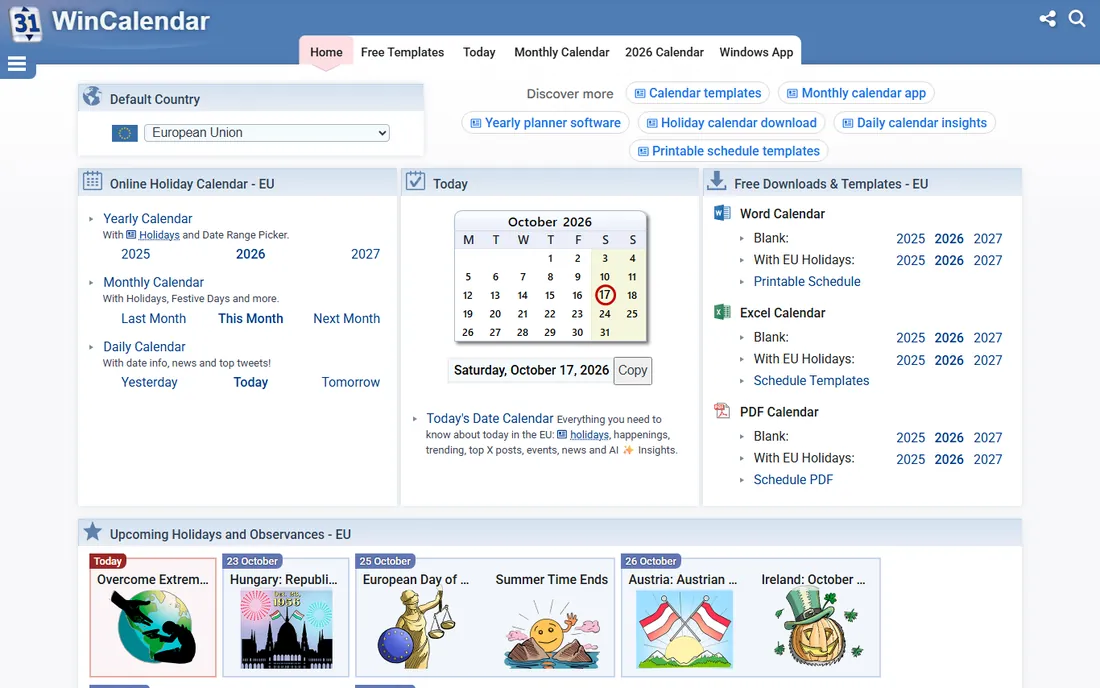
WinCalendar bundles a free desktop calendar and date picker with a calendar maker that runs inside Word and Excel. You can generate monthly and weekly calendars, agendas, schedules, and Gantt charts from your Outlook or Google data. For quick office calendars, it is hard to beat the price.
The free version limits the calendar maker in holidays, size, and format options. Note the fine print: the maker works with 32-bit Office, and the vendor points 64-bit Office users toward PrintableCal instead.
What we like- Free desktop calendar and date picker included
- Creates calendars directly inside Word and Excel
- Imports Google and Outlook calendar data
Watch out for- Calendar maker features are limited in the free version
- 64-bit Office compatibility is restricted
Starting priceSee website
Free planYes
Canva is the default answer when the calendar needs to look good. Thousands of calendar templates, simple drag-and-drop editing, and a free plan that covers most personal projects. For photo calendars and decorative wall calendars, it is faster than any desktop program.
It is not a data tool. Getting your actual appointments onto a Canva calendar is manual work, and while Canva offers printing, serious photo-calendar buyers often prefer a dedicated service like Mixbook for paper quality.
What we like- Huge template library with genuinely good design
- Easy photo uploads and typography
- Generous free plan for personal use
Watch out for- Weak at importing real event data
- Print quality depends on your printer or their print service
Starting priceSee website
Free planYes
Adobe Express plays the same game as Canva with an Adobe flavor. The templates look professional, the free plan is genuinely usable, and businesses already in the Adobe world get brand consistency for free. Making a branded desk calendar for clients takes minutes.
Calendar-specific templates are fewer than Canva's, and like Canva, this is a design surface rather than a calendar database. Your events get typed in by hand.
What we like- Polished templates with Adobe-quality typography
- Free plan covers basic calendar creation
- Good brand-kit features for business calendars
Watch out for- Template depth for calendars is thinner than Canva
- Event-data import is manual
Starting priceSee website
Free planYes
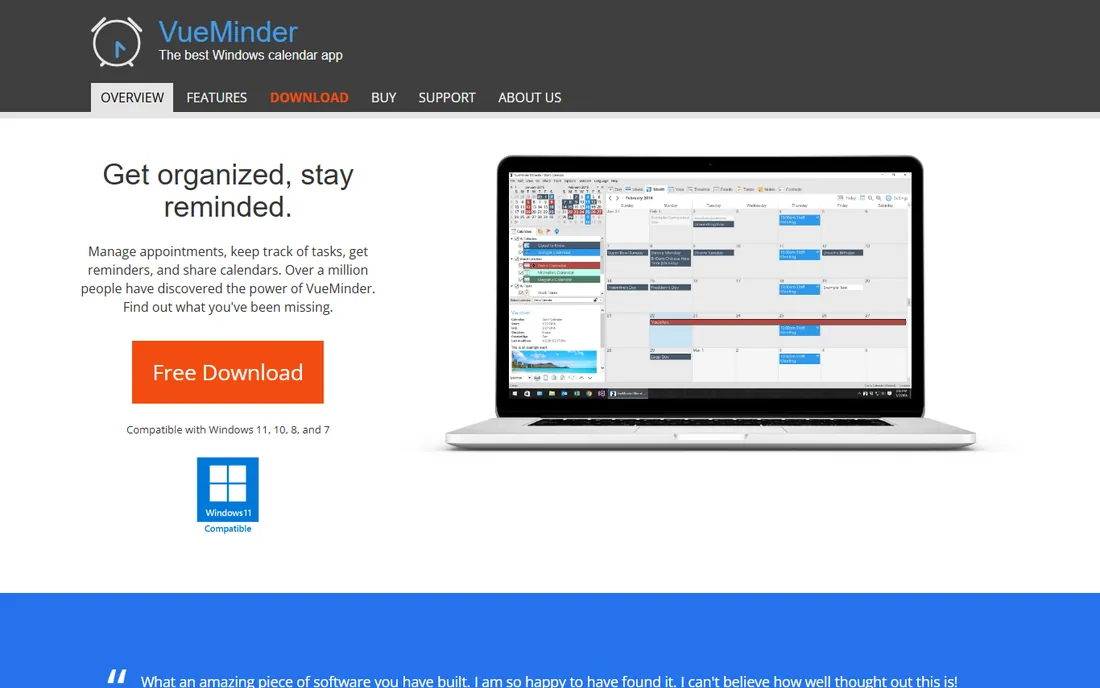
VueMinder is a proper desktop calendar first and a calendar creator second. It manages events, tasks, notes, and contacts locally, syncs with Google Calendar and Outlook, and prints across day, week, month, and year views. The free Lite edition handles the basics without expiring.
It comes from the same developer as PrintableCal, and the two complement each other: VueMinder for managing the schedule, PrintableCal for fancy printing. The design side is functional rather than beautiful, so photo-calendar makers should look elsewhere.
What we like- Full calendar, reminder, task and contact management on the desktop
- Prints day, week, month and year views
- Free Lite version is fully usable
Watch out for- Windows-only
- Design polish lags behind web tools
Starting priceSee website
Free planNo
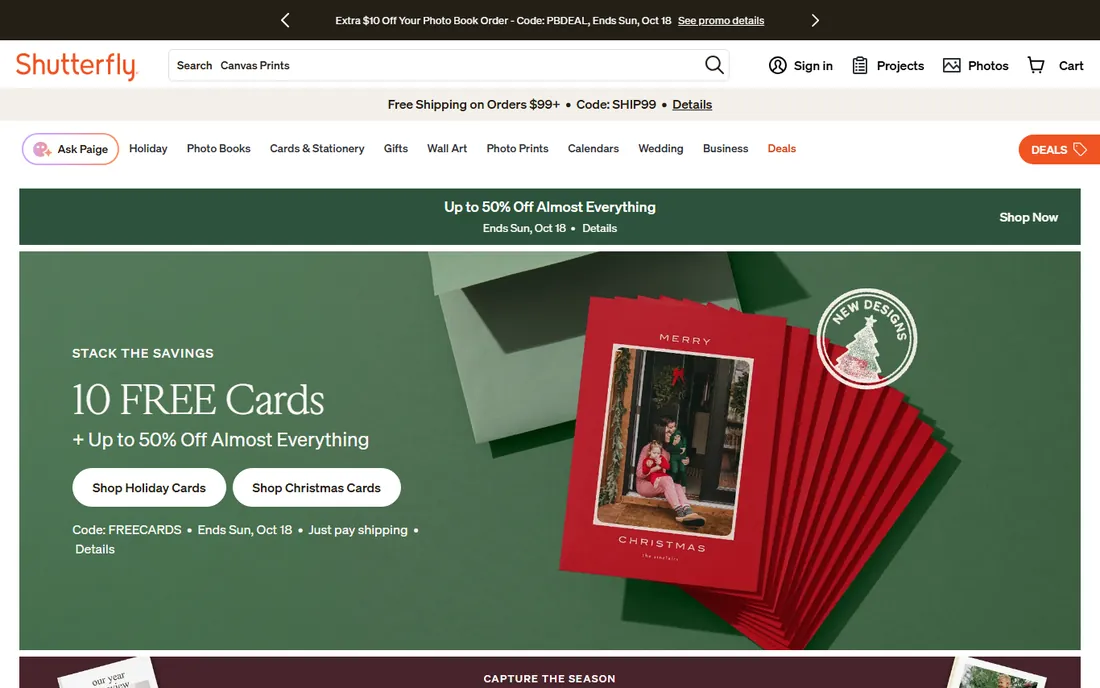
Shutterfly removes printing from the equation entirely. You design the calendar in their online maker, choosing from more than 170 templates, and a finished calendar arrives in the mail. For gifts and family calendars, the convenience is the product.
You pay per calendar, so costs scale with quantity, and the design tools are simpler than Canva's. Watch for their regular promotions; hardly anyone should pay full list price.
What we like- Large template selection with an easy online maker
- Finished wall, desk and easel calendars shipped to you
- Frequent promotions bring prices down
Watch out for- You pay per calendar plus shipping
- Less design freedom than Canva
Starting priceSee website
Free planNo

Mixbook sits at the quality end of the print-service market. Reviewers consistently rate its color reproduction and paper above the budget services, which matters when the calendar is a gift or a portfolio piece. The online designer allows full-bleed layouts that look genuinely professional.
That quality costs more per calendar than Shutterfly's promotional pricing. For a single keepsake calendar it is worth it; for 200 office giveaways, a desktop tool plus a local print shop is cheaper.
What we like- Strong reputation for print and color quality
- Flexible layouts with full-bleed photo options
- Good for keepsake and gift calendars
Watch out for- Premium pricing compared to Shutterfly
- Per-calendar cost adds up for bulk orders
Starting priceSee website
Free planYes
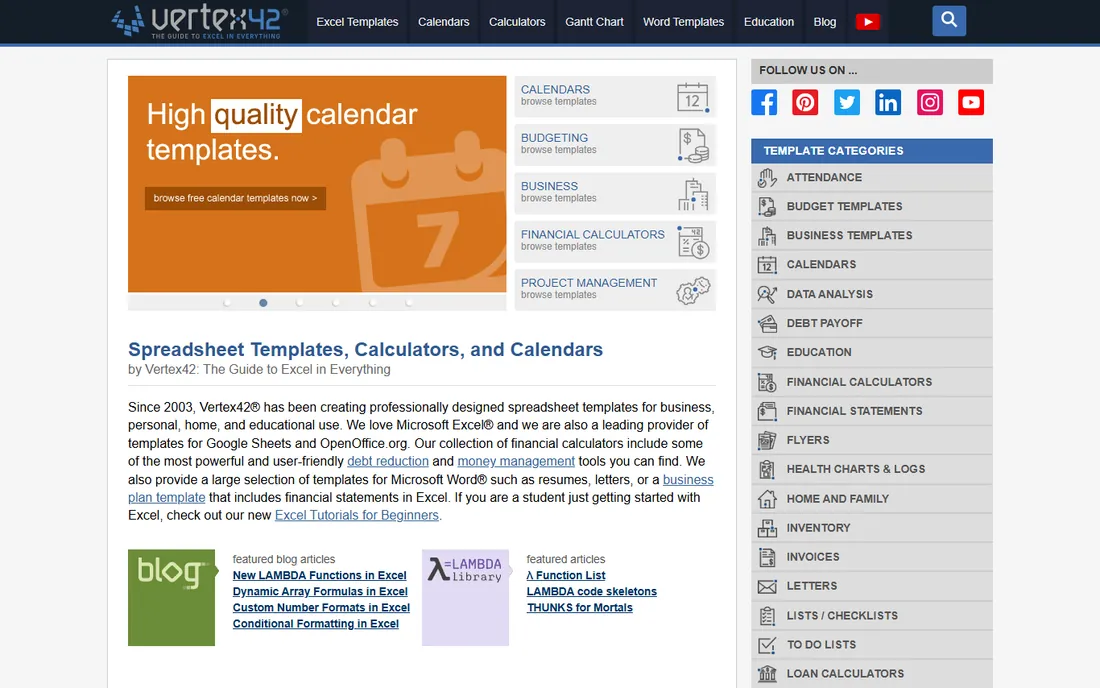
Vertex42's calendar templates are the best free option for people who live in Excel. The yearly and monthly calendars use formulas to lay out dates automatically, and you can extend them into project trackers, shift schedules, and budget planners. Everything is free for personal use.
Nobody will mistake the output for a designed product. This is a working calendar for planning and tracking, not something you frame or give away.
What we like- Well-built Excel calendars with automatic date formulas
- Free for personal use
- Easy to adapt into planners and trackers
Watch out for- Spreadsheet aesthetics, not gift quality
- Manual setup for holidays and events
Starting priceSee website
Free planYes
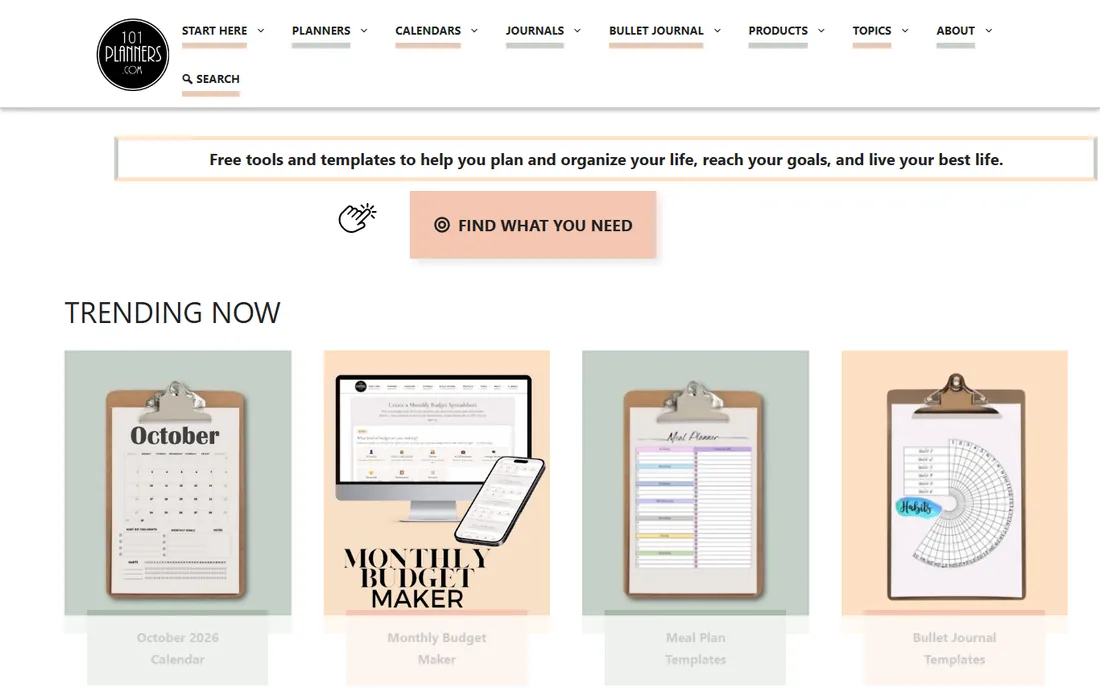
101 Planners is a library of free printable calendars, planners, and organizers. You browse, download the PDF, and print. The range covers everything from simple monthly grids to detailed daily planners, and there is no account or payment involved.
Customization is limited to what the PDF offers. If you need your logo, your events, or your photos in the calendar, step up to PrintableCal or a design tool.
What we like- Large collection of free printable calendars and planners
- Covers daily, weekly, and monthly layouts
- No account needed
Watch out for- Fixed designs with limited customization
- Print-it-yourself only
Decide print-it-yourself versus print service
If you own a decent printer or have a local print shop, desktop tools like Photo Calendar Creator and PrintableCal give you unlimited calendars for a one-time cost. If you want bound, finished calendars without touching a printer, Shutterfly and Mixbook are the answer. Bulk office orders usually land cheapest as files from a desktop tool sent to a commercial printer.
Match the tool to the content
Calendars carrying real appointments need data tools: PrintableCal, WinCalendar, VueMinder, or Vertex42. Calendars carrying photos need design tools or print services: Photo Calendar Creator, Canva, Adobe Express, Shutterfly, or Mixbook. Trying to force appointments into Canva or photos into PrintableCal wastes an afternoon.
Check the template flexibility before you commit
Free plans and trials are the time to test. Can you add your holidays? Change the week start day? Fit your logo? The tools differ more in these details than in their marketing suggests, and a 10-minute trial with your real content answers the question.
How we chose
We reviewed vendor sites, documentation, and pricing pages, plus public reviews and long-running download-site listings for the desktop programs. We compared template range, data-source support, output formats, print options, and what the free tiers actually include. No hands-on testing was performed; the assessment reflects documented features and reported user experience.
Free options worth knowing first
Before paying for anything, check what the free tiers cover. Canva and Adobe Express both make attractive calendars for nothing. Vertex42 and 101 Planners cover spreadsheet and printable planners at zero cost. WinCalendar includes a genuinely free desktop calendar, and VueMinder Lite never expires. Paid tools earn their money through photo-calendar templates, event-data printing, and finished print products, so pay only if you need one of those.
Frequently asked questions
What is the difference between a calendar maker and a calendar app?
A calendar app like Google Calendar or VueMinder manages your schedule and reminders day to day. A calendar maker produces a printable or designed calendar from that data, or from photos and templates. Some tools do both, but most specialize in one side.
Can I print my Outlook or Google Calendar nicely?
Yes. PrintableCal and WinCalendar exist specifically for this, pulling your events into Word and Excel templates that look far better than the default print output. VueMinder can also print its own calendars in day, week, month, and year views.
Which tool is best for photo calendars?
For making them yourself on Windows, Photo Calendar Creator. For designing online, Canva or Adobe Express. For finished printed calendars delivered to your door, Mixbook for quality or Shutterfly for value.
Are there really good free calendar makers?
Yes. Canva's free plan, Adobe Express's free plan, Vertex42's Excel templates, and 101 Planners' printables all cost nothing and cover most personal needs. The paid tools add photo-calendar design depth, event-data printing, and print fulfillment.
What paper should I use for printing calendars at home?
Use a heavier matte or semi-gloss paper, at least 200 gsm, so the pages feel like a real calendar and ink does not bleed through. For wall calendars, print single-sided and bind with a simple spiral or clip. Photo calendars look noticeably better on semi-gloss stock.
Sources we checked (10)
- https://photo-calendar-software.com
- https://www.printablecal.com
- https://www.wincalendar.com
- https://www.canva.com
- https://www.adobe.com
- https://www.vueminder.com
- https://www.shutterfly.com
- https://www.mixbook.com
- https://www.vertex42.com
- https://www.101planners.com
Is your product missing or out of date?
We review this list regularly. Vendors can request a listing, send updated pricing or ask about featured placement.

Shihab Mia · Founder, Rankite
Shihab has spent more than a decade helping SaaS and e-commerce brands grow through search. He writes Rankite's software buying guides from pricing pages, documentation and public user reviews. More about Shihab.