How we make this list: we compare pricing pages, product documentation and public user reviews. Rankite is independent; if a vendor ever pays for a featured spot, that listing is clearly labeled Partner.
Key takeaways
- Most "photo recovery" tools are general undelete utilities with a photo filter; the specialists here handle RAW formats, EXIF data, and thumbnails properly.
- Stellar Photo Recovery and Remo Recover are the dedicated photo-first options, worth trialing when RAW files or metadata matter.
- PhotoRec remains the only unlimited free route, at the cost of lost filenames and a text interface.
- Stop shooting on the card immediately: overwritten photos are unrecoverable by any tool at any price.
Quick comparison
Is your product missing or out of date?
We review this list regularly. Vendors can request a listing, send updated pricing or ask about featured placement.
Most tools marketed for picture recovery are general file-undelete utilities wearing a photo filter. That is fine for a deleted JPEG folder, but photographers lose RAW files, embedded thumbnails, EXIF metadata, and half-written video clips, and those need software that understands image formats specifically. The list below favors tools with real photo handling: RAW format support, metadata preservation, preview that actually renders, and repair for corrupted images.
The same first rule applies as with any recovery: stop using the card or drive immediately. Every new write risks overwriting the photos you want back. Scan first, check the previews, and only pay when you can see your images.
Starting priceSee website
Free planFree trial

Stellar Photo Recovery is one of the few tools here designed for pictures first. It targets photo, video, and audio files specifically, with RAW support across major camera brands and thumbnail-based preview that lets you verify images before paying. For memory cards from cameras and drones, that specialization shows in the results.
The specialization cuts both ways: if you also lost documents, you need the general Stellar Data Recovery instead. And like every commercial tool here, meaningful recovery requires a license. Trial it against Recoverit on the same card and compare the previews.
What we like- Built specifically for photos, videos, and audio rather than adapted from general recovery
- Broad RAW format coverage
- Preview renders actual image thumbnails
Watch out for- Photo-only focus means buying a second tool for documents
- Paid license needed for real recovery
Starting priceSee website
Free planFree trial
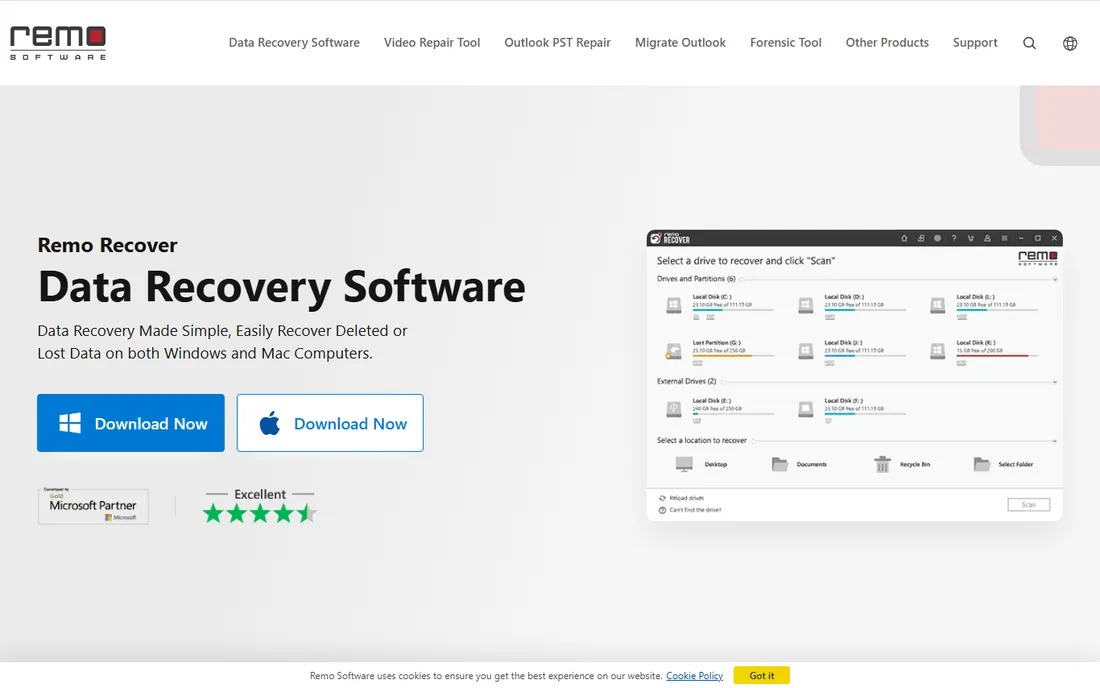
Remo has been in the photo recovery niche for years, and it shows in format handling for camera cards. The photo editions target exactly this job rather than treating pictures as one file type among hundreds. Where it stands out further is the companion repair side: partially recovered or corrupted JPEGs can sometimes be fixed rather than discarded.
The website's edition lineup takes effort to decode, so confirm you are buying the photo edition and not the general one. The interface will not impress anyone, but for the specific task of getting pictures back, it earns its place.
What we like- Photo-focused editions for Windows and Mac
- Handles RAW images and digital camera cards well
- Companion repair tools for corrupted photos
Watch out for- Product lineup is confusing across editions
- Interface feels dated
Starting priceSee website
Free planFree trial
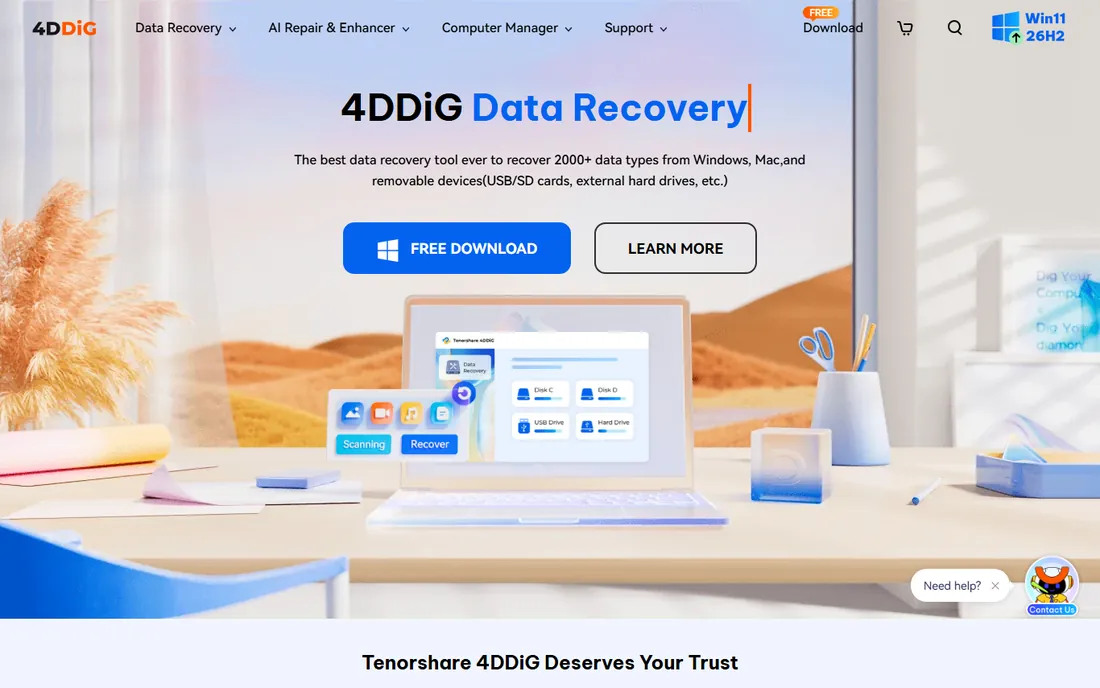
4DDiG is built for people who have never done this before. The interface is plain-spoken, the steps are few, and photo recovery from SD cards, USB drives, and hard disks is front and center. The free tier lets you scan and preview, so you know what is recoverable before spending anything.
Independent testing suggests it struggles more than the leaders with badly corrupted camera cards and fragmented video. For a simple "I deleted the folder" case it is perfectly adequate; for a corrupted card, try PhotoRec or R-Studio alongside it.
What we like- Very approachable interface for first-time users
- Covers photos, videos, and documents
- Free scan and preview before paying
Watch out for- Weaker on severely corrupted cards in independent tests
- Upsell pressure during the flow
Starting priceSee website
Free planFree trial
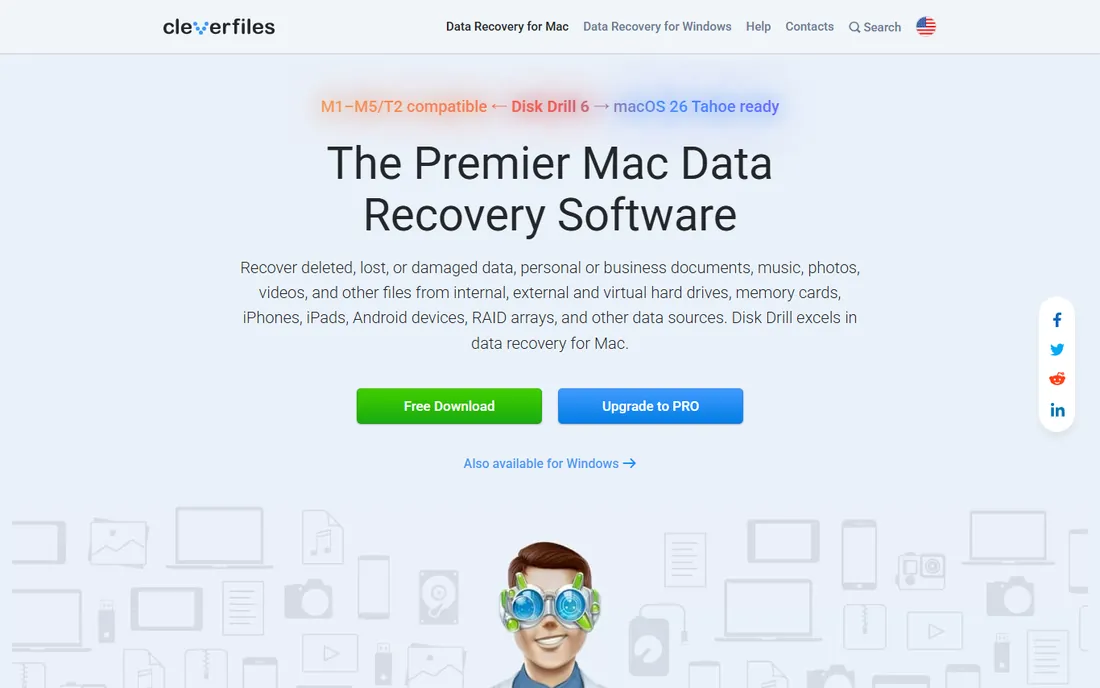
Disk Drill is the easiest recommendation for Mac users facing photo loss. The preview renders your found images clearly, and the byte-to-byte backup feature images a flaky card before recovery attempts, which is exactly the safe workflow for dying media. Windows users get the same capable tool.
It is a generalist with good photo manners rather than a photo specialist. RAW handling and metadata preservation are decent but not its headline feature. If your loss is mostly JPEGs and common RAW files, it is a comfortable pick.
What we like- Polished preview of recoverable photos
- Byte-to-byte backup protects unstable cards
- Clean experience on both Mac and Windows
Watch out for- Real recovery volume needs the Pro license
- Photo-specific features are thinner than Stellar's
Starting priceSee website
Free planFree trial
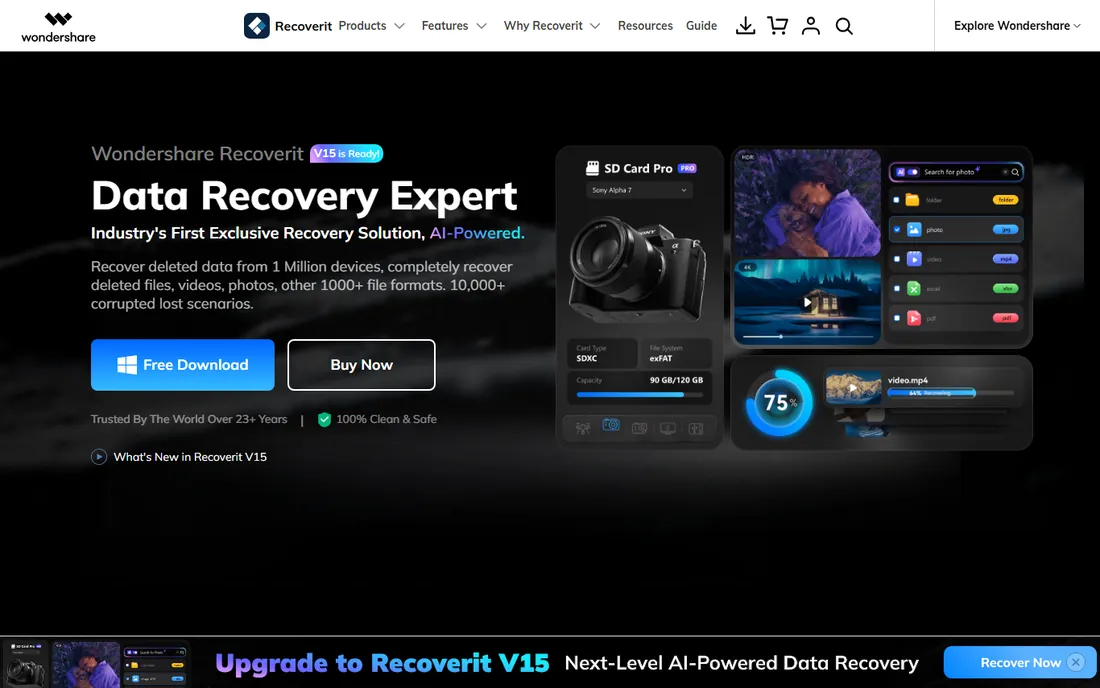
Recoverit deserves its spot on photo merit, not just brand size. RAW recovery covers the major camera formats, the video fragment feature tackles broken MP4 and MOV files from action cameras and drones, and corrupted photo repair can salvage images that other tools return half-grey. Format filters keep big scans focused on pictures.
The free tier is scan and preview only, and the installer is heavier than PhotoRec or DMDE. Photographers should run its trial next to Stellar Photo Recovery and buy whichever previews more of their actual shots.
What we like- Strong RAW photo format support
- Video fragment matching reassembles broken clips
- Photo repair for corrupted images
Watch out for- Full recovery requires a paid license
- Larger install than leaner alternatives

#6
EaseUS Data Recovery Wizard
Best for: simple deleted-photo recovery
Visit easeus.com
Starting priceSee website
Free planFree trial
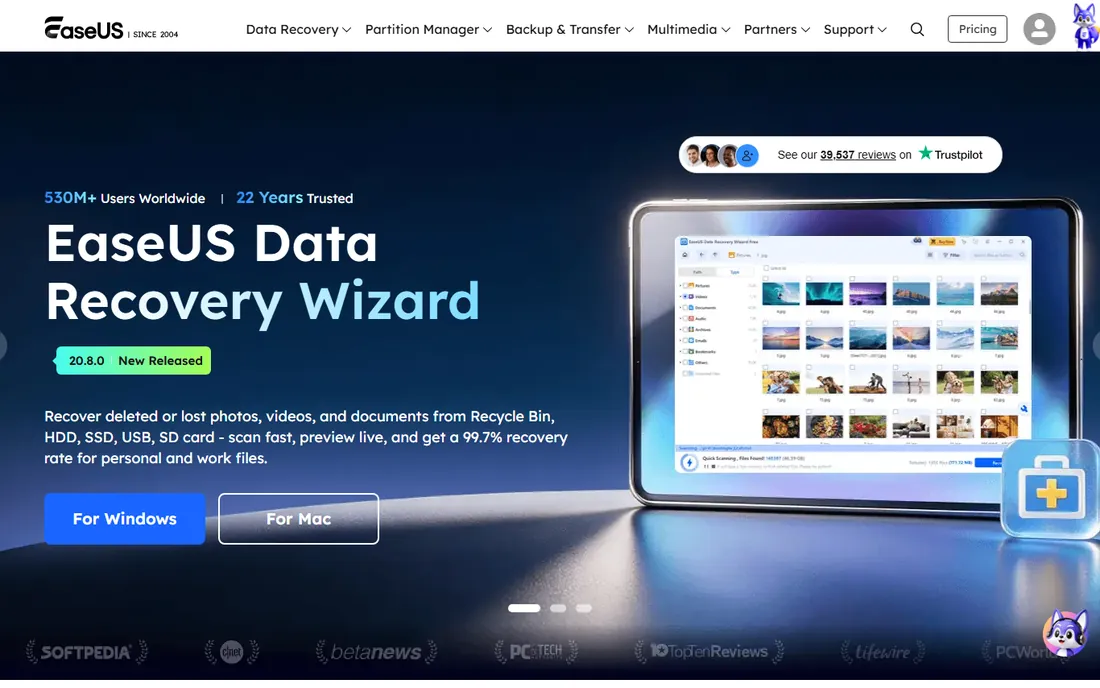
When the story is "I deleted the DCIM folder by mistake," EaseUS is the fastest path back. The workflow has no technical steps, scans run quickly, and the free allowance may cover the whole job if the loss is small. It handles the common photo formats without fuss.
It is not built for the hard cases. Corrupted cards, damaged partitions, and fragmented RAW files are better served by PhotoRec, R-Studio, or DMDE. Use it for simple deletions and move on quickly if the scan comes up thin.
What we like- Three-step workflow anyone can complete
- Quick scans
- Free tier can cover a small accidental deletion
Watch out for- Small and partly conditional free allowance
- Not the deepest tool for corruption
Starting priceSee website
Free planYes
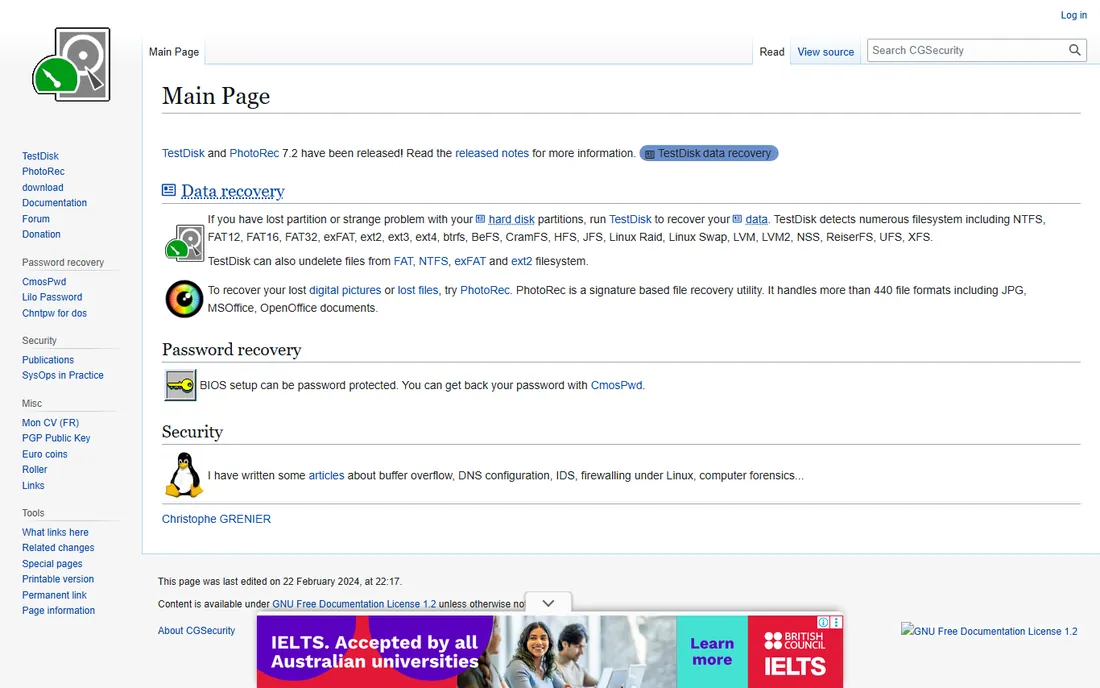
PhotoRec is the free option that professionals keep installed anyway. By ignoring the file system and scanning raw blocks for image signatures, it recovers photos from formatted and corrupted cards where directory-based tools see nothing. There is no data cap, no trial clock, and no payment screen.
The price is paid in convenience. The text interface asks technical questions, and your thousand recovered photos return with generic names and no folders, so expect an afternoon of sorting. For irreplaceable pictures and zero budget, nothing else comes close.
What we like- Completely free with no recovery limits
- Carves JPEGs and RAW files by signature even from formatted cards
- Cross-platform and open source
Watch out for- Text-only interface
- Recovered photos lose names, dates, and folder structure
Starting priceSee website
Free planFree trial
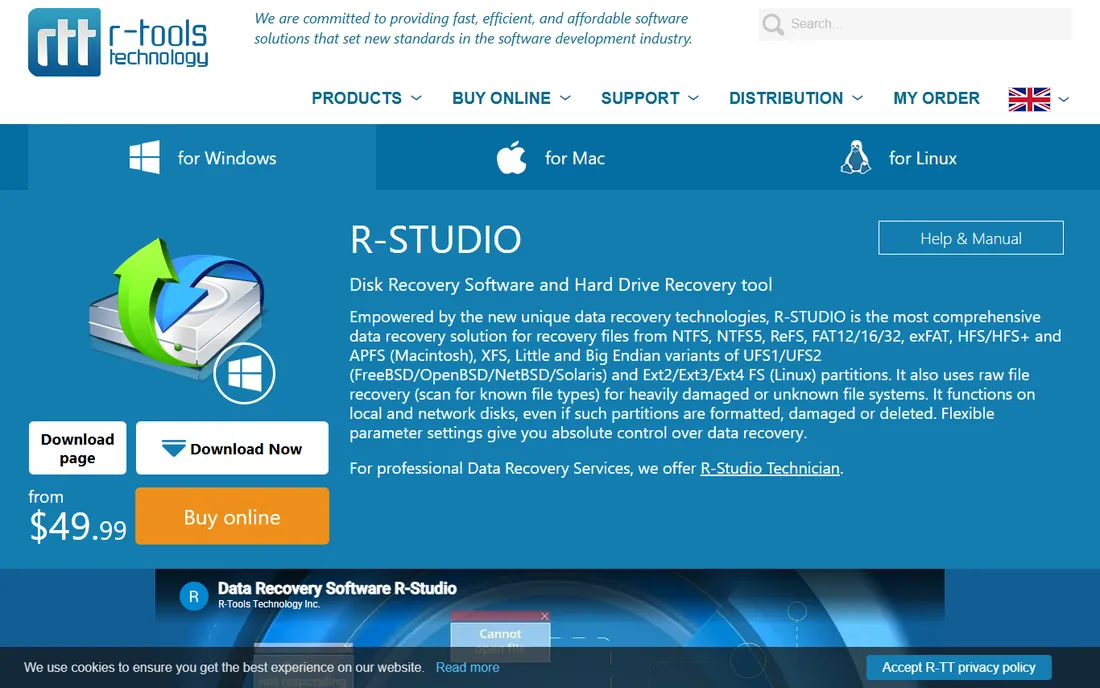
R-Studio is the escalation path. When consumer tools return nothing from a corrupted card, its file-system analysis, imaging, and manual reconstruction tools still have a chance. Photo recovery benefits from the same depth: damaged FAT tables and lost partitions are exactly what it is built to handle.
Nobody should start here for a deleted folder. The learning curve is real and the price reflects professional use. Keep it in reserve for the card that beat everything else, or for the technician who does this regularly.
What we like- Deep file-system parsing finds photos other tools miss
- Disk imaging for failing cards
- Hex-level control for experts
Watch out for- Steep learning curve
- Expensive overkill for simple deletions

#9
iBoysoft Data Recovery
Best for: straightforward Mac and Windows recovery
Visit iboysoft.com
Starting priceSee website
Free planFree trial
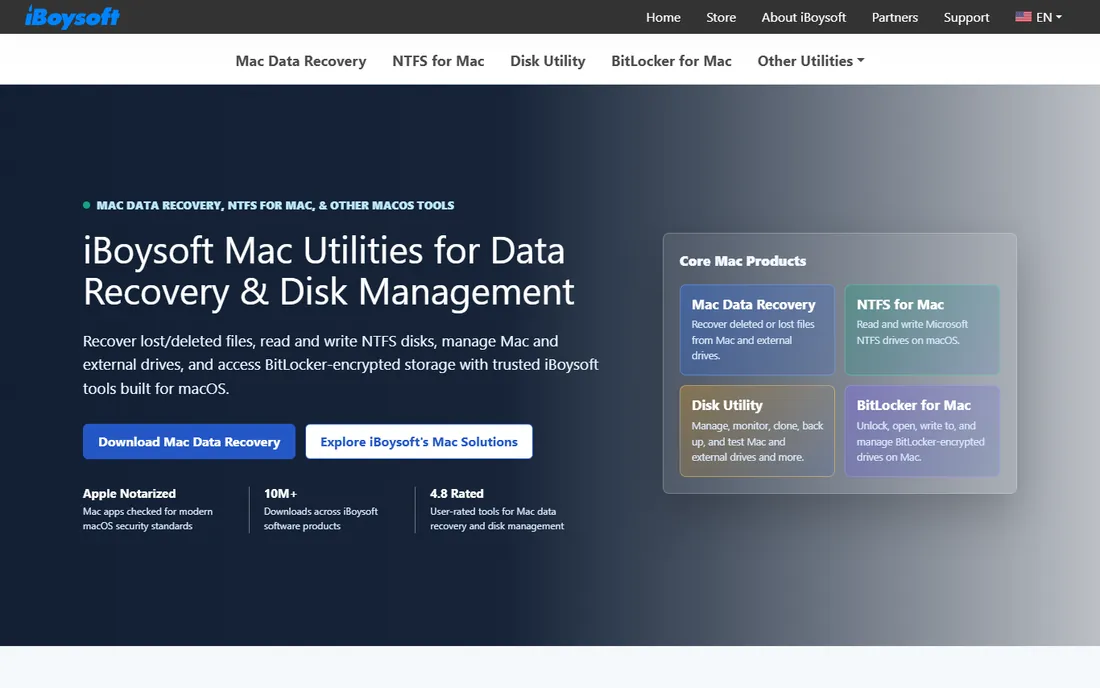
iBoysoft is the quiet alternative for users who want a modern interface without the marketing weight of the big brands. Photo recovery covers common formats including RAW, and it runs well on both Mac and Windows. The BitLocker support is a genuine differentiator if your drive is encrypted.
The trade is track record: fewer independent tests and user reviews exist than for Disk Drill or EaseUS. Pricing sits at the premium end. It is worth trialing, but compare its preview results against a better-known tool before buying.
What we like- Clean modern interface on both platforms
- Solid photo and RAW recovery
- Handles BitLocker-encrypted drives too
Watch out for- Smaller brand with a thinner review history
- Premium pricing for the feature set

#10
Ontrack EasyRecovery
Best for: professional-grade photo recovery
Visit ontrack.com
Starting priceSee website
Free planFree trial
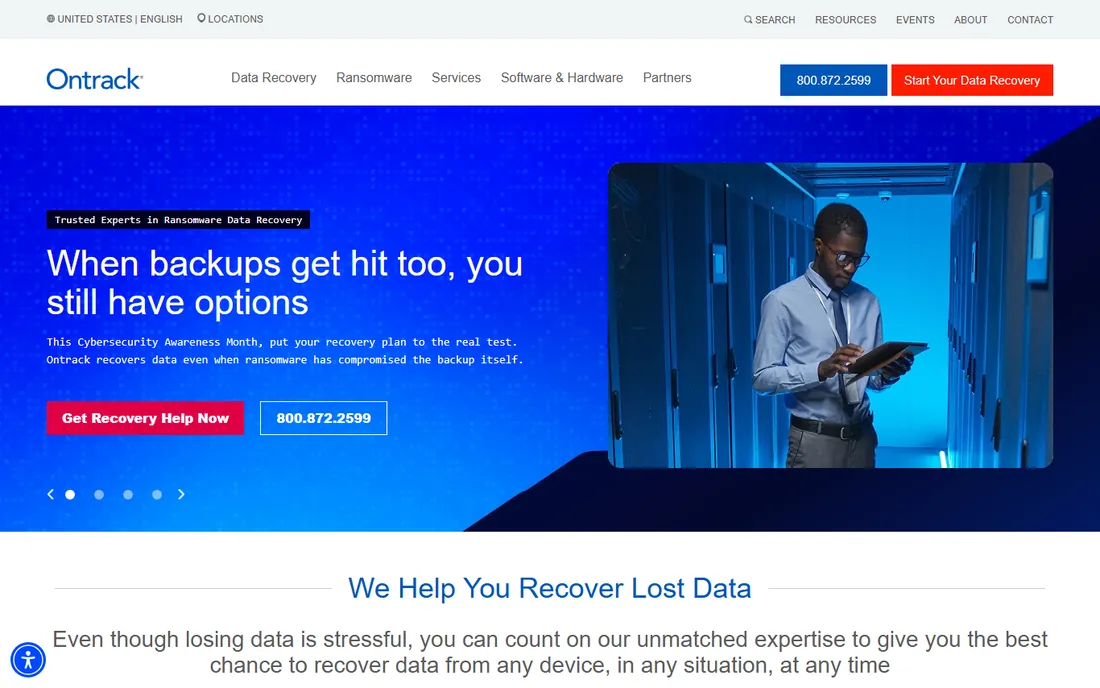
Ontrack is the software arm of a real data recovery lab, which gives its claims more weight than most. EasyRecovery handles photo recovery competently, and the higher editions add photo and video repair plus disk cloning for failing media. The free tier allows meaningful evaluation.
This is professional-grade software with professional-grade pricing tiers. Home users with a single card incident should exhaust the cheaper options first. Its natural buyer is the studio or IT department that handles recoveries repeatedly.
What we like- From a professional data recovery lab, so the engineering is serious
- Photo and video repair in higher editions
- Disk cloning built in
Watch out for- Pricing climbs steeply across editions
- More tool than most home users need
How we chose
We reviewed vendor pricing pages and documentation, read public reviews and independent recovery tests, including published multi-tool comparisons and Stellar's 2026 video recovery testing, and checked photographer discussions on Reddit and camera forums. We favored tools with genuine photo handling: RAW support, EXIF preservation, image preview, and corrupted-photo repair. No hands-on testing was performed; the assessment reflects documented features, published test results, and reported user experience.
Always recover to a different drive than the source, and verify every important image opens at full size before you consider the job done. Thumbnails can render while the full image is corrupt, so spot-check at 100 percent zoom. If the card is unstable, image it first with Disk Drill, R-Studio, or DMDE and recover from the image rather than the dying card.
For RAW shooters, confirm the tool previews your specific camera's RAW format before paying; generic RAW support does not always cover the newest bodies. And keep the recovered files plus the card image until you have backups in two places. Recovery is a rescue operation, not a backup strategy.
Frequently asked questions
What is the best completely free picture recovery software?
PhotoRec. It is open source, has no data limits, and recovers JPEGs and RAW files from formatted or corrupted cards. The trade-offs are a text interface and lost filenames. For simple deletions on Windows, Recuva is the easier free alternative.
Can I recover photos from a formatted memory card?
Often, yes, if the card has not been reused since formatting. A quick format leaves image data in place until overwritten. PhotoRec, Disk Drill, Recoverit, and Stellar Photo Recovery can all attempt it. Stop using the card immediately to protect your odds.
Why do some recovered photos open only halfway or look corrupted?
The file's data blocks were partially overwritten or the file was fragmented across the card. Some tools, including Recoverit, Stellar, and Remo, offer corrupted-photo repair that can fix headers or salvage partial images. If repair fails, the original data is gone.
Do these tools work on iPhone or Android internal storage?
No, not reliably. Modern phones use file-based encryption, so deleted files on internal storage are effectively unrecoverable once the key is discarded. These tools work on removable SD cards, USB drives, and computer disks. For phone photos, check cloud backups first.
Should I pay before or after scanning?
After, always. Every reputable tool here offers a free scan with preview. Pay only when the preview shows your actual photos intact. If a tool demands payment before showing what it found, walk away.
Sources we checked (11)
- https://www.stellarinfo.com
- https://www.remosoftware.com
- https://4ddig.tenorshare.com
- https://www.cleverfiles.com
- https://recoverit.wondershare.com
- https://www.easeus.com
- https://www.cgsecurity.org
- https://www.r-studio.com
- https://www.iboysoft.com
- https://www.ontrack.com
- https://www.stellarinfo.com/article/best-video-recovery-software.php
Is your product missing or out of date?
We review this list regularly. Vendors can request a listing, send updated pricing or ask about featured placement.

Shihab Mia · Founder, Rankite
Shihab has spent more than a decade helping SaaS and e-commerce brands grow through search. He writes Rankite's software buying guides from pricing pages, documentation and public user reviews. More about Shihab.
 Stellar Photo Recovery
 Remo Recover
 Tenorshare 4DDiG
 Disk Drill
 Wondershare Recoverit
 PhotoRec
 R-Studio