How we make this list: we compare pricing pages, product documentation and public user reviews. Rankite is independent; if a vendor ever pays for a featured spot, that listing is clearly labeled Partner.
Key takeaways
- Autodesk Fusion 360 at $680 a year is the value benchmark: integrated CAD and CAM with a free personal-use tier for non-commercial work.
- Mastercam remains the shop-floor standard for pure CAM, but it is quote-priced through resellers, so budget time for the sales process.
- FreeCAD and Carbide Create cost nothing and cover real work, from hobby machining to learning the fundamentals before you buy.
- SOLIDWORKS CAM, Siemens NX and PTC Creo make the most sense when the CAD side is already decided, since the CAM rides on the design platform.
- GibbsCAM, PowerMill and SprutCAM serve specialists: mill-turn, complex 5-axis and robot or multi-task machining.
Quick comparison
| Tool | Best for | Starting price | Free plan |
|---|
 Autodesk Fusion 360 Autodesk Fusion 360 | integrated CAD/CAM for small shops | $680/year per user | Free for personal use |
 Mastercam Mastercam | production milling and turning | See website | Free trial |
 SOLIDWORKS CAM SOLIDWORKS CAM | SOLIDWORKS users adding toolpaths | See website | No |
 Siemens NX Siemens NX | enterprise CAD/CAM/CAE in one system | See website | Free trial |
 PTC Creo PTC Creo | parametric design with manufacturing | See website | Free trial |
 GibbsCAM GibbsCAM | mill-turn and production shops | See website | Free trial |
 Autodesk PowerMill Autodesk PowerMill | complex 5-axis and mold work | See website | Free trial |
 SprutCAM SprutCAM | all-in-one CAM with robot support | See website | Free trial |
 FreeCAD FreeCAD | free open-source CAD for any use | Free | Yes |
 Carbide Create Carbide Create | free CAD/CAM for beginners | Free | Yes |
Is your product missing or out of date?
We review this list regularly. Vendors can request a listing, send updated pricing or ask about featured placement.
A new mill, a blank screen, and ten ways to fill it
Starting price$680/year per user
Free planFree for personal use
Fusion 360 changed the economics of small-shop manufacturing by putting design, toolpath generation, simulation and documentation in a single $680-a-year subscription. For a job shop that used to juggle separate CAD and CAM licenses, the integrated workflow, where a design change updates the toolpaths automatically, is the real selling point. The community around it is enormous, which means a YouTube answer exists for nearly every beginner question.
The catches are structural. Your files and license live in Autodesk's cloud, so offline work is limited and you are renting, not owning. Serious 5-axis work, nesting and advanced simulation sit behind extensions at around $1,465 a year each, which can quietly double the bill. And the free personal-use tier is strictly non-commercial, with Autodesk drawing the line at $1,000 in annual making revenue.
What we like- CAD, CAM, simulation and collaboration in one subscription
- Huge tutorial community
- Free tier for non-commercial use
Watch out for- Cloud dependency for files and licensing
- Advanced CAM features need paid extensions
Starting priceSee website
Free planFree trial
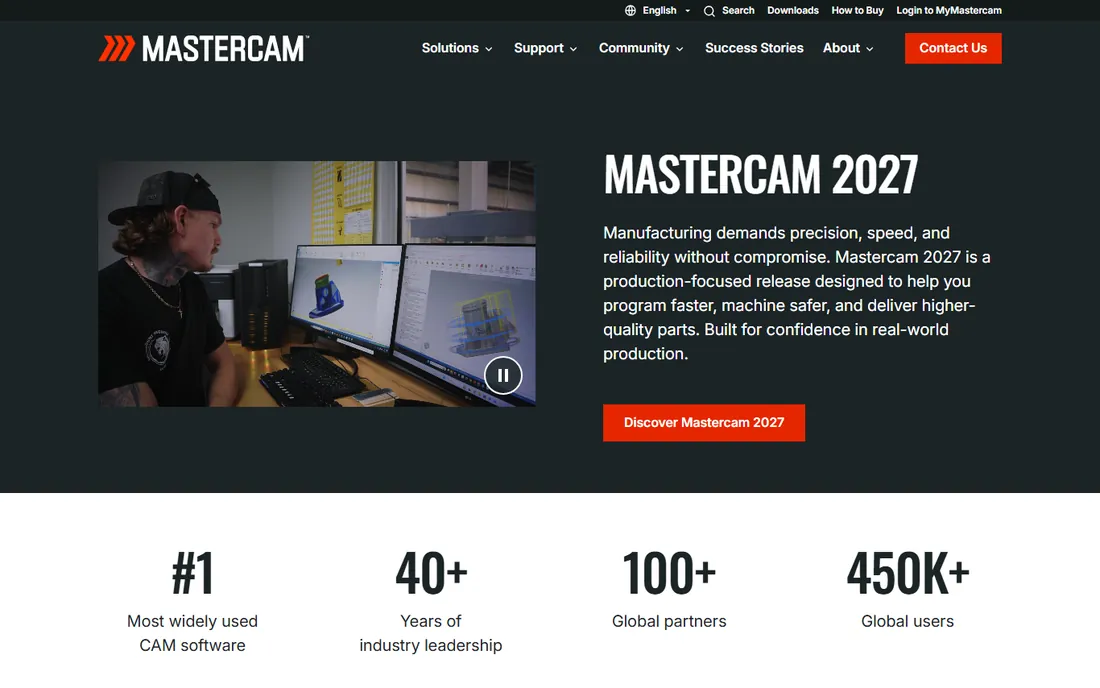
Walk into a random job shop and the odds are good the CAM station runs Mastercam. It earned that position with decades of reliable toolpaths, from simple 2D profiling to simultaneous 5-axis, plus strong turning and mill-turn support. The reseller network means training, post processors and local support are available almost everywhere manufacturing happens.
Buying it is an old-school process: pricing is quoted through resellers, not published, so expect a sales conversation and a number shaped by your region, modules and maintenance plan. The interface has improved but still shows its age next to Fusion 360. You buy Mastercam for proven post processors and shop-floor familiarity, not for a modern user experience.
What we like- The most widely deployed CAM in machine shops
- Deep toolpath control for 2- to 5-axis work
- Massive reseller and training network
Watch out for- Quote-only pricing through resellers
- Interface carries decades of legacy
Starting priceSee website
Free planNo
If your engineers already design in SOLIDWORKS, adding SOLIDWORKS CAM is the path of least resistance. Toolpaths are generated directly from the solid model with no export step, and the knowledge-based machining engine recognizes features like pockets and holes and applies your shop's preferred strategies automatically. Design changes propagate to toolpaths, which eliminates a whole class of revision errors.
The obvious limit is the prerequisite. Nobody buys SOLIDWORKS just to get its CAM; the value case assumes the CAD seats already exist. The standard version covers 2.5-axis milling well, but 3-axis and turning need the Professional tier. For a SOLIDWORKS shop doing prismatic parts, though, it is hard to beat on convenience.
What we like- CAM inside the CAD interface designers already know
- Knowledge-based machining automates common operations
- No file translation
Watch out for- Only makes sense if you already run SOLIDWORKS
- Advanced strategies cost extra
Starting priceSee website
Free planFree trial
NX is the heavyweight: a single system where the same model flows from industrial design through engineering simulation to multi-axis toolpaths, with associativity throughout. Its CAM is genuinely best in class for complex 5-axis work, turbine blades, impellers and molds, and it dominates in aerospace and automotive supply chains where those parts live.
Everything about NX is enterprise scale, including the price, the implementation project and the training curve. This is not a tool you evaluate on a Tuesday and cut chips with on Friday. For large manufacturers standardizing design and manufacturing on one platform, it is a serious contender. For a ten-person shop, it is the wrong weight class.
What we like- One platform from design through simulation to machining
- Top-tier 5-axis and high-speed toolpaths
- Strong in aerospace and automotive
Watch out for- Enterprise pricing and implementation effort
- Overkill for small shops
#5
PTC Creo
Best for: parametric design with manufacturing
Visit ptc.com
Starting priceSee website
Free planFree trial

Creo is the parametric CAD veteran, and its manufacturing extensions carry the same philosophy: everything is driven by parameters, so a dimension change ripples through the model, the drawing and the toolpaths. For companies building complex assemblies with hundreds of parts, that associativity is worth real money in avoided rework.
PTC sells through quotes, and the modular packaging means the final price depends on which manufacturing extensions you need. New users often find the interface demanding compared with Fusion 360. Creo suits engineering organizations that already think parametrically and need manufacturing tied tightly to design intent.
What we like- Parametric modeling with full design-to-manufacturing associativity
- Strong for complex assemblies
- Good additive manufacturing tools
Watch out for- Quote-based pricing
- Steeper learning curve than newer tools
Starting priceSee website
Free planFree trial
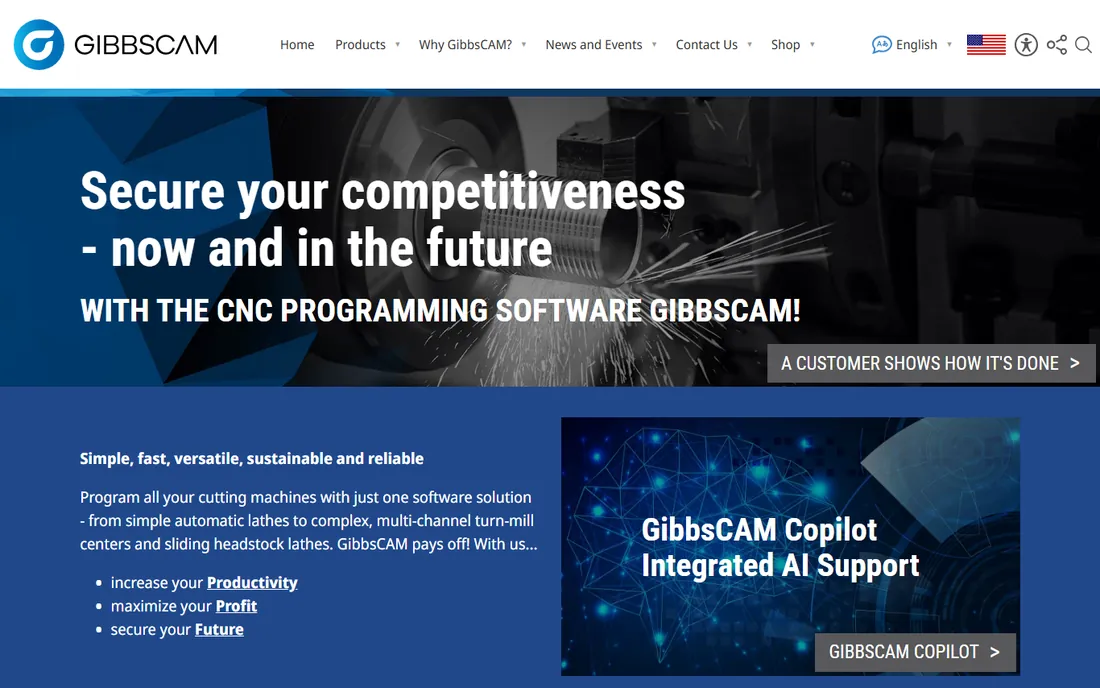
GibbsCAM built its reputation on machines that do more than mill: lathes with live tooling, mill-turn centers and Swiss-type machines. Its interface is organized around the way production programmers actually work, and experienced users program routine parts strikingly fast. The post library covers the multi-task machines that generic CAM handles poorly.
It is a CAM-first product, so the built-in modeling is functional rather than delightful; most users import solids from elsewhere. The community is smaller than Mastercam's, which means fewer forum answers and third-party training options. For a shop whose money is made on mill-turn, those trade-offs are easy to accept.
What we like- Purpose-built for multi-task and mill-turn machines
- Fast to program production parts
- Solid post processor library
Watch out for- Smaller user community than Mastercam
- 3D modeling is basic compared with CAD-integrated rivals
Starting priceSee website
Free planFree trial
PowerMill is the specialist's tool for the hardest milling: deep cavities, fine finishing passes and complex 5-axis motion for molds, dies and aerospace components. Its toolpath strategies for rest machining and collision avoidance are the reason mold shops keep it around even after standardizing everything else on another platform.
Autodesk sells it on quote-based terms, and it is CAM only, so design happens in another product. Think of PowerMill as the finishing department: you do not need it for brackets and plates, but when surface finish and cycle time on a hardened mold decide the job's profitability, it earns its keep.
What we like- Specialist in high-end 3- and 5-axis finishing
- Strong for molds, dies and electrodes
- Now inside the Autodesk ecosystem
Watch out for- Quote-based pricing
- Focused scope means you still need CAD elsewhere
Starting priceSee website
Free planFree trial
SprutCAM X is the interesting outsider: one product that programs mills, lathes, mill-turn centers, wire EDM and even industrial robots. For shops adding a robot arm for tending or deburring, having the robot programmed in the same environment as the machining is a genuine advantage. Licensing is refreshingly flexible compared with the subscription-only giants.
The downsides are market-related. Support and reseller coverage are thinner in North America than in its stronger European markets, and some users find the interface translation uneven. Pricing is not published, so expect a quote. For multi-process shops willing to look beyond the big names, it punches above its price.
What we like- Covers milling, turning, wire EDM and robots in one package
- Industrial robot programming included
- Perpetual-style licensing options
Watch out for- Smaller market presence in North America
- Interface localization can feel rough
Starting priceFree
Free planYes
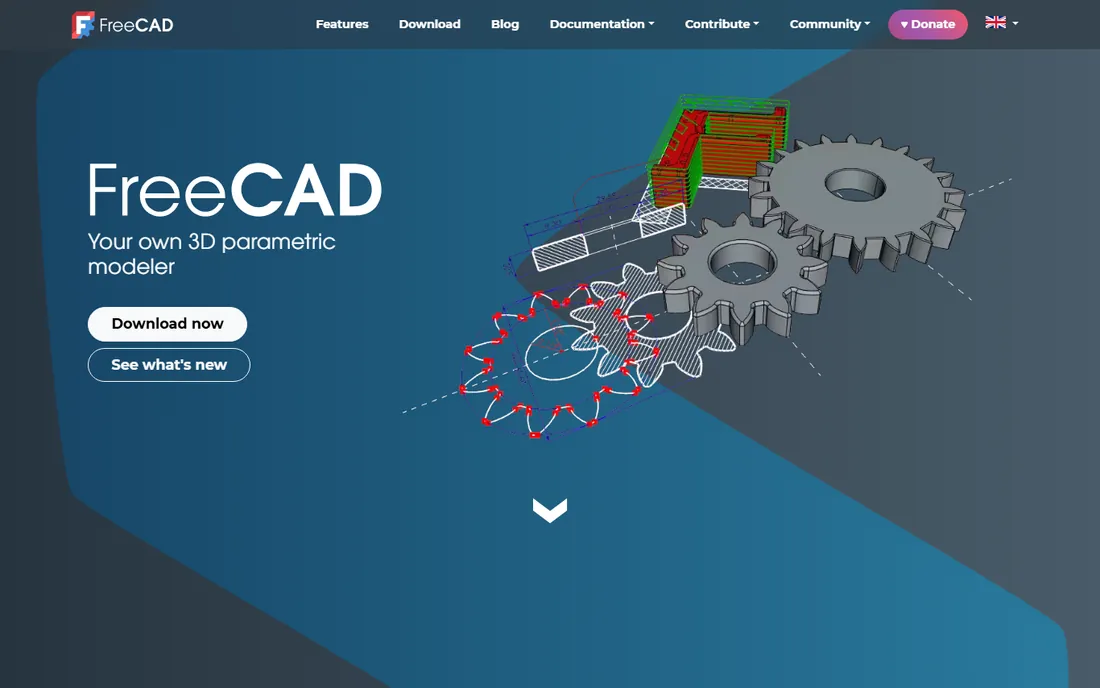
FreeCAD is the real deal for free software: LGPL-licensed, free for commercial use, no tiers, no seats, no renewal. The parametric modeling core is genuinely capable, and the Path workbench generates toolpaths for 3-axis milling that are good enough for real parts. For a hobbyist, a startup or anyone learning CAD fundamentals, the price cannot be argued with.
The CAM side is where the gap shows. The Path workbench works but lacks the toolpath strategies, simulation polish and post processor breadth of paid CAM. Documentation is uneven and the interface can frustrate newcomers. Use FreeCAD to learn, to design and to machine straightforward parts; budget for commercial CAM when the parts get complex.
What we like- Free forever under an open license, including commercial use
- Parametric modeling with real depth
- Active development and add-on workbenches
Watch out for- CAM workbench lags commercial tools
- Learning curve with uneven documentation
Starting priceFree
Free planYes
Carbide Create is the gentlest on-ramp to CNC in this list. It is free, it runs in the browser or on the desktop, and it walks a beginner from drawing a shape to generating toolpaths without jargon. Paired with Carbide Motion, it forms a complete free workflow for the company's Shapeoko and Nomad machines, though it works for g-code generally.
Set expectations correctly: this is 2.5D CAD/CAM, signs, brackets, inlays and simple parts, not 3D surfacing or 5-axis work. There is a Pro version with 3D features for users who outgrow the free tier. For a first machine or a makerspace, it is the right starting point; for production work, you will graduate to something above.
What we like- Completely free with no account games
- Designed for first-time CNC users
- Pairs with Carbide Motion for a complete workflow
Watch out for- 2.5D focused, not a 3D modeling tool
- Aimed at Carbide 3D machine owners
How we chose
We covered the CAD/CAM market as a working shop sees it: integrated CAD/CAM, pure CAM, CAD with CAM added on, and free options. Pricing comes from vendor-published pages where available; most enterprise CAM vendors sell through resellers on quote, which we state instead of guessing. We checked public reviews on G2, Capterra and machining forums for recurring complaints about post processors, stability and support quality. We did not cut metal with any of these tools, and post processor quality for your specific machine matters more than any ranking.
CAD, CAM, or both: reading the bundle
The words get blurred in marketing, so read the bundle carefully. Integrated products like Fusion 360 and NX give you design and toolpaths in one subscription, which is efficient until you need a capability the bundle does weakly. Pure CAM like Mastercam, GibbsCAM and PowerMill assumes your solids come from elsewhere and focuses all development on toolpaths. FreeCAD plus a paid CAM, or Carbide Create for simple work, is a legitimate hybrid path. The expensive mistake is buying integrated CAD/CAM and then paying again for a specialist CAM because the bundle could not finish your parts.
What actually decides a CAD/CAM purchase
Start with the parts, not the software. List the most complex part you cut regularly: number of axes, tolerances, materials and batch sizes. A 3-axis aluminum job shop and a 5-axis mold shop are buying different products, and no review can bridge that gap. Then check post processors for your exact machine and control before anything else; the best CAM in the world is useless if the post needs weeks of editing.
Next, count the true cost. Subscription tools look cheap per year until extensions, extra seats and the cloud services add up. Quote-priced tools look expensive until you realize the price includes the post processor work and training that subscriptions charge extra for. Finally, weigh the talent pool: hiring a Mastercam programmer is easy in most manufacturing regions, while a niche tool can leave you as the only expert in the building.
Frequently asked questions
Should a beginner start with free CAD/CAM?
Yes. Carbide Create or FreeCAD will teach you the fundamentals of toolpaths, feeds and speeds without financial pressure. The concepts transfer: a pocket is a pocket in every CAM system. Move to paid software when you hit a real limit, like needing 4th-axis work or better simulation, not before.
Is Fusion 360 really free?
For personal, non-commercial use, yes, with conditions: under $1,000 in annual revenue from making, home-based projects and limited active documents. Any commercial work needs the $680-a-year subscription. Autodesk enforces the boundary, so do not run client work on the free tier.
Why is most CAM software quote-priced?
Because the price depends on modules, machine count, post processor customization and training, which vary wildly between shops. Resellers also provide local support, which is part of what you pay for. The annoyance is real, but for a $15,000 purchase the sales conversation is also where you negotiate the post and training into the deal.
Can FreeCAD replace paid CAM for a business?
For 3-axis work with straightforward parts, many small shops do exactly that. The Path workbench handles profiling, pocketing and drilling competently. It falls behind on high-speed toolpaths, rest machining, 5-axis and the post processor library. Treat it as a real option for simple work and a learning tool for everything else.
What is a post processor and why does it matter so much?
A post processor translates the CAM system's generic toolpaths into the specific g-code dialect your machine's control understands. A bad post means crashes, alarms or hand-editing every program. When evaluating CAM, ask for a proven post for your exact machine model and control version, and test it before you buy.
Do I need 5-axis CAM?
Only if you have or plan to buy a 5-axis machine. The software costs more, the programming is harder and the payoff only exists on parts that need it: impellers, turbine blades, complex molds and medical implants. For the vast majority of milled parts, good 3-axis CAM and smart fixturing win on cost.
Sources we checked (10)
- https://www.autodesk.com
- https://www.mastercam.com
- https://www.solidworks.com
- https://www.siemens.com
- https://www.ptc.com
- https://www.gibbscam.com
- https://www.sprutcam.com
- https://www.freecad.org
- https://carbide3d.com
- https://stacksheriff.com/3d-printing/fusion-360-vs-freecad/
Is your product missing or out of date?
We review this list regularly. Vendors can request a listing, send updated pricing or ask about featured placement.

Shihab Mia · Founder, Rankite
Shihab has spent more than a decade helping SaaS and e-commerce brands grow through search. He writes Rankite's software buying guides from pricing pages, documentation and public user reviews. More about Shihab.