How we make this list: we compare pricing pages, product documentation and public user reviews. Rankite is independent; if a vendor ever pays for a featured spot, that listing is clearly labeled Partner.
Key takeaways
- OmniFocus and FacileThings follow the GTD method most faithfully, with proper contexts, waiting-fors, and weekly review support.
- Todoist and TickTick are the pragmatic picks for people who want GTD-style organization across every platform without purist ceremony.
- Nirvana, NextThing, and Everdo give you real GTD structure with generous free tiers, which is rare in this category.
- Things 3 and Amazing Marvin suit Apple users and tinkerers respectively, but check platform limits before committing.
Quick comparison
| Tool | Best for | Starting price | Free plan |
|---|
 Todoist Todoist | cross-platform GTD-style task management | See website | Yes |
 OmniFocus OmniFocus | Apple power users doing strict GTD | See website | Free trial |
 Things 3 Things 3 | beautiful minimal GTD on Apple devices | See website | No |
 Nirvana Nirvana | simple, faithful GTD on a budget | See website | Yes |
 FacileThings FacileThings | by-the-book GTD with coaching built in | See website | No |
 NextThing NextThing | native GTD on every platform | See website | Yes |
 Everdo Everdo | private, offline GTD | See website | Yes |
 TickTick TickTick | feature-rich lists with calendar views | See website | Yes |
 Amazing Marvin Amazing Marvin | customizable workflows for tinkerers | See website | Free trial |
 Remember The Milk Remember The Milk | veteran list manager with smart lists | See website | Yes |
Is your product missing or out of date?
We review this list regularly. Vendors can request a listing, send updated pricing or ask about featured placement.
GTD apps that respect the method
Here is the blunt version: most to-do apps with "GTD" in their marketing copy fail the method on basics. They skip contexts, bury waiting-for lists, and treat the weekly review as an afterthought. David Allen's system lives or dies on capture speed, trusted lists, and regular review, and an app either supports those mechanics or it does not.
The tools below are the ones that genuinely implement GTD concepts like contexts, next actions, waiting-fors, and review, or that adapt them thoughtfully for modern workflows. A few are purist; a few are pragmatic. All of them exist today and are actively maintained.
Starting priceSee website
Free planYes
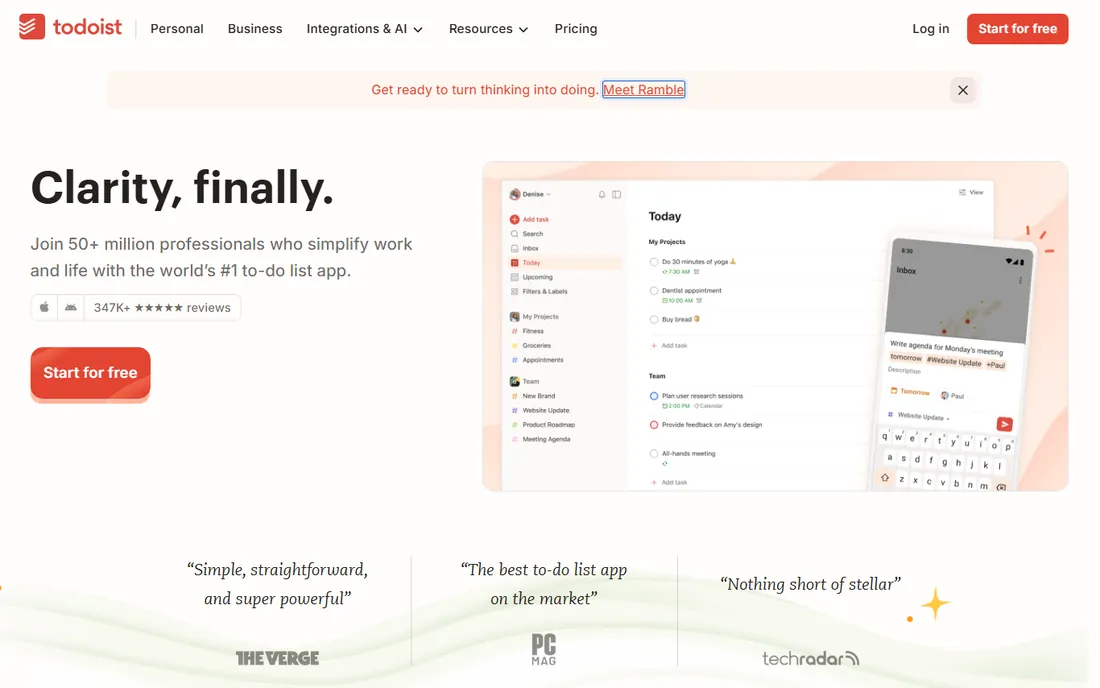
Todoist is the pragmatic default. You type "Call accountant tomorrow @calls #tax" and it lands correctly dated, tagged, and filed. Labels work as contexts, filters build your context views, and the free plan is generous enough for a full GTD setup. It runs on everything and syncs without drama.
The purist gaps are real. There is no guided weekly review, no native waiting-for list, and you build the GTD structure yourself with projects, labels, and filters. If you want the method enforced by the software, look at OmniFocus or FacileThings instead.
What we like- Fast capture with excellent natural-language input
- Labels and filters stand in well for contexts
- Runs on every platform with reliable sync
Watch out for- No built-in weekly review workflow
- GTD structure must be set up manually
Starting priceSee website
Free planFree trial
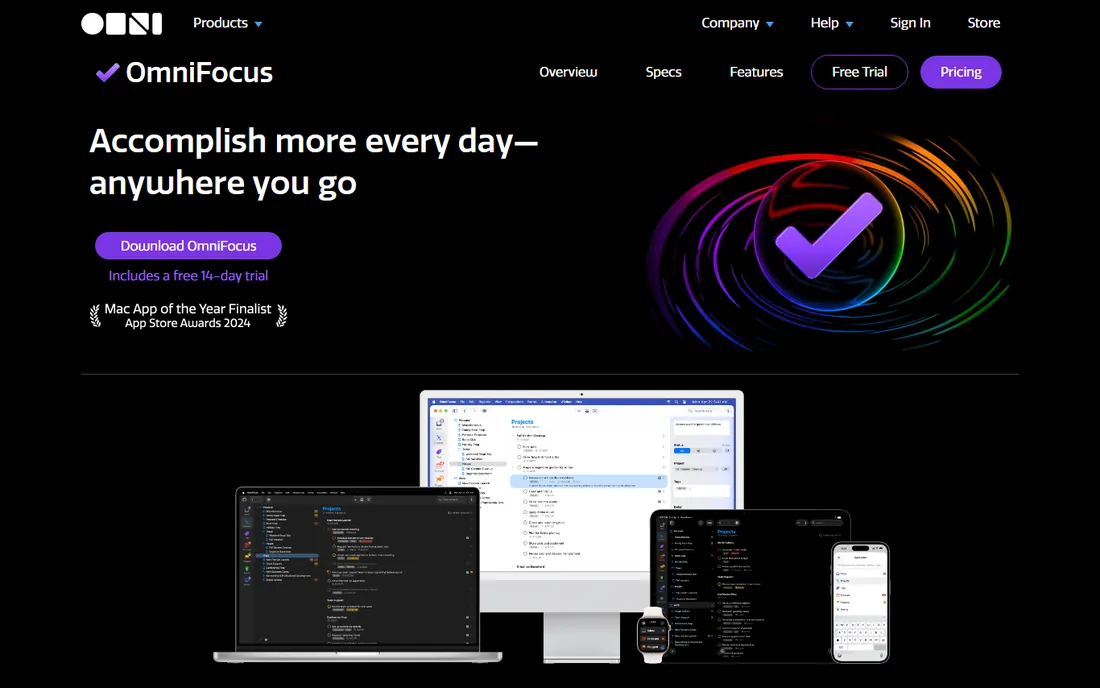
OmniFocus is the reference implementation of GTD in software. Defer dates, review cycles, sequential versus parallel projects, and the forecast view all map directly to the method. Custom perspectives let you build exactly the context views Allen describes, and the review mode walks you through the weekly review project by project.
The price of that fidelity is platform lock-in: macOS and iOS only, with web access tied to the subscription. New users also face a genuine learning curve. This is the tool for committed GTD practitioners inside the Apple world.
What we like- Purpose-built around GTD with projects, contexts, and review perspectives
- Powerful custom perspectives for any view you need
- Deep Apple ecosystem integration
Watch out for- Apple-only, which rules out Windows and Android users
- The depth can overwhelm newcomers
Starting priceSee website
Free planNo
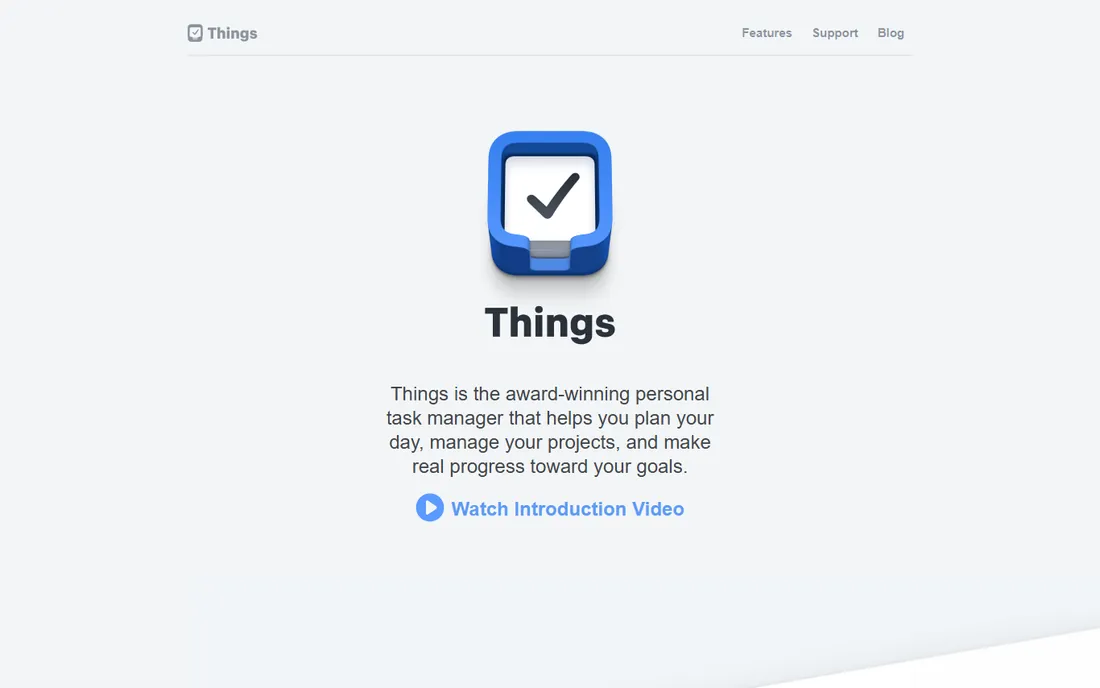
Things 3 proves that GTD software does not have to look like accounting software. Capture is fast, the design is calm, and areas plus tags cover contexts well enough for most practitioners. The one-time purchase model appeals to people tired of subscriptions.
It is Apple-only with no web app, so mixed-platform households are out of luck. Power users who want custom perspectives or automation will find OmniFocus deeper. Things is for people who want GTD with minimal friction and maximum polish.
What we like- The most pleasant task app to use daily
- Areas, projects, and tags map cleanly to GTD
- One-time purchase per device, no subscription
Watch out for- Apple-only with no web version
- Fewer power features than OmniFocus
Starting priceSee website
Free planYes
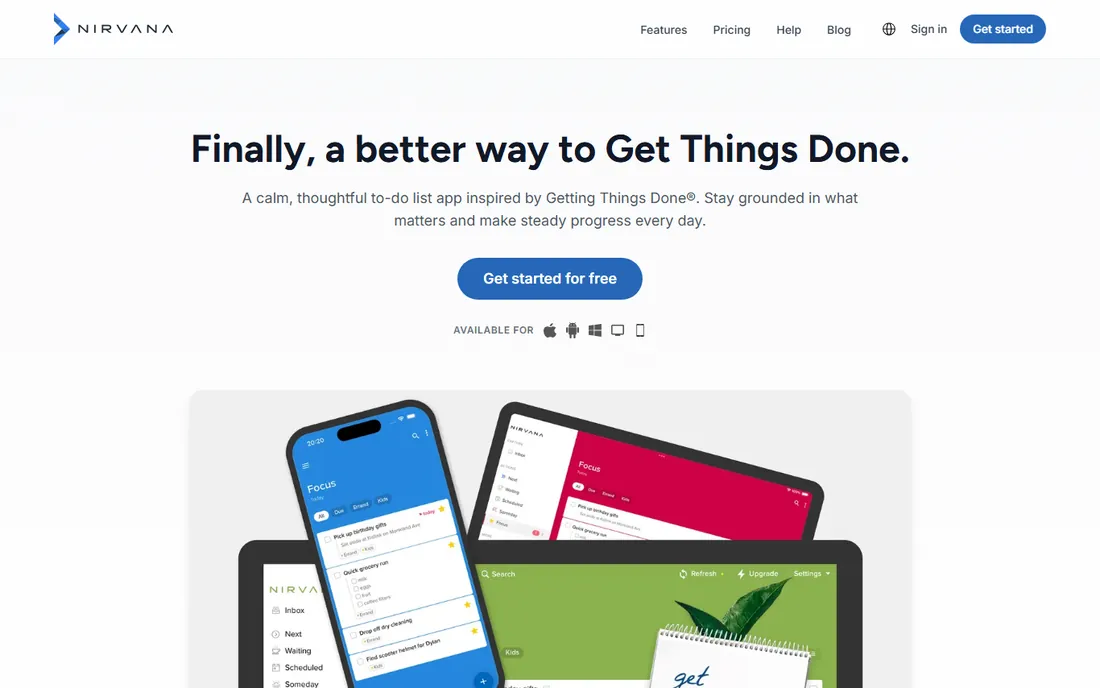
Nirvana keeps the GTD structure visible at all times: inbox, next, waiting, scheduled, someday, and reference lists are the interface, not features you configure. That clarity makes it one of the easiest faithful GTD apps to learn. The free tier covers real use, and the paid plan is inexpensive.
The interface will not win design awards, and the community is smaller than Todoist's or OmniFocus's, which means fewer templates and guides. For GTD beginners who want the method without the setup project, though, it is hard to beat.
What we like- Clean implementation of inbox, next actions, waiting-for, and scheduled lists
- Generous free tier
- Actively maintained with recent updates
Watch out for- Design feels plain next to Things or Todoist
- Smaller user community
Starting priceSee website
Free planNo
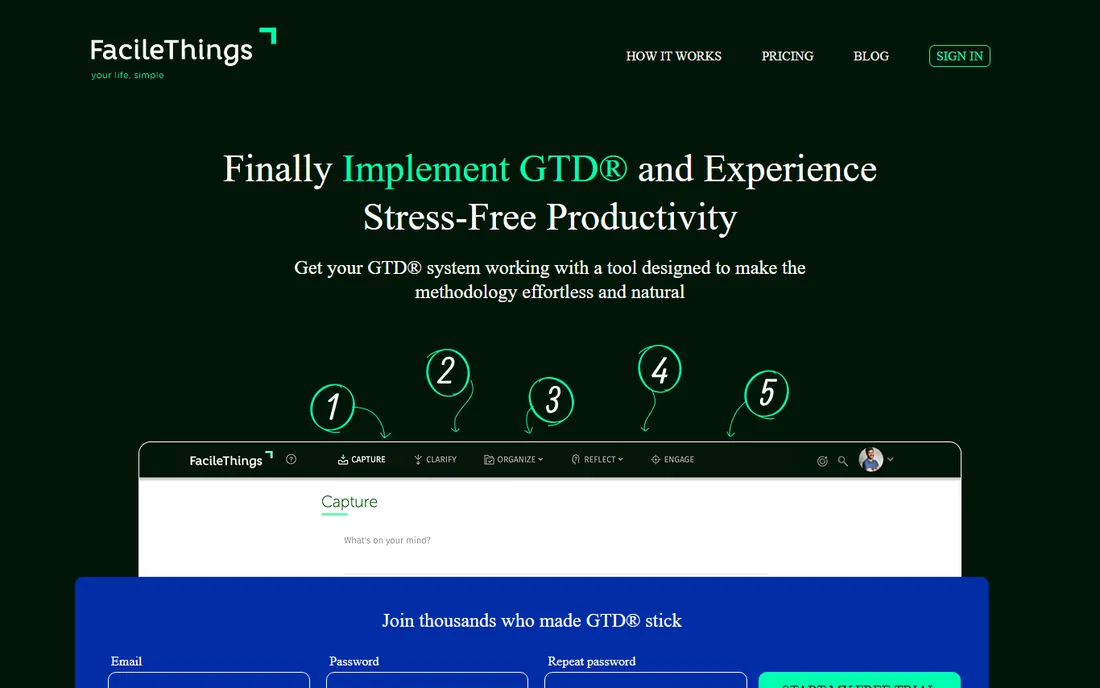
FacileThings is the closest thing to a GTD course inside an app. It guides you through capturing, clarifying, organizing, and reflecting step by step, which is exactly what newcomers need and exactly what experienced users sometimes find slow. The routines feature handles recurring reviews and checklists well.
There is no free plan, so you commit financially to try it properly. Veterans of the method may prefer a faster, less hand-holding tool like Nirvana or Todoist. Beginners who want to learn GTD correctly will get their money's worth.
What we like- Walks you through clarify, organize, and review the way Allen teaches
- Strong routines and checklist support
- Good for GTD newcomers who want guidance
Watch out for- No free plan
- The guided workflow can feel slow for experienced users
Starting priceSee website
Free planYes
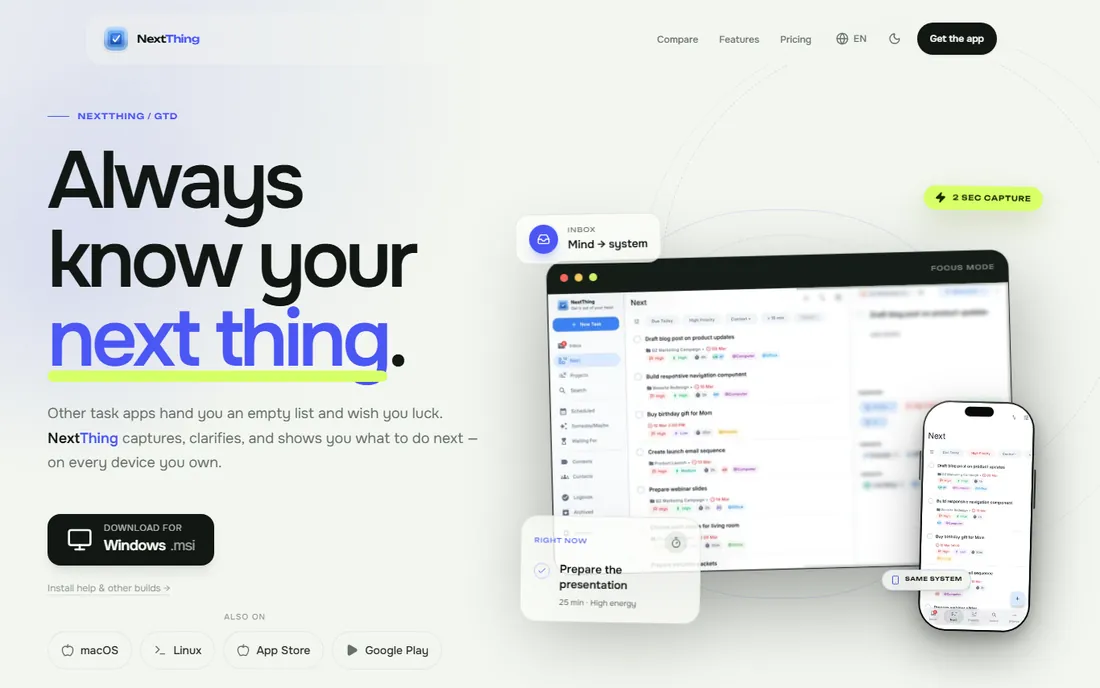
NextThing was built to fill the gap the others leave: strict GTD with native apps on all five major platforms. The guided two-step inbox processing mirrors the method's clarify stage, and sequential projects, waiting-for tracking, and weekly review are built in rather than bolted on. The free tier allows a real trial.
It is the youngest app here, so expect a smaller community and fewer third-party integrations than Todoist or OmniFocus. If you need GTD on Windows, Linux, and mobile without compromise, nothing else on this list covers all five natively.
What we like- Native apps on iOS, Android, macOS, Windows, and Linux
- Guided inbox processing
- Offline-first sync
Watch out for- Youngest app on this list with a smaller track record
- Calendar support is still maturing
Starting priceSee website
Free planYes
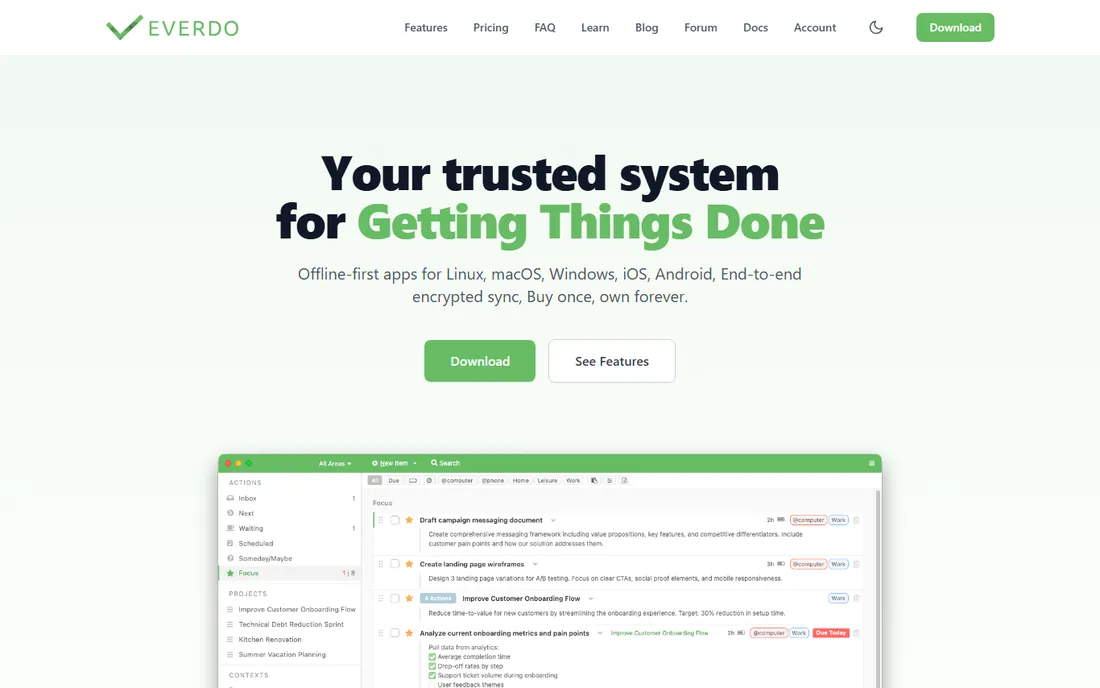
Everdo is for people whose task list is nobody else's business. Everything lives on your device, there is no account to create, and the GTD structure is complete: inbox, next actions by context, waiting-for, scheduled, and someday lists. The free tier is usable, and Pro is a one-time purchase.
The privacy comes with a cost in convenience. Syncing between devices requires your own network setup rather than a cloud account, and the interface prioritizes function over beauty. If offline privacy matters more than polish, this is the pick.
What we like- Local-first with no account required
- Full GTD structure including contexts and waiting-for
- One-time Pro purchase
Watch out for- Sync across devices needs your own setup
- Interface is functional rather than polished
Starting priceSee website
Free planYes
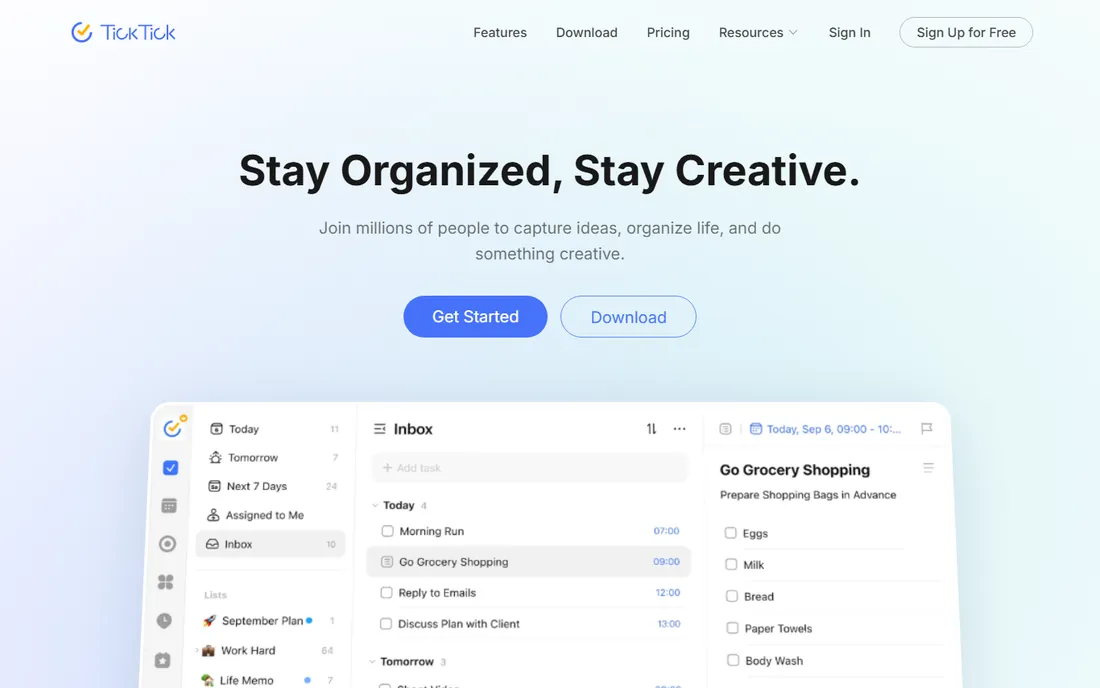
TickTick packs more features per dollar than anything else here: calendar views, habits, Pomodoro focus timer, and Eisenhower matrix sit alongside the task lists. Capture is quick, the apps are solid on every platform, and the free plan covers most personal use.
It is a task manager you bend toward GTD, not a GTD app. Contexts become tags, waiting-fors become a list, and the weekly review is on you. People who want one app for tasks, habits, and time-blocking will love it; purists should keep looking.
What we like- Calendar view, habit tracker, and Pomodoro timer built in
- Fast capture on all platforms
- Generous free plan
Watch out for- GTD structure is DIY with lists and tags
- The feature breadth can distract from the method
Starting priceSee website
Free planFree trial
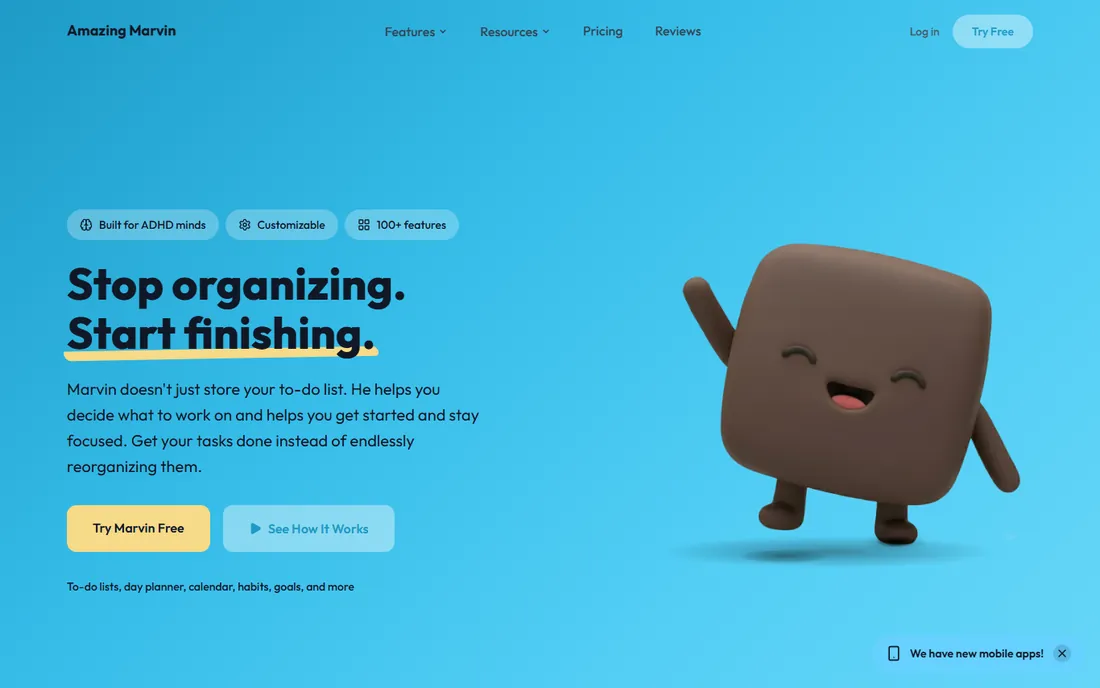
Amazing Marvin is the opposite of opinionated software. You enable "strategies" like GTD contexts, time blocking, or the Ivy Lee method, and the interface reshapes itself around your choices. For people whose productivity system is a hybrid, or who need ADHD-friendly scaffolding, the flexibility is unmatched.
That flexibility is also the risk. New users can spend more time configuring than doing, and there is no free plan beyond the trial. If you know exactly how you work and want software to match, Marvin delivers; if you want GTD out of the box, start with Nirvana.
What we like- Enormous customization with strategies you toggle on and off
- Handles GTD, time-blocking, and dozens of other methods
- Strong for ADHD-friendly workflows
Watch out for- The options can overwhelm
- Paid-only after the trial
Starting priceSee website
Free planYes
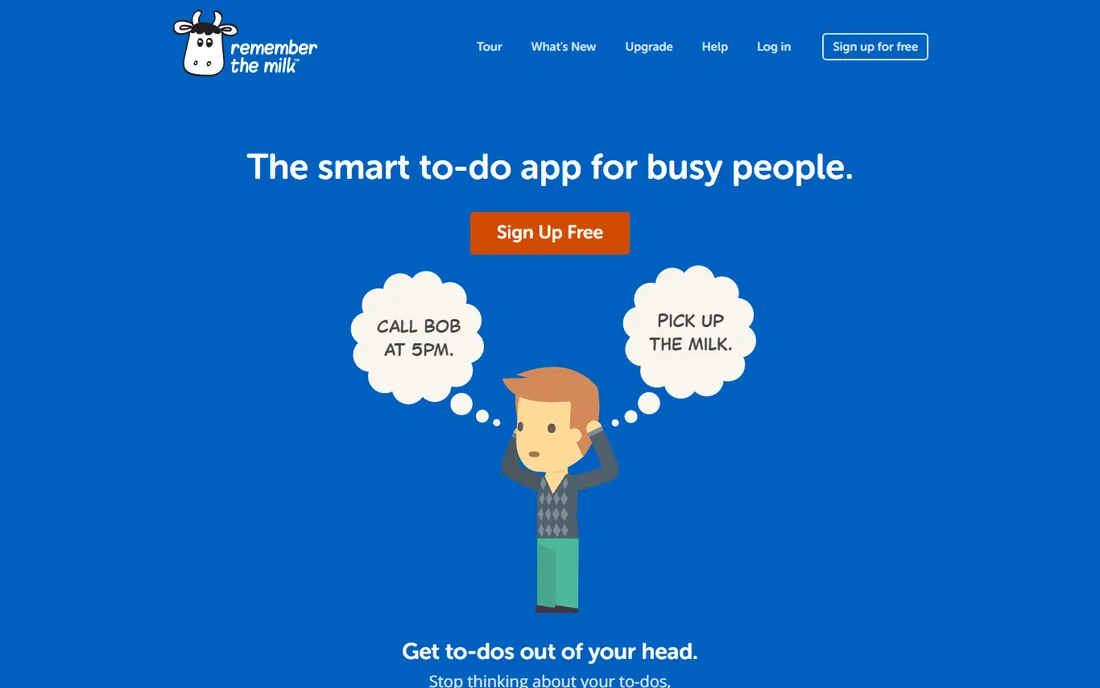
Remember The Milk has been organizing tasks since before most of these apps existed. Its smart lists, built from saved searches, can approximate GTD contexts and views surprisingly well once configured. The web app is fast, sync is reliable, and the free basic plan still exists.
The design shows its age, and GTD support is a mapping exercise rather than a native structure. It suits long-time users and keyboard-driven minimalists more than GTD newcomers choosing their first system.
What we like- Smart lists with powerful search-based filtering
- Long track record and reliable sync
- Fast keyboard-driven web app
Watch out for- Interface feels dated
- GTD concepts map loosely rather than natively
How we chose
We reviewed vendor pricing pages and documentation, read public reviews on G2, Capterra, and app stores, and compared each app against the core GTD mechanics: capture speed, contexts, next actions, waiting-for lists, and weekly review support. We weighed platform coverage, free-tier usefulness, and how much manual setup each tool demands. No hands-on testing was performed; the assessment reflects documented features and reported user experience.
Whichever app you pick, the setup follows the same pattern. Create an inbox list and make capture instant, with a global shortcut or home-screen widget. Define your contexts as tags, labels, or the app's native context field: the places and tools that constrain your actions, like @calls, @computer, or @errands. Keep one list for waiting-for items with the person and date attached, and one someday list for everything that is not active.
The weekly review is where systems live or die, and most apps leave it to you. Block 30 to 60 minutes weekly, empty the inbox completely, review every project for its next action, and clear the waiting-for list of stale items. OmniFocus and FacileThings build this review into the app; with Todoist, TickTick, or Things, put a recurring task on your calendar and treat it as non-negotiable.
Frequently asked questions
What makes an app a real GTD app?
It should support the method's core mechanics: fast capture into an inbox, organizing by context, tracking next actions per project, maintaining waiting-for and someday lists, and facilitating a weekly review. Apps like OmniFocus, Nirvana, and FacileThings build these in. General task managers like Todoist can be configured to support them, but the structure is on you.
Is Todoist good enough for GTD?
For most people, yes. Labels serve as contexts, filters build context views, and projects hold next actions. What you miss is the enforced workflow: nothing stops you from skipping the weekly review or letting the inbox pile up. Disciplined users do fine; people who need structure should pick a stricter app.
Which GTD app is best for beginners?
Nirvana or FacileThings. Nirvana shows the GTD lists as the interface, so the method is obvious from day one. FacileThings goes further and coaches you through each stage. Both beat handing a beginner a blank Todoist and a 300-page book.
Do I need to pay for a GTD app?
No. Todoist, Nirvana, NextThing, Everdo, TickTick, and Remember The Milk all have free tiers that support a complete GTD setup. Paid plans mostly add collaboration, more projects, or advanced views. Start free and upgrade only when a specific limit blocks you.
Can I do GTD on paper instead?
Absolutely, and many practitioners do. Paper gives you capture speed and zero learning curve. Software wins on search, recurring tasks, reminders, and carrying the whole system in your pocket. The method works the same either way; the tool just reduces friction.
Sources we checked (11)
- https://todoist.com
- https://www.omnigroup.com/omnifocus
- https://culturedcode.com/things/
- https://www.nirvanahq.com
- https://www.facilethings.com
- https://nextthinggtd.com
- https://everdo.net
- https://ticktick.com
- https://www.amazingmarvin.com
- https://www.rememberthemilk.com
- https://nextthinggtd.com/en/best-gtd-apps
Is your product missing or out of date?
We review this list regularly. Vendors can request a listing, send updated pricing or ask about featured placement.

Shihab Mia · Founder, Rankite
Shihab has spent more than a decade helping SaaS and e-commerce brands grow through search. He writes Rankite's software buying guides from pricing pages, documentation and public user reviews. More about Shihab.