How we make this list: we compare pricing pages, product documentation and public user reviews. Rankite is independent; if a vendor ever pays for a featured spot, that listing is clearly labeled Partner.
Key takeaways
- Kissflow and Pipefy lead the no-code workflow space for business teams automating approvals and processes without developers.
- Nintex is the enterprise choice for complex process automation, especially in Microsoft-centric organizations.
- Process Street is the simplest path to checklists and recurring workflows, ideal for teams drowning in tribal knowledge.
- Monday.com, Asana and Smartsheet handle lighter workflow needs inside tools teams already use for projects.
Quick comparison
| Tool | Best for | Starting price | Free plan |
|---|
 Kissflow Kissflow | Business teams automating processes without code | See website | Free trial |
 ProcessMaker ProcessMaker | Open-source process automation with control | See website | Free tier |
 Nintex Nintex | Enterprise process automation at scale | See website | Free trial |
 Pipefy Pipefy | No-code process management for operations teams | See website | Free tier |
 Process Street Process Street | Checklists and recurring team processes | See website | Free tier |
 Monday.com Monday.com | Workflow automation inside project management | See website | Free tier |
 Asana Asana | Light workflow automation for small teams | See website | Yes |
 Smartsheet Smartsheet | Spreadsheet-comfortable teams automating processes | See website | Free trial |
 Quixy Quixy | No-code apps plus workflows | See website | Free trial |
 Cflow Cflow | Simple approval workflows for SMBs | See website | Free trial |
Is your product missing or out of date?
We review this list regularly. Vendors can request a listing, send updated pricing or ask about featured placement.
The top 10 workflow management software
Starting priceSee website
Free planFree trial
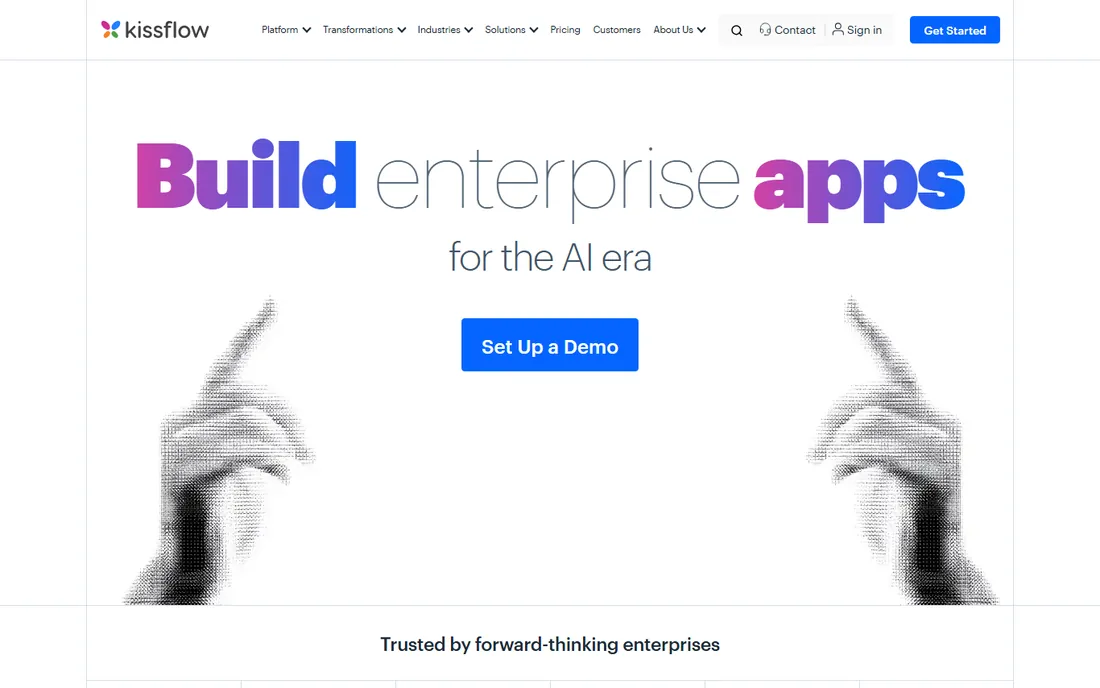
Kissflow lets business users build real workflows, purchase approvals, leave requests, vendor onboarding, without writing code. The form builder plus visual workflow designer covers the processes that currently live in email threads. Google Workspace and Microsoft integrations fit most offices.
Very complex logic and heavy integrations push toward higher tiers. But for the 80 percent of business processes that are forms plus approvals, Kissflow's simplicity beats enterprise BPM suites.
What we like- True no-code workflow builder
- Good for approvals and requests
- Clean interface
Watch out for- Complex integrations need higher tiers
- Pricing per user adds up
Starting priceSee website
Free planFree tier
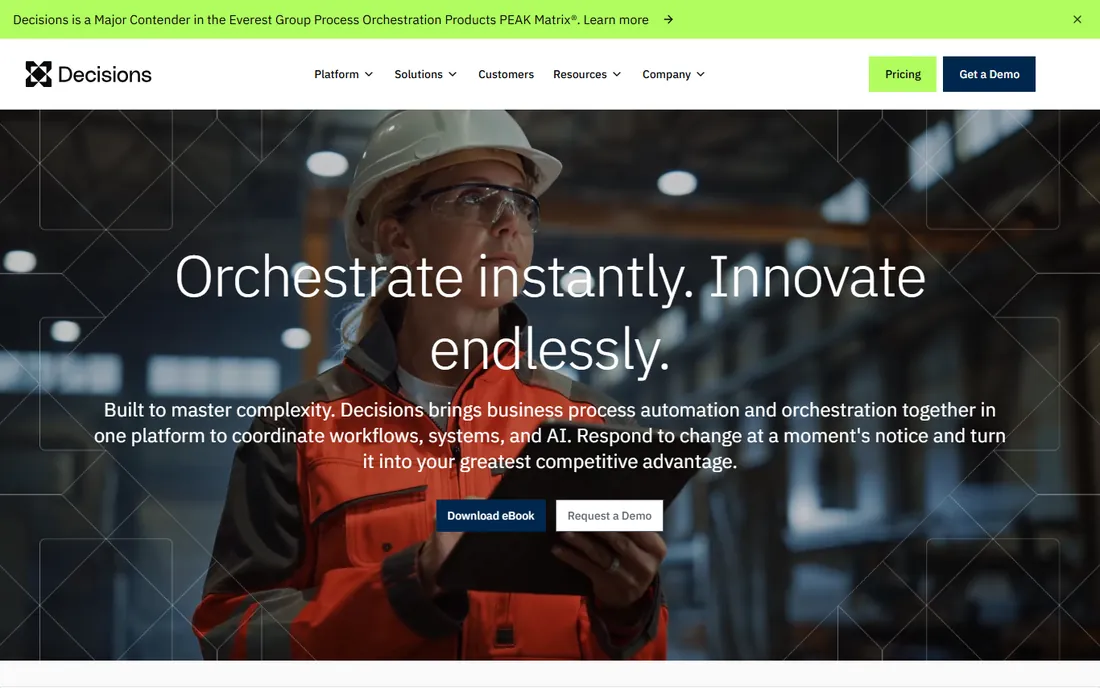
ProcessMaker offers open-source business process management with a modern low-code designer. Organizations that want to own their automation stack, customize deeply or deploy on their own infrastructure get enterprise BPM without license lock-in. The AI features assist process design.
Realizing the value needs technical staff; business-only teams will find Kissflow or Pipefy easier. But for organizations with developers who want workflow automation they control, the open-source model is compelling.
What we like- Open-source core
- AI-assisted process design
- Flexible deployment
Watch out for- Needs technical resources for full value
- Enterprise features are paid
Starting priceSee website
Free planFree trial
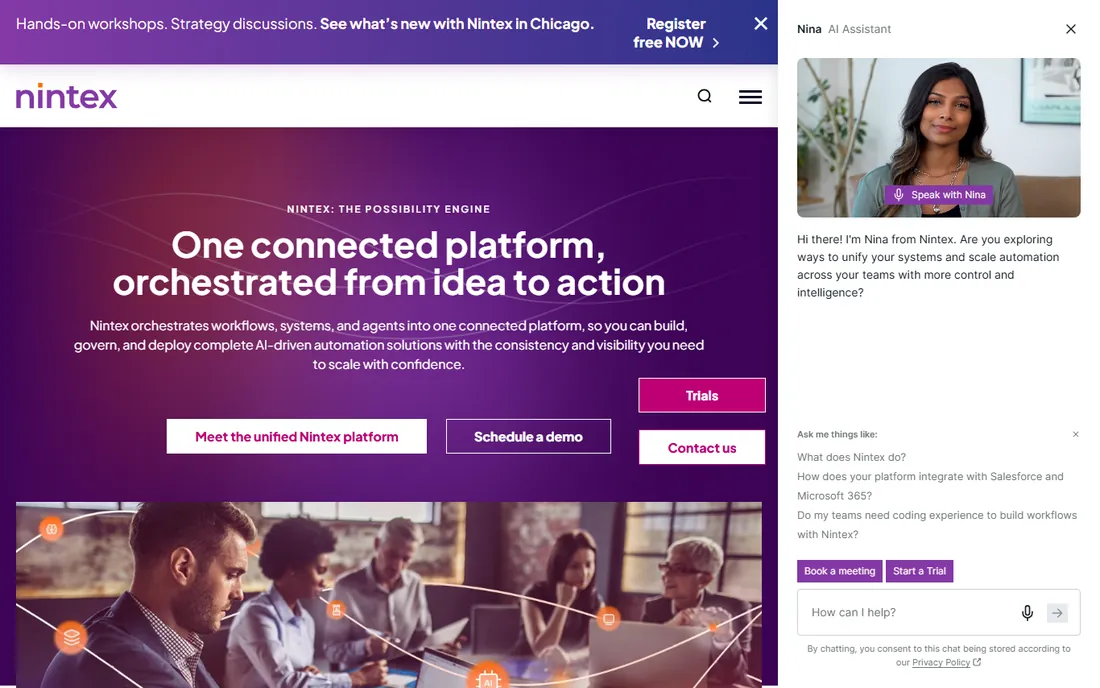
Nintex is the enterprise process automation platform: workflow, robotic process automation, document generation, e-signatures and process intelligence in one portfolio. Microsoft-centric organizations automate end-to-end processes across SharePoint, Teams and Dynamics.
The power brings enterprise cost and complexity. Small teams should not start here. But large organizations standardizing process automation will find Nintex's breadth unmatched.
What we like- Deep process automation including RPA and document generation
- Strong Microsoft integration
- Enterprise proven
Watch out for- Enterprise pricing and complexity
- Overkill for simple approvals
#4
Pipefy
Best for: No-code process management for operations teams
Visit pipefy.com
Starting priceSee website
Free planFree tier
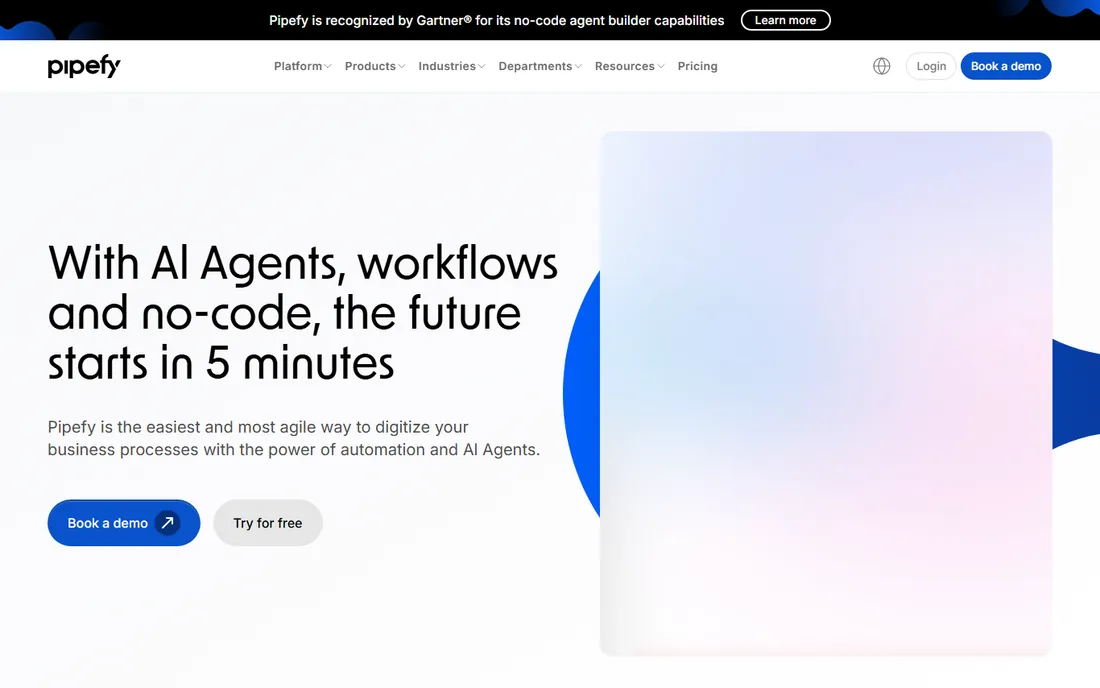
Pipefy visualizes processes as pipes: cards flow through phases with automation, SLAs and integrations at each step. Operations, HR, finance and procurement teams adopt it quickly because the kanban metaphor is familiar. Templates cover common processes.
Costs scale with users, and very complex branching logic strains the model. But for operational processes that need visibility and consistency, Pipefy's approachable design wins adoption.
What we like- Intuitive kanban-style process pipes
- Good templates
- AI automation features
Watch out for- Per-user pricing scales
- Advanced logic has limits
#5
Process Street
Best for: Checklists and recurring team processes
Visit process.st
Starting priceSee website
Free planFree tier
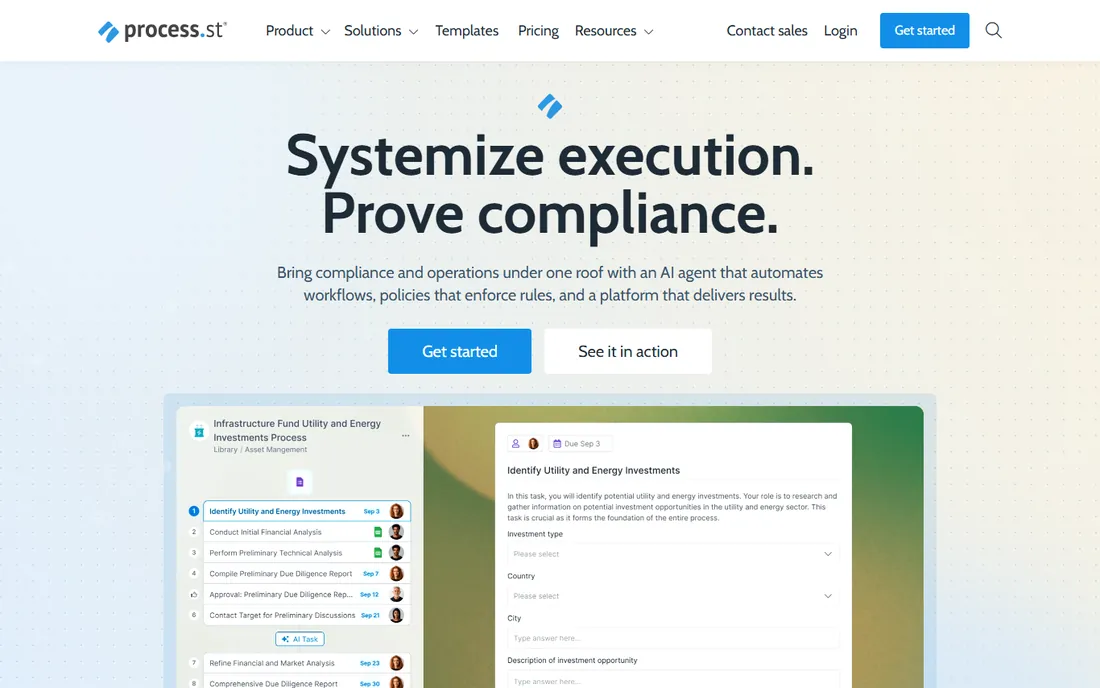
Process Street turns recurring processes into checklists with superpowers: assign tasks, enforce order, collect data and integrate with other tools. Employee onboarding, client launches and content publishing become repeatable instead of reinvented. Teams adopt it because checklists are intuitive.
It is not built for complex conditional workflows or heavy automation. But most teams do not need that; they need consistency. For systematizing how work gets done, Process Street is the fastest path.
What we like- Simplest way to systematize recurring work
- Great for SOPs
- Easy adoption
Watch out for- Not a full BPM suite
- Limited complex logic
#6
Monday.com
Best for: Workflow automation inside project management
Visit monday.com
Starting priceSee website
Free planFree tier
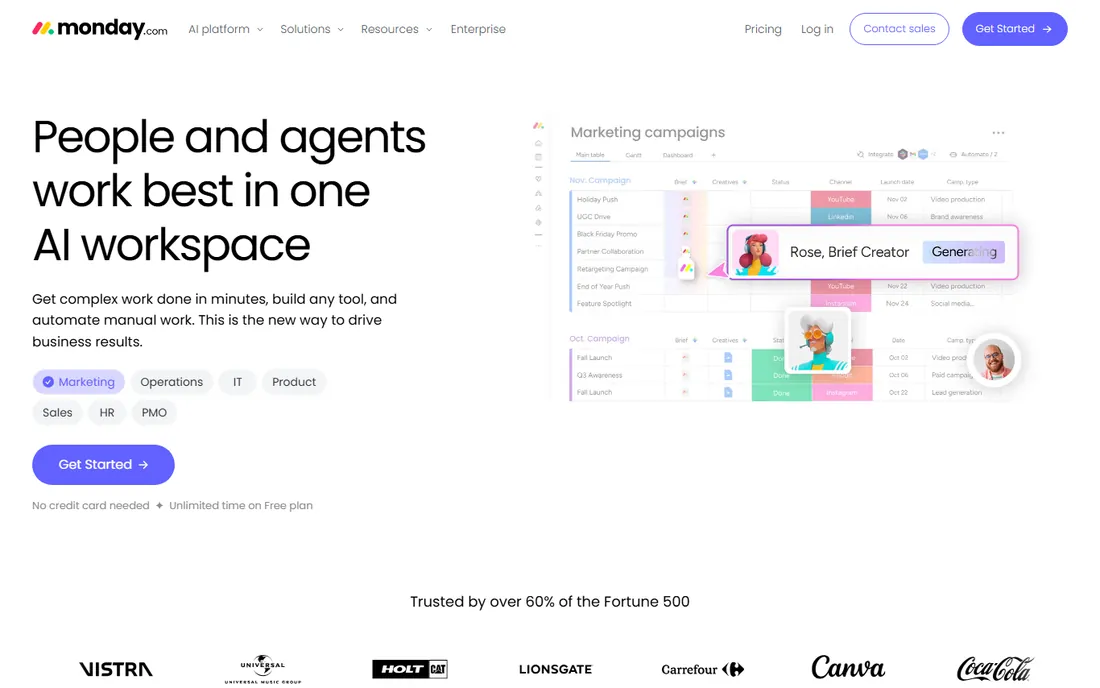
Monday.com's automation builder lets teams create if-this-then-that workflows across boards without code: status changes trigger notifications, assignments and updates. Teams already managing projects in Monday get workflow automation without a new tool.
Dedicated BPM needs, complex approvals, process analytics, compliance, outgrow it. But for workflow automation as part of daily work management, Monday's approachable builder covers most needs.
What we like- Visual automations anyone can build
- Flexible boards
- Huge template library
Watch out for- Workflow depth is lighter than BPM tools
- Costs scale with seats
#7
Asana
Best for: Light workflow automation for small teams
Visit asana.com
Starting priceSee website
Free planYes
Asana's rules automate simple workflows: when a task moves to a stage, assign it, set a due date, notify someone. Teams already running projects in Asana get meaningful automation free. The learning curve is zero for existing users.
Process management depth is minimal: no visual process designer, limited branching, basic reporting. But for teams whose "workflow" is really task handoffs, Asana's rules are enough.
What we like- Rules automate routine task flows
- Free tier includes basics
- Teams already know it
Watch out for- Workflow features are basic
- Not a process management platform
Starting priceSee website
Free planFree trial
Smartsheet gives spreadsheet users workflow superpowers: automated approvals, update requests, alerts and dashboards over familiar grids. Operations, construction and event teams run processes on it comfortably.
The experience feels more corporate than modern, and advanced features take learning. But teams that think in spreadsheets adopt Smartsheet faster than any BPM tool, and adoption decides success.
What we like- Familiar grid interface
- Good approval workflows
- Strong for operations teams
Watch out for- Interface is dated
- Pricing per user
- Learning curve on advanced features
Starting priceSee website
Free planFree trial
Quixy is a no-code platform for building both applications and the workflows inside them: digitize a paper process into an app with forms, approvals and dashboards. Operations teams modernize without developers.
The ecosystem is smaller than Kissflow's or Pipefy's, with fewer templates and integrations. But for building complete operational apps rather than just workflows, Quixy's app-builder approach fits.
What we like- Build apps and workflows together
- Good for digitizing operations
- Drag-and-drop
Watch out for- Smaller ecosystem
- Less brand recognition
Starting priceSee website
Free planFree trial
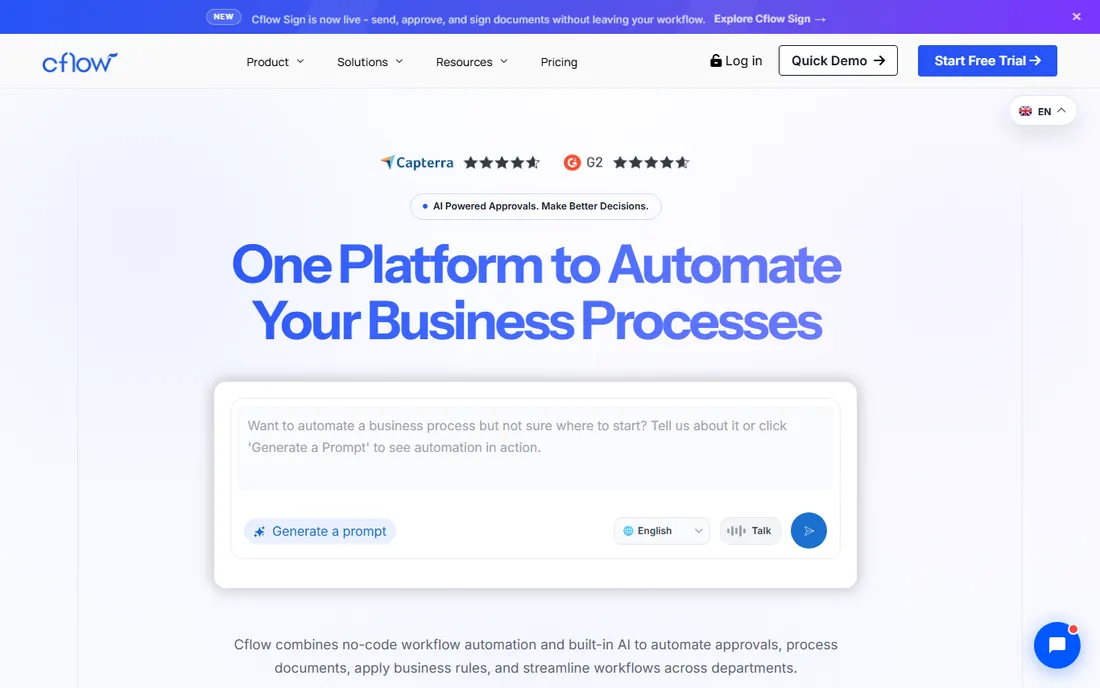
Cflow does one thing well: approval workflows. Purchase orders, expense approvals, leave requests and document sign-offs flow through simple visual processes. Small businesses get enterprise-style approvals without enterprise software.
General process automation is beyond its scope. But most SMB workflow needs are approvals, and Cflow's focus makes it faster to deploy than broader platforms.
What we like- Focused on approvals
- Quick to deploy
- Affordable for small businesses
Watch out for- Narrow scope
- Not a general workflow platform
Workflow versus project management: know the difference
Project management tracks work toward a goal with a deadline. Workflow management systematizes how recurring processes run: the steps, the handoffs, the approvals, every time. A product launch is a project; employee onboarding is a workflow.
Buying project software for workflow needs (or reverse) creates frustration. If your pain is "nobody follows the process," you need workflow tools. If it is "we cannot see project status," you need project tools. Many teams need both, which is why Monday.com and Asana straddle the line.
How we chose
We compared tools on workflow design ease, automation depth, approval handling, integrations, analytics and pricing. We verified each vendor's homepage and current positioning, reviewed user feedback on G2, Capterra and operations communities, and distinguished true BPM from light automation honestly. We did not implement production workflows on these platforms.
Mapping your first workflow before you automate it
Do not build in software first. Start on a whiteboard with the people who actually do the work: what are the steps, who does each one, what information moves between steps, and where does it get stuck? The people doing the work know the real process, including the informal workarounds the official procedure ignores. Map reality, not the manual.
Find the pain, not the process. The best first workflow to automate is the one everyone complains about: the approval that takes two weeks, the request that vanishes into email, the onboarding that misses steps every time. Automating a painful process earns believers; automating a comfortable one earns shrugs.
Define done for each step. Every workflow step needs a clear completion criterion and an owner. "Review the application" is vague; "approve or reject with comments within two business days" is actionable. Vague steps create the bottlenecks automation was supposed to eliminate.
Build the minimum viable workflow first. Automate the happy path, handle exceptions manually, and add complexity once the basic flow runs smoothly. Teams that try to encode every edge case on day one spend months building and never launch. A simple workflow running beats a perfect workflow in development.
Measure before and after. Record the cycle time, error rate or effort of the manual process before automating, then compare after a month. The numbers justify expanding to the next workflow, and they reveal whether the automation actually helped or just moved the bottleneck somewhere less visible.
Workflow automation mistakes
The classic is automating a broken process. If the manual workflow is confusing, the automated version is confusing at speed. Fix the process first: remove pointless approvals, clarify ownership, simplify the steps. Then automate the clean version. Automation multiplies whatever you feed it, including dysfunction.
Second is the big-bang rollout. Automating ten processes simultaneously guarantees that when something breaks, nobody knows which change caused it. Start with one painful process, stabilize it, learn the lessons, then expand. Each success funds the political capital for the next.
Third is neglecting the exception paths. The happy path gets all the design attention; the rejections, escalations and edge cases get discovered in production. Map what happens when someone says no, when data is missing, when the approver is on vacation. Workflows live or die on exception handling.
Fourth is no process owner. Automated workflows still need someone responsible for keeping them current as the business changes. Without an owner, workflows rot: approvers who left the company, steps that no longer apply, integrations that silently broke. Assign ownership and review each workflow annually.
Finally, measuring activity instead of outcomes. Counting how many workflows run tells you nothing about whether the business improved. Track the metrics the automation was supposed to move: cycle time, error rates, effort hours. If those do not improve, the automation was theater.
Frequently asked questions
What is workflow management software?
Software that designs, automates and tracks business processes: the sequence of steps, approvals and handoffs that recurring work follows. It replaces email-and-spreadsheet processes with visible, consistent workflows.
How is this different from project management?
Projects are unique efforts with deadlines; workflows are repeatable processes run many times. Workflow tools optimize consistency and handoffs; project tools optimize planning and tracking.
Do small businesses need workflow software?
Once a process repeats weekly and involves multiple people, systematizing it pays. Start with simple tools like Process Street or Cflow before considering BPM suites.
How long does implementation take?
Simple tools go live in days. Mid-market platforms take weeks with process design. Enterprise BPM takes months. Start with one high-pain process, not the whole company.
Can non-technical staff build workflows?
Yes, with no-code tools like Kissflow, Pipefy and Process Street. Complex integrations and logic may still need IT help. Choose the tool your actual users can operate.
What is the ROI of workflow automation?
Time saved on manual handoffs, fewer errors, faster cycle times and audit trails. Measure one process before and after: approval cycle time is the easiest metric to prove value.
Sources we checked (10)
- https://kissflow.com/
- https://www.processmaker.com/
- https://www.nintex.com/
- https://www.pipefy.com/
- https://www.process.st/
- https://monday.com/
- https://asana.com/
- https://www.smartsheet.com/
- https://www.quixy.com/
- https://www.cflowapps.com/
Is your product missing or out of date?
We review this list regularly. Vendors can request a listing, send updated pricing or ask about featured placement.

Shihab Mia · Founder, Rankite
Shihab has spent more than a decade helping SaaS and e-commerce brands grow through search. He writes Rankite's software buying guides from pricing pages, documentation and public user reviews. More about Shihab.