How we make this list: we compare pricing pages, product documentation and public user reviews. Rankite is independent; if a vendor ever pays for a featured spot, that listing is clearly labeled Partner.
Key takeaways
- Toggl Track and Clockify are the easiest timers for individuals and small teams, with Clockify's free plan the most generous.
- Harvest pairs time tracking with invoicing, which makes it the natural pick for agencies and freelancers who bill by the hour.
- Time Doctor and Hubstaff add screenshots and activity monitoring for teams that need accountability alongside hours.
- Everhour embeds time tracking inside project tools like Asana and Monday, so teams never leave their workflow.
- RescueTime and Timely track automatically in the background for people who forget to start timers.
Quick comparison
| Tool | Best for | Starting price | Free plan |
|---|
 Toggl Track Toggl Track | simple timers for teams | See website | Yes |
 Harvest Harvest | tracking plus invoicing | See website | Yes |
 Clockify Clockify | free time tracking | Free | Yes |
 Time Doctor Time Doctor | productivity monitoring | See website | Free trial |
 Hubstaff Hubstaff | remote team accountability | See website | Free trial |
 Everhour Everhour | tracking inside project tools | See website | Free trial |
 RescueTime RescueTime | automatic time analytics | See website | Yes |
 Timely Timely | AI-assisted automatic tracking | See website | Free trial |
 QuickBooks Time QuickBooks Time | hourly teams on QuickBooks | See website | Free trial |
 actiTIME actiTIME | self-hosted team tracking | See website | Yes |
Is your product missing or out of date?
We review this list regularly. Vendors can request a listing, send updated pricing or ask about featured placement.
The best time tracking software
Starting priceSee website
Free planYes
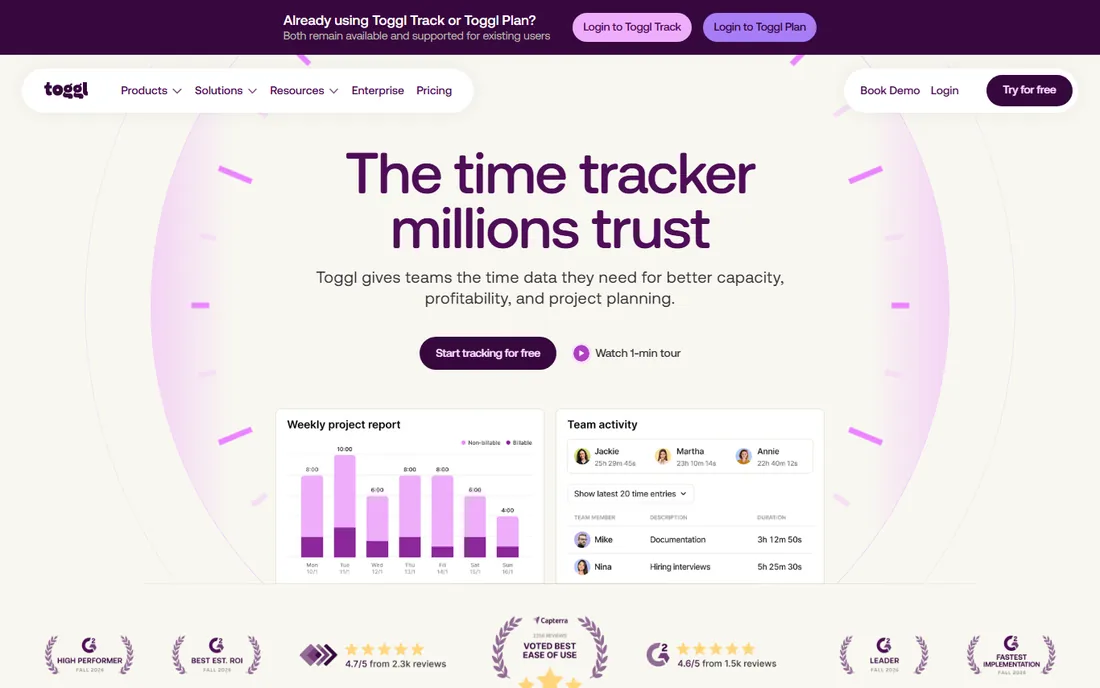
Toggl Track is the timer everyone recommends for a reason. One click starts tracking, one click stops, and the entry lands on the right project with almost no friction. Reports break hours down by client, project, and team member in formats that export cleanly to invoices. The free tier covers small teams with real needs, not a teaser.
It stays deliberately simple. Invoicing exists but is basic, and there is no project management beyond projects and tasks. Teams that want tracking plus billing usually pair Toggl with their invoicing tool or step up to Harvest. For pure time capture with minimum hassle, though, Toggl remains the benchmark.
What we like- Fastest timer to start
- Clean reports
- Generous free tier
Watch out for- Invoicing is basic
- Project management features thin
Starting priceSee website
Free planYes
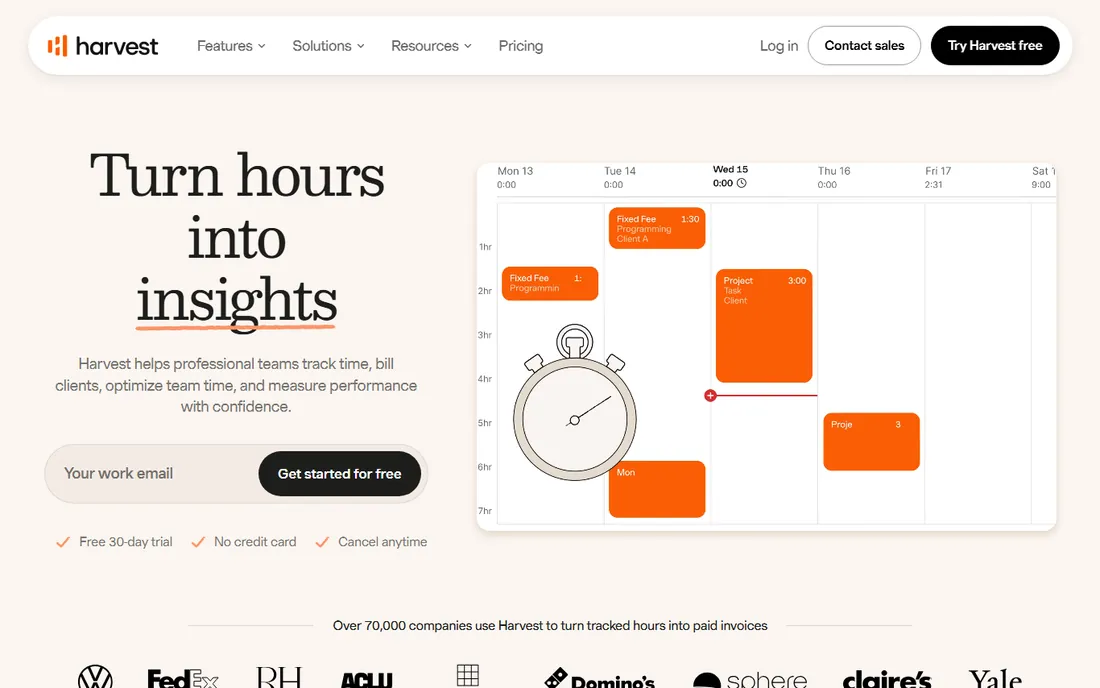
Harvest answers the freelancer's real question: how do tracked hours become paid invoices? Time entries roll into invoices with one click, expenses attach to projects, and clients see professional reports of where their budget went. Agencies and consultants who bill hourly live in this workflow.
The free plan covers a single user with limited projects, which suits solo freelancers starting out. Teams pay per seat. Harvest deliberately avoids employee monitoring features like screenshots, positioning itself as the trusted tool for professionals. If your end goal is billing, not surveillance, Harvest's track-to-invoice loop is the smoothest here.
What we like- Time flows straight to invoices
- Expense tracking
- Clean client reporting
Watch out for- Free plan limited to one seat
- Fewer monitoring features
Starting priceFree
Free planYes
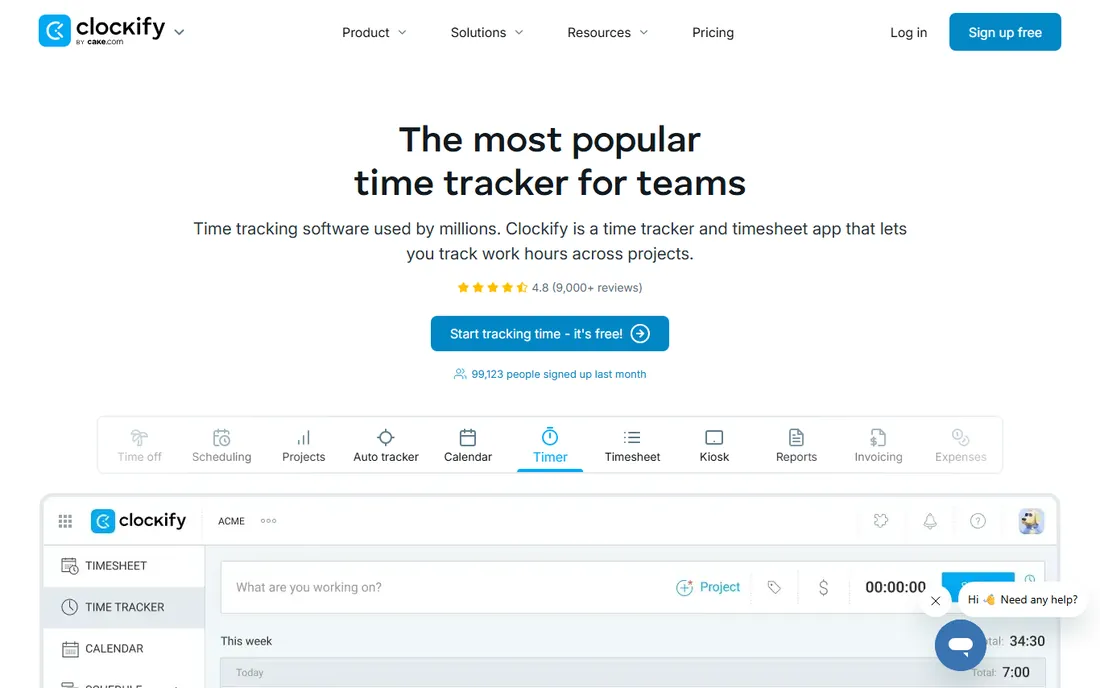
Clockify's pitch is simple: time tracking free for unlimited users, forever. The free tier includes timers, timesheets, projects, and reports that other vendors charge for, which makes it the default for bootstrapped teams and nonprofits. Paid plans add the extras: audit logs, advanced permissions, and invoicing.
The interface is functional rather than delightful, and power features trail Toggl and Harvest. But the value equation is unbeatable for teams that need solid tracking without a budget line. If your requirement is "track hours across the team for free," start here and only leave if you outgrow it.
What we like- Free plan covers unlimited users
- Simple timer and timesheets
- Kiosk mode
Watch out for- Advanced features need paid plans
- Interface less refined
Starting priceSee website
Free planFree trial
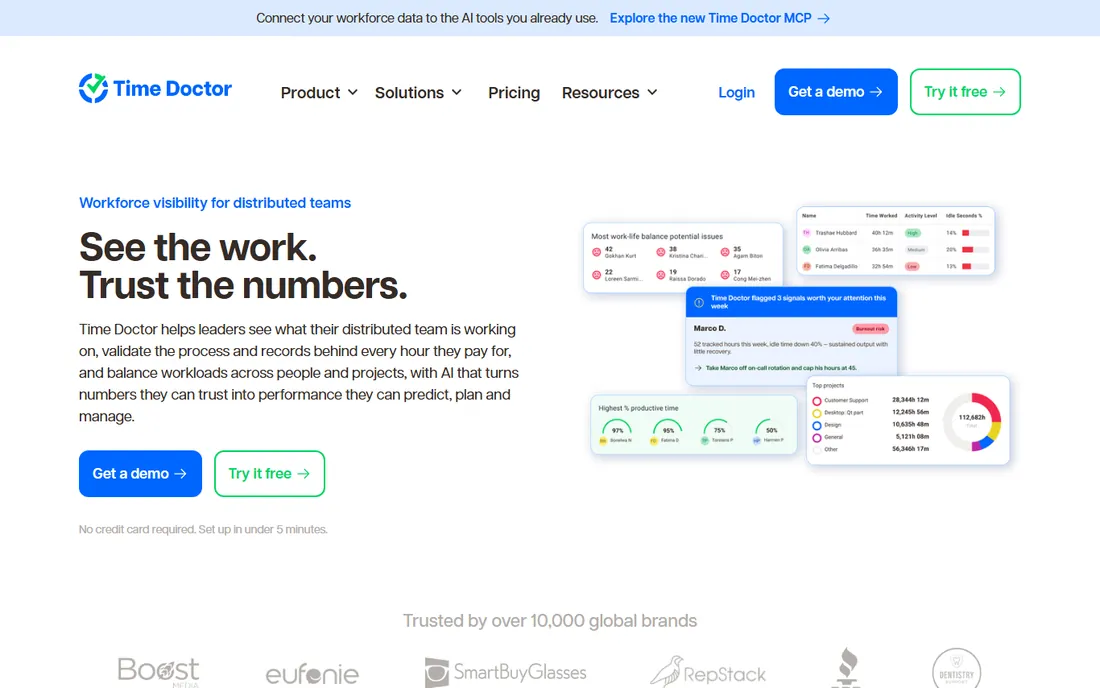
Time Doctor combines time tracking with workforce analytics: screenshots, app and website usage, and activity levels that show what the team actually did during tracked hours. Managers get proof of work; distributed teams get accountability. Payroll integrations turn approved hours into payments.
The monitoring features demand careful handling. Deployed without transparency, screenshots destroy trust faster than they improve productivity. Teams that succeed with Time Doctor announce it, explain the why, and use the data for coaching rather than punishment. For remote teams where accountability is the actual requirement, it delivers what simple timers cannot.
What we like- Screenshots and activity levels
- Distraction alerts
- Payroll integrations
Watch out for- Monitoring can hurt trust
- Setup needs clear policies
Starting priceSee website
Free planFree trial
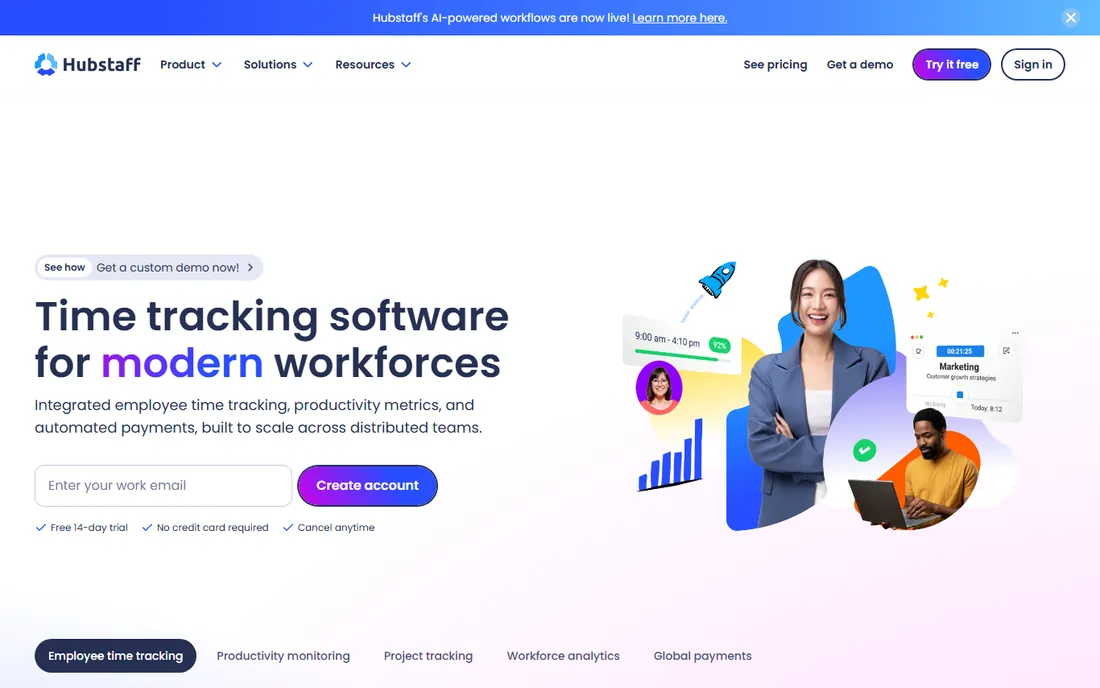
Hubstaff targets remote and field teams that need verification. Desktop tracking includes optional screenshots and activity rates, mobile apps add GPS for field staff, and the payroll module pays contractors based on tracked hours automatically. Integrations with major project tools keep it in the workflow.
Like Time Doctor, the monitoring cuts both ways. Teams with clear policies use it to run global contractor operations smoothly; teams that spring it on employees get resentment. The product itself is capable and reliable. Buy it for the accountability and payroll automation, and communicate the rollout honestly.
What we like- Activity monitoring plus GPS for field teams
- Automatic payroll
- 30+ integrations
Watch out for- Can feel like surveillance
- Per-user costs add up
Starting priceSee website
Free planFree trial
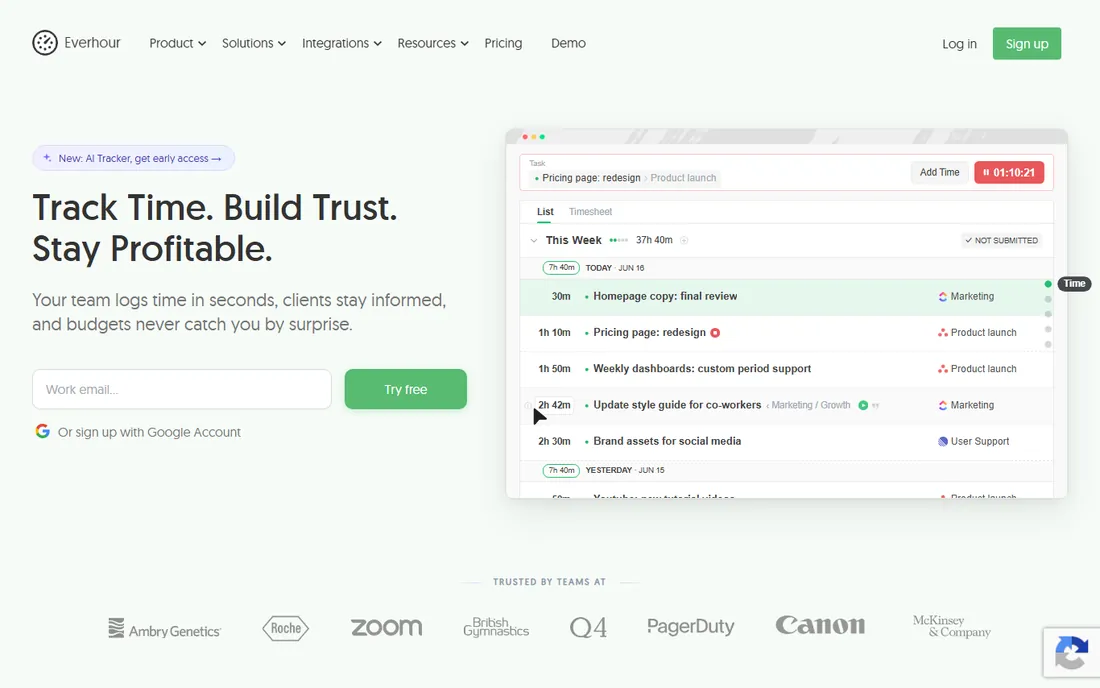
Everhour's insight is that time tracking fails when it lives in a separate app. It embeds timers directly inside Asana, Monday.com, Trello, ClickUp, and other project tools, so tracking happens where the work is planned. Budgets, estimates versus actuals, and invoices build on the tracked data.
If your team does not use a supported project tool, Everhour loses its main advantage. But for teams already living in Asana or Monday, it is the most natural tracking layer: no new app to open, no context switching, and project budgets that update themselves. The integration depth is the product.
What we like- Embeds in Asana, Monday, Trello, and more
- Budget tracking
- Clean invoices
Watch out for- Needs a host project tool
- Standalone use is weaker
Starting priceSee website
Free planYes
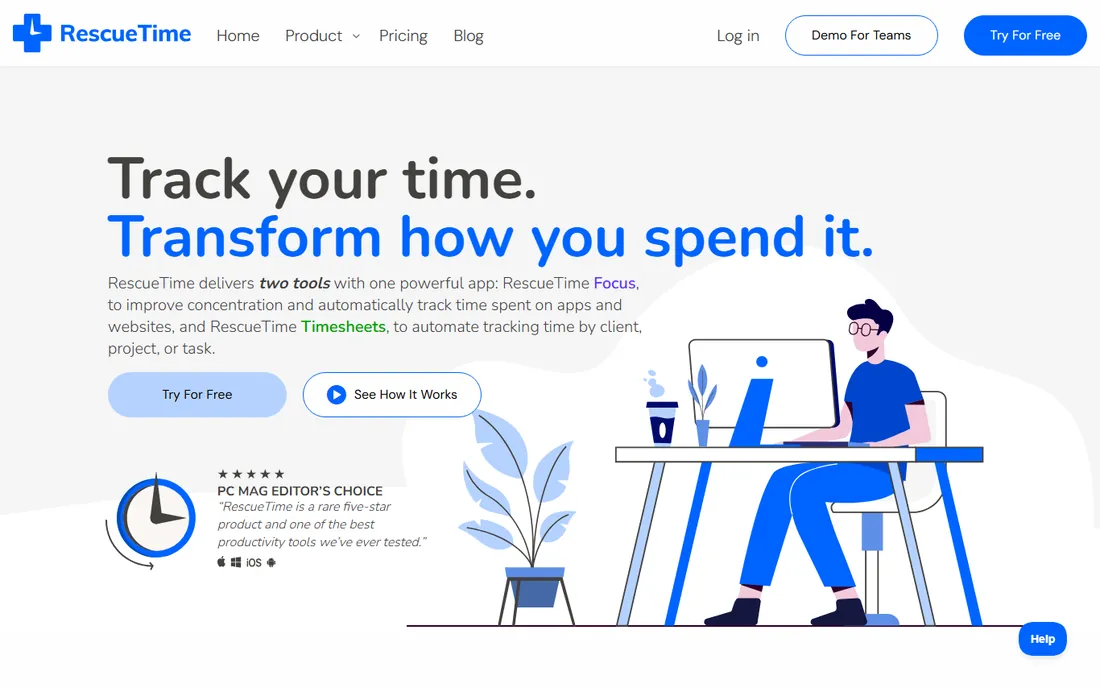
RescueTime takes the opposite approach from timers: it watches what you do and categorizes it automatically. At the end of the day you see exactly where your hours went, with productivity scores and the option to block distracting sites during focus sessions. Individuals trying to understand and improve their own habits get the most from it.
It is a personal analytics tool, not a billing system. There are no clients, invoices, or team timesheets worth mentioning. But for the common problem of "where did my day go," automatic tracking beats manual timers that people forget to start. The free tier covers the core analytics.
What we like- Fully automatic tracking
- Focus scores
- Distraction blocking
Watch out for- Not for client billing
- Categorization needs tuning
Starting priceSee website
Free planFree trial
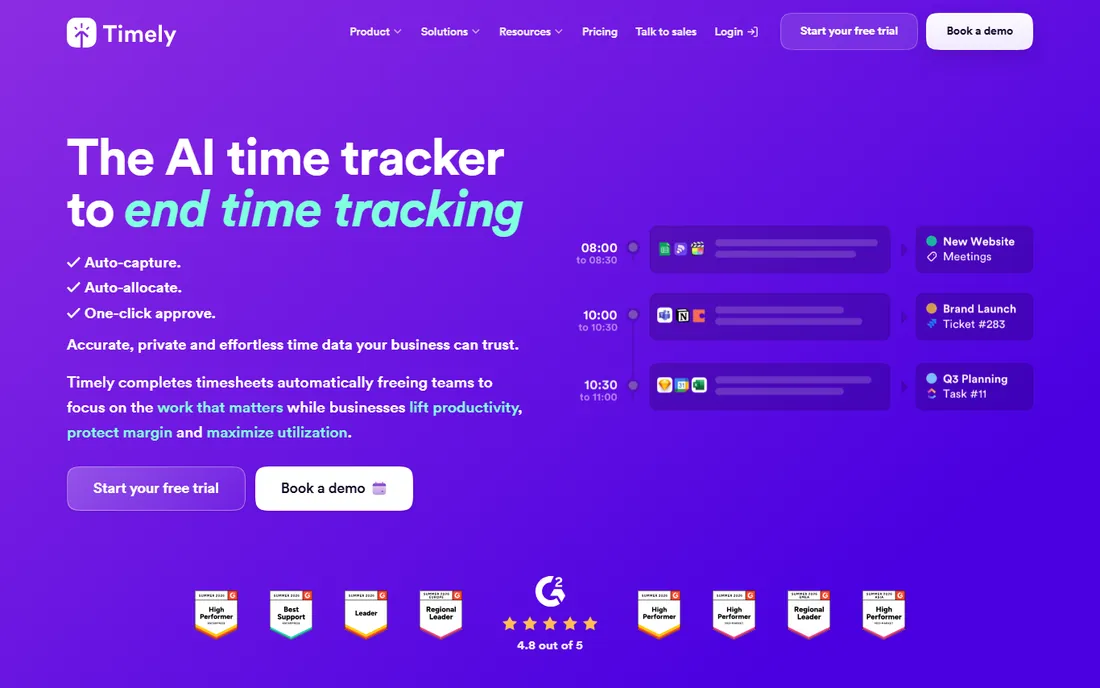
Timely records everything you do in the background, then its AI drafts your timesheet for review. You approve, adjust, and assign rather than starting and stopping timers. Agencies love the memory-like timeline that reconstructs billable days accurately, including work everyone forgot to log.
The price sits above simple timers, reflecting the AI positioning. And teams that prefer deliberate manual tracking may find the automatic approach unfamiliar. But for professionals whose billable hours leak through forgotten timers, Timely typically recovers more revenue than its subscription costs.
What we like- Automatic capture with AI suggestions
- Beautiful timeline
- Great for agencies
Watch out for- Premium pricing
- No manual-first workflow
Starting priceSee website
Free planFree trial
QuickBooks Time, formerly TSheets, is the time tracking arm of the QuickBooks world. Hourly employees clock in from mobile apps with GPS, managers approve timesheets, and hours flow into QuickBooks Payroll without re-entry. Scheduling and shift management cover the operational side for service businesses and contractors.
Outside QuickBooks, the integration advantage disappears and it competes as a generic team tracker. But for the millions of small businesses running payroll on QuickBooks, the smooth flow from clock-in to paycheck is the reason to choose it. It eliminates the timesheet-to-payroll gap that eats admin hours weekly.
What we like- Deep QuickBooks payroll integration
- GPS and scheduling
- Mobile-first
Watch out for- Best inside the QuickBooks ecosystem
- Per-user pricing
Starting priceSee website
Free planYes
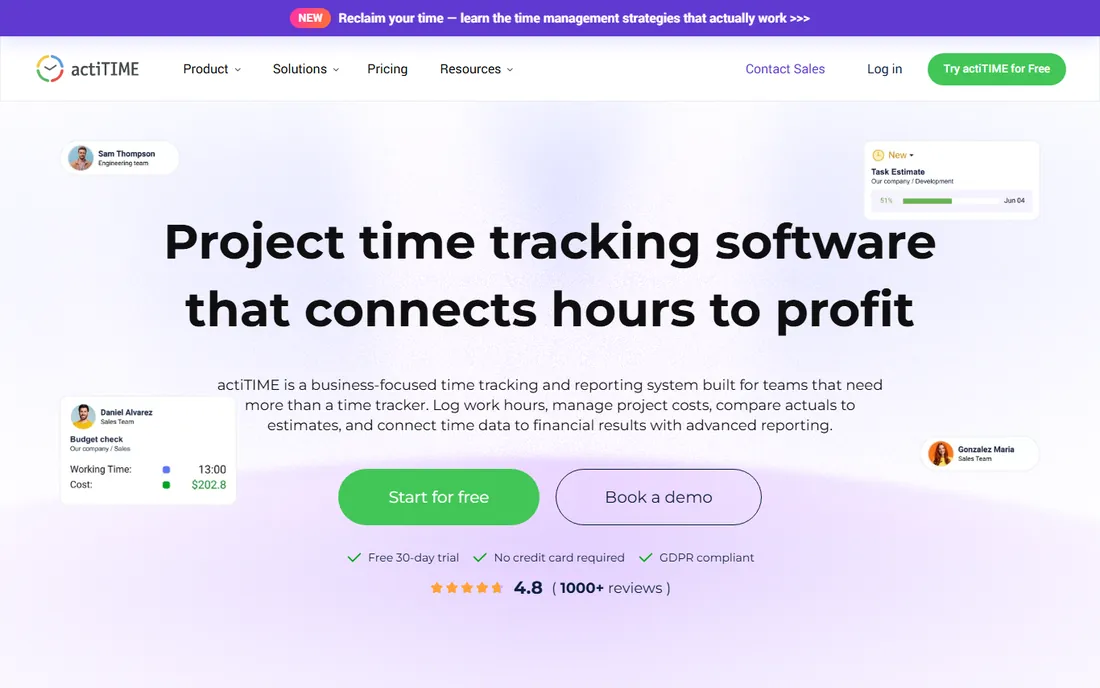
actiTIME serves teams that want time tracking on their own servers. The self-hosted edition keeps all data in-house, which matters for organizations with data residency requirements or strict IT policies. Timesheets, project tracking, and reporting cover the standard team needs, and licensing includes a one-time option.
The interface shows its age next to Toggl and Clockify, and the integration ecosystem is smaller. But for the specific requirement of self-hosted tracking without subscriptions, actiTIME stands nearly alone. Regulated industries and privacy-conscious teams should evaluate it against the cost of hosting any tracker themselves.
What we like- Self-hosted option
- One-time license available
- Solid timesheets
Watch out for- Dated interface
- Smaller ecosystem
Picking by team type
Freelancers who bill hours need the shortest path from timer to invoice: Harvest if you want it built in, Toggl Track plus your invoicing tool if you prefer best-of-breed, Clockify if the budget is zero. Automatic options like Timely suit freelancers who lose billable time to forgotten timers.
Agencies need project budgets and client reporting: Harvest, Everhour inside your project tool, or Timely for automatic capture. Teams managing remote employees need accountability: Time Doctor or Hubstaff, deployed with clear policies. And shift-based businesses on QuickBooks should just use QuickBooks Time rather than fighting integrations.
The monitoring conversation
Tools with screenshots and activity tracking work only with informed consent. Tell the team what is tracked, why, and who sees it before the first screenshot. Frame it around client billing accuracy or payroll fairness rather than surveillance. Teams that accept monitoring do so because the reason is legitimate and the data is used fairly; teams that discover it secretly never trust management again.
If you do not need monitoring, do not buy it. Simple timers from Toggl, Clockify, or Harvest build a culture of professional trust that monitoring tools cannot. Match the tool's intensity to the actual business need, and revisit the decision as the team grows.
Frequently asked questions
What is the best free time tracking software?
Clockify offers the most generous free plan with unlimited users. Toggl Track's free tier is excellent for small teams, Harvest's free plan suits solo freelancers, and RescueTime's free tier covers personal analytics. For most free-use cases, Clockify or Toggl Track is the answer.
How much does time tracking software cost?
Simple timers cost nothing to around $10-20 per user per month on paid tiers. Monitoring tools like Time Doctor and Hubstaff sit in a similar range with per-user pricing. Premium automatic tracking like Timely costs more. Enterprise deployments are quote-based. Most vendors list starting prices on their pricing pages.
Can time tracking software track my team automatically?
Yes. Timely and RescueTime capture activity automatically in the background. Time Doctor and Hubstaff track apps and websites during work hours with optional screenshots. Manual timers from Toggl, Clockify, and Harvest require users to start and stop tracking.
Is employee monitoring software legal?
Generally yes in the US with proper notice, but laws vary by state and country. Always inform employees about monitoring, document the policy, and check local regulations, especially for EU-based staff under GDPR. When in doubt, consult employment counsel before deploying screenshot or keystroke monitoring.
Which time tracker integrates with QuickBooks?
QuickBooks Time integrates natively since it is an Intuit product. Harvest, Toggl Track, Clockify, and Hubstaff also offer QuickBooks integrations for invoicing or payroll. If payroll automation is the goal, QuickBooks Time's native flow is the smoothest.
How we chose
We ranked for the real buyers: freelancers, agencies, and team managers, not enterprises with custom builds. We compared current pricing pages and free tiers, tested the clarity of each vendor's positioning, and weighed public reviews from G2, Capterra, and practitioner forums. We covered manual timers, automatic tracking, monitoring tools, and billing-integrated options so every team type finds its fit. No vendor paid for placement, and we did not claim hands-on testing.
Sources we checked (10)
- https://toggl.com
- https://www.getharvest.com
- https://clockify.me
- https://www.timedoctor.com
- https://hubstaff.com
- https://www.everhour.com
- https://www.rescuetime.com
- https://www.timely.com
- https://quickbooks.intuit.com/time-tracking/
- https://www.actitime.com
Is your product missing or out of date?
We review this list regularly. Vendors can request a listing, send updated pricing or ask about featured placement.

Shihab Mia · Founder, Rankite
Shihab has spent more than a decade helping SaaS and e-commerce brands grow through search. He writes Rankite's software buying guides from pricing pages, documentation and public user reviews. More about Shihab.