How we make this list: we compare pricing pages, product documentation and public user reviews. Rankite is independent; if a vendor ever pays for a featured spot, that listing is clearly labeled Partner.
Key takeaways
- TeamViewer ($24.90/month) remains the best-known all-rounder with a genuinely free personal tier.
- Splashtop ($6/month Solo) undercuts everyone on price for remote work access.
- AnyDesk ($22.90/month) wins on speed and low latency for demanding remote sessions.
- RemotePC and Zoho Assist are the budget picks for small teams and individuals.
- Enterprise security and compliance point to BeyondTrust, RealVNC Connect or ConnectWise ScreenConnect.
Quick comparison
Is your product missing or out of date?
We review this list regularly. Vendors can request a listing, send updated pricing or ask about featured placement.
Remote access vs remote admin vs free remote desktop
Remote access tools give you attended or unattended control of specific machines, for working from home or supporting users. They differ from RMM platforms like NinjaOne (fleet management) and free tools like RustDesk (no support or management features). This list covers the mainstream commercial remote access category.
Starting price$24.90 per month (Remote Access, billed annually)
Free planYes
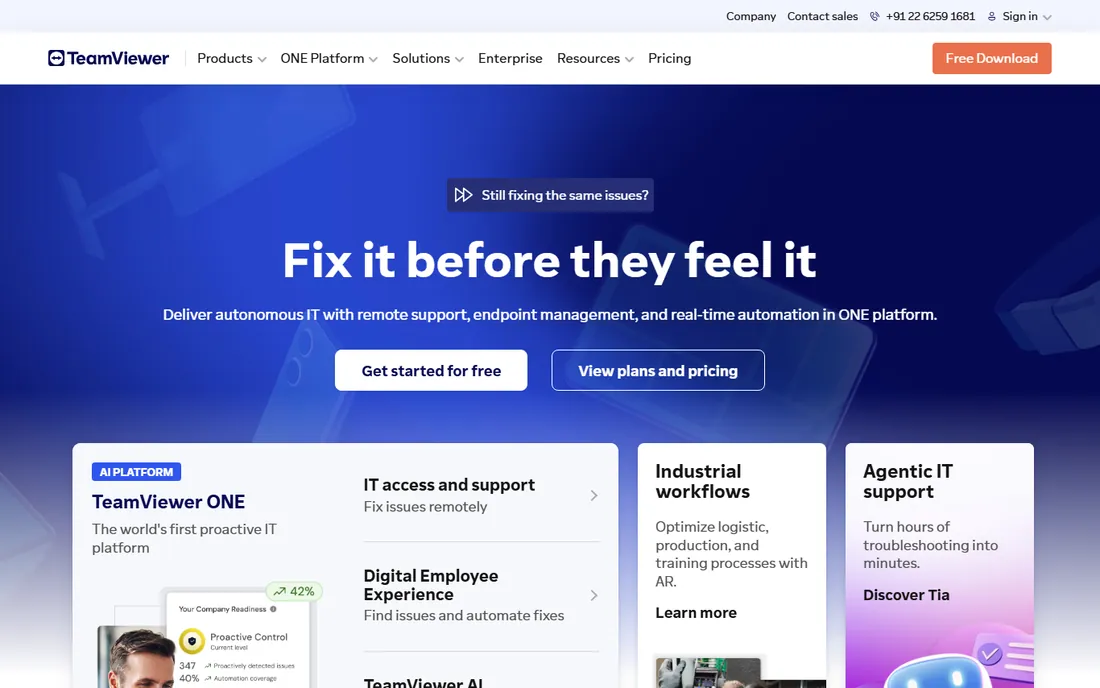
TeamViewer is the name everyone knows: fast setup with an ID and password, attended and unattended access, file transfer, session recording and mobile apps across Windows, Mac, Linux, iOS and Android. Remote Access starts at $24.90 a month, with Business at $50.90 for support teams.
The free personal tier is genuinely useful but flags suspected commercial use aggressively. Paid plans cost more than most rivals. For broad compatibility and brand trust, though, TeamViewer remains the default choice.
Setup is straightforward: install the full client on the host, create a free account, and add the device to your Computers list for unattended access. Paid plans cap simultaneous sessions and managed devices by tier, so check those limits before committing if you support many users. Integrations include Microsoft Teams, ServiceNow and Salesforce, plus a management console for device inventory and connection reports. Paying customers get ticket and phone support in most regions, while free users rely on the community forums and knowledge base.
What we like- Free for personal use
- Works on every platform
- Huge user base and integrations
Watch out for- Expensive paid tiers
- Aggressive detection of commercial use on free accounts
Starting price$22.90 per month
Free planYes
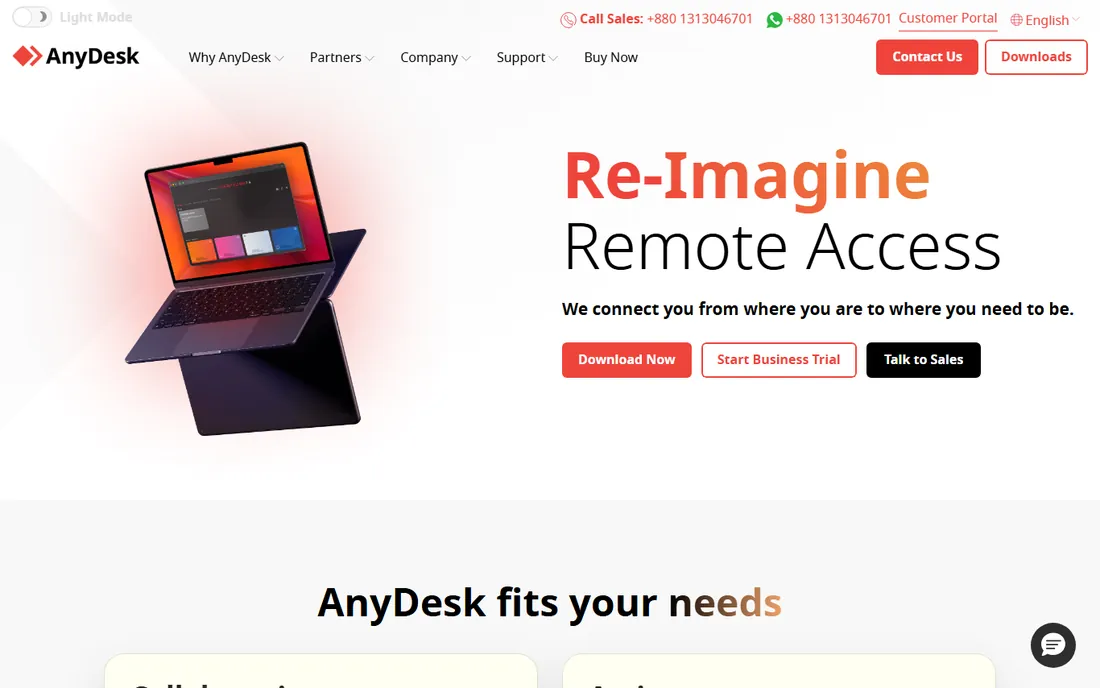
AnyDesk built its reputation on speed: its proprietary codec delivers smooth remote sessions on poor connections where rivals stutter, and the client is a tiny download that runs without installation. Pricing starts around $22.90 a month for commercial use.
The interface is minimal and management features trail TeamViewer. For users who live in remote sessions all day and feel every millisecond of lag, the performance is worth it.
Getting started takes minutes: the client is a small download that can run portable without installation, and unattended access is set with a password in the security settings. The free tier limits commercial sessions and management features, so regular business use needs a paid license. AnyDesk also offers an on-premises version for companies that want traffic inside their own network. Integrations lean toward IT workflows rather than CRMs, and support is ticket-based with a solid documentation library. If your priority is raw session quality on shaky connections, nothing here beats it.
What we like- Very low latency
- Lightweight client
- Free for personal use
Watch out for- Interface feels sparse
- Advanced management costs extra
Starting price$6 per month (Solo, billed annually)
Free planFree trial
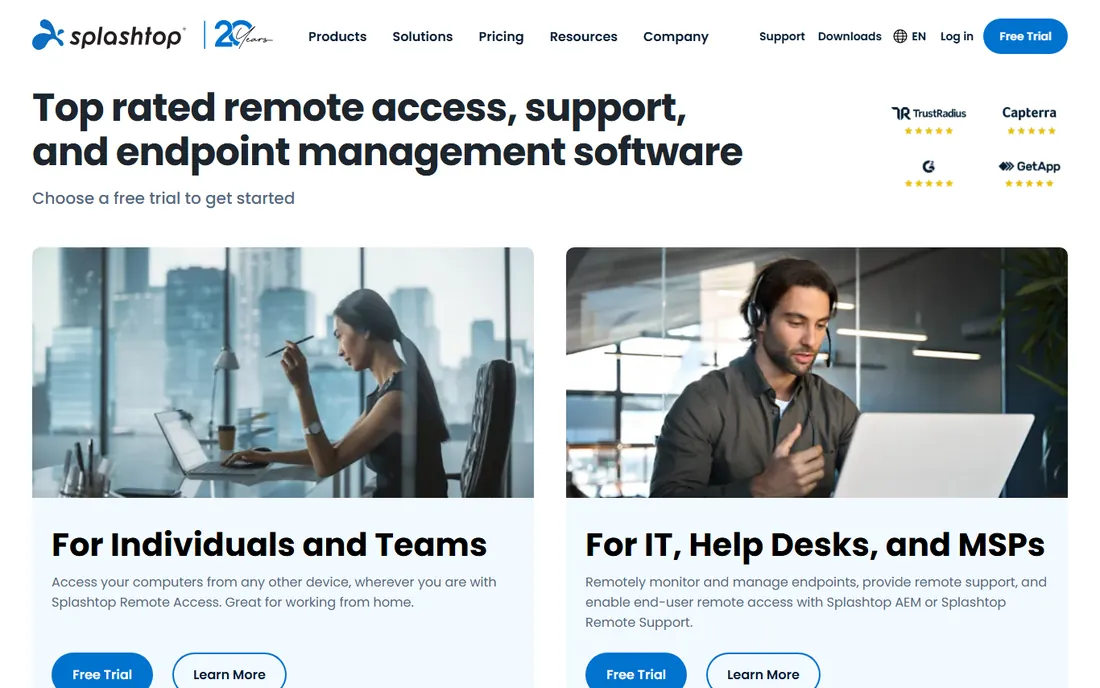
Splashtop delivers high-performance remote access at a fraction of TeamViewer's price: Solo at $6 a month covers remote work, Pro at $8.25 adds features, and SOS from $22 a month serves support technicians. Streaming quality rivals the best.
There is no permanent free tier, only a trial. For budget-conscious teams and remote workers, the price-to-performance ratio is the best in the category.
You install the Splashtop Streamer on each computer you want to reach, then connect from the app or a browser. Each plan limits how many computers or users are covered, so count your machines before choosing between Solo, Pro and Business. SOS and SOS Plus add attended support sessions with technician tooling. Integrations include ServiceNow, Zendesk and Freshservice for help desks. Support runs through tickets and chat with generally fast response times for paying customers, and the help center covers setup well.
What we like- Cheapest serious remote access
- High performance
- SOS plans for support teams
Watch out for- No free tier
- Brand less known than TeamViewer
Starting priceSee website
Free planNo
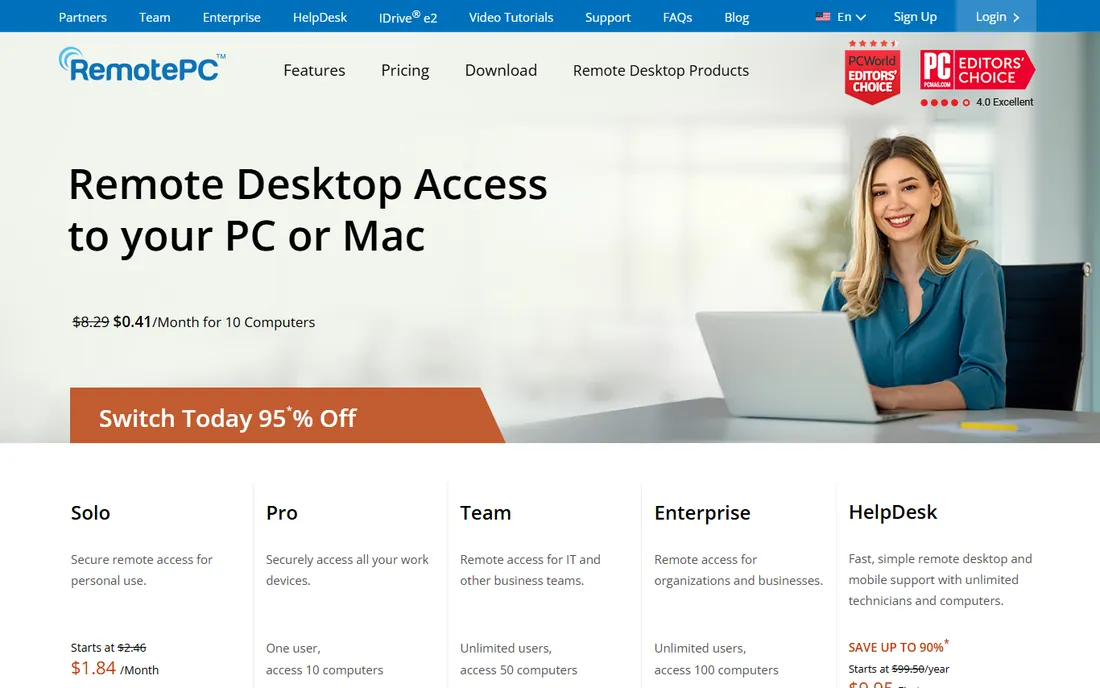
RemotePC competes on price: plans covering multiple computers cost less per year than a month of TeamViewer. Always-on remote access, file transfer, remote printing and chat cover the remote work essentials.
The interface and session quality feel a step behind AnyDesk and Splashtop. For individuals and small businesses that need cheap unattended access to a few machines, the savings are hard to argue with.
Setup is a standard install on each host computer, and you manage them from a web console or the desktop app. Plans are priced by computer count rather than by user, which is where the savings come from, but each tier has a ceiling, so growing past it means upgrading. File transfer, remote printing and chat are included, though there is no technician session queue or deep ticketing integration. Support is available by email and chat; expect practical help rather than white-glove onboarding. It does the core job for less money and skips the extras.
What we like- Very cheap per-computer plans
- Always-on remote access
- File transfer and chat
Watch out for- Less polished than rivals
- Support features are basic

#5
Zoho Assist
Best for: Budget-friendly for small teams
Visit zoho.com
Starting priceSee website
Free planYes
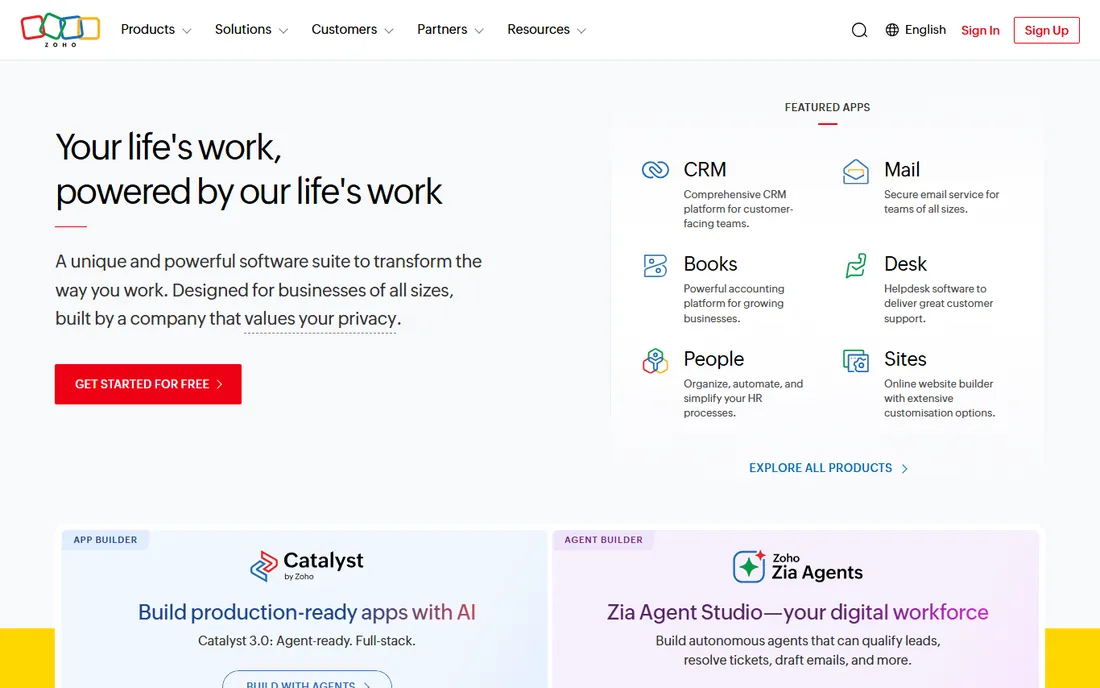
Zoho Assist brings Zoho's value pricing to remote support: a free plan for light use, affordable technician pricing, unattended access, and integration with the Zoho suite for businesses already in that ecosystem.
It lacks the polish and performance tuning of the dedicated remote access brands. For Zoho shops and cost-sensitive small teams, the integration and pricing make it a natural fit.
If you already run Zoho, setup is quick: technicians invite from the web console and customers join through a browser link with no install. The free plan caps sessions and technicians, and paid tiers add unattended access plus more concurrent sessions. Integration with Zoho Desk and Zoho CRM is the real draw, letting support tickets flow straight into remote sessions. Standalone integrations are thinner than the big brands offer. Support follows Zoho's standard model: tickets, chat and an extensive help center.
What we like- Free plan available
- Affordable paid tiers
- Integrates with Zoho ecosystem
Watch out for- Less mature than specialists
- Performance varies
Starting price$33 per month
Free planFree trial
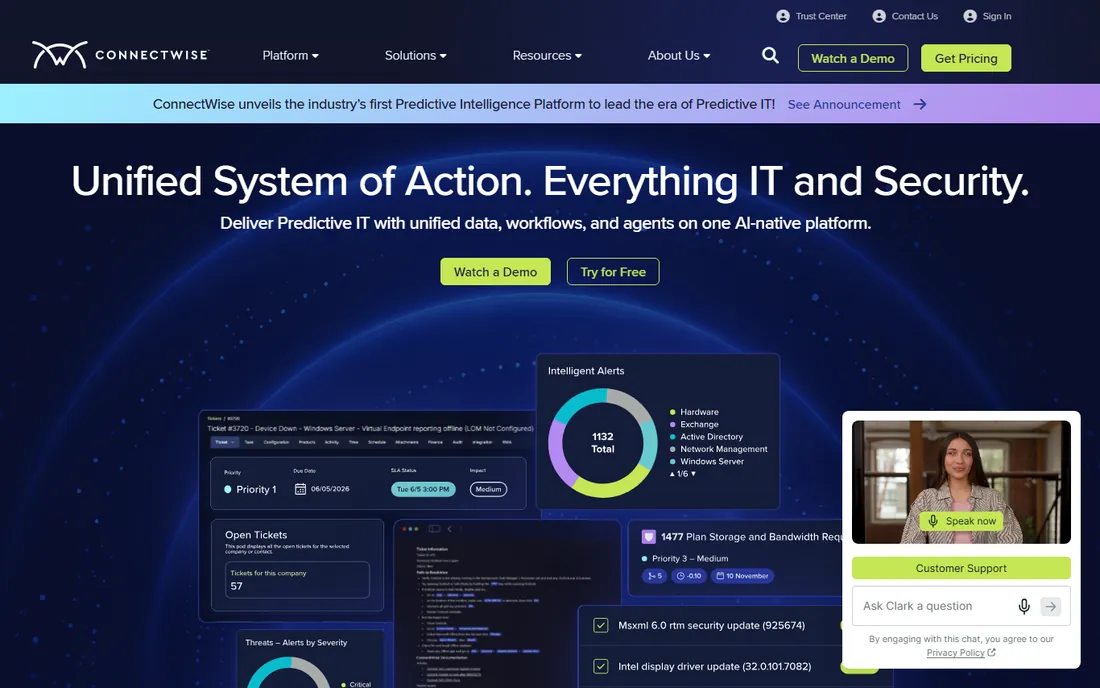
ConnectWise ScreenConnect (formerly ConnectWise Control) is built for IT support desks: technician-centric sessions, remote meeting features, and deep integration with the ConnectWise ecosystem. Pricing starts around $33 a month.
It is more than a solo remote worker needs. For MSPs and IT teams already on ConnectWise, the workflow integration justifies the premium.
Deployment runs in the cloud or self-hosted, and technicians launch sessions from a central console with support for multiple simultaneous sessions. You can brand the client, run commands, reboot into safe mode and manage patches, which is proper technician territory. The deep integrations with ConnectWise PSA and RMM tools are the reason teams standardize on it. Onboarding for new customers includes guided setup, and support is ticket and phone based. Pricing scales with concurrent technicians, so small teams should model the cost before signing up.
What we like- Built for support technicians
- Strong session management
- Integrates with ConnectWise PSA
Watch out for- Pricier than basic tools
- Overkill for simple remote work
Starting price$2,097 per year
Free planNo
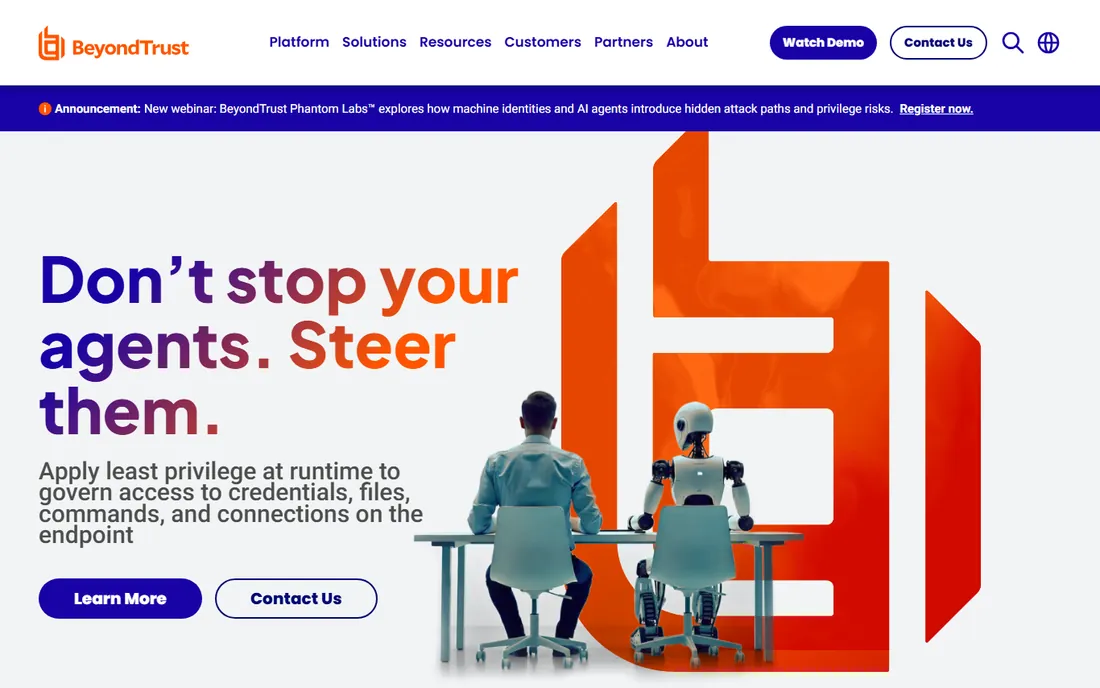
BeyondTrust Remote Support (formerly Bomgar) is the enterprise answer: vaulted credentials, granular access controls, full session auditing and compliance features that regulated industries require. Pricing starts around $2,097 a year.
The cost and sales process exclude small teams. For banks, healthcare and government, where every session must be auditable, it is the standard.
Deployment typically runs through a BeyondTrust appliance or cloud instance, configured by their team during onboarding, which reflects the enterprise buying process. Every session is logged with video and audit trails, credentials are vaulted and injected without exposure, and access policies can be tied to your identity provider. Integrations cover SIEM tools, ITSM platforms and ticketing systems. Support is enterprise-grade with named contacts on larger contracts. Expect a proper sales cycle with demos and quotes rather than self-serve signup.
What we like- Enterprise-grade security and auditing
- Privileged access controls
- Compliance-ready
Watch out for- Expensive
- Enterprise sales process
- Overkill for small teams
Starting price$16.90 per month
Free planFree trial
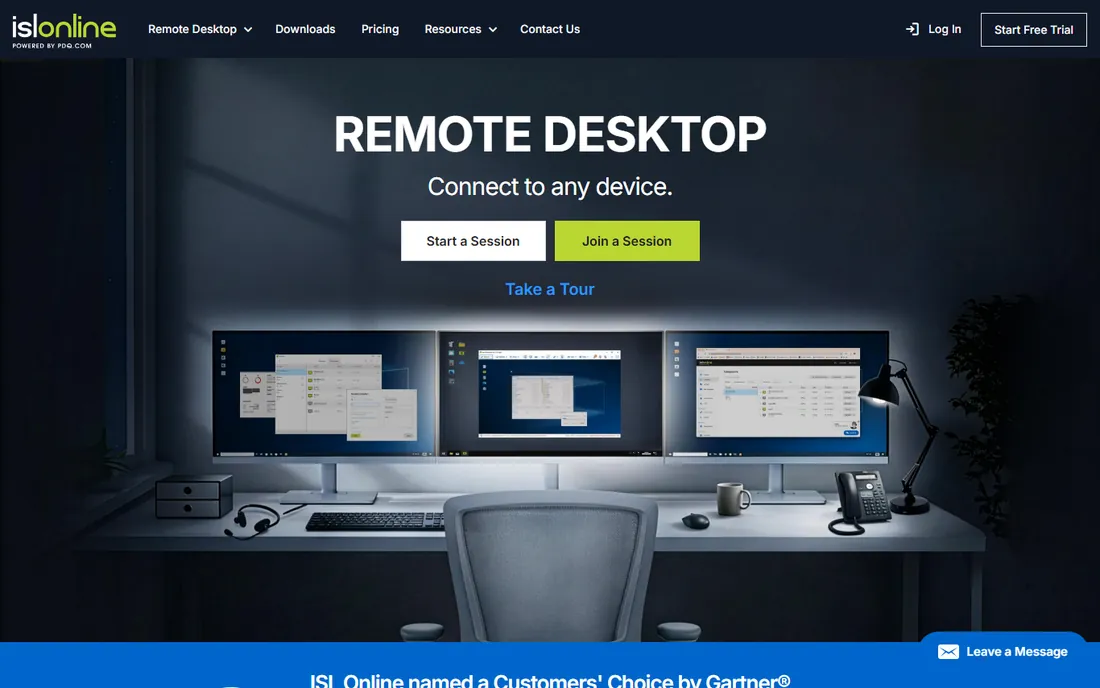
ISL Online is the European alternative: remote support and access with GDPR-friendly data handling, flexible one-time and subscription licensing, and solid performance. Pricing starts around $16.90 a month.
Brand recognition and third-party integrations trail the giants. For European companies where data residency matters, the privacy story is the differentiator.
Getting going is simple: operators work from a web console and customers join via a link, with no software install needed on their side. Licensing is flexible, with one-time options alongside subscriptions, which suits teams that dislike recurring costs. Data stays in EU data centers, and the company is explicit about GDPR compliance. Integrations cover the basics like help desk tools but not the breadth of TeamViewer's marketplace. Support is responsive by email and phone in English, with documentation that is clear if not exhaustive.
What we like- EU-based with strong privacy posture
- Flexible licensing
- Reliable performance
Watch out for- Smaller brand
- Fewer integrations
Starting price$8.25 per month
Free planYes
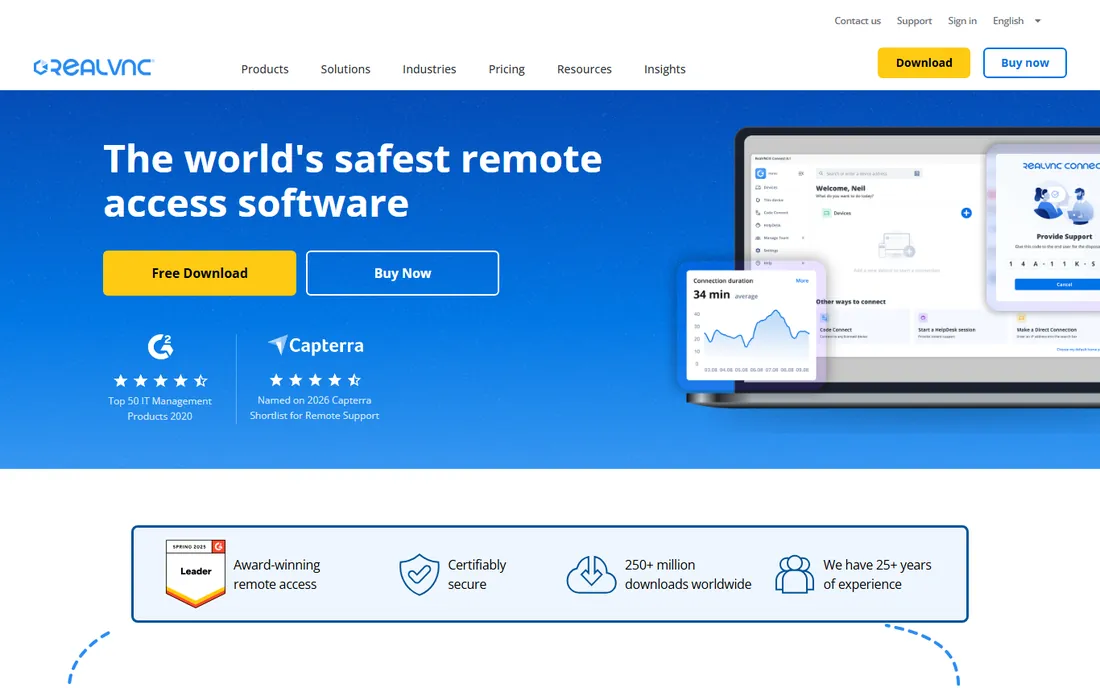
RealVNC Connect descends from the original VNC: lightweight, encrypted remote access across platforms, free for non-commercial use, with paid plans from around $8.25 a month. It is simple, secure and dependable.
Support-desk features like session queues are thin. For technical users who want straightforward, secure remote desktop without bloat, VNC's simplicity endures.
Setup means installing VNC Server on each machine and VNC Viewer on your devices, then signing in with a RealVNC account for cloud connections or connecting directly over your network. The free Home plan covers personal use on a small number of devices with core features; paid tiers raise the device count and add management. Connections are encrypted end to end by default. There is little in the way of help desk integration, which is expected at this price. Support for paid plans is ticket-based and competent.
What we like- Lightweight and secure
- Free for non-commercial use
- Cross-platform
Watch out for- Fewer support-desk features
- Interface is utilitarian
Starting priceSee website
Free planFree trial
GoToMyPC is the veteran of simple remote desktop: install, log in from anywhere, and your office PC is on your screen. The brand has served remote workers for two decades with dependable connections.
The interface feels dated and pricing is mid-range. For non-technical users who want the simplest possible remote access to their own computer, the ease of use still counts.
Installation takes a few minutes: run the installer on your office PC, set an access code, and log in from the website or mobile app from anywhere. Plans are priced per computer, and the focus is strictly on reaching your own machines rather than supporting other people. Do not expect technician tools, session queues or integrations; this is personal remote desktop, not IT support software. Support is available by phone and chat, which suits the less technical audience it targets.
What we like- Very easy setup
- Reliable connections
- Trusted brand
Watch out for- Dated interface
- Pricing not the cheapest
Pick by use case, not by brand
Remote workers should compare Splashtop, AnyDesk and RemotePC on price and performance. Support teams should weigh TeamViewer, ConnectWise ScreenConnect and BeyondTrust on management and compliance. Personal users get TeamViewer, AnyDesk or RealVNC free. The brand you have heard of is rarely the cheapest fit.
Compliance changes the shortlist fast. If you handle patient data, financial records or government systems, BeyondTrust and RealVNC Connect are built for auditable, policy-controlled access, while ISL Online covers European data residency. Attended support and unattended access are different jobs: SOS plans from Splashtop and technician seats from ConnectWise suit help desks, while Solo plans suit a single remote worker. Also test on your real network. A tool that flies on office fiber can still lag over a home connection, so run trials from where you will actually work before buying.
How we chose
We compared the most widely used commercial remote access tools in 2026, verifying pricing against vendor pages and current comparisons. We weighted connection quality, platform support, security, pricing and support features. We did not run live remote sessions in each tool.
Tools made the list if they serve mainstream remote access use cases rather than adjacent categories like full RMM suites or one-off screen sharing. We checked each vendor's pricing page for current plans and free tier terms, and cross-checked against recent buyer reviews for recurring complaints about limits or support quality. Connection quality and platform coverage carried the most weight, followed by security features and total cost for a small team.
Frequently asked questions
What is the difference between remote access and a VPN?
Remote access tools show you the remote computer's screen and let you control it. A VPN connects your device to a network. For using an office PC from home, remote access is the direct tool. VPNs are useful for reaching office networks securely, but they do not give you the screen of a specific PC. Many remote workers end up using both.
Is TeamViewer's free version really free?
Yes, for non-commercial personal use. TeamViewer monitors for commercial-use patterns and may block accounts it suspects of business use, which is a common complaint. If your account gets flagged, switching to AnyDesk or RealVNC free tiers is the simplest workaround.
Which remote access tool is fastest?
AnyDesk is widely regarded as the lowest-latency option, with Splashtop close behind. Actual speed depends on your connection and the remote machine. For best results, test during your normal working hours, since network congestion varies through the day.
Can I access my computer from my phone?
Yes, all ten tools offer mobile apps for iOS and Android, with varying levels of polish. TeamViewer, AnyDesk and Splashtop have the most mature mobile clients. Phone-to-PC sessions work well for quick checks, though long sessions are easier with a keyboard and mouse.
Do I need unattended access?
If you connect to machines when nobody is there to accept, like your office PC or a server, you need unattended access with a password or agent. All tools here support it on paid tiers. Set a strong access password and turn on two-factor authentication for your account to keep unattended machines secure.
Sources we checked (10)
- https://www.teamviewer.com/
- https://www.anydesk.com/
- https://www.splashtop.com/
- https://www.remotepc.com/
- https://www.zoho.com/
- https://www.connectwise.com/
- https://www.beyondtrust.com/
- https://www.islonline.com/
- https://www.realvnc.com/
- https://www.gotomypc.com/
Is your product missing or out of date?
We review this list regularly. Vendors can request a listing, send updated pricing or ask about featured placement.

Shihab Mia · Founder, Rankite
Shihab has spent more than a decade helping SaaS and e-commerce brands grow through search. He writes Rankite's software buying guides from pricing pages, documentation and public user reviews. More about Shihab.
 TeamViewer
 AnyDesk
 Splashtop
 RemotePC
 ConnectWise ScreenConnect
 BeyondTrust Remote Support
 ISL Online
 RealVNC Connect
 GoToMyPC