How we make this list: we compare pricing pages, product documentation and public user reviews. Rankite is independent; if a vendor ever pays for a featured spot, that listing is clearly labeled Partner.
Key takeaways
- HWiNFO (free) is the best overall system health monitor: every sensor, every component, real-time.
- CrystalDiskInfo (free) is the essential drive health checker every PC owner should run.
- MemTest86 (free) is the definitive RAM tester when crashes suggest memory faults.
- CPU-Z (free) gives instant, detailed CPU and motherboard identification.
- Almost all PC health diagnostics are free; paid tools like AIDA64 add stress testing and reporting.
Quick comparison
| Tool | Best for | Starting price | Free plan |
|---|
 HWiNFO HWiNFO | Full system health monitoring | Free | Yes |
 CrystalDiskInfo CrystalDiskInfo | Drive health (SMART) | Free | Yes |
 Speccy Speccy | Simple system overview | Free | Yes |
 CPU-Z CPU-Z | CPU and hardware details | Free | Yes |
 MemTest86 MemTest86 | RAM fault testing | Free | Yes |
 OCCT OCCT | Stability and stress testing | Free | Yes |
 HD Tune HD Tune | Drive benchmarking and errors | See website | No |
 AIDA64 AIDA64 | Deep diagnostics and reports | See website | Free trial |
Is your product missing or out of date?
We review this list regularly. Vendors can request a listing, send updated pricing or ask about featured placement.
Health check means diagnostics, not cleanup
PC health check software diagnoses hardware: temperatures, drive SMART data, RAM faults, stability under load. That is different from tune-up utilities that clean files and registries. Run the diagnostics first; they tell you whether the problem is hardware before you waste time on software fixes.
Starting priceFree
Free planYes
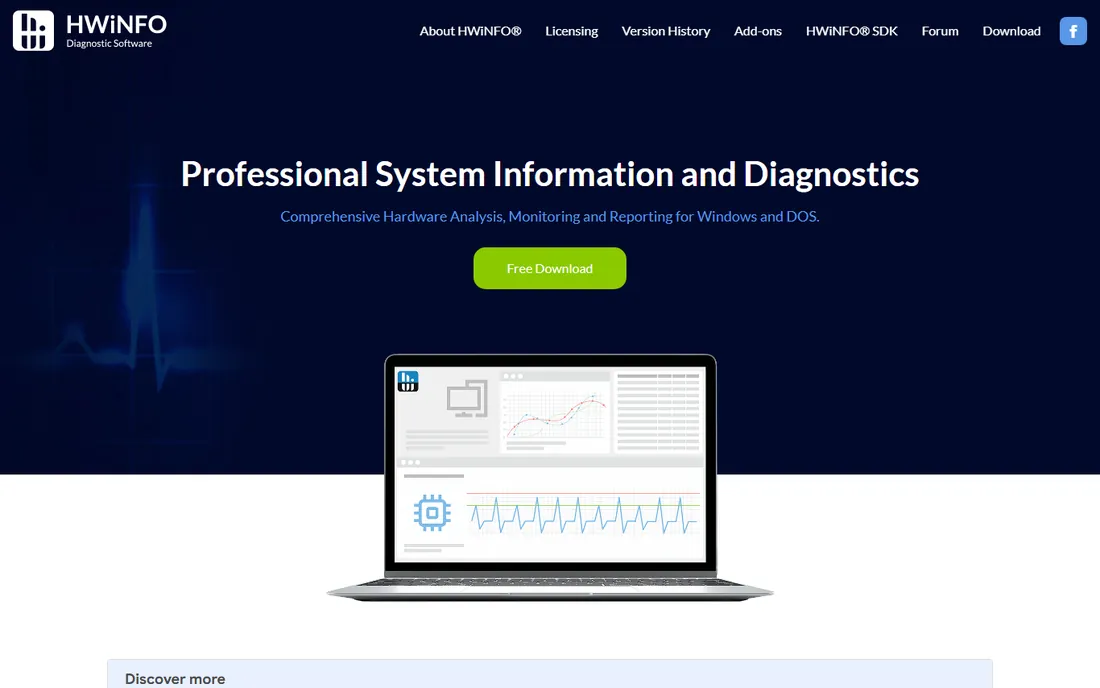
HWiNFO is the definitive PC health monitor: real-time readings from every temperature, voltage, fan and clock sensor in your system, plus exhaustive component identification. When a PC overheats, throttles or behaves oddly, HWiNFO shows you exactly what the hardware is doing.
Beginners may drown in data. But for diagnosing thermal issues, unstable overclocks or failing components, it is the first tool professionals open.
Install the portable version and it runs without touching the registry; the sensors-only mode is what most people want, giving a live table of every temperature, voltage and fan speed. There are no real limits: the free version is the full version for personal use, with a Pro tier adding commercial features. It does not integrate with other tools so much as complement them; export sensor logs to CSV for long-term tracking. Support is forum-based and the developer answers directly, which is rare and good.
What we like- Every sensor in your PC, real-time
- Detailed component info
- Trusted by professionals
Watch out for- Information overload for beginners
- Interface is utilitarian
Starting priceFree
Free planYes
CrystalDiskInfo reads your drives' SMART self-monitoring data and gives a plain health verdict: Good, Caution or Bad. It catches dying SSDs and hard drives before they take your data with them, and it is completely free.
It is Windows-only and the raw SMART attributes need interpretation. Every PC owner should run it occasionally; a "Caution" warning means back up now.
Download, run, done: it lists every drive with a color-coded health status and the raw SMART attributes behind it. Limits are platform, Windows only, and interpretation: a Caution on reallocated sectors means act now, while some warnings are informational. It pairs well with manufacturer tools like Samsung Magician for firmware updates. Support is minimal but the tool barely needs it; the help file explains the key attributes.
What we like- Reads SMART data from all drives
- Clear health status
- Free forever
Watch out for- Windows only
- SMART interpretation needs some knowledge
Starting priceFree
Free planYes
Speccy, from the CCleaner folks, gives a clean, readable summary of your entire system: CPU, RAM, motherboard, graphics, storage and OS, with real-time temperature readings. It is the friendly face of PC diagnostics.
Power users will want HWiNFO's depth. For a quick "what is in this PC and is it overheating" check, Speccy's clarity wins.
Install takes a minute and the summary page immediately shows the full hardware picture with live temperatures in the sidebar. It is free for personal use with a paid Professional version adding automatic updates and premium support. Limits: no stress testing, no SMART detail beyond basics, and updates arrive slowly. It integrates with nothing in particular; its job is the quick overview before you open a deeper tool.
What we like- Clean summary of all hardware
- Real-time temperatures
- Easy to read
Watch out for- Less depth than HWiNFO
- Updates are infrequent
Starting priceFree
Free planYes
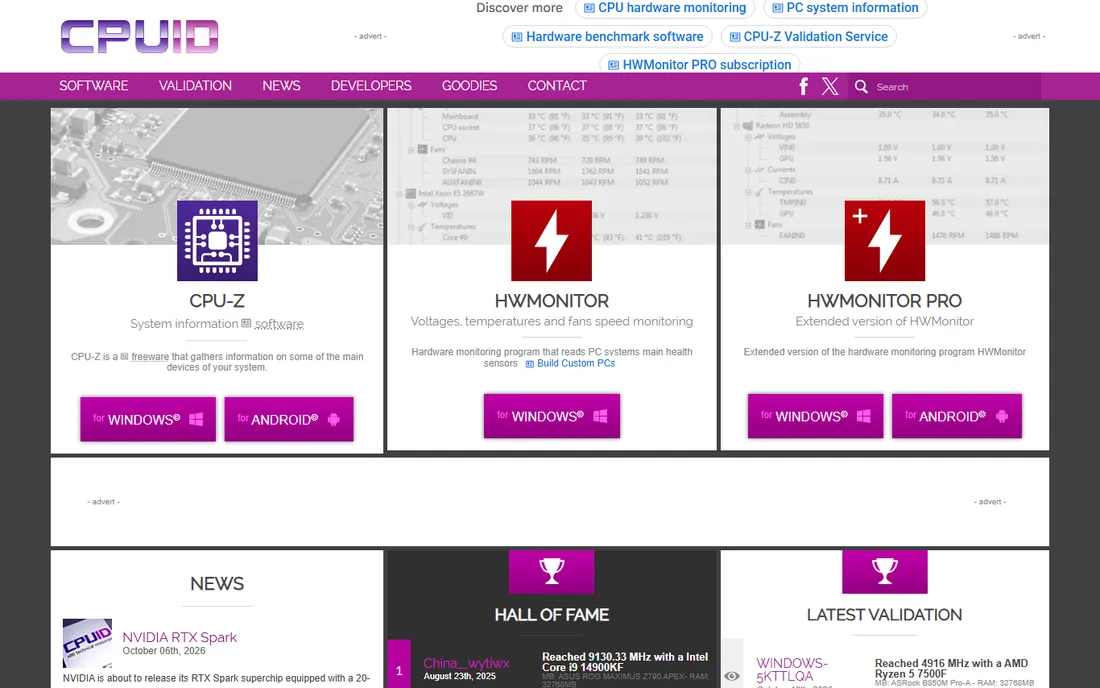
CPU-Z is the tiny classic that instantly identifies your processor, motherboard, chipset, memory type and timings. Overclockers, buyers verifying hardware and troubleshooters checking specs all keep it handy.
It does one job: identification, not monitoring. For that job it is instant, free and definitive.
The download is a couple of megabytes, portable, and it opens instantly to the CPU tab with model, stepping, core voltage and clock speeds. Free for personal and commercial use with no meaningful limits for its job. It validates overclocks in real time and the built-in benchmark gives a quick sanity check. There is a validation feature that uploads your specs to a public database, handy when selling hardware. Support is essentially the FAQ; the tool is too simple to need more.
What we like- Instant detailed CPU, cache and motherboard info
- Tiny and fast
- Free
Watch out for- Narrow focus
- No temperature monitoring
Starting priceFree
Free planYes
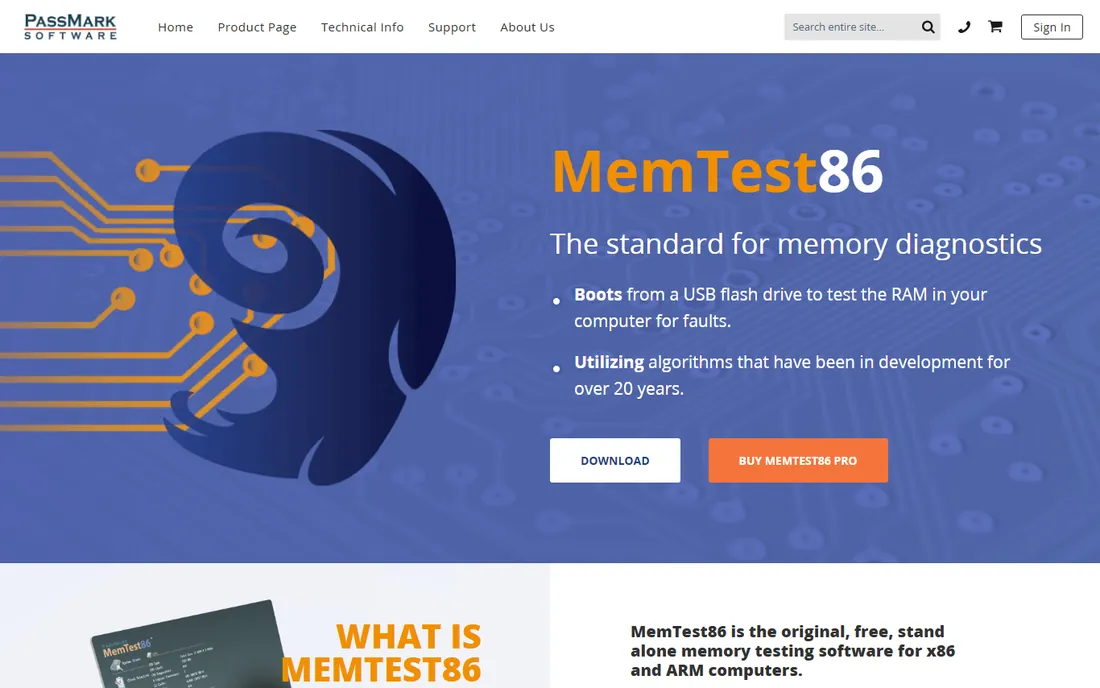
MemTest86 is the gold standard for RAM diagnosis: it boots from USB, outside Windows, and hammers your memory with test patterns that expose faults Windows diagnostics miss. Random crashes and blue screens often trace to bad RAM, and this finds it.
A thorough test takes hours. When you suspect memory, there is no substitute; run it overnight and trust the result.
Setup means writing the bootable USB image with the included tool, rebooting, and selecting it from the boot menu; UEFI and legacy BIOS are both supported. The free version runs the standard test suite, while the paid Pro adds more tests and reporting features. A full multi-pass run takes hours on large RAM kits, which is the real cost. It integrates with nothing; it replaces your OS for the duration. Documentation is thorough and the pass/fail verdict is unambiguous.
What we like- The definitive memory test
- Boots outside Windows
- Catches intermittent faults
Watch out for- Takes hours for full passes
- Requires a USB boot drive
Starting priceFree
Free planYes

OCCT stress-tests your PC to prove stability: CPU, GPU, memory and power supply tests with error detection that catch instability regular use hides. It is the tool for validating overclocks, new builds and suspect power supplies.
Pushing components to their limits generates serious heat, so watch temperatures. For proving a system is truly stable, OCCT's targeted tests beat generic benchmarks.
Install on Windows, pick a test (CPU, GPU, VRAM, power supply), set a duration, and watch the live graphs for errors and thermal throttling. The free version covers the core tests with some limits on test duration and advanced features; the paid version adds the rest. It exports detailed reports with graphs, useful for RMA claims or build validation. Watch thermals closely: the power test in particular pushes hardware harder than any game. Support runs through forums and documentation.
What we like- CPU, GPU, RAM and PSU stress tests
- Error detection
- Free version is capable
Watch out for- Stress testing can push thermals hard
- Interface assumes some knowledge
Starting priceSee website
Free planNo
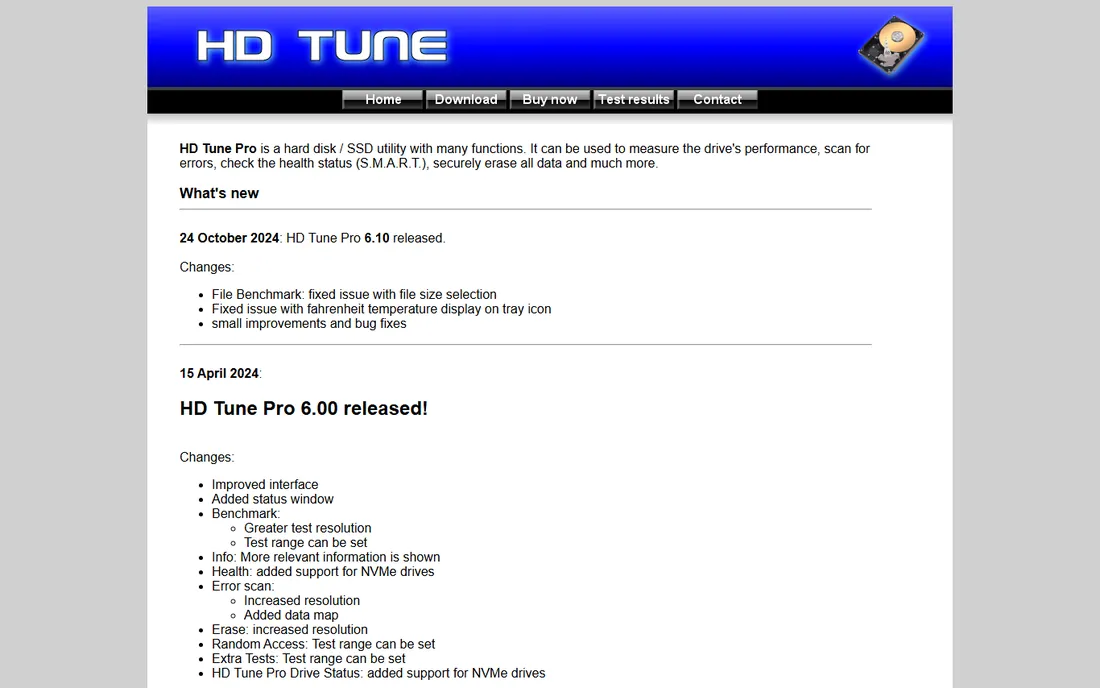
HD Tune combines drive benchmarking, error surface scanning and SMART health in one long-standing tool. The error scan maps bad sectors visually, which is genuinely useful for aging hard drives.
The current version is paid and updates are infrequent. For drive-specific testing beyond CrystalDiskInfo's health verdict, it remains a solid option.
The trial installs in seconds; the paid version is a one-time license. Beyond the error scan and benchmarks, the Health tab shows SMART data and the file benchmark tests transfer rates across the disk. Limits: development is slow, NVMe-specific features lag behind SSD-focused tools, and the free version is outdated. It fills the gap between CrystalDiskInfo's verdict and a full benchmark suite.
What we like- Drive benchmarks plus error scanning
- Health tab
- Long track record
Watch out for- Paid for current version
- Development is slow
Starting priceSee website
Free planFree trial
AIDA64 is the professional diagnostic suite: exhaustive hardware detection, stability stress tests, and detailed audit reports that IT departments use for inventory and troubleshooting. The 30-day trial shows its depth.
Home users get everything they need from the free tools above. For technicians who diagnose PCs professionally, AIDA64's reporting and database justify the license.
Install the trial and the full sensor panel, benchmarks and system stability test are available for 30 days; paid editions are per-PC licenses with Business and Engineer tiers for IT use. It integrates with external LCD displays and Logitech keyboards for live sensor readouts, and the audit reports export to common formats for inventory. The depth is the point: a hardware database that identifies obscure components correctly. Support is email-based and responsive.
What we like- Extremely detailed hardware database
- Stress testing
- Audit reports for IT
Watch out for- Paid
- Overkill for home users
The sensible checkup routine
Run CrystalDiskInfo quarterly for drive health and HWiNFO when something feels wrong thermally. Suspect RAM? MemTest86 overnight. New build or overclock? OCCT to prove stability. This routine catches most hardware failures before they become data loss.
Add two habits to the routine. First, record baselines: note idle and load temperatures when the PC is healthy, so later readings have something to compare against. Second, automate what you can: HWiNFO can log sensors to CSV in the background, and CrystalDiskInfo can alert on health changes. When a drive shows Caution, back up before running any further tests; diagnostics read drives hard, and a dying drive can fail during a scan.
How we chose
We compared the most trusted PC diagnostic tools in 2026, verifying availability against vendor sites. We weighted diagnostic depth, accuracy, ease of use and cost, noting that the best diagnostics are free. We did not fault-inject test hardware for each tool. We favored tools with long track records and large user communities, because diagnostics you cannot trust are worse than none. Free tools dominate this list because the best hardware information has always been free; paid entries earned their place on reporting and stress-testing depth.
Frequently asked questions
How do I check if my hard drive is failing?
Run CrystalDiskInfo: it reads the drive's SMART data and reports Good, Caution or Bad. Caution means back up immediately and plan a replacement. Also listen for clicking sounds on hard drives and watch for files that suddenly will not open; both are late-stage symptoms.
Why is my PC overheating?
Check temperatures with HWiNFO under load. Common causes: dust-clogged fans, dried thermal paste, blocked airflow or a failed fan. Sustained CPU temps above 90C under load warrant action. Laptops deserve special attention: propping the rear up on a stand or a cooling pad can drop temps several degrees, and repasting is a bigger job than on desktops, so rule out dust first.
How do I test my RAM for errors?
Boot MemTest86 from a USB drive and let it run several passes, ideally overnight. Any red errors mean faulty RAM that should be replaced. If errors appear, test sticks one at a time to identify the faulty module; most RAM carries a lifetime warranty, so an RMA is usually free.
Is a PC health check the same as antivirus?
No. Health check tools diagnose hardware, temperatures, drives and stability. Antivirus scans for malware. You need both, for different problems. Run both: antivirus for malware, diagnostics for hardware. A machine can be virus-free and still crash from bad RAM.
How often should I check my PC's health?
Check drive health every few months with CrystalDiskInfo, glance at temperatures when performance drops, and run full diagnostics when crashes or instability appear. After any hardware change or move, run a quick sensor check; transport and new parts are when problems like to appear.
Sources we checked (8)
- https://www.hwinfo.com/
- https://www.crystalmark.info/
- https://www.ccleaner.com/
- https://www.cpuid.com/
- https://www.memtest86.com/
- https://www.ocbase.com/
- https://www.hdtune.com/
- https://www.aida64.com/
Is your product missing or out of date?
We review this list regularly. Vendors can request a listing, send updated pricing or ask about featured placement.

Shihab Mia · Founder, Rankite
Shihab has spent more than a decade helping SaaS and e-commerce brands grow through search. He writes Rankite's software buying guides from pricing pages, documentation and public user reviews. More about Shihab.