How we make this list: we compare pricing pages, product documentation and public user reviews. Rankite is independent; if a vendor ever pays for a featured spot, that listing is clearly labeled Partner.
Key takeaways
- Nero Burning ROM is still the safest paid pick for offices that burn discs regularly, with disc encryption the free tools do not offer and a 15-day trial to test it.
- ImgBurn and AnyBurn handle nearly every burning job for free, though ImgBurn has not been updated since 2013 and its installer has a history of bundled adware.
- BurnAware and Ashampoo Burning Studio sit in the sensible middle: polished, inexpensive, and both ship genuinely useful free versions.
- If converting video files is the real job and burning DVDs is secondary, Wondershare UniConverter bundles both in one subscription.
Quick comparison
Is your product missing or out of date?
We review this list regularly. Vendors can request a listing, send updated pricing or ask about featured placement.
The best DVD burner software

#1
Nero Burning ROM
Best for: Reliable burning with disc encryption
Visit nero.com
Starting priceSee website
Free planFree trial (15 days)
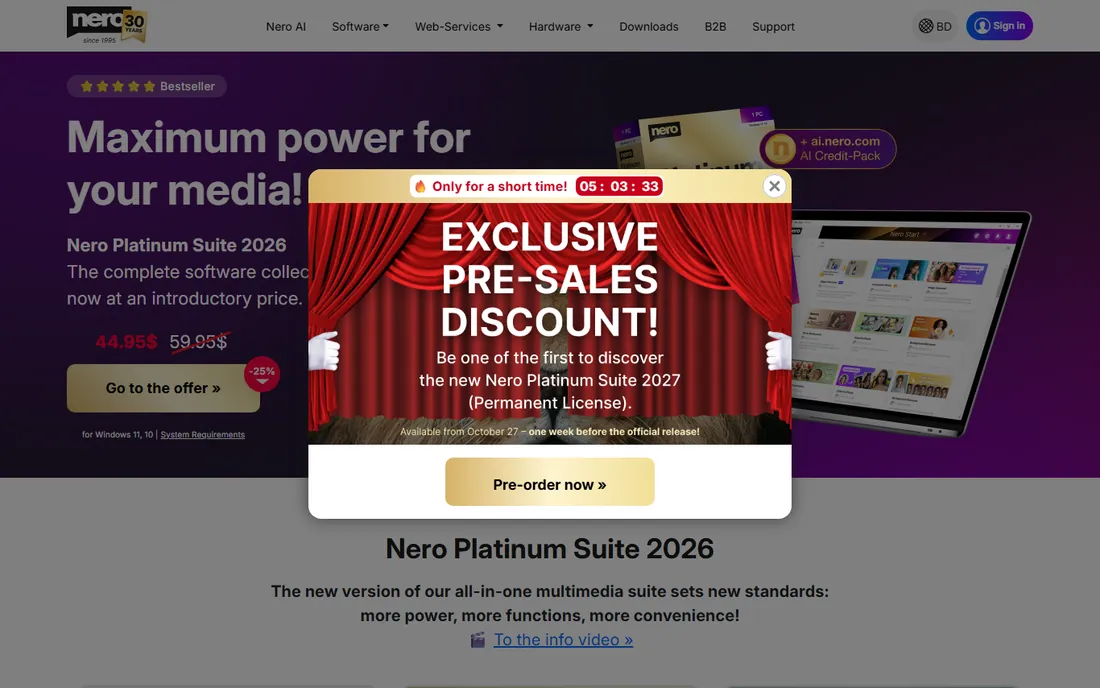
Nero has been burning discs since 1997, and that long history shows in the one place that matters: failed burns are rare. The software supports CDs, DVDs, Blu-ray, ISO images, bootable discs, and multisession recording, and it talks to just about every drive on the market. For a business archiving records or shipping media to clients, that dependability is worth paying for.
The standout feature is SecurDisc 4.0, which adds password protection and 256-bit encryption to burned discs, plus extra redundancy data that helps recover files from scratched media. The 15-day trial caps burns at 100MB, which is enough to test the workflow but not to finish a real project. Nero is Windows only, so Mac shops should look elsewhere on this list.
What we like- Extremely reliable burns
- SecurDisc 256-bit encryption
- Gracenote cover art and track data
Watch out for- Windows only
- Interface feels dated
- No free version beyond the trial
Starting priceFree
Free planYes
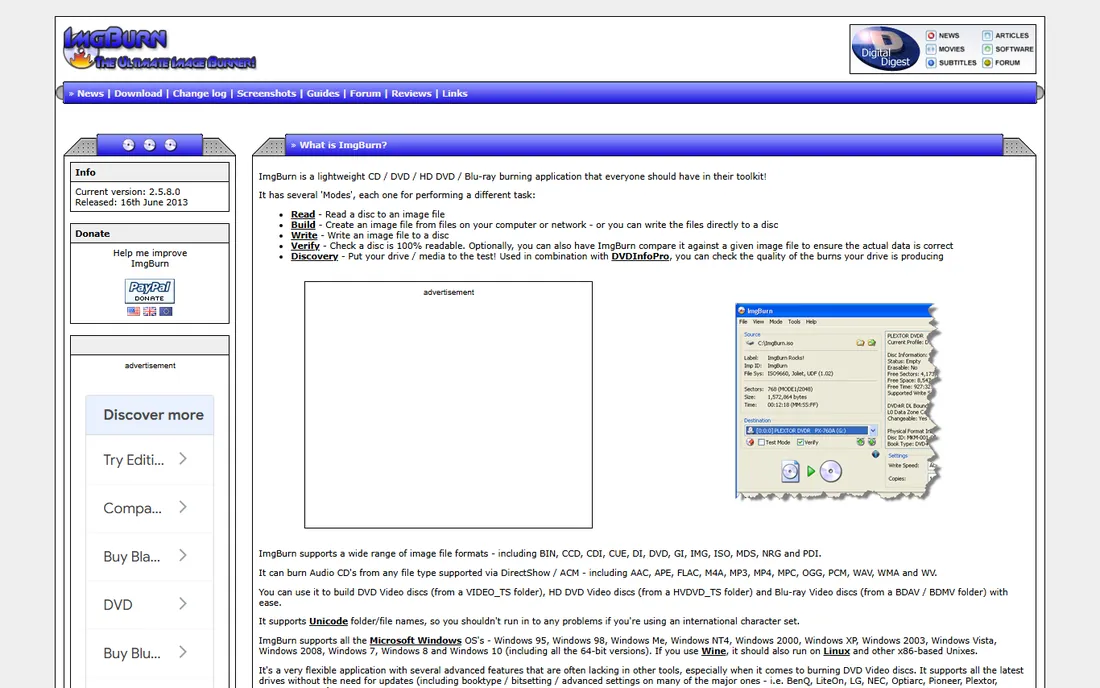
Ask any IT technician what they use to burn an ISO and half of them will say ImgBurn. It is a 3MB download that writes image files (ISO, BIN, CUE, NRG, and more) to disc, builds images from files, verifies burns, and erases rewritable media. Nothing about it is pretty, but everything about it works.
Two caveats come with the price of zero. Development stopped in 2013, so do not expect new features or official Windows 11 support statements, though it still runs fine on modern systems. More importantly, the installer from the official site has bundled adware (OpenCandy) in the past, so download from one of the official mirror sites or watch every installer screen. For a free tool that just burns images correctly, it remains hard to beat.
What we like- Completely free
- Tiny and fast
- Handles almost every image format
Watch out for- Not updated since 2013
- Dated interface
- Official installer bundled adware in the past
Starting price$29.95 (Premium, 1 year)
Free planYes
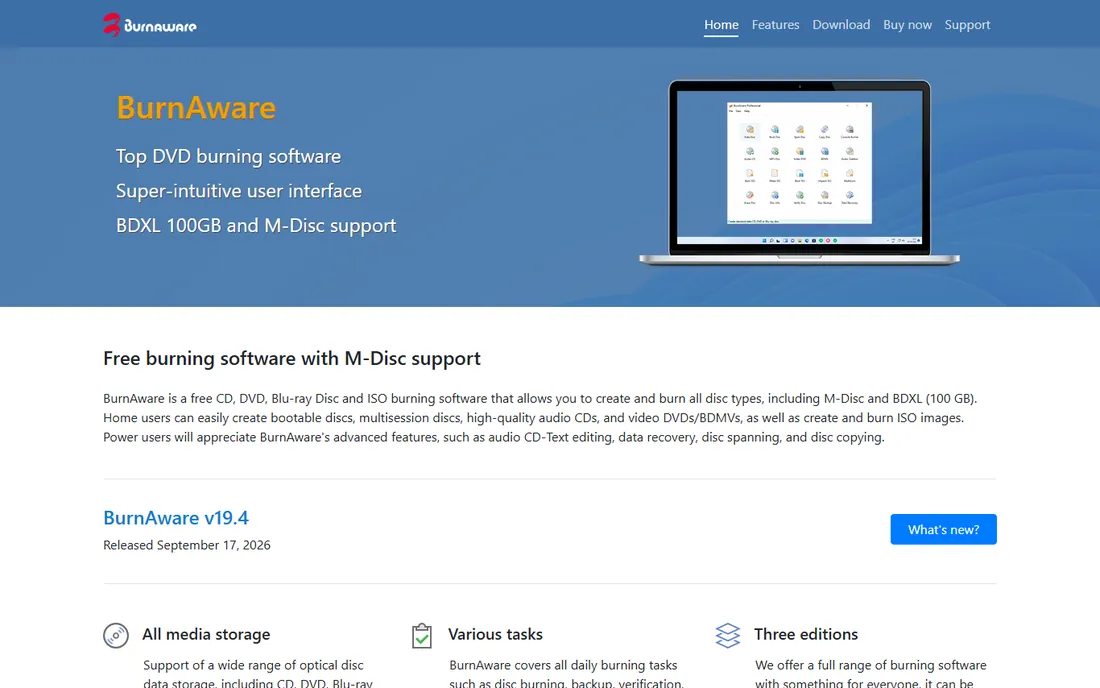
BurnAware is what you recommend to someone who finds ImgBurn intimidating and Nero overpriced. The interface is plain and logical: pick data disc, audio CD, video DVD, or ISO, drag in files, burn. The free version covers all the basics without nag screens, which is more than most commercial burners offer.
The paid tiers are modestly priced. Premium at $29.95 a year adds extras like disc spanning and bootable discs for personal use, while Professional at $39.95 a year adds data recovery tools and commercial use. Licenses are perpetual for the purchased version with a year of updates. If your burning needs are occasional but real, the free version may be all you ever install.
What we like- Clean, simple interface
- Genuinely useful free version
- Low system footprint
Watch out for- Windows only
- Advanced features split across two paid tiers
Starting price$30 (Burning Studio 2026)
Free planYes
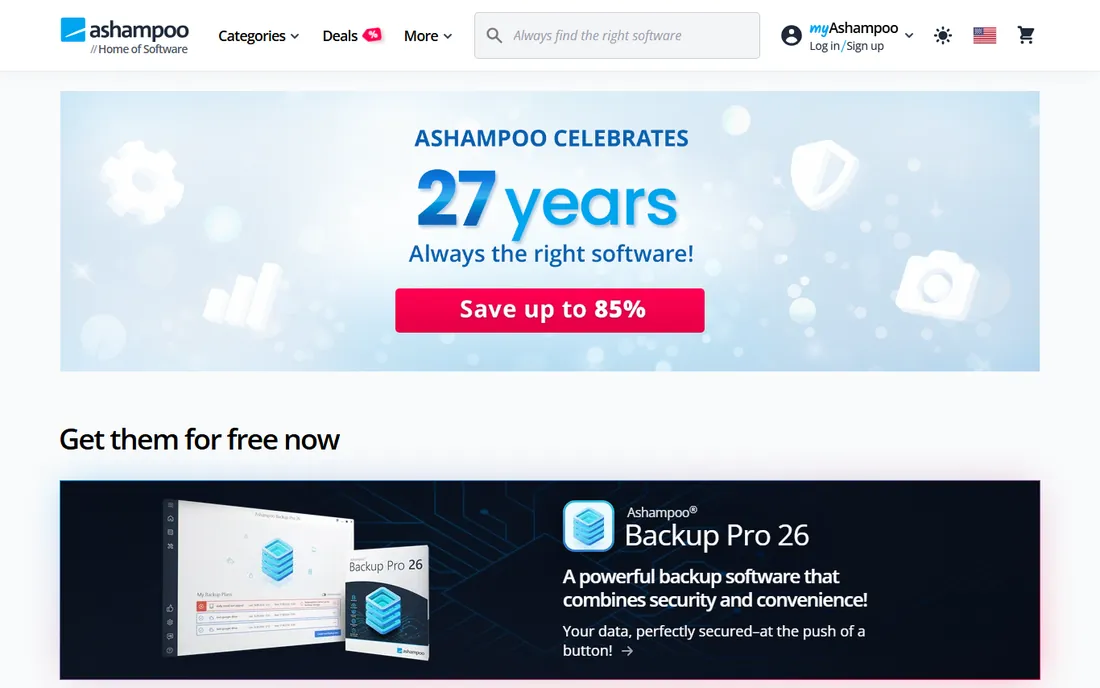
Ashampoo Burning Studio 2026 takes the friendliest approach on this list. Big tiles, plain language, and a workflow that walks first-timers through burning data, music, or video without jargon. Beyond burning, it backs up files to disc, USB, or external drives, rips audio CDs with automatic track detection, and designs printable covers and inlays.
The free edition handles core burning tasks with no expiry date, which makes it a reasonable permanent choice for light use. The paid 2026 edition runs about $30 and adds the full backup module, scratch protection for damaged discs, and phone and tablet backup. Ashampoo runs frequent giveaways of older versions, so patient buyers often pay nothing at all.
What we like- Polished and beginner friendly
- Backup tools included
- Free version available
Watch out for- Windows only
- Full version is a separate purchase each year
Starting price$49.99/year
Free planFree trial
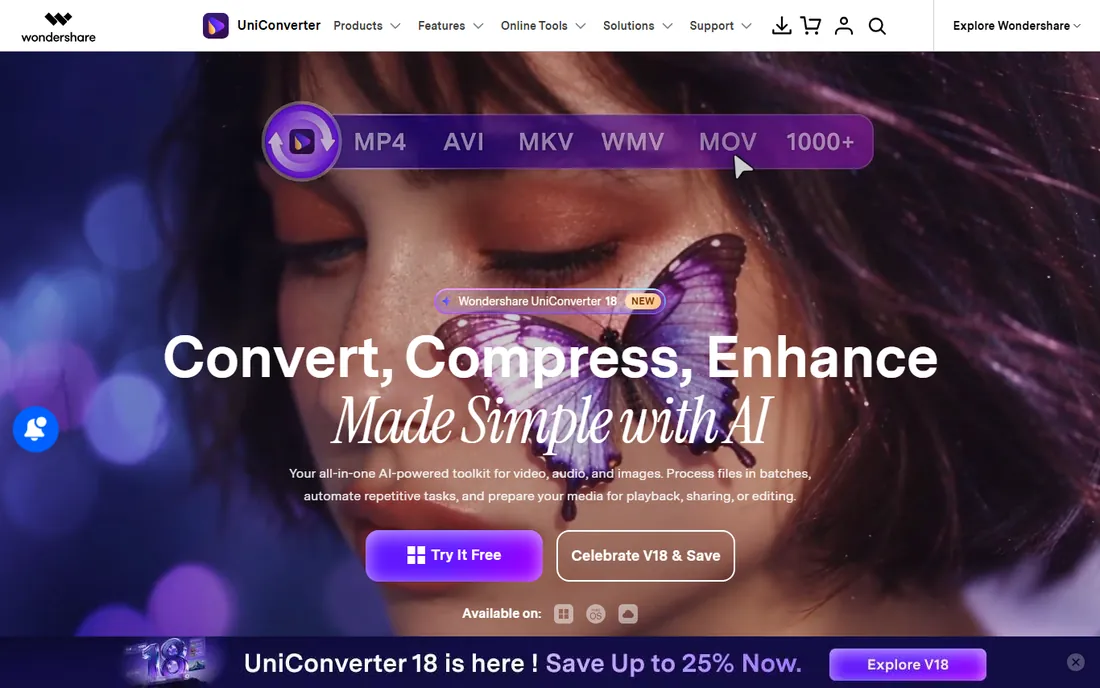
Nobody buys UniConverter just to burn discs. You buy it because a client sent a ProRes file, a volunteer recorded in some phone format your editor cannot open, or you need to compress a 4GB video before uploading it. The DVD and Blu-ray burning module, with menu templates and a built-in editor, rides along as a genuinely useful extra.
Plans run $49.99 a year, $69.99 for two years, or $79.99 for a perpetual license, with a free trial that watermarks output. For a marketing team that regularly wrangles video files, one subscription replaces a converter, a compressor, a downloader, and a DVD burner. If you only burn discs and never convert video, the cheaper dedicated burners above are the better buy.
What we like- Converts 1,000+ video formats
- Burns DVD and Blu-ray with menus
- Mac and Windows versions
Watch out for- Subscription pricing
- Burning is a side feature, not the focus
Starting priceFree
Free planYes
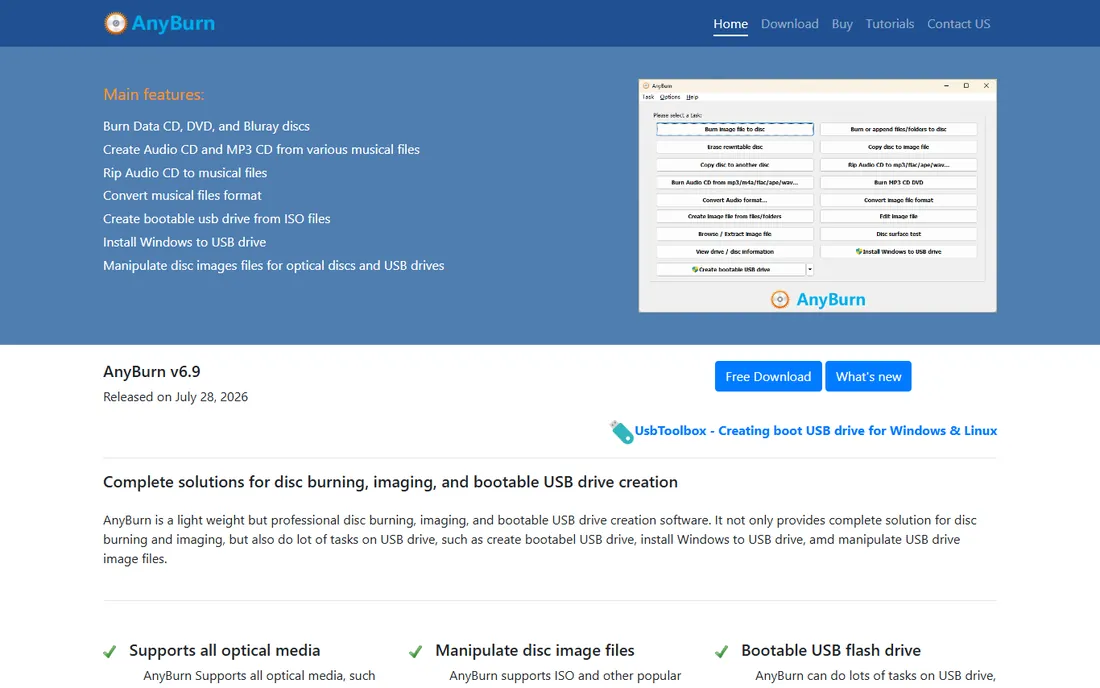
AnyBurn is the quiet workhorse of free burning software. It burns data, audio, and video to CD, DVD, and Blu-ray, rips audio CDs, copies discs sector by sector, converts between image formats (ISO, BIN, DMG, NRG), and even creates bootable USB drives. The whole program is a few megabytes and it stays out of your way.
The detail that matters for businesses: AnyBurn is free for commercial use, not just personal use, which most free burners do not allow. Development is active, with version 6.9 released recently, so unlike ImgBurn this is not abandonware. The interface will not win design awards, but every function is one or two clicks away and the built-in tutorials cover the rest.
What we like- Free for commercial use too
- Very lightweight
- Converts between image formats
Watch out for- Basic interface
- Windows only
- No advanced authoring tools

#7
Roxio Easy CD & DVD Burning 2
Best for: Beginners who want the simplest path
Visit roxio.com
Starting price$29.99
Free planFree trial
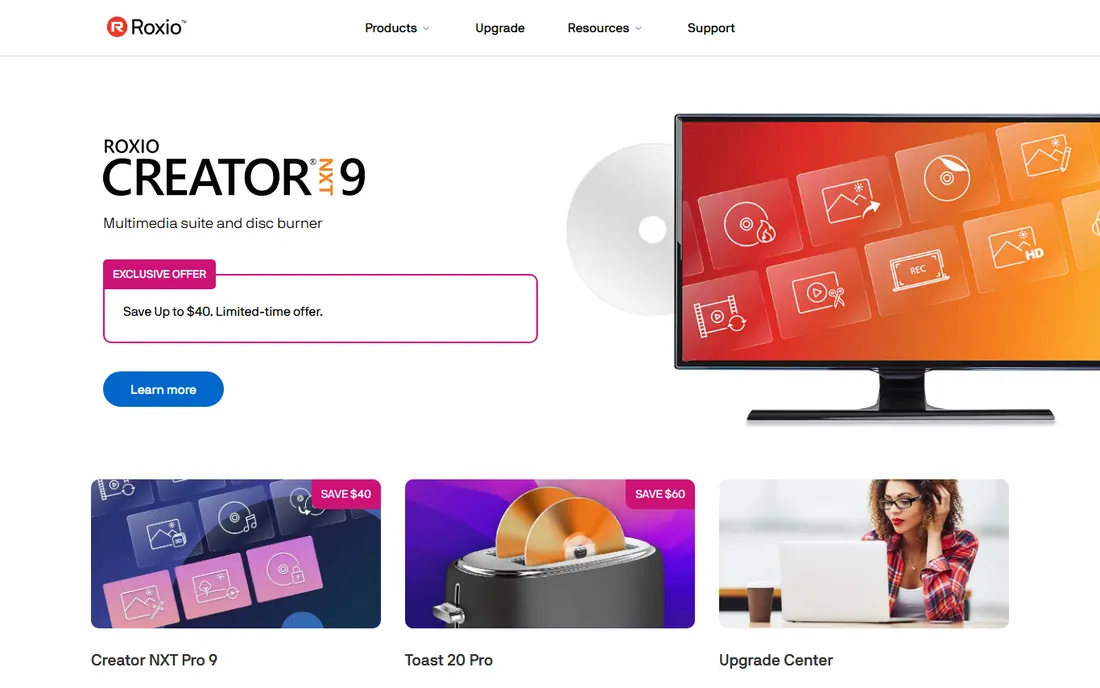
Roxio built its reputation on software that non-technical people can actually use, and Easy CD & DVD Burning 2 continues that tradition. A desktop widget lets you drag files straight onto it to start a burn, and the main program walks through music CDs, data backup, DVD video with chapters and menus, and disc copying in plain English.
At $29.99 it costs about the same as a year of BurnAware Premium, but you get a perpetual license instead of a subscription. The tradeoff is depth: there is no disc encryption, no advanced ISO controls, and power users will outgrow it. For a small office where whoever is available handles the burning, that simplicity is a feature rather than a limitation.
What we like- Extremely easy to learn
- Drag-and-drop desktop widget
- DVD authoring with menus
Watch out for- Windows only
- Fewer advanced options than Nero
- Paid upgrades for new versions
Starting priceSee website
Free planYes (free for non-commercial use)
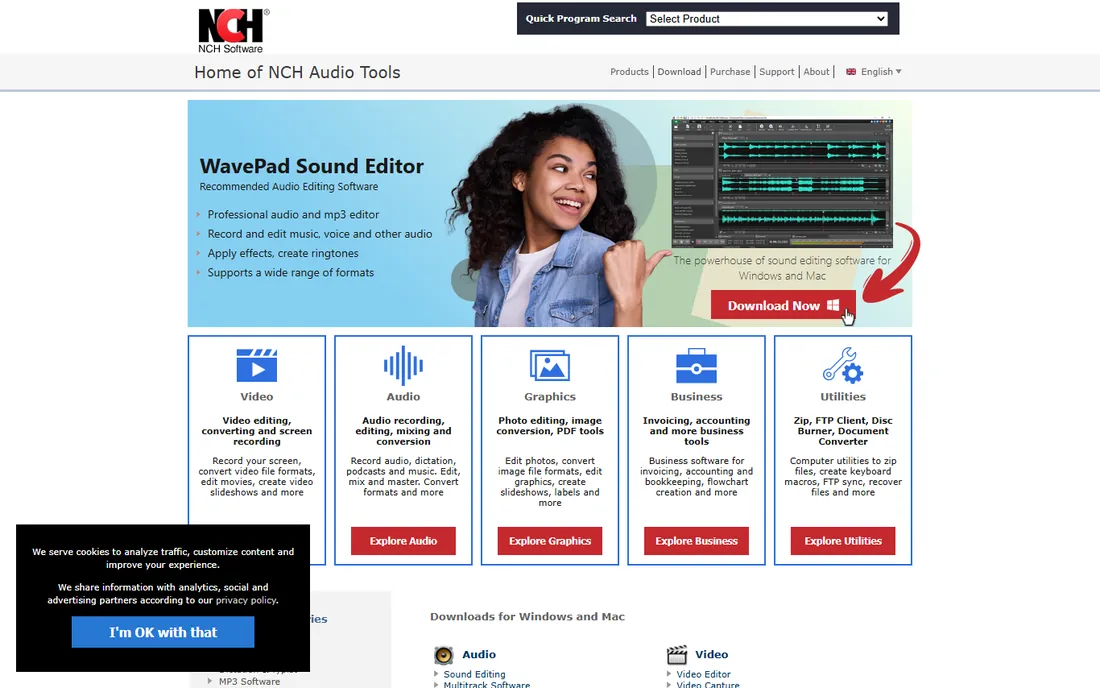
NCH Software's Express Burn is the fastest way to get from a folder of MP3s to a finished audio CD. The free version never expires for non-commercial use, though it is limited to CD burning, which covers mixtapes, car CDs, and audiobooks just fine. Both Windows and Mac versions exist, a rarity in this category.
Video DVDs, Blu-ray, and commercial use require Express Burn Plus, the paid upgrade. NCH sells a large family of audio and video tools, so expect some cross-promotion for its WavePad editor and VideoPad suite. As a free CD burner it is excellent; as a full DVD solution, check the Plus price against BurnAware and Ashampoo before committing.
What we like- Very fast
- Tiny download
- Mac and Windows versions
Watch out for- Free version burns CDs only
- Paid Plus needed for DVD and Blu-ray
How we chose
We started with a top 10 DVD burn software shortlist drawn from download directories, review sites, and community recommendations, then checked each product against three tests. First, the software had to be obtainable and working today, which ruled out several once-popular burners whose sites now serve ads or dead downloads. Second, it had to burn reliably across common tasks: data discs, audio CDs, video DVDs, and ISO images. Third, pricing had to be verifiable on the vendor's own site, with no invented discounts.
We weighed public documentation, vendor pricing pages, and long-running user discussions on forums and review sites, favoring tools with a clear free-versus-paid story. No vendor paid for placement, and the order reflects fit for different buyers rather than a single winner.
What to check before you buy a DVD burner
Match the software to the job, not the feature list. If you burn data backups weekly, encryption and verification matter more than menu templates. If you burn a dozen audio CDs a year for the car, a free tool is plenty. Multi-drive duplication, where one PC burns to several drives at once, is a specialist need: Nero handles up to 32 recorders, while most free tools assume a single drive.
Check the operating system first. Nearly every serious burner here is Windows only, which surprises Mac buyers. Only Wondershare UniConverter and Express Burn ship real Mac versions. Also confirm your drive can write the media you plan to use: burning Blu-ray requires a Blu-ray writer, not just a DVD drive, and dual-layer DVDs need media and drive support on both ends.
Finally, read the license. Free for personal use is not free for business use, and some vendors draw that line sharply. AnyBurn explicitly allows commercial use for free, while Express Burn and BurnAware reserve business use for paid tiers. A $30 license is cheaper than a compliance headache.
Free vs paid: where the line actually sits
Free burners in 2026 are good enough that paying is optional for most people. ImgBurn, AnyBurn, and the free tiers of BurnAware and Ashampoo cover data, audio, video, and ISO work without spending anything. What money buys is convenience and a few specialist features: encryption (Nero), polished backup workflows (Ashampoo), commercial-use rights with support (BurnAware Professional), and video conversion bundled in (UniConverter).
The honest math: if you burn fewer than twenty discs a year, start free and only upgrade when you hit a specific wall, like needing Blu-ray menus or encrypted archives. Heavy users, duplication services, and offices with compliance requirements should budget $30 to $60 for a paid license and treat it as a multi-year purchase, since most of these vendors sell perpetual licenses rather than subscriptions.
Frequently asked questions
Does Windows 11 still need third-party DVD burner software?
Windows 11 can burn data discs through File Explorer, but it cannot author video DVDs that play in a standalone player, create audio CDs with proper track gaps, or copy discs. For anything beyond dragging files onto a disc, a dedicated burner from this list is still necessary.
Is it legal to copy a DVD I own?
Copying a disc you own for personal backup sits in a gray area that varies by country, and breaking the copy protection on commercial movie DVDs is illegal in the US under the DMCA. All the software here is intended for your own content: home videos, business archives, music you recorded, and data backups.
Why do my burns keep failing halfway through?
The most common causes are burning too fast, cheap media, and a dirty or aging drive. Drop the burn speed to half the disc's rating, try a different brand of discs, and make sure nothing else is hammering the CPU during the burn. Enabling the verification pass catches bad burns before you label the disc.
Can I burn Blu-ray discs with these tools?
Most of them, yes, provided your drive is a Blu-ray writer. Nero, ImgBurn, BurnAware, Ashampoo, UniConverter, and AnyBurn all support Blu-ray data and video. Roxio Easy CD & DVD Burning 2 and the free tier of Express Burn are the exceptions, focused on CD and DVD.
What is the best free DVD burner software?
AnyBurn is the best all-around free pick: it is actively maintained, free for commercial use, and handles CD, DVD, Blu-ray, and image conversion. ImgBurn is equally capable for image files but shows its age and needs a careful install. BurnAware Free and Ashampoo Burning Studio Free are the most beginner-friendly free options.
Do I need a DVD drive to use this software?
Yes, for burning. Most laptops sold since about 2016 omit the optical drive entirely, so you will likely need an external USB DVD or Blu-ray writer, which costs $25 to $40. The software here works with any standard USB writer.
Sources we checked (15)
- https://www.nero.com
- https://www.techradar.com/reviews/nero-burning-rom
- https://www.filehorse.com/download-nero-burning-rom/
- https://www.imgburn.com
- https://en.wikipedia.org/wiki/ImgBurn
- https://videoconverter.wondershare.com/store/windows-individuals-ka.html
- https://www.dealarious.com/blog/wondershare-uniconverter-review/
- https://BurnAware.com/buy.html
- https://www.ashampoo.com/en-nz/burning-studio-free
- https://betanews.com/article/ashampoo-burning-studio-2026-usually-costs-e30-but-you-can-get-it-free/
- https://www.anyburn.com
- https://news.updatestar.com/post/anyburn-6-9-update-rolls-out-for-windows-lightweight-free-disc-burning-tool
- https://www.roxio.com
- https://www.dontpayfull.com/at/roxio.com
- http://nch.com.au/burn/
Is your product missing or out of date?
We review this list regularly. Vendors can request a listing, send updated pricing or ask about featured placement.

Shihab Mia · Founder, Rankite
Shihab has spent more than a decade helping SaaS and e-commerce brands grow through search. He writes Rankite's software buying guides from pricing pages, documentation and public user reviews. More about Shihab.
 ImgBurn
 BurnAware
 Ashampoo Burning Studio
 Wondershare UniConverter
 AnyBurn
 Express Burn