How we make this list: we compare pricing pages, product documentation and public user reviews. Rankite is independent; if a vendor ever pays for a featured spot, that listing is clearly labeled Partner.
Key takeaways
- Fing (free) is the best starting point: see every device on your network from your phone.
- GlassWire (free) shows exactly which apps use your bandwidth on Windows.
- PRTG's free tier (100 sensors) is surprisingly capable for a serious home lab.
- Zabbix and Nagios Core are free, powerful and overkill unless you enjoy the setup.
- Domotz is the paid option for remote monitoring of second homes and family networks.
Quick comparison
| Tool | Best for | Starting price | Free plan |
|---|
 Fing Fing | See every device on your network | Free | Yes |
 GlassWire GlassWire | Per-app bandwidth monitoring | Free | Yes |
 PRTG Network Monitor PRTG Network Monitor | Serious home lab monitoring | Free | Yes |
 Zabbix Zabbix | Free enterprise-grade monitoring | Free | Yes |
 Nagios Core Nagios Core | Classic open-source monitoring | Free | Yes |
 Domotz Domotz | Remote network management | See website | Free trial |
 Wireshark Wireshark | Deep packet inspection | Free | Yes |
 Angry IP Scanner Angry IP Scanner | Fast network device scans | Free | Yes |
Is your product missing or out of date?
We review this list regularly. Vendors can request a listing, send updated pricing or ask about featured placement.
Two kinds of network monitoring
Home network monitoring splits into device discovery, who is on my Wi-Fi (Fing, Angry IP Scanner), and traffic and health monitoring, what is using bandwidth and is anything down (GlassWire, PRTG, Zabbix). Most homes need the first; enthusiasts and home labs want the second.
Choose based on your actual problem. If you only want to know who is on your Wi-Fi and whether your smart TV is hogging bandwidth, Fing plus GlassWire covers it for free. If you run a NAS, a media server, a homelab rack or a pile of smart home gear, PRTG's free tier or Zabbix sends alerts before small problems become outages. Wireshark and Angry IP Scanner are diagnostic sidekicks rather than daily drivers: reach for them when something specific needs investigating.
Starting priceFree
Free planYes
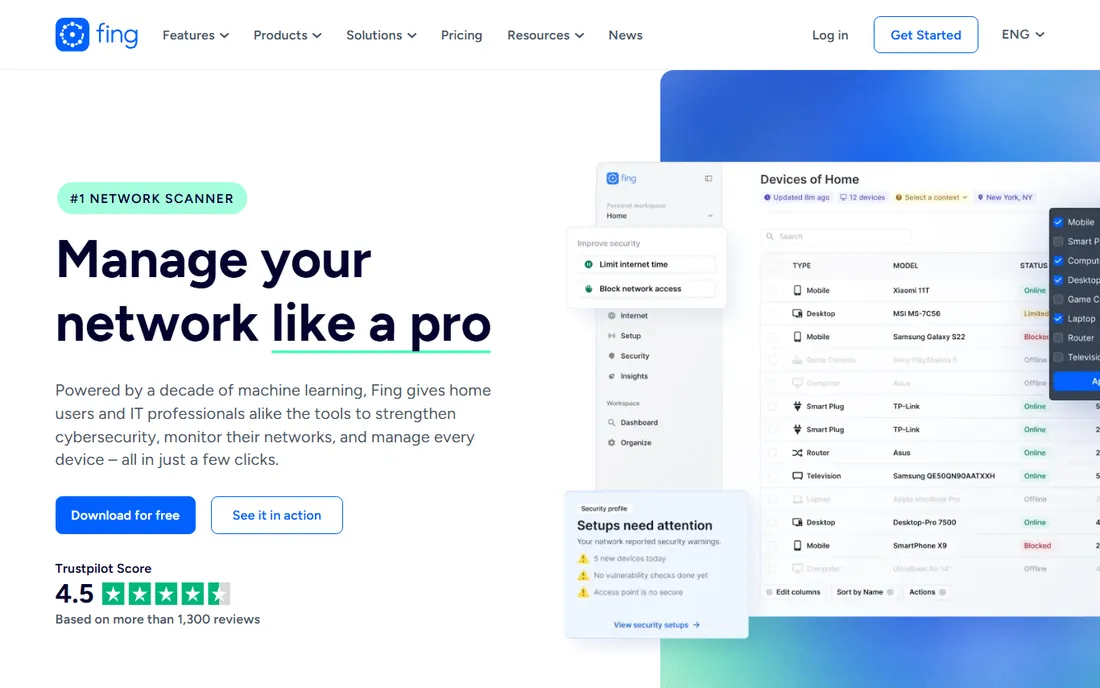
Fing is the network scanner everyone should run once: it lists every device on your Wi-Fi in seconds, identifies what each one is, and alerts you when unknown devices join. The free tier covers discovery and basic security checks from your phone.
Premium adds deeper insights and longer history. For answering "is someone on my Wi-Fi who should not be," Fing is the fastest answer.
Setup takes about two minutes: install the app, join your home Wi-Fi, and run a scan. Device identification works by MAC address and behavior, and while it occasionally mislabels obscure smart home gadgets, you can rename devices to keep the list accurate. Support runs through the help center and community forums; free users should not expect fast replies, but the app rarely needs support. Premium is billed yearly and adds vulnerability scans and longer history, though the free discovery scan answers the core question for most households.
What we like- Instant device discovery from your phone
- Intruder alerts
- Internet speed tests
Watch out for- Advanced features need Premium
- Mobile-first, desktop is secondary
Starting priceFree
Free planYes
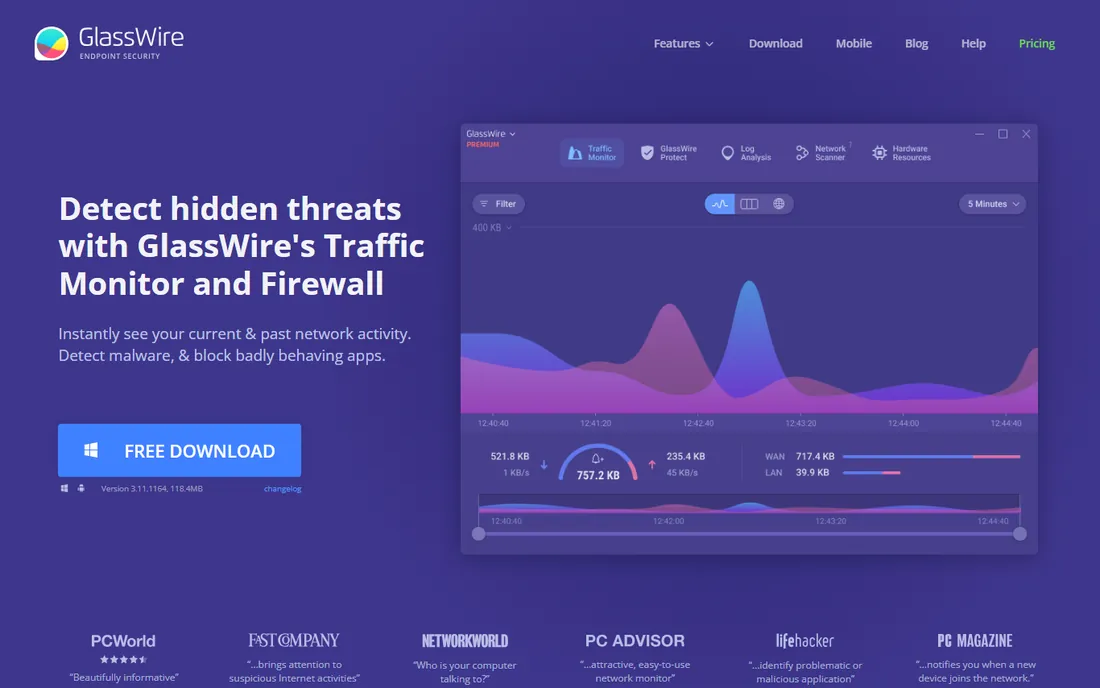
GlassWire shows exactly which applications on your PC use the network, when, and where they connect, in a gorgeous live graph. When bandwidth vanishes or something phones home suspiciously, GlassWire names the culprit. The free version covers the core monitoring.
It is Windows-centric with an Android app, and advanced history needs paid tiers. For understanding your own computer's network behavior, nothing visualizes it better.
Installation is a standard Windows setup and monitoring starts immediately with no configuration. The free tier keeps a limited history window, while paid plans extend it to months, which matters when diagnosing an intermittent problem that happened last week. The built-in firewall lets you block an app's network access with one click when something looks suspicious. Support comes through the knowledge base and email, with paid users getting priority. The Android app covers data-usage monitoring rather than full traffic graphs, so the desktop version remains the main event.
What we like- Beautiful per-app traffic graphs
- Firewall controls
- Alerts on new connections
Watch out for- Windows and Android focused
- Free version has limits
Starting priceFree
Free planYes
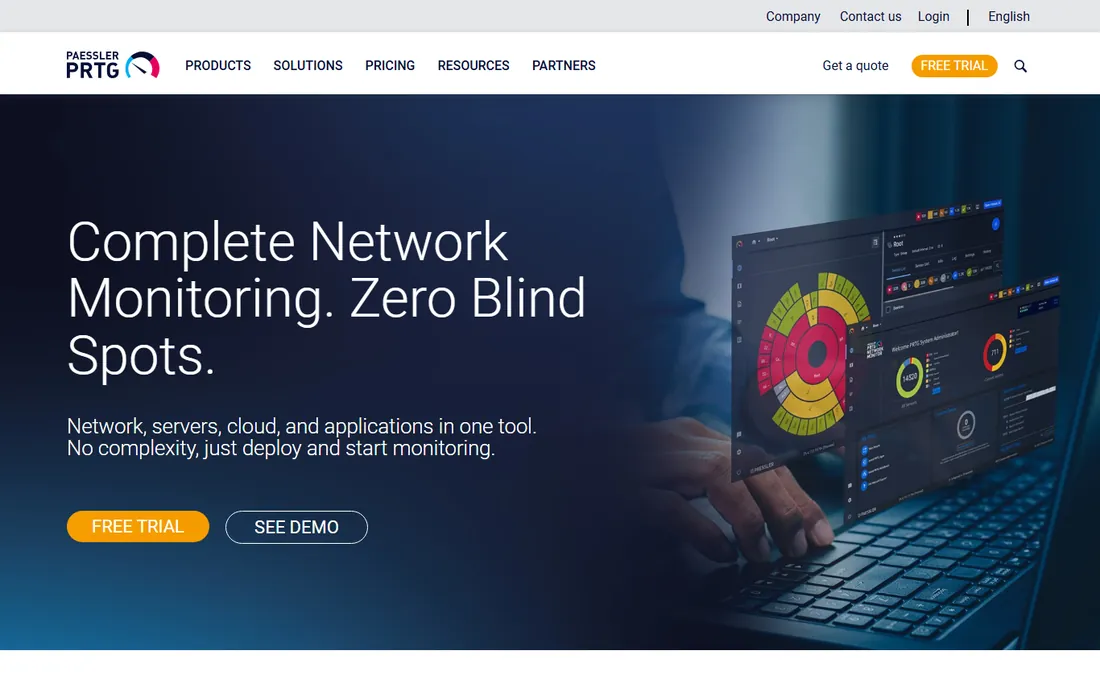
PRTG's free tier is a gift to home labs: 100 sensors monitoring ping, bandwidth, services, devices and more, with alerting and dashboards. It is enterprise software that happens to be free at home scale.
You need a Windows machine to host it and patience to configure sensors. For enthusiasts who want to know the moment anything on their network misbehaves, PRTG is unmatched value.
PRTG needs an always-on Windows machine, and you add sensors one device or service at a time. The 100-sensor free allowance sounds generous, but sensors add up fast: a ping sensor, a port sensor and a traffic sensor per device means ten devices can consume a third of your budget. Auto-discovery helps by proposing sensible sensors automatically. Documentation is excellent, and the community forum answers most home lab questions within a day. There is no phone support on the free tier, but once sensors are configured, the system runs quietly for months.
What we like- Free for up to 100 sensors
- Monitors everything
- Alerts and dashboards
Watch out for- Windows server required
- Setup takes effort
Starting priceFree
Free planYes
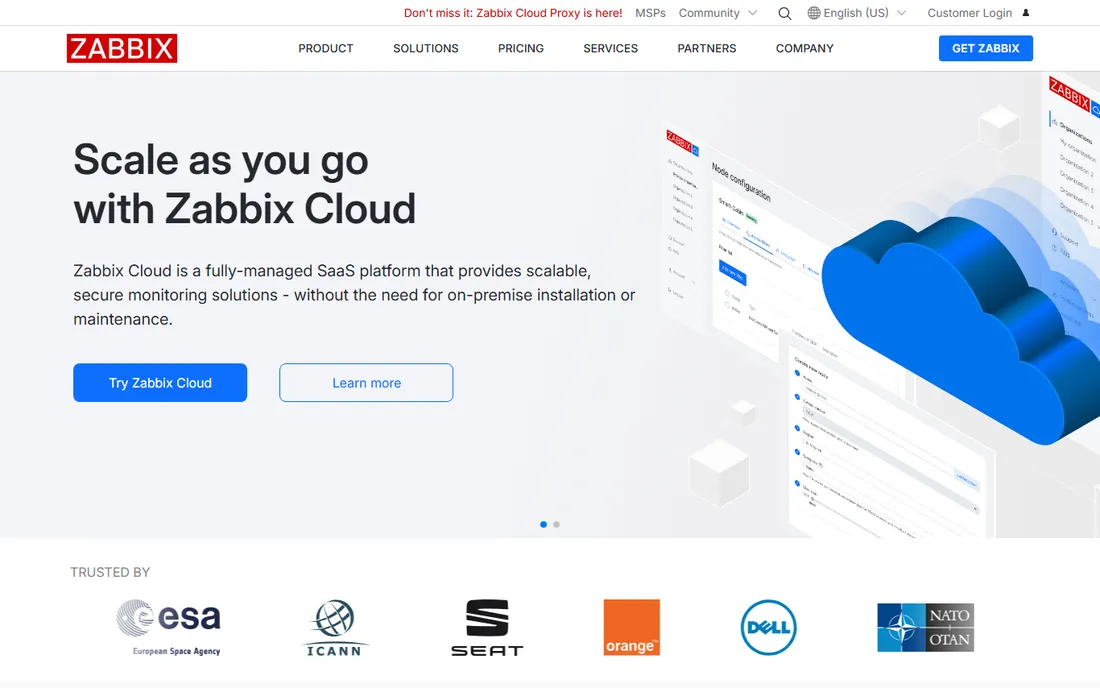
Zabbix is enterprise monitoring without the enterprise price: free, open source, and capable of watching thousands of metrics across your home network with alerting, graphs and automation. Templates cover most common devices.
Setup demands Linux comfort and time. For technical users who want maximum power at zero cost, Zabbix is the deep end, and it is free all the way down.
Expect to spend an evening: you need a Linux box or VM with enough RAM, plus a database and the web frontend. The template library is the real time-saver, with official templates for routers, NAS boxes, Raspberry Pi devices and popular smart home hubs that configure monitoring and triggers for you. The documentation is thorough and the community is large. Beyond forums, the company behind Zabbix sells official support if you ever need it. Once configured, it is set-and-forget reliable, which is why it survives in enterprises.
What we like- Completely free and open source
- Extremely powerful
- Huge template library
Watch out for- Complex setup
- Linux server needed
- Learning curve
Starting priceFree
Free planYes
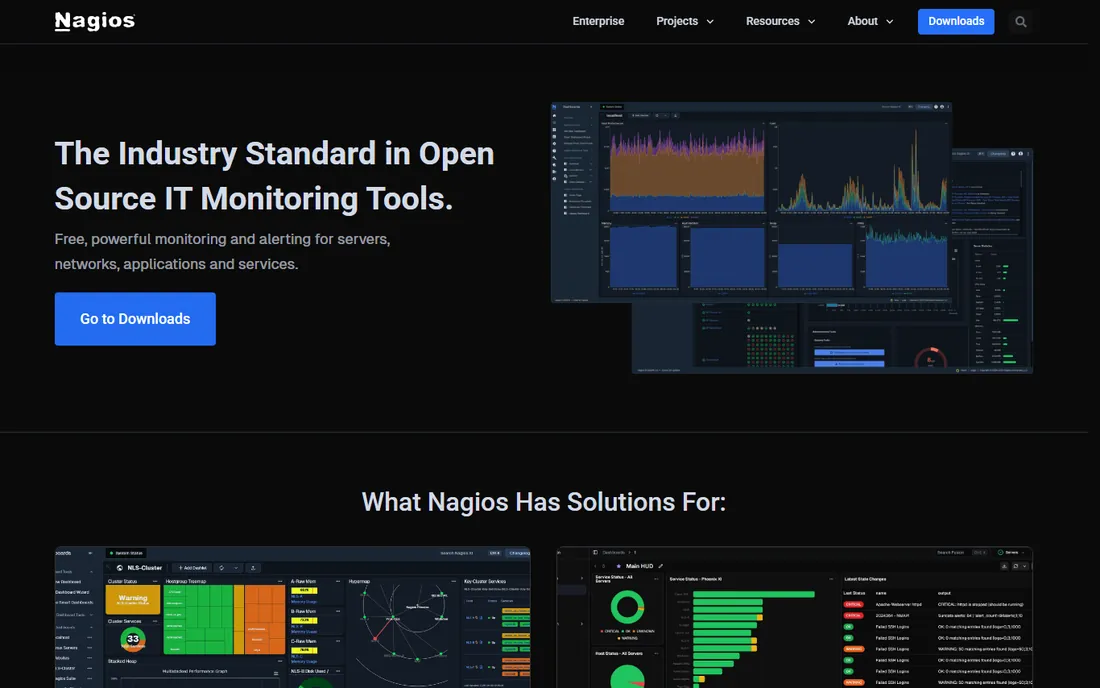
Nagios Core is the veteran of open source monitoring: decades of plugins check anything you can imagine, and the core remains free. It reliably answers one question forever: is it up or down.
Configuration is file-based and the interface shows its age. For purists who want proven, scriptable monitoring without cost, Nagios endures.
Installation follows the classic Linux route, package or compile from source, and configuration lives in text files, which feels charming or painful depending on your tastes. The plugin ecosystem is unmatched: community plugins exist for nearly every device and service, from UPS units to weather stations. The web interface is dated but fast, and alerting works through simple email or SMS notification commands. Support is community-driven on the free Core edition; commercial Nagios XI offers official support if you ever graduate to paid monitoring. It rewards patience with rock-solid stability.
What we like- Free and open source
- Decades of plugins
- Proven reliability
Watch out for- Dated interface
- Configuration is manual
- Steep learning curve
Starting priceSee website
Free planFree trial
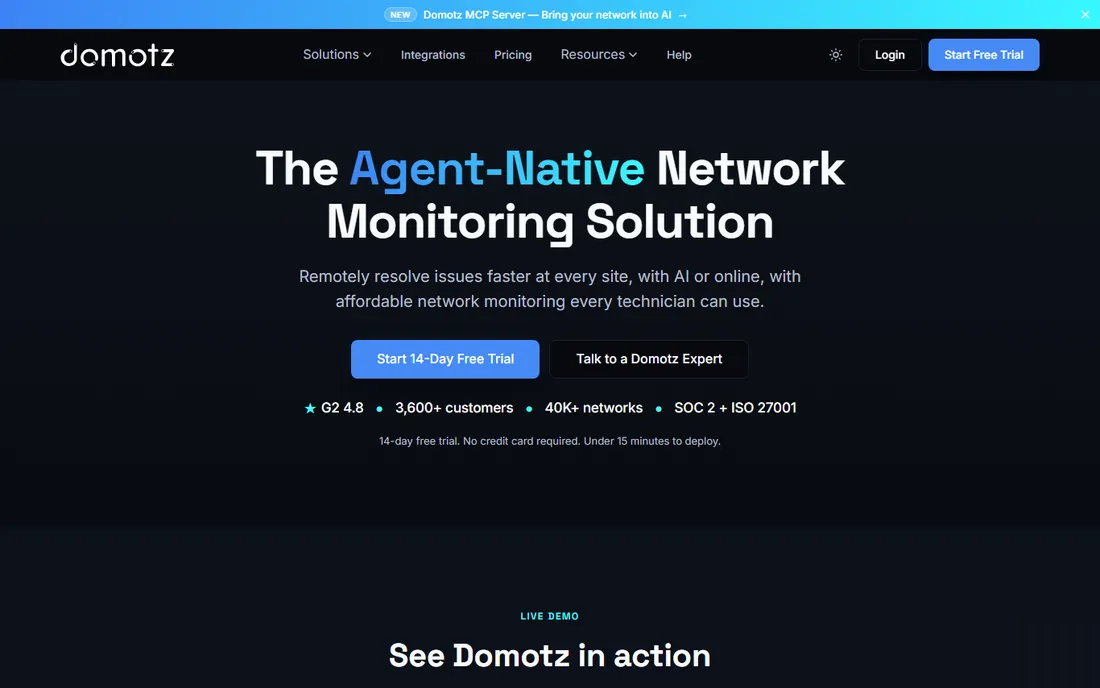
Domotz monitors networks you are not physically near: install an agent and watch device status, get alerts and even manage remotely. It is ideal for second homes, rental properties, or supporting parents' networks from afar.
Pricing is per monitored network on subscription. For one simple home network it is overkill; for multiple locations or remote family support, it is purpose-built.
Setup means installing the Domotz agent on a small device on each network: a Raspberry Pi, a NAS, or Domotz's own hardware box, and the dashboard appears within minutes. Pricing is per monitored network and scales with device counts, so check the current pricing page against your device total before committing. Alerting is genuinely useful: you learn when a device drops, a new device joins, or internet speed degrades. Support is ticket-based and reasonably responsive, with a knowledge base covering common home setups. It is the only tool here built for watching networks you are not standing next to.
What we like- Monitor networks remotely
- Great for second homes and family tech support
- Device alerts
Watch out for- Subscription per network
- Overkill for a single simple home
Starting priceFree
Free planYes
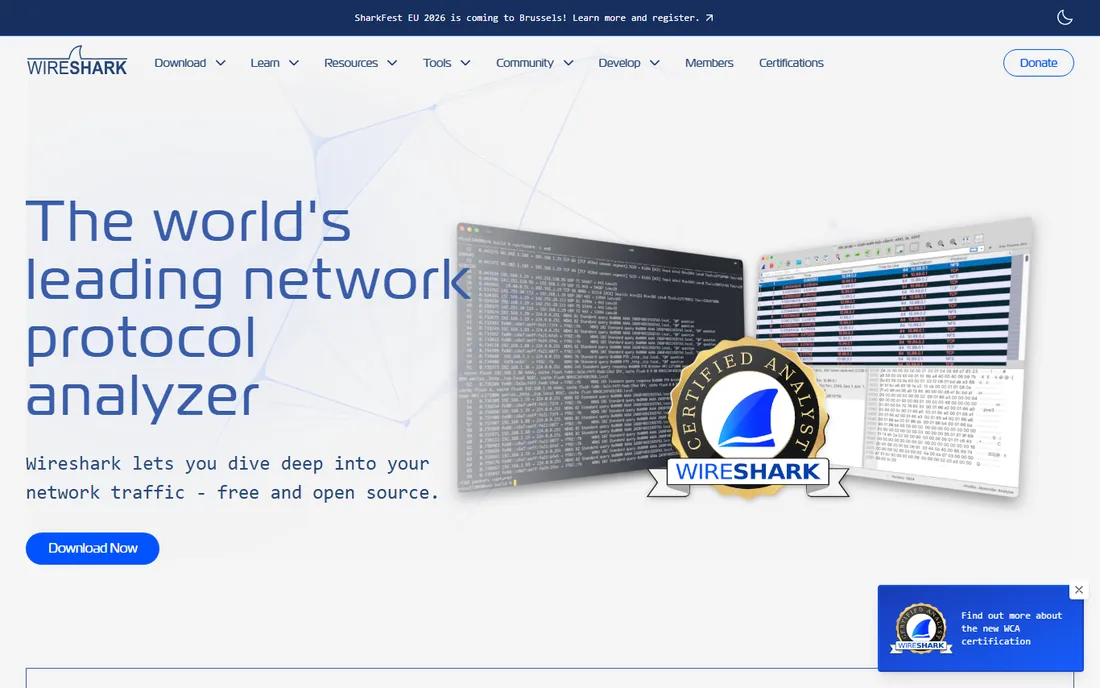
Wireshark captures and dissects every packet on your network: the definitive tool for diagnosing strange behavior, security analysis and learning how networks actually work. It is free and unmatched in depth.
The output overwhelms beginners; you need networking knowledge to interpret it. When Fing and GlassWire cannot explain a mystery, Wireshark shows you the raw truth.
There is no setup beyond installing and choosing an interface to capture on, though full Wi-Fi capture may need a compatible adapter. The learning investment is steep: filters, display expressions and protocol knowledge take weeks to build, but the official documentation and the SharkFest community teach it well. There is no commercial support for the free tool, yet the community forums answer questions quickly. Use it sparingly: constant captures create enormous files, and on switched networks you only see your own traffic plus broadcasts unless you mirror a port.
What we like- See every packet
- The definitive network analysis tool
- Free
Watch out for- Firehose of data
- Requires networking knowledge
Starting priceFree
Free planYes
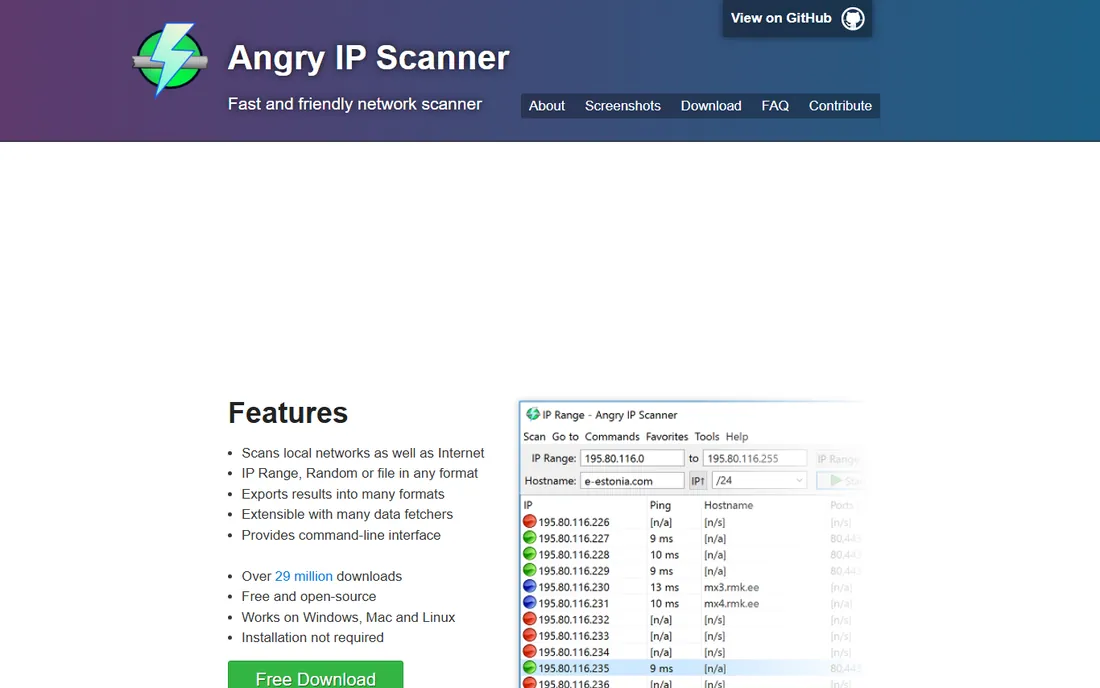
Angry IP Scanner does one thing fast: scan an IP range and show every responding device with open ports. It is lightweight, cross-platform and free, perfect for quickly mapping a network or finding a device's IP.
It does not monitor continuously. As a quick reconnaissance tool before deeper investigation, its speed is the point.
It is a single small download with no installer fuss, and a home subnet scan finishes in under a minute. Results show hostname, ping time, open ports and MAC addresses, and you can export everything to CSV for documentation. There is no support organization beyond the open-source project's GitHub page, which is fine for a tool this simple. It does not watch your network over time or send alerts, so pair it with Fing for ongoing awareness or PRTG if you want continuous monitoring with history.
What we like- Very fast IP and port scanning
- Lightweight
- Cross-platform
- Free
Watch out for- Basic
- No ongoing monitoring
Start simple, go deep only if needed
Run Fing once to see your network, install GlassWire if bandwidth mysteries bother you, and only reach for PRTG or Zabbix if you run a home lab. Wireshark waits for the day curiosity, or a real problem, demands packet-level truth.
How we chose
We compared the most used home network monitoring tools in 2026, verifying free tiers against vendor sites. We weighted ease of use, monitoring depth, alerting and value for home use. We did not run long-term monitoring deployments of each tool.
Frequently asked questions
How do I see who is on my Wi-Fi?
Install Fing on your phone and run a scan: it lists every connected device. Unknown devices may be intruders, or just smart home gadgets you forgot about. For a second opinion, log into your router's admin page, usually at an address like 192.168.1.1, and check the connected-devices list. If a device looks unfamiliar, block its MAC address there and change your Wi-Fi password.
Why is my internet slow?
Check GlassWire for bandwidth-hogging apps on your PC, run a speed test, and check whether the slowdown is Wi-Fi (test near the router) or the internet connection itself. If the router area is fast but your room is slow, the problem is Wi-Fi coverage, not your plan: consider moving the router, adding an access point, or switching crowded devices to the 5 GHz band.
Do I need network monitoring software at home?
For most homes, a one-time Fing scan and your router's admin page suffice. Monitoring software earns its keep with home labs, smart home fleets, remote properties or recurring mystery problems.
Is Wireshark legal to use?
Yes, on your own network. Capturing traffic on networks you do not own or administer can violate laws and policies; stick to your own equipment.
What is the difference between Fing and Angry IP Scanner?
Fing is a polished mobile-first network scanner with device identification and alerts. Angry IP Scanner is a fast, minimal desktop IP and port scanner. Fing suits casual users; Angry IP suits quick technical scans.
Sources we checked (8)
- https://www.fing.com/
- https://www.glasswire.com/
- https://www.paessler.com/
- https://www.zabbix.com/
- https://www.nagios.org/
- https://www.domotz.com/
- https://www.wireshark.org/
- https://www.angryip.org/
Is your product missing or out of date?
We review this list regularly. Vendors can request a listing, send updated pricing or ask about featured placement.

Shihab Mia · Founder, Rankite
Shihab has spent more than a decade helping SaaS and e-commerce brands grow through search. He writes Rankite's software buying guides from pricing pages, documentation and public user reviews. More about Shihab.