How we make this list: we compare pricing pages, product documentation and public user reviews. Rankite is independent; if a vendor ever pays for a featured spot, that listing is clearly labeled Partner.
Key takeaways
- CCleaner remains the best-known PC cleaner with a capable free version for junk files and startup management.
- Advanced SystemCare's free tier bundles the most one-click tune-up features.
- Glary Utilities and BleachBit are the best completely free options, with BleachBit open source.
- AVG TuneUp and Ashampoo WinOptimizer suit users who want automatic maintenance.
- Honest note: no optimizer fixes failing hardware; run diagnostics first if your PC has real problems.
Quick comparison
Is your product missing or out of date?
We review this list regularly. Vendors can request a listing, send updated pricing or ask about featured placement.
Optimization vs diagnostics
These tools clean junk files, manage startups, update drivers and tune settings. They speed up sluggish-but-healthy PCs. They do not fix failing drives, bad RAM or overheating; for that you need diagnostic tools like CrystalDiskInfo or HWiNFO. Know which problem you have.
Starting priceSee website
Free planYes
CCleaner defined PC cleaning: it clears temp files, browser caches and junk across Windows and apps, manages startup programs that slow boot times, and uninstalls stubborn software. The free version handles the core cleaning well.
The paid Professional adds scheduling and real-time monitoring amid persistent upsell prompts. Use the junk cleaning and startup tools; treat the registry cleaner with the caution every registry tool deserves.
Setup is a two-minute install, though the installer has a long habit of offering bundled software, so read each screen and decline what you do not want. The free version is fully manual: you run the cleaner when you remember. Paid Professional adds scheduled cleaning, automatic updates and real-time monitoring of junk buildup. Limits are philosophical as much as technical: CCleaner cleans what you have, it does not tune services or update drivers, so power users pair it with other tools. Support for free users is the knowledge base and forums; paid users get priority channels. It remains the safe default recommendation because it does one job well and has done it for nearly two decades.
What we like- Excellent junk file cleaning
- Startup manager
- Trusted brand with a long history
Watch out for- Aggressive upselling to paid
- Registry cleaner needs caution
Starting priceSee website
Free planYes

Advanced SystemCare packs the most into its free tier: junk cleaning, startup optimization, privacy sweep, driver updates and basic malware removal in a one-click "Care" scan. For users who want everything handled at once, the bundle is generous.
Watch the installer for bundled offers and expect Pro upsells. As a free one-click tune-up, though, the feature count is unmatched.
Setup needs attention: the installer bundles additional offers, and the interface surfaces Pro upsells regularly, so install carefully and ignore the sales layer. The free tier covers the one-click Care scan, startup optimization, privacy sweep and driver updates; Pro adds automatic care, deeper cleaning and faster updates. Limits are mostly about trust: IObit has faced criticism over bundled software in the past, so cautious users stick to the free cleaner and skip the extras. Everything lives inside the IObit suite rather than integrating outward. Support runs through IObit forums and email, adequate for a free product. Run it as a periodic tune-up, not a resident guard.
What we like- Huge feature bundle free
- One-click care
- Startup optimizer and driver updater
Watch out for- Installer bundles offers
- Interface pushes the paid Pro
Starting priceFree
Free planYes
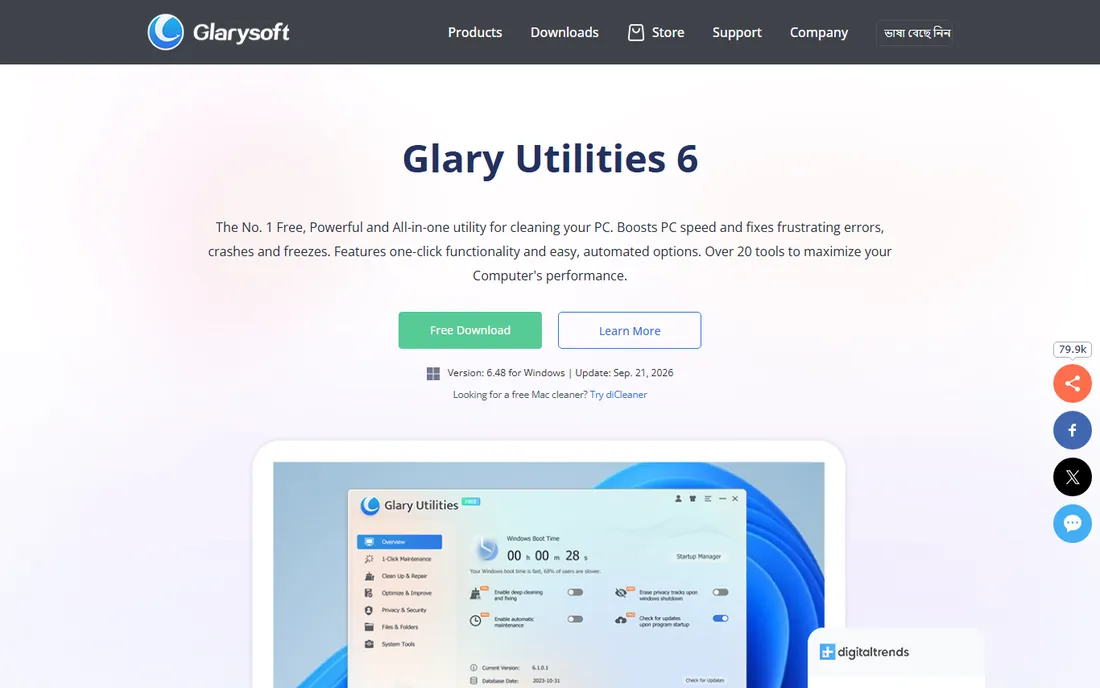
Glary Utilities bundles over 20 tools, disk cleaner, registry repair, startup manager, file shredder, duplicate finder, into one free package with one-click maintenance. It is lightweight and the free version is genuinely useful.
The interface looks dated and the Pro version gates scheduling and deeper cleaning. For a free Swiss-army toolkit, it covers remarkable ground.
Setup offers a portable version that runs without installation, which technicians love for cleaning other people's machines from a USB stick. The free version covers the full 20-plus tool set; Pro adds automatic maintenance scheduling, automatic updates and deeper cleaning options. Limits are cosmetic and organizational: the dated interface hides good tools in cluttered menus, and some utilities overlap each other. There are no meaningful integrations; it is a self-contained toolbox. Support is forum and email based, fine for a free utility. For a no-cost toolkit that does nearly everything, the trade of polish for breadth is easy to accept.
What we like- 20+ free tools
- One-click maintenance
- Lightweight
Watch out for- Dated interface
- Pro upsells
- Some tools overlap
Starting priceSee website
Free planFree trial
AVG TuneUp, from the AVG antivirus family, automates PC maintenance: junk cleaning, broken shortcut repair, and a sleep mode that pauses background programs to free resources. Automatic maintenance runs without your input.
It is subscription-only with a trial rather than a free tier. For users who want maintenance handled silently by a known brand, the automation is the appeal.
Setup requires an AVG account and starts with the trial, so have your payment details ready and set a reminder to decide before the trial ends. The subscription covers multiple devices on typical plans, which suits households with several PCs. Sleep mode is the standout feature: it detects resource-heavy background programs and puts them to sleep, then wakes them when you need them. Limits: there is no free tier beyond the trial, and the automatic maintenance can feel heavy-handed if you prefer manual control. Support comes through AVG's standard channels, which are decent for a consumer product. It fits users who want the PC to maintain itself and never think about it.
What we like- Automatic maintenance mode
- Sleep mode for background programs
- From a trusted security brand
Watch out for- Subscription only
- Trial-gated
- Can feel heavy-handed
Starting priceSee website
Free planFree trial
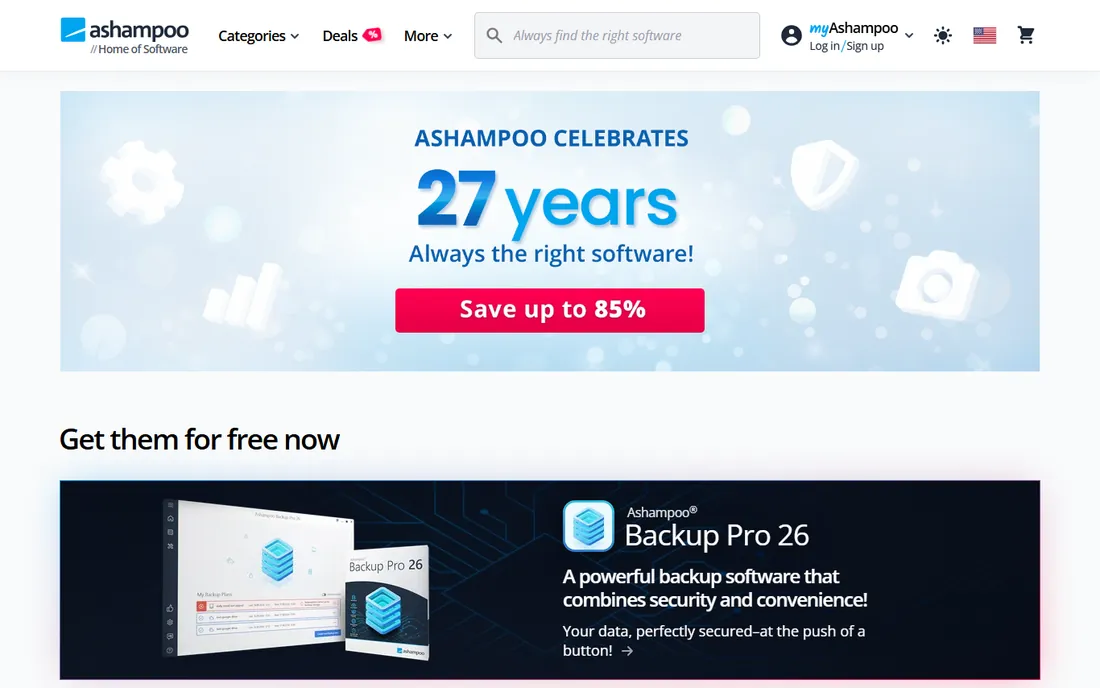
Ashampoo WinOptimizer takes a thorough German-engineering approach: deep system cleaning, privacy management, drive tools for SSDs and HDDs, and benchmark modules. The one-click optimization covers the essentials while modules go deeper.
The free offering is trial-based, pushing toward purchase. For users who like detailed control over every optimization category, the depth satisfies.
Setup delivers the license key by email after purchase, with the trial letting you explore the modules first. The module system is the product: individual tools for registry, drives, privacy, backups, benchmarks and file tools, each going deeper than one-click suites. That depth is also the limit: casual users can feel lost among dozens of modules, and the paid focus means the free trial expires into a purchase prompt. Integrations are minimal; it stands alone. Support is Ashampoo's ticket system, competent and German-precise. The SSD and HDD tools, including defrag and health checks, are genuinely useful for older machines. Buy it if you enjoy tuning; skip it if you want one button.
What we like- Deep cleaning modules
- Privacy controls
- SSD and HDD tools
Watch out for- Paid focus
- Module sprawl can overwhelm
Starting priceSee website
Free planYes
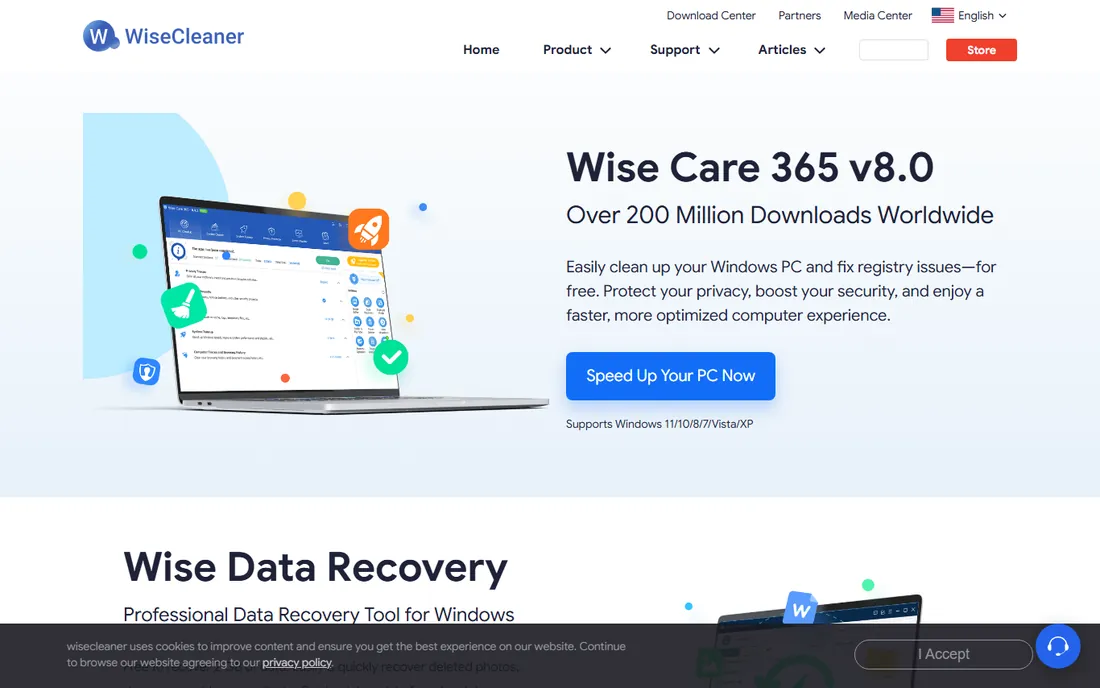
Wise Care 365 cleans junk, defrags, manages startups and even monitors hardware temperatures, with a free version that covers the essentials quickly. Scans run fast and the results are clearly presented.
The interface is busy and Pro upsells are constant. For fast free cleaning with a bit of monitoring thrown in, it does the job.
Setup is fast and the first scan finishes quickly, which makes a good first impression. The free version covers junk cleaning, defrag, startup management and hardware monitoring; Pro adds real-time system protection, automatic updates and scheduled cleaning. Limits are the busy interface and the constant Pro advertising, which can irritate. The hardware monitoring tab is a genuine extra: temperature and hardware details that most cleaners omit. Integrations are absent; it is a standalone suite. Support is WiseCleaner's forums and email, fine for free software. It earns its place as the fast, free, slightly noisy option.
What we like- Fast cleaning
- Good free version
- Hardware monitoring included
Watch out for- Interface is busy
- Pro features prominently advertised
Starting priceFree
Free planYes
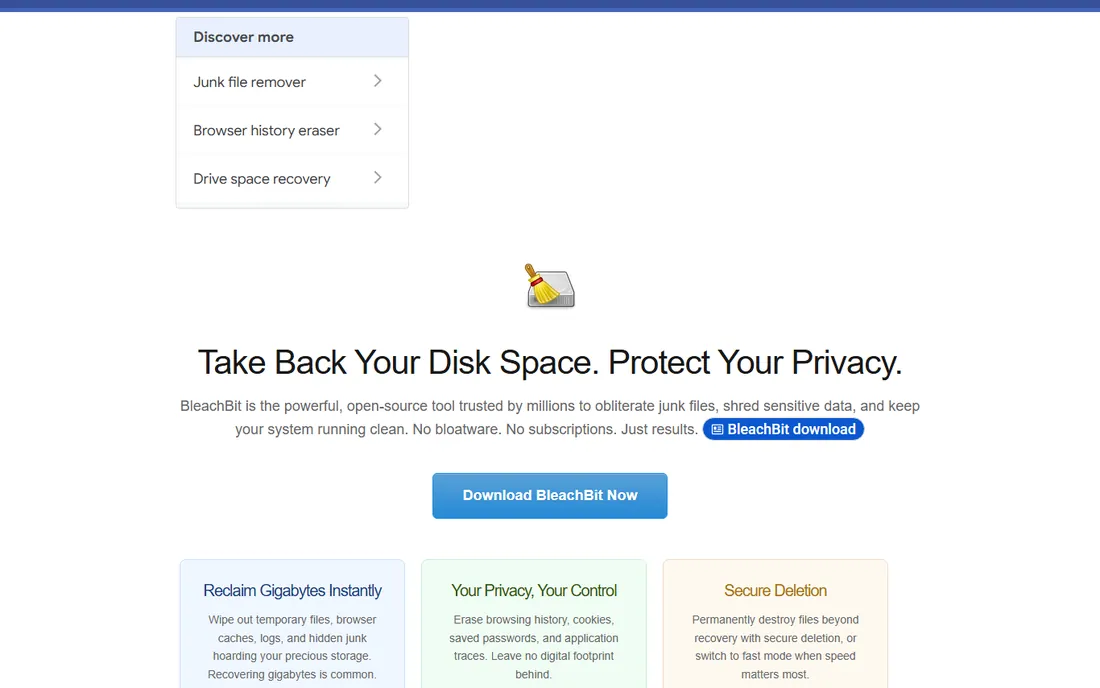
BleachBit is the open source cleaner: free forever, no ads, no upsells, no bundled offers, just thorough junk file and cache cleaning with secure file shredding. Privacy advocates and Linux users trust it precisely because there is no business model attached.
The interface is spartan and assumes you know what you are deleting. For principled free cleaning without commercial baggage, it stands alone.
Setup is refreshingly honest: download from bleachbit.org, install or run the portable build, with no account, no upsell and no bundled offers. It cleans caches and junk for hundreds of applications, with a preview mode that shows exactly what will be deleted before you commit. Limits are about guidance: there is no scheduler, no automatic maintenance and no safety net beyond the preview, so it suits users who know what they are deleting. Command-line support makes it scriptable for technicians. Support is community documentation only, which is thorough but not hand-holding. It is the principled choice: free as in freedom, with no commercial layer at all.
What we like- Completely free and open source
- No ads or upsells
- Trusted by privacy advocates
Watch out for- Spartan interface
- No hand-holding
- Windows and Linux only
Starting priceSee website
Free planFree trial
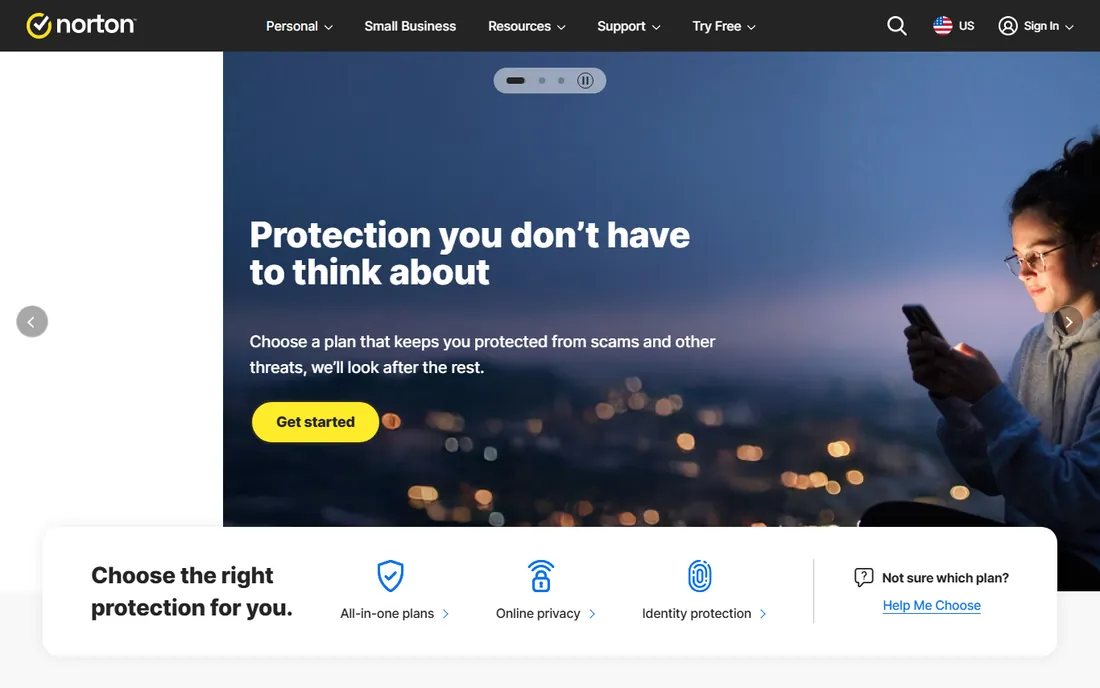
Norton Utilities brings the Norton brand to PC tune-up: automated cleaning, startup management and duplicate finding with the polish you expect. Existing Norton customers get a consistent experience.
It is subscription-only and the feature set is lighter than Advanced SystemCare or Glary. For brand-trusters who want simple automated care, it is the comfortable choice.
Setup runs through a Norton account with the trial converting to an annual subscription. The feature set covers automated cleaning, startup management and duplicate file finding, presented in Norton's clean, consumer-friendly interface. Limits are value and depth: the subscription costs real money for fewer features than free rivals offer, and power users will miss the granular modules of Ashampoo or Glary. Integrations favor the Norton ecosystem; existing Norton 360 users get a consistent experience. Support is Norton's 24/7 channels, among the best in consumer software. It is a fair pick for brand-loyal users who want simple, automated care and already trust Norton with their security.
What we like- From the Norton security brand
- Automated care
- Duplicate file finder
Watch out for- Subscription only
- Trial rather than free
- Lighter feature set than rivals
Keep expectations honest
Optimizers help sluggish PCs burdened by junk, bloated startups and clutter. They add seconds, not miracles. If your PC crashes, overheats or crawls despite cleaning, the problem is hardware or malware, and no tune-up utility will fix it. Clean first, diagnose second, upgrade third.
A realistic cadence: run a cleaner monthly, review startup programs quarterly, and update drivers when something misbehaves. Anything sold as daily optimization is selling peace of mind, not performance. And keep a backup before aggressive cleaning; even good tools occasionally remove something you wanted.
How we chose
We compared the most used PC optimization tools in 2026, verifying free tiers and pricing against vendor sites. We weighted cleaning effectiveness, safety, extra features and value. We did not benchmark speed gains on test machines.
Frequently asked questions
Do PC optimizers actually work?
They help with specific problems: full disks, bloated startup lists and accumulated junk. They cannot fix hardware faults, and modern Windows with an SSD needs them far less than old hard-drive PCs did. The biggest honest gains come from the startup manager: disabling five unnecessary auto-start programs does more for boot time than any junk cleaning. Measure with a stopwatch before and after; the difference is usually seconds, not minutes.
Is CCleaner safe?
Yes, for its core cleaning functions. Avoid aggressive registry cleaning on any tool, download only from the official site, and decline bundled offers during install.
Are free PC cleaners enough?
For most users, yes: CCleaner's, Advanced SystemCare's and Glary's free tiers cover junk cleaning and startup management. Paid tiers add automation and scheduling. The paid upsell is worth it only if you will actually use scheduling and automation; most home users will not. Spend the money on an SSD upgrade instead, which delivers a bigger speed gain than any software.
Will optimization software speed up gaming?
Marginally, by freeing RAM and stopping background apps. Real gaming performance comes from hardware and drivers, not cleaners. Game boosters that close background processes help a little.
How often should I optimize my PC?
Monthly junk cleaning and a periodic startup review suffice. Daily "optimization" is unnecessary on modern systems and mostly marketing.
Sources we checked (8)
- https://www.ccleaner.com/
- https://www.iobit.com/
- https://www.glarysoft.com/
- https://www.avg.com/
- https://www.ashampoo.com/
- https://www.wisecleaner.com/
- https://www.bleachbit.org/
- https://www.norton.com/
Is your product missing or out of date?
We review this list regularly. Vendors can request a listing, send updated pricing or ask about featured placement.

Shihab Mia · Founder, Rankite
Shihab has spent more than a decade helping SaaS and e-commerce brands grow through search. He writes Rankite's software buying guides from pricing pages, documentation and public user reviews. More about Shihab.
 CCleaner
 Advanced SystemCare
 Glary Utilities
 AVG TuneUp
 Ashampoo WinOptimizer
 Wise Care 365
 BleachBit
 Norton Utilities