How we make this list: we compare pricing pages, product documentation and public user reviews. Rankite is independent; if a vendor ever pays for a featured spot, that listing is clearly labeled Partner.
Key takeaways
- NetSpot is the easiest starting point: a real free tier, guided surveys on Mac, Windows and Android, and heatmaps you can build without reading a manual first.
- Ekahau HeatMapper is still the simplest genuinely free survey tool, but it is Windows only, aging, and capped at 15-minute surveys.
- Most tools here map signal on a floor plan you provide; scanners like inSSIDer and WiFiInfoView show channel data but do not draw heatmaps.
- Free tiers almost always limit survey size, data points or commercial use, so check the caps before you plan a whole office around them.
Quick comparison
Is your product missing or out of date?
We review this list regularly. Vendors can request a listing, send updated pricing or ask about featured placement.
The best free WiFi heat mapping software
Starting priceSee website
Free planYes

NetSpot is the tool most people should try first. You load a floor plan, walk the space and tap your position on the map as it records signal strength. A few minutes later you have a color-coded heatmap showing exactly where the signal holds up and where it dies. The interface holds your hand through the process instead of assuming you already know what an SNR heatmap is.
The free tier is real but bounded: you get limited zones and data points per heatmap, and it is licensed for non-commercial use. Paid PRO and Enterprise licenses add commercial rights, more zones, unlimited data points and advanced reports. For a homeowner or a small office trying to place one or two access points, the free tier is usually enough. IT consultants who survey client sites for money will need to pay.
What we like- Step-by-step survey workflow
- Works on Mac, Windows and Android
- Predictive planning mode for new networks
Watch out for- Free tier limits zones and data points
- Commercial use needs a paid license
- Large surveys can feel slow on older machines
Starting priceFree
Free planYes

HeatMapper is the classic free answer to this question, and it still works. Install it on a Windows laptop, load a floor plan (or sketch one), walk around clicking your location, and it builds a heatmap of signal strength in dBm. There is no signup, no trial clock ticking down, and no upsell screen blocking the export.
The honest catch is that Ekahau has moved on. The company now sells the enterprise Ekahau AI Pro platform, and HeatMapper is a legacy freebie that only runs on Windows with a 15-minute survey limit. It covers 802.11n and earlier standards well enough for a home or small office, but it will not know what to do with a modern WiFi 6E or WiFi 7 deployment. Use it for quick dead-zone hunts, not for professional site surveys.
What we like- Completely free with no account needed
- Very easy walk-around workflow
- Finds access points automatically
Watch out for- Windows only
- Has not been updated in years
- Surveys are capped at 15 minutes
Starting priceFree
Free planYes
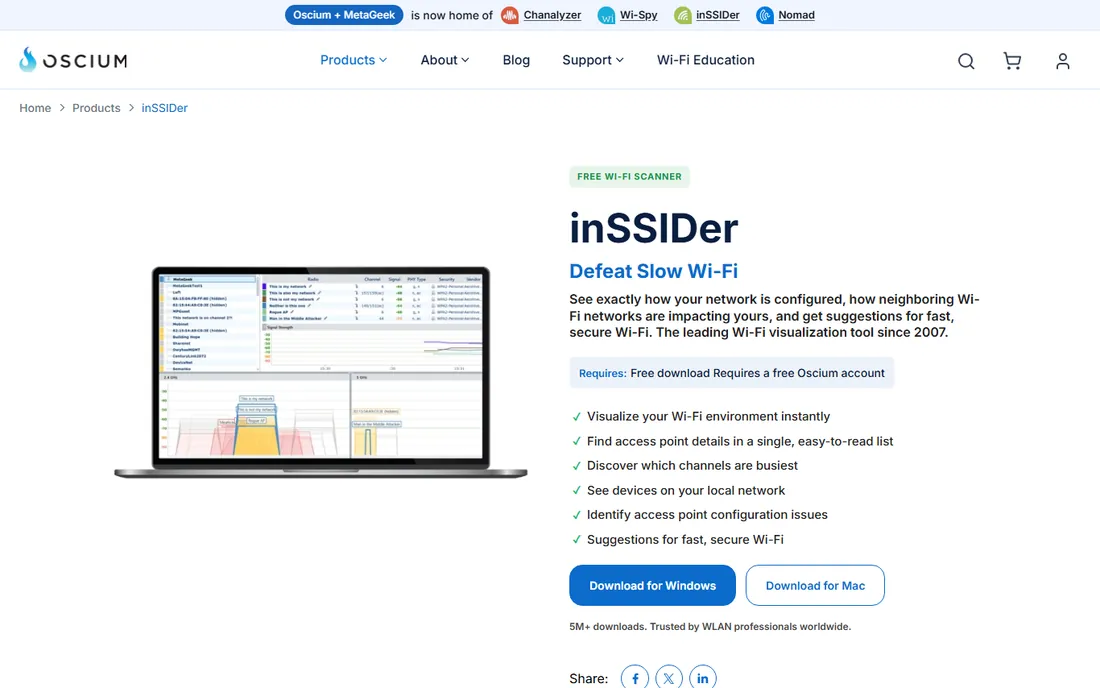
inSSIDer does one thing extremely well: it shows you every nearby network, which channel each one sits on, and how busy those channels actually are. That distinction matters, because a channel with one loud network can be worse than a channel with three quiet ones, and inSSIDer makes that visible. Its suggestions are written for normal humans, not RF engineers.
It is now published by Oscium and remains free to download with a free account. An optional MetaGeek Plus subscription at $200 per year adds packet analysis, snapshots and cloud sync. If your actual problem is "which channel should my router use," inSSIDer answers it faster than any heatmapper. If you need a colored coverage map of your floor, pair it with NetSpot or HeatMapper instead.
What we like- Best-in-class channel utilization table
- Plain-English fix suggestions
- Over 5 million downloads since 2007
Watch out for- A scanner, not a floor-plan heatmapper
- Windows only
- Requires a free Oscium account
Starting priceSee website
Free planFree trial

Acrylic takes the full-lifecycle approach. The suite includes Heatmaps for site surveys, Analyzer for troubleshooting, and Sniffer for packet capture, and the current versions support WiFi 7 on all frequency bands. For a small IT team that wants one vendor for planning, surveying and fixing, that breadth is attractive.
The free story has changed, though. The old free Acrylic Wi-Fi Home edition has been replaced by the paid Acrylic Suite, available as a trial before you buy a license from their store. Pricing is not published on the main site, so you will need to check the store for current numbers. This is the right pick if you want professional features and reporting; it is not the right pick if you refuse to spend anything.
What we like- Covers design, site survey, analysis and packet capture
- Supports WiFi 7 across all bands
- Generates editable reports
Watch out for- The generous free Home edition is gone
- Windows only
- Licenses are sold per user through their store

#5
TamoGraph Site Survey
Best for: professional-grade reports
Visit tamos.com
Starting price$1,499 one-time
Free planFree trial

TamoGraph is a serious site-survey tool with a free evaluation mode, which is why it earns a spot here. The Standard edition costs $1,499 for a perpetual license, Pro costs $1,999, and time-limited licenses run $499 for six months or $999 for a year. Pro adds RF modeling (predictive surveys), GPS support and report customization.
The trial lets you test the workflow, but it is deliberately limited: surveys are capped at about 10 minutes, visualizations carry watermarks, and you cannot save projects or reports. For a business that needs defensible survey reports for clients, the price is in line with the category. For mapping your apartment, it is overkill, and one of the free options above will do.
What we like- Polished reports and RF modeling
- Runs on modest Windows hardware
- Time-limited licenses lower the entry cost
Watch out for- Expensive for casual use
- The free trial is heavily restricted
- Mac support requires specific hardware
Starting priceSee website
Free planFree trial
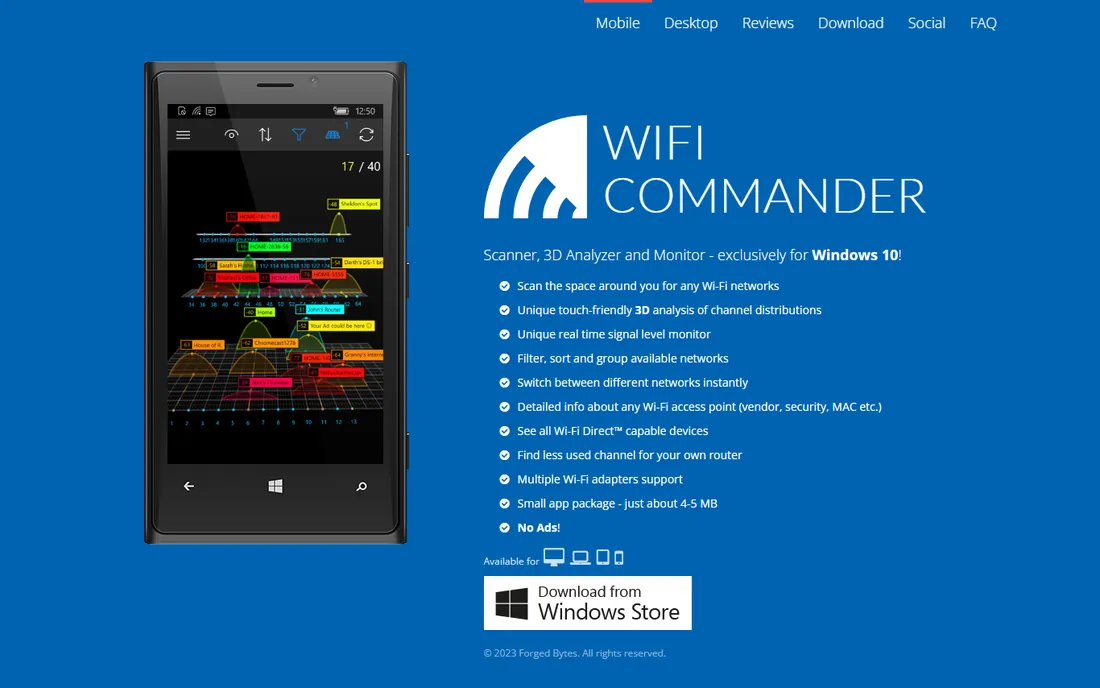
WiFi Commander is the odd one out, and that is its charm. Instead of tables and 2D graphs, it renders channel distribution in 3D views you can rotate and explore. For a visual thinker trying to understand why the 2.4 GHz band is a mess in their building, the 3D view clicks faster than any spreadsheet.
It is a paid app from the Microsoft Store (an inexpensive one-time purchase, with a trial available), and it works on Windows 10 and 11. It scans, monitors signal in real time and shows AP details like vendor and security, but it will not walk a floor plan and paint a coverage heatmap. Think of it as a prettier, more visual alternative to the basic scanners.
What we like- Unique touch-friendly 3D channel views
- Tiny 4 to 5 MB app
- No ads
Watch out for- Windows only
- Does not build floor-plan heatmaps
- A small indie product with a slow update cadence
Starting priceFree
Free planYes
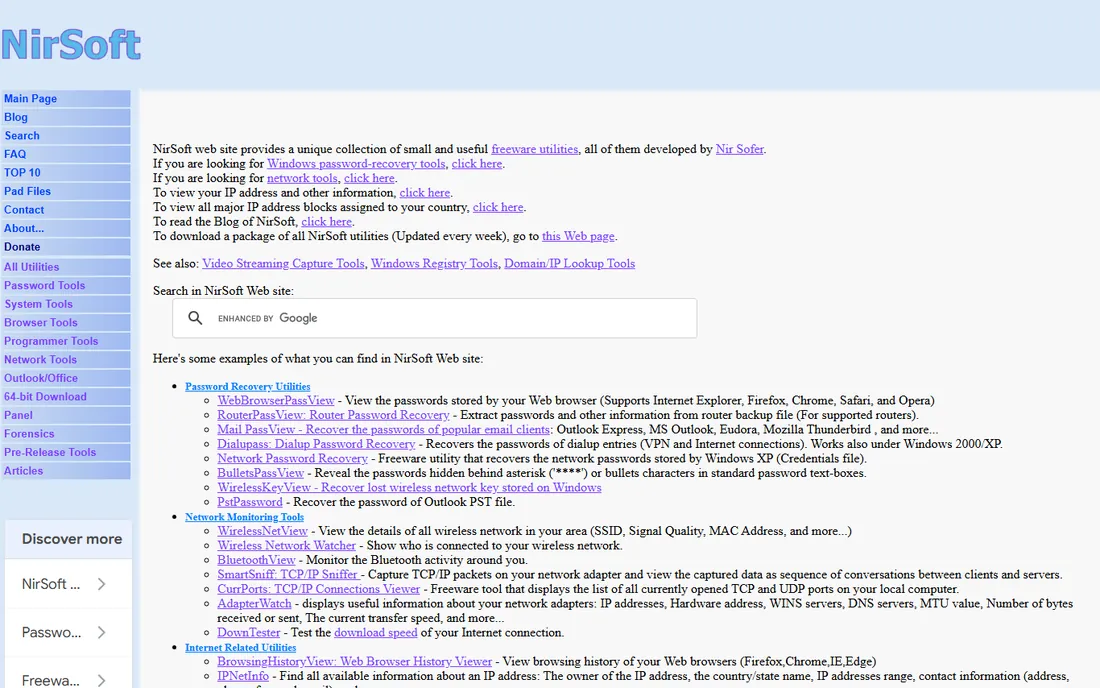
WiFiInfoView comes from NirSoft, the long-running one-person freeware shop, and it does exactly what it says: it lists every wireless network in range with SSID, signal quality, channel, security, MAC address and more. It fits on a USB stick, runs without installation, and exports everything for documentation.
It will not draw you a heatmap, so it belongs in this list as the companion tool, not the main event. Walk a building with WiFiInfoView logging to CSV and you have raw signal data for every room; feed a floor plan into NetSpot and you have the picture. For quick "is the signal actually weak here or is it something else" checks, it is the fastest free answer on Windows.
What we like- Tiny portable executable, no install
- Exports to CSV, HTML and XML
- Still updated (v3.00 in 2026)
Watch out for- Table view only, no heatmap graphics
- Windows only
- Needs a wireless adapter that supports monitor details
Starting priceFree
Free planYes
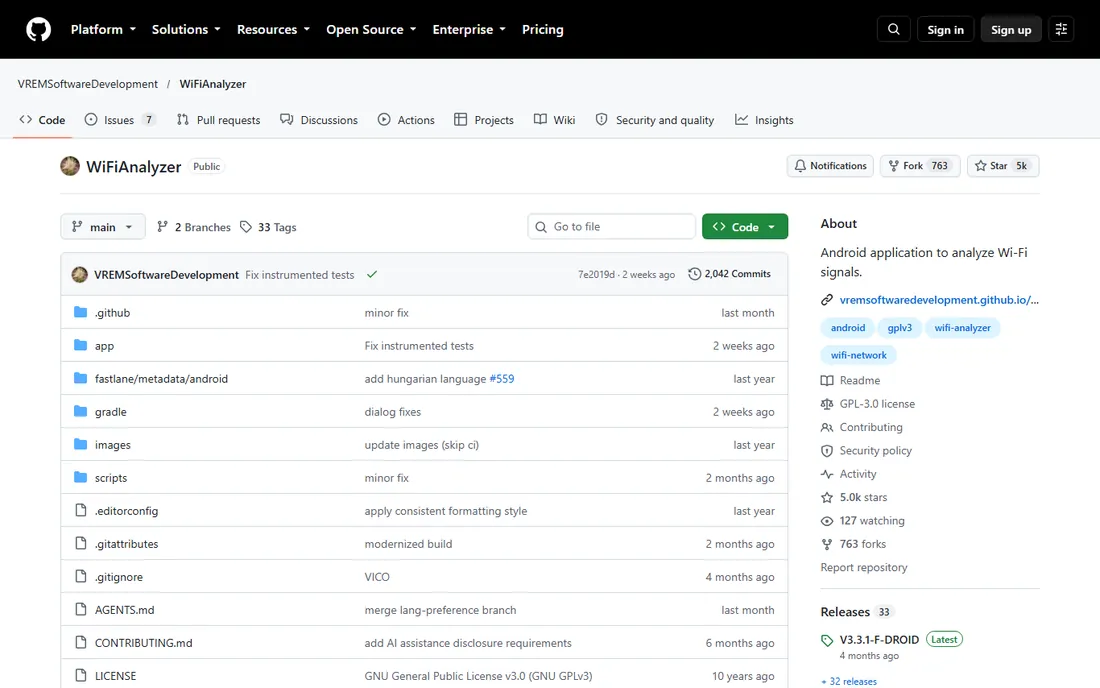
This is the open-source WiFi Analyzer for Android, maintained on GitHub with over 5,000 stars, and it is refreshingly honest software. It graphs channel signal strength, tracks access point signal over time, rates channels, estimates distance to access points, and supports 2.4, 5 and 6 GHz bands where the hardware allows. It asks for minimal permissions, needs no internet access, and collects nothing.
The trade-off is platform and scope. There is no iOS version and no floor-plan heatmap mode; it is a channel and signal analyzer you carry in your pocket. For Android users who want a free, private, ad-free way to pick channels and find dead zones room by room, it is the best option on this list.
What we like- Fully open source under GPLv3
- No ads and no data collection
- Channel graphs plus AP signal-over-time views
Watch out for- Android only
- No floor-plan heatmaps
- Newer Android versions throttle WiFi scans
Starting priceFree
Free planYes
Homedale is a small free Windows utility that monitors the signal strength of nearby networks and plots it over time. It is the kind of tool you leave running on a laptop while you move from room to room, watching the graph dip as you find the dead zones. Setup takes about a minute and there is nothing to configure.
It is basic by design: no floor plans, no predictive modeling, no reports. The interface looks like it has not changed in a decade, because it mostly has not. But when the question is simply "where does my signal drop," a live graph and a walk around the house answer it, and Homedale is free.
What we like- Free and extremely lightweight
- Graphs signal strength over time
- Simple enough for non-technical users
Watch out for- Windows only
- Dated interface
- No floor-plan heatmap mode
How we chose
We started from the tools people actually recommend for free WiFi surveying: community threads, existing roundups and download-site listings. Every tool above was checked to confirm it still exists today and fits the category. We opened each vendor homepage to verify the site and license terms, read the pricing or store pages for current prices and trial limits, and checked documentation and public reviews on G2, Capterra and Reddit for how the tools behave in real use. Nothing here is based on hands-on lab testing; it is based on published specs, license terms and long-term user feedback. Tools that were discontinued, folded into paid-only suites with no trial, or blocked from verification were left out.
What to check before you download
A free WiFi tool is only free within its limits, and the limits are where buyers get surprised. Read the license terms before you survey a client site: several free tiers here are for non-commercial use only, and using them for paid consulting can violate the license.
Match the tool to the job
If you need a colored coverage map on your floor plan, you need a surveyor: NetSpot, HeatMapper, Acrylic or TamoGraph. If you need to pick a channel or spot interference, a scanner is faster: inSSIDer, WiFiInfoView, WiFi Analyzer or Homedale. Most real troubleshooting sessions use one of each.
Mind the platform
Windows users have the most choice. Mac users are mostly limited to NetSpot, since several tools here are Windows only and WiFi Analyzer is Android only. Check the system requirements on the vendor site before you commit to a workflow.
Watch the caps
Free tiers cap zones, data points, survey length or export. NetSpot limits zones and data points per heatmap, HeatMapper caps surveys at 15 minutes, and TamoGraph watermarks trial output and blocks saving. For a one-room fix these caps do not matter; for a whole office they decide which tool you can actually finish with.
Free tier limits worth knowing
The pattern across this category is consistent: the survey itself is free, and the vendor charges for scale, commercial use or reports. NetSpot and Acrylic keep the advanced reports and commercial rights behind paid licenses. inSSIDer keeps packet analysis and cloud sync in the $200 per year Plus tier. TamoGraph keeps RF modeling and report customization in Pro. None of this is a trap; it is how the business model works. The practical move is to do your first survey on a free tier, and only pay when you hit a limit that actually blocks your work.
Frequently asked questions
Can I really map WiFi coverage for free?
Yes, for homes and small offices. NetSpot, Ekahau HeatMapper and WiFi Analyzer all produce usable coverage data at no cost, and scanners like inSSIDer and WiFiInfoView are free for channel analysis. The free options thin out when you need multi-floor surveys, commercial licenses or client-ready reports.
Do I need a floor plan?
For true heatmaps, yes. Surveyors like NetSpot and HeatMapper overlay signal readings on a map you provide, which can be a photo of a hand-drawn sketch. Scanners work without any map, since they just list networks and signal strength as you move.
Why is my heatmap inaccurate?
Usually it is the map or the method, not the tool. An unscaled floor plan, too few measurement points, or holding the laptop at different heights between readings all distort the result. Take more points, keep the device at a consistent height, and mark your position carefully.
Is Ekahau HeatMapper still safe to use?
It is a legitimate free tool from a real vendor, but it is old and unmaintained. It still runs on Windows 10 and 11 for most users, though you may need compatibility settings on some systems. Do not expect support or updates, and do not use it to plan a WiFi 6E or WiFi 7 network.
What is the difference between a scanner and a surveyor?
A scanner lists nearby networks with live signal, channel and security data. A surveyor records signal readings at positions you mark on a floor plan and renders them as a heatmap. Scanners answer "what is happening right now"; surveyors answer "where is it happening."
Which free tool works on a Mac?
NetSpot is the strongest option with a real Mac version. WiFi Analyzer covers Android. Most of the other free tools on this list are Windows only, which is a long-standing gap in this category.
Sources we checked (12)
- https://netspotapp.com
- https://netspotapp.com/pricing
- https://www.ekahau.com/
- https://acrylicwifi.com/
- https://www.inssider.com/
- https://www.tamos.com/
- http://www.tamos.com/products/wifi-site-survey/
- https://nirsoft.net/
- https://wifi3d.app/
- https://github.com/VREMSoftwareDevelopment/WiFiAnalyzer
- https://www.networkstraining.com/best-wifi-heatmap-software/
- https://www.thesz.diecru.eu/content/homedale.php
Is your product missing or out of date?
We review this list regularly. Vendors can request a listing, send updated pricing or ask about featured placement.

Shihab Mia · Founder, Rankite
Shihab has spent more than a decade helping SaaS and e-commerce brands grow through search. He writes Rankite's software buying guides from pricing pages, documentation and public user reviews. More about Shihab.
 NetSpot
 Ekahau HeatMapper
 inSSIDer
 Acrylic Wi-Fi
 WiFi Commander
 WiFiInfoView
 WiFi Analyzer
 Homedale