How we make this list: we compare pricing pages, product documentation and public user reviews. Rankite is independent; if a vendor ever pays for a featured spot, that listing is clearly labeled Partner.
Key takeaways
- Kahoot! (from $10/month) is the classic for live, game-show-style classroom quizzes.
- Wayground, formerly Quizizz, offers a generous free tier with self-paced quizzes and AI generation.
- Google Forms is completely free and the default for simple graded quizzes.
- Typeform ($25/month) and Jotform are best when the quiz is also a lead form or survey.
- ProProfs and ClassMarker serve graded assessments and certifications with cheating controls.
Quick comparison
Is your product missing or out of date?
We review this list regularly. Vendors can request a listing, send updated pricing or ask about featured placement.
Live games, homework, or graded tests?
Quiz platforms split three ways: live game-show quizzes for classrooms (Kahoot!, Mentimeter), self-paced learning quizzes (Wayground), and graded assessments with security (ProProfs, ClassMarker). Form builders (Typeform, Jotform, Google Forms, SurveyMonkey) cover quizzes that double as surveys or lead capture. Pick your category first.
There is a fourth buyer worth naming: the marketer. If the quiz exists to capture leads or segment an audience, grading accuracy matters less than completion rate and CRM integration, which flips the ranking toward Typeform and Jotform. Budget also splits the field. Classrooms with zero budget land on Wayground or Google Forms; teams that can spend per seat get Kahoot! 360 or Mentimeter Pro for the live experience. Decide the moment, the budget and the buyer, then choose.
Starting price$10 per month (Starter)
Free planYes
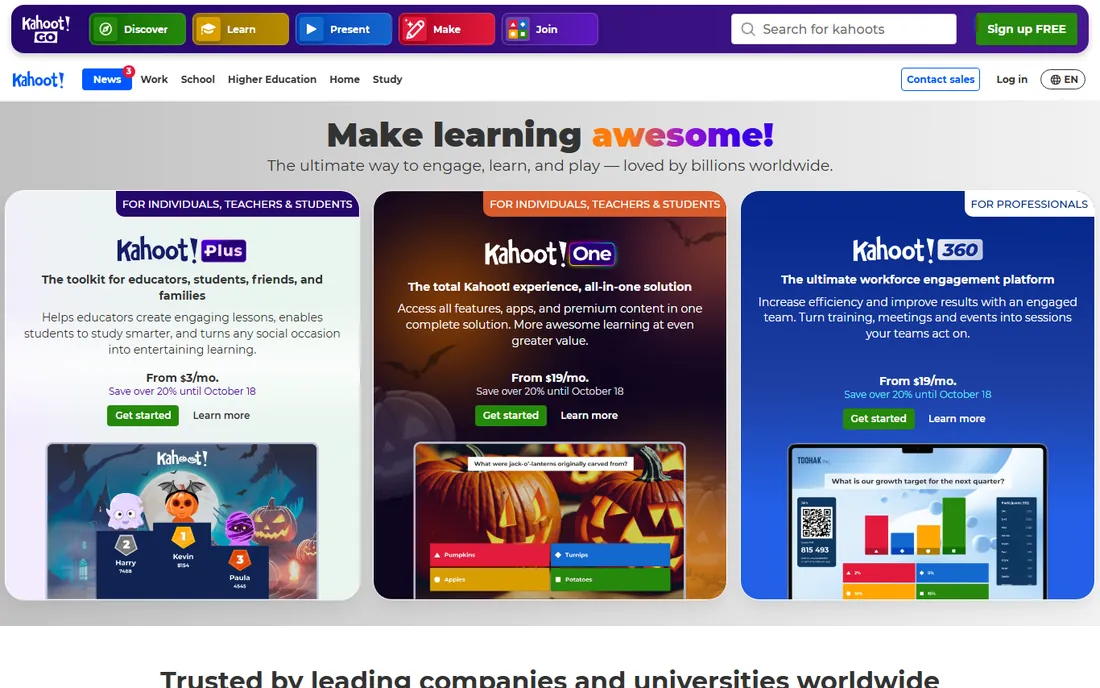
Kahoot! invented the classroom quiz game: project questions, students answer on their devices with a PIN, and a live leaderboard keeps energy high. Plans start at $10 a month for Starter, with Kahoot! 360 teacher plans from $19 to $59 a month.
The free tier's participant cap, around 10, is too small for most real classrooms. But for engagement in live sessions, nothing beats the game-show format Kahoot! pioneered.
Getting started takes minutes: teachers sign up free, build a quiz in the creator or pull one from the public library, then students join at kahoot.it with a game PIN, no accounts required. The practical limits show up fast. The free plan caps participants around ten and restricts question types and the number of quizzes you can store, so real classrooms end up on paid teacher plans. Integrations cover Google Classroom, Microsoft Teams and Zoom, which makes assigning and launching games painless. Support runs through a deep help center and an active teacher community, with priority support reserved for paid plans.
What we like- The iconic live quiz game
- Huge content library
- Students love the format
Watch out for- Free plan caps around 10 participants
- Paid plans add up for schools
Starting priceFree
Free planYes
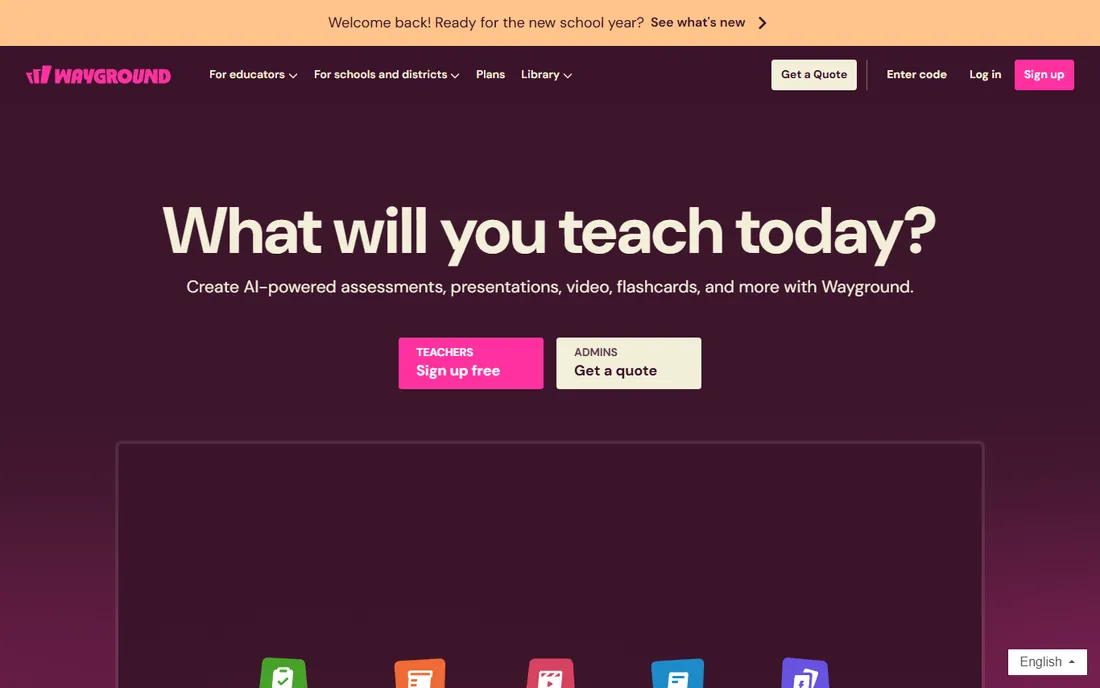
Wayground, formerly Quizizz before its June 2025 rebrand, is the flexible classroom quiz platform: students answer at their own pace on their own devices, making it ideal for homework and differentiated instruction as well as live sessions. The free Basic tier includes AI generation, autograding and standards-aligned reports.
School and district plans with full AI grading and LMS integration are quote-based. For teachers who want more than Kahoot!'s live format, Wayground's free tier is the richest in education.
Setup is friendly: import existing quizzes, pull from the 40M+ resource library, or generate questions with AI from a topic or a pasted document. Google Classroom rostering syncs classes automatically, and Canvas, Schoology and Teams integrations keep scores flowing back to the gradebook. The limits worth knowing: heavy AI generation and advanced analytics sit behind school and district plans, which are priced by quote. Support is mostly self-serve through the help center and educator community, though district customers get onboarding help.
What we like- Generous free tier
- Self-paced and live modes
- AI question generation
- 40M+ resource library
Watch out for- Rebrand from Quizizz still confuses
- Advanced features are quote-based for schools
Starting priceFree
Free planYes
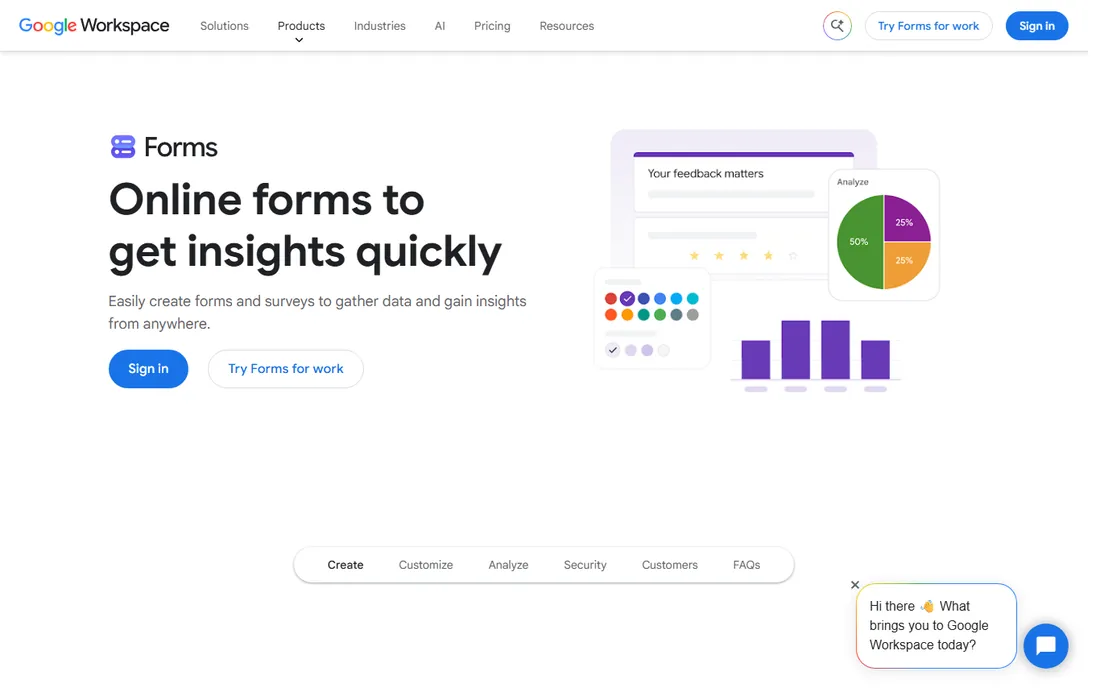
Google Forms with quiz mode is the free default: multiple choice and short answer with automatic grading, response summaries and Classroom integration, all at zero cost. No accounts to manage beyond Google.
It is plain and utilitarian, with no game elements or advanced assessment controls. For straightforward graded quizzes on a zero budget, it remains unbeatable.
There is no setup beyond having a Google account: toggle quiz mode on any form, assign point values, and Classroom pushes it to students. Responses land in Sheets, where free add-ons can handle deeper grading and mail-merge feedback. Limits are real: question types are basic, there is no question bank randomization, and anti-cheating is nonexistent. Support is Google's standard documentation and community forums, which is plenty because there is so little to break.
What we like- Completely free
- Quiz mode with auto-grading
- Everyone already has Google accounts
Watch out for- Plain design
- Limited question types
- No gamification
Starting price$25 per month (Basic)
Free planYes
Typeform turns quizzes into conversations: one beautiful question at a time, with logic jumps that adapt the path. When the quiz doubles as lead qualification or a personality quiz for marketing, completion rates beat every alternative. Basic starts at $25 a month.
It is not a grading platform; scoring is basic. For marketing quizzes, lead magnets and engaging surveys, the experience justifies the price.
Building is the fun part: the drag-and-drop builder, quiz templates and a scoring calculator make a polished quiz in an afternoon. Free plans cap monthly responses tightly, so any serious lead volume needs a paid tier starting at $25. Integrations are a strength, with native connections to HubSpot, Mailchimp, Slack, Google Sheets and most CRMs, plus Zapier for the rest. Support includes a thorough help center and chat support on paid plans, and the templates gallery answers most design questions before you ask them.
What we like- Gorgeous one-question-at-a-time UX
- High completion rates
- Great logic jumps
Watch out for- $25 a month is steep for quizzes alone
- Limited grading features
Starting priceSee website
Free planYes
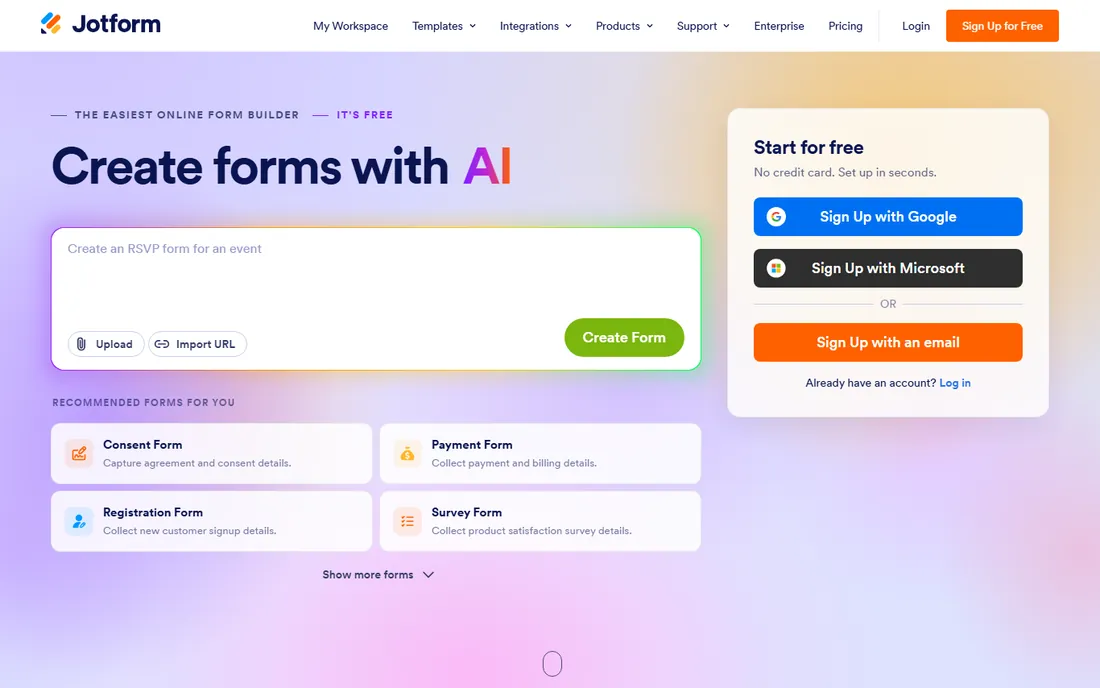
Jotform's form builder handles quiz-style forms with deep conditional logic, calculations and thousands of templates. The free tier covers meaningful volume, and paid plans scale with submissions.
It is a form builder first, so gamification and classroom features are absent. For registration quizzes, scored assessments in a business context and logic-heavy forms, it is the workhorse.
Setup leans on the template library: clone a quiz form, tweak the conditional logic, and embed it anywhere or share a link. The free tier allows a few hundred monthly submissions, generous for a form builder, and paid plans scale by submission count. Integrations run past 150 apps, including payment processors for paid assessments, Google Drive for file uploads, and Salesforce for lead routing. Support is 24/7 on paid plans with an active user forum; the busy interface is the main learning curve, not the docs.
What we like- Huge template library
- Powerful conditional logic
- Free tier is generous
Watch out for- Interface is busy
- Quiz-specific features trail dedicated platforms
Starting priceSee website
Free planYes
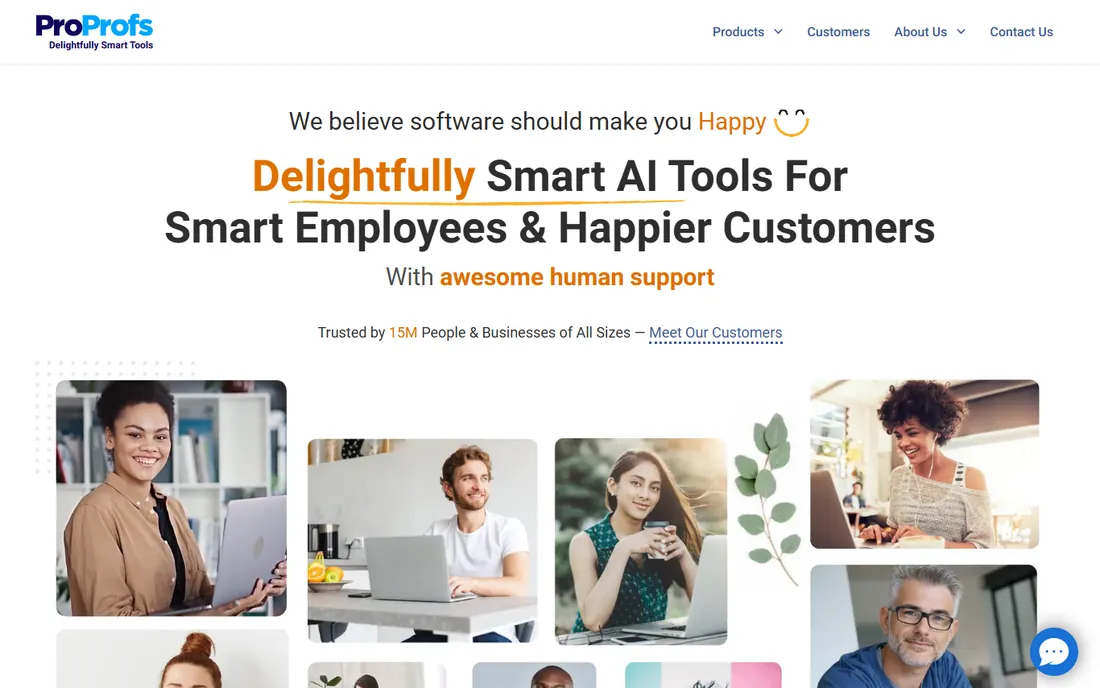
ProProfs Quiz Maker targets training and certification: large question banks, randomized questions, time limits, certificates and detailed reporting. It serves corporate training departments and educators running real assessments.
The interface feels dated and pricing goes through the site. For graded quizzes where security and reporting matter more than fun, it is purpose-built.
Setup centers on the question bank: bulk-import questions from Excel, tag them by topic, and the platform randomizes tests, sets time limits and issues certificates on passing. It speaks SCORM and xAPI, so results feed into corporate LMS setups. Pricing is the friction: public numbers are thin and the real cost emerges in a sales conversation, which suits enterprises but annoys small teams. Support is responsive 24/7 chat, and the reporting depth is the reason training departments tolerate the dated interface.
What we like- Serious assessment features
- Question banks
- Certificates and LMS-friendly
Watch out for- Dated interface
- Pricing not transparent
Starting priceSee website
Free planYes
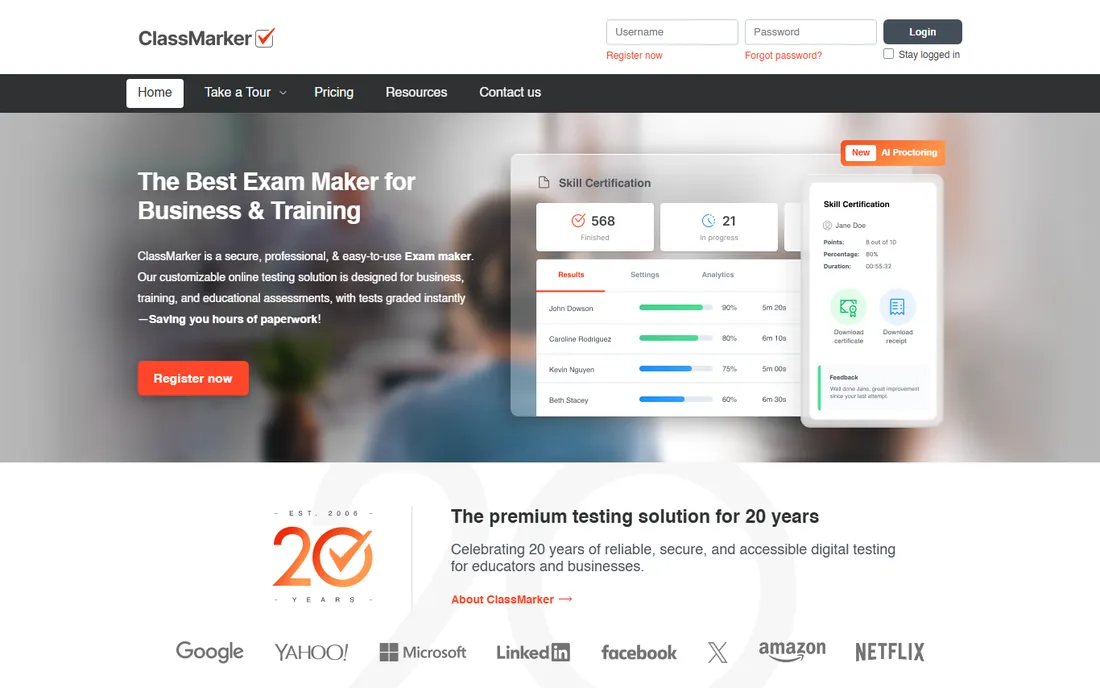
ClassMarker is built for secure online exams: password-protected tests, randomized questions, time limits, instant grading and certificates, with white-labeling for businesses. The free tier handles small-scale testing.
Per-test credit pricing adds up at volume, and the design is purely functional. For certifications and paid assessments, the security features earn their keep.
Getting a test live is quick: build questions, set passwords and time limits, then link or embed it on your site; webhooks and an API cover custom workflows. The free tier includes monthly test credits that suit occasional testing, while paid credits scale with volume. It plugs into PayPal and Stripe if you sell assessments. Support is email-based with a solid knowledge base. The interface will never win design awards, but for secure, white-labeled testing it does exactly what it promises.
What we like- Secure testing environment
- Question banks
- Certificates
- White-label options
Watch out for- Utilitarian design
- Per-test pricing can add up
Starting priceSee website
Free planYes
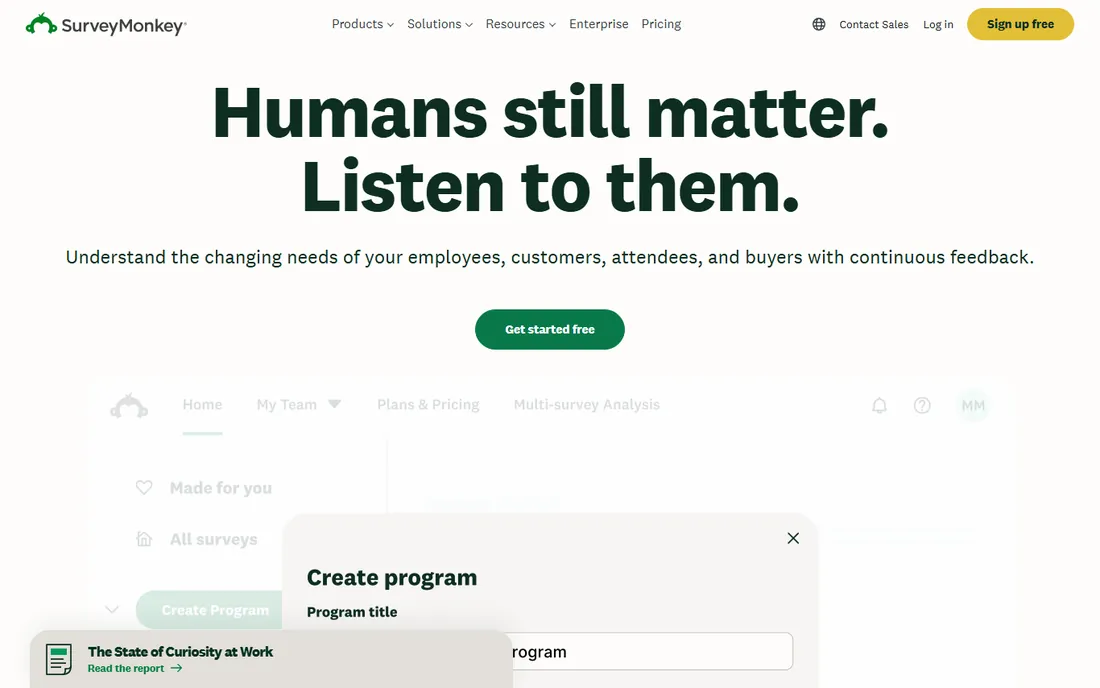
SurveyMonkey handles quiz-style surveys with the best survey logic in the business: skip logic, A/B question testing and powerful analytics. When your "quiz" is really market research or feedback with scoring, it excels.
True quiz features like gamification and live play are absent. For research-grade quiz surveys, the analytics depth is unmatched.
Setup is survey-first: pick a template, add scoring through quiz-style question logic, and distribute by link, email or embed. The free plan caps questions and responses low enough that real research needs a paid tier. Integrations with Salesforce, HubSpot, Marketo and Teams make it a natural fit inside marketing stacks, and the analytics, cross-tabs and benchmarking, are the best in this list. Support runs through an extensive help center with chat on paid plans.
What we like- Best-in-class survey logic
- Huge respondent ecosystem
- Strong analytics
Watch out for- Quiz scoring is secondary
- Paid plans needed for serious use
Starting priceFree
Free planYes
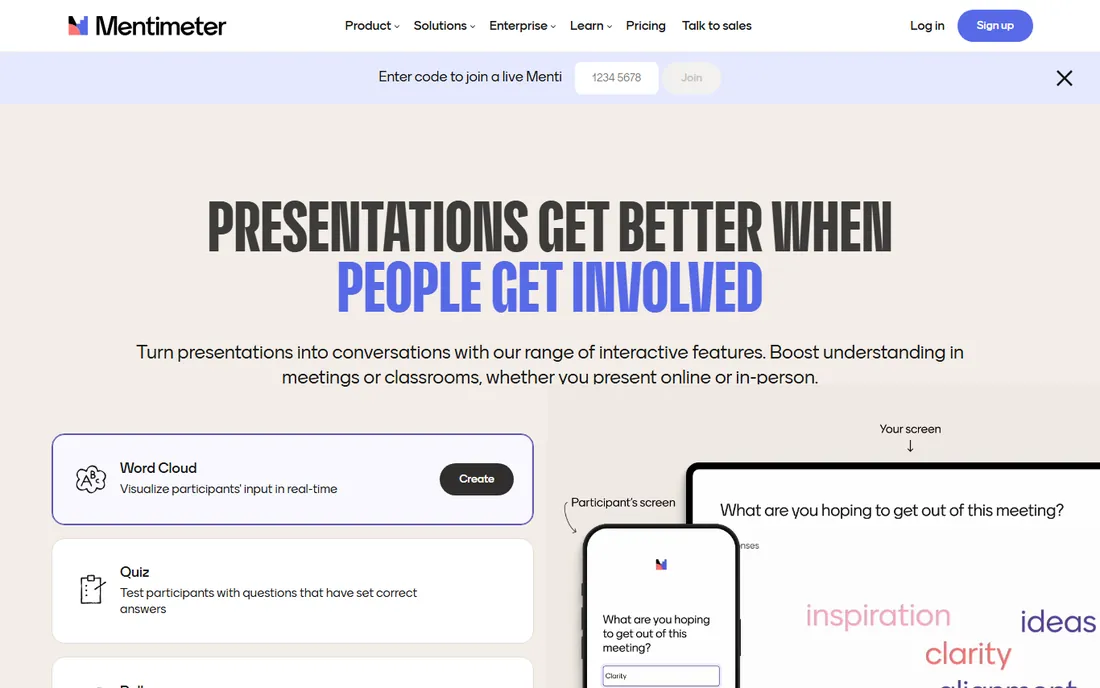
Mentimeter blends live polls, word clouds and quizzes for interactive presentations: audiences join on their phones and results appear live. The free tier covers 50 participants a month with 23 slide types, and even includes Menti AI.
Dedicated quiz platforms offer deeper assessment features. For presenters who want audience interaction woven through a talk, Mentimeter's format is the most natural.
Presenters build interactive decks in the browser, audiences join at menti.com with a code, and results render live on screen. The free tier covers 50 participants a month with a cap on question slides per presentation, enough for small teams and classrooms testing the format. Add-ins for PowerPoint, Zoom and Teams let you run it inside existing presentations. Support includes a help center and the Mentimeter Academy with ready-made templates; the live-vote mechanics are simple enough that most users never need help.
What we like- Free tier with 50 participants a month
- Live polls plus quizzes
- Menti AI included
Watch out for- Quiz depth is lighter than Kahoot!
- Paid tiers for unlimited use
Live classroom energy: Kahoot! or Mentimeter. Homework and self-paced learning: Wayground. Free graded quizzes: Google Forms. Marketing and lead capture: Typeform. Real assessments and certifications: ProProfs or ClassMarker. The wrong category wastes everyone's time.
When you need both, stack them. Many teachers run Kahoot! for live energy and Google Forms for the graded follow-up, paying nothing. Marketers pair a Typeform quiz with a CRM workflow for lead routing. And if security matters at all, skip the classroom tools: ProProfs and ClassMarker are the only options here built for tests people might cheat on. Buy the tool for the job you run weekly, not the one with the longest feature list.
How we chose
We compared the most used online quiz platforms in 2026, verifying pricing and rebrand status against vendor pages and current comparisons. We weighted quiz features, free tier generosity, grading capability and ease of use. We did not run live quiz sessions in each tool.
Frequently asked questions
What happened to Quizizz?
Quizizz rebranded to Wayground in June 2025. The product, logins and quiz libraries carried over; only the name and visual identity changed. If you search for Quizizz today you will land on Wayground, since old links redirect, and accounts, saved quizzes and class data moved over automatically.
Which quiz platform is best for teachers?
Wayground offers the most generous free tier for classroom use. Kahoot! wins for live game energy but its free participant cap is small. Google Forms covers free graded quizzes. Teachers on paid plans get the full AI question generation and detailed standards reporting; free users get a solid version of both, just with usage caps.
Can I make a quiz for free?
Yes: Google Forms, Wayground's free tier, Mentimeter's free tier and Jotform's free plan all support real quizzes at zero cost. The catch with free plans is usually caps: participants, responses or stored quizzes. For a one-off quiz any of these work; for a full school year, Wayground's free tier stretches furthest.
Which platform is best for marketing quizzes?
Typeform, for its beautiful conversational format and high completion rates. Jotform works when you need complex logic and integrations. Connect the quiz to your email platform or CRM so results trigger follow-up sequences; both Typeform and Jotform integrate with the major marketing tools.
Do these tools prevent cheating?
ProProfs and ClassMarker offer the strongest controls: randomized questions, time limits and secure browsers. Classroom tools like Kahoot! and Wayground offer basic anti-cheating alerts rather than prevention. For classroom honesty, Wayground's alerts flag suspicious tab switching; for real stakes, only ProProfs and ClassMarker offer the secure-browser and randomization controls that matter.
Sources we checked (9)
- https://www.kahoot.com/
- https://www.wayground.com/
- https://www.google.com/forms/about/
- https://www.typeform.com/
- https://www.jotform.com/
- https://www.proprofs.com/
- https://www.classmarker.com/
- https://www.surveymonkey.com/
- https://www.mentimeter.com/
Is your product missing or out of date?
We review this list regularly. Vendors can request a listing, send updated pricing or ask about featured placement.

Shihab Mia · Founder, Rankite
Shihab has spent more than a decade helping SaaS and e-commerce brands grow through search. He writes Rankite's software buying guides from pricing pages, documentation and public user reviews. More about Shihab.
 Kahoot!
 Wayground
 Google Forms
 Typeform
 Jotform
 ProProfs Quiz Maker
 ClassMarker
 SurveyMonkey
 Mentimeter