How we make this list: we compare pricing pages, product documentation and public user reviews. Rankite is independent; if a vendor ever pays for a featured spot, that listing is clearly labeled Partner.
Key takeaways
- freeCodeCamp and The Odin Project are completely free and genuinely enough to become job-ready in web development.
- Codecademy is the friendliest starting point for absolute beginners, with a free Basic tier and Plus from $14.99 per month.
- Coursera and edX are the picks when you want a university-backed certificate employers recognize.
- DataCamp is the best value for data skills at $14 per month billed annually, while Pluralsight serves working developers from $21 per month.
Quick comparison
| Tool | Best for | Starting price | Free plan |
|---|
 Codecademy Codecademy | Absolute beginners | $14.99/month (Plus, billed annually) | Free plan (Basic) |
 freeCodeCamp freeCodeCamp | Free full curriculum | Free | Free plan |
 Coursera Coursera | University-backed certificates | $59/month (Coursera Plus) | Free audit |
 Udemy Udemy | Single-skill deep dives | $19.99/course | Free courses |
 edX edX | Academic depth | See website | Free audit |
 Pluralsight Pluralsight | Working developers | $21/month (Core Tech, billed yearly) | Free trial |
 DataCamp DataCamp | Data science practice | $14/month (billed annually) | Free plan |
 Udacity Udacity | Career-change nanodegrees | $249/month | Free courses |
 The Odin Project The Odin Project | Free professional web dev path | Free | Free plan |
Is your product missing or out of date?
We review this list regularly. Vendors can request a listing, send updated pricing or ask about featured placement.
Starting price$14.99/month (Plus, billed annually)
Free planFree plan (Basic)
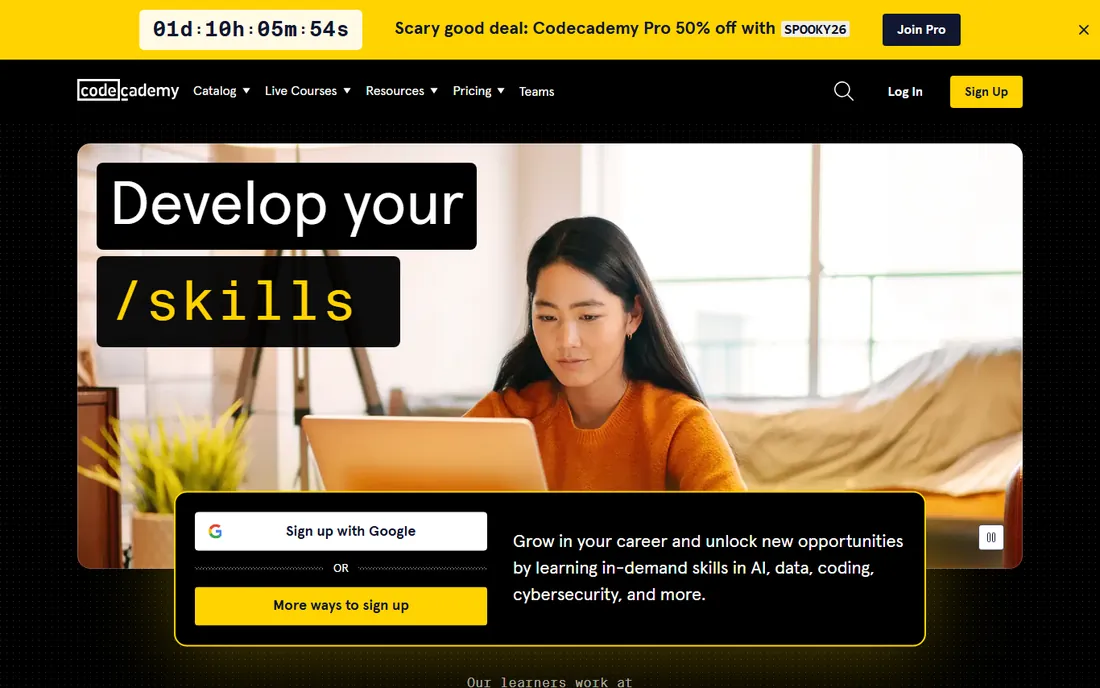
Codecademy is where a lot of developers wrote their first line of code. The format is short interactive lessons in the browser: read a little, type a little, get instant feedback. That tight loop keeps beginners moving instead of drowning in documentation. The free Basic tier covers introductory courses in Python, JavaScript, HTML and CSS, which is enough to find out whether you enjoy programming.
Paid plans add structure. Plus at $14.99 per month billed annually opens career paths, real-world projects and completion certificates; Pro at $19.99 per month adds interview prep and code challenges. The honest limitation is depth: Codecademy teaches fundamentals well but advanced learners outgrow it. Start here if you have never coded, then graduate to project-based platforms.
What we like- Interactive in-browser exercises
- Gentle learning curve
- Career paths with portfolio projects
Watch out for- Shallow on advanced topics
- Pro needed for certificates and interview prep
Starting priceFree
Free planFree plan
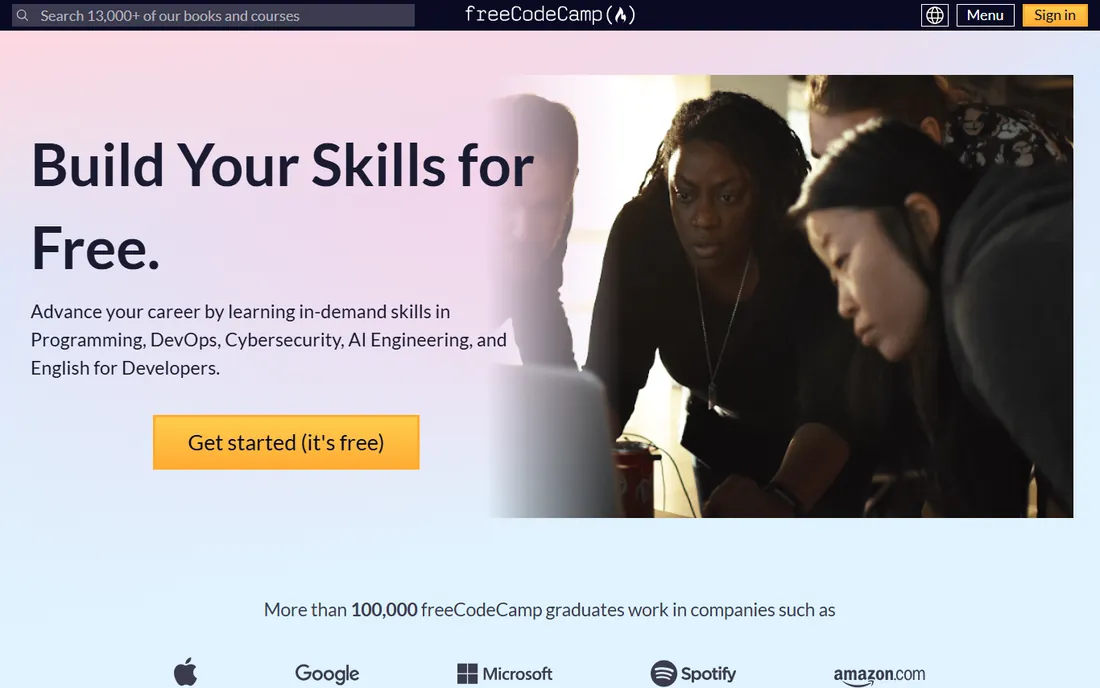
freeCodeCamp is a nonprofit offering a full coding curriculum for nothing. The core certifications cover responsive web design, JavaScript algorithms, front-end libraries, data visualization, APIs and more, each ending in projects you build yourself. The certificates are free, and the forum and Discord community are among the most active in programming education.
The trade-off for free is structure without a guide. Nobody checks your work except automated tests and fellow learners, so self-discipline matters. Some sections feel dated next to paid competitors. Still, for a motivated learner, freeCodeCamp plus a GitHub portfolio is a legitimate path to a first developer job, and thousands of people have done exactly that.
What we like- Entirely free including certifications
- Huge community
- Project-based certifications
Watch out for- No hand-holding
- Curriculum updates slowly in places
Starting price$59/month (Coursera Plus)
Free planFree audit
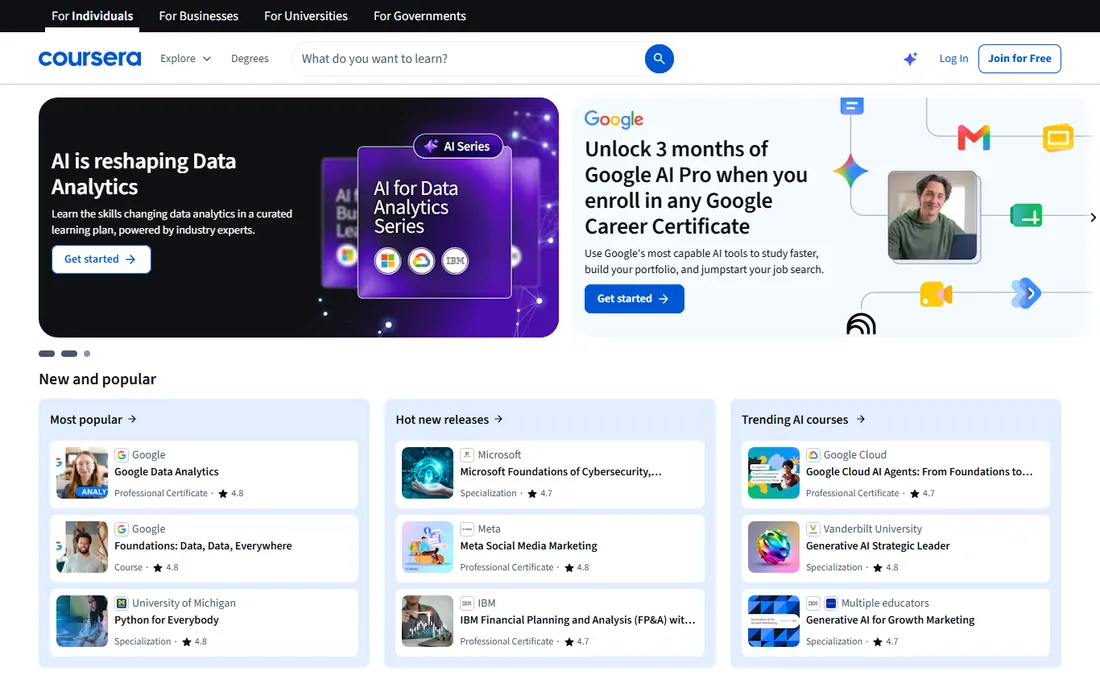
Coursera partners with universities like Stanford and companies like Google and Meta to offer programming courses, specializations and full degrees. For a learner who wants a credential with a recognizable name on it, the certificates here carry more weight with traditional employers than most alternatives. Coursera Plus at $59 per month (or $399 per year) opens most of the catalog.
You can also audit many courses free or pay $49 to $79 per course for a certificate. The academic format is the downside: video lectures and quizzes rather than interactive coding, which suits some learners and bores others. Pick Coursera when the certificate matters for your resume, not just the skill.
What we like- Courses from real universities and companies
- Recognized certificates
- Broad catalog beyond coding
Watch out for- Monthly cost adds up
- Individual course pricing is confusing
Starting price$19.99/course
Free planFree courses
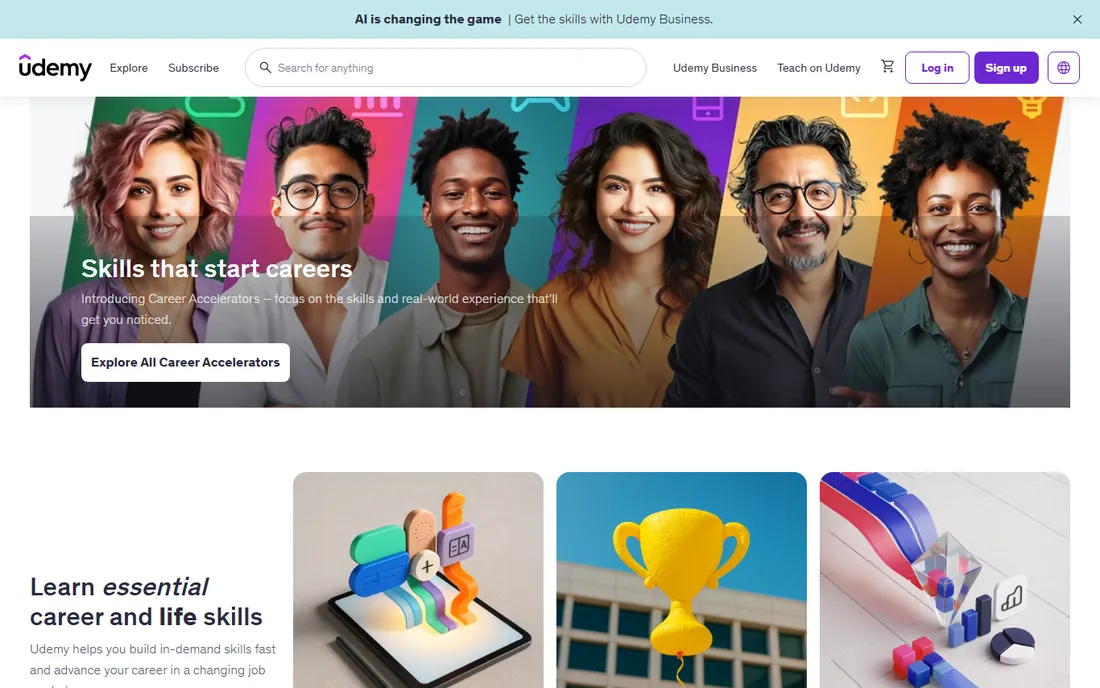
Udemy is a marketplace where anyone can publish a course, which means the catalog is enormous and uneven. The trick is buying well: check ratings, review counts and last-updated dates, and stick to established instructors. On sale, which is most of the time, courses run $10 to $20 instead of the listed $19.99 to $199.99. You pay once and keep the course forever.
There is also a Personal Plan subscription from around $13 per month. Udemy shines when you need one specific skill fast, like React hooks or Docker, and want a focused 10-hour course rather than a six-month curriculum. Do not expect the completion certificate to impress employers; the portfolio projects you build matter far more.
What we like- Enormous catalog
- Frequent sales make courses cheap
- Lifetime access to purchases
Watch out for- Quality varies wildly by instructor
- Certificates carry little weight
Starting priceSee website
Free planFree audit
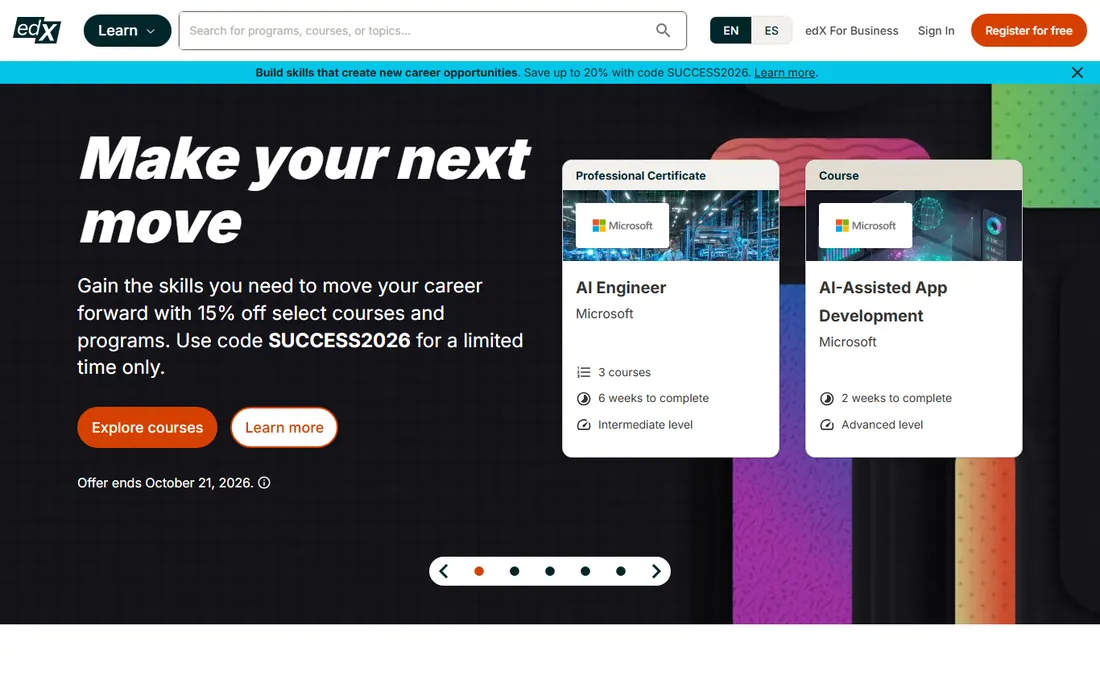
edX was founded by Harvard and MIT and still hosts some of the best free computer science education on the internet. CS50x, Harvard's introduction to computer science, is free to audit and remains the gold standard first course for understanding how programming actually works. Verified certificates are priced per course by the school, so costs vary.
The platform also offers MicroMasters and professional certificate programs for deeper credentials. The format is academic: lectures, problem sets and exams. It demands more math and patience than Codecademy, but graduates come out with real fundamentals. Choose edX when you want to understand computer science, not just learn a framework.
What we like- University courses including Harvard's CS50
- Rigorous computer science foundations
- MicroMasters programs
Watch out for- Per-course pricing adds up
- Less hand-holding than interactive platforms
Starting price$21/month (Core Tech, billed yearly)
Free planFree trial
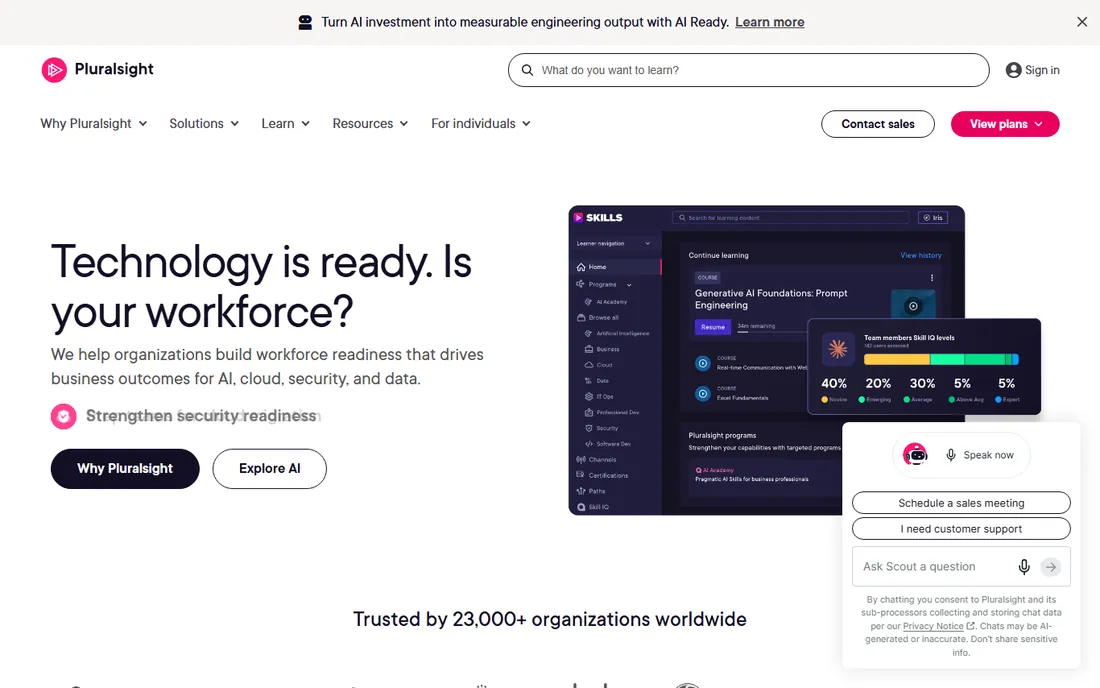
Pluralsight is built for people who already work in tech. The catalog runs thousands of courses deep on software development, cloud, security and IT operations, with skill assessments that map what you know and learning paths that fill the gaps. Core Tech starts at $21 per month billed yearly; Complete at $39 per month adds more content and features.
This is not a beginner platform. There is no free tier, only a trial, and the teaching assumes baseline knowledge. For a working developer preparing for a cloud certification or learning a new stack on company time, it is one of the best investments available. Beginners should start with Codecademy or freeCodeCamp instead.
What we like- Deep professional catalog
- Skill assessments and learning paths
- Certification prep
Watch out for- No free tier
- Aimed at professionals, not first-timers
Starting price$14/month (billed annually)
Free planFree plan
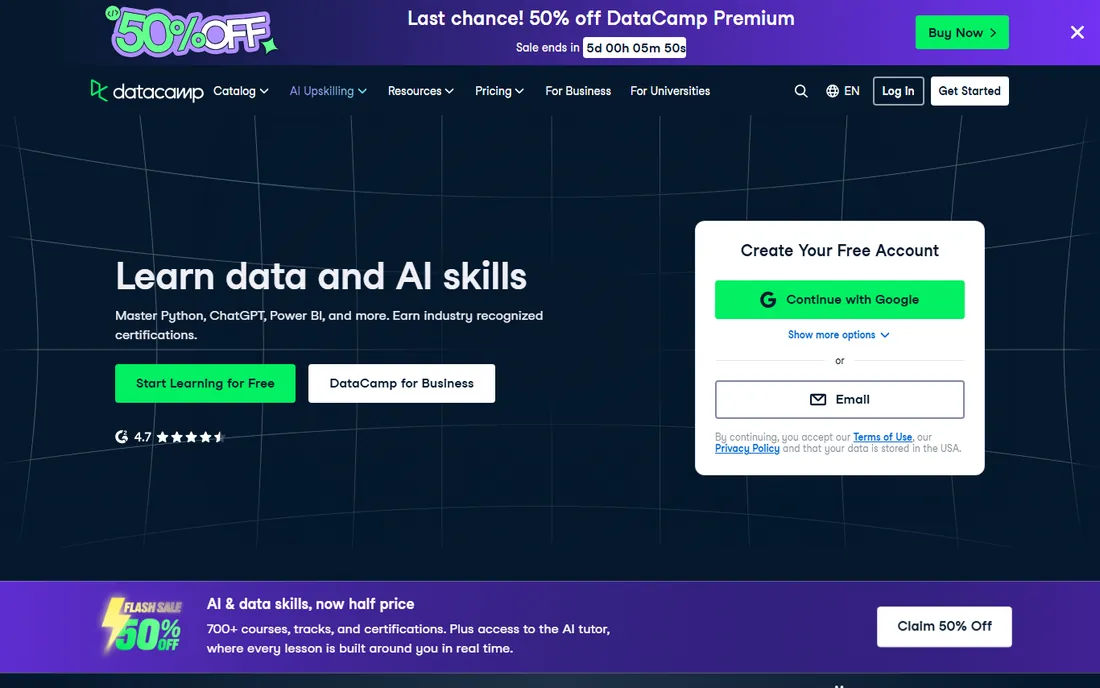
DataCamp applies the Codecademy formula to data skills: short interactive exercises in the browser, this time for Python, SQL, R and BI tools. The career tracks for data analyst and data scientist bundle courses with projects into a coherent path. At $14 per month billed annually, it is the cheapest serious option for data skills; month-to-month costs $35, so the annual plan is the sensible buy.
The first chapter of every course is free, which makes it easy to test the teaching style. The limitation is scope: this is a data platform, not a general coding school. If your goal is data analysis or data science, DataCamp is the value pick. If you want web development, look elsewhere.
What we like- Interactive Python, SQL and R exercises
- Career tracks
- Very affordable on annual billing
Watch out for- Narrow focus on data skills
- Monthly billing is much pricier
Starting price$249/month
Free planFree courses
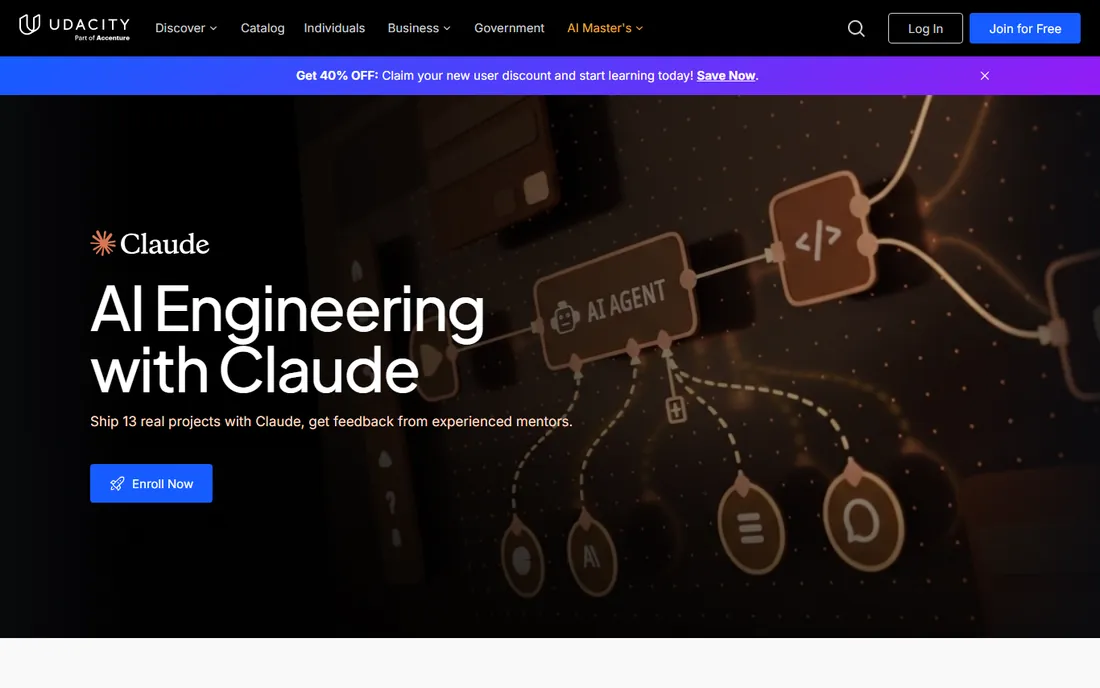
Udacity's nanodegrees are built around projects reviewed by real humans, which forces you to produce portfolio-quality work. Programs cover front-end development, data science, AI, cloud and more, often co-created with industry partners. Career services include resume reviews and interview prep aimed at actually landing a job.
The price is the catch: $249 per month, or $846 for a four-month bundle. A nanodegree that takes six months costs around $1,500. That only makes sense as a career investment with a clear job target. Some free courses exist for sampling. Udacity suits committed career changers who want structure, feedback and a credential in one package.
What we like- Project-based nanodegrees with human review
- Career services
- Industry-partnered content
Watch out for- Expensive
- Monthly cost punishes slow learners
Starting priceFree
Free planFree plan
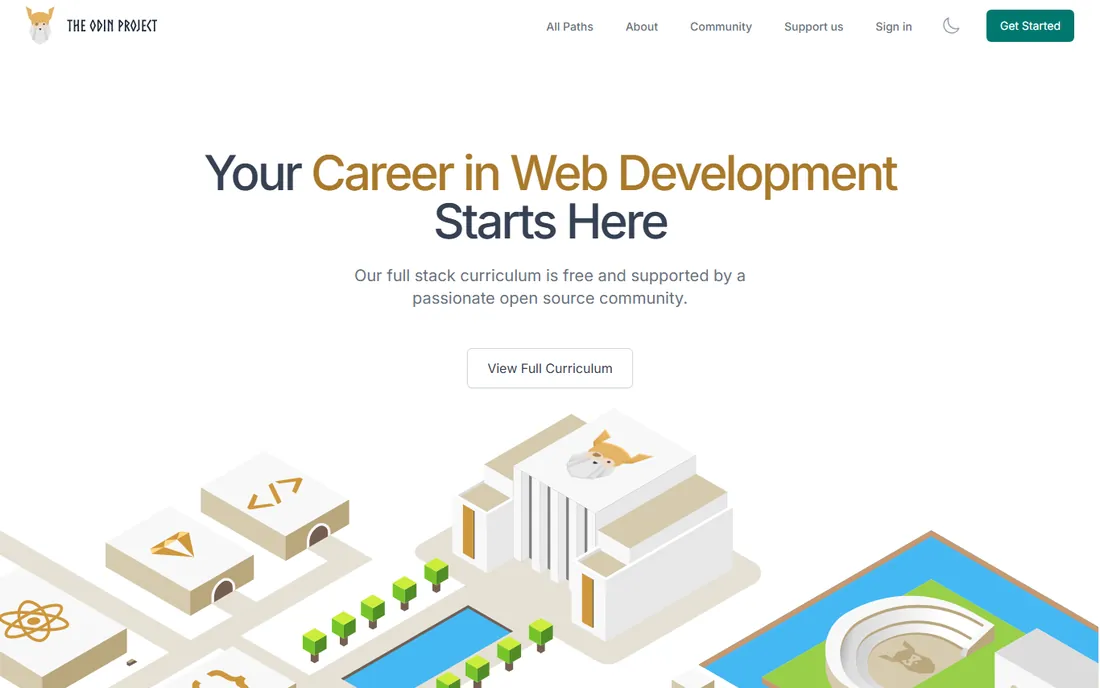
The Odin Project is an open-source curriculum that teaches full-stack web development the way professionals actually work: with Git, the command line, and real projects from day one. It is harder than Codecademy by design. You set up a real development environment, read real documentation, and build portfolio projects without training wheels.
There are no certificates and no hand-holding, but graduates routinely report the curriculum prepared them better for real jobs than paid alternatives. The Discord community is large and helpful. If you are disciplined and want the free path that most resembles professional work, this is it.
What we like- Completely free
- Teaches real tooling like Git and Linux
- Strong community
Watch out for- No certificates
- Expects self-direction
Certificates versus portfolios: what employers actually check
For most software roles, a GitHub profile with real projects outweighs any certificate short of a university degree. Certificates help get past automated resume filters and reassure non-technical hiring managers, but technical interviews test what you can build. The practical strategy is to learn on any platform here, then build two or three polished projects and push them to GitHub.
University-backed certificates from Coursera and edX carry the most weight. Nanodegree certificates from Udacity sit in the middle. Completion certificates from Codecademy, Udemy and DataCamp signal effort more than mastery. None of them expire, and all of them are secondary to demonstrable skill.
How we chose
We compared the platforms learners actually shortlist, using pricing read from each vendor's own pricing page in October 2026. We weighted teaching format, since interactive practice suits beginners better than lectures; credential value for job seekers; and genuine free options, because cost stops many learners before they start. We did not enroll in courses; assessments rest on published curricula, pricing pages and aggregated learner reviews.
How to pick the right one for your goal
Want a first developer job in web development? freeCodeCamp or The Odin Project cost nothing and cover the full path; add Udemy courses for specific frameworks. Switching careers with a budget? Codecademy Pro or a Udacity nanodegree adds structure and feedback. Chasing data roles? DataCamp is the obvious value. Need a credential for a promotion or a visa application? Coursera or edX.
Whatever you pick, consistency decides the outcome. Twenty minutes of real coding daily beats occasional marathon sessions. And combine resources: a structured curriculum plus project work plus community is the combination that actually produces developers.
How long it really takes to get job-ready
Nobody agrees on how long it takes to learn coding well enough to get hired, because the honest answer is unsatisfying: it depends on the path, the hours, and what job-ready means. But realistic ranges exist, and knowing them prevents the two classic failures: quitting at month three because you expected a job by now, and studying for two years without ever applying. For a complete beginner studying 15 to 20 hours a week, front-end development (HTML, CSS, JavaScript, one framework) typically takes six to nine months to reach employable junior level. Back-end or full-stack adds three to six months. Data-focused paths (Python, SQL, basic statistics) run six to twelve months depending on math background. These are medians, not promises. Some people do it in four months; some take eighteen. The variable that matters most is consistent daily practice, not total months.
Job-ready does not mean knowing everything. It means being able to build things, explain your code, and learn on the job. Employers hiring juniors look for fundamentals (can this person write clean, working code?), one solid project that shows real effort, and evidence of learning ability. They do not expect system design or deep framework internals. Many learners overshoot, studying advanced topics while their portfolio sits empty. A better rule: when you can build a complete small application without a tutorial holding your hand, start applying. The job search itself takes two to four months, so starting early is not premature; it is parallel processing.
Milestones beat timelines. Aim for concrete outputs: month one, a personal website built from scratch. Month three, a JavaScript project with API calls and real interactivity. Month six, a full-stack application with authentication and a database. Each milestone produces a portfolio piece and proves a skill layer. If a milestone slips by a month, that is normal. If you have no milestones after three months, the platform or the routine is wrong, not you. Interactive platforms with projects built in (as opposed to video-only courses) make milestones automatic, which is why project-based learning consistently produces better outcomes.
The biggest time sink is tutorial hell: watching course after course without building independently. It feels productive and produces nothing employers can evaluate. The cure is a ratio: for every hour of learning, spend at least an hour building something of your own. Uncomfortable is the point. Debugging your own broken code teaches more than any lesson. If you catch yourself starting a fourth beginner course, stop and build. The platform served its purpose; now the work is yours.
Account for the job search as part of the timeline, not an afterthought. Resume building, portfolio polishing, networking and interviewing are skills with their own learning curve. Start attending local or virtual meetups at month four or five, not after you feel ready. Talk to developers about what their teams actually need. Many learners discover their target role values different skills than their course emphasized, and adjusting early saves months. The platforms that include career services, mock interviews and employer connections earn their premium here; the last ten percent of the journey benefits most from human help.
Finally, protect against burnout, the silent timeline killer. Twenty focused hours a week beats forty distracted ones. Take one full day off weekly. When stuck for more than a day, ask for help instead of grinding; the platforms with active communities and mentor support exist precisely for this. Learning to code is a marathon measured in months, and the people who finish are rarely the fastest starters. They are the ones who kept a sustainable pace and built things the whole way through.
Frequently asked questions
Can I really learn coding for free?
Yes. freeCodeCamp and The Odin Project offer complete curricula at no cost, and thousands of learners have reached employment using them. What free platforms cannot give you is structure enforcement and feedback, so you supply the discipline.
How long does it take to learn coding online?
For a career change with consistent daily practice, most learners take 6 to 12 months to become job-ready in web development. Interactive platforms can teach basics in weeks, but employable skill comes from building projects, which takes months regardless of platform.
Are coding certificates worth it?
University-backed certificates from Coursera and edX help with traditional employers and formal requirements. Most other certificates matter less than a portfolio of projects. Treat certificates as a bonus, not the goal.
Which language should I learn first?
Python and JavaScript are both excellent first languages. Python suits data, automation and general programming; JavaScript is required for web development. Pick one based on your goal and go deep rather than sampling several.
Is Codecademy or freeCodeCamp better for beginners?
Codecademy is gentler, with guided interactive lessons and a free Basic tier to start. freeCodeCamp is free throughout but expects more self-direction. Many learners start with Codecademy to build confidence, then switch to freeCodeCamp for depth.
Do I need a computer science degree to get a coding job?
No, though it helps for certain roles and companies. Most web development and many data roles hire based on demonstrated skill: portfolio, technical interviews and take-home projects. Platforms on this list exist precisely because the degree is optional.
Sources we checked (11)
- https://www.codecademy.com/pricing
- https://www.freecodecamp.org/
- https://www.coursera.org/courseraplus
- https://www.udemy.com/pricing/
- https://www.edx.org/
- https://www.pluralsight.com/pricing
- https://www.datacamp.com/pricing
- https://www.udacity.com/pricing
- https://www.theodinproject.com/
- https://onlinecourseing.com/best-online-learning-platforms/
- https://onlinecourseing.com/codecademy-alternative/
Is your product missing or out of date?
We review this list regularly. Vendors can request a listing, send updated pricing or ask about featured placement.

Shihab Mia · Founder, Rankite
Shihab has spent more than a decade helping SaaS and e-commerce brands grow through search. He writes Rankite's software buying guides from pricing pages, documentation and public user reviews. More about Shihab.