How we make this list: we compare pricing pages, product documentation and public user reviews. Rankite is independent; if a vendor ever pays for a featured spot, that listing is clearly labeled Partner.
Key takeaways
- Adobe Acrobat Pro remains the reference standard, but Nitro PDF Pro and Foxit PDF Editor deliver comparable editing at lower prices for most business users.
- PDF-XChange Editor at $62 one-time is the best value for Windows users who refuse subscriptions, while PDFgear is the best genuinely free full-featured editor.
- iLovePDF and Smallpdf win for quick browser-based tasks, but their free tiers are limited, so heavy users should plan on a paid plan.
- Sejda stands out for privacy: it processes files without requiring an account and deletes uploads automatically.
Quick comparison
| Tool | Best for | Starting price | Free plan |
|---|
 Adobe Acrobat Pro Adobe Acrobat Pro | businesses that live inside PDFs | $19.99 per month (billed annually) | Free trial (7 days) |
 Nitro PDF Pro Nitro PDF Pro | companies that want Acrobat without Adobe pricing | $15 per user/month (billed annually) | Free trial |
 Foxit PDF Editor Foxit PDF Editor | SMBs that want a strong editor at a lower price | $129.99 per year (or $10.99 per month) | Free trial |
 PDF-XChange Editor PDF-XChange Editor | Windows users who want a perpetual license | $62 one-time | Yes (free version; paid features watermark output) |
 PDFelement PDFelement | teams that want Acrobat-like features for less | $129.99 (perpetual, shown on the vendor homepage) | Free trial |
 Smallpdf Smallpdf | occasional users who need quick online conversions | ~$9 per month (billed annually) | Yes (limited) |
 iLovePDF iLovePDF | browser-first users who want the cheapest premium plan | $48 per year ($4 per month, billed annually) | Yes (limited) |
 PDFgear PDFgear | anyone who needs a free full-featured PDF editor | $0 | Yes |
 Sejda Sejda | privacy-conscious users who want no-signup editing | $63 per year (also $7.50 per month, $5 week pass) | Yes (3 tasks per day) |
 UPDF UPDF | buyers who want a low-cost perpetual option | $39.99 | Free trial |
Is your product missing or out of date?
We review this list regularly. Vendors can request a listing, send updated pricing or ask about featured placement.
#1
Adobe Acrobat Pro
Best for: businesses that live inside PDFs
Visit adobe.com
Starting price$19.99 per month (billed annually)
Free planFree trial (7 days)
Nobody buys Acrobat because it is cheap; they buy it because it does everything. Editing text and images, combining files, redaction, Bates numbering, accessible document remediation, e-signatures with legal standing, and form creation with JavaScript all live in one application. When a client sends a PDF that renders oddly in another editor, opening it in Acrobat usually fixes the problem, which is why it remains the compatibility benchmark.
The price is the honest catch: $19.99 per month on the annual plan, which adds up for a team. For businesses where PDFs are contracts, proposals and compliance documents, the cost is easy to justify. For everyone else, the tools below cover 90 percent of the same work for less money.
What we like- The most complete feature set in the category
- Best-in-class OCR and accessibility tools
- Deep integration with Microsoft 365 and Adobe's cloud
Watch out for- The most expensive option for individuals
- Some advanced features are buried in menus
#2
Nitro PDF Pro
Best for: companies that want Acrobat without Adobe pricing
Visit gonitro.com
Starting price$15 per user/month (billed annually)
Free planFree trial
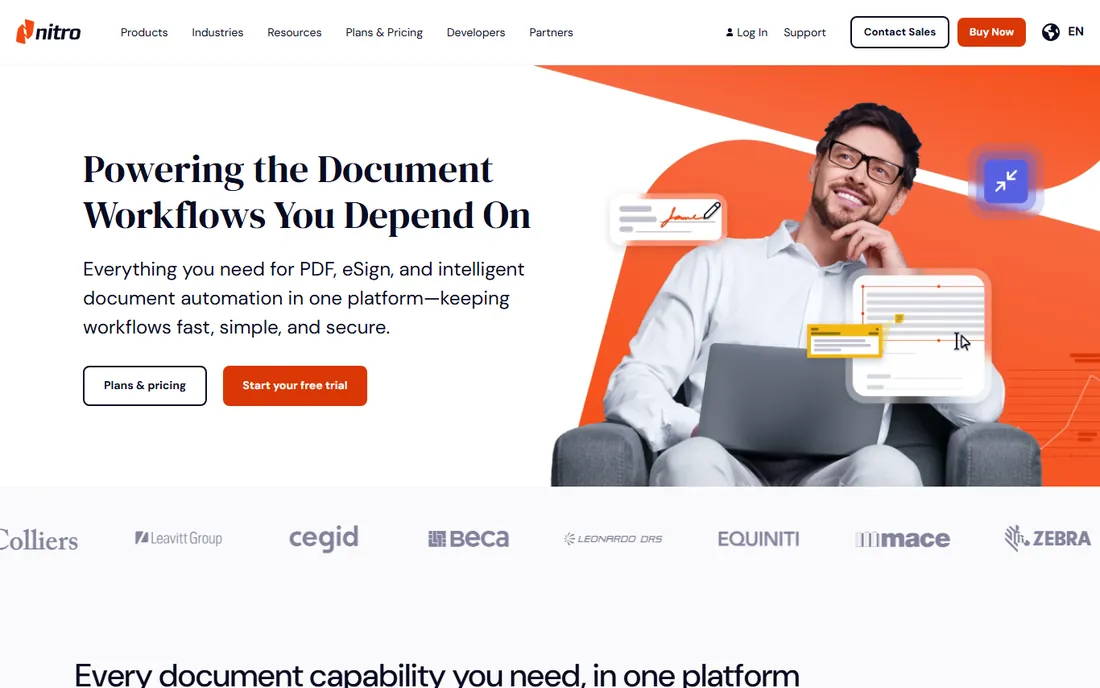
Nitro has spent years positioning itself as the business alternative to Acrobat, and the pitch holds up. PDF Pro edits text and images, converts between PDF and Office formats, signs documents and batches repetitive work through a ribbon interface that Office users learn in an afternoon. At $15 per user per month on the annual plan, a team of ten saves real money versus Adobe.
Nitro also still sells a Classic perpetual license for $270, good for three years, which appeals to companies tired of subscriptions. The Mac version is the weak spot: it exists but does not match the Windows feature set. Windows-first teams get the best of Nitro.
What we like- Full editing, conversion and e-sign features
- Familiar ribbon interface for Office users
- Perpetual Classic license still available
Watch out for- Mac version lags the Windows version
- Fewer cloud integrations than Adobe
#3
Foxit PDF Editor
Best for: SMBs that want a strong editor at a lower price
Visit foxit.com
Starting price$129.99 per year (or $10.99 per month)
Free planFree trial
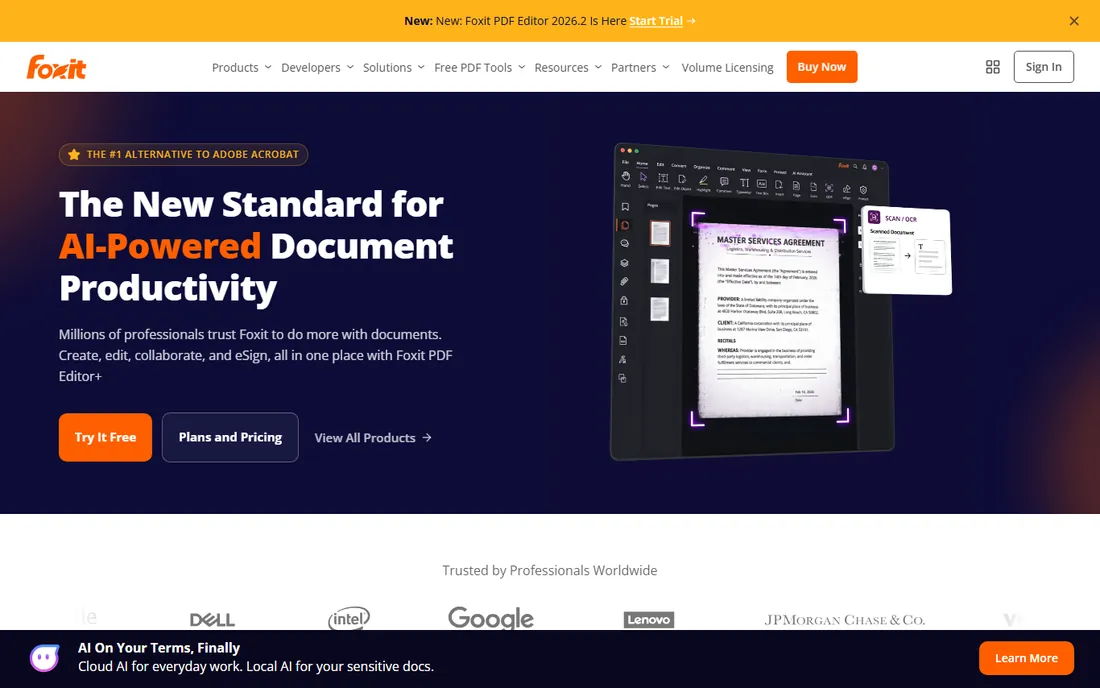
Foxit earned its following by being the fast alternative when Acrobat felt bloated, and it has grown into a full editor. PDF Editor handles text and image editing, form creation, redaction, OCR and e-signatures, and it opens large documents noticeably faster than heavier rivals. The $129.99 annual price undercuts Acrobat, and the $10.99 monthly option suits short-term projects.
The application packs a lot into its toolbars, so new users face a learning curve, and the trial pushes the paid version. Once configured, though, it is a workhorse. Small businesses that process a steady stream of PDFs but cannot justify Adobe pricing will find Foxit the most balanced compromise.
What we like- Fast, lightweight application
- Strong editing and annotation
- Competitive pricing with monthly billing available
Watch out for- Interface can feel busy
- Some users report upsell prompts in the trial
Starting price$62 one-time
Free planYes (free version; paid features watermark output)
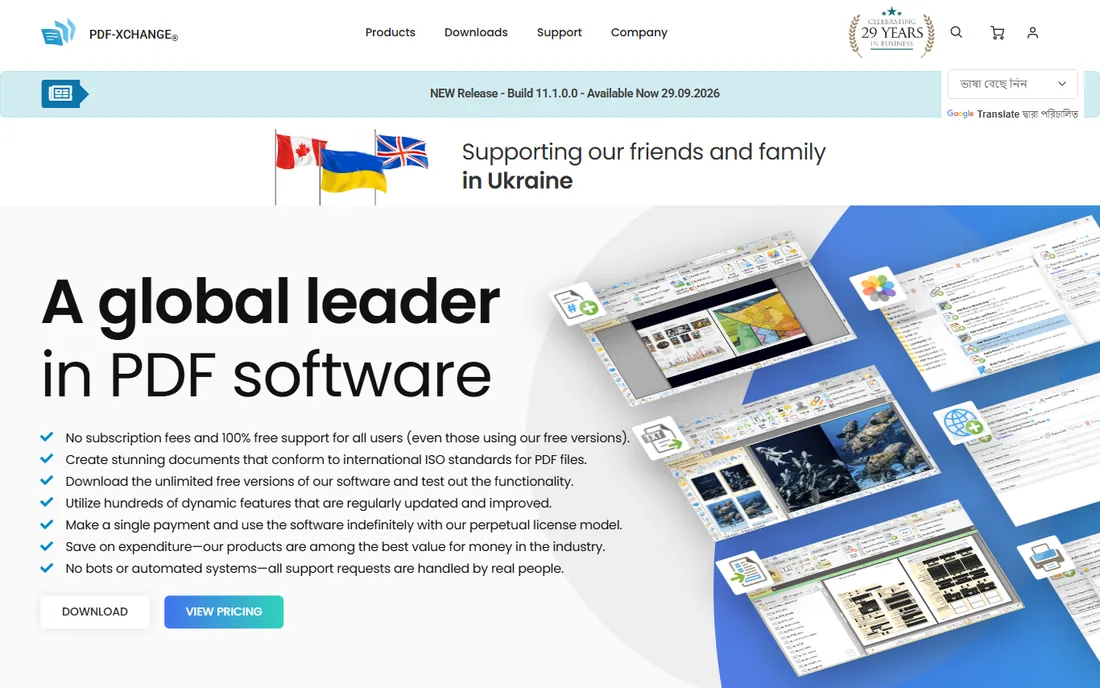
PDF-XChange Editor is the quiet bargain of this category. The free version handles viewing, annotation and basic editing; the $62 one-time license opens the full editor including OCR, redaction and digital signatures, with no recurring fee. For a Windows user who edits PDFs weekly and hates subscriptions, the math is unbeatable: one payment, years of use.
The tradeoff is polish. The interface has a utilitarian, early-2010s feel, and there is no Mac version. Feature-wise it keeps up with tools costing five times more, but buyers who care about modern design or cross-platform use should look at Foxit or PDFelement instead.
What we like- One-time $62 price with no subscription
- Fast rendering and strong annotation tools
- OCR and redaction available in the paid version
Watch out for- Windows only
- Interface looks dated next to modern rivals
Starting price$129.99 (perpetual, shown on the vendor homepage)
Free planFree trial
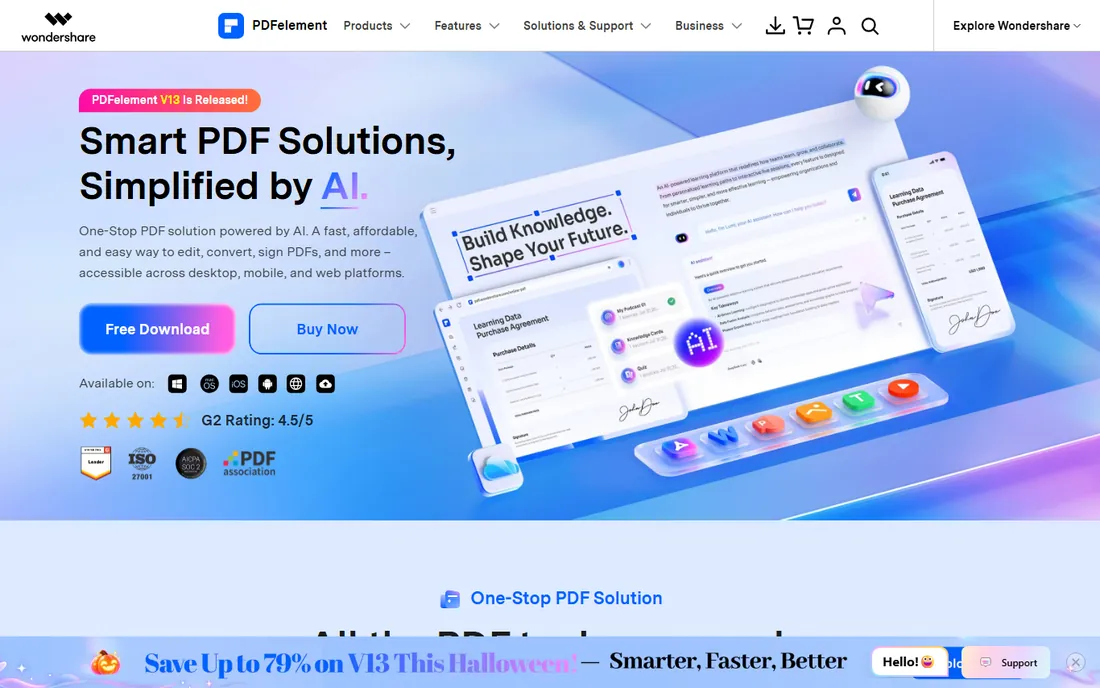
Wondershare's PDFelement takes direct aim at Acrobat with a cleaner interface and friendlier pricing. It covers the essentials well: text and image editing, annotation, form building, batch conversion, OCR and e-signatures. The perpetual license at $129.99 is the headline for buyers who want to pay once, and the interface is genuinely easier to learn than Acrobat's.
Pricing can be confusing because Wondershare runs frequent promotions with different annual and perpetual figures across regions, so check the actual checkout page before budgeting. Teams that standardize on it get a capable editor that most employees will find less intimidating than Adobe's offering.
What we like- Clean modern interface
- Strong form creation and batch processing
- Perpetual license option
Watch out for- Annual plan pricing varies by region and promotion
- AI features require higher tiers
#6
Smallpdf
Best for: occasional users who need quick online conversions
Visit smallpdf.com
Starting price~$9 per month (billed annually)
Free planYes (limited)
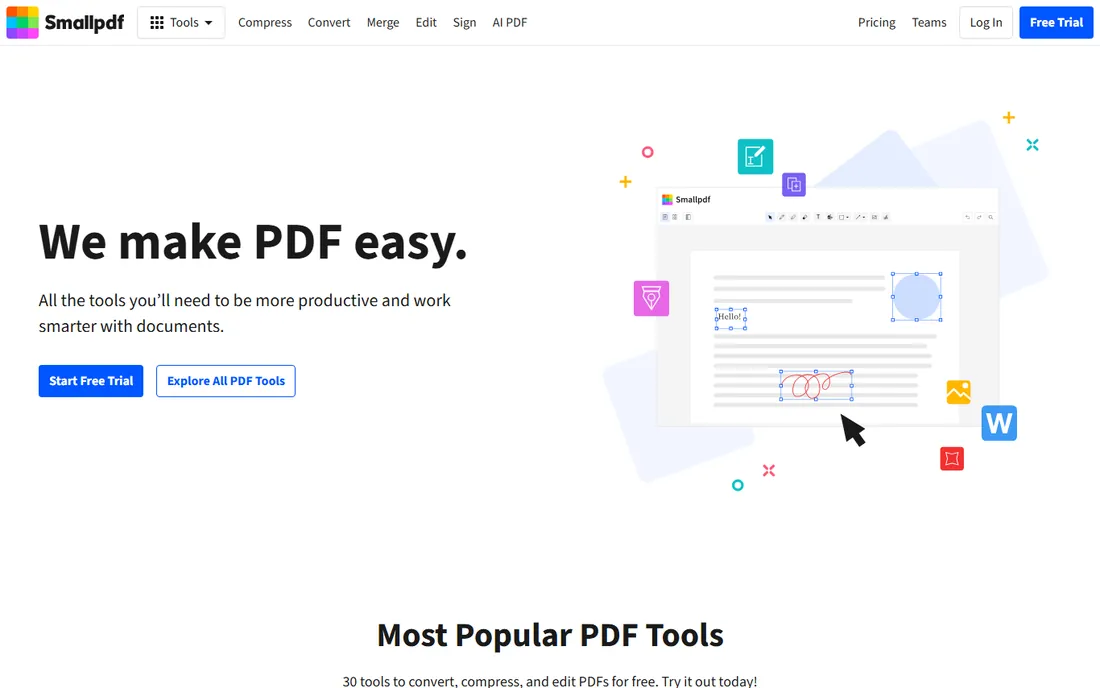
Smallpdf is the tool you reach for when someone emails you a PDF problem and you need it solved in two minutes. The web interface is famously simple: drop a file, pick an action, download the result. Compression is a particular strength, often shrinking files dramatically without visible quality loss, and the signing flow is quick enough for one-off contracts.
The free tier only allows a couple of tasks per day, so anyone processing documents regularly needs the paid plan at around $9 per month billed annually. It is not a full desktop editor and does not try to be. For individuals and small teams with intermittent needs, though, it is the path of least resistance.
What we like- The simplest interface in the category
- Compress, convert, merge and sign in the browser
- Good mobile apps
Watch out for- Free tier is heavily limited
- Per-document power users outgrow it fast
#7
iLovePDF
Best for: browser-first users who want the cheapest premium plan
Visit ilovepdf.com
Starting price$48 per year ($4 per month, billed annually)
Free planYes (limited)
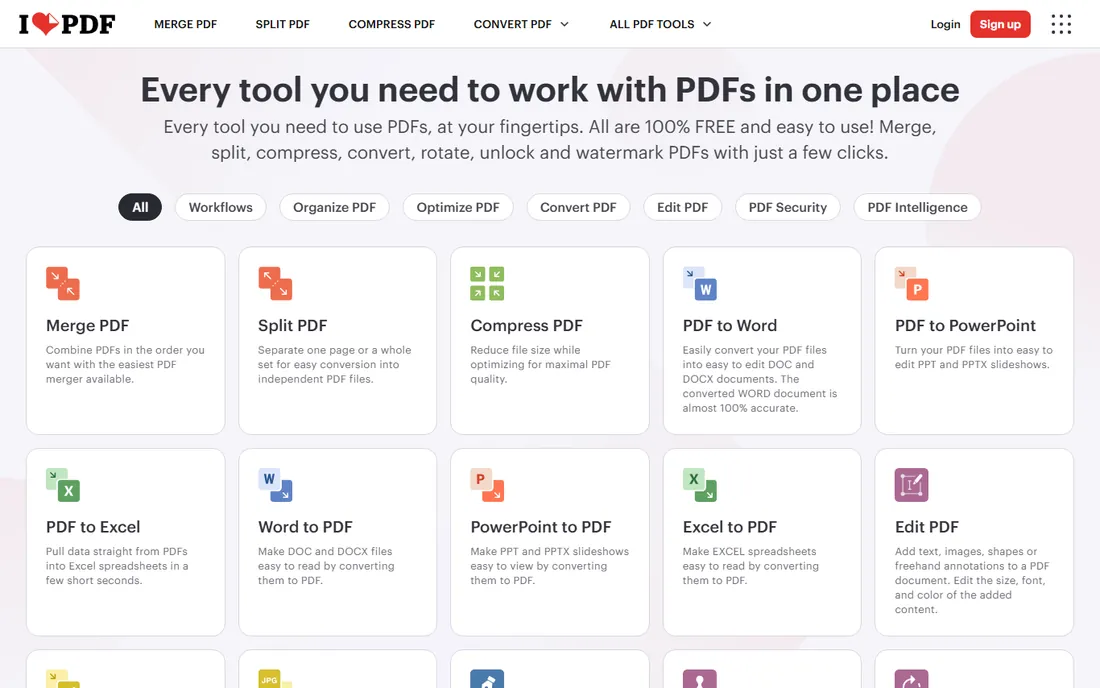
iLovePDF does one thing extremely well: it makes the most common PDF chores effortless in a browser, at the lowest premium price in this roundup. Merging, splitting, compressing, converting and watermarking all work without installing anything, and the $48 annual plan removes limits for less than the cost of two months of Acrobat. Desktop applications cover offline work when needed.
Deep text editing is not its strength; for rewriting paragraphs inside a PDF you want a desktop editor like PDF-XChange or Foxit. But for the 80 percent of tasks that are really file manipulation, iLovePDF is the value pick, especially for students, freelancers and small offices.
What we like- Cheapest paid plan on this list
- Solid merge, split, compress and convert tools
- Desktop apps for offline work
Watch out for- Editing text inside PDFs is limited compared with desktop editors
- Free tier caps tasks per day
#8
PDFgear
Best for: anyone who needs a free full-featured PDF editor
Visit pdfgear.com
Starting price$0
Free planYes
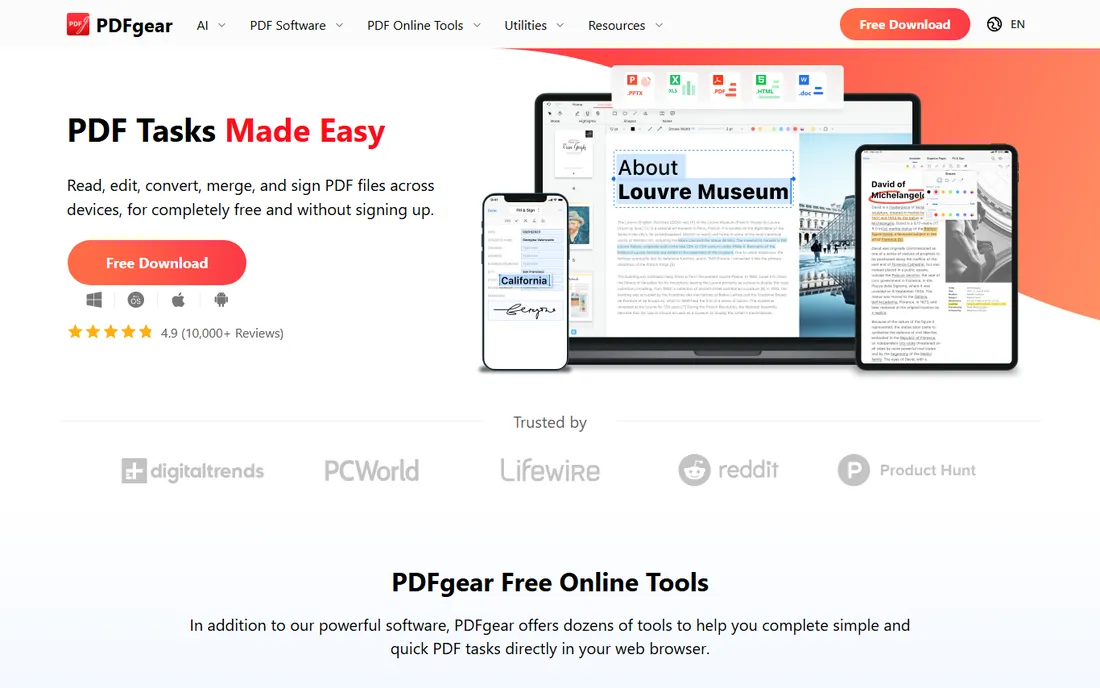
PDFgear's pricing page says $0, and that is the whole story: there is no paid tier, no trial countdown, no watermark. The free editor includes text editing, annotation, form filling, conversion, OCR and e-signatures across desktop and mobile. For individuals and small businesses with basic to moderate needs, it removes the budget question entirely.
The caveat is maturity. PDFgear is newer than its rivals and lacks the enterprise management, deployment and compliance tooling that IT departments require. For personal use and small teams, that rarely matters. If your needs are mainstream and your budget is zero, start here before spending anything.
What we like- Completely free with no premium tier
- Includes editing, conversion, OCR and signing
- Available on Windows, Mac, iOS and Android
Watch out for- Newer product with a smaller track record
- Fewer enterprise admin features
#9
Sejda
Best for: privacy-conscious users who want no-signup editing
Visit sejda.com
Starting price$63 per year (also $7.50 per month, $5 week pass)
Free planYes (3 tasks per day)
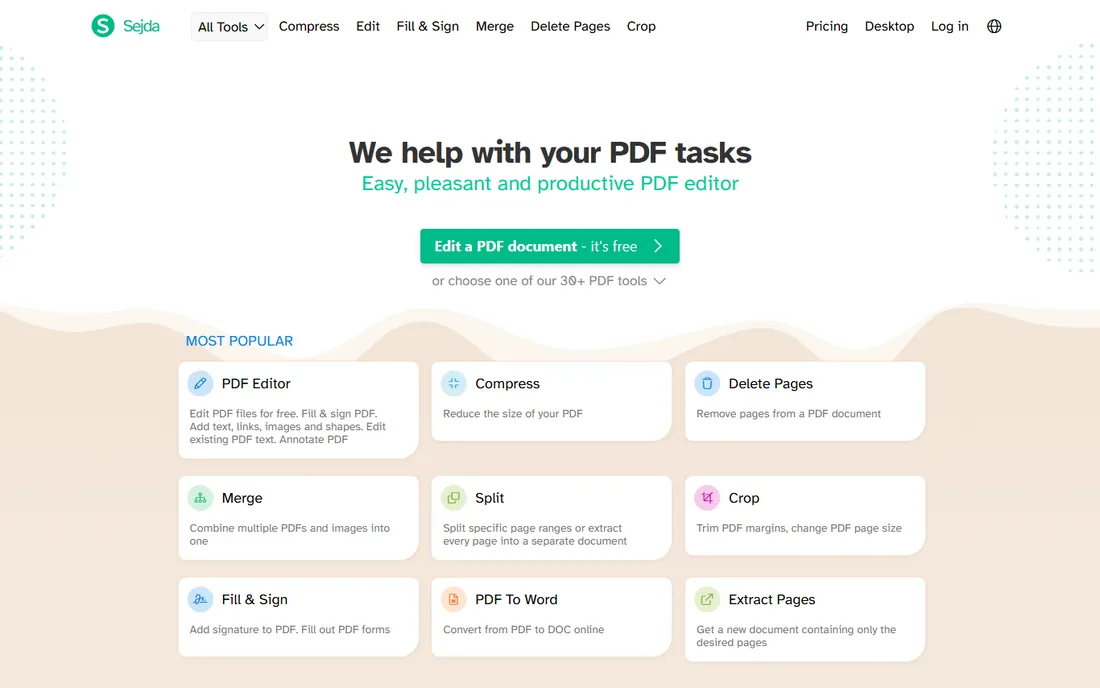
Sejda wins the trust category. The web editor works without creating an account, uploaded files are automatically deleted after processing, and the company is explicit about its data handling. For lawyers, HR staff and anyone handling sensitive documents in a browser, that posture matters more than an extra feature.
The editor itself is solid: text editing, redaction, annotations, forms, signatures and page management all work well. The free tier allows three tasks per day with file size limits, which covers occasional use. The $63 annual plan is reasonable, and the $5 week pass is a thoughtful option for one-off projects.
What we like- No account required to use the web tools
- Files auto-delete from servers
- Clean editor with redaction and form tools
Watch out for- Free tier limited to 3 tasks daily and smaller files
- Desktop app costs extra
#10
UPDF
Best for: buyers who want a low-cost perpetual option
Visit updf.com
Starting price$39.99
Free planFree trial
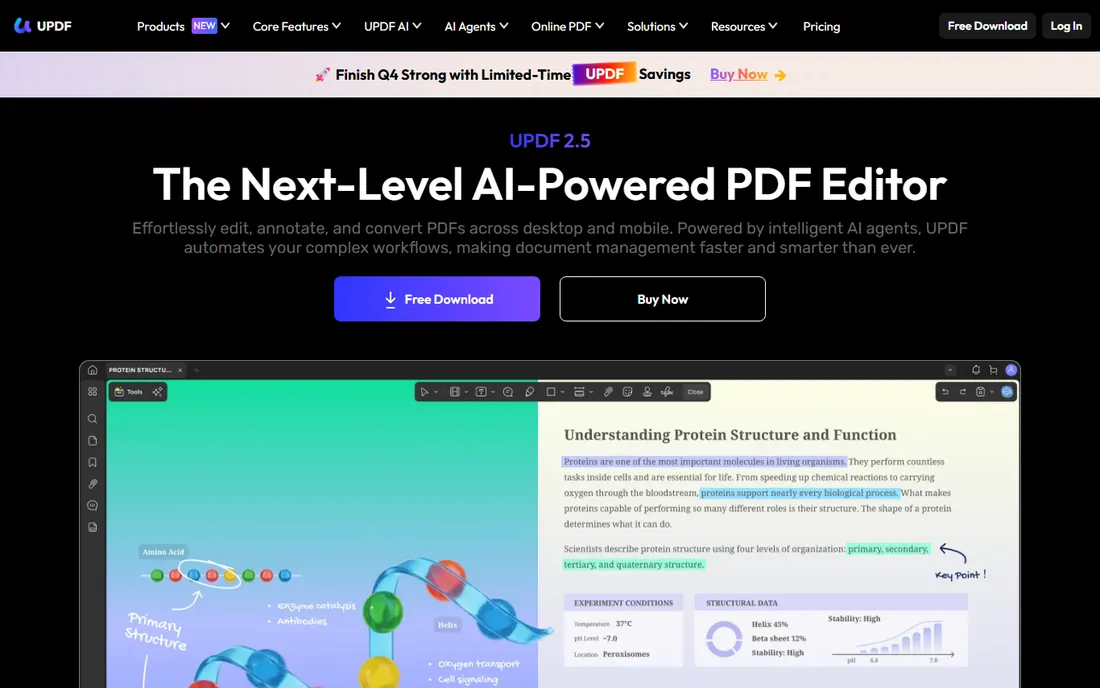
UPDF is the budget challenger with modern ambitions. The interface feels current, the applications run on every major platform, and built-in AI tools summarize and explain documents, a genuinely useful addition for long reports. At $39.99, the entry price undercuts every paid rival on this list except the free options.
Being newer shows in places: complex forms and some advanced workflows are less refined than in Acrobat or Nitro, and long-term buyers should weigh the company's shorter track record. For individuals who want a cheap, pleasant editor with AI extras, it is an easy recommendation.
What we like- Low entry price
- Modern interface across Windows, Mac, iOS and Android
- AI summarization features included
Watch out for- Younger product with occasional rough edges
- Advanced form features trail the leaders
What to look for before you buy
Match the tool to the work. If you edit text inside PDFs daily, you need a desktop editor with real text editing (Acrobat, Nitro, Foxit, PDF-XChange, PDFelement, UPDF, PDFgear). If you mostly merge, split, compress and convert, a browser tool like Smallpdf, iLovePDF or Sejda is faster and cheaper. Check the subscription model: per-user monthly plans suit growing teams, while perpetual licenses from PDF-XChange, PDFelement and UPDF suit buyers who want to pay once. Verify e-signature legality if signatures matter to your business, since basic image signatures and certified digital signatures are different things. Finally, test the free tier or trial with your actual documents before committing, because PDF rendering quirks only show up on real files.
PDF pricing models explained
PDF software pricing falls into three buckets. Subscriptions (Acrobat, Nitro, Foxit annual) bundle continuous updates and cloud features for a recurring fee, which suits teams that always need the latest version. Perpetual licenses (PDF-XChange at $62, PDFelement and UPDF) charge once and let you use the software indefinitely, though major upgrades may cost extra. Freemium browser tools (Smallpdf, iLovePDF, Sejda) give away limited daily use and charge for unlimited access, which is ideal for intermittent needs. Watch for per-user versus flat pricing when budgeting for a team: a $15 per user plan for twenty people is $3,600 a year, a number that changes the comparison.
How we chose
We compared current pricing pages, feature documentation, and public reviews on G2, Capterra and Reddit, where users discuss real-world quirks like rendering bugs and OCR accuracy. We scored each tool on editing depth, conversion quality, e-signature capability, platform coverage, pricing transparency and fit for different company sizes. Free tiers were tested against their stated limits. We did not run hands-on lab tests; the ranking reflects published specifications, vendor pricing and aggregated user feedback.
Frequently asked questions
Is a free PDF editor good enough for business use?
For viewing, annotating, merging and basic form filling, yes. PDFgear covers those tasks at no cost. Businesses that need redaction, Bates numbering, accessible document remediation or certified e-signatures should budget for a paid editor, since free tools either lack those features or limit them.
What is the difference between a PDF editor and a PDF converter?
An editor changes the content inside a PDF: text, images, page order and forms. A converter changes the file format, turning PDFs into Word or Excel files and back. Most tools on this list do both, but browser-first tools like Smallpdf and iLovePDF lean toward conversion and file manipulation rather than deep text editing.
Do I need Adobe Acrobat specifically?
Only if you need its specific strengths: the best OCR, accessibility remediation, and guaranteed compatibility with complex PDFs. For general editing, signing and conversion, Nitro, Foxit, PDFelement and PDF-XChange match it closely at lower prices.
Are online PDF tools safe for sensitive documents?
It depends on the vendor. Sejda deletes files automatically and requires no account, which is the strongest posture here. As a rule, avoid uploading contracts, medical records or financial documents to any service whose data retention policy you have not read. For sensitive work, a desktop editor keeps files on your machine.
What does OCR do and do I need it?
OCR (optical character recognition) turns scanned images of text into selectable, searchable text. You need it if you work with scanned contracts, receipts or archives. Acrobat has the best OCR in this group; PDF-XChange, Foxit, PDFelement, PDFgear and UPDF all include serviceable OCR in their paid or free versions.
Can I edit a PDF for free without watermarks?
Yes. PDFgear is completely free with no watermarks, and the free version of PDF-XChange Editor handles annotation and basic work without watermarking (only its paid features add watermarks). Sejda's free tier also produces clean output within its daily task limit.
Sources we checked (10)
- https://www.adobe.com
- https://gonitro.com/
- https://foxit.com/
- https://pdf-xchange.com/
- https://pdf.wondershare.com
- https://smallpdf.com
- https://www.ilovepdf.com
- https://www.pdfgear.com
- https://sejda.com/
- https://updf.com/
Is your product missing or out of date?
We review this list regularly. Vendors can request a listing, send updated pricing or ask about featured placement.

Shihab Mia · Founder, Rankite
Shihab has spent more than a decade helping SaaS and e-commerce brands grow through search. He writes Rankite's software buying guides from pricing pages, documentation and public user reviews. More about Shihab.